Episode 100: An in-depth recap of the Apple iPhone 6s event, including a discussion of the iPad Pro, and Apple TV.
Subscribe on iTunes

Episode 100: An in-depth recap of the Apple iPhone 6s event, including a discussion of the iPad Pro, and Apple TV.
Subscribe on iTunes
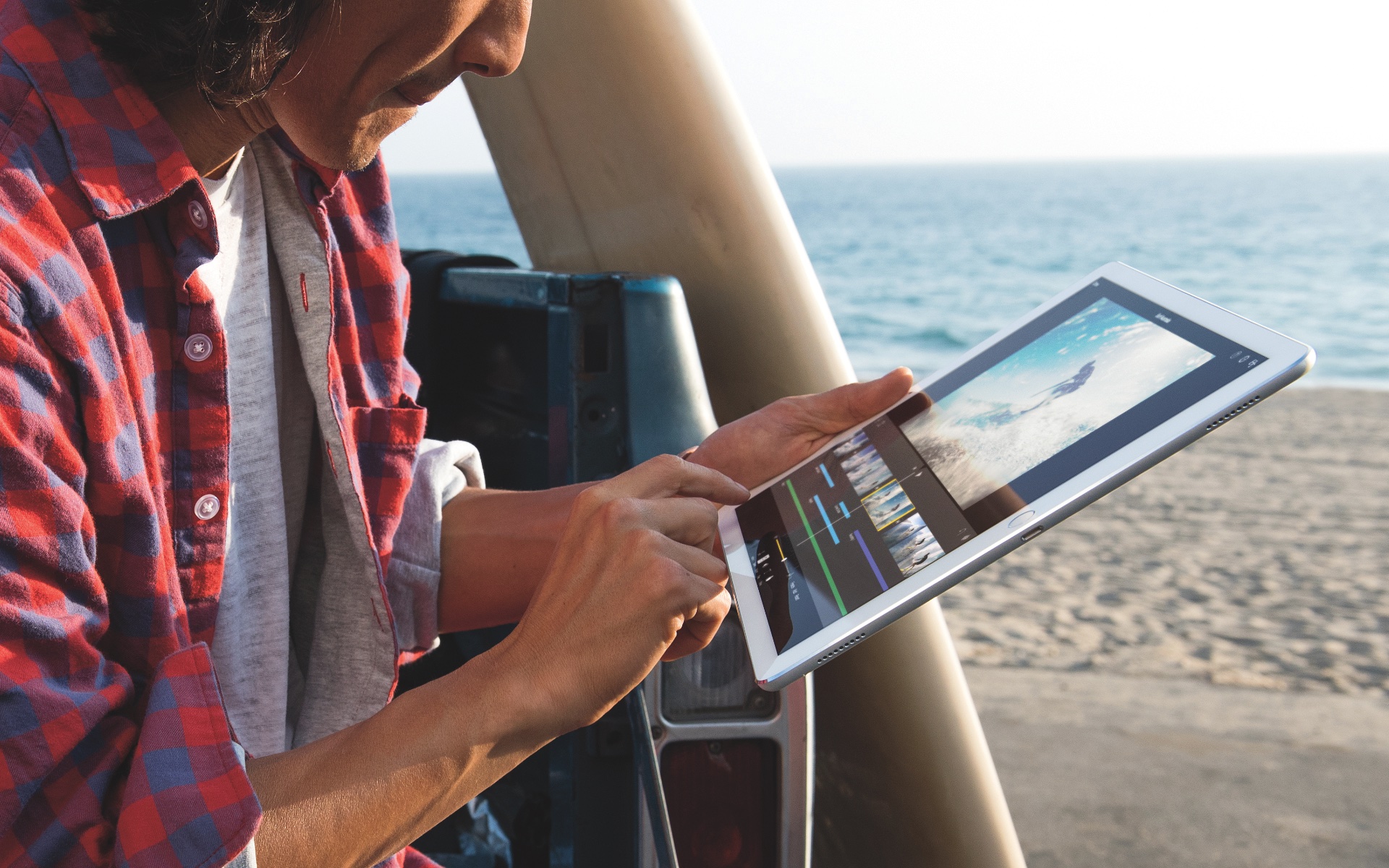
Launch supply of Apple's new iPad Pro could be constrained as the supply of panels for the 12.9-inch device faces shortages, DigiTimes reported Tuesday. As per their supply chain analysis, iPad Pro shipments are expected to reach less than 3 million units in the fourth quarter of this year, which amounts to an average of one million iPad Pros a month.

As a self-proclaimed Star Wars fan, I am both excited and have trepidations about the upcoming seventh installment. That does not, however, stop me from getting overly excited about the hype leading up to The Force Awakens, and that includes video games.
Star Wars: Uprising is being billed as the game that bridges the storyline between Return of the Jedi and TFA. While it may fill in the story gaps, is it a game worth investing your time in? We've got a full game review of Star Wars: Uprising for you today.
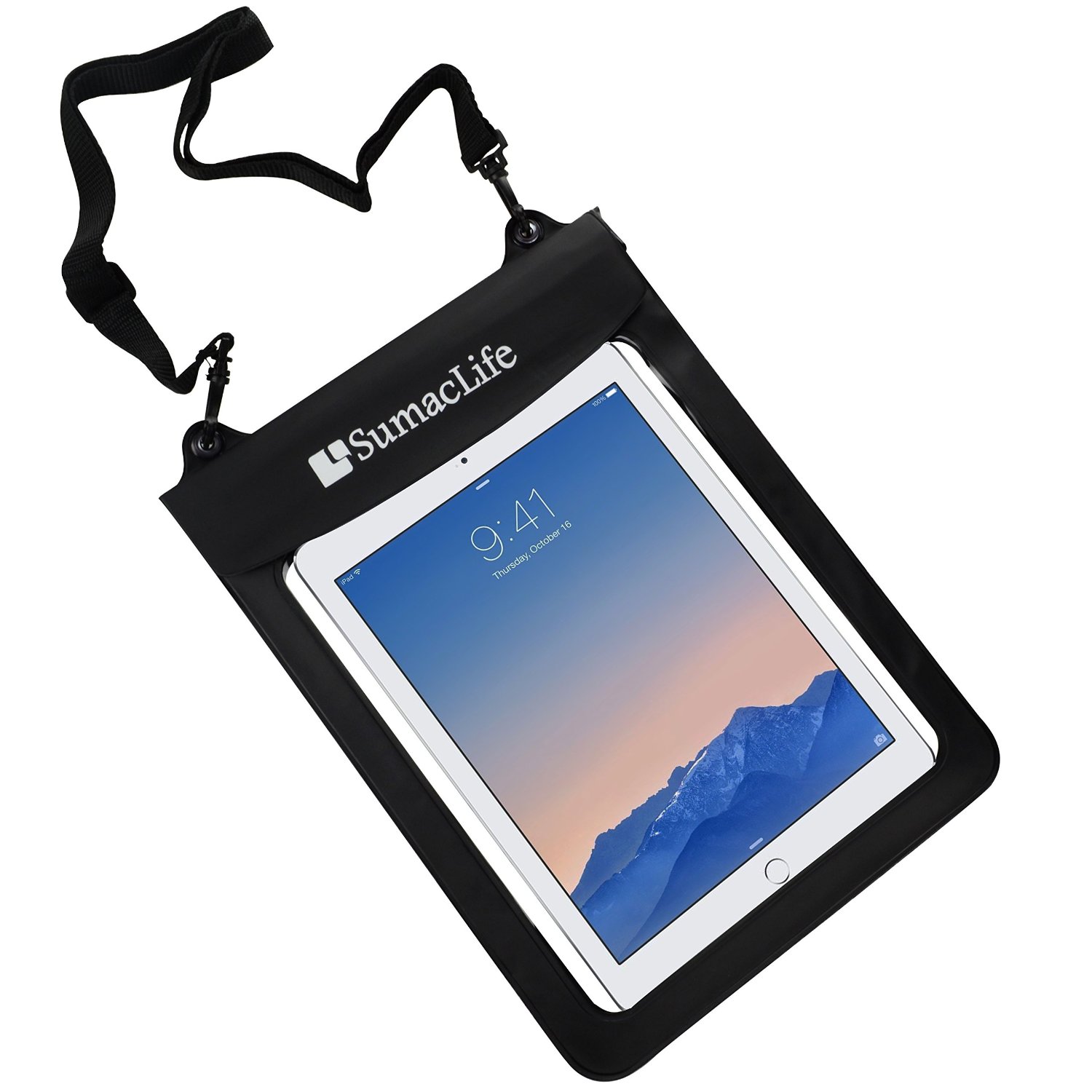
If you are a fan of watersports, but also a fan of keeping your iPad Air 2 from being destroyed while you Jet Ski across the lake, chances are you compromise and leave your tablet at home. But, you can have it all.
With SumacLife's Waterproof Pouch, your iPad Air will stay dry and free from dust. Plus, it is designed to keep your device afloat. So, if you drop it in the lake on accident, it won't be swimming with the fishes before you can go back for it.

If you need a fast and lightweight email client for Gmail without the bells and whistles (and bloat) of Apple Mail, you should give Mia for Gmail a whirl. Mia is a minimalist desktop email client for OS X by Stéphane Quéraud.
As opposed to copious minimalist Gmail clients that however wrap the web interface inside native OS X code, Mia provides the full native experience and sits right in your Mac's menu bar rather than run in Safari or Google Chrome.
In addition to showing you most recent emails, Mia allows you to compose new messages and jump through all your inboxes with unbelievable quickness. All in all, it's the perfect replacement for Google's defunct Gmail Notifier app.
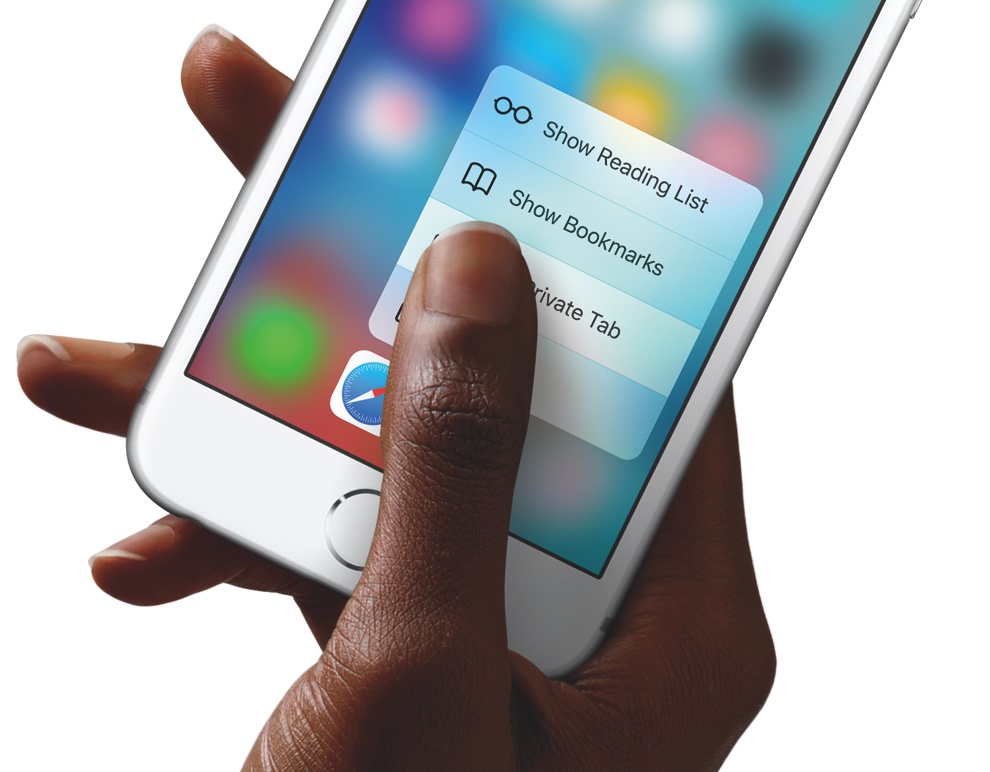
This year's iPhones, the iPhone 6s and iPhone 6s Plus, are heavier than last year's iPhone 6 and iPhone 6 Plus models and it's not just due to their stronger Series 7000 aluminum body.
An article posted Monday by The Verge digs a little deeper into the iPhone 6s weight gain and you'll be surprised to learn which new feature is making Apple's new phones heavier than their predecessors.

In addition to jacking up prices of its AppleCare+ extended hardware coverage for the new iPhone 6s and iPhone 6s Plus by an extra $30, Apple appears to have discontinued the combined AppleCare+ warranty for the iPhone and Apple Watch, as first noted by 9to5Mac.
Following April 2015 debut of the Apple Watch, the Cupertino firm introduced combo warranty plans for iPhones that are up to six months old and Apple Watches for combined prices of $149 (Apple Watch Sport + iPhone), $169 (Apple Watch + iPhone) and $1,600 (Apple Watch Edition + iPhone).
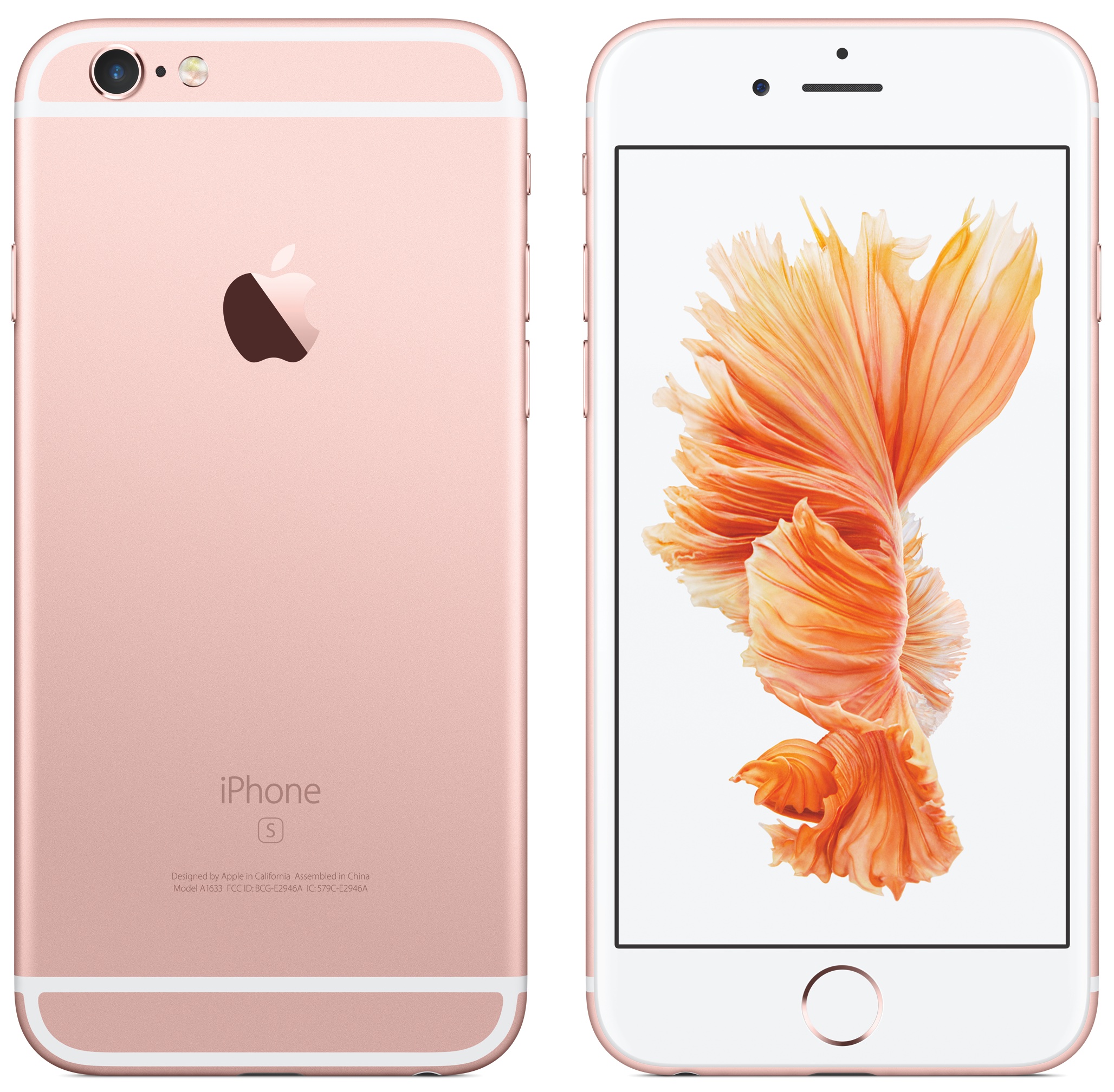
The iPhone 6s and iPhone 6s Plus are scheduled to hit retail stores on September 25 and a new report published today provides an insight into the company's retail launch plans for the new devices.
Though hardly different from past iPhone launches, you're advised to check out the following tidbits for a more seamless shopping experience regardless of whether you have pre-ordered your iPhone with in-store pickup or are planning on waltzing inside your local Apple Store on launch day.

macOS can start up your Mac in a myriad of ways. We've already covered some of them in detail, such as using built-in Startup Manager to pick a disk to startup your Mac from and booting into Safe, Verbose and Target Disk modes.
In this article, we get to talk about starting your Mac up from external storage like optical media or an external USB-based hard drive or flash storage. Booting from an external storage allows you to start up your Mac in another version or copy of macOS, Additionally, it can help you troubleshoot certain issues, and more.
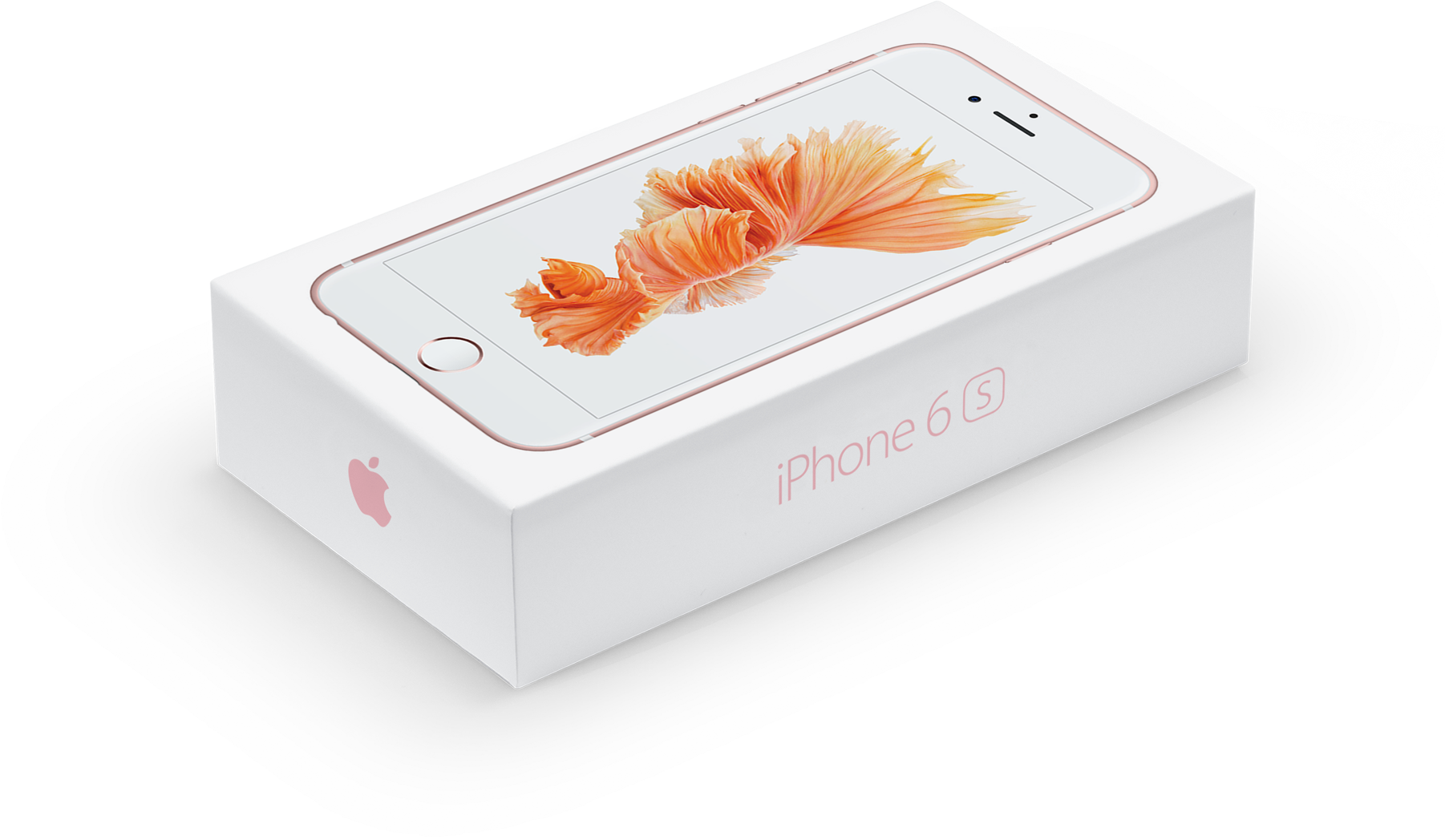
Apple is “on pace to beat” last year’s ten million unit first-weekend record as the new iPhone 6s and iPhone 6s Plus are about to go on sale on September 25. Chances are that you have by now read all there is about the new iPhones and their major hardware improvements and new features.
Our non-scientific poll has indicated that most people have pre-ordered a 4.7-inch iPhone 6s with sixty-four gigabytes of storage, with Space Gray being the most popular finish. Today, we're asking you to take another poll and tell us what specific feature of the new iPhones you happen to be looking forward the most.

The new Apple TV is about to get its first killer app as popular media-streaming software Plex officially announced extending its iOS app to the new device, as revealed to ITWorld this past weekend.
“We are very excited to have a crack at bringing our users Apple TV,” said Scott Olechowski, the co-founder of Plex. “It’s been a long requested platform and we’re excited to work on it.”
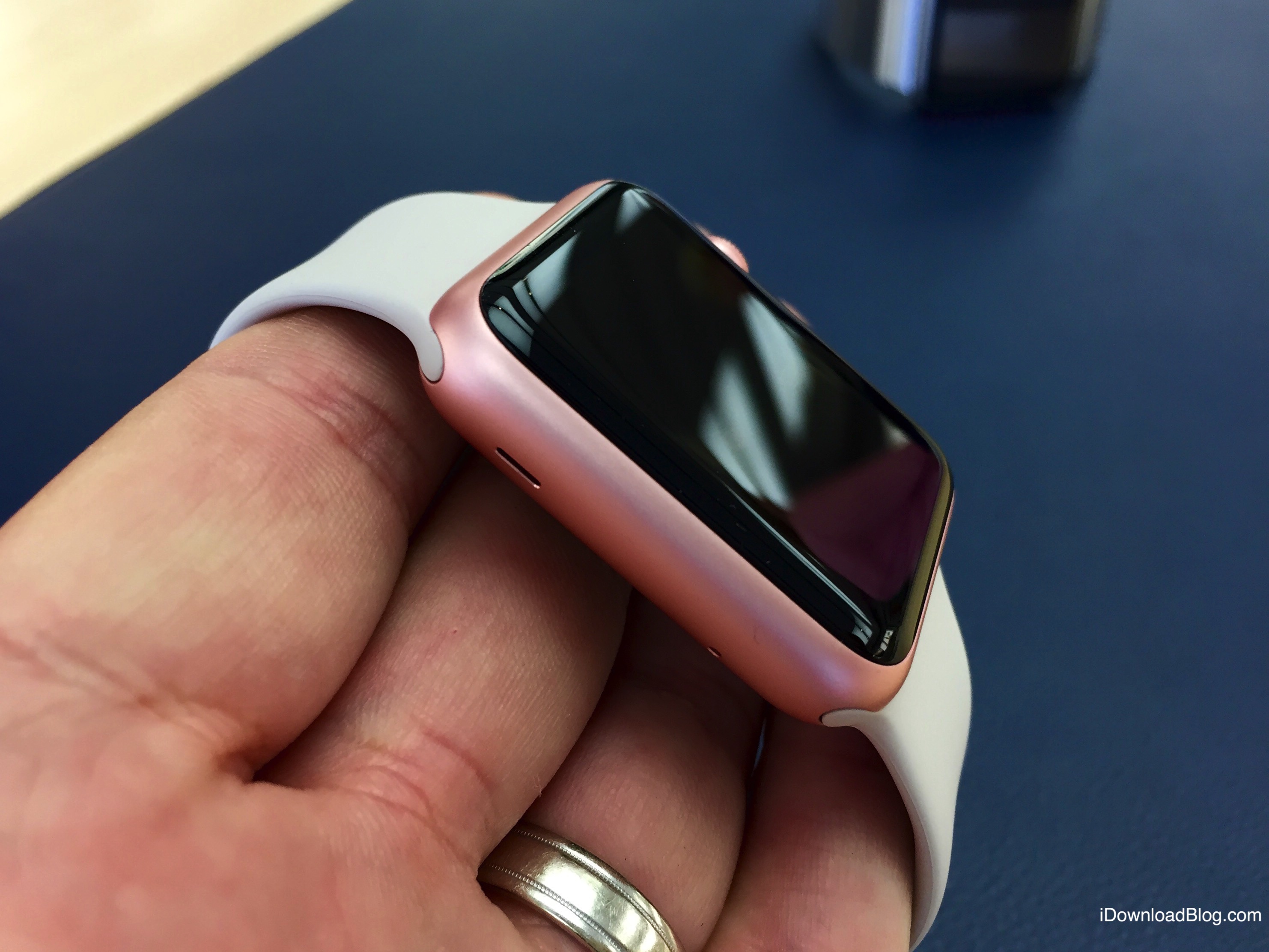
The Apple Watch world tour continues unabated with confirmation that the wearable device is slated to go on sale this week at John Lewis, the department store in the United Kingdom, Wearable reports.
Currys, another mainstream UK-based department store, also announced on its website that it would be selling the Apple Watch “soon.”
Both John Lewis and Currys will provide online support for Apple Watch sales as well.