iOS 9 allows access to photos and contacts on a passcode locked iPhone – here’s how to prevent it

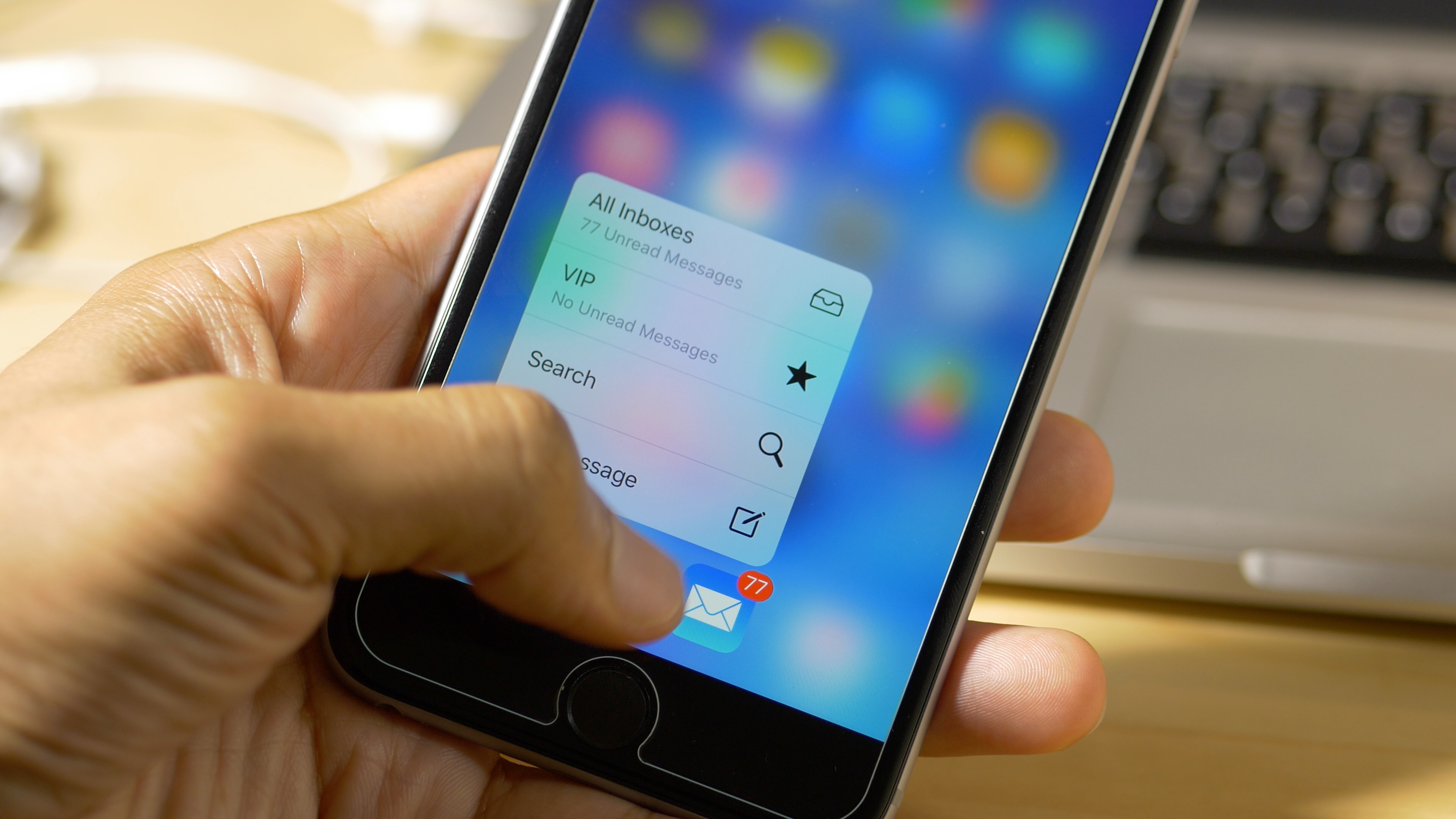
If you have an iPhone running iOS 9, you should be aware that it may be possible to access your photos and contacts on a locked device, even with a passcode and/or Touch ID enabled. I've always ignored reports on this sort of security flaw, because they always seem to pop up with every iOS iteration, and almost always require a user to jump through what seems like a million hoops.

But for some reason—call it boredom, or call it poor judgement—I got curious, and decided to try this out for myself. As it turns out, it's not that hard to do, and it certainly seems like a security flaw in iOS to me.

I debated on whether to post this, because obviously it's going to bring attention to a security flaw that might let people access information that they shouldn't be accessing.

For starters, please don't get bent out of shape over this. This does not expose any other contents of your iPhone outside of Contacts and Photos. People still can't unlock your device, read your messages, watch videos, etc. This only allows users to view your contacts, and look at your photos (not videos) through a limited interface. Photos cannot be forwarded or shared from your iPhone.

My hope is that a). this informs users that a passcode or Touch ID security isn't necessarily enough to keep unwanted eyes off your photos and contacts, and b). Apple will see this and provide a fix. c). show you how to prevent the issue.

The thing is, this information is already out there, and the people who will use it for the bad probably already know about it. Consider this post an attempt to educate those who do not know about this iOS 9 security hiccup. Hopefully, it'll allow users to make smarter decisions about their iPhone's security.

New in iOS 9: a more detailed upload indicator in stock Photos app

Apple's streamlined Photos app for iPhone, iPod touch and iPad has not gained major new features in iOS 9, unlike Photos for Mac whose upcoming OS X El Capitan release contains several new features that didn't make it into the inaugural version of Photos for OS X last fall.

But there's one tiny refinement in iOS 9's Photos app that I think will delight people like myself who rely on iCloud to keep their photos and videos synchronized across their devices: a more detailed upload progress indicator.

How to upload HD photos and videos on Facebook

One of the more annoying things about Facebook has got to be the diminished quality of photos and videos you upload to the service, be it via iOS's Facebook integration integration or through the official mobile app for the iPhone and iPad, a free download in the App Store.

For whatever reason, Facebook's mobile app defaults to low-resolution photo and video uploads, likely in an effort to minimize bandwidth usage in this digital age of capped cellular data.

Fortunately, there is an easy yet not immediately obvious way to configure Facebook for iPhone and iPad to record and upload videos and photos in glorious high-definition.

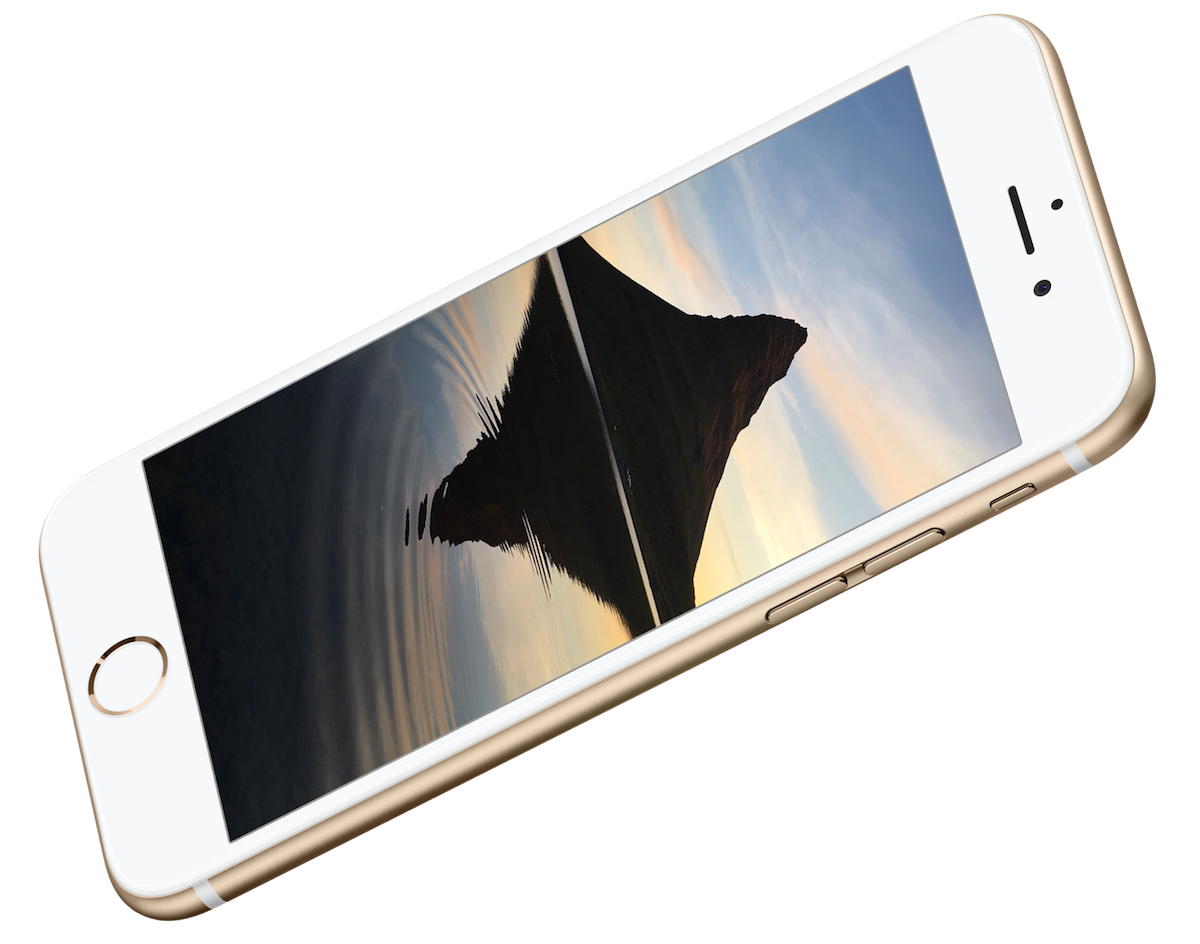
iPhone 6s still wallpaper images

With the iPhone 6s releasing on Friday, everyone is getting excited about the new features offered by the updated hardware. Naturally, one of the features I am most excited about is the option for dynamic wallpapers. The live wallpapers are a combination of iOS 9 and iPhone 6s hardware operability. If you downloaded iOS 9 this week, you will notice the motion wallpapers are missing from the list, due to their iPhone 6s exclusivity.

Inside, we have still images of the live wallpapers for iPhone 6s. The images are quite stunning, even if they are not in motion. Step inside for the option to download six iPhone 6s dynamic wallpaper still images for your current device!

ForceTouchActivator, Phone++, and other jailbreak tweaks to check out today

Earlier this week we published a couple interviews featuring representatives of the BigBoss and ModMyi repo, talking about how they handle security once a tweak is submitted to them for review. If you haven't read these yet, we really suggest you take the time to peruse them as they provide details about how these repos work and do their best to make sure the tweaks you download are safe.

And speaking of tweaks, this week saw the release of a dozen or so tweaks. As always, some are more worthy of your interested than others. If you haven't refreshed Cydia all week, we save you time by listing all the new tweaks in one convenient place.

New in iOS 9: Swipe to delete clocks and alarms in the Clock app

One could argue that iOS 9's new swipe to delete feature in the stock Clock app was borrowed from a jailbreak tweak, but the implementation of such a feature is so obvious that concluding such wouldn't be fair.

Regardless of how it got there, swipe to delete is finally implemented into the stock Clock app in iOS 9. I'm sure I'm not the only one that's super-happy to see this handy gesture make its way to an app that many of us use regularly.

New in iOS 9: ‘Paste and Go’ and ‘Paste and Search’ in Safari

Here's a handy new under-the-radar feature in iOS 9's Safari browser: the ability to quickly paste an item from your pasteboard, and submit a search via Safari. iOS 9 also allows you to quickly paste a URL and submit the URL.

Both of these features require that a user have text copied to the pasteboard, whether that be a full URL, or general text for performing a search. Of course, this isn't a huge groundbreaking feature, but it can save you seconds, and over time, seconds add up.

New in iOS 9: Lost Mode switches on Low Power Mode automatically

The new Low Power Mode option in iOS 9 allows users to eek out more battery life by disposing battery draining features such as parallax effects, throttling down CPU performance, and disabling background app refresh. In all, Low Power Mode can provide users with up to 3 additional hours of battery life.

In iOS 9, Apple is allowing Find My iPhone's Lost Mode, a mode that lets you to mark your iPhone as being lost, to use Low Power Mode at the same time. By doing so, lost iPhones have an even greater chance of recovery due to being able to stay on for a longer period of time.

XcodeGhost: a new malware infecting many popular iOS apps

A few dozen iPhone and iPad applications, most of them developed for China, have been infected with XcodeGhost, a malware that collects information on the devices and uploads that data to remote servers.

Among them is WeChat, one of the most popular instant messaging applications in the world.

Rather than exploit an iOS vulnerability, the malware in question sneaks its way into apps indirectly, by targeting Apple's official compilers used to create legitimate apps. The malware was found to inject its malicious code into a Mach-O object file that was repackaged into some versions of Xcode, Apple’s official tool for developing iOS and OS X apps.

These Trojanized Xcode installers were then uploaded to Baidu’s cloud file sharing service used by Chinese app developers, explains Palo Alto Networks. The malicious code then inserts itself into any iOS app compiled with the infected Xcode without the developers’ knowledge.

It's not Apple's fault, really: this would have never happened had these developers downloaded Xcode files directly from Apple. Baidu has since removed all of the infected files from its servers and some of the infected apps have since removed the malware code in their latest builds.

Apps of the week: Starseed, Rambo, and more

Now that iOS 9 is out, there are dozens of new features to tinker with. Along with new features, there are also new apps and games that either don't work in iOS 8 or work much better in iOS 9. Check out our weekend app list for some new discoveries.

New in iOS 9: Spotlight can solve math problems

One of my favorite things about Spotlight and Alfred on OS X, is that both allow me to quickly churn out quick answers to simple math problems. Prior to iOS 9, Spotlight on iOS was extremely limited, but thanks to some major effort on the part of Spotlight's engineering team, the search feature is starting slowly creep towards its feature-rich big brother on Mac.

One detail that's been flying under the radar is Spotlight's new ability to solve simple math problems directly from the Spotlight interface. It's like having a calculator app that's readily accessible with just a simple swipe from the Home screen.

More details on the new Apple TV revealed

Apple TV dev kits are trickling into developers who participated in the dev kit lottery last week. Apple is providing some developers with an early look at the new Apple TV hardware by giving away full blown developer kit models, which come complete with a new Apple TV, Siri remote, and all of the other accessories necessary to use the next-gen set top box.

Although the verbiage surrounding the dev kits made it seem as if developers should be extra hush-hush about the kit, many new details have started to leak out about the 4th generation Apple TV. What can we expect from Apple's upcoming streaming and gaming device?