Popular puzzle game Har•mo•ny 3 is Apple’s new Free App of the Week

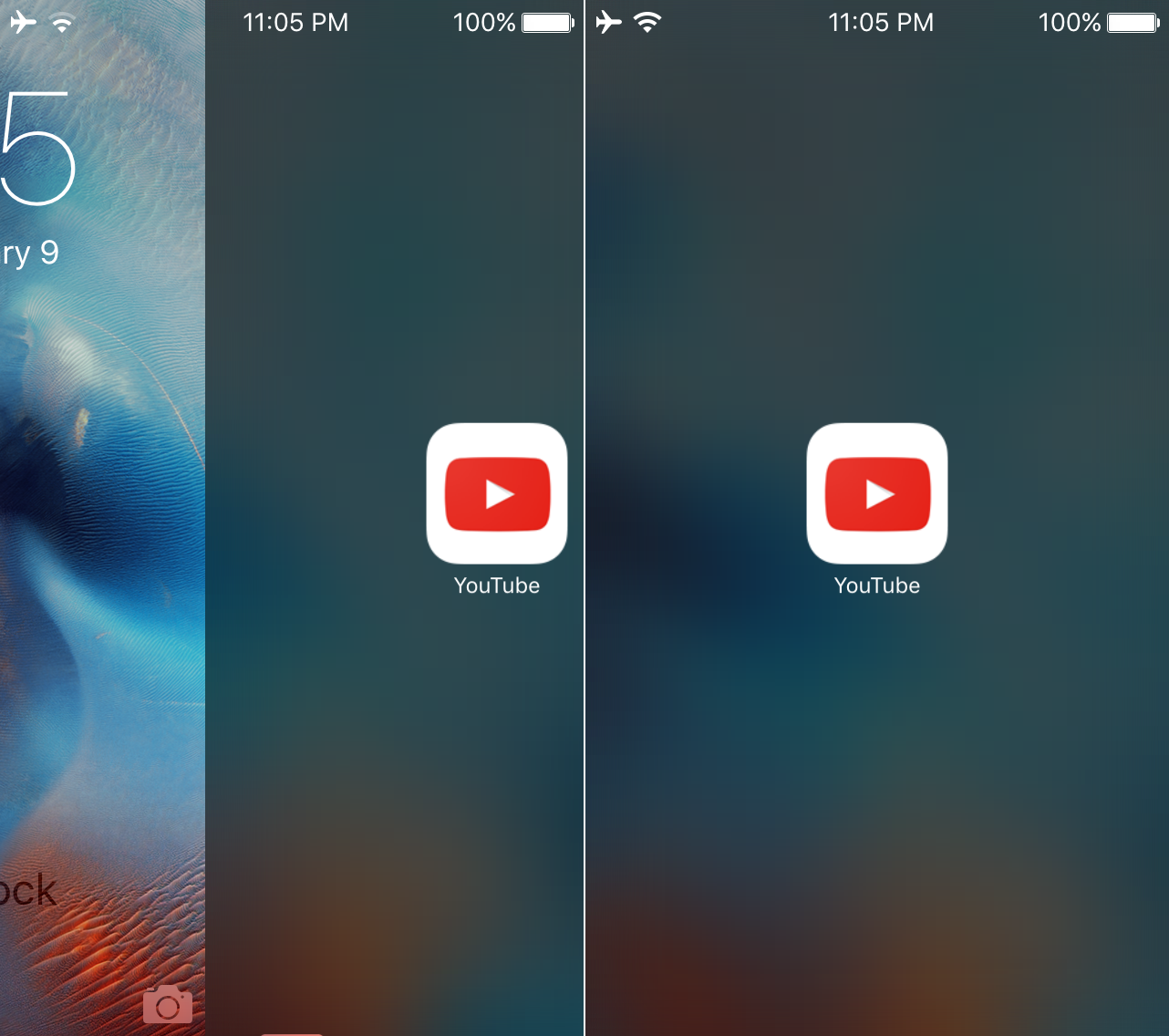
Apple has named the puzzle game Har•mo•ny 3 from BorderLeap its new Free App of the Week in the App Store, meaning you can download the $1.99 iPhone, iPod touch and iPad game at no charge until this coming Thursday.

Released seven months ago as a third game in the series, Har•mo•ny 3 is framed as a challenging puzzle game of “beautiful colors and captivating music, unified in perfect harmony”.

Hyundai confirms CarPlay will launch in 2016 Sonata, with a twist

The Detroit Free Press reported Monday that the automobile manufacturer Hyundai Motor Company will release CarPlay-enabled Sonata in the first quarter of 2016. Apple’s software platform for the car will require Sonata owners to “buy an SD card with new software” to access CarPlay features.

This sounds like an odd implementation of CarPay given that Hyundai already offers Google's Android Auto software integration at no additional charge.

Apple wants additional $180 million in supplemental damages from Samsung

Apple wants a Christmas present from Samsung in the form of an additional $180 million in supplemental damages (damages for infringements after the cutoff date of the jury trial), FOSS Patents reported this past weekend.

The iPhone maker on Christmas Eve filed a motion seeking the additional $180 million on top of the initial $548 million settlement that Samsung has agreed to pay to Apple (though a reimbursement may be demanded later).

The best wallpapers of the year

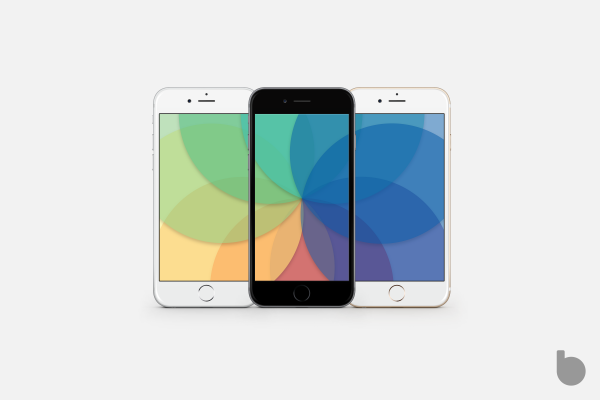
All avid iDownloadBlog readers know to expect a fresh set of wallpapers on Sunday afternoons. Since the summer of 2013, our Wallpapers of the Week section has drawn a steady following. Today's collection, however, is not a new set, but a highlight of the year's most popular images.

Going back through the year, we pulled wallpapers that were popular throughout 2015. Some of the favored styles included galaxy, geometric, and Star Wars: The Force Awakens wallpapers. Several key wallpaper contributors through 2015 section included @JasonZigrino; @AR72014; and @iDeviceArt. Step inside for this year's hottest wallpapers! 

Tweaks of the week: everything’s free

Understandably, it was a pretty slow week for jailbreak tweaks but one thing was consistent across the board: all tweaks released this week were free. So jump in and browse this week's selection and tell us which ones are your favorites.

The top stories of the week on iDB

Like every Sunday, we get to take a look at some of the most popular posts that were published on iDB during the week that just ended. Whether it is a news item, a new jailbreak tweak, a tutorial, or an app review, we sum it all up in one convenient place for you.

As always, if you like what you're reading, please feel free to spread the love by sharing our posts on your favorite social network.

We're usually hanging out a lot on Twitter and Facebook, more rarely on Google+.

Don't forget to listen to the latest episode of our new podcast, Let's Talk iOS:

Subscribe on iTunes

And of course, make sure to catch up with the new episode of Let's Talk Jailbreak:

Want to support iDB? Visit our Deals Store and buy something from us.

How to block strangers from messaging you on Vine

Some of our past tutorials have provided step-by-step instructions for saving Vine videos, hiding other people's revines in your feed, deleting Vine accounts and blocking users. This how-to mini-series continues with the topic of preventing people you don't follow from messaging you on the service.

Since Vine's 2.0 update, the app has gained the ability to send instant messages to other Vine members. This has quickly generated an influx of unwanted messages that in many cases is classed as pure spam.

This tutorial will teach you about a toggle you can switch to tell Vine to block strangers from messaging you on the service.

Cream Mobile, Flight Unlimited, Littlstar, and more apps to check out this weekend

Now that the festivities of the holidays are winding down, it is easier to sit back and reflect on everything we've been through this year. Apple released a number of new and innovative products in 2015, and we have been lucky enough to get our hands on them.

If you unwrapped an iPhone 6s, iPhone 6s Plus, iPad Pro, Apple Watch, or Apple TV this year, you are probably looking for some content to fill those folders. We've got a list of apps and games that will give you something to do while you let the family settle.

How to download older versions of iOS apps

Charles Proxy is a tool for OS X that can be used to facilitate the download of older versions of iOS apps from iTunes. It's a bit of a drawn-out exercise, but if you've ever been in need of an older version of a particular app, then you know how handy such a technique can be. In this video, which was inspired by this Reddit post, I'll show you how to download older iOS apps directly from iTunes on Mac.