Check out the quick steps to remove audio from a video using iMovie and save that soundless clip locally to your Mac.
How to remove sound from a video file with iMovie on Mac
Check out the quick steps to remove audio from a video using iMovie and save that soundless clip locally to your Mac.
One of the useful little things Apple's built into iOS 10 without even mentioning it during the WWDC keynote or in iOS 10 marketing materials is a brand new feature designed to suggest ways users can maximize their iPhone's battery life. Branded as Battery Life Suggestions, it appears automatically when your battery is not connected to power or using Low Power Mode.
One of the most circulated rumors for iOS 10 was the inclusion of a dark mode. However, the WWDC 2016 keynote came and went without any mention of the expected feature. After digging through the iOS 10 beta, it appears maybe Apple didn't neglect dark mode after all.
Having taken a closer look at a much improved Messages app, which delivers more expressive and animated ways to message friends and family, our preview of big new features in iOS 10 continues with a detailed overview of an all-new Lock screen. Wait, the Lock screen in iOS 10 warrants an article?
As you know, the Lock screen has remained virtually unchanged since the iPhone's inception. With iOS 10, however, it's undergone some major improvements in the form of a refined look and feel, including vastly redesigned widgets, and new features such as interactive notifications, Raise to Wake and expanded use of 3D Touch shortcuts.
We think that many folks are going to appreciate how iOS 10 makes their device's Lock and Home screens way more functional than before, so here's a detailed walkthrough of all the goodies included in iOS 10's freshened up Lock screen experience.
One of the longest-standing complaints about iOS has got to be its inexplicable lack of a Clear All button in the Notification Center that would permit users to clear out all of their missed alerts in one go rather than dismissing them one by one, like an animal.
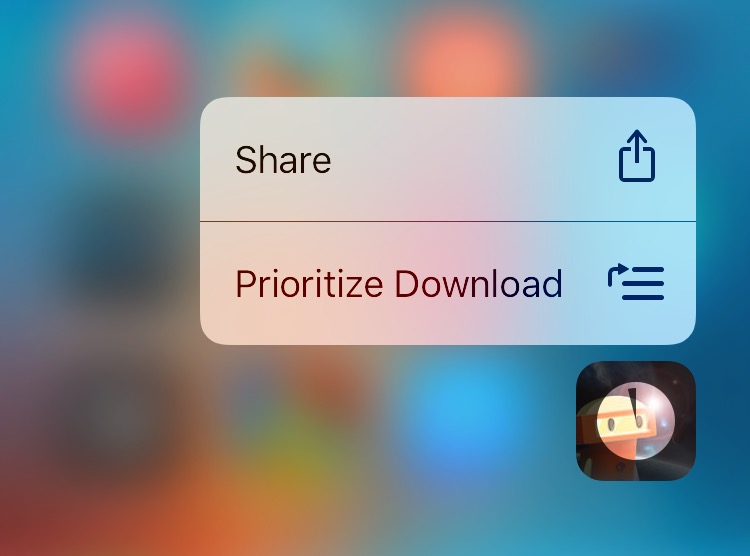
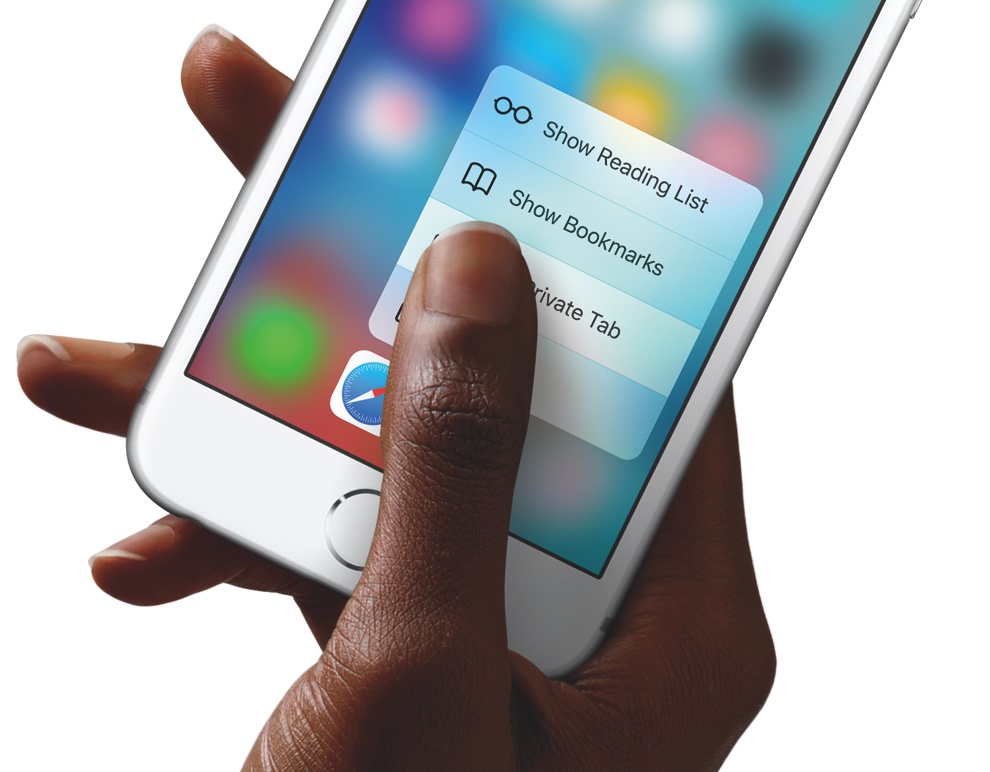
Not anymore: iOS 10 makes expanded use of 3D Touch throughout the system, including making all missed notifications disappear with a single press.
Apple originally introduced Control Center in iOS 7, which was their way of answering both the competition on multiple Android platforms and the jailbreak community in one fell swoop.
With iOS 10, which Apple announced at the WWDC 2016 Keynote this week, Apple has shown off some obvious changes to Control Center, including a modular paged navigation design and different color tones and styles.
Of course, aesthetic wasn’t the only change. Apple also made the flashlight toggle button from Control Center a whole lot more useful as well.
Aside from the headlining new features, including a revamped Lock screen, a vastly improved Messages, a lot smarter Maps and more, iOS 10 sports a bunch of refinements that make for a more pleasing experience overall.
One of those tidbits is an all-new tapping sound when using the stock keyboard on your iPhone, iPod touch and iPad. Here's what it sounds like.
The iPhone's familiar slide-to-unlock gesture was subjected to multiple lawsuits, but the feature itself has barely changed since the handset's inception nearly a decade ago.
With iOS 10, however, Apple has made some plenty significant changes to the Lock screen while introducing a brand new way to get into your phone.
Apple has made some changes to how iOS handles apps that wish to access users' music libraries, with iOS 10 now requiring your explicit permission before any app is allowed to interact with your music.
This new safeguard increases your privacy while ensuring that no app can silently analyze what's in your music library without you knowing it. Additionally, it makes it more difficult, if not downright impossible, for apps to potentially upload your music library to the cloud in order build a profile of your musical tastes for advertising purposes.
iPhone photography fans and pro photographers from around the world are going to love iOS 10 as the operating system will permit them to capture and edit images in the lossless RAW format, which is used to store unprocessed image data directly from the camera sensor.
Apple only mentioned ten major new features during the WWDC 2016 keynote, leaving dozens of other enhancements unmentioned.
As first discovered by PetaPixel, RAW photo editing was hidden in the background among the many other listed improvements for developers in the next version of iOS.
Many sources are adamant that we'll have to wait until a tenth anniversary iPhone next year for a bezel-less device with an integrated Touch ID sensor and no Home button. As for the upcoming iPhone 7 revision, the most recent leak from MobiPicker suggests that the iPhone 7 might come outfitted with a touch-sensitive Home button that sits flush with the surrounding bezel, requiring users to perform tapping actions due to the absence of any moving parts.
A second-generation Apple Watch will most likely launch either alongside Apple's iPhone 7 this September or later this year, according to supply chain sources who spoke with DigiTimes, a Taiwanese trade publication with a hit-and-miss record in reporting Apple rumors.