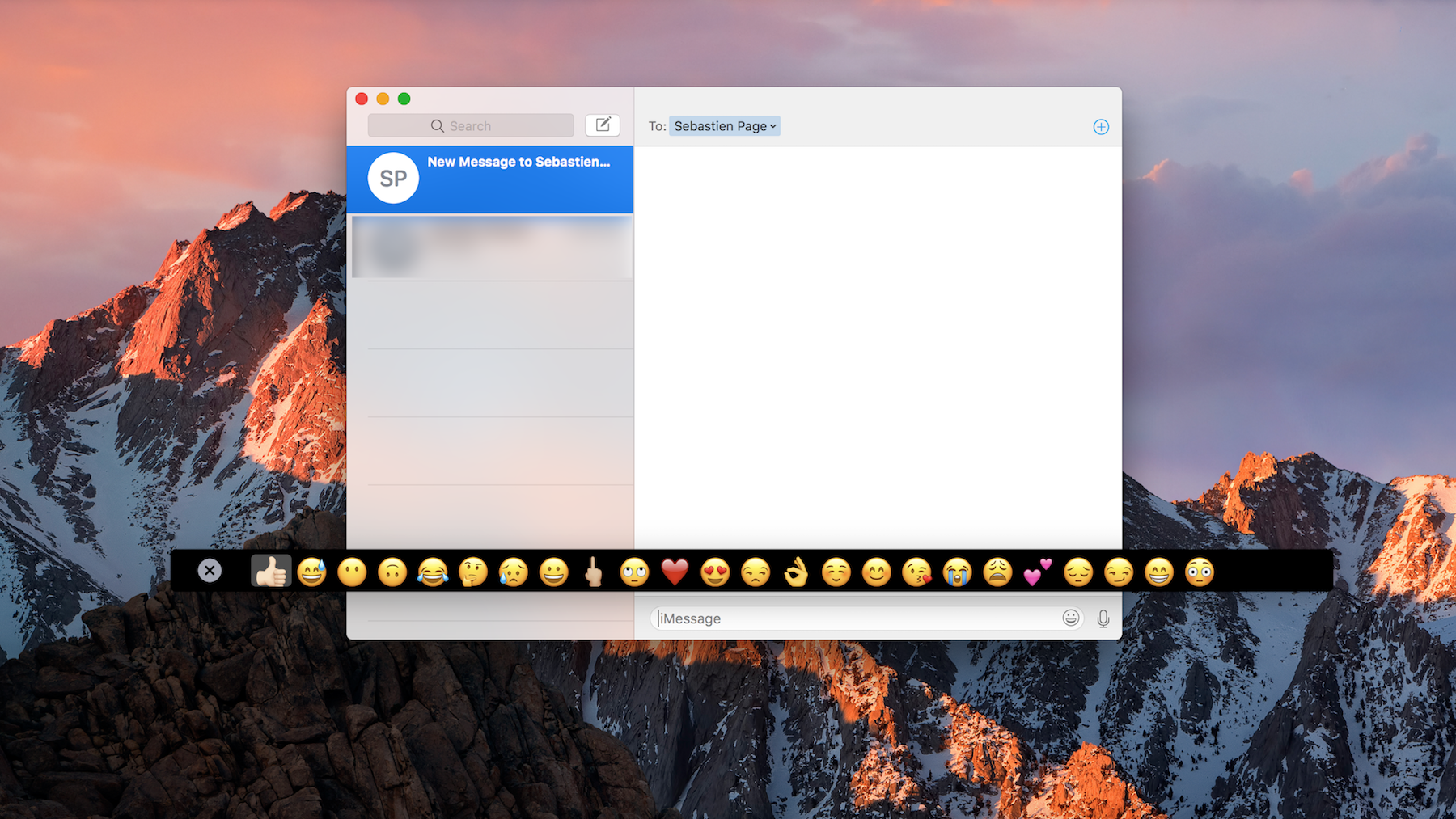
If you're really interested in that new Touch Bar that comes built into the top of the keyboard portion of the higher-end MacBook Pro, but don't have the dime to drop on an expensive new computer right now, then you're gonna love this.
A new hack has surfaced on Github that lets you simulate the Touch Bar on any Mac, and it's fully functional, sans the flashy OLED touch surface. We'll show you how to get it in this tutorial.