Mac Automation Product Manager Sal Soghoian leaves Apple

Beloved engineer and evangelist Sal Soghoian has announced that he is no longer employed by Apple. He says the move is the result of the company eliminating his position as Product Manager of Automation Technologies for "business reasons."

Soghoian is a software developer that has been at Apple since 1997. During his tenure, he advanced a wide range of user automation technologies including UNIX CLI, JavaScript, AppleScript, Automator, and scripting support for several stock apps.

Apple plans to cut App Store fees for video streaming apps

Apple plans to cut the amount it charges to sell video services over its App Store, Bloomberg reports. The outlet says the move is part of an effort to appease content partners, whose TV shows and movies are vital to the company's larger video strategy.

Previously, the iPhone maker took a 30% cut of revenue from app and in-app purchases. Then in June it announced it would slice that in half after the first year Now it sounds like Apple is going to make that an upfront price for participating video apps.

USB-C adapters you may need for your new MacBook Pro

If you have purchased Apple's new MacBook Pro, or are planning on doing so, chances are you're going to need some dongles and adapters. The laptop has only USB-C ports, so you're likely going to need some help connecting your old hardware and peripherals.

With this in mind, we've decided to put together a list of some common USB-C adapters to help get you started. As with all of our accessory roundups, the following items were chosen based on a variety of factors including price, availability and consumer feedback.

How to take screenshots of the MacBook Pro Touch Bar

If you take screenshots on your Mac, you may wonder if macOS supports screenshotting the Touch Bar. The default Shift (⇧)-Command (⌘)-3 keyboard shortcut captures a screenshot of everything shown on the display, sans the Touch Bar.

With macOS 10.12.2, Apple has implemented a brand new shortcut specifically designed for taking screenshots of the Touch Bar.

Here's what you need to know about capturing everything that's shown on the Touch Bar as an image file on your computer. You'll also learn how to save Touch Bar screenshots to the clipboard for pasting in other apps and how to add screenshot-taking shortcuts as buttons to the Touch Bar itself.

Backdoor in some Android devices sold in the US found to send data to China

Security firm Kryptowire recently discovered that some Android smartphones have a backdoor that secretly sends data to China, reports the NY Times. Maybe even more concerning, American phone maker BLU Products said that 120,000 of its phones were found to have the backdoor installed in its software, which has since been updated to remove all track of that secret backdoor.

Teardown of 13″ MacBook Pro with Touch Bar reveals “cosmetic” speaker grilles, other tidbits

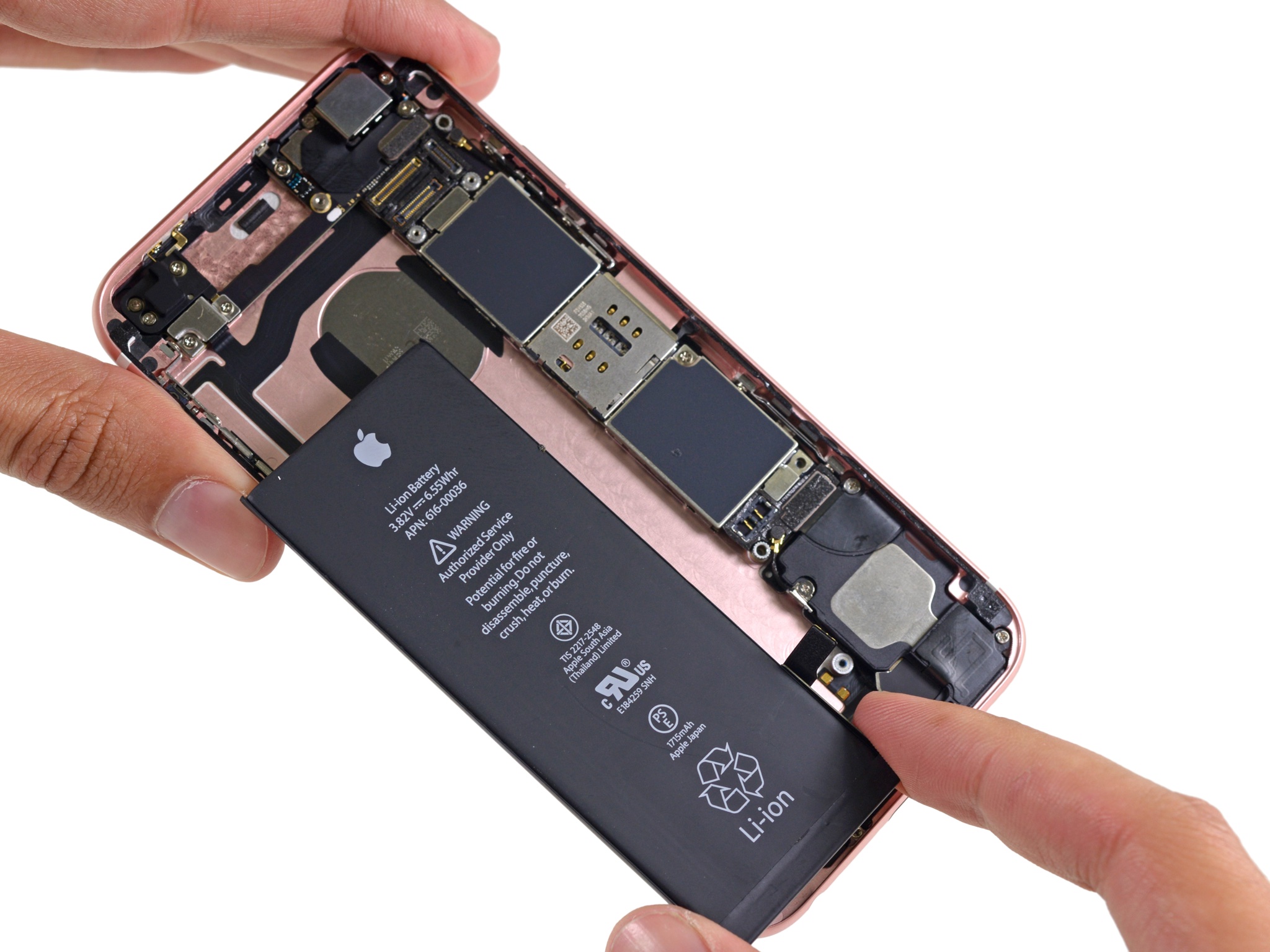
After disassembling the base 13-inch MacBook Pro model without the Touch Bar, teardown wizards over at iFixit have now taken apart Apple’s Touch Bar-equipped 13-inch MacBook Pro. From the inside, it’s an entirely different computer with a totally different design that has more in common with its 15-inch brethren. Among other things, the teardown analysis has found that the external speaker grilles in the top half of the case exist mostly for “cosmetic” purposes.

That's because the improved sound is being projected from a pair of air vents on the sides of the case. By comparison, the base 13-inch MacBook Pro without the Touch Bar does push sound through the speaker grilles as it lacks the air vents.

Other differences between the 13-inch MacBook Pro with Touch Bar and its cheaper 13-inch variant that lacks the Touch Bar include a differently laid out internal components to make room for the Touch Bar itself which, by the way, is hard to replace.

Watch designers creating prototypes in Apple’s studios

Apple yesterday announced a $300 coffee table photo book, titled “Designed by Apple in California”, which chronicles 20 years of iconic product designs. Jony Ive, Apple's Chief Design Officer, discussed the photo book with Wallpaper.com and Japanese design firm Casa Brutus.

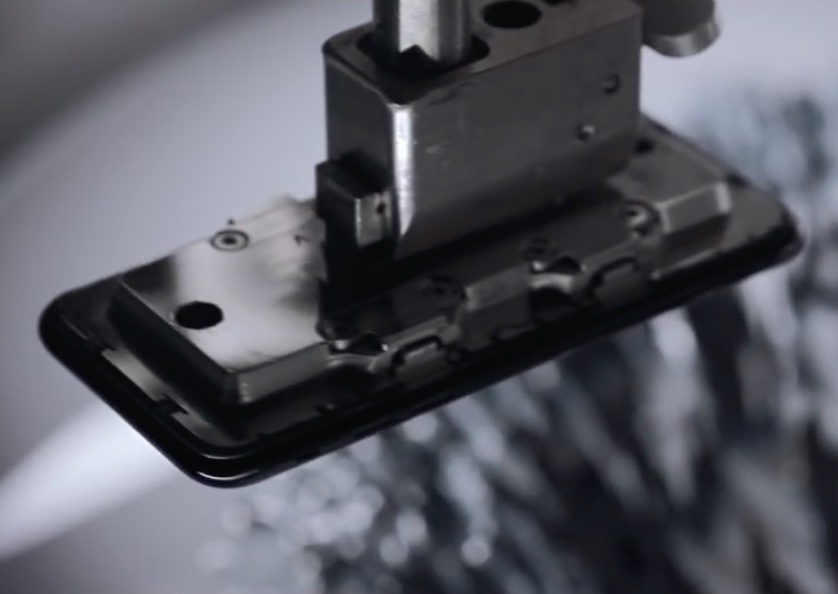
The Casa Brutus interview is accompanied by a rare video which offers a unique glimpse into Apple's secretive Industrial Design Studio, showing designers at work creating prototypes of Macs, iPhones and other items.

Want to take a peek at how the sausage is made? This is your chance!

New MacBook Pro with Touch Bar begins trickling in to select Apple stores

Just 24 hours after first shipments began arriving to customers, Apple's new MacBook Pro with Touch Bar is now available for purchase at select company-run retail stores in the U.S., China and elsewhere.

According to reports on Reddit, MacRumors, AppleInsider and other outlets, a select number of flagship Apple retail locations have received stock and are now offering limited quantities of the new MacBook Pro with Touch Bar.

How Apple can get users to connect with Apple Music’s Connect

Apple’s Connect service, the company's own aspiring social component to Apple Music, has visibly taken a back seat in iOS 10. In its original conception, Connect was resourceful and prominently placed in Music. Fast forward one year and you would be forgiven for thinking that Apple’s network for musicians and their followers had been as good as abandoned over night.

While we know that such is not the case just yet, Connect has undergone cosmetic changes with iOS 10 that have arguably ousted the service to a place now pretty much neighbouring on irrelevance. It's the consequence of a succession of ill-advised calls. Name-giving aside, Apple should have also known better when it comes to launching a barren product offer centre stage inside an app as meaningful as Music. Connect was not engaging or relevant in 2015, and as a result it went unsung in 2016. Is it too late or could an Apple still turn the ship around?

How to share Wallet passes

You volunteered to book event tickets on behalf of a group, and just when your finger is hovering over the eTicket delivery method, you notice you don't have everyone's digits to send the tickets out to their iPhones. Or you do, but a group member has no local number since they're visiting from overseas?

Fret not, because neither of those two scenarios is going to keep you from handing out the passes to your friends' devices. All you need to know for it to come off is a little trick that helps share them conveniently from your own Wallet app.

Apple seeds watchOS 3.1.1 beta 3 to developers

Apple on Tuesday seeded the third beta of watchOS 3.1.1 to developers. The update comes just over a week after beta 2, and it can be installed by registered developers via the dedicated Apple Watch app on the iPhone by going to General -> Software Update.