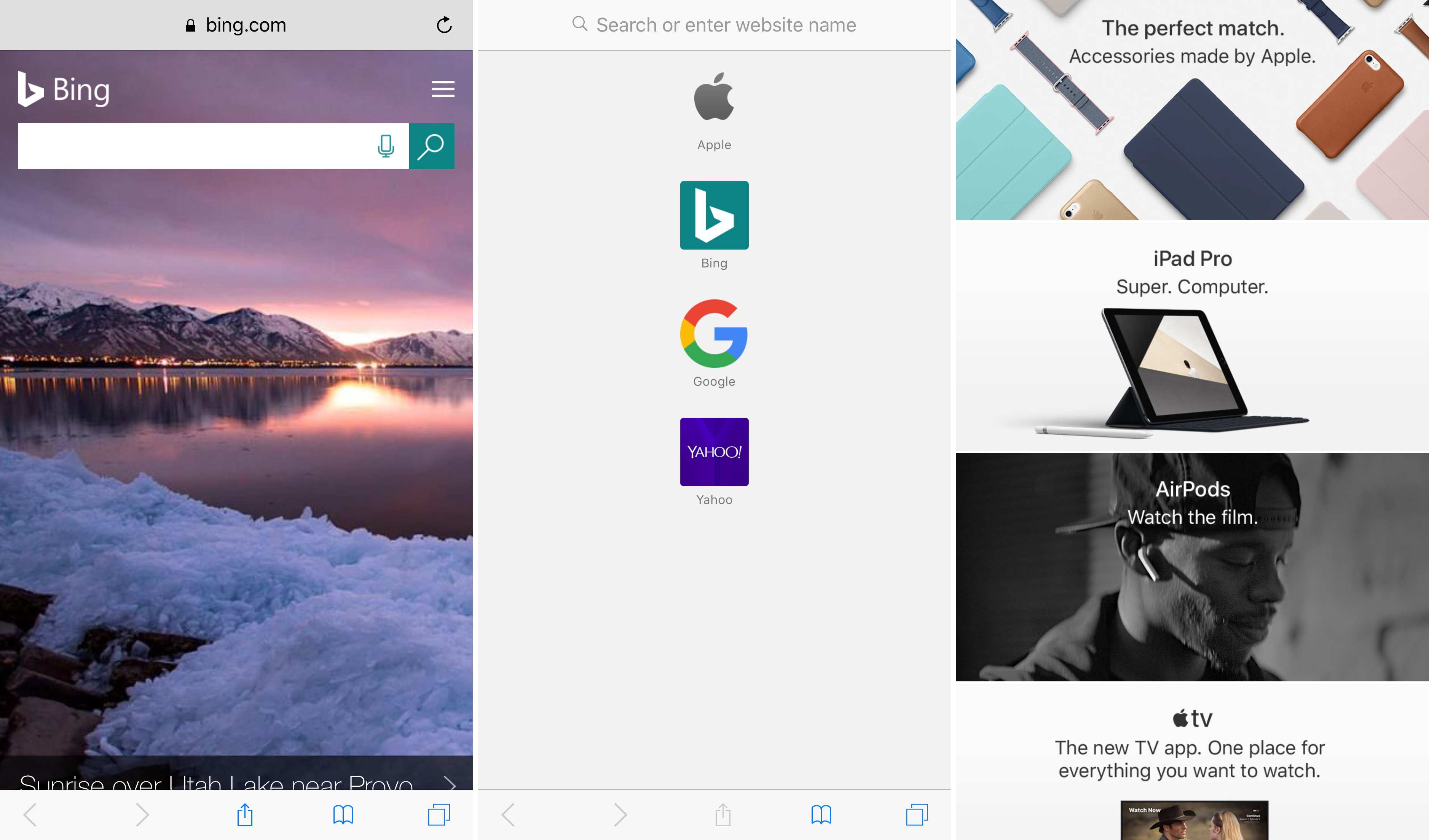
Safari Tools lets you customize the look and feel of Safari on iOS

Safari is the best way to browse the web on your iPhone or iPad, but it still looks mostly the same as it did in iOS 7, and some people want change. Fortunately, having a way to customize the things that you don’t like is just one of the benefits of having a jailbreak.

A new free jailbreak tweak called Safari Tools by Justin Petkovic brings to the table a number of settings that you can apply to Safari to change its appearance and behavior under certain conditions.

App Percent displays a percentage for app downloads and alerts you when they’re done

Some apps take longer to download from the App Store than others, and some take so long that you don’t have the patience to just sit there and watch them, you tend to start doing other things on your device until the download finishes.

App Percent is a new free jailbreak tweak by pxcex that might be of interest to anyone who downloads lots of apps or finds themselves in the aforementioned predicament, as it not only lets you see the download percentage in real-time, but it also lets you get notified when app downloads finish.

This tweak makes iOS 10 notifications more bearable for minimalists

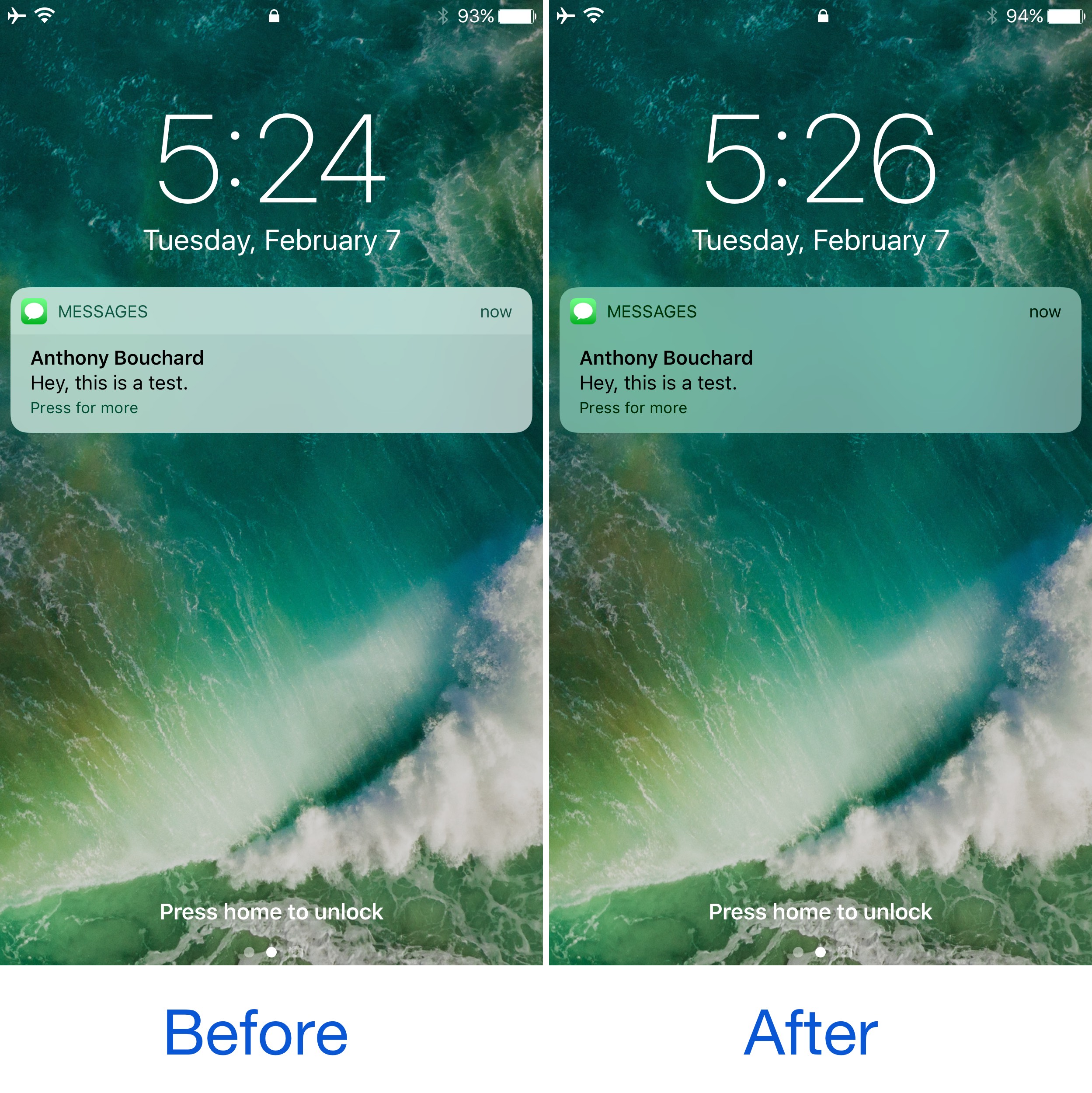
Being able to customize and theme your device’s look and feel to your own liking is one of the top reasons why people jailbreak their iPhone or iPad in the first place, and a new free jailbreak tweak called CleanNotifications10 is a testament to that.

Developed by AppleBetasDev, this tweak essentially cleans up the look of your incoming Notifications on both the Lock screen and in Notification Center by getting rid of the two-tone color scheme and making them look simpler with a softer, monotonous transparency.

Let’s Talk Jailbreak 158: The ends and the means

As Joe becomes a regular of the show, the guys discuss the latest developments in the jailbreaking community, and specifically focus on the Yalu jailbreak for iOS 10.2. What devices are supported? Is it safe to use? What is the process? Many questions are being answered to help listeners figure out whether or not they can go forward with the jailbreak. Other topics include a recently released iOS 9 jailbreak for 32-bit devices, and Apple TV jailbreak news.

Subscribe via RSS

Support Let’s Talk Jailbreak: Get peace of mind knowing your files are backed up securely in the cloud. Backup your Mac or PC for just $5/month. Go to backblaze.com/iDB.

Apple’s Vice President of corporate and government sales has stepped down

John Solomon, Apple's Vice President for Enterprise and Government, has stepped down. He led sales teams charged with pushing Apple hardware and software to big companies and government agencies with large technology budgets.

Apple confirmed his departure to Reuters, but refused to comment further. Solomon wouldn't reveal why he left Apple either. It's unclear if losing a key executive for business sales might slow Apple's efforts to push its solutions to large businesses in recent years.

Twitter announces three new features to curb abusive content

In a series of announcements today, Twitter said that its users will soon have a trio of new features at their disposal aimed at helping curb abusive content on the service. Users will soon be able to take additional actions to help stop the creation of new abusive accounts, search results will be safer than before and the system will be able to identify and collapse potentially abusive replies so that the most relevant tweets are brought forward.

The best iOS 10 jailbreak tweaks

Anyone who's rocking the Yalu jailbreak for iOS 10.0-10.2 knows that there have been a bevy of jailbreak tweak releases specifically for iOS 10 since the jailbreak's initial release, but what ones are the best and worth installing on your device?

In this roundup, we'll talk about all of our favorite jailbreak tweaks for iOS 10 that have been released so far; chances are, you'll stumble upon something you like too.

Apple seeds macOS Sierra 10.12.4 beta 2 to developers, iOS 10.3 beta 2 to public testers

Apple on Tuesday seeded the second beta of macOS Sierra 10.12.4 (build number 16E154a) to developers. Registered Mac developers can install the new software via the Updates tab in the Mac App Store or through Apple's dev portal.

Today's beta comes 1 day after the second betas for iOS 10.3, watchOS 3.2, and tvOS 10.2, and two weeks after the original macOS 10.12.4 beta was released. It includes Night Shift mode and other improvements.

Apple Maps brings real-time traffic conditions to customers in Argentina

Apple Maps now provides real-time traffic conditions to customers in Argentina, according to Apple's refreshed iOS Feature Availability webpage.

Apple Maps will now denote highly congested areas with orange or red lines along the roads, helping drivers avoid any delays. With today's update, real-time traffic conditions are now available in a total of four Latin American countries via Apple Maps: Argentina, Brazil, Chile and Mexico.

Steve Wozniak to share untold stories about Apple at Startup World Cup next month

The Startup World Cup, a global conference and competition that brings together the best startups, venture capitalists, top entrepreneurs and world-class technology CEOs, is scheduled to kick off on March 27, 2016 and Apple co-founder Steve Wozniak has been announced as one of its grand finale speakers. The Woz will share more “untold stories of Apple” at the one-day conference, which will take place at the Marriott Marquis hotel in San Francisco.

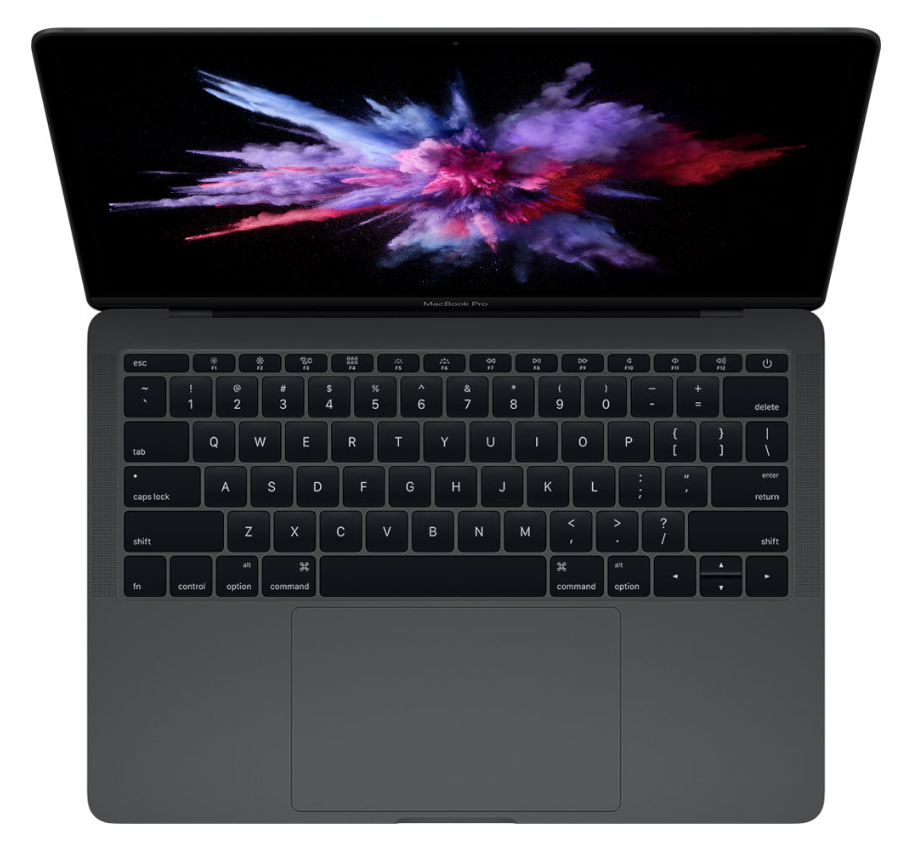
References to next-generation MacBook Pros with Kaby Lake chips found in Sierra code

A developer-only preview of what would become the macOS Sierra 10.12.4 software update references a total of eight next-generation MacBook Pro models with the latest Kaby Lake processors from Intel. First discovered by the Apple-centric blog named Pike’s Universum, the code strings in question point to unused IDs for three motherboard identifiers. Aside from other improvements, the Kaby Lake platform enables lower power consumption while possibly bringing support for 32GB RAM.