Saurik updates Cydia Impactor, releases Cydia Extender

Today, Cydia creator Jay Freeman (Saurik) released an update to his tool Cydia Impactor, which allows the signing and installing of .ipa files to iOS devices.

With it comes a new tool called Cydia Extender, which allows installing and re-signing of .ipa files on-device. However, don't get too excited by this news; it is not the solution to the 7-day signing problem that many have been waiting for.

This tweak is jam-packed with colorization options for your 3D Touch menus

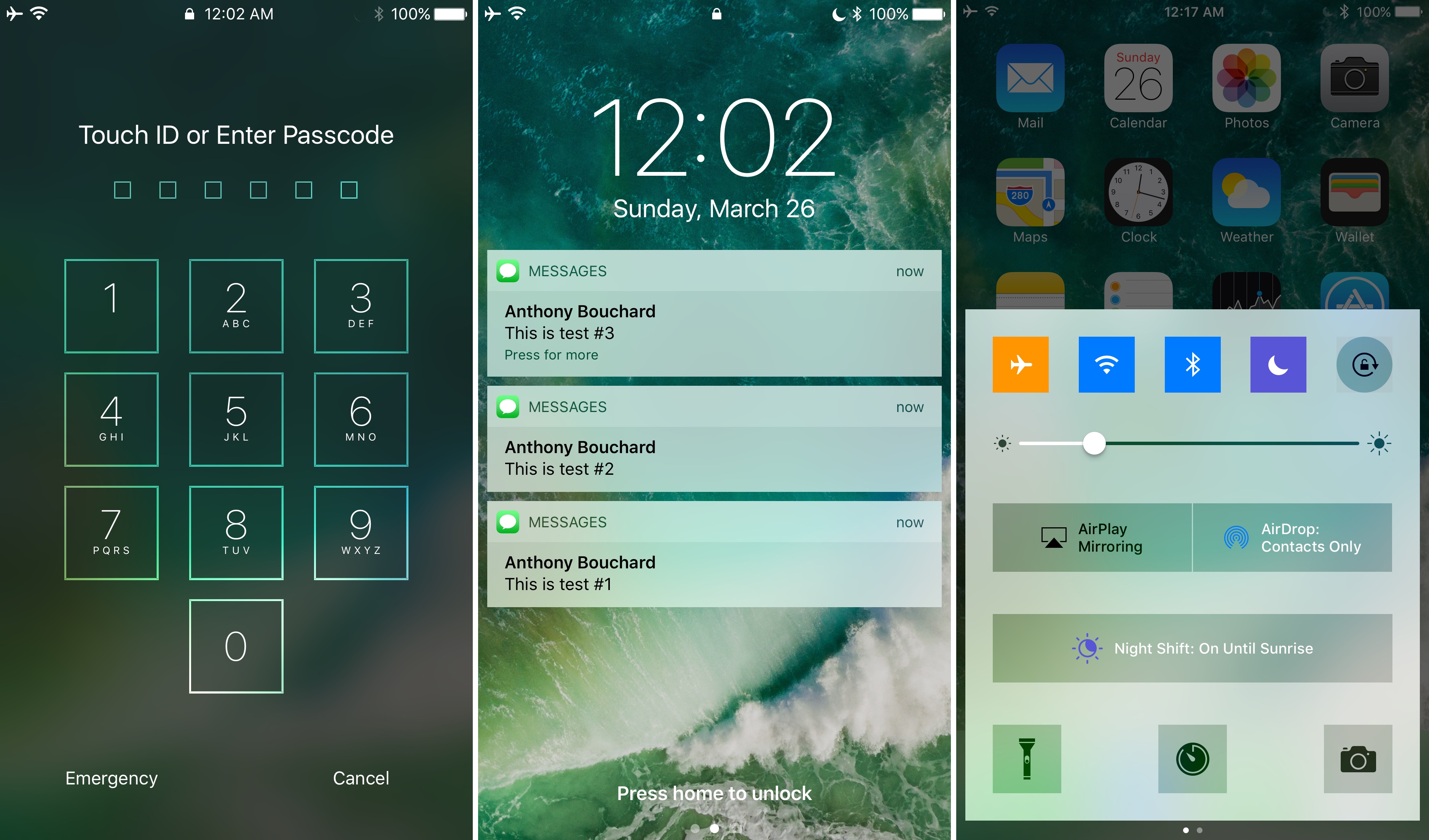
One of the things Apple included on devices with the 3D Touch display is the ability to use a firm press gesture on an app icon to reveal a bevy of app shortcuts right from the Home screen. While this is useful, the menus have always looked pretty bland.

A jailbreak tweak called 3DColorChanger10 by gilsharhar7 fixes this problem by offering a myriad of comprehensive customization options that dwarf any tweak in its department.

Temporal adds your world clocks to the Lock screen (and supports a good cause)

If you ever wanted to know what time it was in a different part of the world, you would typically resort to asking Siri or launching the Clock app from your Home screen to see your saved time zones.

On the other hand, a new jailbreak tweak called Temporal by ridn puts that information right on your Lock screen so it’s the first thing you see when you wake your device up from a sleep.

Add a Moon phase indicator to the Status Bar with this tweak

One of the features that comes standard on the Apple Watch that doesn’t come on the iPhone is Moon phase tracking. This lets you keep track of the Moon, whether it’s getting a full or new Moon, or anything in between.

If you've always wished your iPhone could do this too, you can use a new jailbreak tweak called MoonPhase by rainwolf. This will add a new icon to the right of the time in the Status Bar that reflects upon the current Moon phase.

ZenScreen, Chroma, Flyr, and other apps to check out this weekend

Looking for some new apps to try this weekend? iDB has you covered. In this week's edition of our Apps of the Week roundup, we've selected some great new apps including a wallpaper-maker, an adult coloring book, and an interactive video platform. And as always, we've also picked two great new games for you to check out.

WhatsApp to bring back its original text-only status feature

WhatsApp's longstanding text-based status feature was recently supplanted by Snapchat-esque slideshows containing auto-vanishing images, photos, emoji, drawings and other multimedia items. Our tutorial explains how to use this new feature, but it seems many users are unhappy with the overhauled status. If you count yourself in this group, you'll be delighted to learn that Facebook is working on bringing back the original status feature, called About.

Alleged supplier of iPhone 8 wireless charging components expects revenue boost

Component vendor Lite-On Semi was mentioned in a recent Chinese-language Commercial Times report as a possible supplier of wireless charging parts destined for Apple's 2017 iPhones. According to Taiwanese trade publication DigiTimes, the supplier is expecting to see its revenues reach the peak for 2017 in the third quarter (when iPhone 8 is rumored to enter mass-production, mind you) thanks to robust demand for its power management chips used for wireless charging in smartphones and other devices.

Twitter starts censoring profiles that publish potentially sensitive content

Twitter recently introduced several features in its mobile app that give users the option to filter out anonymous and “egg” accounts, as well as mute words, phrases, mentions and hashtags in their timelines (be sure to read our tutorial for step-by-step instructions on the new filtering options).

In its continuing mission to fight trolls on the service, the company is taking additional steps to make the platform a safer place, as Mashable reported Friday.

In a nutshell, the service has now begun censoring profiles that post “potentially sensitive” content even if the implementation seems a bit heavy-handed at the moment.

Try out iPad’s hidden floating keyboard in Swift Playgrounds

Developer Steve Troughton-Smith recently discovered a one-handed floating iPad keyboard in a beta of iOS 10.3. While it's unclear whether or not Apple will debut this handy unpublished keyboard officially when the software update releases for public consumption, Troughton-Smith has kindly provided a way for iPad owners to try it out early using Apple's free Swift Playgrounds app, here's how.

Chrome 57 hits Mac, Windows and Linux

Google yesterday released Chrome 57 for Mac, Windows and Linux. The release contains a number of fixes and improvements, as well as a bunch of improvements mostly focused on Android and Chrome OS devices. The browser brings a major feature for web developers: a new grid layout system allowing​ programmers to easily create web designs for a variety of screen sizes. On the iOS side, Google is currently testing a Safari-like Reading List feature for saving webpages for later.

Google is bringing Safari-like Reading List feature to Chrome for iPhone and iPad

Safari for iPhone, iPad and Mac has long included a tremendously useful Reading List feature that allows you to save your favorite webpages and access them easily between devices—even without an Internet connection. Google has been working on its own version of Reading List and it's slated to arrive in an upcoming update to Chrome for iOS, as reported by 9to5Mac. Like with Reading List on Safari, this nifty new addition will let Chrome users save articles and webpages for offline reading at a later date.