Learn how to remove the depth-of-field and background blur effects from portrait mode photos or adjust their intensity on iPhone or iPad.
How to remove background blur from your iPhone photos
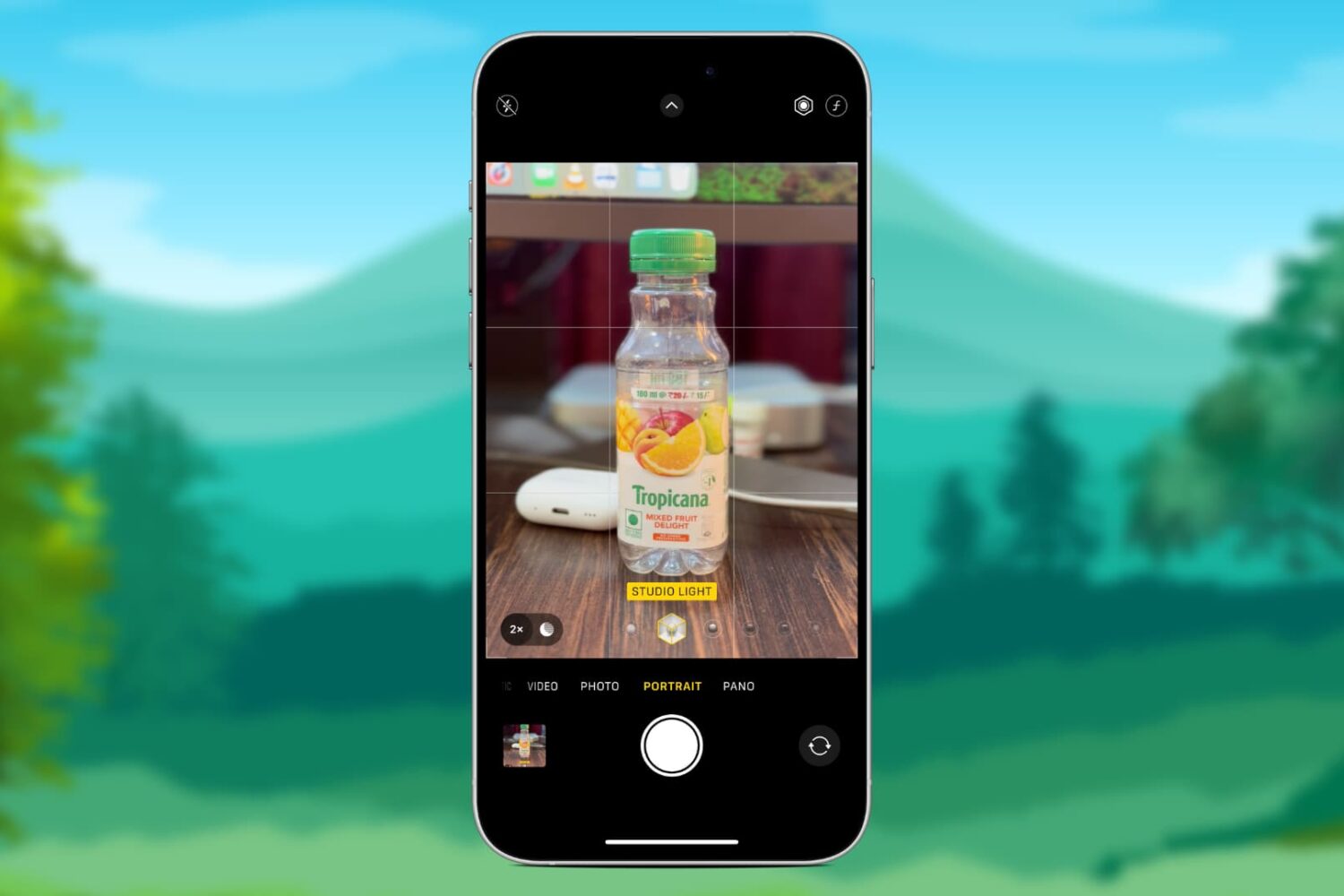
Learn how to remove the depth-of-field and background blur effects from portrait mode photos or adjust their intensity on iPhone or iPad.
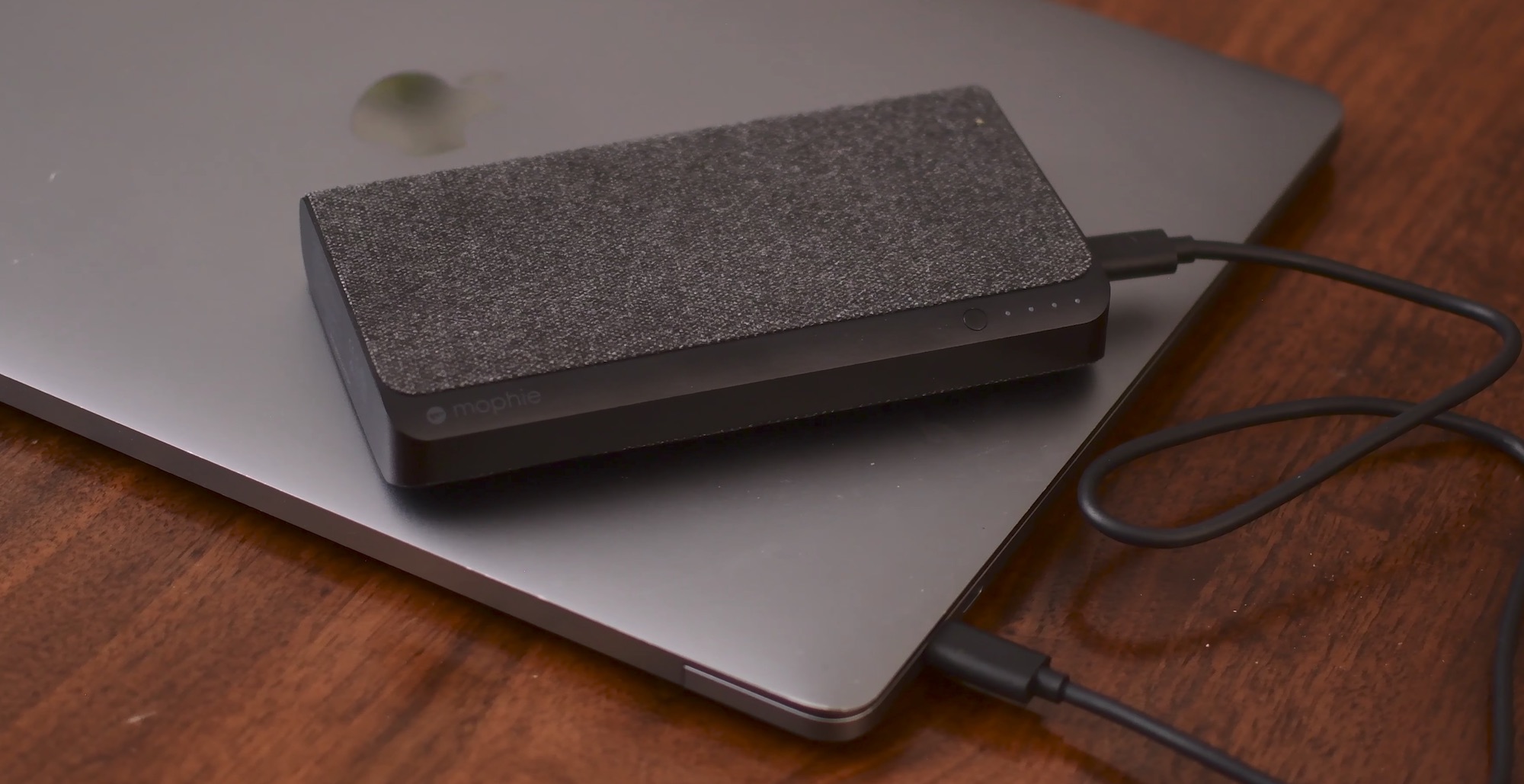
Since Apple dropped MagSafe in favor of USB-C, one of the big positives was the ability for third-party manufacturers to create external batteries and chargers. There have been a few until now, but recently we've seen several hit the market. Notable entrants from Aukey, RAVPower, Anker, and now Mophie.
Mophie has just released an updated version of their Powerstation XXL, cleverly named Powerstation USB-C XXL. It doesn't differ greatly from the other batteries we've seen in the past, but it is possibly the most well known.
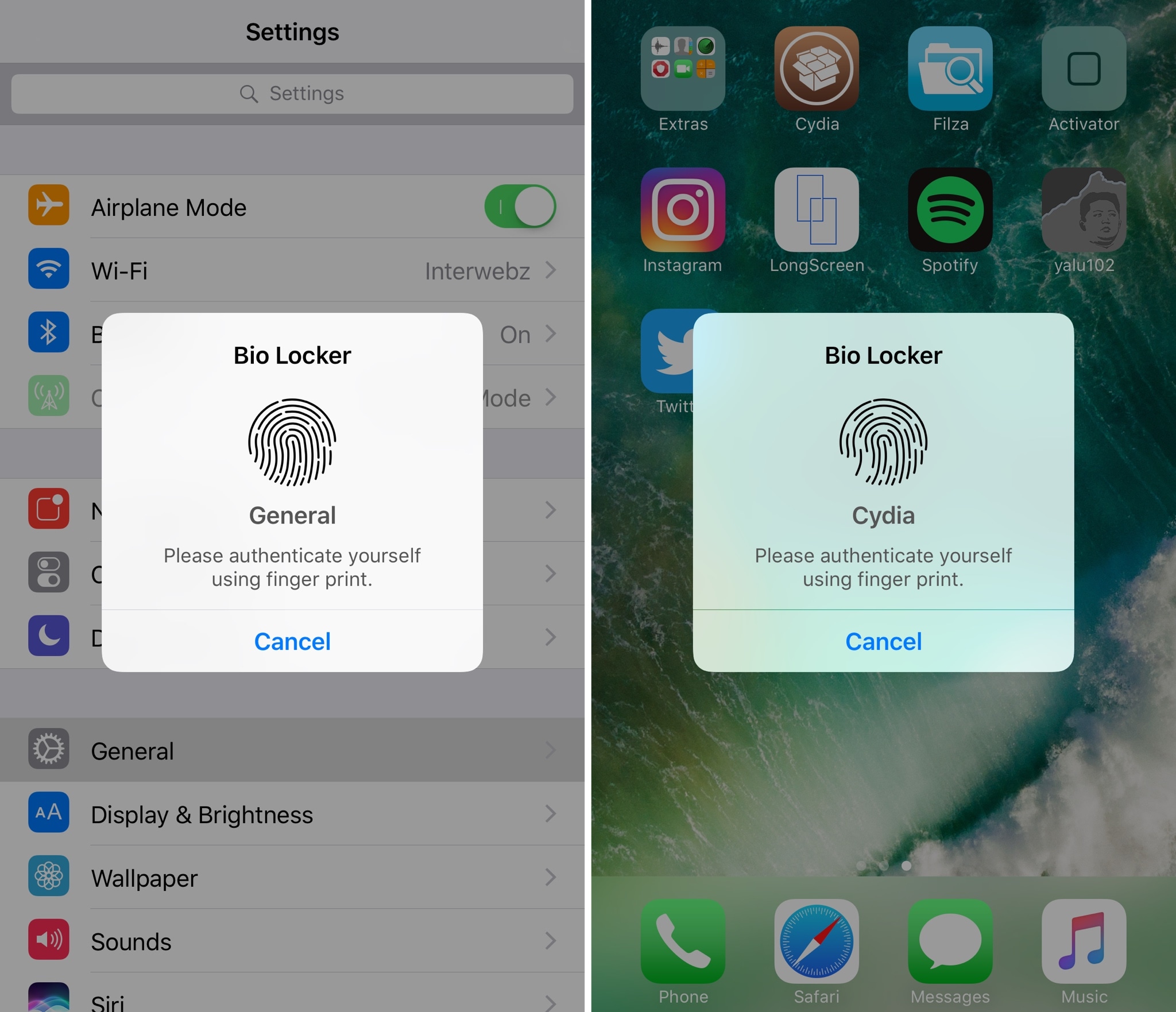
For most people, using a passcode or Touch ID authentication on the Lock screen is enough for keeping an iPhone secure from intruders. On the other hand, many share their passcodes with those near and dear to them or give their unlocked iPhones to others to show off photos or videos.
If you’re worried about someone rifling through your data when they shouldn’t be, and you fall under either of the two scenarios above, then a new jailbreak tweak called Bio Locker by iArrays might be worth checking out.
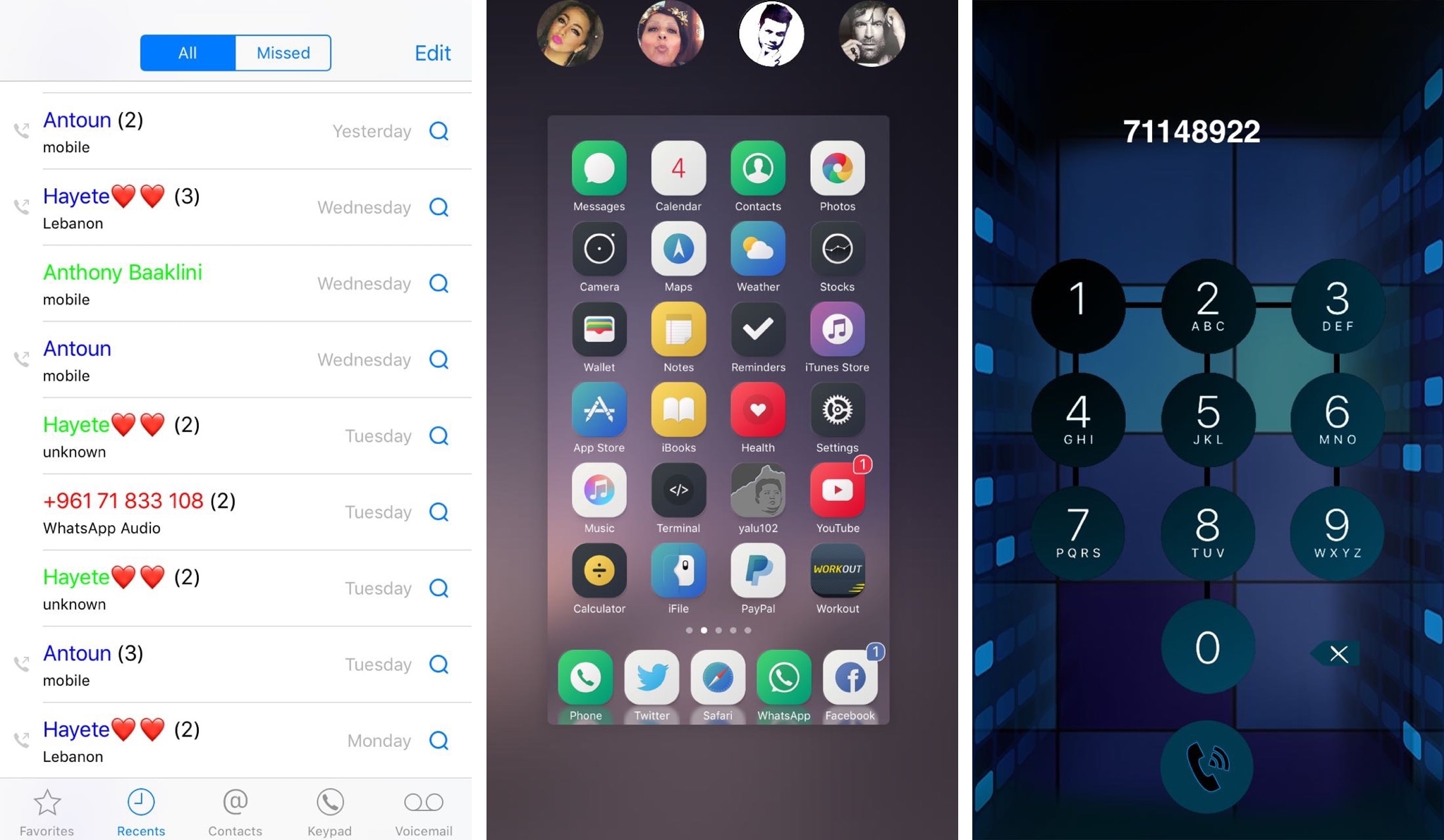
If you have an iPhone, then chances are you rely on the built-in Phone app to handle your inbound and outbound calls. While the app is useful, it’s also barebones by nature and could do with some improvements.
A new jailbreak tweak dubbed CallPlus by iOS developer Elias Sfeir supercharges the Phone app, giving you more features than you’re probably accustomed to out of the box.

Now that a 32-bit jailbreak for iOS 9.3.5 is finally available a lot of legacy device owners will be looking to try it out on their devices, whether as an end of life plan, or to downgrade them to an unsigned firmware which runs more smoothly. In this guide, we'll show you how to use the Phœnix jailbreak, as well as how to move correctly from the first version to any later ones.
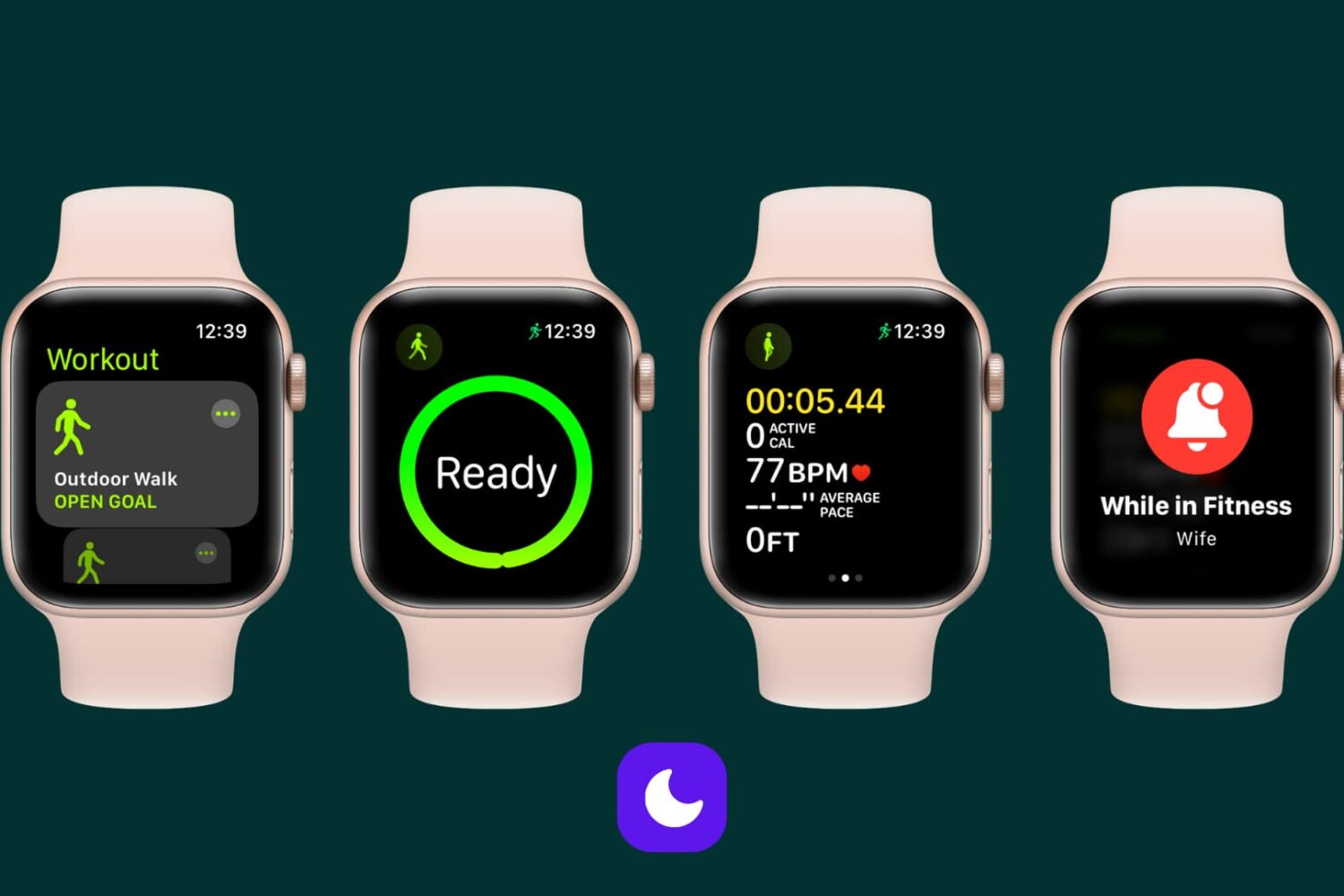
Learn how to automatically silence notifications for incoming calls, texts, and more on your Apple Watch and iPhone during workout sessions.
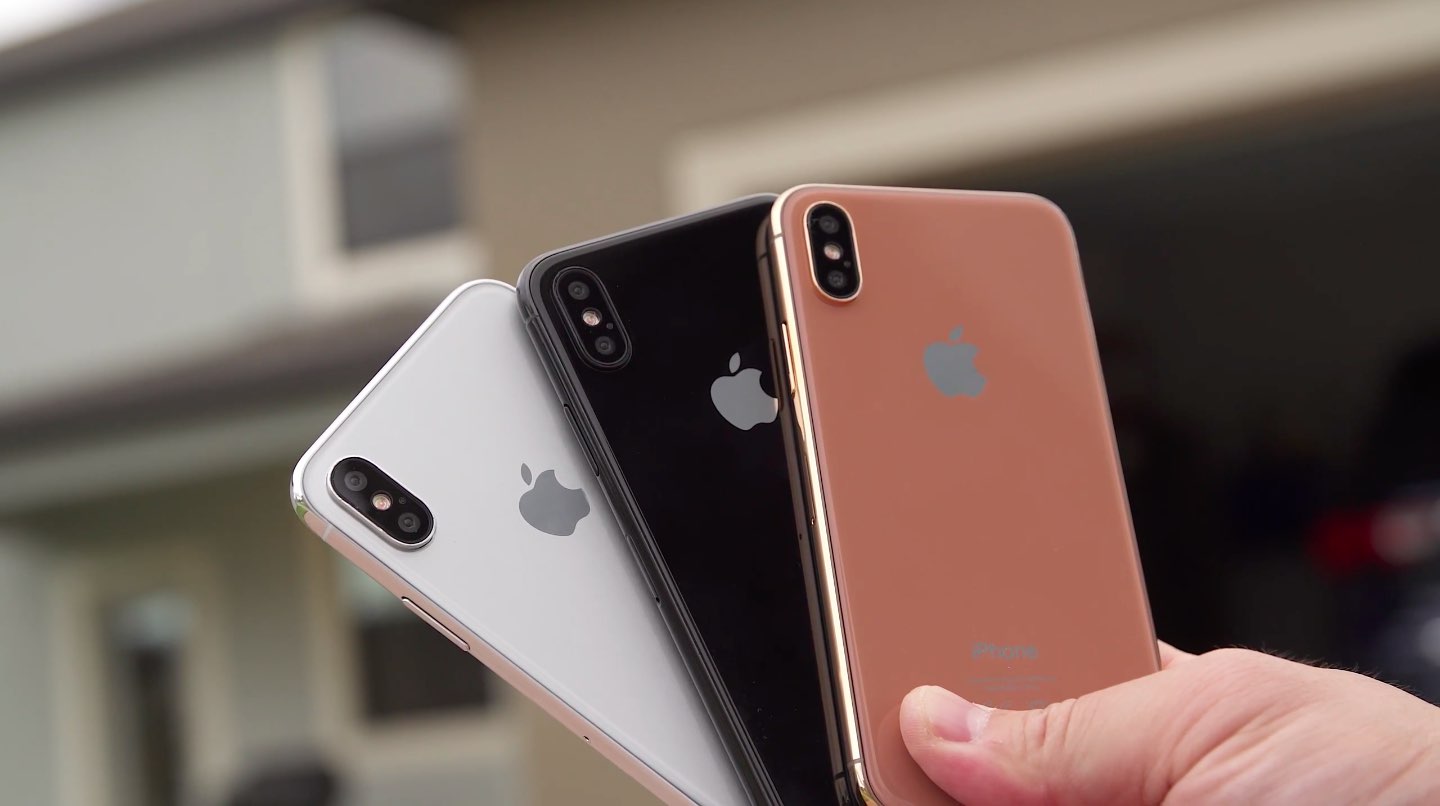
Earlier this week, we saw some high-quality images comparing iPhone 8 and iPhone 7s Plus dummies that also highlighted a new copper-like color option coming to an OLED iPhone.
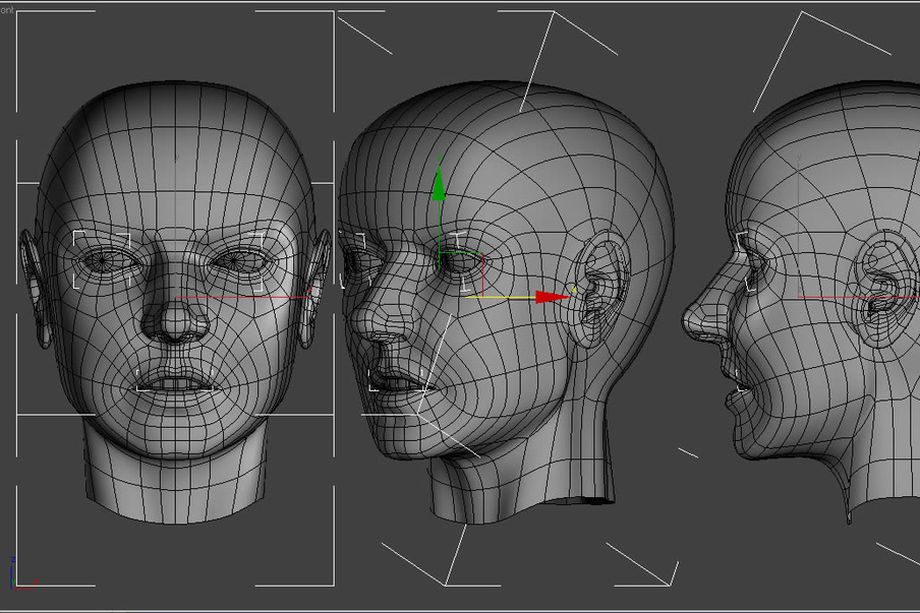
Brazilian iOS developer Guilherme Rambo has discovered additional tidbits in the HomePod firmware that hint at some exciting capabilities for iPhone 8's rumored 3D facial scanning technology.
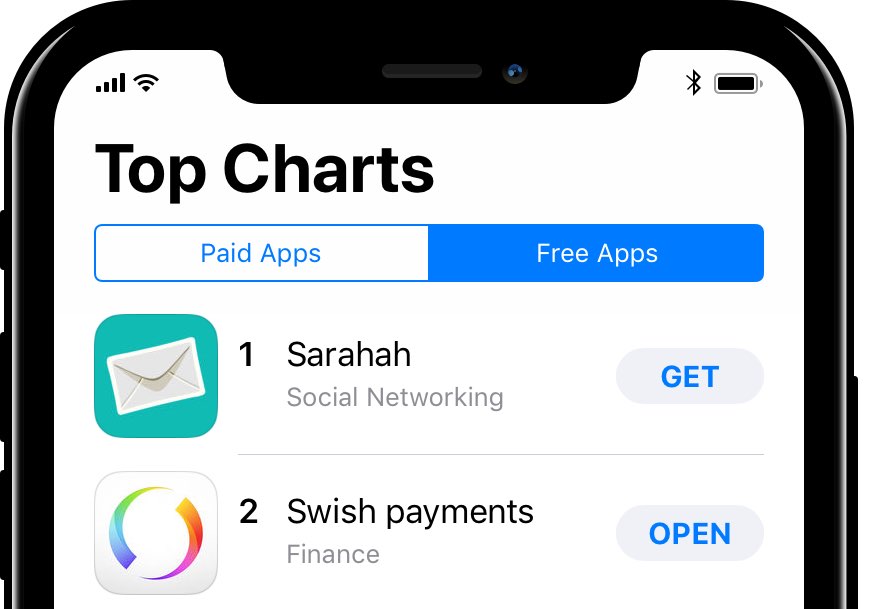
Aside from discovering that iPhone 8's virtual Home button might be resizable, as well as automatically hide and show as needed, iOS developer Steven Troughton-Smith has uncovered alleged metrics for a split status bar at the top of the phone's OLED display.
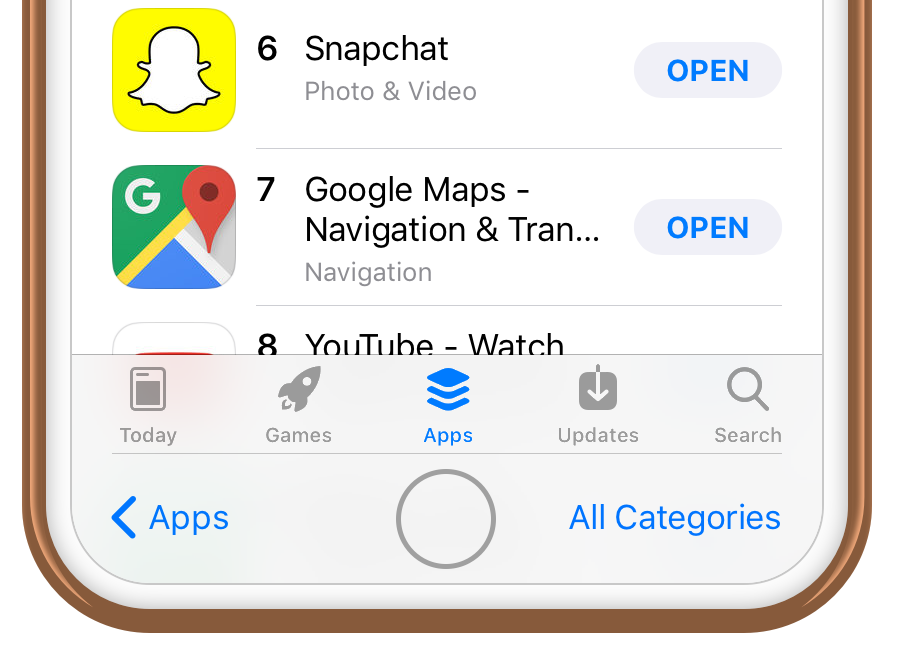
iOS developer Steven Troughton-Smith dug up some interesting code strings from HomePod's version of iOS that may potentially provide valuable insight into iPhone 8's virtual Home button.
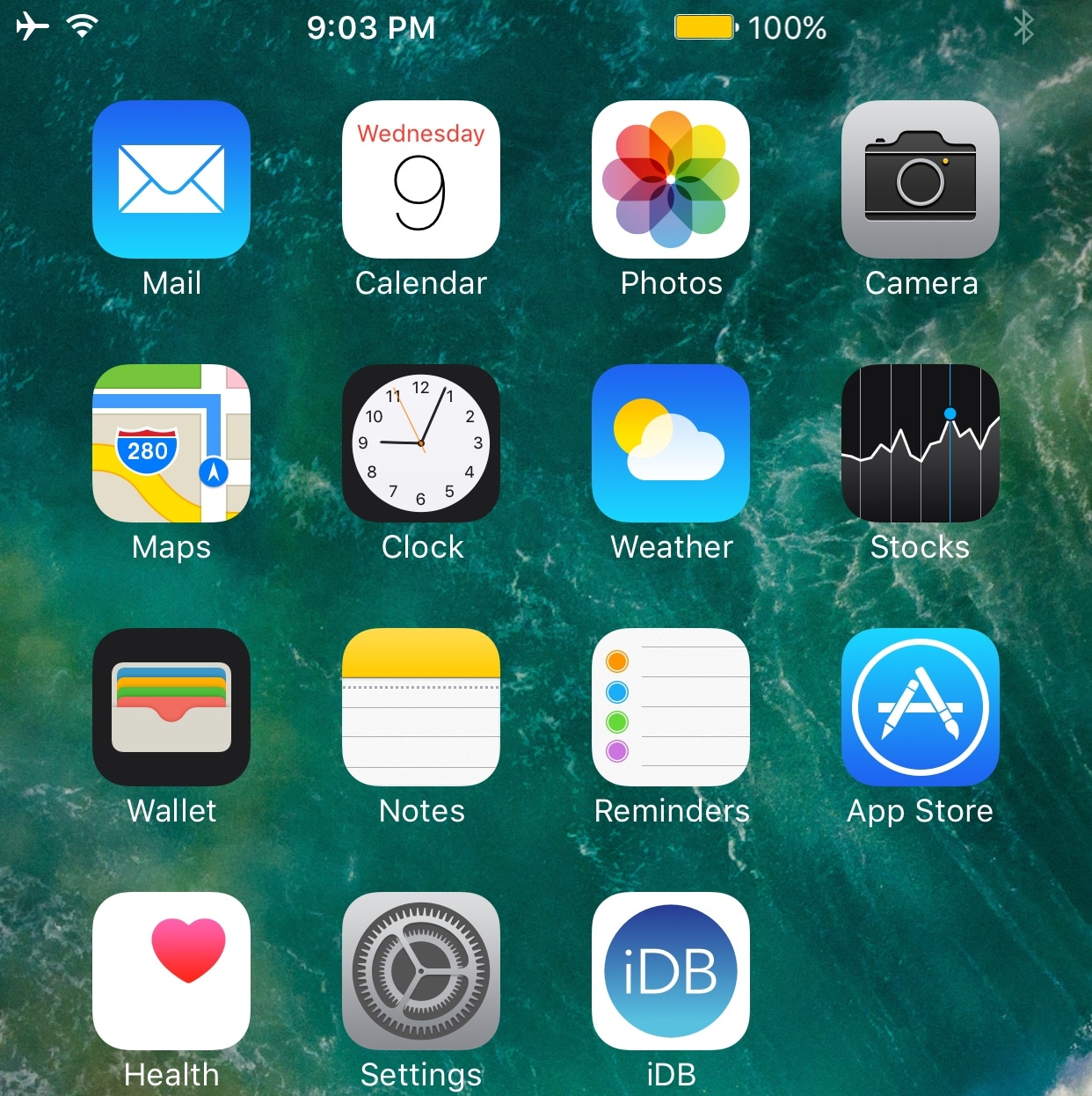
Your Status Bar displays relevant information about your device in every interface, including its battery level, signal strength, and the system time. On the other hand, it has so much untapped potential in its stock form.
With a new jailbreak tweak called Hera by iOS developer Maximehip, you can supercharge your Status Bar with new shortcuts and customization features.
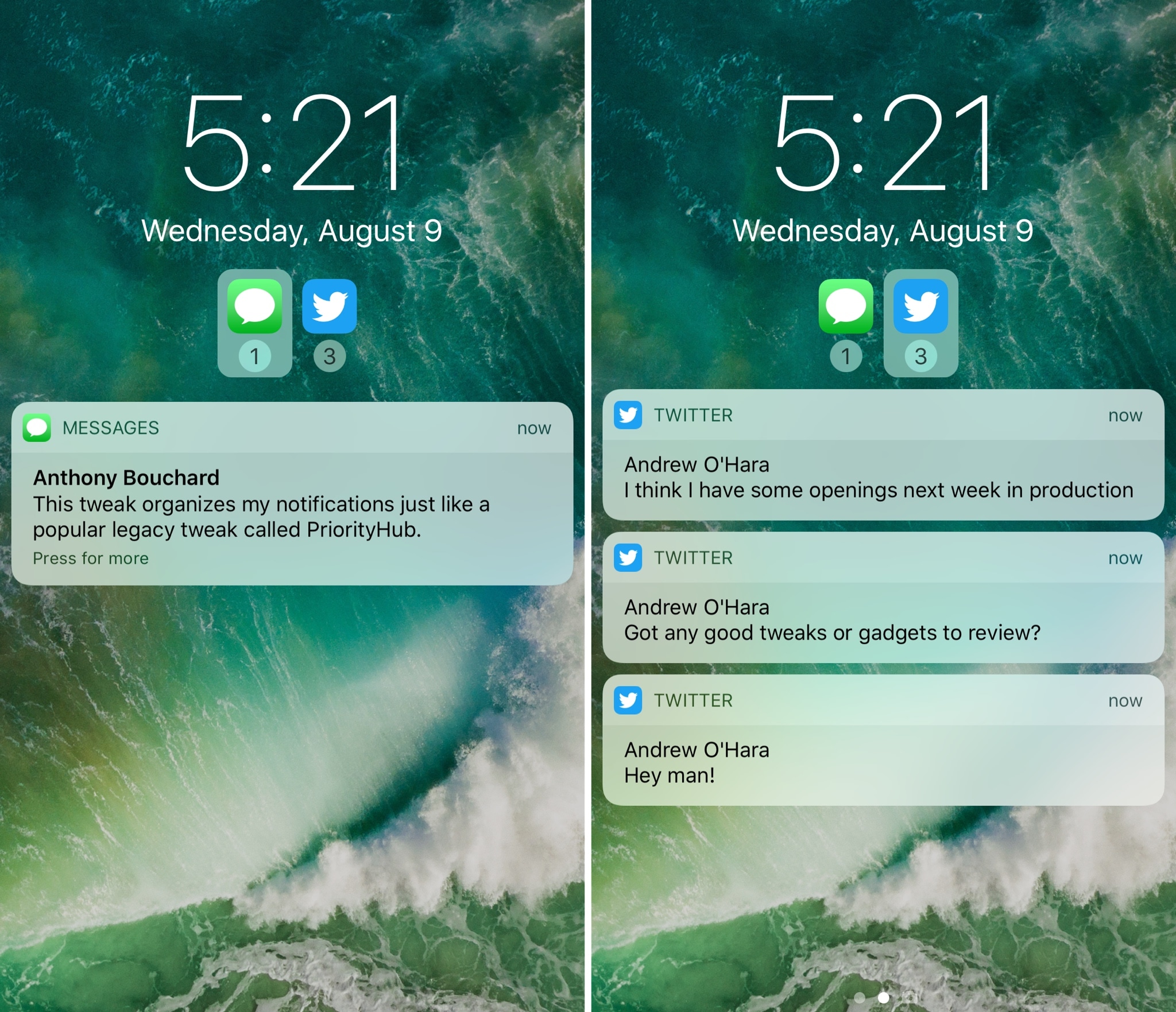
One of my long-time favorite jailbreak tweaks for organizing my incoming notifications is Priority Hub, but the tweak was never updated to support iOS 10. If you’re in the same boat and miss this classic tweak, then you might want to try a new release called Atmos by iOS developer Antique.
After you install Atmos, your notifications are grouped by app both on the Lock screen and in Notification Center. With this sort of organization, you can focus on what’s important rather than looking at a chaotic menagerie of mixed notifications.