The best apps to read and annotate PDF books on iPad

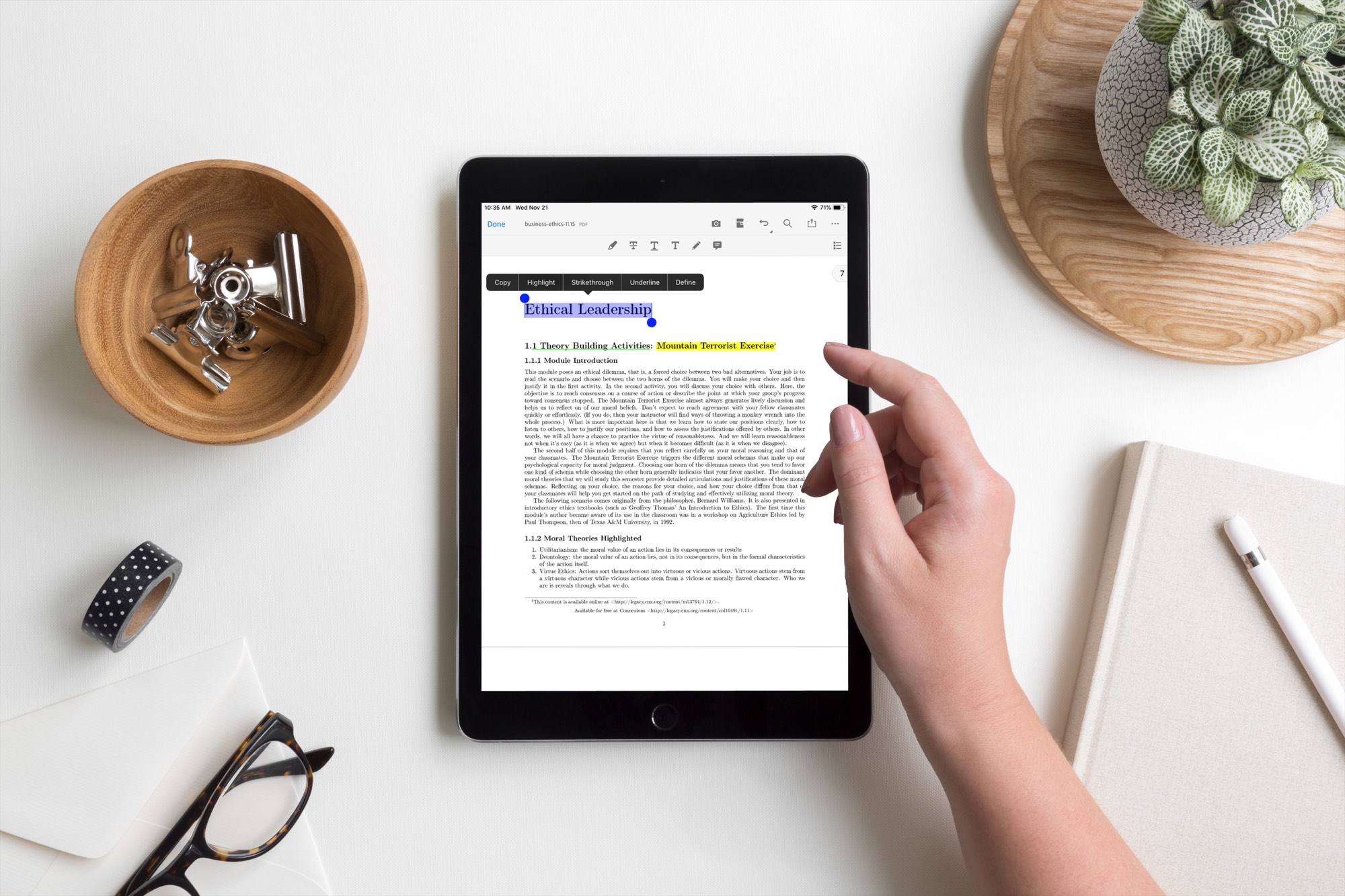
PDF Read Annotate iPad Apps

One of the best things about electronic books and textbooks is that you can mark them up. Rather than a physical book that you rent or buy and want to sell later, with books on your iPad, you can make notes and highlight important points. Plus, you can read wherever you go with your device.

Here are the best apps to read and annotate PDF books on iPad.

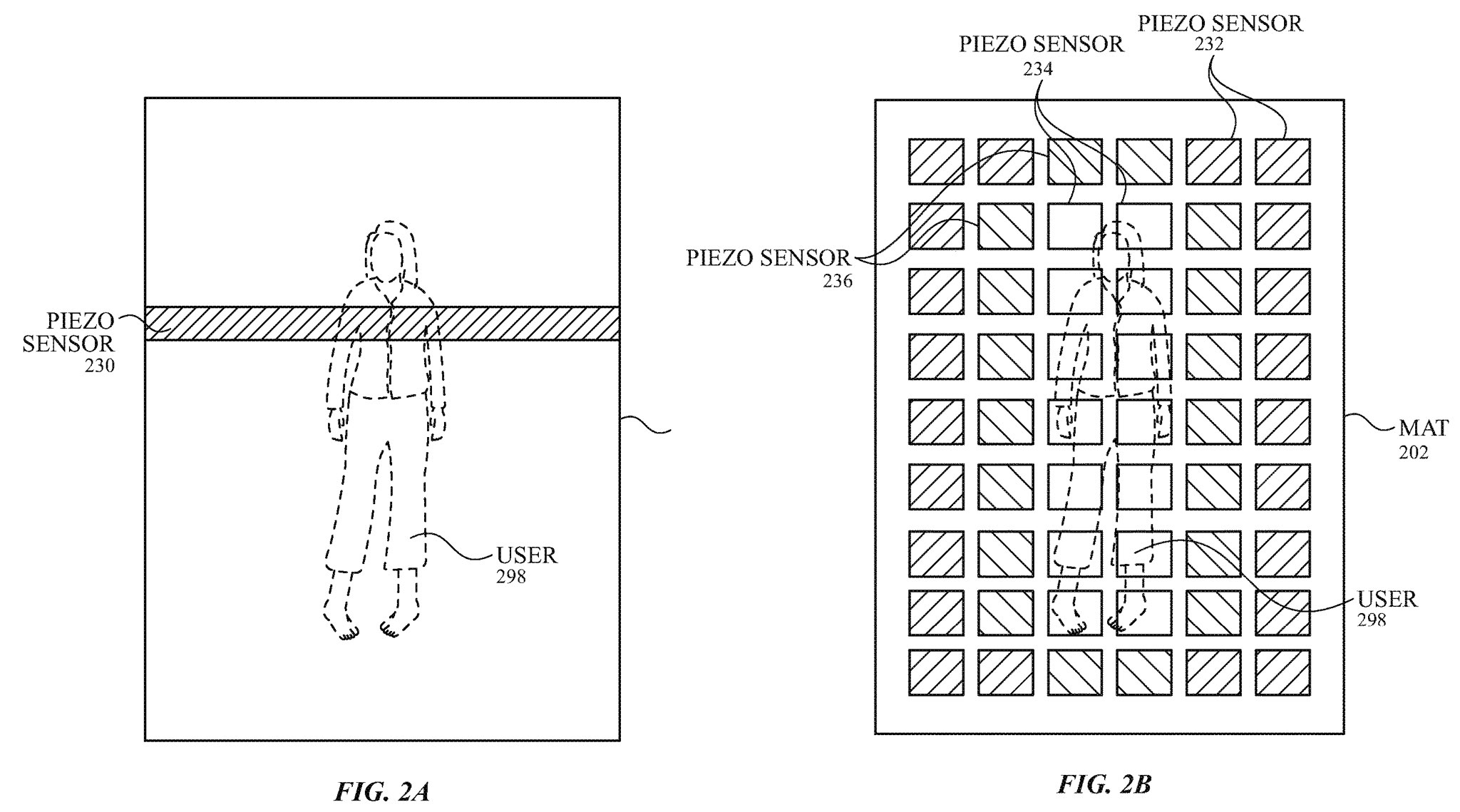
Apple is researching piezo sensors for sleep monitoring

Apple Watch is a great fitness tracker that, with the right app, can even track your sleep patterns so it's a bit unusual that Apple doesn't offer its own sleep-tracking functionality in the watchOS software. But as indicated by a new patent application published yesterday, it looks like the Cupertino company could be researching sleep monitoring hardware of its own.

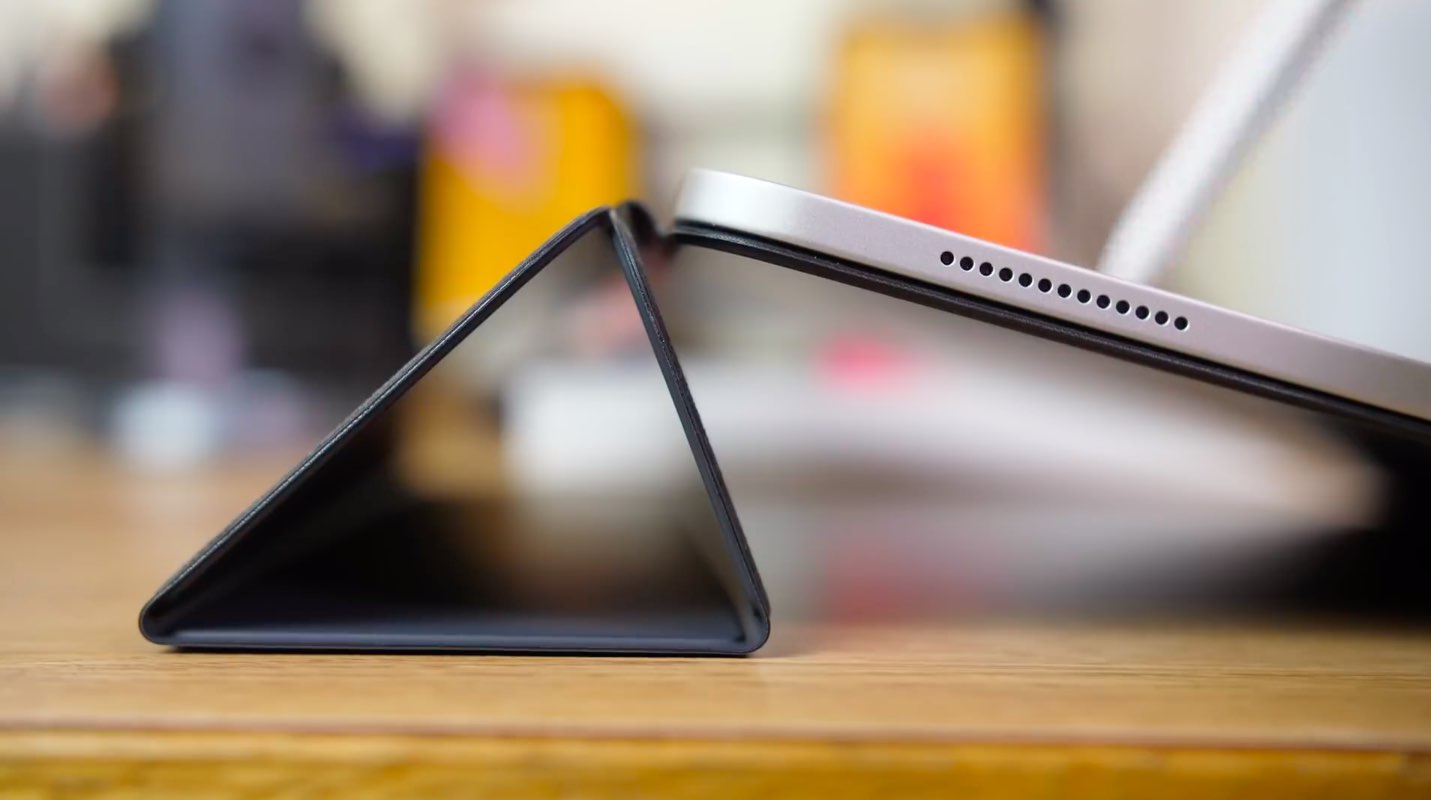
Queen guitarist Brian May: “Apple’s become an entirely selfish monster”

Brian May, the lead guitarist of the British rock band Queen that was fronted by late singer Freddie Mercury, has expressed his disdain for Apple's choice of the USB-C standard over the previous connectors. In his rant, May complained about the USB-C connectors bending too easily. He wrote that we’re now “forced into using these damn USB-C connectors for everything” in yesterday's Instagram post accompanied by a picture of a bent USB-C cable.

How to change which HomePod listens to your commands when using paired HomePods

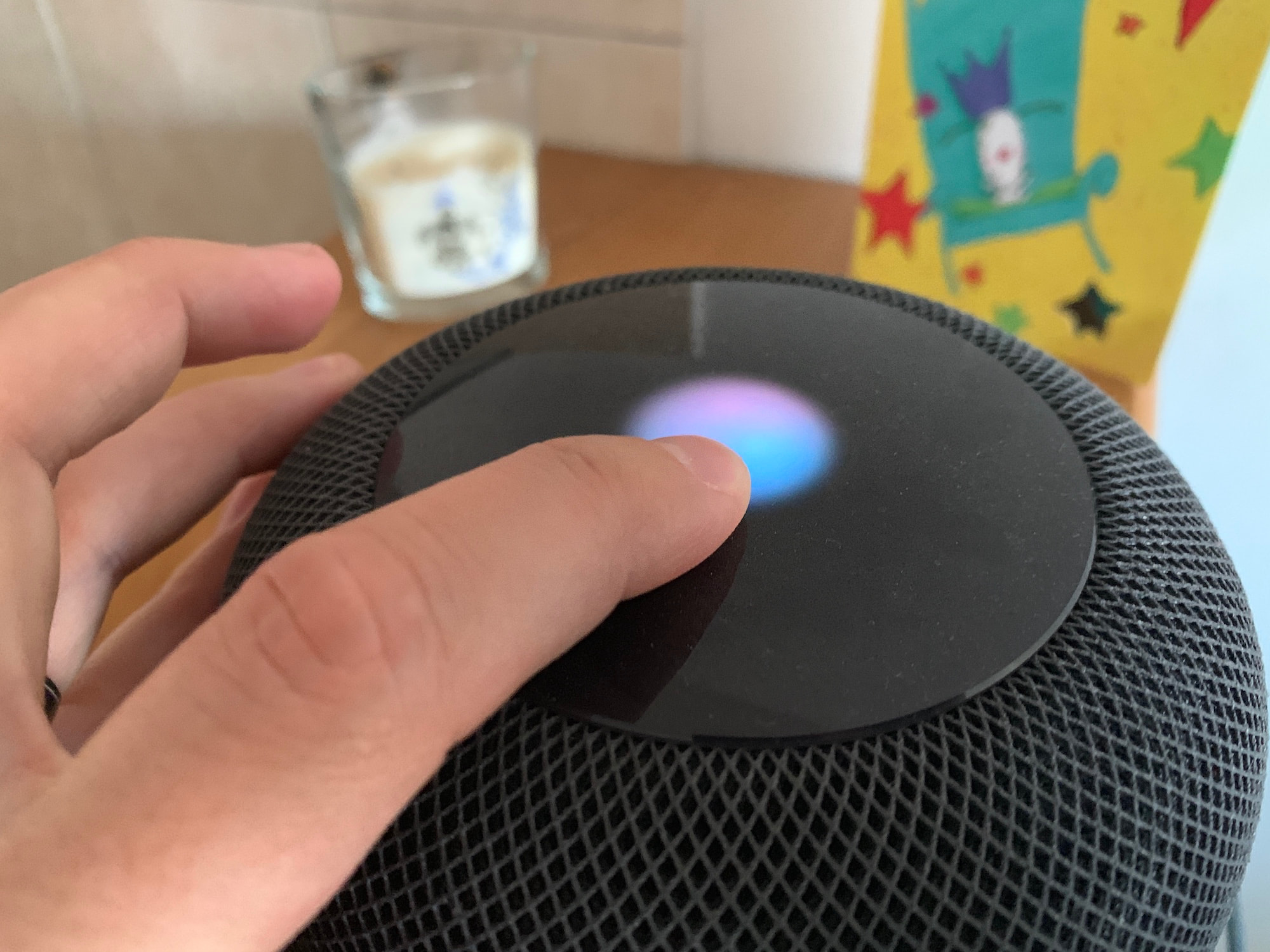
A photo showing a finger resting on the HomePod top with the Siri orb animation

If you have two HomePods that are paired to create a stereo setup, only one of these HomePods will be used to listen to your voice queries. When saying a command such as "Hey Siri, what time is it in London?", only that HomePod will be listening to you although the other HomePod might be physically closer to you.

As far as I can tell, there is no way to manually select what HomePod is the dominant one during the initial pairing process, but there is a way to swap which one will actively listen to you once the stereo pair has been created.

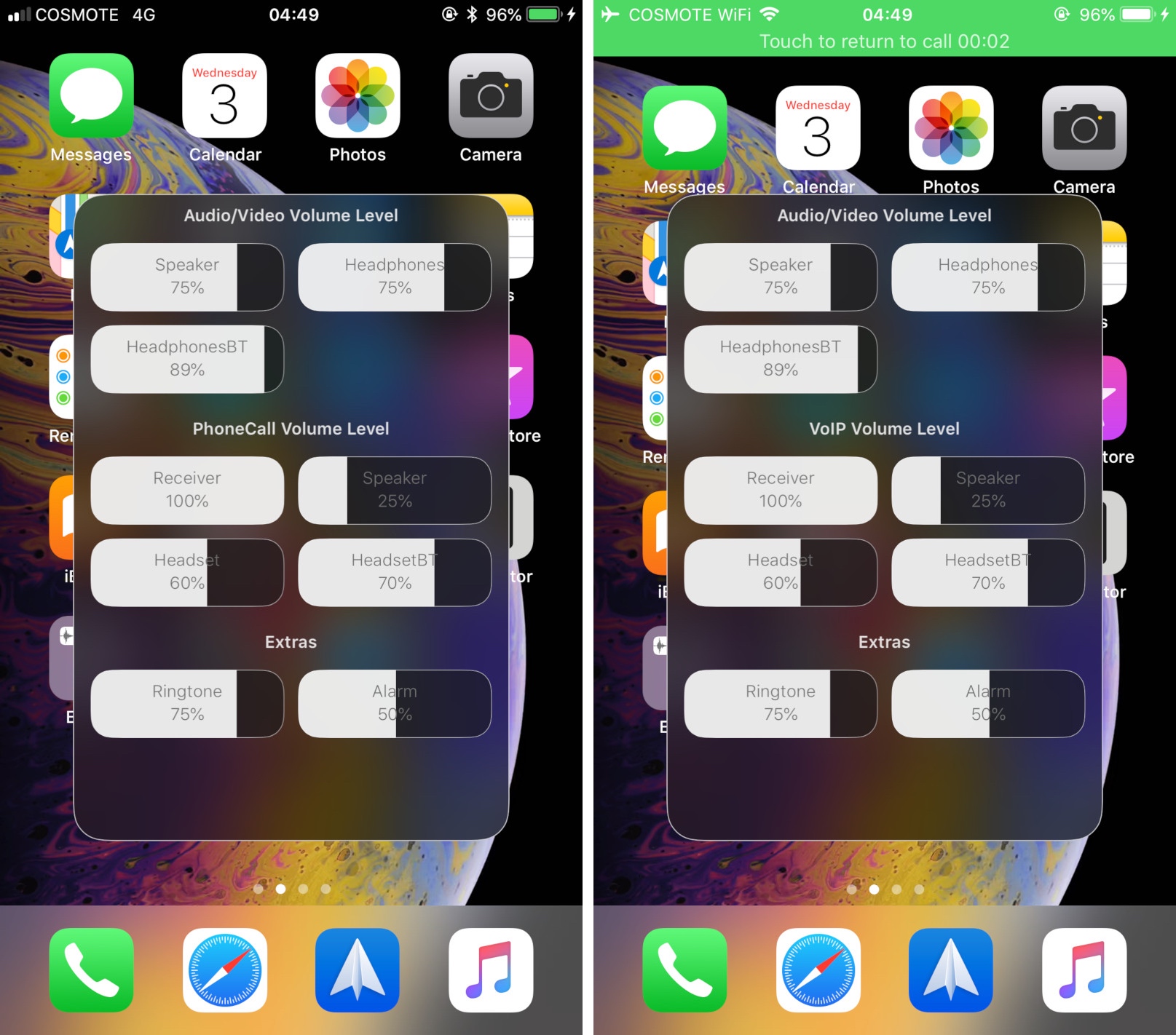
Adjust each of your iPhone’s various volume levels independently with SmartVolumeMixer

At first glance, it might seem like your iPhone has just one volume control that you can change with the volume buttons at the side of the handset, but there are actually nine different volume controls present on your handset.

It can be challenging to discern which volume control you’re adjusting when you press your device’s volume buttons, and so iOS developer midkin just launched a new jailbreak tweak called SmartVolumeMixer to make life a bit easier in this department.

XEdgeProtect prevents the iPhone X’s Home Bar from conflicting with apps and jailbreak tweaks

Starting with last year’s iPhone X, Apple nixed the Home Button from its entire lineup of smartphones and replaced it with the software-based Home Bar. The Home Bar resides at the bottom of your display, quietly waiting for upward swipe gestures for unlocking the handset or closing foregrounded apps.

The Home Bar compliments the iOS experience like bread and butter, and it also empowered Apple to achieve the signature edge-to-edge OLED display that many of us know and love, but it’s not without its quirks. Fortunately, a new free jailbreak tweak called XEdgeProtect by iOS developer smokin1337 addresses some of these issues.