Improve your iPhone’s notification privacy with Blurification

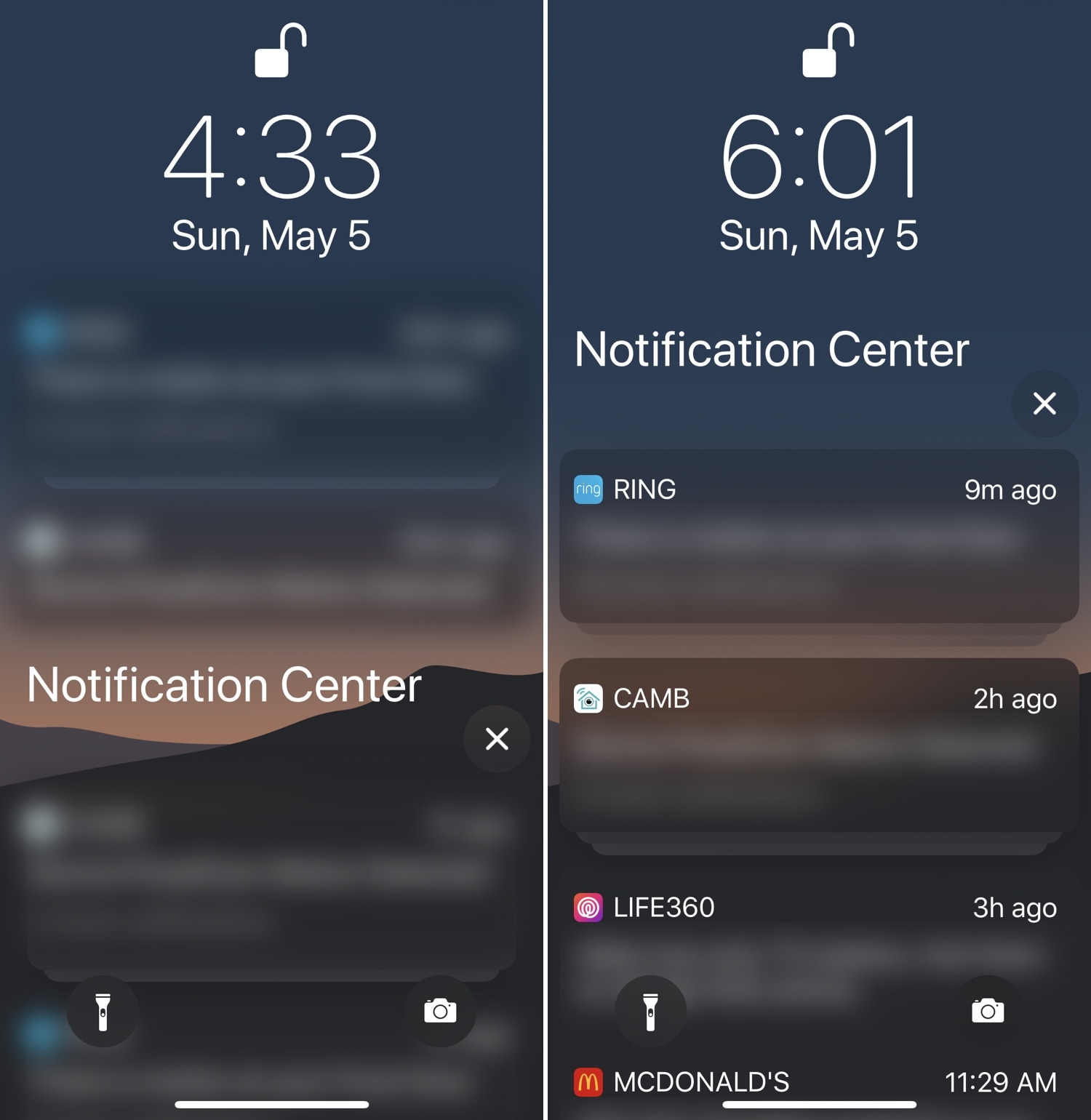
If you’re a privacy nut, then chances are you spare no expense to protect your personal data from all the prying eyes around you. Those in the same boat will likely enjoy a newly-released jailbreak tweak dubbed Blurification by iOS developer smokin1337.

Blurification veils all your incoming notifications with a gaussian blur effect that makes their contents entirely illegible until you first authenticate yourself. This tweak is particularly useful because it extends far beyond any of the native notification privacy features that come standard with iOS.
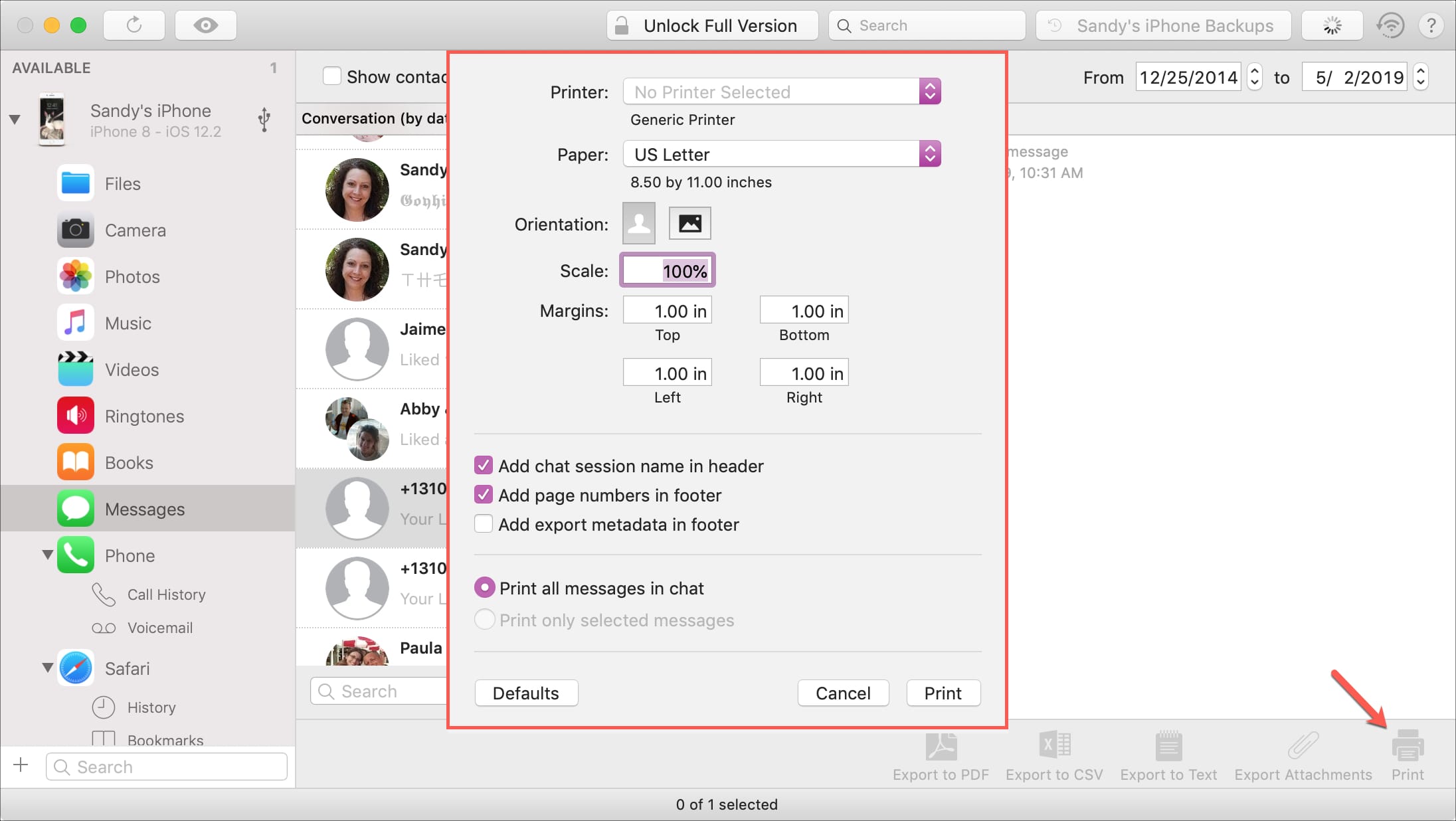
How to print iPhone Messages with iMazing on Mac

Print messages from iMazing

If you haven’t heard of iMazing, this is a software application that you can use to the manage your iOS devices. Among their features, you can back up your device, manage its content, and yes, print your conversations from Messages app.

You likely have a specific reason for needing to print your messages. And this application makes it easy to do. If you already have iMazing installed, then you’re one step ahead. If not, it’s available for a free trial for Mac directly from the iMazing website.

So, let’s jump right to it; here’s how to print iPhone Messages with iMazing on Mac .

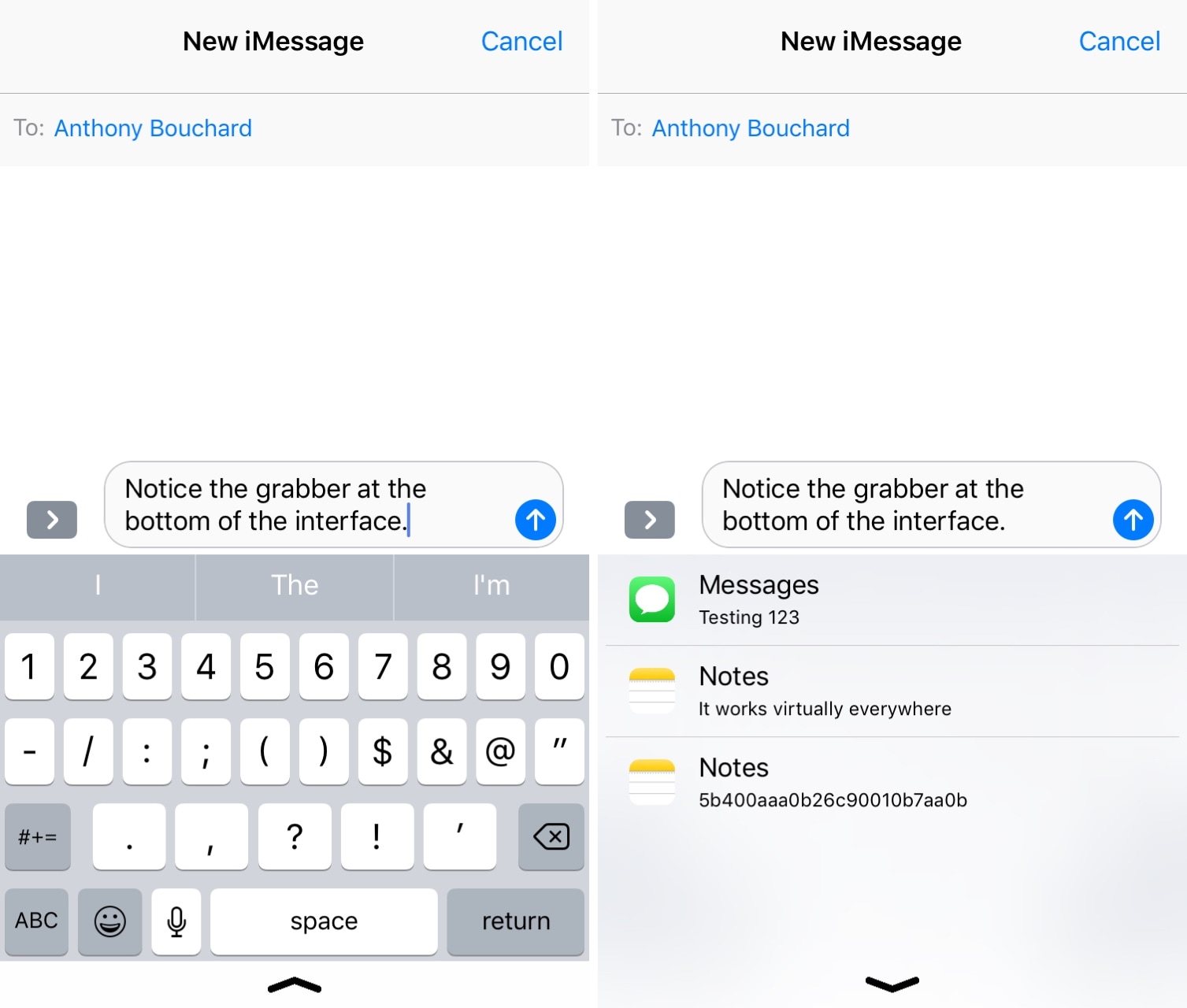
Improve your iPhone’s clipboard management capabilities with Copypasta

It’s no secret that iOS’ native clipboard leaves a lot to be desired, and that should underscore why there’s been such an uptick in the number of clipboard manager-centric apps and jailbreak tweaks for iOS as of late.

Although we’ve come to appreciate much of what’s available already, we’re also excited to discuss a new free release called Copypasta by iOS developer Nepeta. Its ultra-clean interface paired with the lack of a price tag make it a compelling option for many.

Five Icon Dock lets you exceed your iPhone Dock’s four icon limit

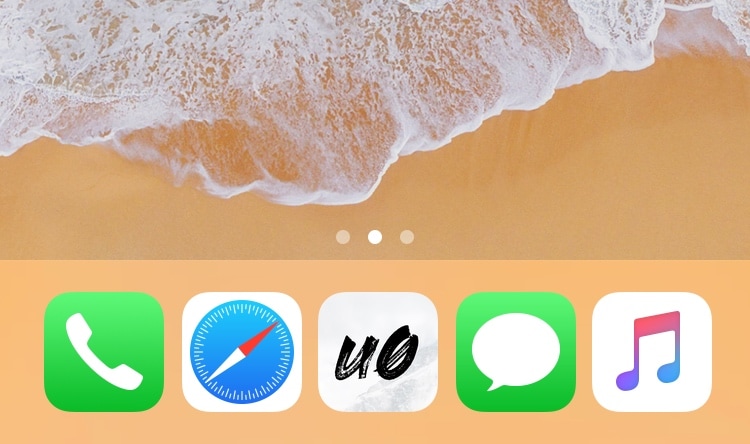
Given just how expansive Apple made the Dock on macOS and on iOS for iPads, it’s almost a shame that Apple limits the number of app icons you can have on your Dock in iOS for the iPhone and iPod touch.

With that in mind, I’ve always had a soft spot for tweaks that shattered that limitation, and that’s mainly why I’m excited to share the release of a free jailbreak tweak called Five Icon Dock (iOS 11 & 12) by iOS developer Guillermo Morán, the same creator behind the popular Eclipse dark mode tweak.

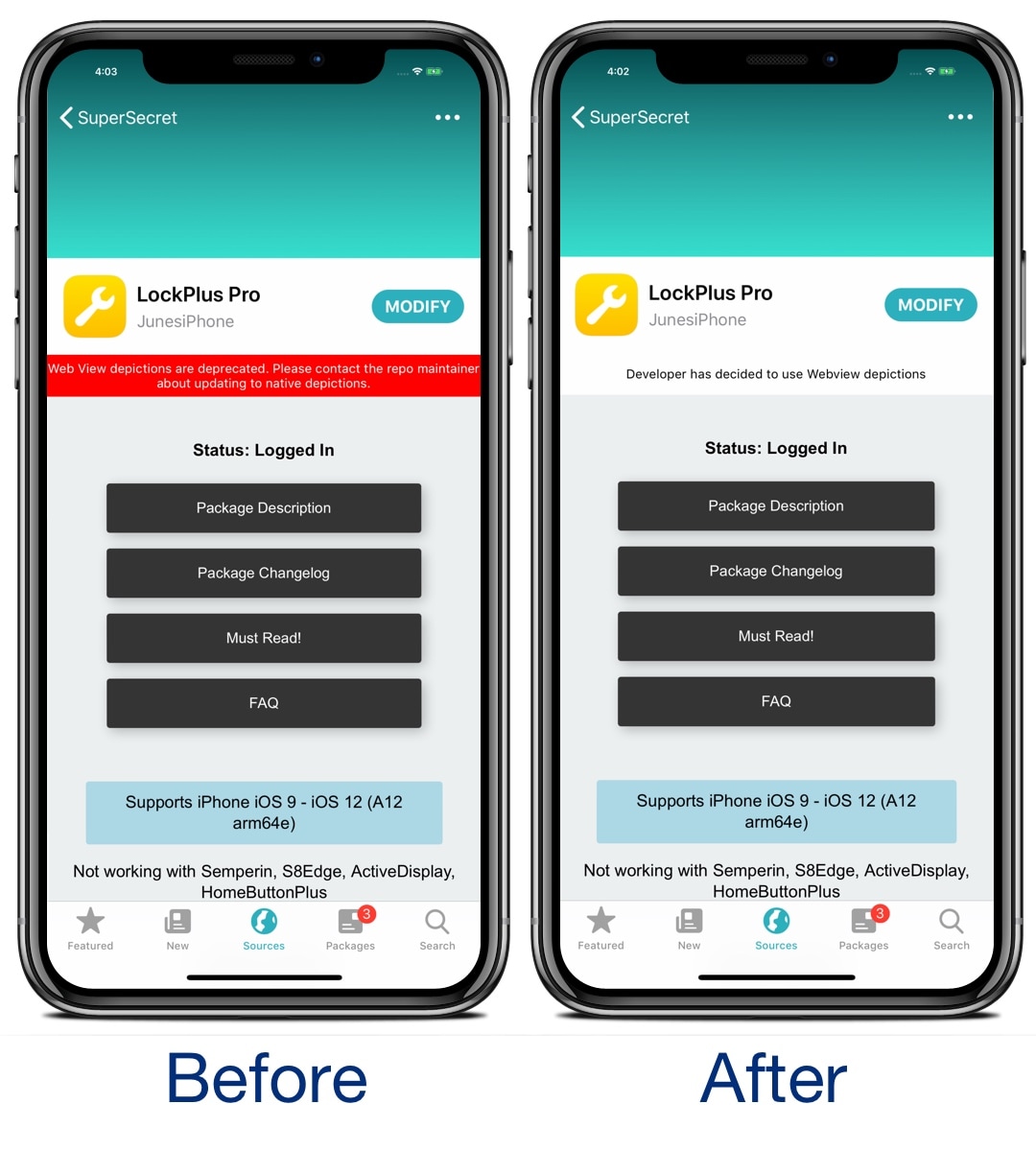
This tweak does away with the red webview warning banner in Sileo

If you’re using the Sileo package manager on the Chimera or Electra jailbreak from the Electra Team, then you’ve undoubtedly stumbled upon a few repositories where the app displays an unsightly red banner just below the tweak’s name with a warning about how web view depictions are deprecated.

Those who use the Sileo app on a regular basis have probably gotten in the hint by now, and so if you’re getting tired of seeing this red banner each time you go to download a jailbreak tweak, then you just might come to appreciate a new free release called SileoNoBanner by iOS developer JunesiPhone.