Are you new to iPhone or iPad? This short tutorial shows you how to change your phone call ringtone and text tone to something you like.
How to change your iPhone or iPad ringtone and text tone

Are you new to iPhone or iPad? This short tutorial shows you how to change your phone call ringtone and text tone to something you like.
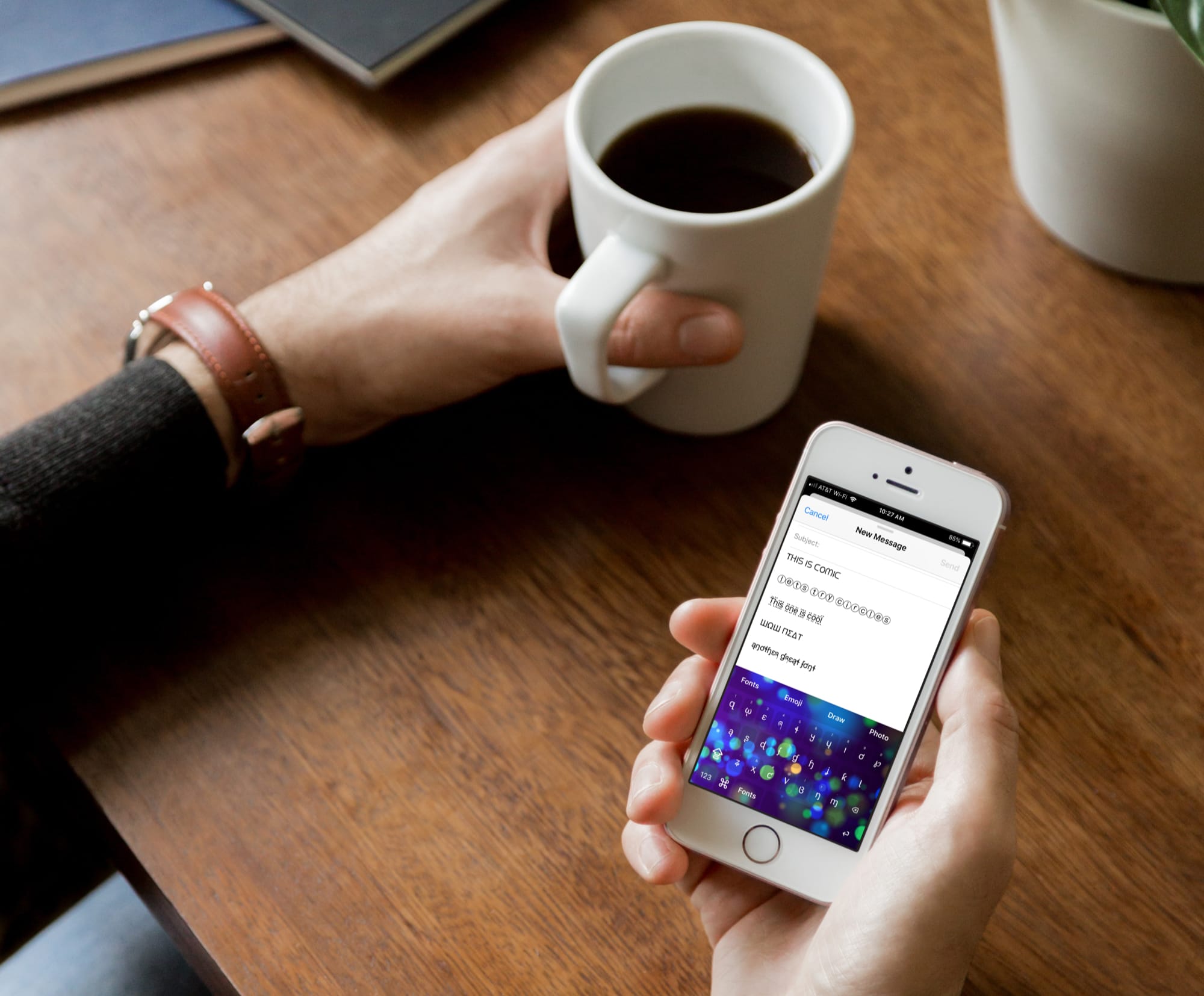
Just like emoji keyboards, font keyboards for iPhone and iPad bring fun to your messages. Whether you’re texting a family member or emailing a friend, you can make your words really pop by using different font styles.
There are tons of font keyboard apps on the App Store. But if you’re looking for the top ones, look no further. Here are four of the best free font keyboards for iPhone and iPad that don’t come with a bunch of strings attached.
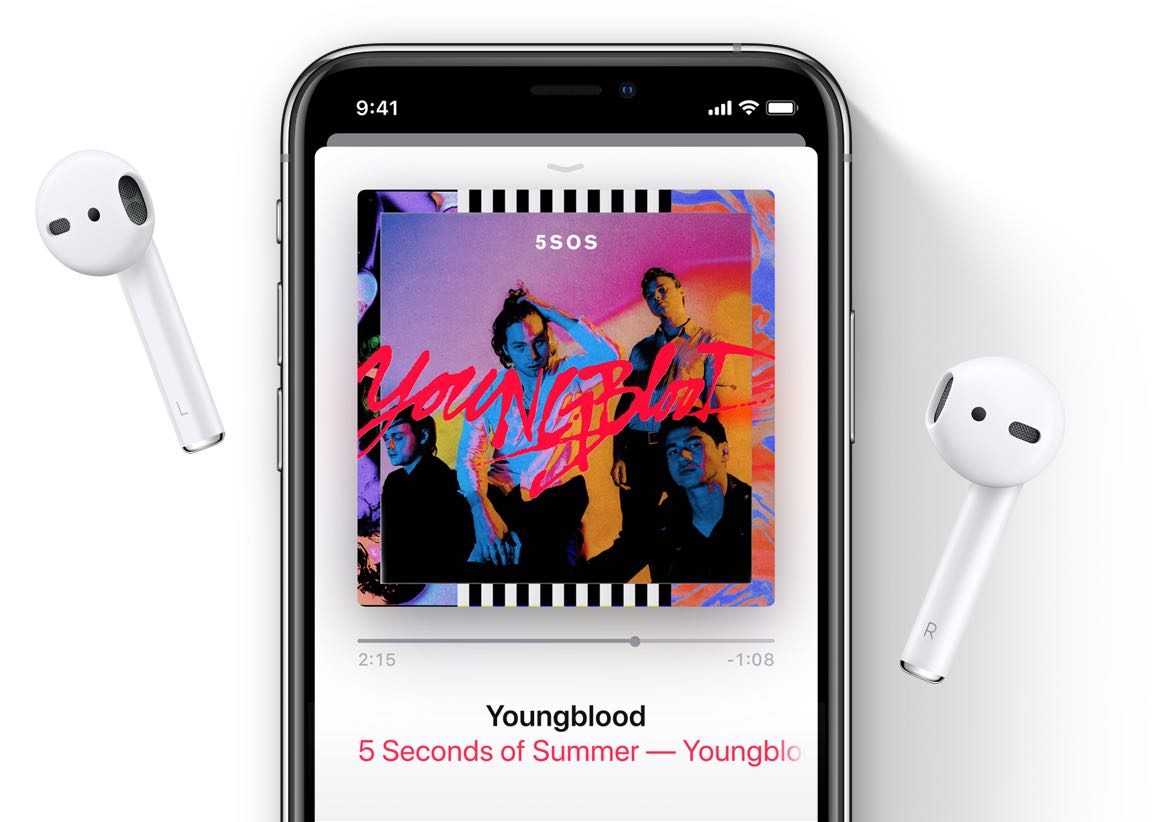
Apple Music's strengthened its publishing arm with creative services head Lindsay Rothschild who arrives from Google where she led YouTube's songwriter and publisher relations.

As Apple continues to build out its family-friendly original video service ahead of fall launch, news reached us today that the company has signed a deal with director and producer Jon Favreau for a CGI documentary series about dinosaurs, titled "Prehistoric Planet".
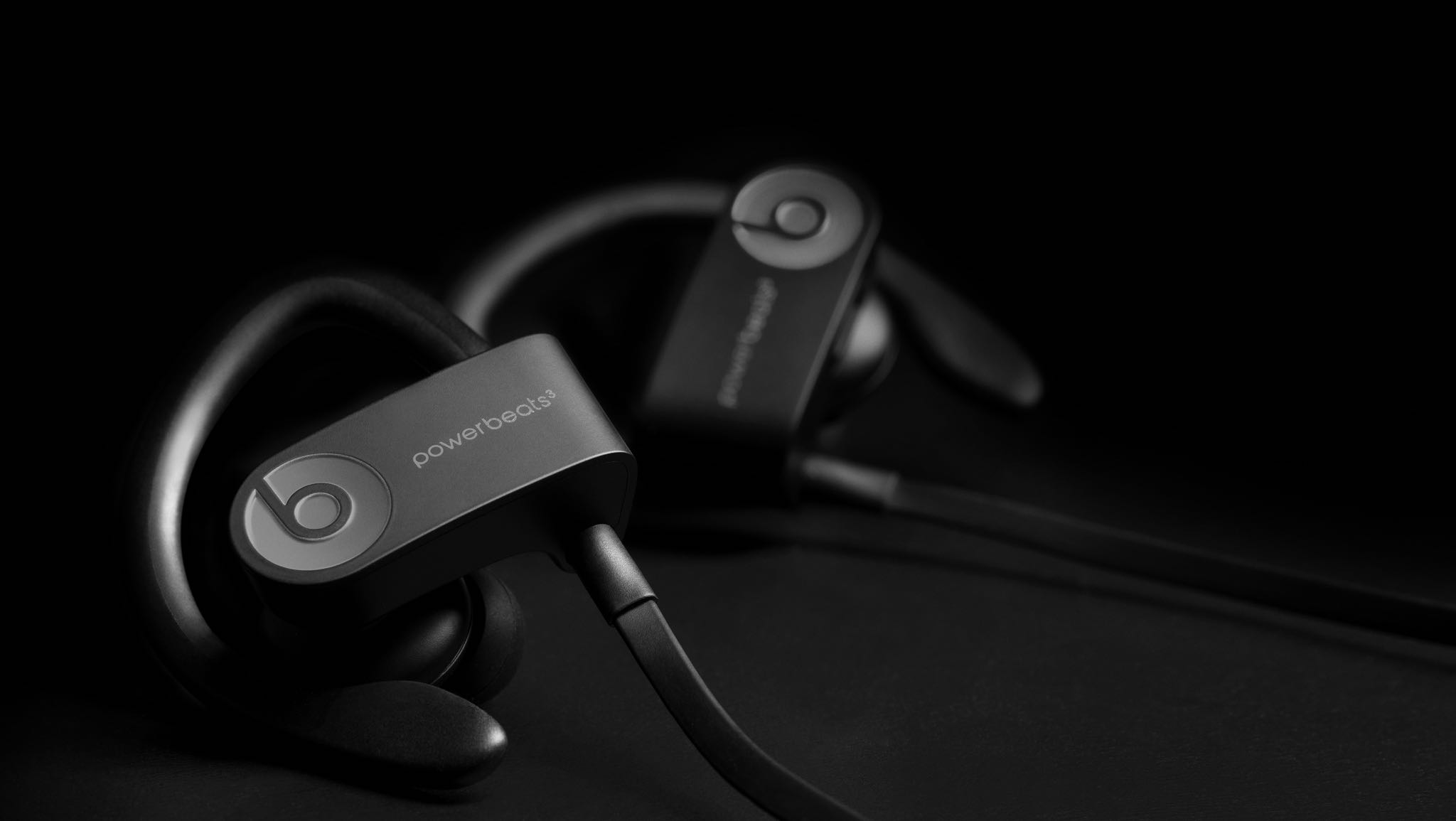
Apple's new Powerbeats Pro sporty earphones are sweat and water resistant, but official technical specifications fall short of detailing the level of water resistance.
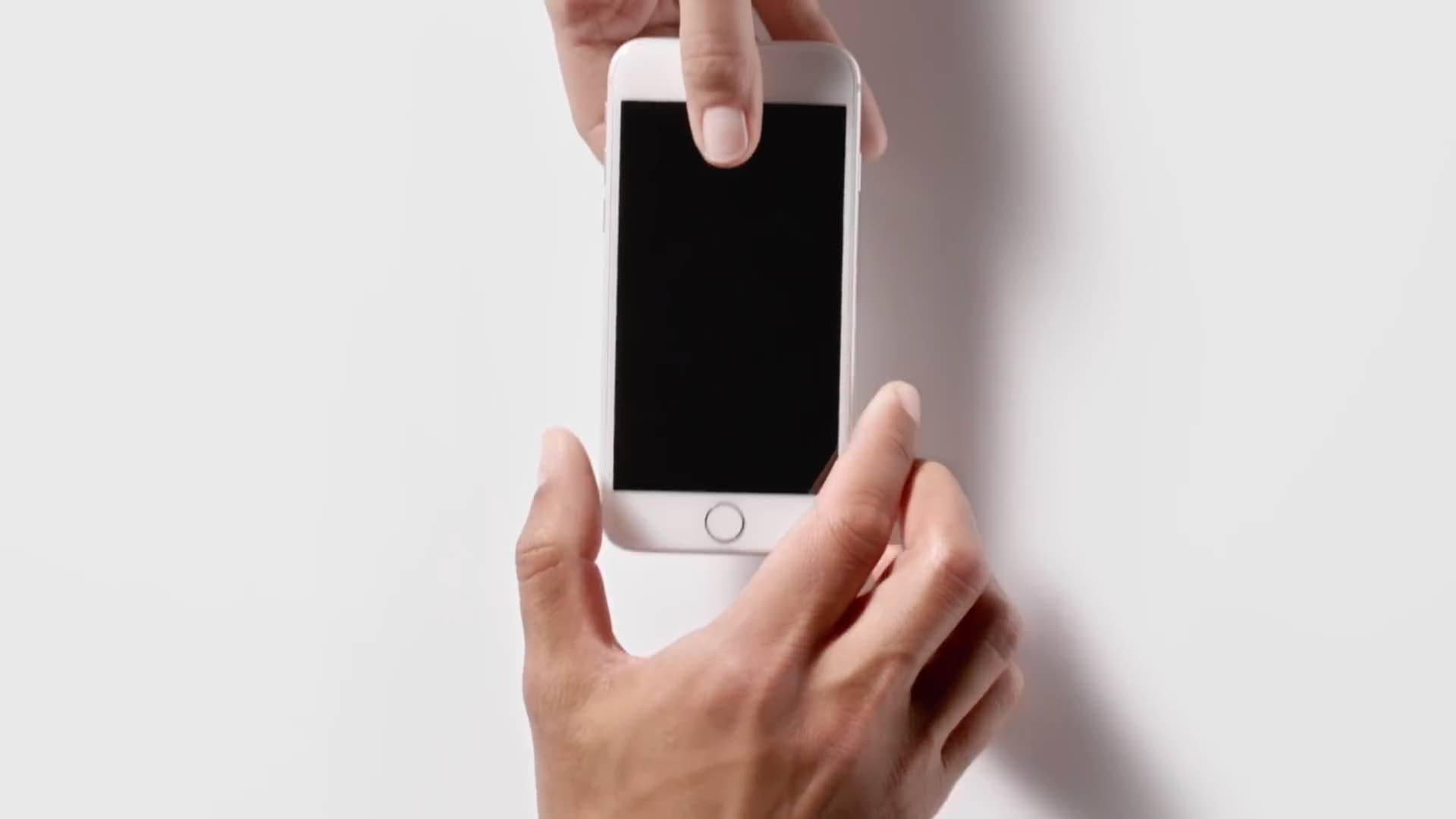
Apple yesterday released a new video advertisement via its YouTube channel. If my memory serves me correctly, this is the first ad that promotes Apple's handset trade-in program.
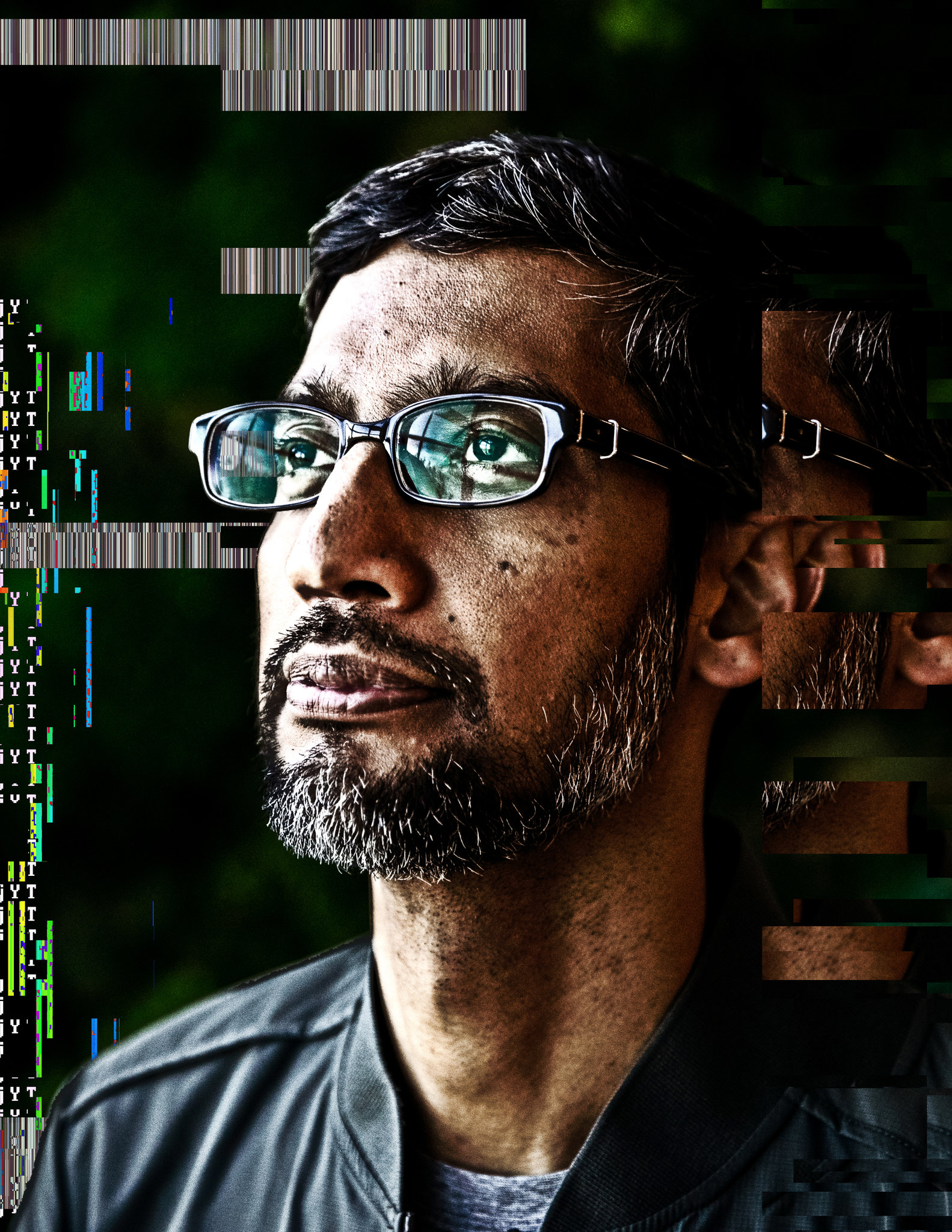
When it comes to technology, privacy wants to be universally accessible and useful to everyone, Google's CEO Sundar Pichai has argued in an op-ed written for The New York Times, which was published yesterday following the I/O keynote.
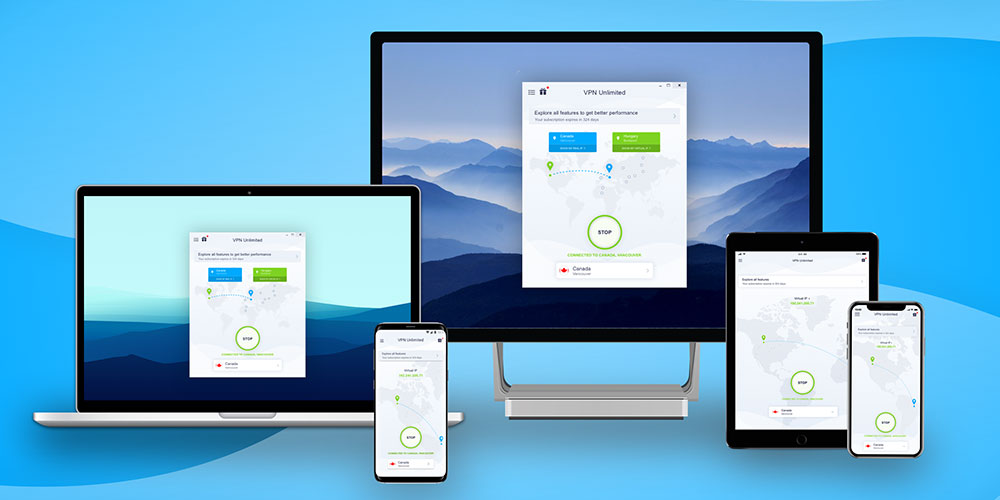
If you’re still surfing the web without the protection of a Virtual Private Network (VPN), you’re leaving your devices open to a growing number of cyberattacks that can be launched from anywhere in the world with just a few lines of code.
But not all VPNs are created equal. VPN Unlimited is an award-winning service that protects your connection without slowing down your browser, and a lifetime subscription is currently available for over 90% off at just $29.
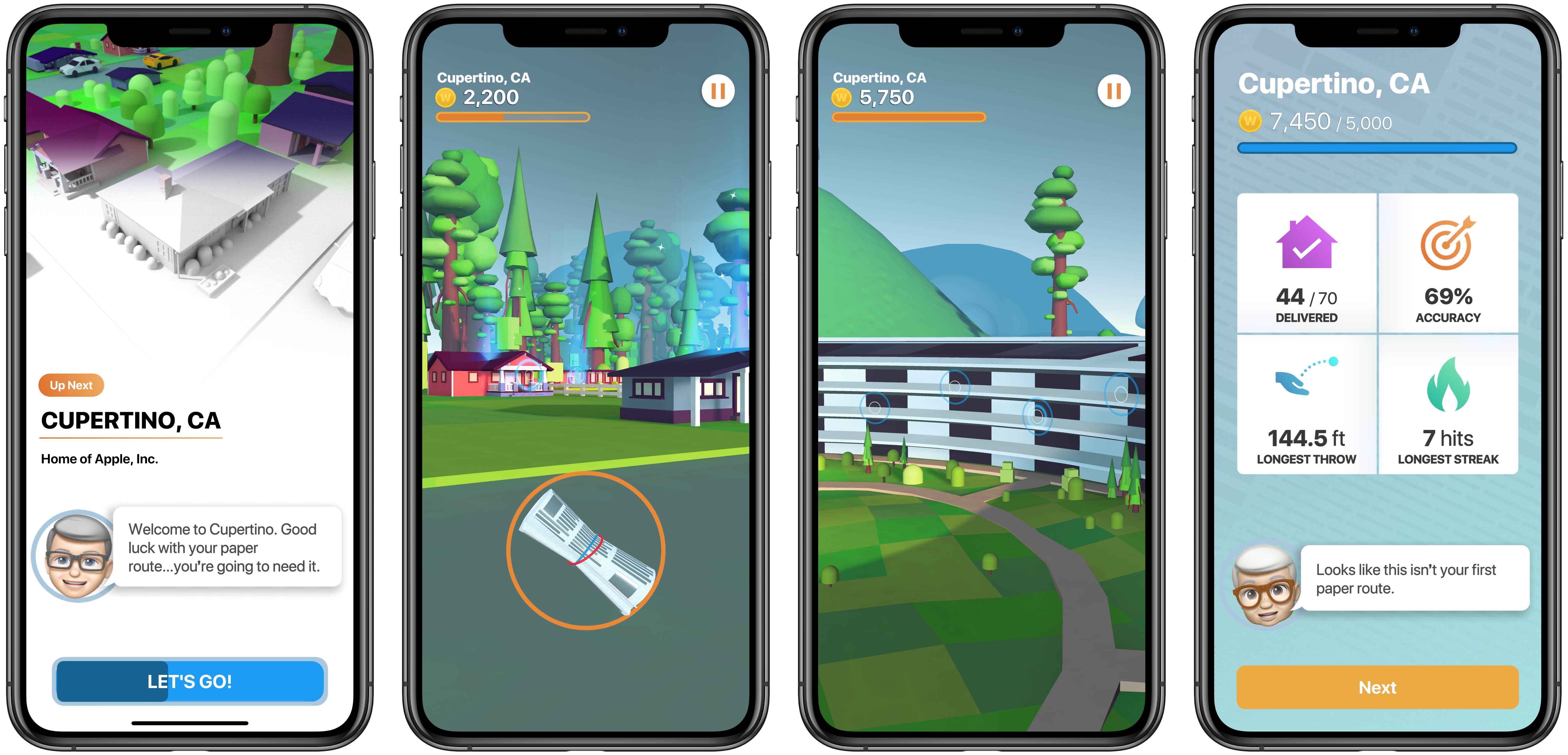
In case you missed it, Warren Buffett's Paper Wizard hit App Store earlier this week as Apple's first iPhone game since Texas Hold'em, which was released when the App Store made its debut back in 2008. As MacRumors noted, the App Store listing has Wildlife Designs as the app's developer, but the game's terms and conditions reveal that the newspaper-tossing title is actually copyrighted, maintained and operated by Apple.
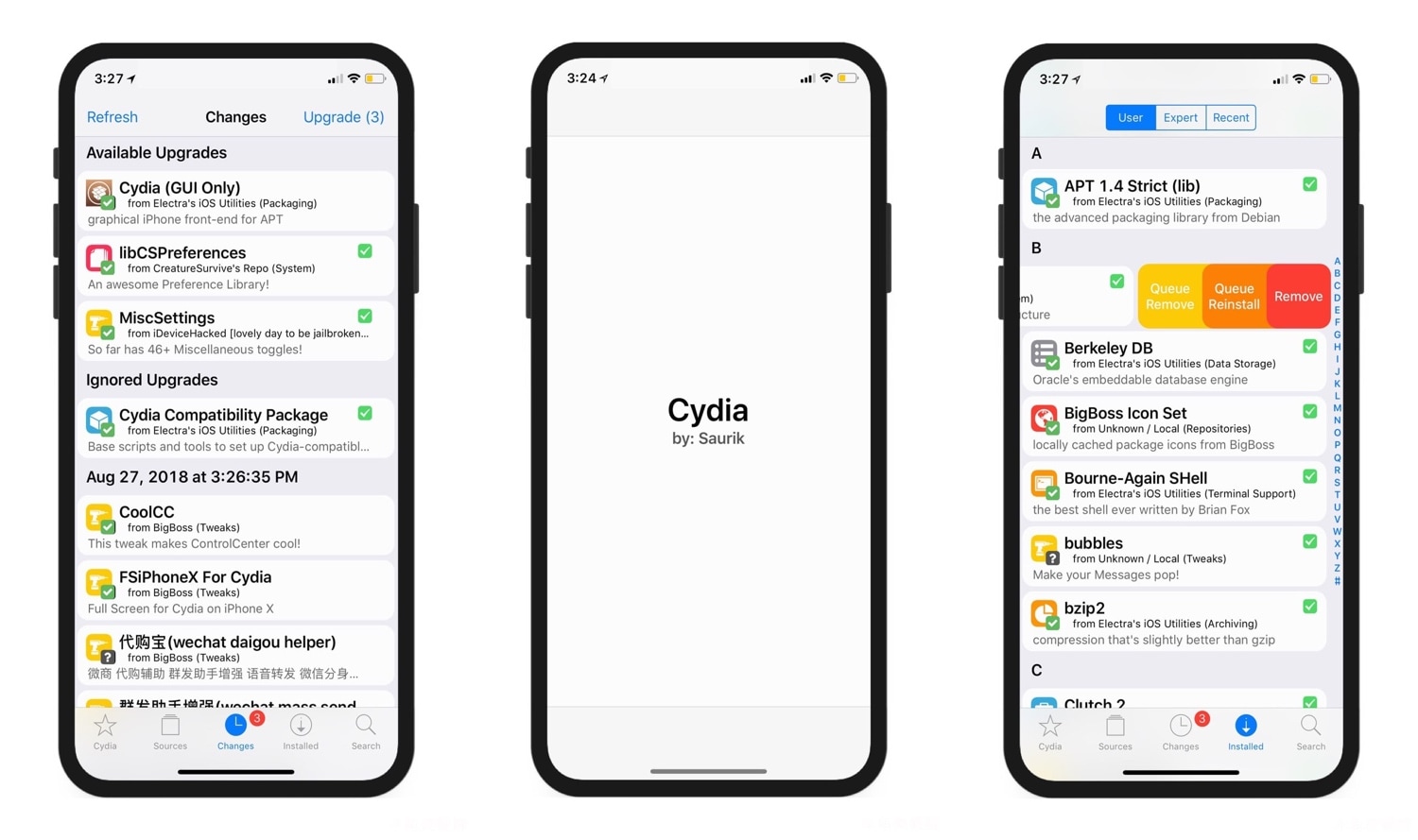
There’s obviously a lot of controversy over Cydia vs. Sileo because the latter has been designed with a modern iOS aesthetic in mind. But those who prefer the tried and true Cydia over something that’s relatively young in comparison can still take advantage of jailbreak tweaks to make Cydia better.
One such release that grabbed our attention as of late was cyder by iOS developer CreatureSurvive, which brings a plethora of modern features to the official Cydia app by way of Cydia Substrate. Obviously, this means it only supports pre-A12(X) devices, but it’s worth checking out if you happen to have a supported handset in your possession.
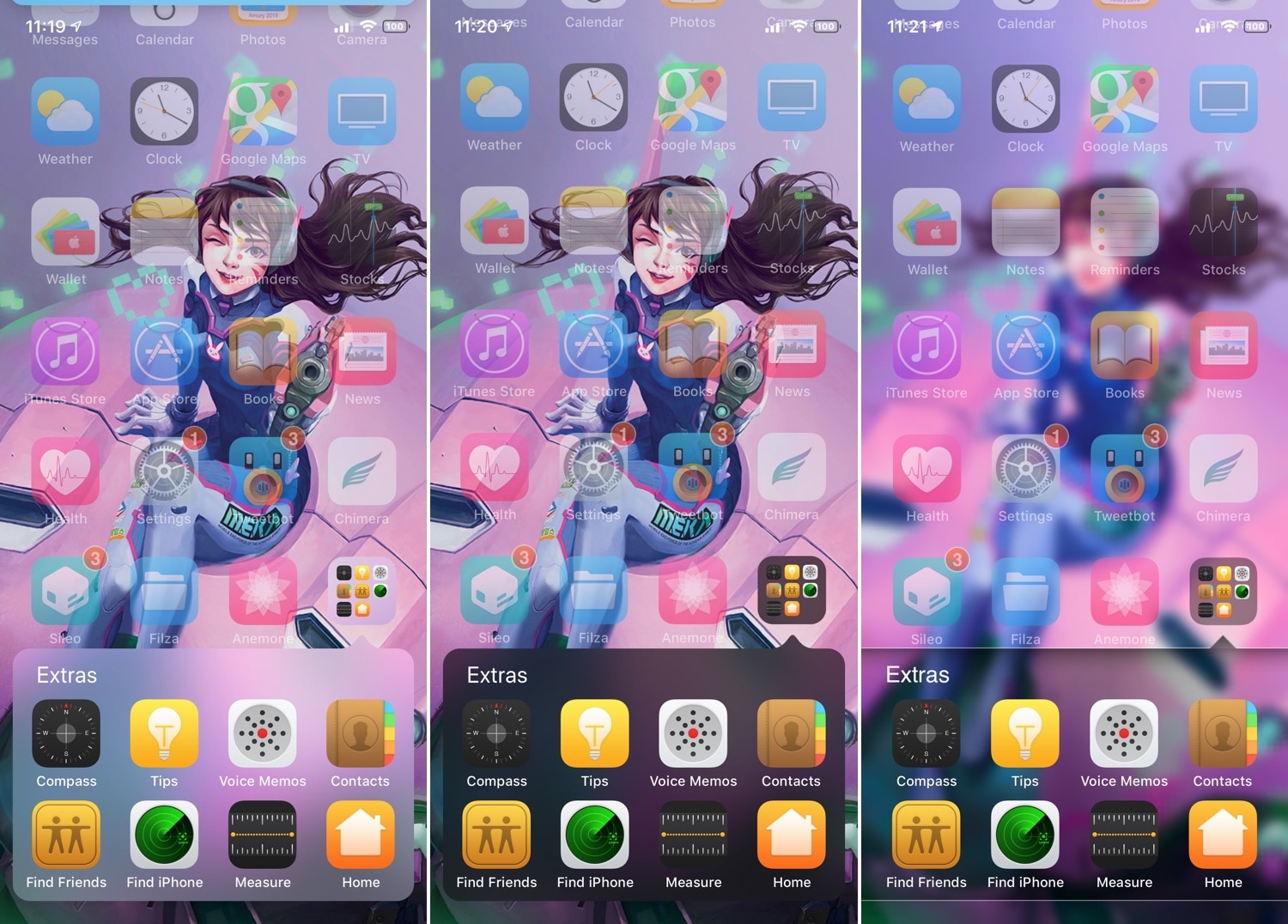
If you’ve ever used iOS 6 or earlier, then you’re undoubtedly familiar with a very different Home screen folder interface that you’re using today. I can’t exactly say that I enjoy the newer folder format better than the older one, and for that reason, I’m excited to talk about a jailbreak tweak called ClassicFolders 2 by iOS developers CoolStar and Jeremy Goulet.
The primary reason that you would want to install ClassicFolders 2 is if you miss the classic Home screen folder interface and you want to use it again on your jailbroken iOS 7-12 device. This tweak works quite well, and it even includes a few bells and whistles to give it an aesthetic appeal such as blurred background modes that match iOS’ modern-day appearance.

Here are five simple ways to turn off screen rotation on your iPhone and keep the display in portrait mode.