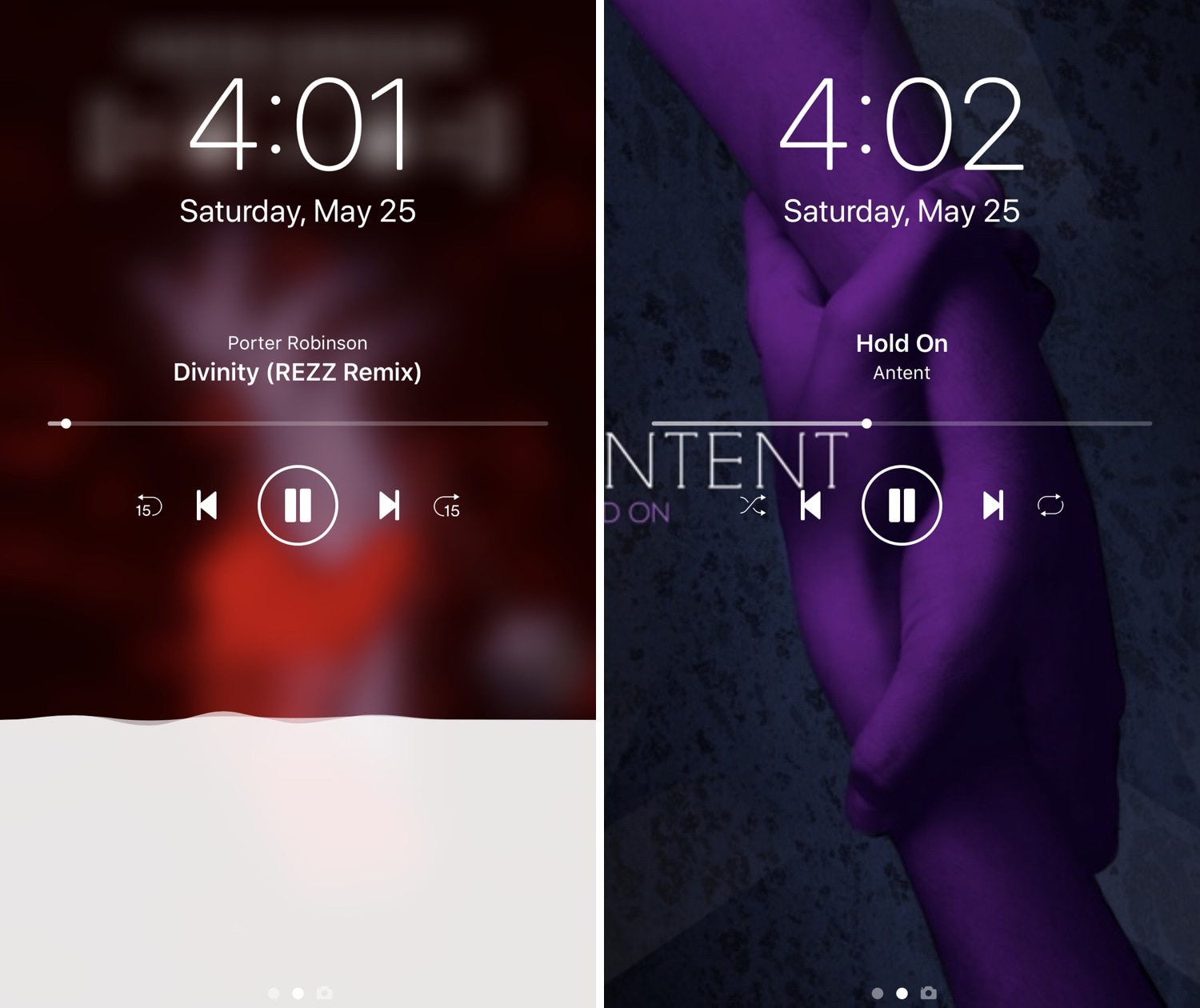
iOS’ native Now Playing interface is good enough for most people, but if you demand more out of your user experience than the average Joe and have a jailbroken iPhone or iPad in your possession, then you may want to feast your eyes on a newly-released jailbreak tweak called Nereid by iOS developer Nepeta.
From what we can gather, Nereid brings an improved Now Playing interface to your handset’s Lock screen as you listen to your music. It can set your wallpaper as the Now Playing track’s album artwork, permit color and control customizations, and much more.