Want an insanely in-depth Twitter app colorization experience? Try twttr

If you use the official Twitter app on your jailbroken iOS device, and you’ve been in search of a jailbreak tweak that can help you theme the app however you want, then you’re in luck. A newly-released and free jailbreak tweak called twttr by iOS developer Aesthyrica brings what is purportedly the ‘most advanced’ colorization experience to the Twitter app to date.

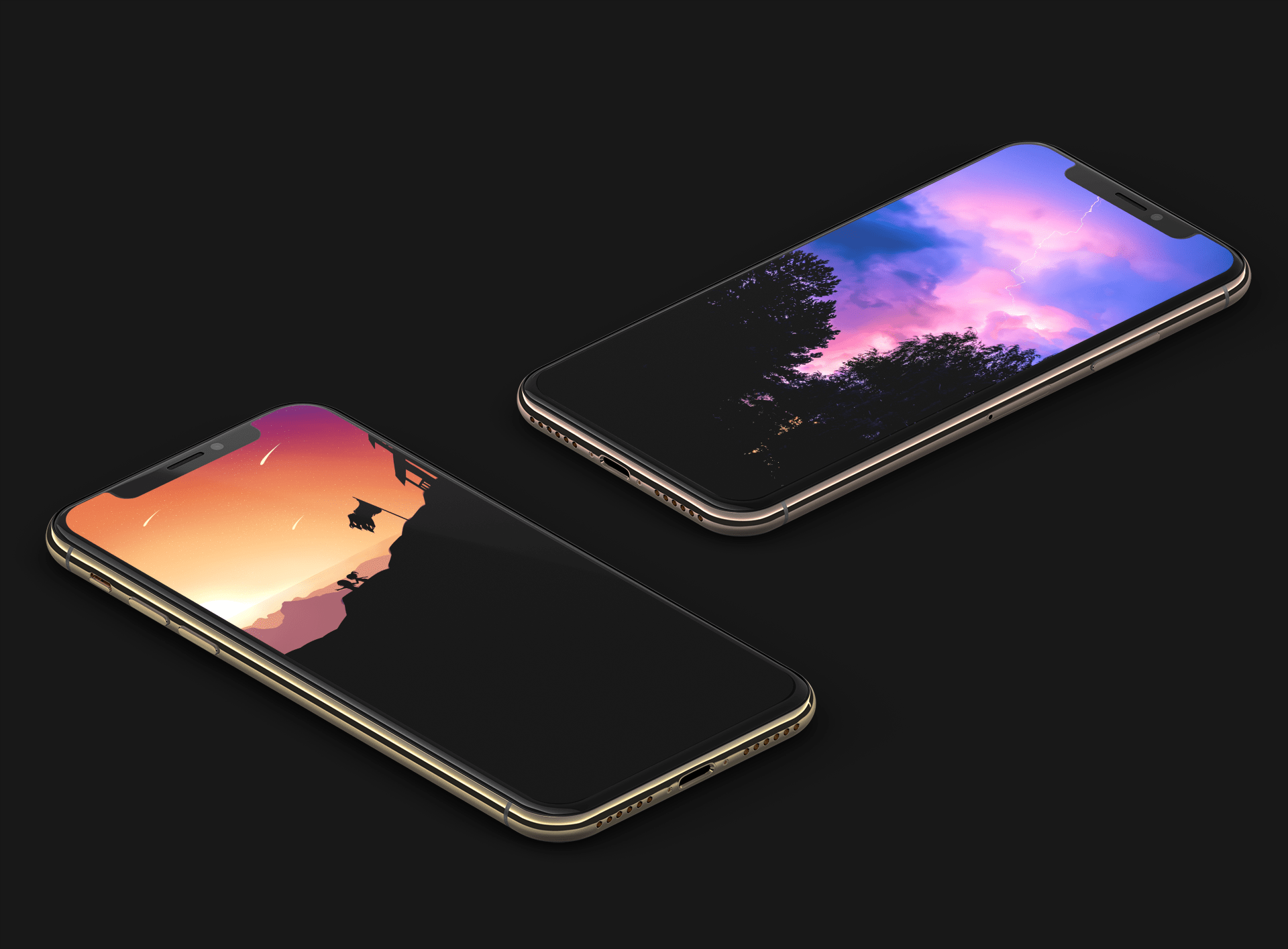
As you’ll notice in the screenshot examples above, twttr lets you colorize individual elements in the Twitter app to your liking with seemingly no limitations. Upon installing the tweak and delving into the dedicated preference pane in the Settings app, you’ll confirm this to be quite accurate:

This tweak makes the Messages app’s timestamp system more useful

It was just a few days ago that we showed you a jailbreak tweak called ExactTimePhone, which could make your call log history significantly more helpful by detailing the exact time that an incoming or outgoing call transpired if it was more than a few days old. The tweak received lots of positive feedback, but it left the begging question: shouldn’t a similar tweak be made for the Messages app?

If you’re on board with this train of thought, then you’ll probably come to appreciate a newly-released and free jailbreak tweak dubbed ExactTimeMessages by iOS developer gilshahar7, as it makes this same concept a reality in iOS’ native Messages app for both iMessage and SMS conversations.

EasyBrightness makes it easier to revert to an ideal display brightness level

When it comes to your iPhone’s display brightness, you might have a preferred brightness level for both indoor and outdoor usage. Sadly, iOS’ automatic brightness setting tends to be less than optimal, and adjusting the display brightness manually can feel somewhat cumbersome at times.

If you’re in the same boat, then you might want to turn your attention to a newly-released and free jailbreak tweak called EasyBrightness by iOS developer gilesgc. This tweak mitigates the problem discussed above by letting you designate a default display brightness level and making it easy to return to it on demand.

Learn UI/UX design with mobile design master class

The bedrock of all apps is their function and feel, and more important than the stated purpose of the app is its functionality. If users aren't able to easily navigate an app they won't spend the time learning how. They'll simply uninstall and move on to the next option in the app store.

The best iPhone apps for astronomy and exploring space

Astronomy apps for iPhone - SkySafari

You can use apps to virtually travel across the state, country, or world so why not use them to travel to outer space? If you are fascinated with astronomy or are just starting to become interested, there are some terrific tools for your iPhone that let explore our galaxy and beyond.

See the stars, watch the planet align, get details about constellations, and more. These are the best iPhone apps for astronomy and exploring space.