Be prepared to recover your iPhone data after upgrading to iOS 13 [sponsor]

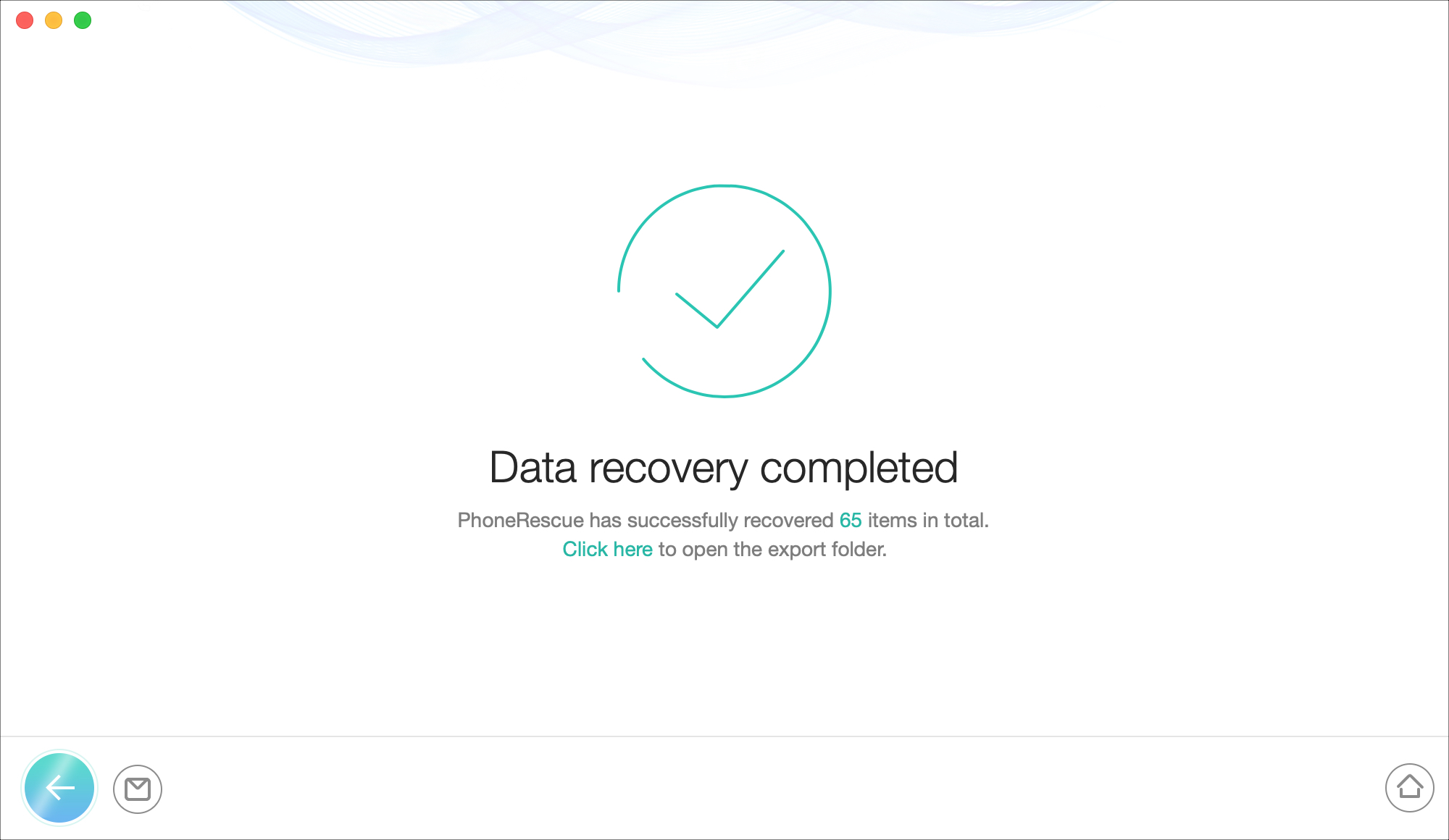
PhoneRescue Recovery Complete

When you’re updating to the newest version of iOS on your iPhone, things can go just perfect. But then again, things can also go very wrong. Backing up your device on a regular basis is key to recovering that data when you need it. And to help you is the data recovery tool PhoneRescue by iMobie.

If you’re planning to upgrade to iOS 13, it’s best to prepare now with a recovery plan using PhoneRescue. This handy tool lets you recover data from your iOS device, an iTunes backup, or iCloud. In addition, you can check out helpful iOS repair tools when you need them.

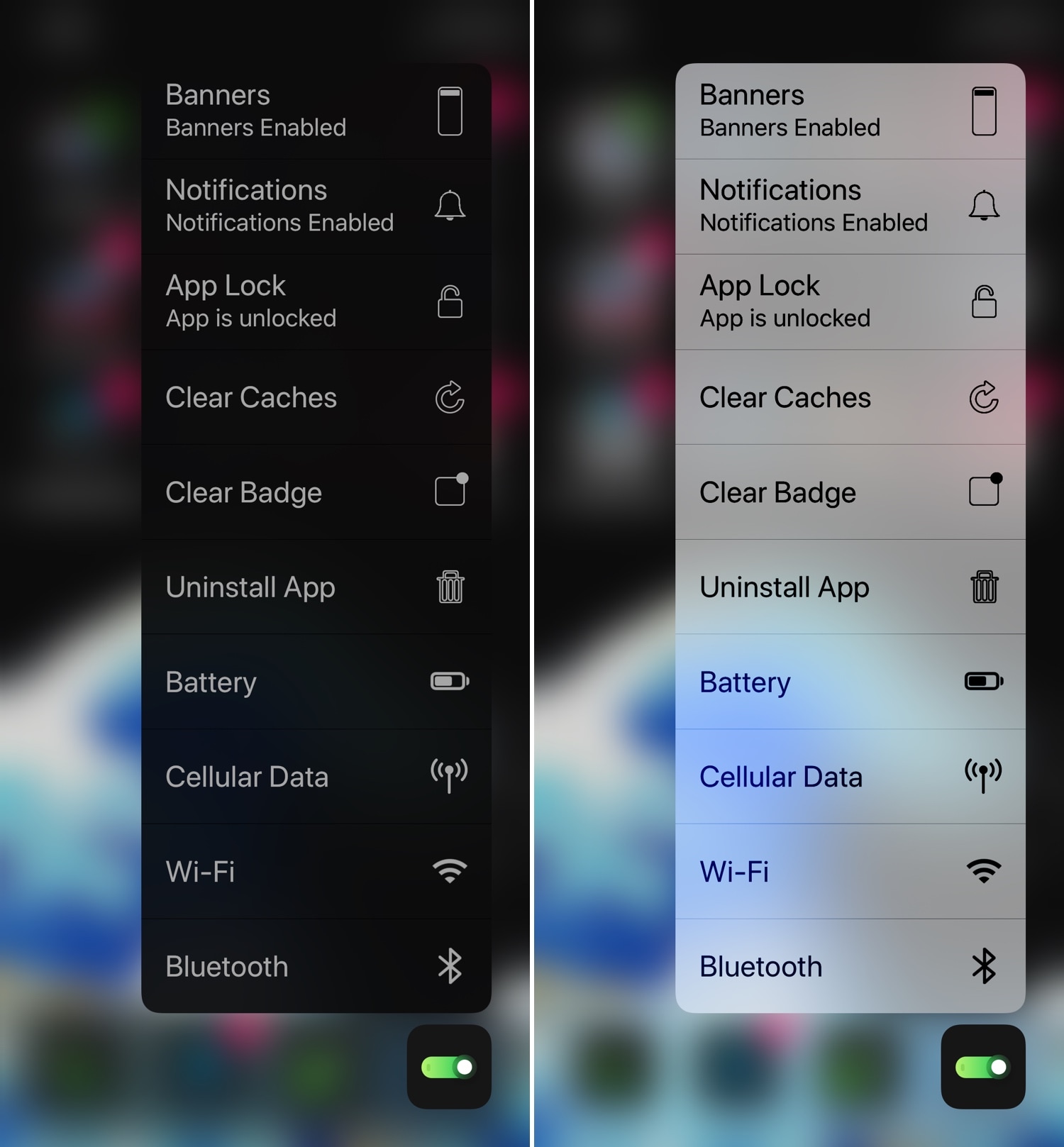
Add useful new options to your Home screen’s 3D Touch menus with 3DTools

Whether you have a handset that already supports 3D Touch or Haptic Touch out of the box or you’re using a jailbreak tweak to simulate similar features on an unsupported handset, chances are you’ve used the Home screen-centric app icon menus at least once in your travels.

This interface is somewhat lacking on a bone-stock handset, but with the help of a newly released tweak called 3DTools by iOS developer smokin1337, you can add several useful new items to these menus that promise to augment your Home screen usage exponentially.

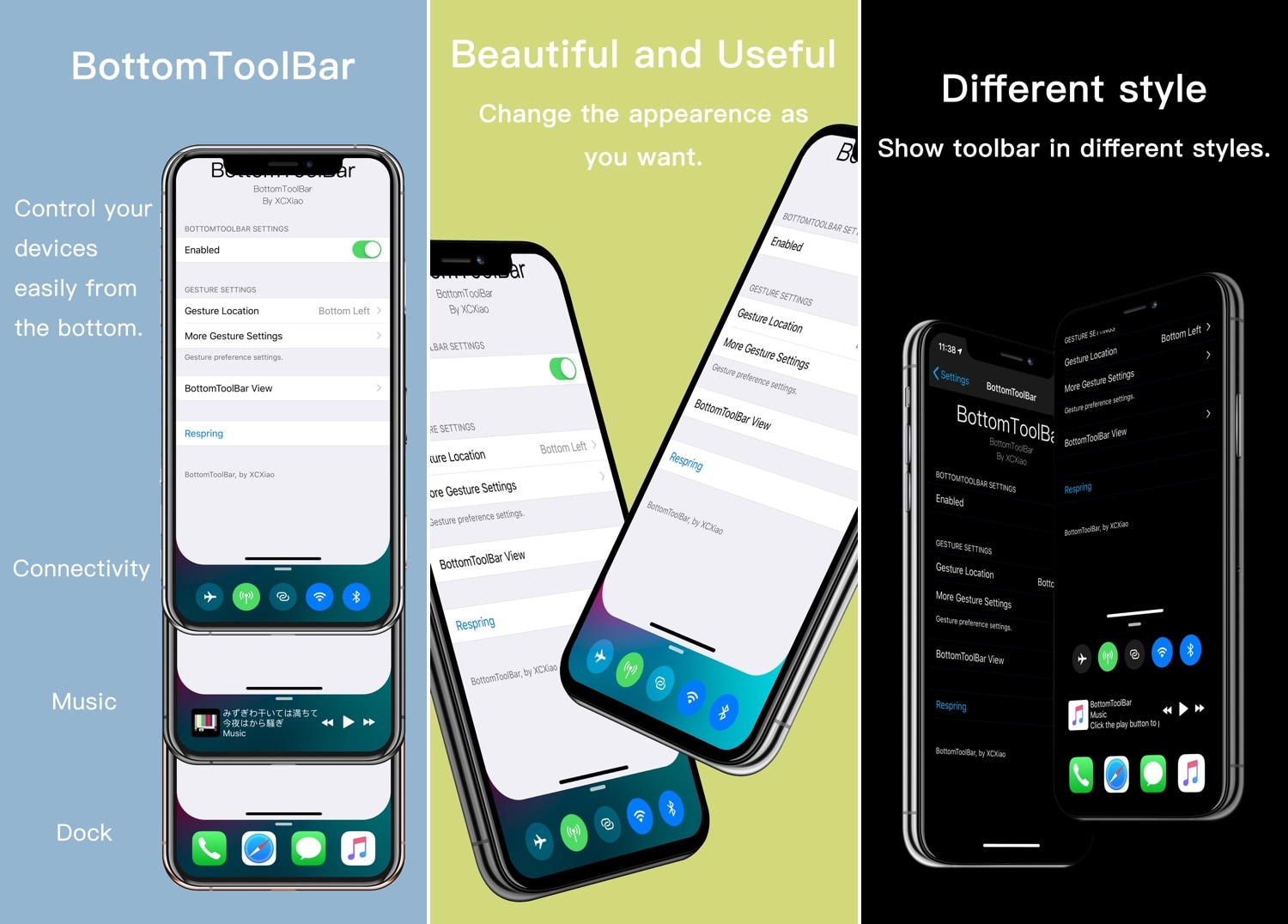
BottomToolBar makes it easier to access your iPhone’s most important features

Those sporting jailbroken iOS devices understand what those without jailbroken iOS devices don’t: the seemingly endless itch to customize and improve your device’s software beyond what Apple designed it to be. Fortunately, we’ve got a tweak that fits this necessity quite well.

Enter BottomToolBar, a newly released jailbreak tweak by iOS developer XCXiao that puts an easy-to-summon shortcut bar at the bottom of your display with fast access to useful shortcuts and information.

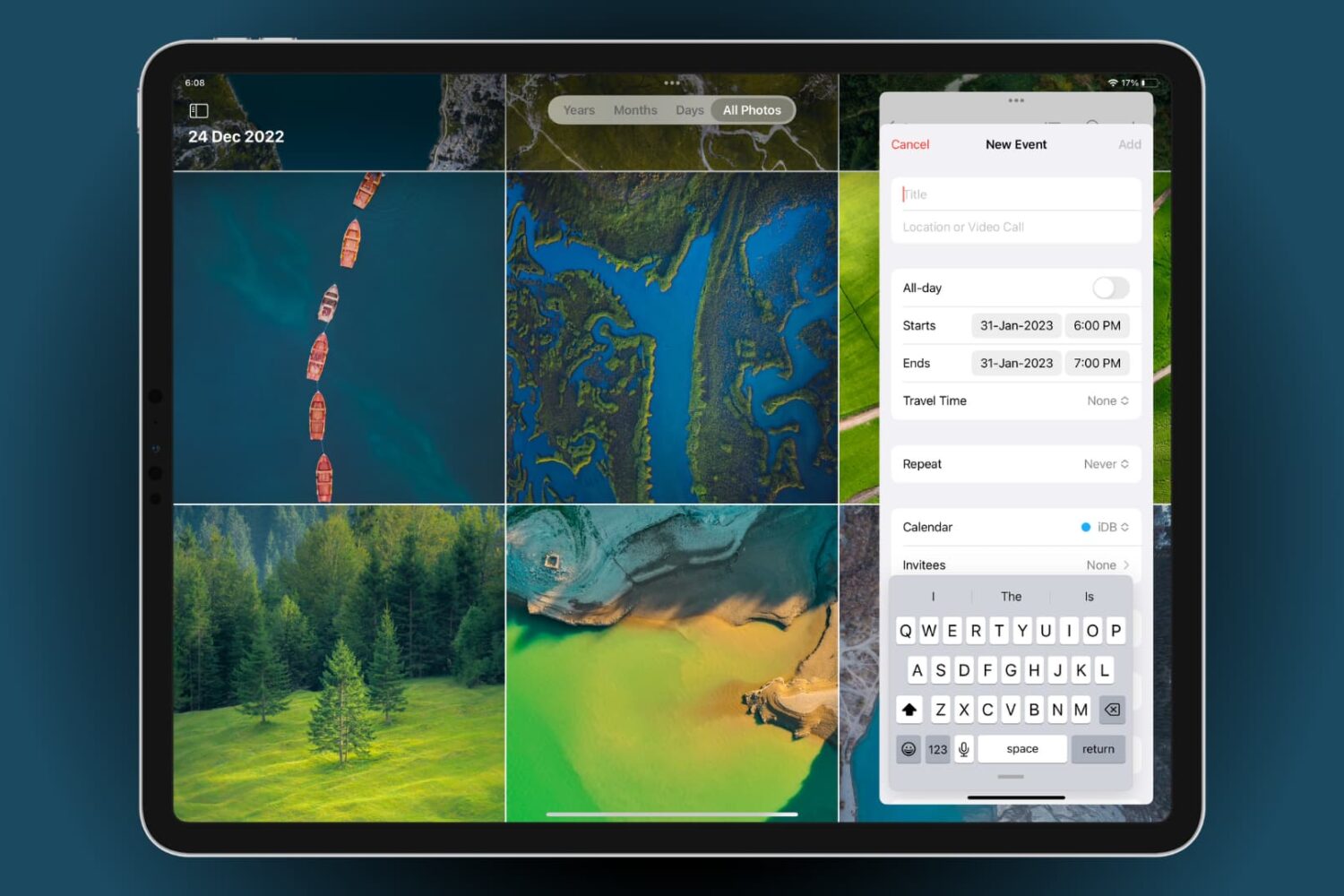
Learn about the new features of iOS 13 on iPhone and iPad

iOS 13 get ready

With all of the enhancements and new features accompanying iOS 13 and iPadOS, it can be hard to keep up with it all.

Not only are there useful improvements to the systems themselves like Dark Mode, faster scrolling, and text editing gestures, but also new features for apps like Notes, Photos, and Safari.

Here’s a handy roundup of how to use the new features of iOS 13 on iPhone and iPad (iPadOS) that you can bookmark and revisit as you begin using it.

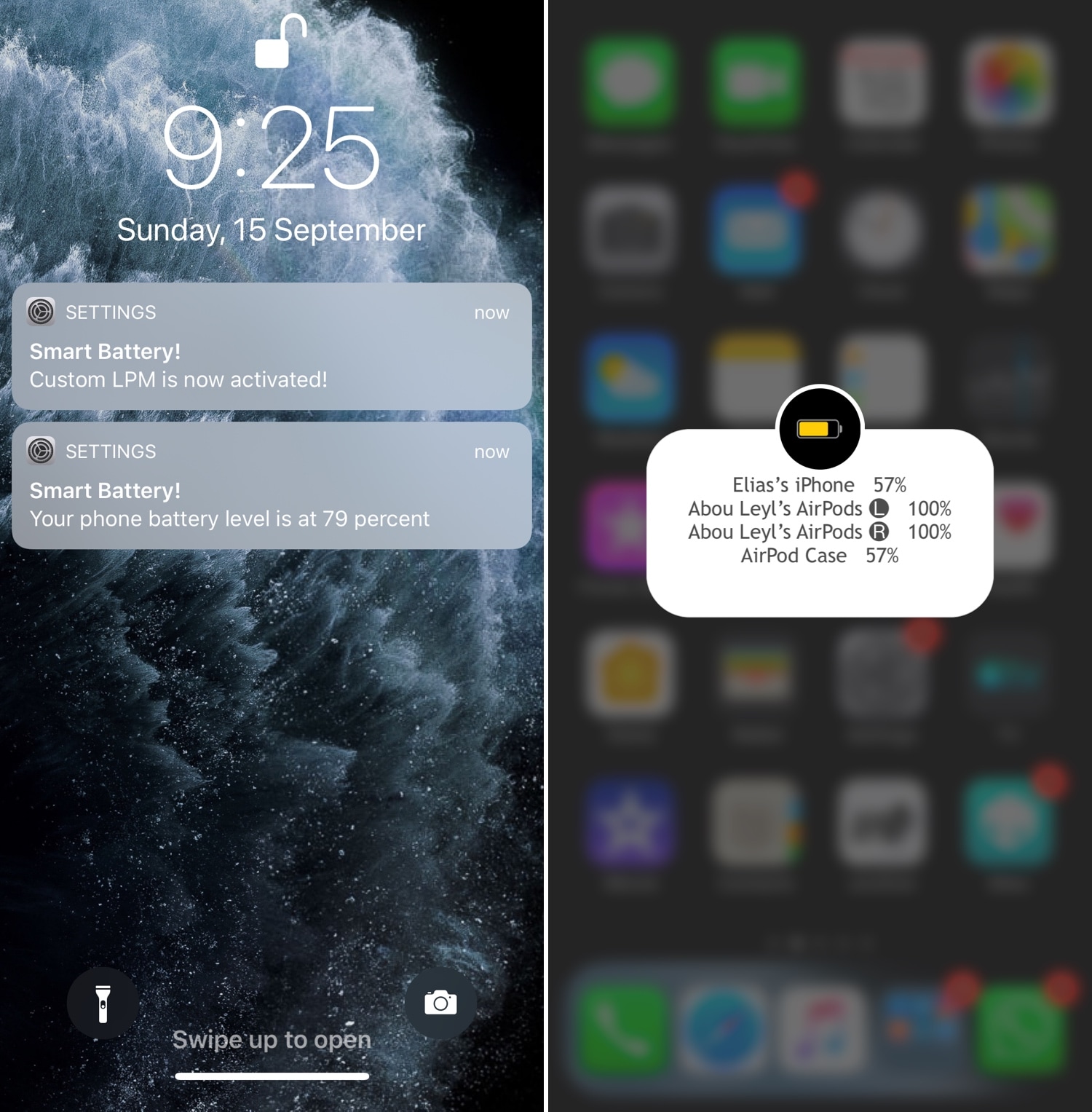
SmartBattery can help improve your jailbroken handset’s battery life

Apple touted significant gains to battery life with the brand-new iPhone 11, 11 Pro, and 11 Pro Max handsets at this year’s Keynote, but for those still handling older devices, every drop of precious battery juice is vital to a full days’ worth of digital enjoyment.

If you’re jailbroken and looking to improve your battery life throughout daily usage, then you might want to turn your attention to a newly released jailbreak tweak called SmartBattery by iOS developer elias. Like countless other tweaks before it, SmartBattery plays on iOS’ native Low Power Mode feature while adding oodles of additional options to make it right for you.