More rumors point to 2020 iPhones with ProMotion-style displays

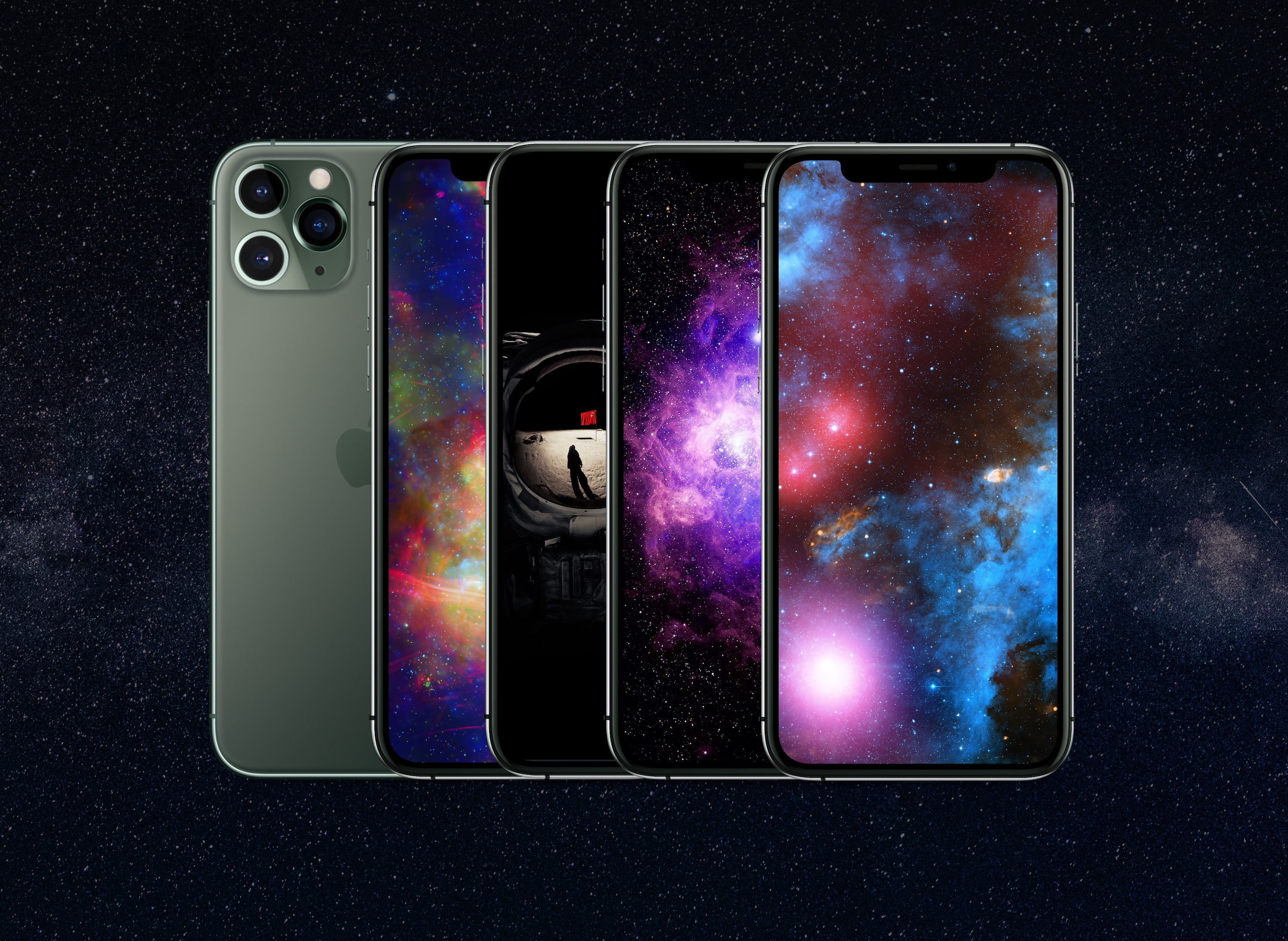
iPhone 11 Pro Max

The latest supply line rumors posted by DigiTimes affirm that some of next year's iPhones will sport displays with refresh rates half again or up to twice as fast as today's models, according to AppleInsider. Whether that means new iPhones will get ProMotion displays or something akin to them remains to be seen.

Rumors of faster iPhone screens first bubbled up over the summer. So this isn't the first time we're hearing about this. It's also important to note that iPhone X models and later already sample input from the display at up to 120 frames per second, but the display frequency refresh of those models has remained at 60Hz.

ProMotion has been a feature of the iPad Pro since 2017. When Apple introduced it it said the technology provided greater responsiveness with reduced latency to provide more fluid and natural drawing capabilities when paired with the Apple Pencil.

To help reduce the battery drain found on other devices with high refresh rates like the Pixel 4, Apple's ProMotion technology can increase the refresh rate on the parts of the screen to only where it's needed.

While ProMotion has been remarkable for its impact on Apple Pencil users, the Pencil isn't supported on iPhones. Yet higher refresh rate displays have other practical benefits, especially for users of games, AR, and other applications that may benefit from greater on-screen responsiveness.

Is the display refresh of your iPhone left you wanting something more akin to a Razer gaming phone? Or is this a nothingburger? Sound off in the comments and let us know.

How to find out when a contact leaves or arrives in the Find My app

Create Notification in Find My on iPhone

The Find My app, available on iOS and Mac, is a terrific tool for staying up to date on where your favorite people go and tracking down missing devices, all in one spot. With the host of features in the Find My app, one that stands out is the Notification function. You can receive an alert when someone else leaves or arrives at a location, as well as notify them when you leave or arrive at yours.

Not only are these notifications convenient for staying in the know, but they can help you and your loved ones have peace of mind. Here’s what you can do with the Notifications and how to set them up in the Find My app.

Adobe Creative Cloud leak left millions exposed: Report

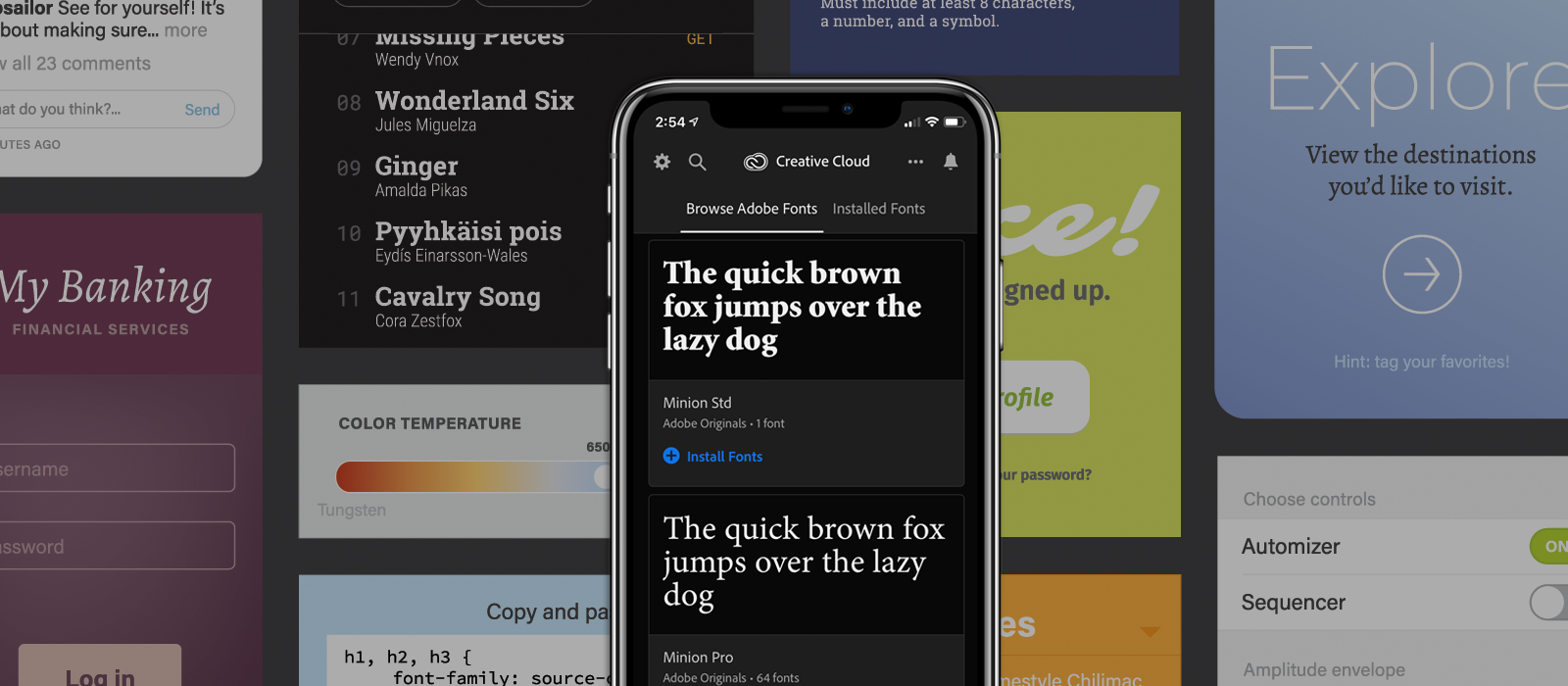
Adobe Creative cloud

Adobe left the personal information of almost 7.5 million customers of its Creative Cloud service exposed, according to a new report on The Next Web.

Security firm Comparitech says Adobe left an Elastisearch server accessible without any password or authentication required. Adobe corrected the problem as soon as it was alerted on October 19th. Exposed information included email addresses, Creative Cloud subscription information and other details, though financial information and passwords were not exposed.

Comparitech's concern is that the information which was exposed may make those Adobe customers more liable to phishing attacks in the future.

Adobe acknowledged the issue in a blog post:

The environment contained Creative Cloud customer information, including e-mail addresses, but did not include any passwords or financial information. This issue was not connected to, nor did it affect, the operation of any Adobe core products or services.

Do incidents like this make you wary to share your details with companies like Adobe? Sound off in the comments.

Apple warns iPhone 5 users: Update to 10.3.4 ASAP

iOS 10

If you are an iPhone 5 user and you haven't yet updated your phone to iOS 10.3.4, time is running out. Apple says you need to do so before midnight on November 3, 2019, at least if you want your iPhone 5 to keep working with the App Store, iCloud, e-mail and web browsing.

Apple explained the issue in a support document:

This is due to the GPS time rollover issue that began affecting GPS-enabled products from other manufacturers on April 6, 2019. Affected Apple devices are not impacted until just before 12:00 a.m. UTC on November 3, 2019.

The GPS bug fix was first pushed out by Apple in July, and has been available as an Over the Air (OTA) update since then. iPhone 5 users who haven't already updated to the new release are now being presented with a full-screen push warning to update, according to 9to5Mac.

The GPS issue also affects iPhone 4S, iPad 2, third-generation iPad (iPad with Retina Display), and fourth gen iPad, but those non-updated devices will simply stop working with GPS-related apps and services at the deadline. iPhone 5 users will suffer more significant issues.

If your iPhone 5 isn't updated before the deadline, you'll have to use a Mac or PC equipped with iTunes in order to download and install the 10.3.4 update to continue working.

Are you still using an iPhone 5? Have you upgraded to 10.3.4 or are you holding off? Let us know what you think in the comments.

New teaser shows checkra1n jailbreak running Cydia and Zebra

With a resource as powerful as @axi0mX’s checkm8 bootrom exploit floating around in the wild, it’s should come as no surprise to anyone that prominent members of the jailbreak community are actively working on tools that take advantage of it. One of the most significant of those is checkra1n, a project that is currently being spearheaded by renowned hacker and Yalu jailbreak lead developer Luca Todesco.

It’s been a little over a week since we last heard anything new about checkra1n, but based on what we saw at the time, it would seem things are falling into place quite nicely. Now, a new Tweet shared Sunday afternoon by the official checkra1n Twitter page reveals what appears to be working package managers installed on an iPhone X, iPhone SE, and a seventh-generation iPod touch.

Minimal Halloween iPhone wallpaper pack

That spooky time of year is upon us. Celebrate your trick or treating excursion with these minimal Halloween iPhone wallpapers. While dressing in your tacky costume, keep it classy by installing some Halloween fun. It doesn't have to be all trick, here on the iDownloadBlog Wallpapers of the Week, we hope you will find this more of a treat. Keep the melted chocolate fingers away from your screen.

Jailbreak tweaks of the week: PowerGuard, Xeon, and more

While it’s possible to enjoy a jailbreak on iOS 11 or 12 right now by way of Chimera, Electra, or unc0ver, we’re particularly excited about the future as the checkm8 bootrom exploit lights the way for a bright future for the community.

If you’re as fired up about jailbreaking as we are, then you’re probably looking for ways to customize your pwned handset. In this roundup, we’ll show you all the latest jailbreak tweak releases from the past week. As always, we’ll start by showcasing our favorites and wrap things up with an outline afterward.

Cydia Installer update addresses unresponsive tab button bug

If you’re currently jailbroken with Pwn20wnd’s unc0ver tool, then you may want to launch the Cydia app from your Home screen and refresh your sources.

According to a Tweet shared just this weekend by unc0ver co-developer Sam Bingner, a hot-fix for the Cydia Installer is now available that resolves a particularly irritating bug in which buttons in the app’s tab bar would become unresponsive to a user's taps:

CoolStar says Sileo development is ‘suspended until further notice’

Electra Team lead developer CoolStar took to Discord just this past week with a rather unfortunate update for Chimera and Electra jailbreak users: development on the platforms’ proprietary Sileo package manager has been suspended “until further notice.”

Citing the announcement, the decision to put Sileo’s development on hiatus stems from two significant factors, with the first being that CoolStar isn’t happy with Sileo’s acceptance rate in the jailbreak community and the other being out of exhaustion from contributing more to the project than the other project developers: