Continuity brings scrollable widescreen wallpapers to jailbroken iPhones

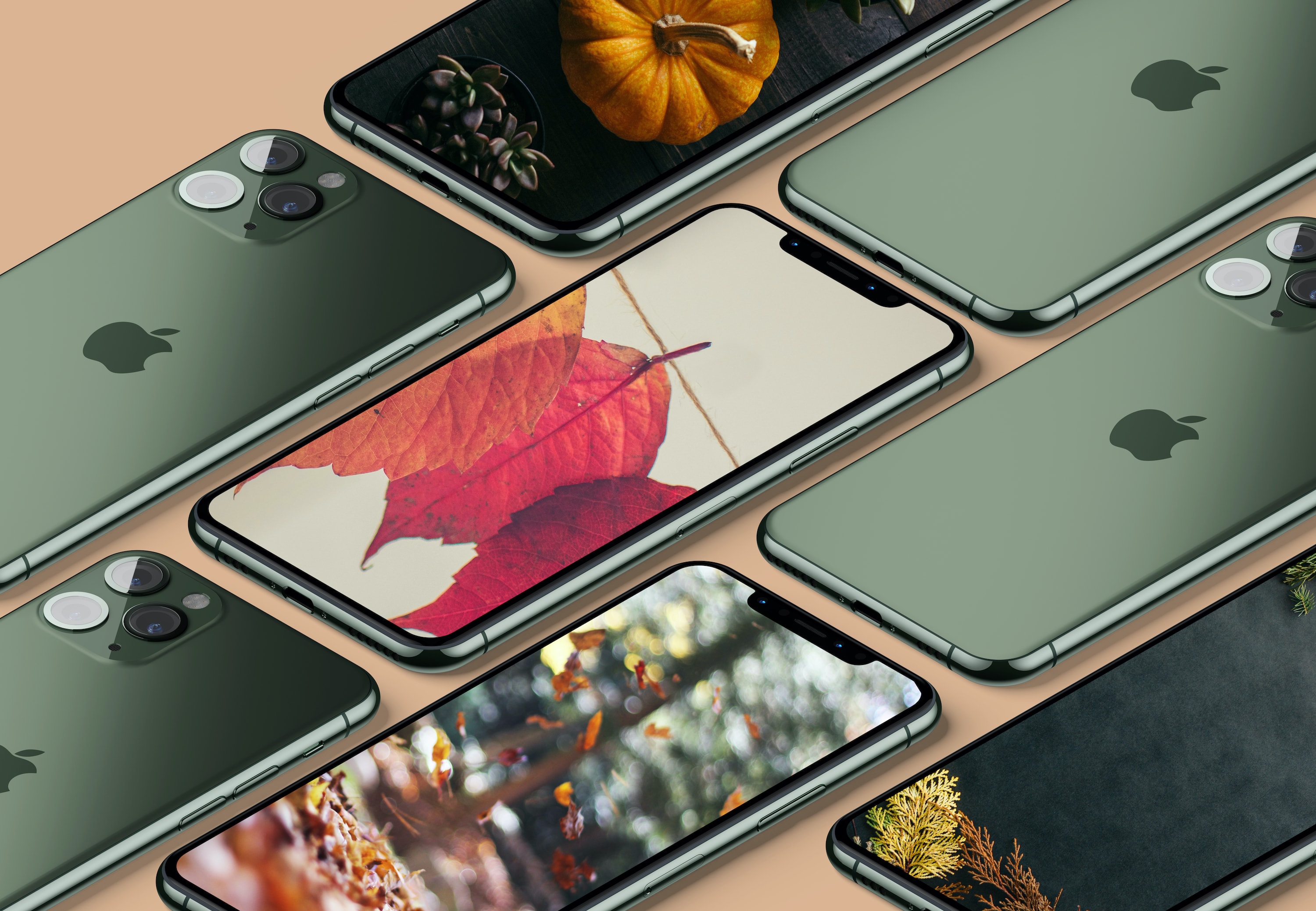
If you’re anything like me and you change your wallpaper somewhat frequently, then you might've noticed how some of the best wallpapers are optimized for horizontally-oriented displays such as laptops and tablets rather than vertical ones found in smartphones.

Applying these types of wallpapers on your iPhone generally results in an unpleasant viewing experience, but with the help of a newly released jailbreak tweak called Continuity by iOS developer Johnny Waity, you can make even the widest of wallpapers look fascinating on your tall smartphone display.

Path of Exile coming to iOS, Mac

Path of Exile Mobile

Grinding Gear Games has announced plan to bring the popular free-to-play action role playing game Path of Exile to iOS and Android. What's more, the company is making a Mac version of the game.

AdaptiveDarkMode lets jailbreakers set more conditions for iOS 13’s dark mode

Dark mode is one of my favorite new features in iOS 13, but Apple doesn’t give you too many options as far as switching between dark and light mode is concerned apart from doing so manually and automatically based on the time of day it is.

An iOS developer by the name of Smokin1337 recognized that this as something that could be improved, and with that in mind, a new and free jailbreak tweak called AdaptiveDarkMode was conceived.

All iPhone notification settings explained so you can customize them accordingly

iPhone Notification Center

Whether you’re looking to silence unnecessary alerts during meetings, prioritize important messages, or simply declutter your Lock Screen, maintaining a healthy balance between staying informed and avoiding notification overload is essential.

In this article, we’ll go over your iPhone notification settings and provide a comprehensive guide on how to adjust them to best suit your needs.

BlueFinder jailbreak tweak helps you find a misplaced iPhone via Bluetooth

Have you ever misplaced your iPhone somewhere in your home, but had immediate access to a paired Bluetooth device? If so, then you might be excited to learn about a new jailbreak tweak called BlueFinder by iOS developer AnthoPak.

From what we can gather, BlueFinder lets you use a paired Bluetooth accessory to trigger an audible ringing sound on your misplaced handset. This has significant advantages for clumsy folk who consistently drop their iPhone between the sofa cushions or leave their handset somewhere in the house and forget where they put it.

Editor’s desk: MacBook Pro devolution, Apple Watch and Research, Vaping nannying

16-inch MacBook Pro

This week's was dominated by a few headlines that caught my attention. The first, of course, was Apple's long-awaited introduction of the new 16-inch MacBook Pro. The next came when Apple announced the release of its Research app and announced three studies designed to work with it, all on the same day as Stanford researchers offered up the full results of their 2017 Apple Watch heart study. The final thing was Apple's controversial decision to nix the availability of vaping apps on the App Store - which isn't sitting right with medical marijuana advocates, especially. Let's dive right in.

The Mandalorian iPhone wallpapers

On Tuesday, November 12, Disney launched its official streaming service, Disney+. Coming on the heels of Apple TV+, Disney's service hit 10M subscribers by the end of week one. We are celebrating the few original flagship show with Star Wars The Mandalorian iPhone wallpapers. This wallpaper pack is comprised of original fan art.

Jailbreak tweaks of the week: Noctis Neo, Siliqua Pro, Sunflower, and more

It's been one heck of a week given everything that's been going on with the checkra1n team's new jailbreak tool, but jailbreak developers continue to bang out new new and exciting jailbreak tweaks that make tinkering with a pwned handset a lot more fun.

In this roundup, we'll discuss all the latest jailbreak tweaks that were launched from Monday, November 11th to Sunday, November 17th. As always, we'll kick things off by discussing our favorites and then wrap things up with an outline of the rest afterward.