Learn how to mark up PDF documents and images on your Mac by using Apple Pencil or your finger on a nearby iPhone or iPad.
How to annotate image and PDF on Mac using iPhone or iPad
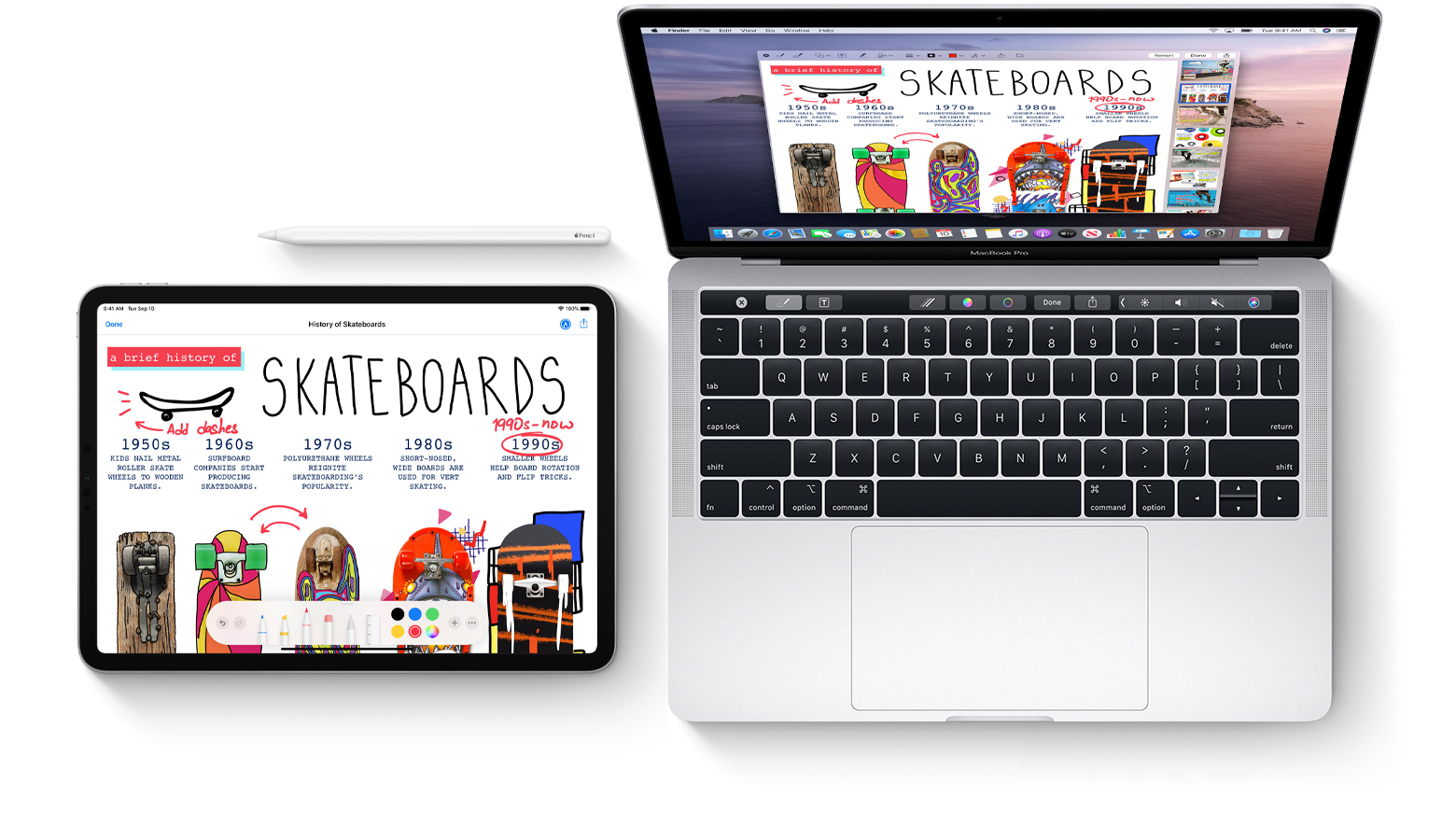
Learn how to mark up PDF documents and images on your Mac by using Apple Pencil or your finger on a nearby iPhone or iPad.

It has been a bit of a bumpy road for one of the first films for Apple TV+, The Banker, but it looks like Apple has decided to finally release it.

In a press release today, Apple is highlighting how much of an impact a hair cut can have on a person.

While Spotify is over there launching playlists for pets, Apple is teaming up with the National Basketball Association (NBA) to launch a new playlist in Apple Music.
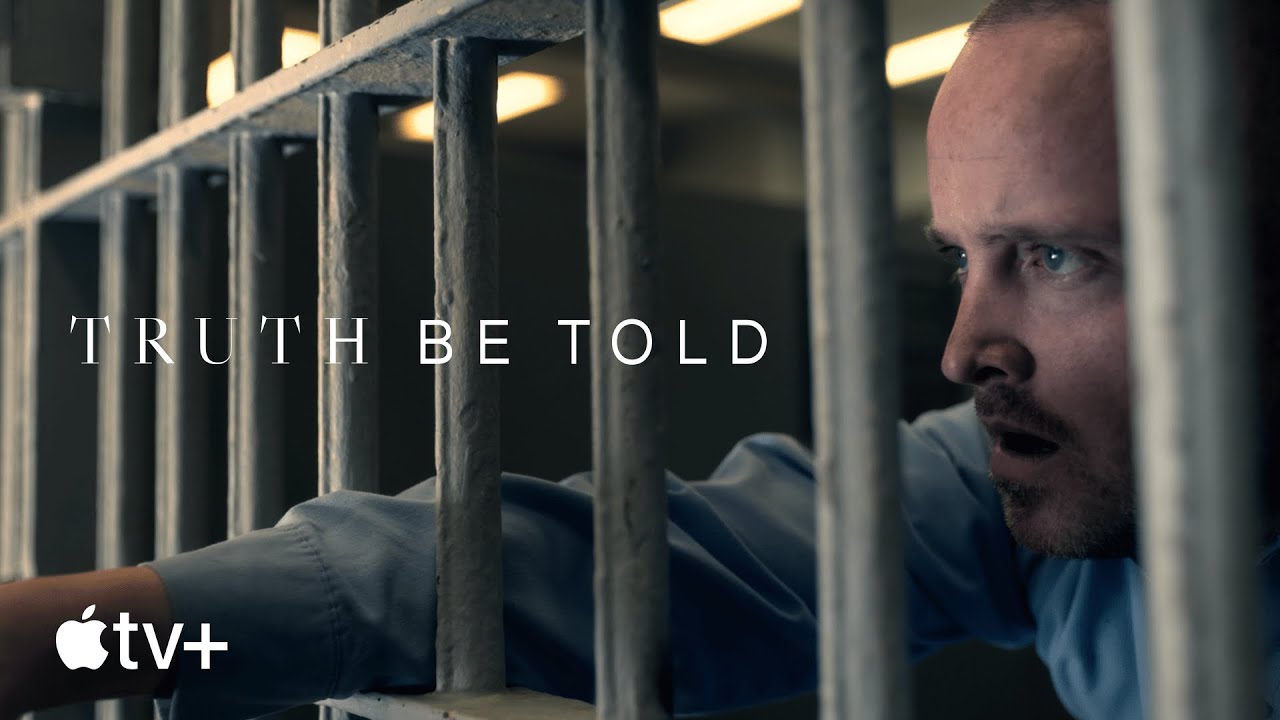
Truth Be Told tells a complicated story about a young person growing up in prison, and a podcaster who helped put that person in prison in the first place.
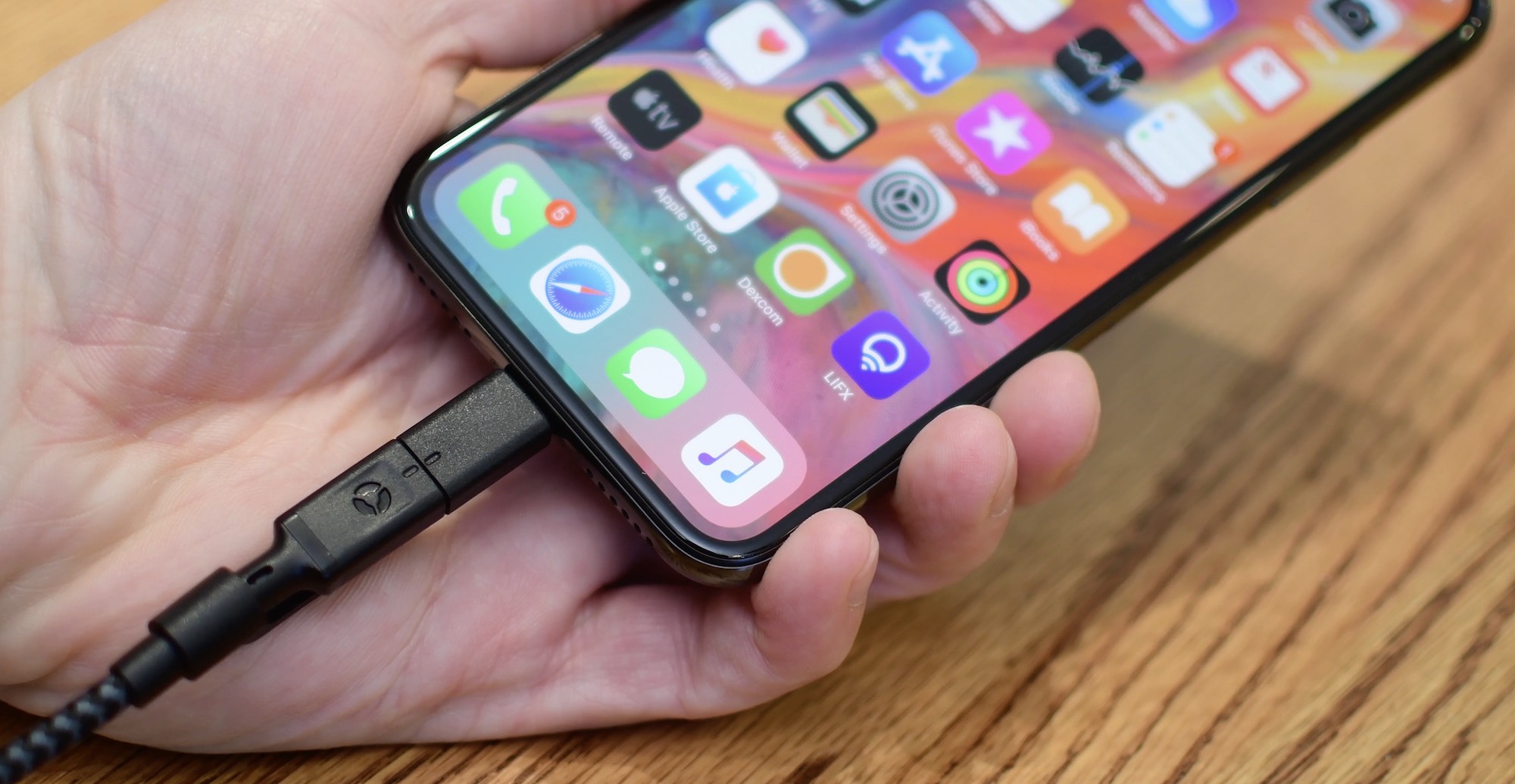
According to a new research note shared by a Barclays analyst today, Apple could release a completely wireless iPhone model without Lightning — and quite possibly without USB-C or any other form of wired charging for that matter — as soon as next year.

Macworld writer Jason Snell published today a thought-provoking piece titled "It’s time for new hardware at the center of Apple’s home strategy" that's well worth a read, especially if you belong to the camp that believes it's high time for Apple Home.

The most recent update to Epic Games' Fortnite enables gameplay on the 2018 iPad Pro at 120 frames per second, making the popular free-to-play battle royale game better than ever on iOS.

We’ve been sharing a lot of iMovie how-tos over the past few months. So now it’s time to help you with something you’re sure to find useful: iMovie keyboard shortcuts.
Taking action any app on your Mac can be much quicker and easier with a keyboard shortcut. And when it comes to iMovie, there are plenty of them. Many you’ll remember and many you won’t, but this helpful guide gives you the most common ones.

Check out this list of excellent mind-mapping apps for iPhone and iPad to jot down your thoughts, brainstorm ideas, and make a clear path for your tasks.
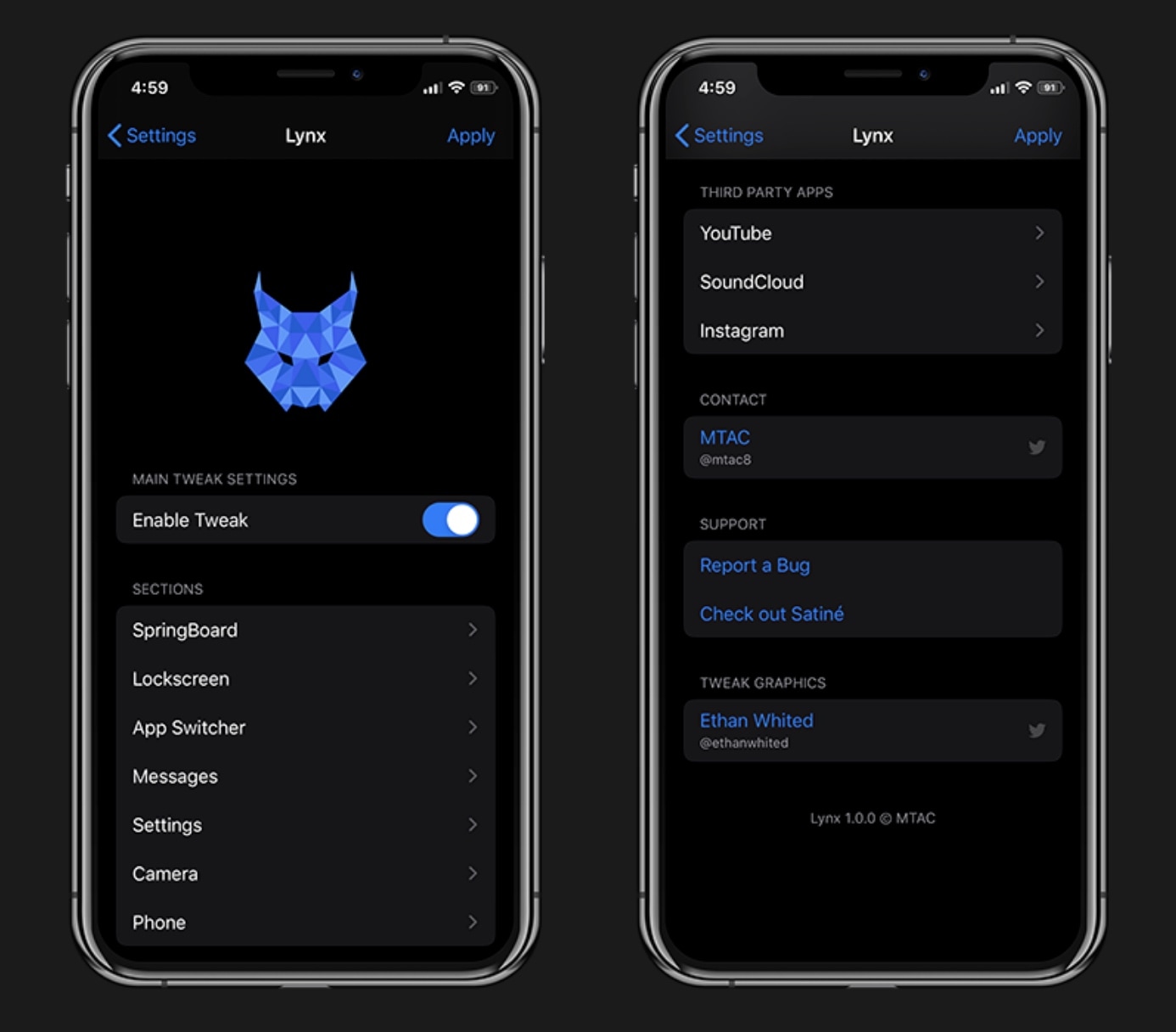
It almost seems like there’s been a distinguishable influx of all-in-one jailbreak tweaks lately, and each new release we cover seems to be outdone by something new just a few weeks later. The famous Springtomize tweak once enjoyed its title as the king of all-in-one jailbreak tweaks, but all the competition lately is giving it a serious run for its money.
All-in-one tweaks are popular because they offer a plethora of benefits for one flat cost as opposed to downloading (and perhaps even purchasing) several one-off tweaks to accomplish the same outcome. Fortunately, a new release dubbed Lynx by iOS developer MTAC offers a wide selection of useful options, and we’d strongly recommend checking it out.
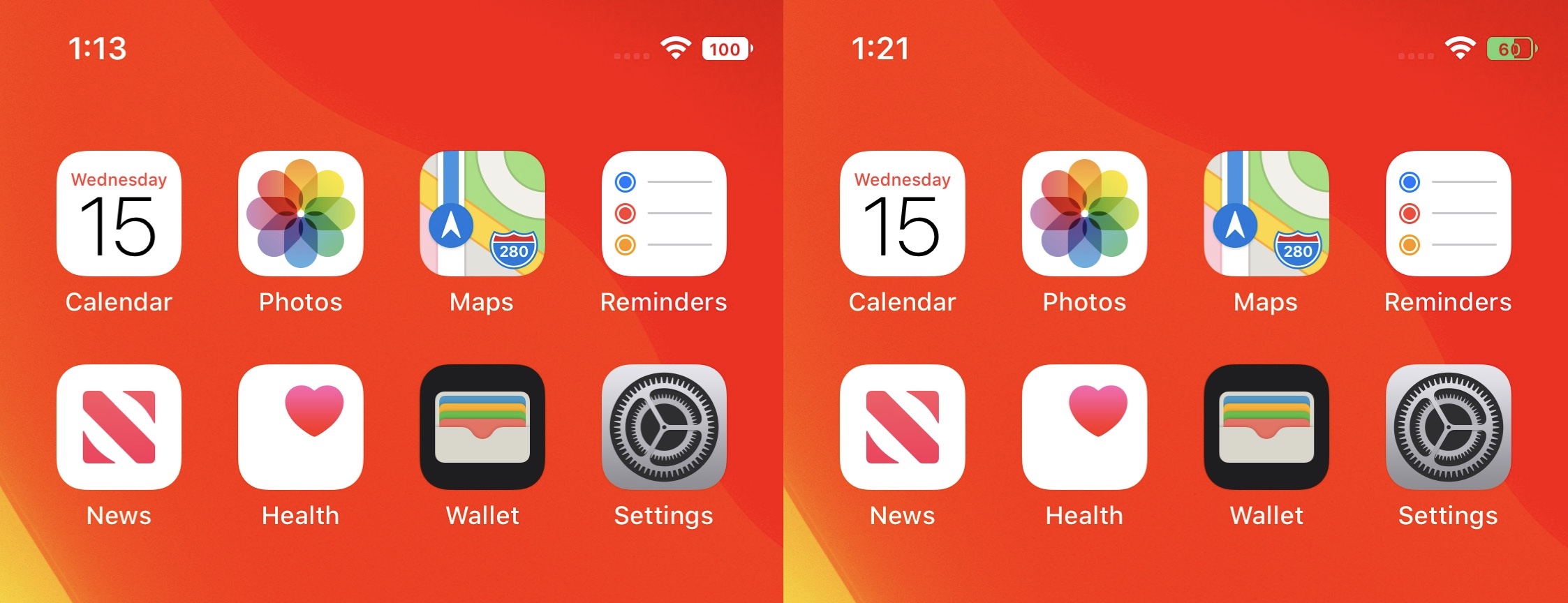
The battery level indicator is perhaps one of the most important items in your iPhone’s Status Bar. Not only does it tell you how far along your handset’s battery percentage is, but it also gives you a rough idea of about how much longer you can expect to use your device before it’s time to plug it in to a power source.
There’s nothing particularly wrong with iOS’ native battery level indicator, but starting with Apple’s trendy notched handsets, the icon itself doesn’t display a numeric battery percentage anymore. Fortunately for those looking to change that, you can now download a new, free jailbreak tweak called half by iOS developers Soongyu Kwon and Ayden Leppert.