Customize your iPhone’s ringer/silent switch sound and vibration with MuteVibes

iPhone Ringer and Silent Switch

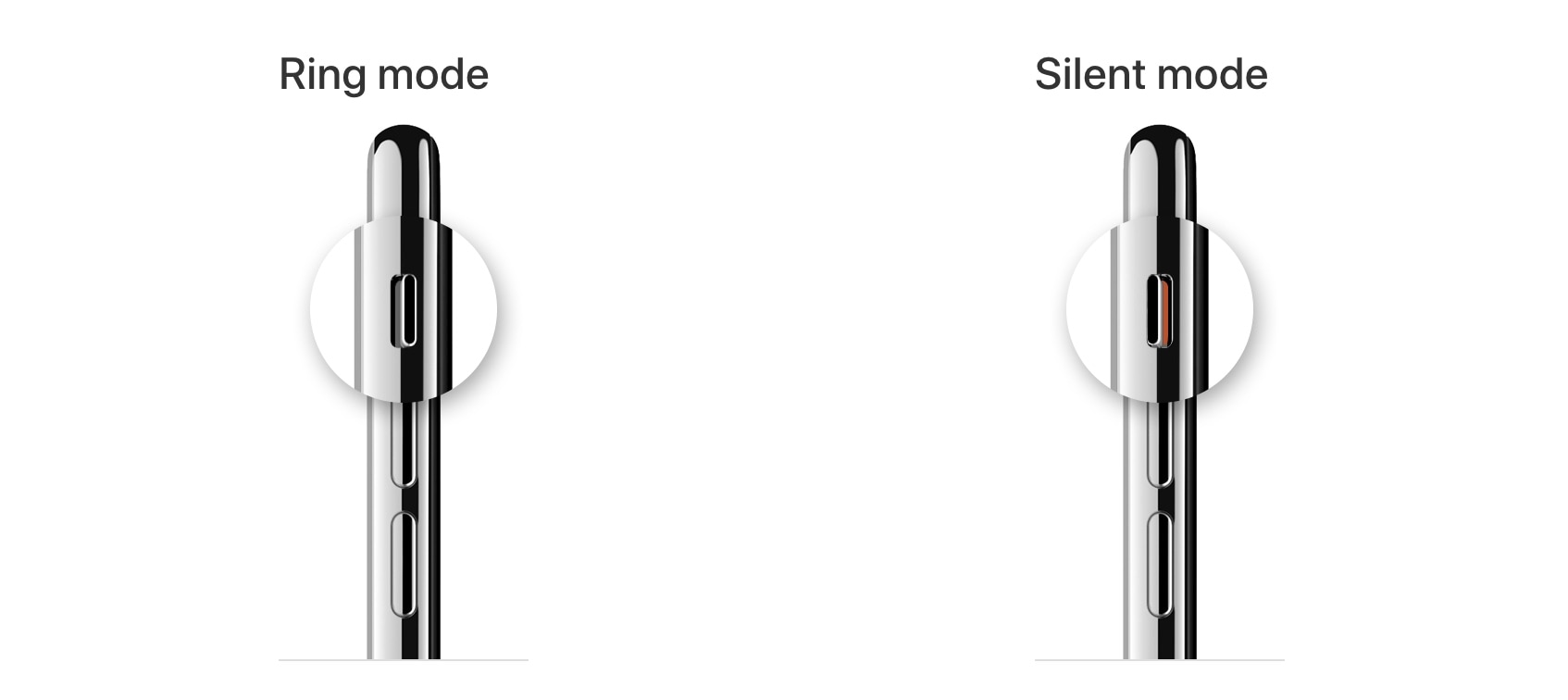
One thing the iPhone still has that many other smartphones don’t is a physical ringer/silent switch that can be used to immediately silence your handset from right inside of your pocket.

The iPhone’s physics ringer/silent switch is still one of our favorite things about the Apple-branded handset. But if you’re jailbroken, then you may want to turn your attention to a new and free jailbreak tweak called MuteVibes by iOS developer Ethan Whited, as it can be used to customize the sound and vibration behavior of the ringer/silent switch.

Editor’s Desk: Apple’s changing encryption story, patient data access

Apple's Health app icon

A news story at the beginning of the week shows a very changing position for Apple, which has focused for years on customer data access freedom and privacy but appears to have changed its tune when it comes to encryption. There's also news from the electronic medical records (EMR) industry, which may get shaken up this year thanks to new rules imposed by a federal government agency that oversees how medical records are maintained.

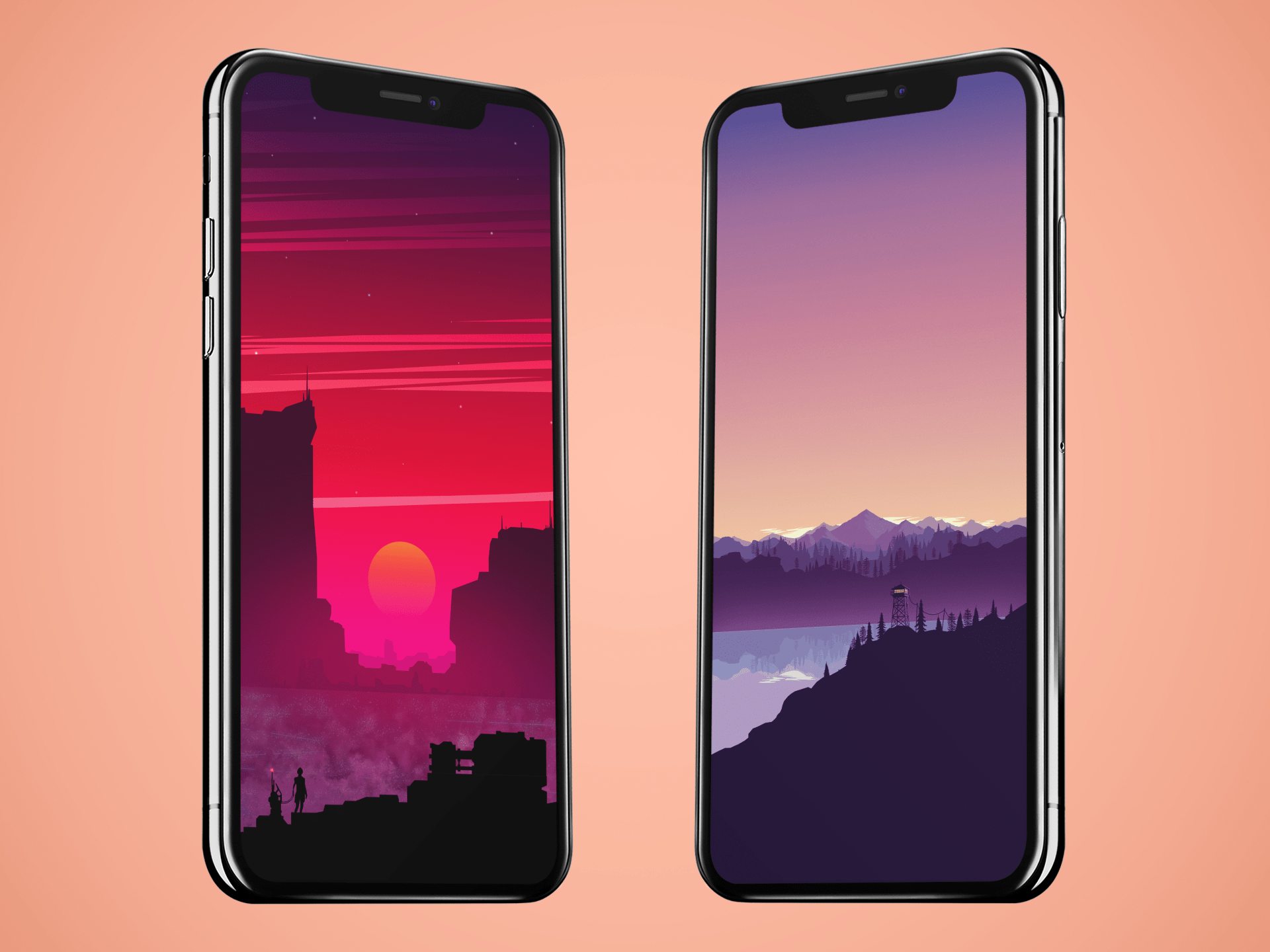
Colorful vector landscape wallpaper for iPhone

Colorful vector landscape wallpapers ByArthur1992aS idownloadblog mock up

Vector images are computer graphic creations of lines, mathematical or freehand, that are in 2D space and offer scalability. These vector landscape wallpapers illustrate both mountains and cityscapes. Across a range of colors, the calming purple of the mountains or the rushing intensity of the red city, these original digital creations make great wallpapers. 

Jailbreak tweaks of the week: Kalm, Mot, Spectrum, and more…

Got a jailbroken iOS handset at your disposal, but aren’t sure what you should do with it? We’ve got you covered.

This roundup will encompass all the latest jailbreak tweak releases from Monday, January 20th to Sunday January 26th. As usual, we’ll kick things off by discussing our favorites and then wrap things up with an outline of the rest afterward.