10 reasons to jailbreak in 2020

It’s been a great weekend for the jailbreak community, especially now that two of the most popular jailbreak tools – checkra1n and unc0ver – picked up support for Apple’s latest and greatest iOS/iPadOS 13.5 firmware. But one question we’ve been getting asked often from both new and veteran jailbreakers alike goes something like this: “Why should I jailbreak in 2020?”

In all fairness, it’s a valid question. My own mind goes crazy with endless answers because I’ve been at this for so long, but if you’re new to the community or used to jailbreak in the past and went on hiatus after things seemed to go stale a few years back, then I would totally understand why you might be asking this question right now. In this post, I’ll discuss at least 10 reasons why I think jailbreaking is still relevant even in 2020.
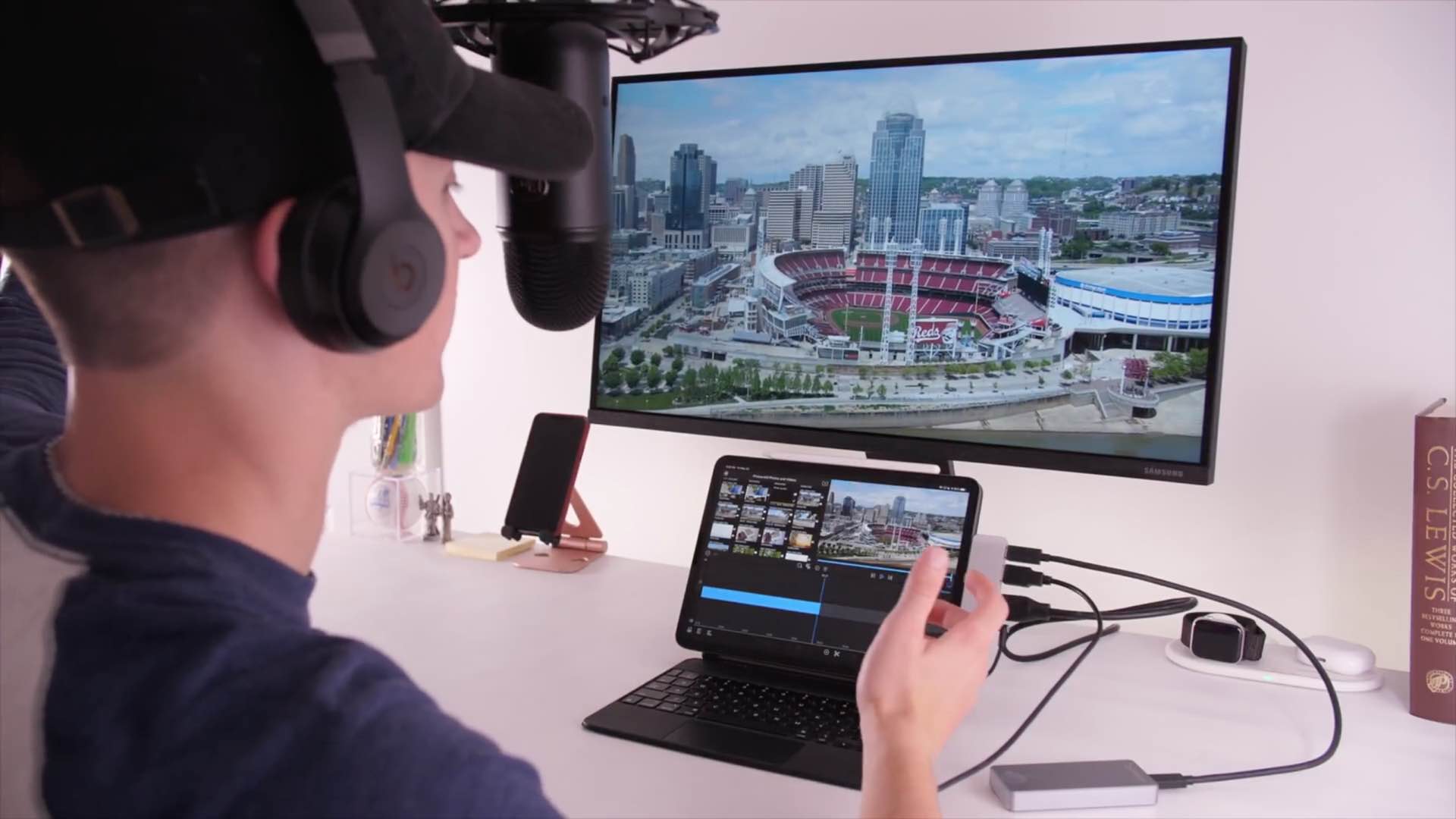

Hands-on video walkthrough: Taking iPad Pro to the next level with a truly pro setup

Apple's iPad Pro is an extremely capable tablet and it can become so much more with various accessories that extend or improve its functionality — I'm referring beyond the usual Magic Keyboard + Apple Pencil combo. In this hands-on video walkthrough, iDownloadBlog's resident videographer Harris Craycraft is exploring some of the ways he's created what he thinks could be a truly pro iPad Pro setup (depending of your definition of a "pro").

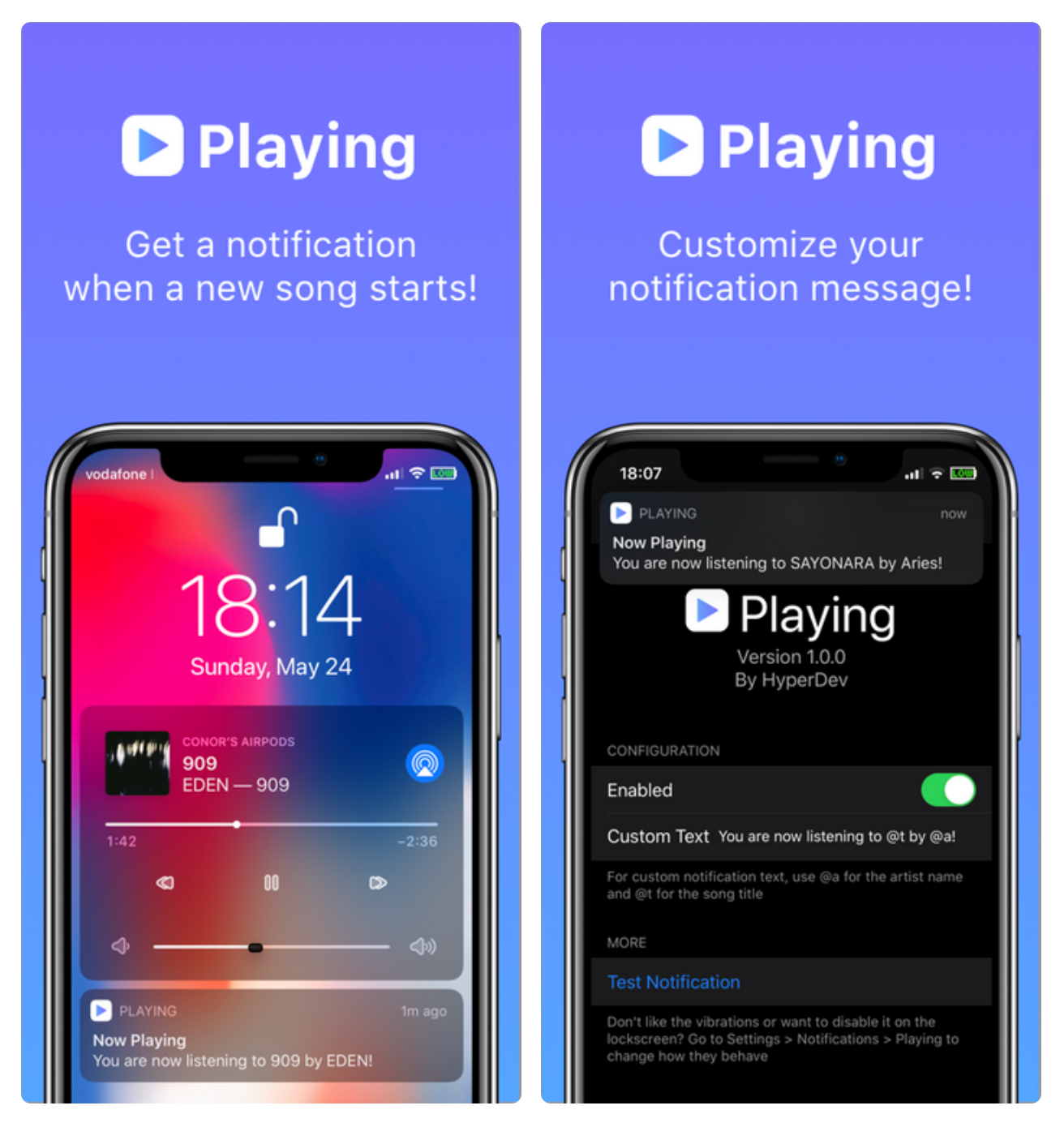
Playing produces a notification when a Now Playing track changes

If you're any bit into music discovery and sometimes find yourself scratching your head about new songs when they begin playing, then we have a somewhat conscious feeling that you’re going to enjoy learning about the likes of a newly released and free jailbreak tweak called Playing by iOS developer HyperDev.

Playing aims to keep you in the loop about Now Playing music as one song ends and another begins by displaying a notification banner with informative details about the new track. By default, the tweak shows you the song’s name and artist, but that can be modified with custom text if it isn’t enough to tickle your fancy.

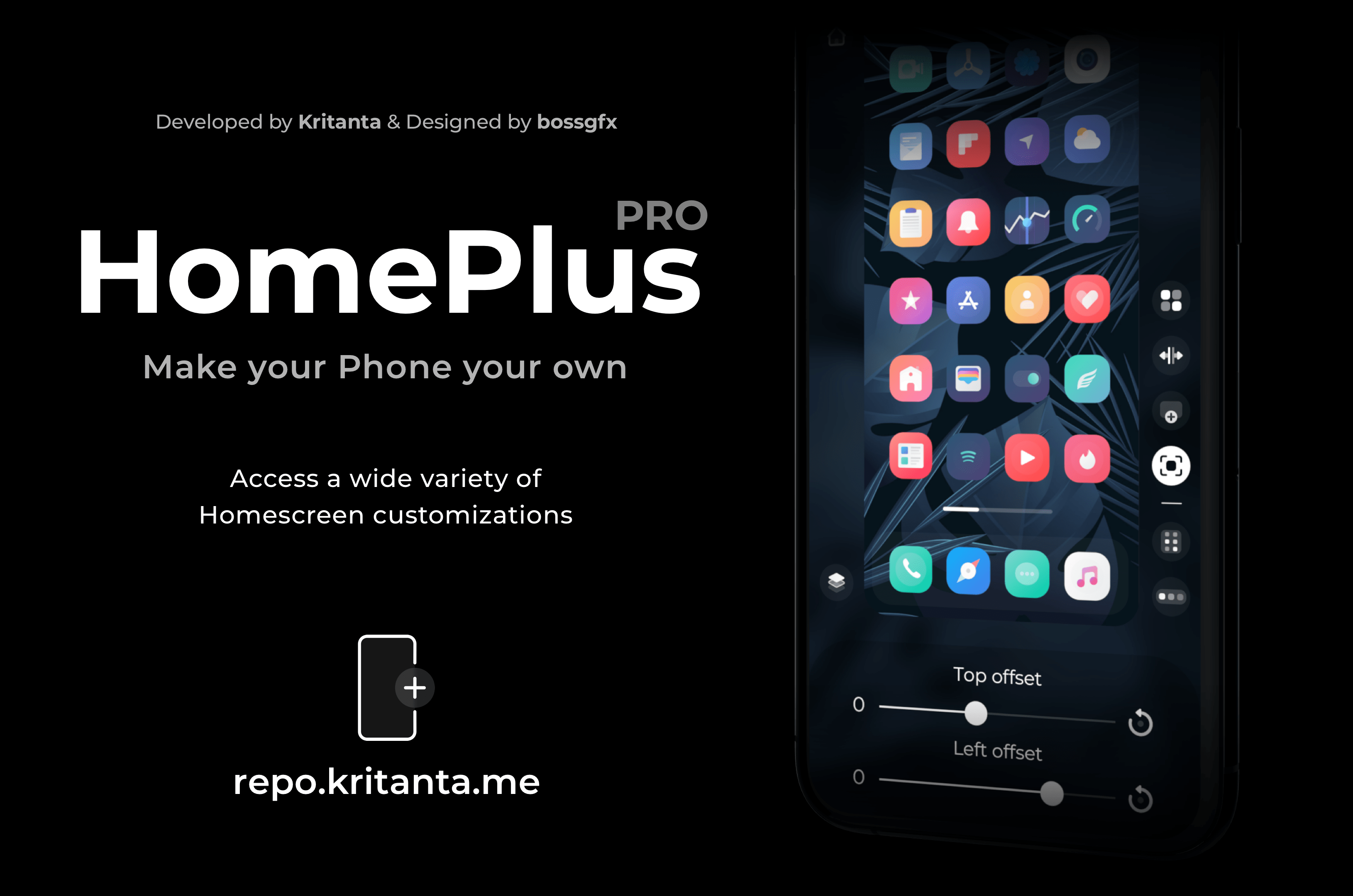
Dynamically modify your iPhone’s Home Screen layout with HomePlus Pro

One of the hallmark things you can do with a jailbroken iPhone is customize the Home Screen’s app icon layout. Not only does it help break the monotony that you deal with when everyone around you uses an iPhone, but it also lets you enjoy custom formats for themes, widgets, and other extensions not mentioned here.

While there have been a lot of Home Screen layout-based jailbreak tweaks in the past, a new release dubbed HomePlus Pro by iOS developer Kritanta seems to provide one of the sleekest user interfaces we’ve seen. Best of all, it’s entirely dynamic, which means you can make edits on the fly directly from the Home Screen without spending much time in the Settings app.

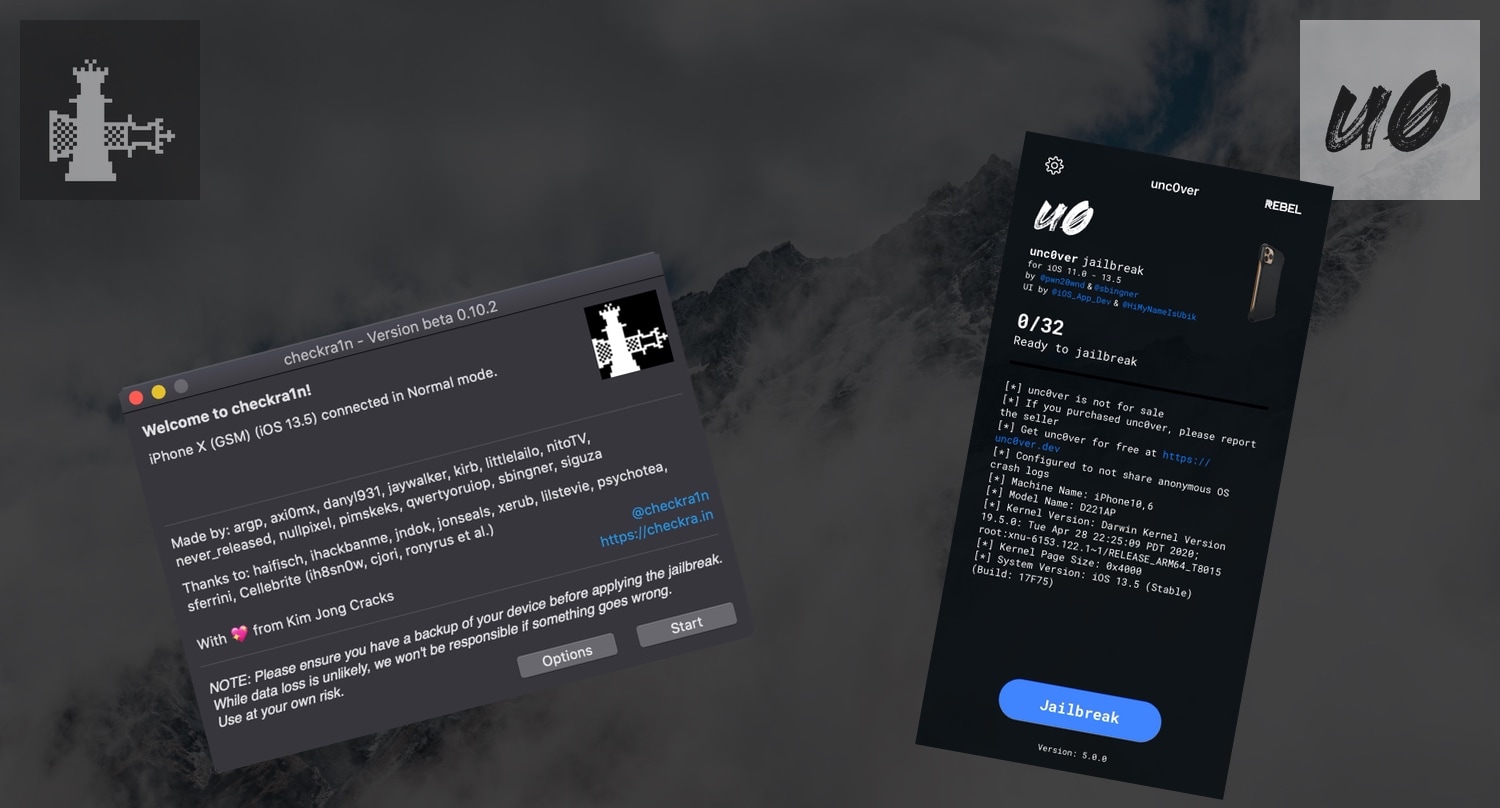
How the checkra1n and unc0ver jailbreaks compare and contrast

The jailbreak community had quite the field day on Saturday when both the checkra1n and unc0ver jailbreak tools picked up official support for iOS 13.5, permitting jailbreak hopefuls to pwn the latest version of Apple’s mobile operating system for iPhones and iPads alike. It’s not often that jailbreak tools support a current signed firmware, and it may come as no surprise that these updates attracted many new users to the jailbreak scene.

One of the most frequent questions we’ve seen over the course of the past 24 hours is “what’s the difference between checkra1n and unc0ver?” Albeit obvious to more seasoned jailbreakers, we wanted to take a moment to discuss the differences and similarities between the two for those who are just entering the jailbreak community's territory for the first time. Without further ado, let’s get started:

Unc0ver v5.0.1 brings secure unrestricted storage access to jailbreak apps

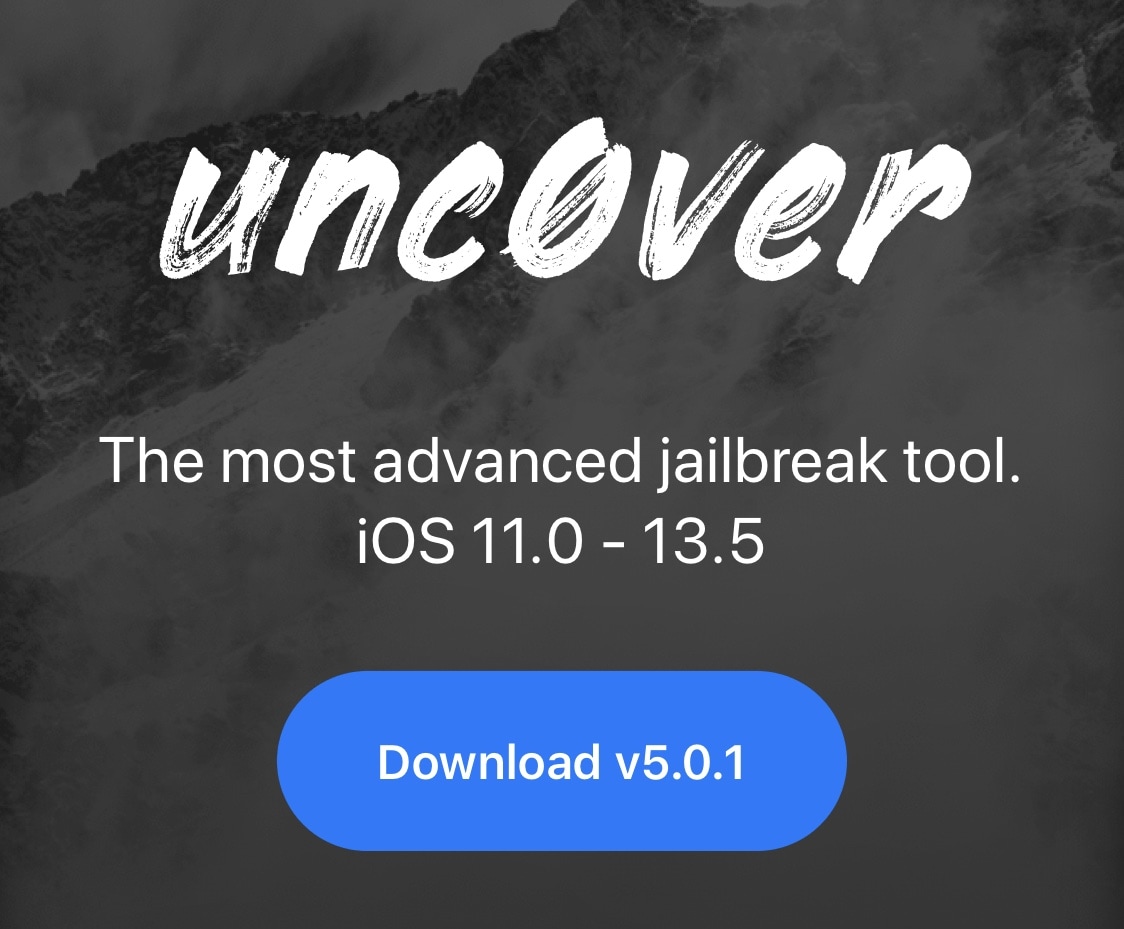
After successfully releasing unc0ver v5.0.0 Saturday evening with full-fledged support for all devices running iOS/iPadOS 13.5, hacker and unc0ver project lead developer Pwn20wnd has followed up this quiet Sunday evening with a minute update that brings additional improvements to the jailbreak experience.

The update, announced just minutes ago by Pwn20wnd via Twitter, has been dubbed unc0ver v5.0.1 and is now officially available to the masses: