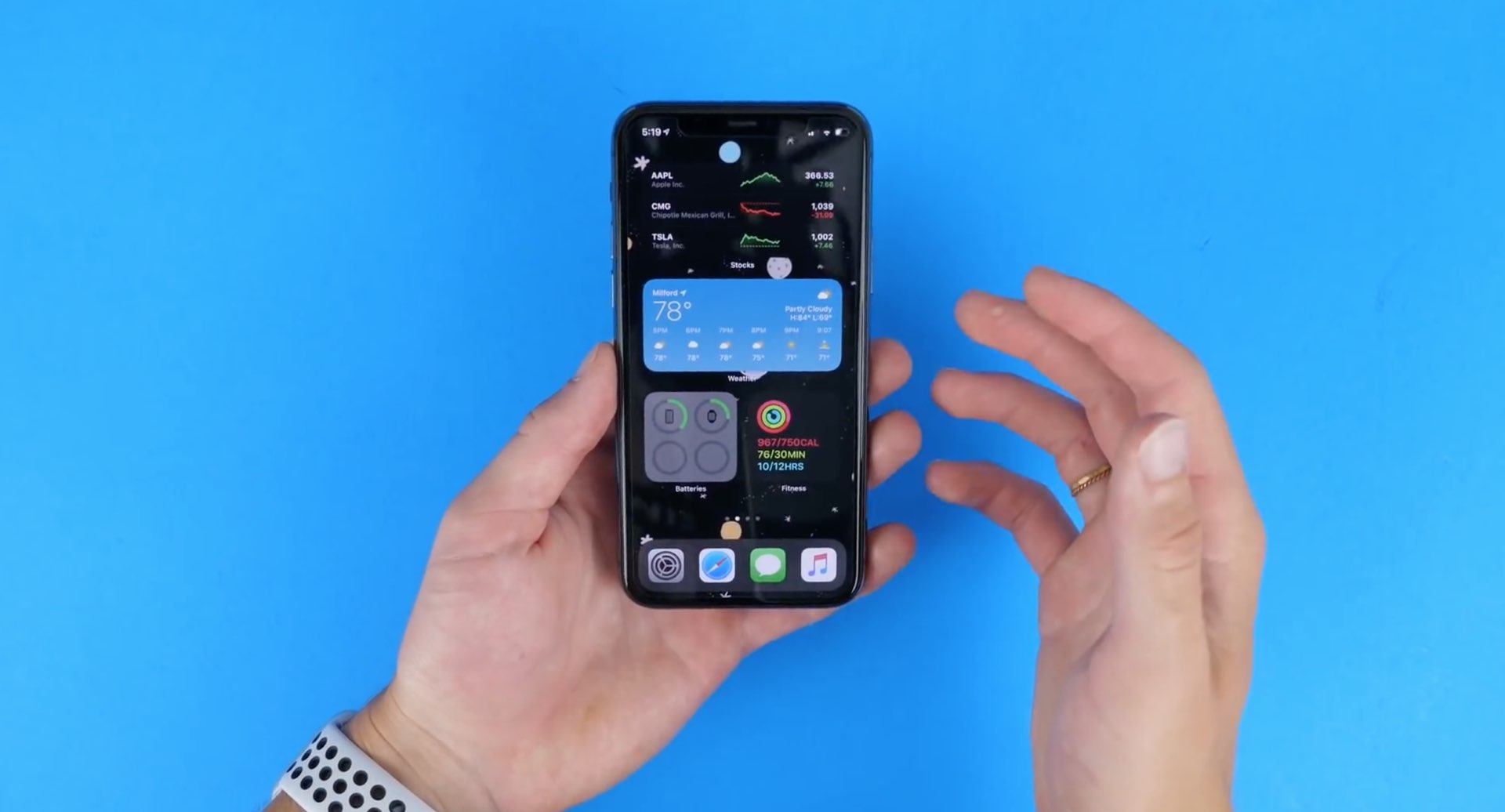
MyWall lets you set custom backgrounds throughout iOS

One of the things you can change on any stock iPhone or iPad is the wallpaper image that appears on both the Home Screen and Lock Screen. Unfortunately for Apple device users, that’s just about the extent of background image customization on the iPhone and iPad platforms; but it doesn’t have to be.

Assuming you’ve got a jailbroken handset at your disposal, then you can take advantage of a newly released jailbreak tweak called MyWall by iOS developer iOSthemem0d to customize the background of just about any iOS interface you can imagine.

Handcuff helps you catch iPhone thieves by sending selfies of the perpetrator

It’s a common worry that someone might try to unlock your iPhone without your consent if you leave it somewhere unattended, and since iOS allows several passcode attempts before it initiates a passcode lockout timer, it’s possible for someone to continue guessing your passcode time and time again. Unfortunately, iOS doesn’t provide any way to letting you know when someone does this, leaving the user completely oblivious to such attacks.

Enter Handcuff (iOS 13), a newly released jailbreak tweak by iOS developer Ahmed that alerts users to attacks of the aforementioned variety. If or when a passcode is entered incorrectly or a power down is attempted, Handcuff alerts the user to this activity via email and via text message and includes a selfie image of the offender trying to conduct said mischief.

This tweak blurs your handset’s display before it falls asleep from inactivity

Apple designed iOS in such a way that when you don’t use your unlocked iPhone after a certain period of time, the display will start to dim before eventually falling asleep and locking entirely. Some people like this feature because it helps keep battery drain at bay during times of idle use, but if you’re interested in something different, then you may take a liking to a newly released and free jailbreak tweak called attention by iOS developer woofy.

Upon installing attention, your iPhone will still automatically lock itself after a predetermined period of inactivity. The only major difference, however, is that your handset’s display will exhibit a blurred effect after a period of inactivity and right before falling asleep instead of dimming the display’s backlight.

How to allow untrusted shortcuts on iPhone

Allow Untrusted Shortcut on iPhone

Are you trying to add a shortcut on your iPhone or iPad but can't proceed as your device is blocking unknown shortcuts? Here's how you can easily flip a switch and allow untrusted shortcuts on your iPhone. After this, you can use non-Apple curated shortcuts from elsewhere, like a website, shared via services like iMessage, received from AirDrop, and more.