Jailbreak

LockKeyboard lets you use the iOS 7.1 Lock screen keyboard across iOS
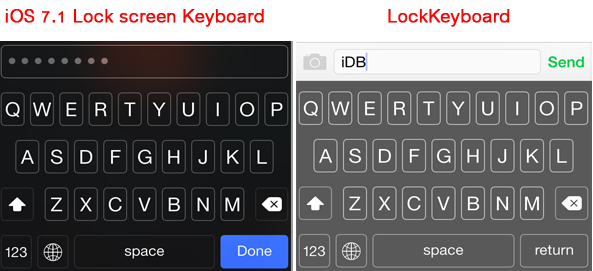
If you've updated your device to iOS 7.1.x, you might have noticed that the Lock screen keyboard looks quite different than the default keyboard that pops up when you're typing. The new keyboard appears only on the Lock screen when you're entering an alphanumeric passcode, and it is not available for other parts of iOS 7.1. A new tweak appropriately called LockKeyboard allows you to bring the iOS 7.1 Lock screen keyboard to your entire device.

panicLockPro locks specific apps on your iPhone via an Activator gesture

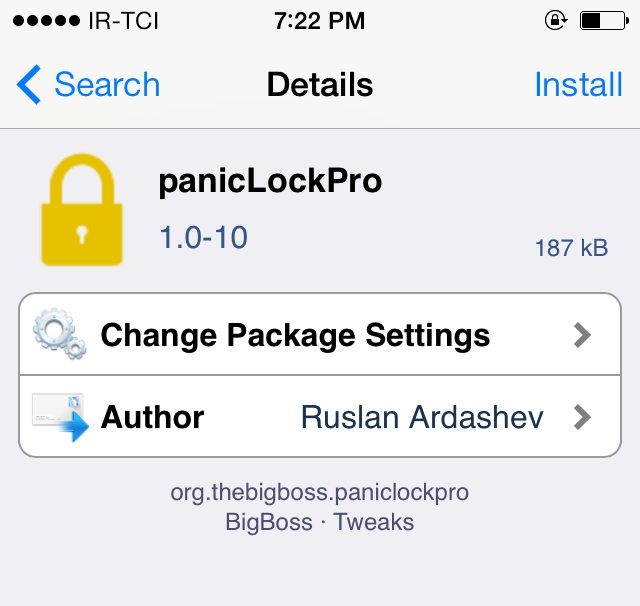
Do you have nosy friends or roommates who sneak into your Messages app from time to time? Are you concerned about your privacy when handing your device to someone else? If you answered yes to any of these questions, you should probably check out a tweak called panicLockPro that secures the private data on your iPhone or iPad.

With panicLockPro, you can quickly lock applications via an Activator gesture and secretly protect the private data on your iOS device. The tweak allows you to select individual apps that you want to lock out and prevent unauthorized access to.

NCMemo: a quick way to create notes from Notification Center

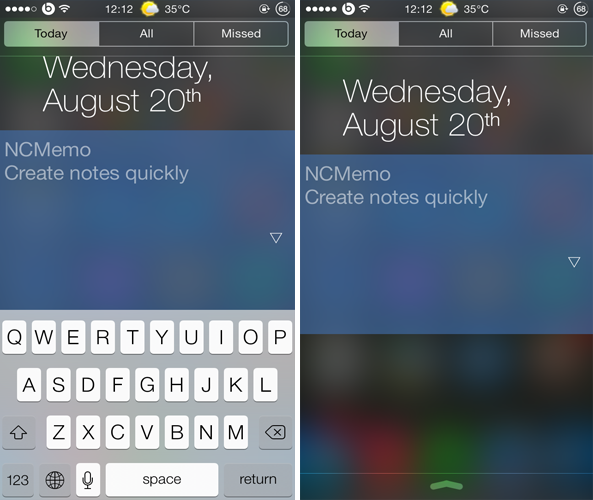
Just like iOS 6, iOS 7 has seen no shortage of Notification Center tweaks and widgets. One such example is NCMemo, a brand new tweak that debuted in Cydia recently and provides a convenient way of taking notes and memos.

NCMemo adds a resizable text box to Notification Center, under the 'Today' tab, allowing you to create notes and memos conveniently from anywhere within iOS.

Lullaby lets you set a timer to automatically stop playing music via an Activator gesture

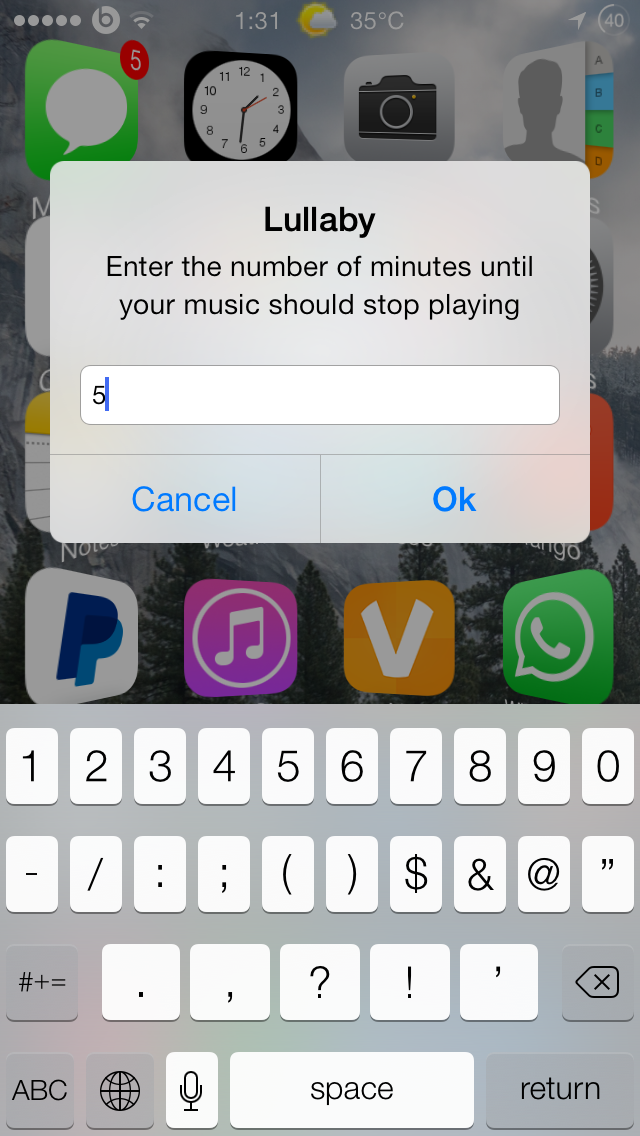
If you listen to music regularly before going to sleep, you should probably check out a new tweak called Lullaby. Brought to you by the same developer who created Hermes and Acute, Lullaby ensures that the music playing on your device stops automatically after a set amount of time. Lullaby can also be used for other purposes as well such as while exercising.

How to uninstall multiple jailbreak tweaks at once

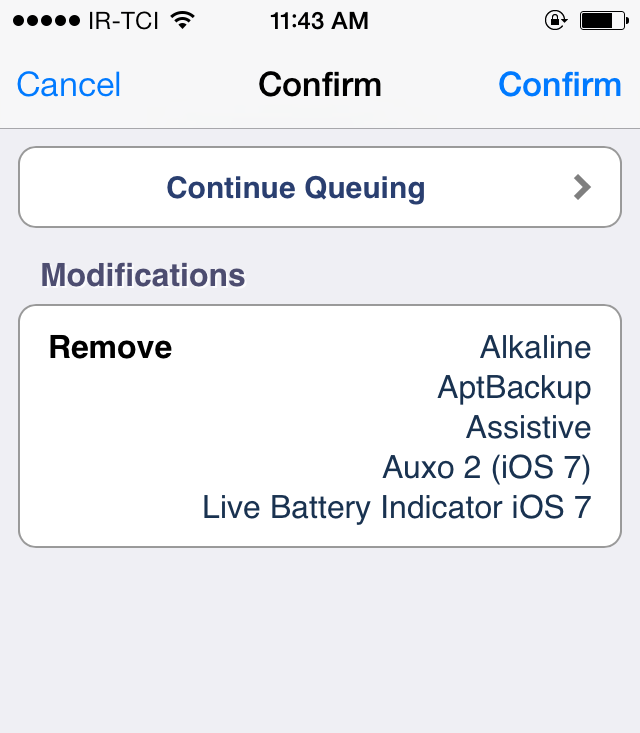
If you're a jailbreak enthusiast like me, you'll probably end up installing a bunch of jailbreak tweaks that will pile up over time. Sooner or later, you might forget about them and after a period of time, you'll end up with a lot of unused tweaks which may have a negative impact on the performance of your device and can slow it down or cause lags. Surely, it's easy to remove one or two tweaks that you don't need, but it becomes a hefty task if you want to delete a lot of tweaks that you no longer use.

Fortunately, there's a workaround that allows you to uninstall all the jailbreak tweaks that you don't need in a single tap. This involves queuing all of them together and performing a batch uninstall. To find out how, follow our step-by-step guide outlined below.

The best jailbreak tweaks for Control Center on iOS 7

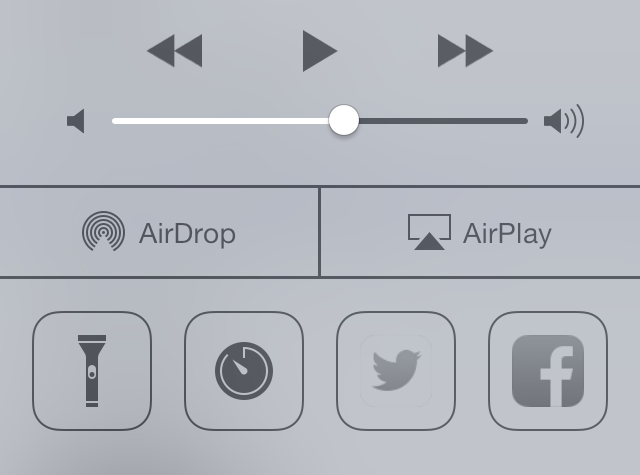
One of the major features Apple introduced in iOS 7 is Control Center, which provides users quick access to settings toggles, stock apps, media controls and more. However, it is very limited and doesn't give you complete control to customize it. This is why Control Center has been the subject of focus by many jailbreak tweak developers and ever since the iOS 7 jailbreak was released, there has been no shortage of tweaks for Control Center.

Below, we've compiled a list of the best jailbreaks tweaks for Control Center on iOS 7, ranging from customizing the feel and look of Control Center to adding more toggles.

How to view the exact timestamp of a photo or video in Instagram

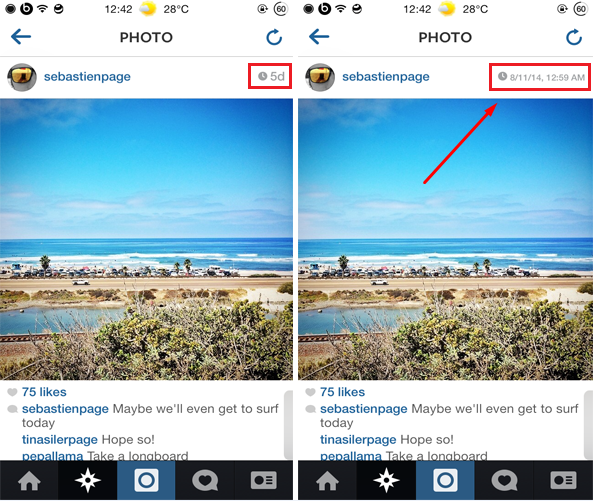
Instagram is one of the most popular social network and photo/video sharing app available for iOS. If you've used Instagram at some point, you'll know that it doesn't show you the exact timestamp when an image or a video was posted. You will only get a preview of the less informative timestamp, which only displays the time passed since an image or a video was posted. InstaRealDate is a new jailbreak tweak that gets rid of this issue.

InstaRealDate displays the exact and more informative timestamp of a media including the date (day, month & year) and time that it was posted. To view the more informative timestamp, you have to tap on the time located in the top right corner of every image/video and it displays the exact time and date that it was shared such as "8/16/14, 12:30 PM"...

NotifyMeAgain lets you snooze notifications on your iPhone

Personally, when I'm in the middle of something on my device, I usually dismiss incoming notifications and normally end up forgetting about them. This can cause an issue if the notification is about an important text message or email. NotifyMeAgain is a brand new jailbreak tweak that prevents users from forgetting about pending notifications.

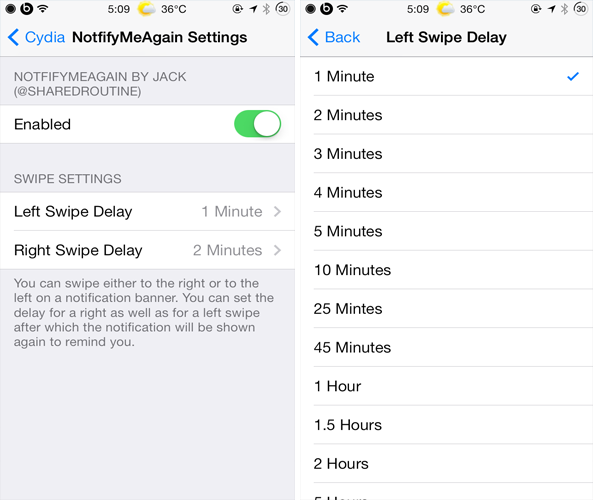
NotifyMeAgain reminds users about a pending notification by displaying it again after a period of time. It works by requiring you to set a timer after which you want a pending notification to re-appear. This is quite similar to how the "Snooze" feature works for alarms in the Clock app. The tweak employs swipe gestures in order to invoke a timer. For instance, you can swipe the notification banner to the right or to the left to choose a particular timer.

StreamEnhancer removes restrictions and ads from video streaming apps

One of the great advantages of having a smartphone is that you can watch online videos on it. However, various video streaming services come with restrictions and ads that will put you off. To enjoy watching videos without any restrictions, check out a new tweak called StreamEnhancer.

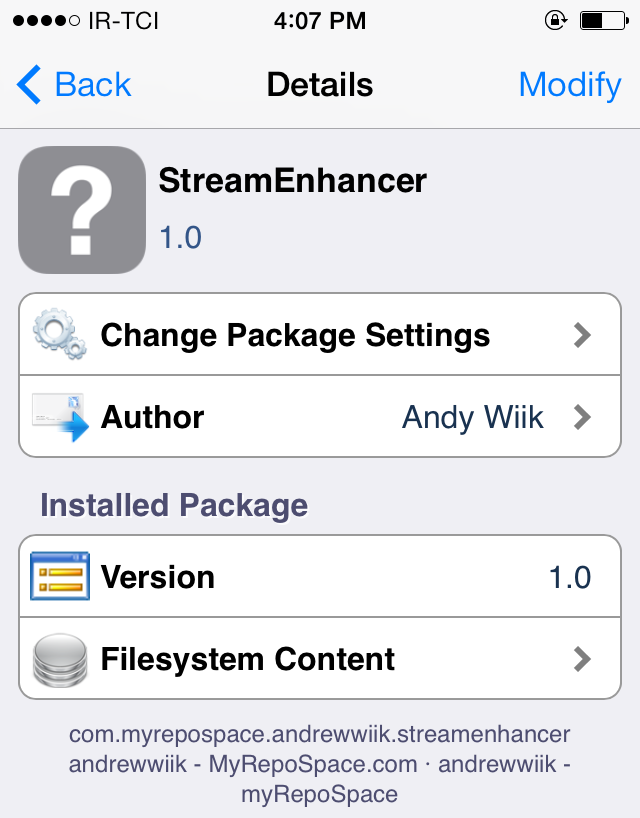
StreamEnhancer gives users the ability to disable Ads and commercials in various video streaming apps such as YouTube, Twitch, and Comedy Central as well as get rid of all the restrictions imposed. As of this writing, the tweak supports more than 10 different video streaming apps,

How to send Facebook messages without using Messenger app

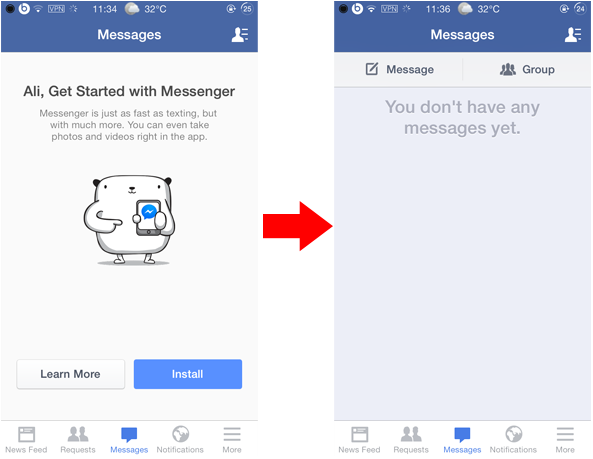
Last month, Facebook announced that it was disabling the messaging service in its official Facebook app for iOS requiring users to switch to its Facebook Messenger app in order to continue to send and receive messages from friends. This move by the company to force users to use its standalone messenger app was disliked by many.

Yet, if you wish to get rid of this restriction and continue chatting with your friends without using the Facebook Messenger app, you can follow either of the methods outlined below. In this post, we will share two methods that will allow you to send messages in Facebook without using the standalone Messenger app.

Configure individual app settings on iPhone with AppControl

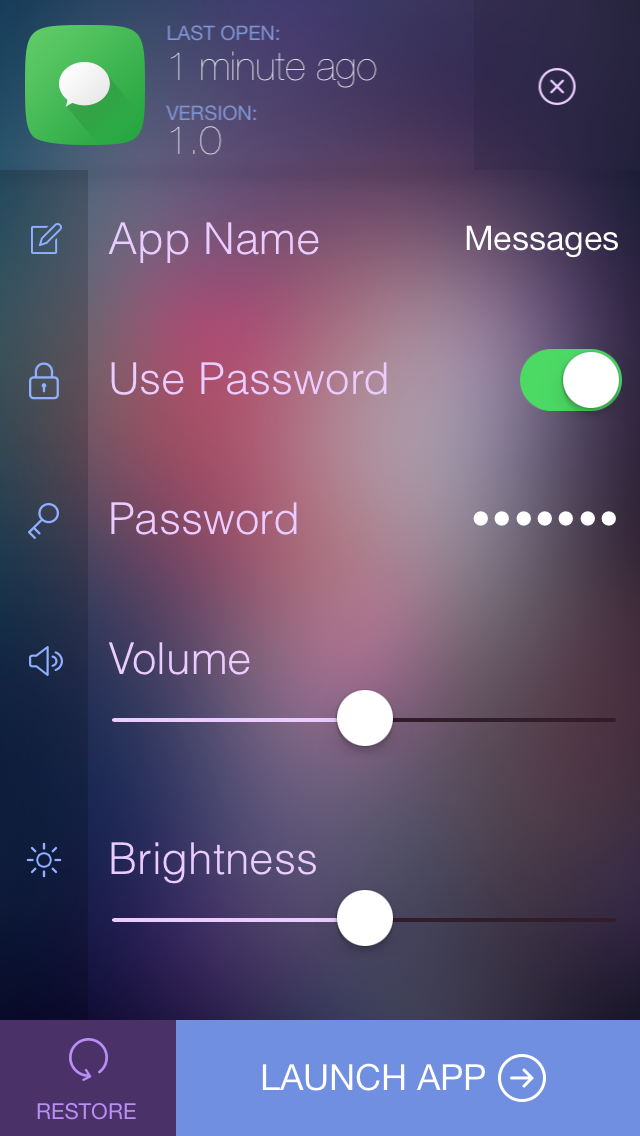
Volume and brightness are system-wide settings that apply to all apps on your iOS device, thereby requiring users to frequently configure them depending on the app that is open. For instance, I've seen people mute their device while playing a game or raise the brightness when reading a book on their device. AppControl is a new jailbreak tweak that allows you to solve this problem.

With AppControl, users will have the ability to configure the settings of each app individually such as brightness and volume as well as various other extra settings. For example, if your device's brightness is at 25% but you've set the brightness of an app to be 75%, launching it will raise the brightness from 25% to 75%...

The best jailbreak tweaks for Safari on iOS 7

Last week, we presented you a list of best jailbreak tweaks to enhance the stock Messages app on your jailbroken iOS 7 device. Today, we've decided to list the best jailbreak tweaks that will improve your web browsing experience on Safari.

Safari has been greatly improved on since it was first released along iPhoneOS 1. With iOS 7, it saw the addition of various new features such as iCloud Keychain, unified address and search bar, Private browsing mode and more. However, it still has some restrictions and lacks various features that prevent it from being an all-in-one web browser for iOS.

To enjoy more features and get rid of some of its limitations, read our complete list of best jailbreak tweaks for Safari on  iOS 7...