Jailbreak

vHome brings a virtual Home button to your jailbroken iOS device

There are several tweaks available in Cydia that allow you to imitate a press of the Home button without actually touching it. Such tweaks are quite useful when you have a broken Home or Power button. vHome is yet another jailbreak tweak that adds a virtual Home button on your screen.

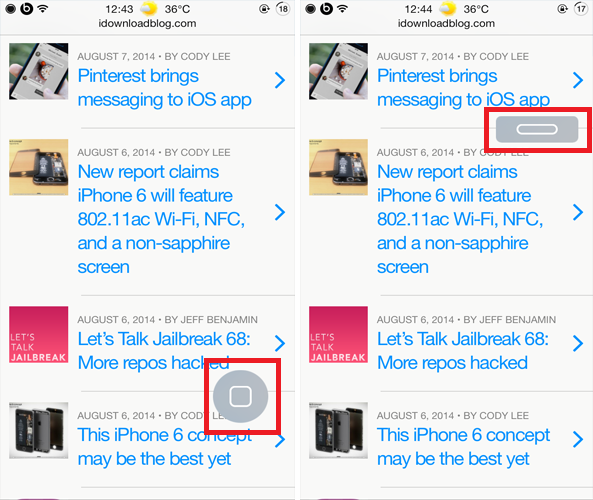
Developed by Noeliel, vHome brings a small virtual Home button to your jailbroken iOS device that looks quite similar to the physical Home button on your device. It floats on your screen and tapping on it will either take you to your Home screen or lock your device. vHome might sound similar to other virtual Home button tweaks but it works in two ways
Brightness Activator 2: adjust screen brightness with Activator gestures

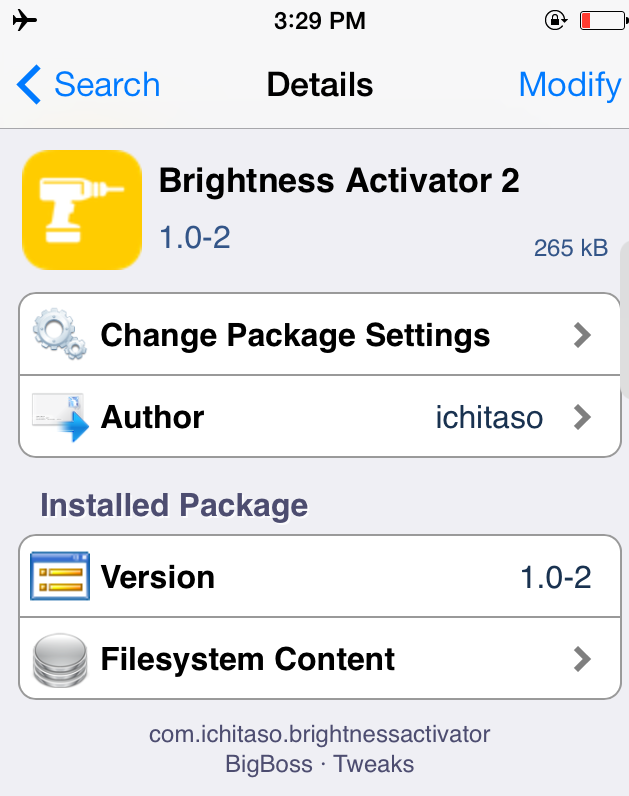
If you ever felt that you wanted a quicker way of adjusting your device's brightness rather than opening Control Center, you should try out a new jailbreak tweak known as Brightness Activator 2 that takes advantage of Activator gestures.

Just by looking at its name, you must have guessed by now what the tweak does. Brightness Activator 2 allows users to adjust their device's display brightness by making use of Activator. This means that you can assign Activator gestures to increase or decrease the brightness by a specific amount without having to launch Control Center or Settings app.

BlowToUnlock: blow at your iPhone device to unlock it

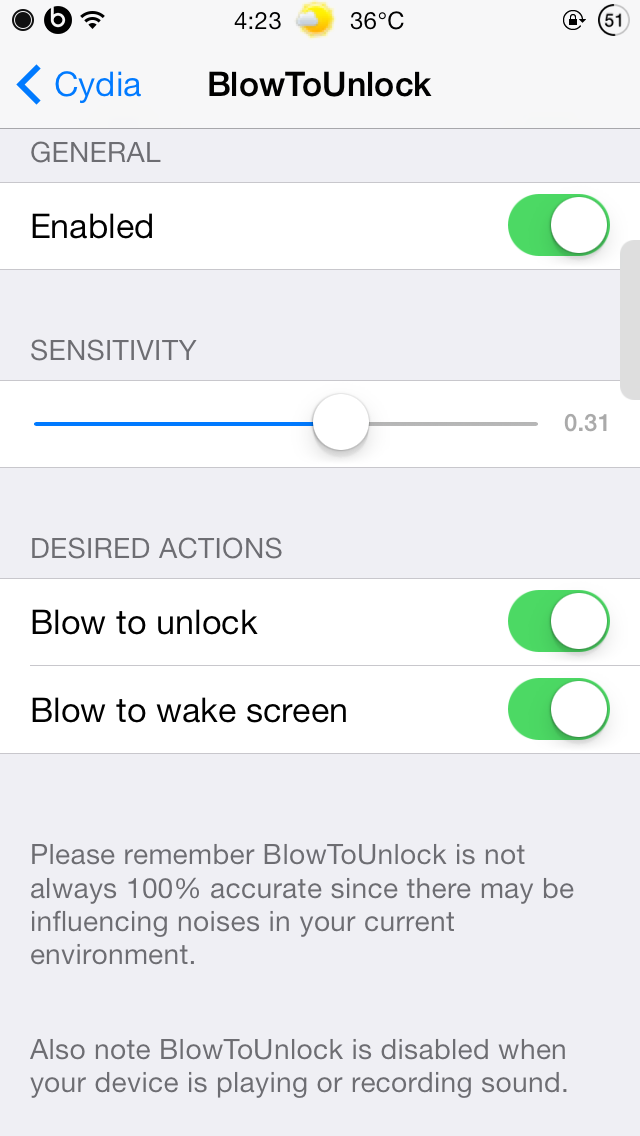
BlowToUnlock is a brand new jailbreak tweak that landed in Cydia recently and is quite a unique one. Although 'Slide to unlock' and Touch ID are the two main methods of unlocking an iOS device, BlowToUnlock takes your device a step further by allowing you to blow at your device in order to unlock it.

With BlowToUnlock, you can simply blow at or around the device's microphone to wake it up or unlock it. Other than the device's microphone, you can also blow into the headphone's microphone to unlock the device. However, the good thing is if you have a passcode enabled, you'll first be prompted to enter it before gaining access to your device. In fact, this ensures that the security of your device isn't compromised...

TwitConfirm prevents you from accidentally retweeting or favoriting a tweet

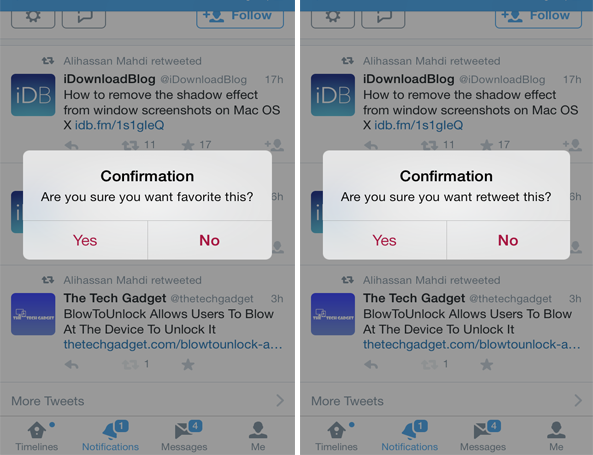
If you use the Twitter app regularly on your iOS device, you may have accidentally retweeted or favorited a tweet while scrolling through your timeline feed. It can be quite annoying just to go back and undo the action and sometimes, you won't even notice that you've retweeted or favorited a post. However, a new jailbreak tweak landed in Cydia recently that helps Twitter users overcome this problem.

The best jailbreak tweaks for the Messages app on iOS 7

Last week, we presented you a list of best jailbreak tweaks for the Music app on your jailbroken iOS 7. Today, we're back it again to show you a list of best jailbreak tweaks that will spice up the stock Messages app.

The Messages app has been greatly improved over time and comes packed with amazing features in the latest version of iOS 7. The Messages app is both used for SMS as well as iMessage for communication with other Apple devices. However, there are a few features that it lacks but can be achieved by using the tweaks listed below. Read on to find out the best jailbreak tweaks for the Messages app on iOS 7.

Chroma: customize the system-wide tint in iOS

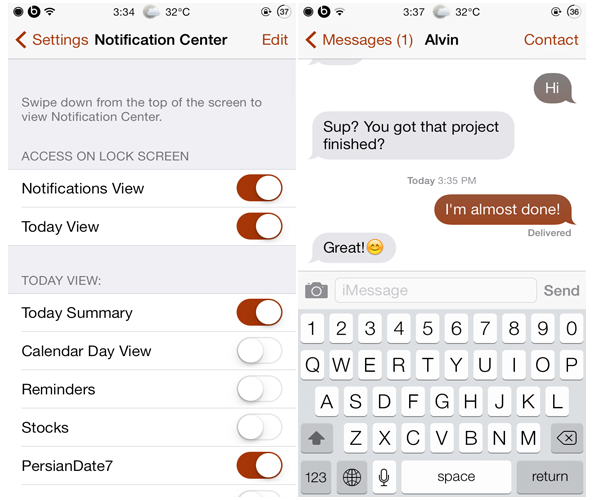
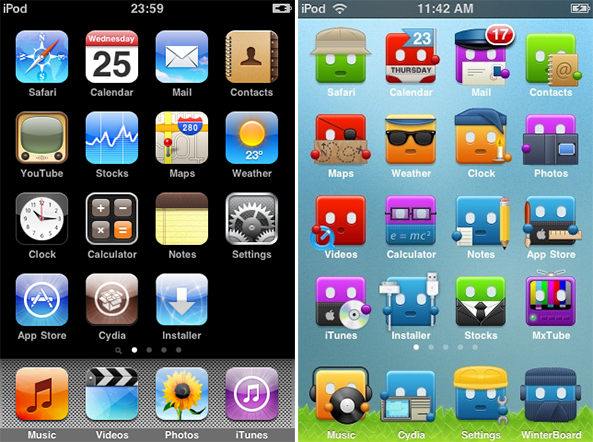
One of the reasons that users jailbreak their iOS device is to customize almost every aspect of iOS's UI elements. The default tint color in iOS is blue and that is why you'll notice most of the buttons, toggles or chat bubbles colored blue. However, Chroma is a brand new jailbreak tweak that just hit Cydia's ModMyi repo recently and is the best way to customize the tint color in iOS.

Chroma allows users to customize the system-wide tint in iOS with an unlimited range of colors. In other words, there's no limited color combinations, the end result depends totally upon you and your choice. Once you choose a color, it will be applied to many different user interface elements across all applications such as the buttons in App Store's navigation bar, chat bubbles in the Messages app etc...

ConvoProtect: lock or hide individual conversations in Messages, Whatsapp and Kik

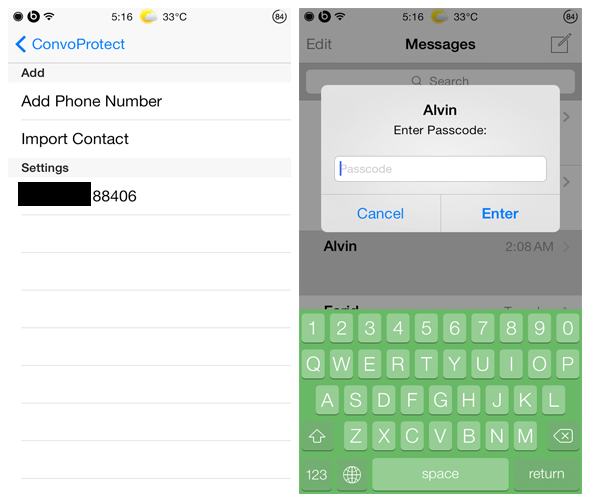
All of us have that one nosy friend who sneaks into the Messages app the moment they get your device and reads all your conversations. If you hate this, you might want to check out a new jailbreak tweak known as 'ConvoProtect' that adds an extra layer of security to your conversations.

ConvoProtect allows you to lock as well as hide select conversations from the stock Messages app, including Whatsapp and Kik as well. Along with individual conversations, the tweak also provides an option to secure group messages as well as hide the message preview for a particular conversation in the conversations list.

Musiex provides system-wide access to music controls

Recently, we compiled a list of best jailbreak tweaks for the Music app on iOS 7 and you might want to check it out to discover new tweaks that you may find useful. This said, Musiex was among the list and we decided to take it for a spin. Read on to find out more about it.

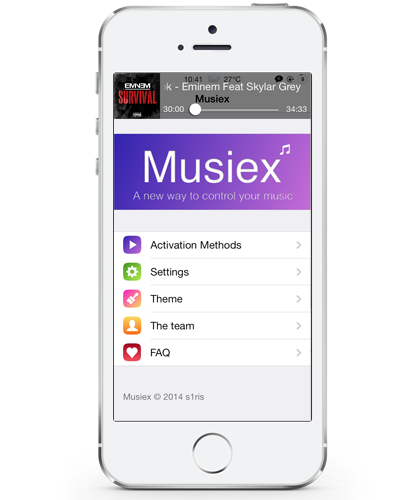
Musiex allows users to access the media controls from anywhere within iOS and control the currently playing song without having to open the Music app. It can be launched by making use of an Activator gesture and swiping up the interface or pressing the Home button will close it. Once Musiex is activated, a neat interface appears at the top of the device's screen, just like the notification banner, and displays information about the currently playing song such as the track name, artist and more. Additionally, the song's artwork appears to the left of the interface and a progress bar is also available enabling users to scrub through songs and move to any specific point of a track...

Smart Search spices up Spotlight search on iOS 7

Spotlight can be used to search for content (music, app, mail etc.) on your iPhone, iPad or iPod and it can be accessed by swiping down the Home screen. Personally, I've never found Spotlight search useful and I rarely use it except when I'm tempted to. However, iOS 8 takes the feature to a whole new level by allowing users to search for an iTunes song, App Store app, website, Wikipedia entry and much more directly from Spotlight.

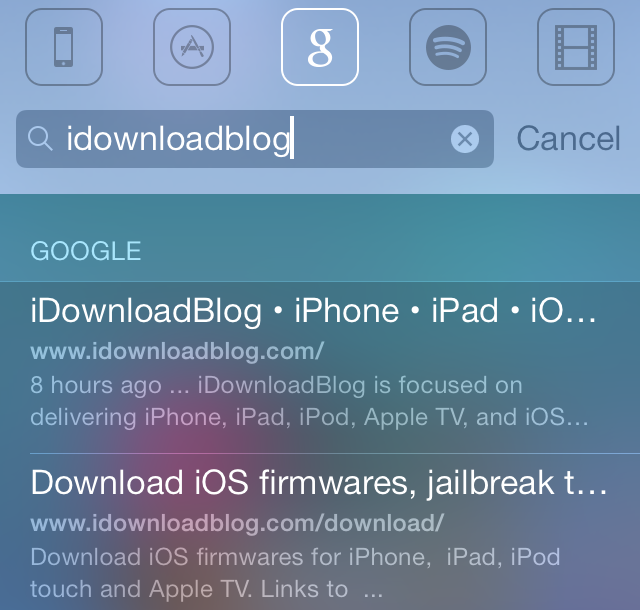
Inspired by iOS 8 Spotlight search, Smart Search is a new jailbreak tweak that improves the functionality of Spotlight search on jailbroken iOS 7 devices by expanding its search capability. It gives users the ability to search for a keyword from the App Store, iTunes Store, Google, Wikipedia, YouTube and more. We decided to give Smart Search a try and it worked flawlessly as advertised.

The best jailbreak tweaks for the Music app on iOS 7

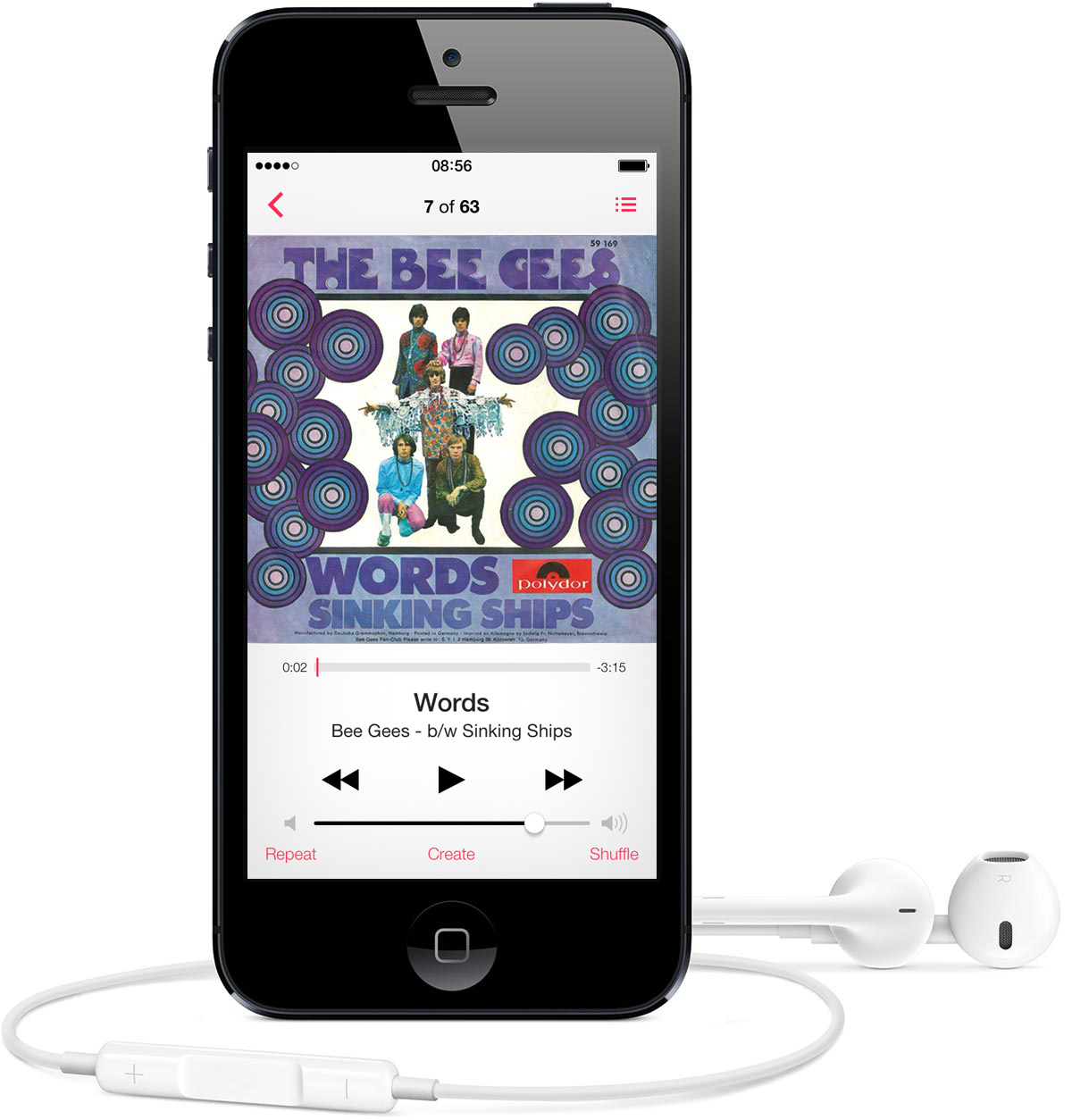
If you're a big fan of music, you might be interested in taking a look at a list of top jailbreak tweaks that will spice up your stock Music app and allow you to customize it. Although the Music app in iOS 7 has a sleek design and offers most of the features a user might want, there are many tweaks available in Cydia that give you more control over this stock app and enhance your music listening experience. This is why we have compiled a list of the best jailbreak tweaks that will boost your Music app...

BetterWiFi7 adds more functionality to your device’s Wi-Fi settings

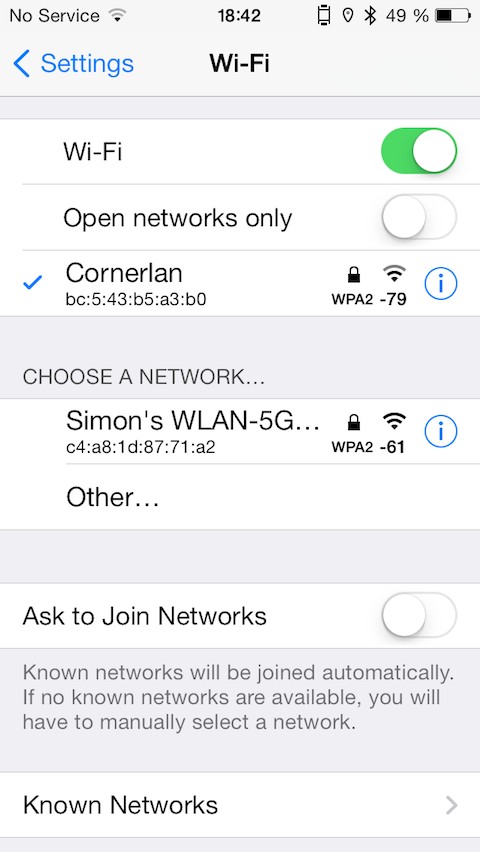
There is plenty of Wi-Fi related tweaks available in Cydia such as CleverPin or Vestigo, but if you want to go a step further and add more new functionality to your iOS Wi-Fi preferences, you may want to try out a new jailbreak tweak called BetterWiFi7.

BetterWiFi7 improves the functionality of your device and gives you more control over your Wi-Fi networks list by providing you a bunch of new options and displaying more information about the nearby networks...

What is your jailbreak story?

Earlier this week, we were treated to the pleasant surprise of an iOS 7.1.1 untethered jailbreak by the Chinese team Pangu. I had the privilege of discussing the jailbreak with our video guru Jeff Benjamin on the most recent Let's Talk Jailbreak episode, which was a lot of fun. In the podcast, Jeff asked me to introduce myself to the community and to describe my jailbreak roots.

The story begins in December 2007, when I was on a family vacation near the sandy beaches of Cape Coral, Florida. My older brother, now a software engineer at Google, was incredibly interested in this new product called the iPod touch. In particular, he wanted to jailbreak it. As a thirteen-year-old eighth grader at the time, I had never heard of the device. I especially did not know what jailbreaking was…Â