Here are five quick ways to check how much storage space is available on your Mac’s internal SSD or hard drive.
5 quick ways to see free space available on your Mac
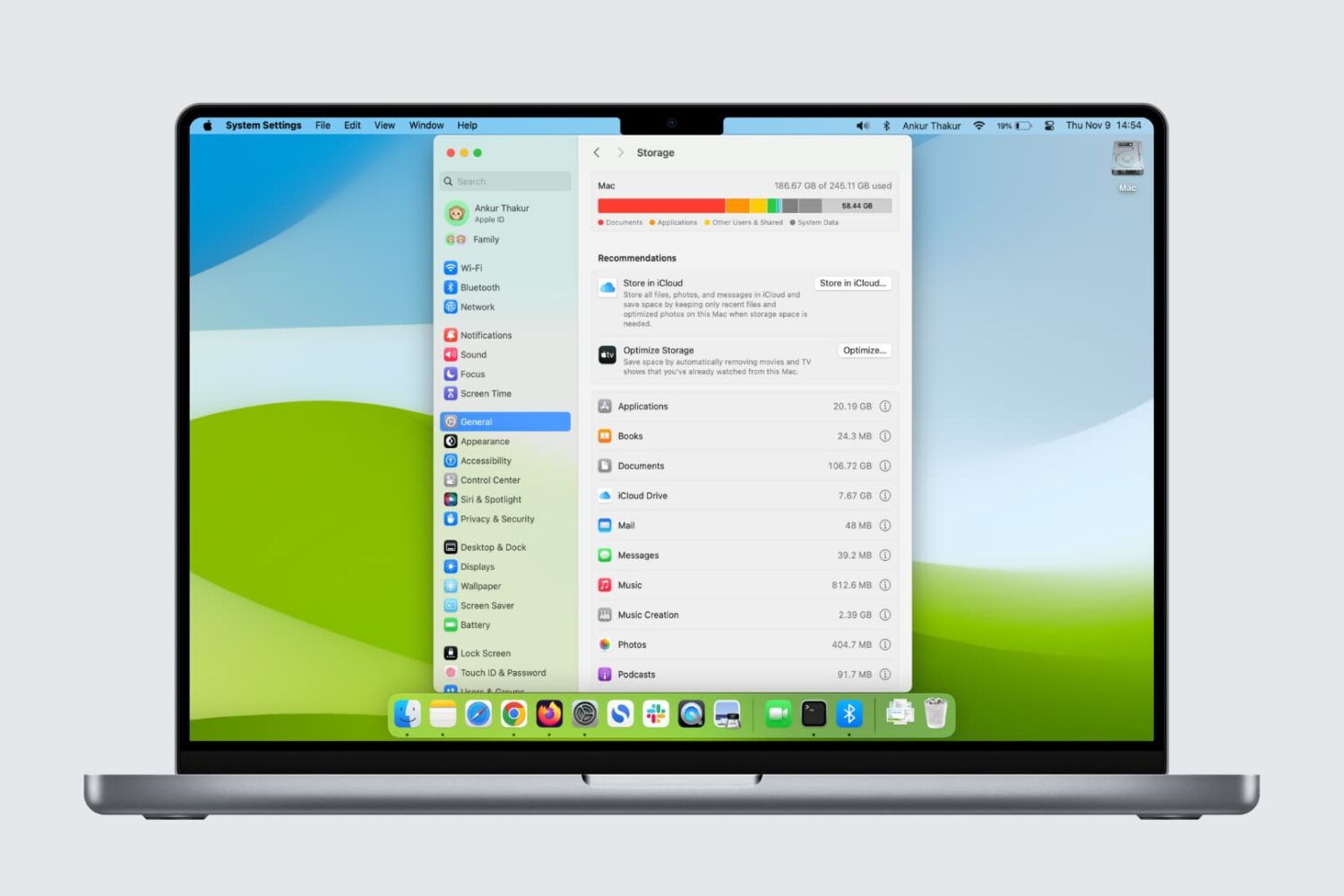
Here are five quick ways to check how much storage space is available on your Mac’s internal SSD or hard drive.

Apple will be streaming its 'Let us loop you in' media event live on the company's website. The Cupertino-based company is expected to unveil a number of new products related to iPhone, iPad, and the Apple Watch, but we'll have to wait and see to know for sure.
If you'll be tuning in to watch the Apple event live on your computer, there are some requirements you'll have to meet, and we'll touch on those requirements in this piece so you're prepared for it.

Learn how to fix issues such as no signal, poor color, blurry images, and more on an external display connected to your Mac.

Have you downloaded a free or paid app from the iPhone or iPad App Store only to find that it wouldn’t launch or it crashed immediately? If that’s the case, here are some quick fixes you can try.
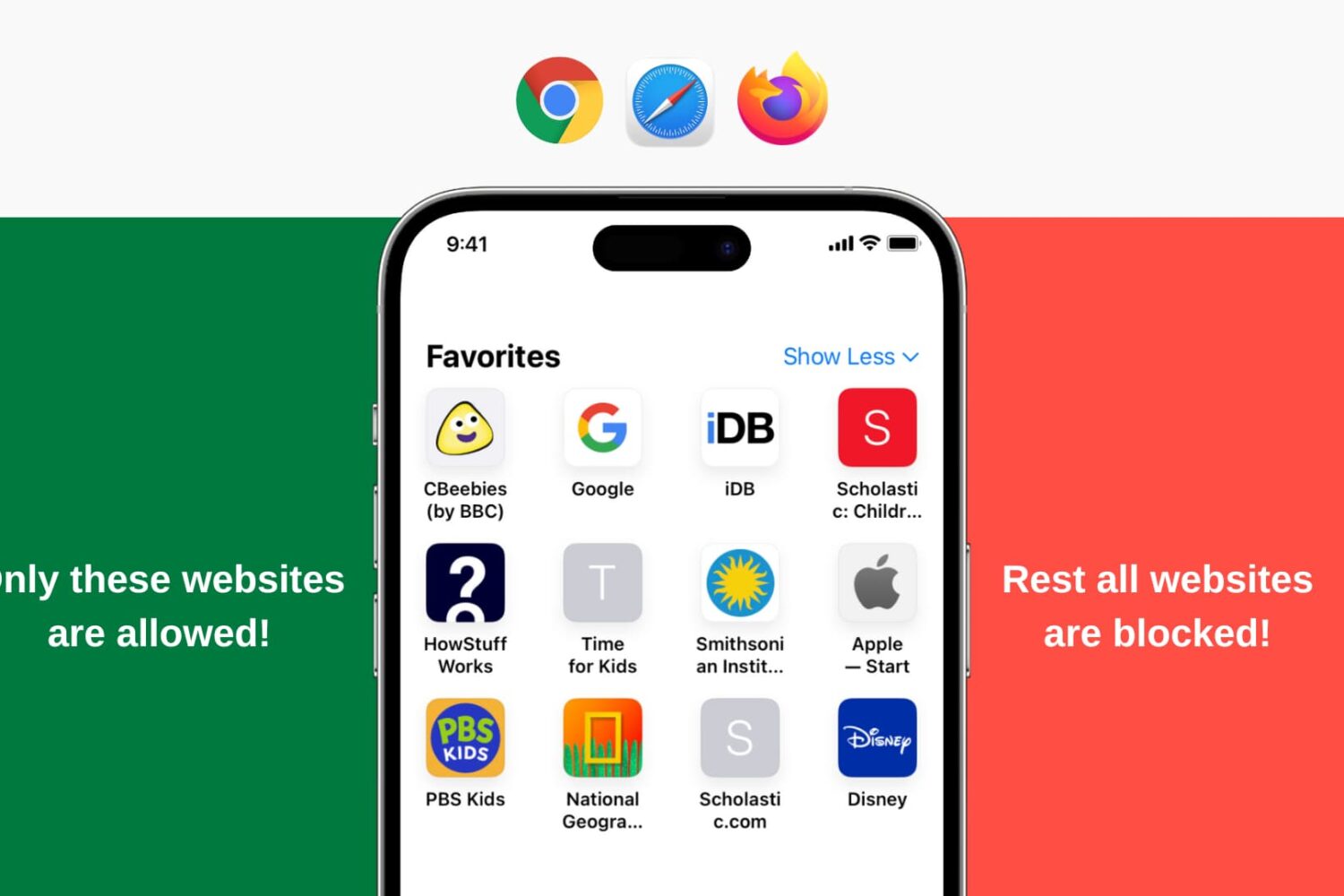
Learn how to restrict all websites except for a few specific ones of your choosing on your or your child’s iPhone and iPad.
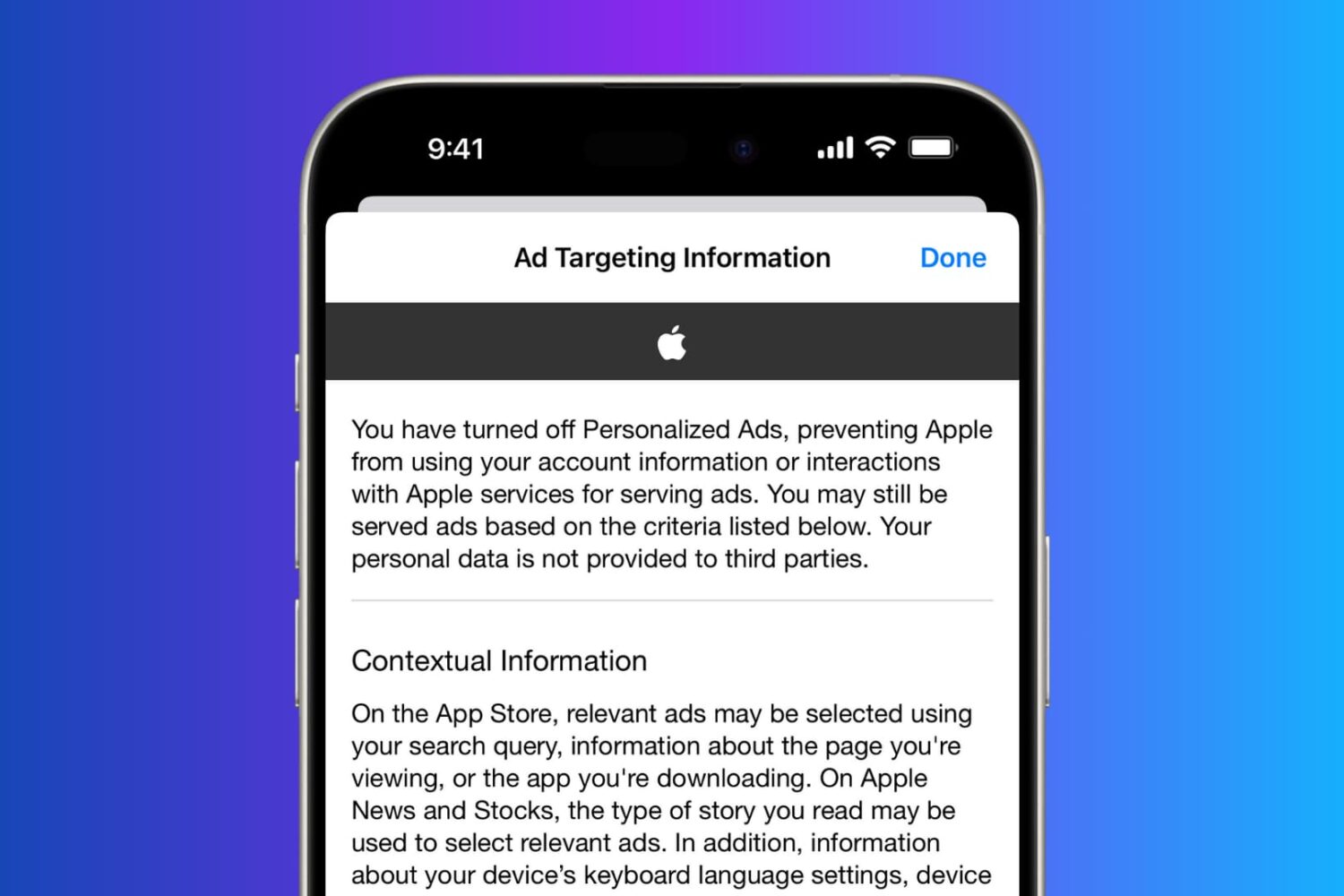
In this tutorial, you will learn how to regain your privacy by turning off personalized and location-based ads on your iPhone.
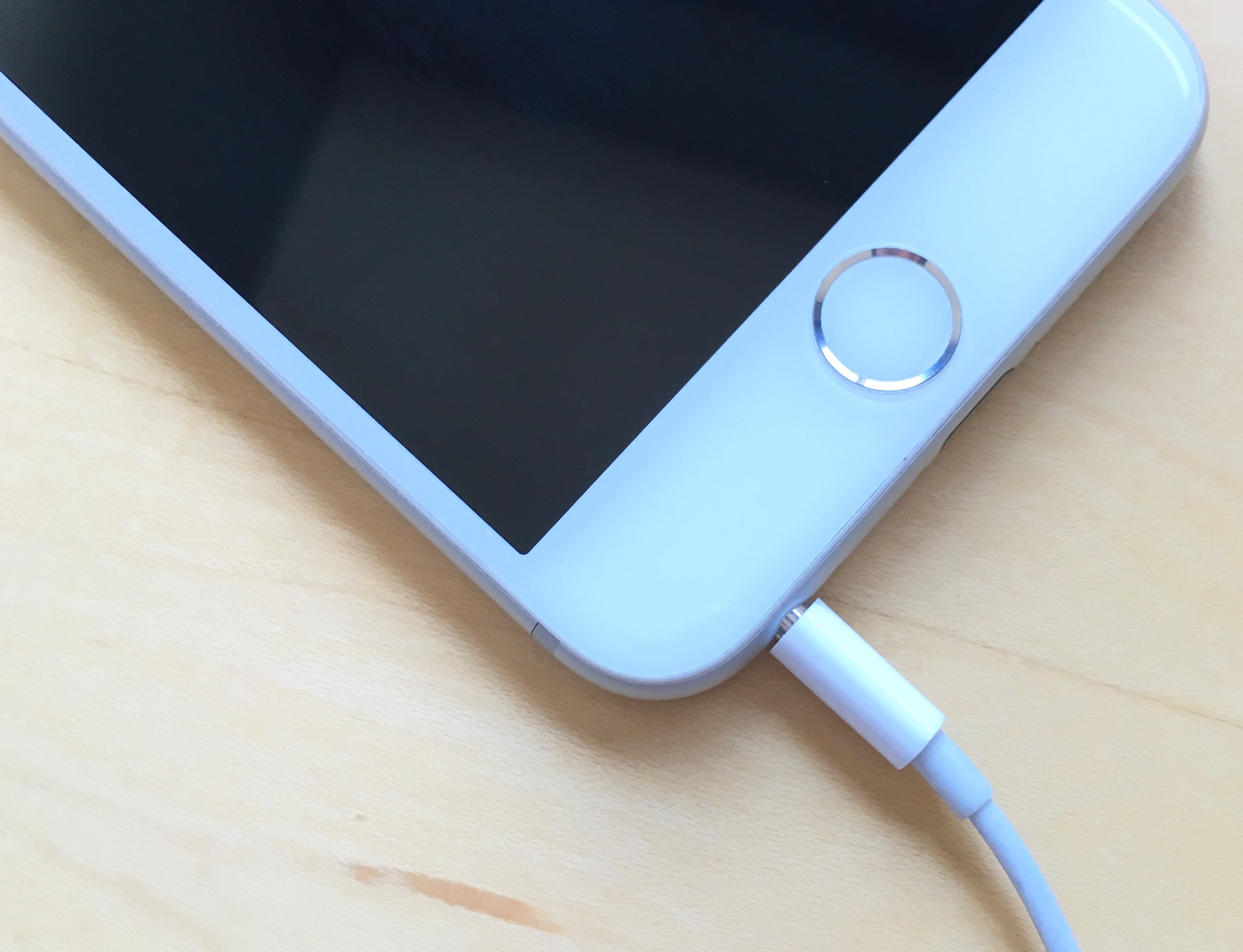
Is your iPhone stuck in headphone mode? In this piece, we’ll discuss why it happens and the troubleshooting steps for fixing it.
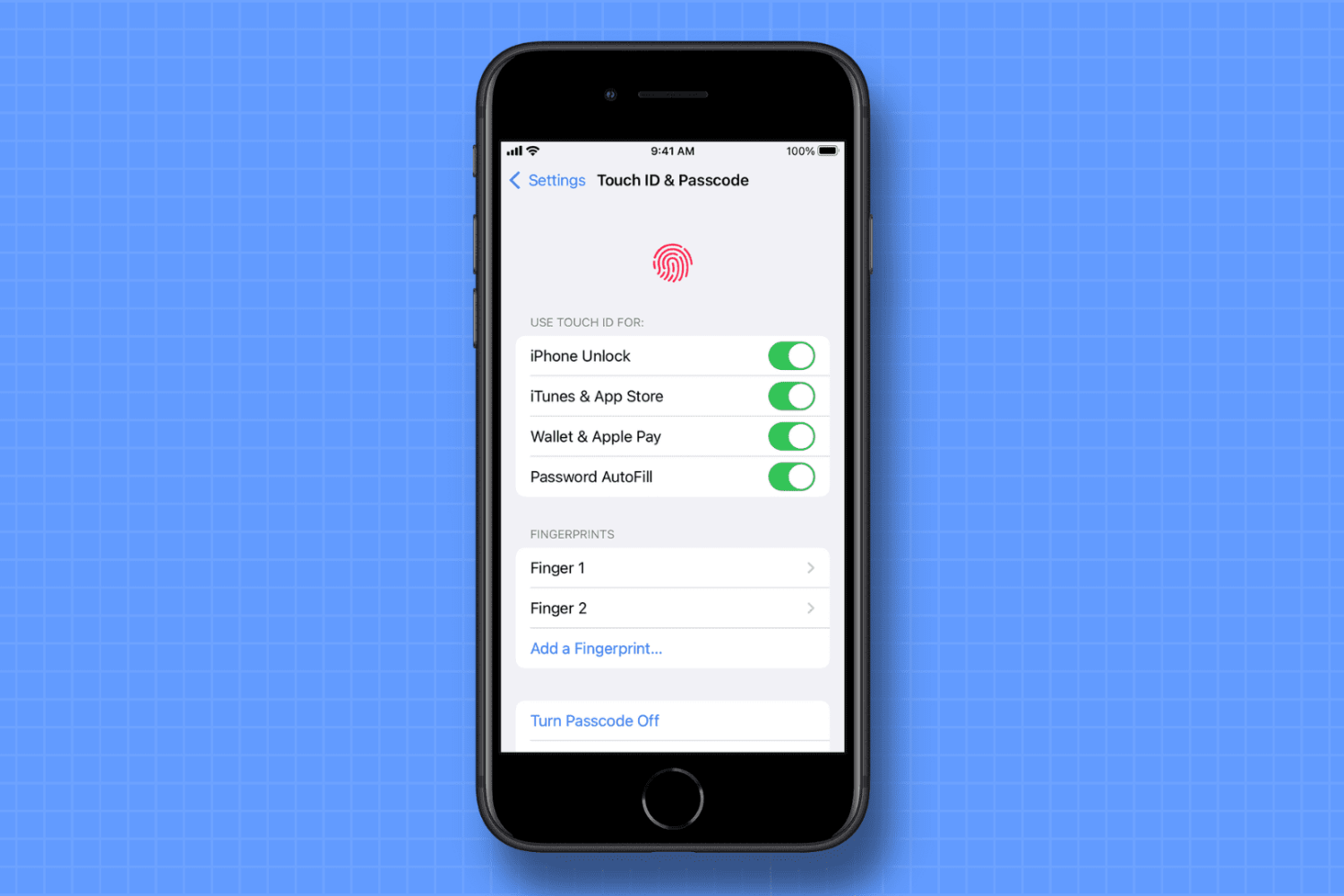
Have you ever wondered which thumbs or fingers you have added to Touch ID on your iPhone, iPad, or MacBook? In this quick tutorial, we’ll show you how to rename your fingerprints so they’re easy to identify when needed.

Is your iPhone not turning on? In this post, we discuss various reasons why this could happen and potential solutions to get you back into your iPhone or iPad.

Continuity and Handoff are features built into your iOS devices and Macs that allow the devices to work more seamlessly together. With Continuity, you have instant access to a personal hotspot on demand, the ability to send and receive SMS messages and to make and take phone calls from your Mac, and the ability to pick up where you left off on one device from another.
Although they can work well at times, there is always the lingering chance that the functionality may not work right for you or connectivity may be flaky. In this piece, we'll go over several troubleshooting steps you can take if your Continuity and Handoff experience isn't going as expected.
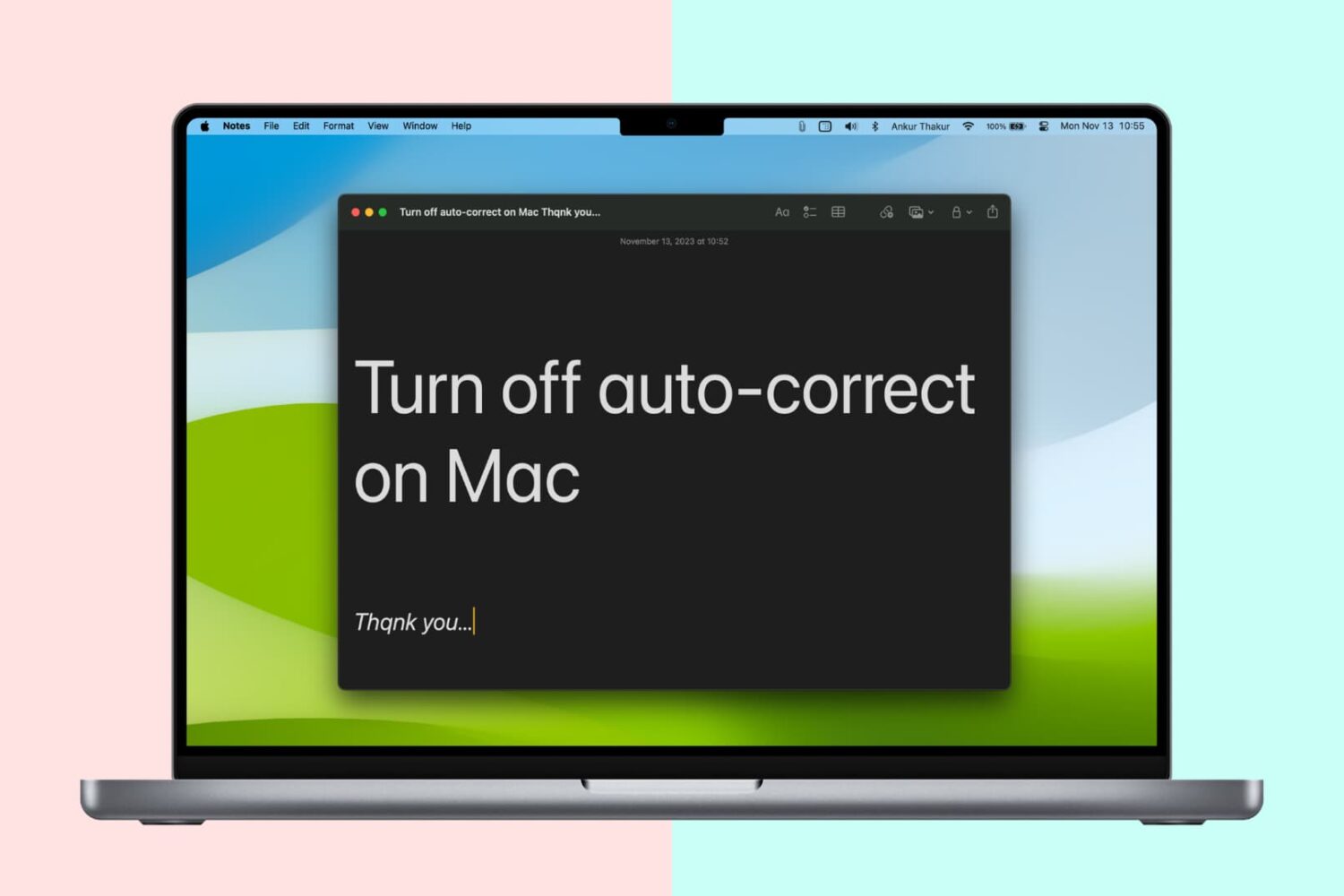
Like your iPhone or iPad, your Mac sports an auto-correction feature that automatically corrects any misspelled words in your chats, documents, emails, and other documents that work with the system-level auto-correction feature.
In many macOS apps, mistakes are automatically corrected as you type. Native speakers who know their way around the grammar and spelling rules may want to reverse this behavior, and we’ll show you how.

Is your iPhone 17 or older getting too hot? This article discusses what happens when your iOS device overheats and how to solve this problem.