Tutorials

Understanding how iOS and macOS calculate storage capacity

One of the questions I hear a lot about storage space on Macs and iOS devices is why when you purchase a 256GB Mac you only get about 230GB of space to play with, or why when you get a 16GB iPhone, you only get about 12.6GB to use for yourself.

The fact of the matter is, your storage space is used by more than just what you put on your own computer or device, and in this piece, we'll explain how Apple calculates all that storage space that you can never seem to claim on your devices.

The importance of your Mac’s battery condition and how to check it

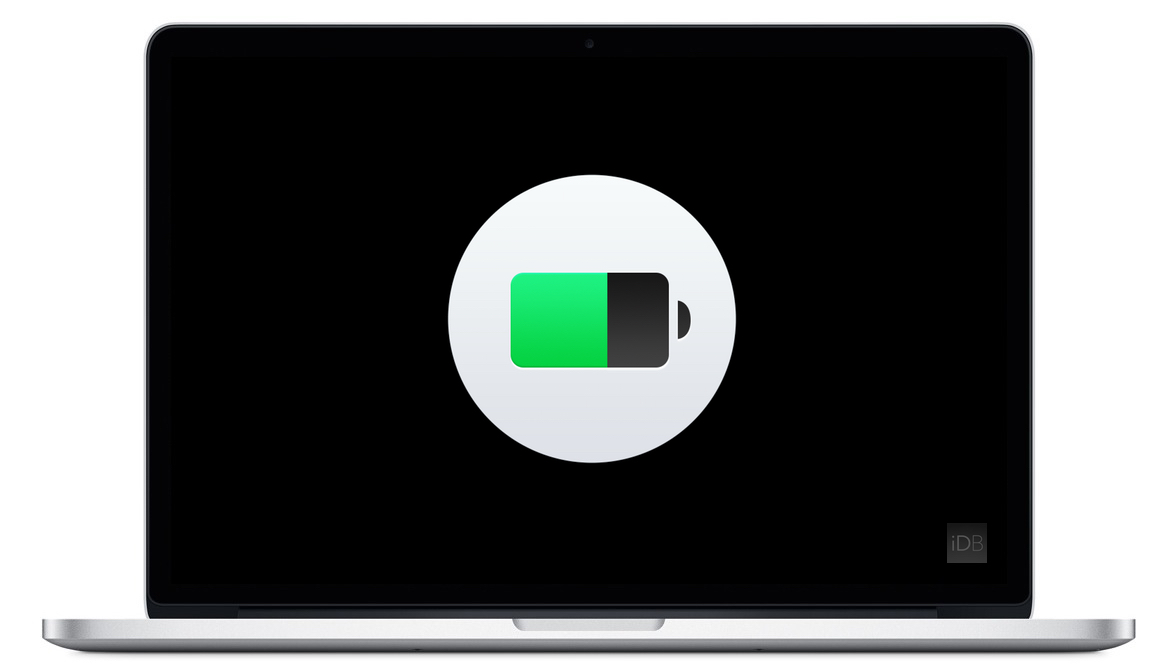
Apple's portable Mac notebooks like the MacBook, MacBook Air, and MacBook Pro are all powered by Lithium-Ion batteries, and these batteries don't last forever. They go through cycles as they're charged up and used over and over. After a number of cycles, batteries tend to lose their effectiveness at storing power, and will eventually need to be replaced.

If you have ever wondered just how close you are to needing a battery replacement in your Mac, then you'll be happy to know that macOS is actively monitoring your Mac's battery and can tell you with a quick keyboard shortcut, which we'll be discussing in this short information piece.

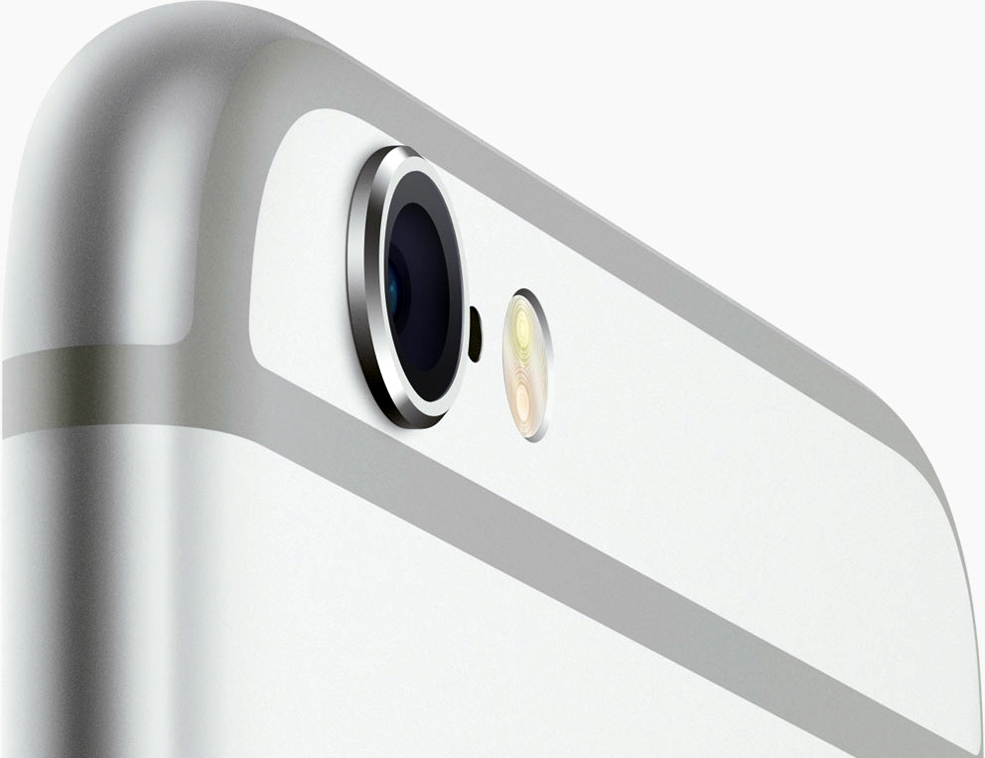
Common camera problems on iPhone and how to fix them

The iPhone's camera may have gotten a lot of upgrades over the years, and it may be one of the most popular point-and-shoot cameras in the world, but that's not to say it's perfect. Just like any other camera, it can be subject to hardware issues and software bugs.

In this piece, we'll go over some of the most common issues related to problems with the camera on your iOS device, whether it's an iPhone, iPod touch, or iPad, and we'll explain some ways to troubleshoot those problems.

‘Other’ storage on your Mac explained

We recently detailed 'Other' iOS storage, an iTunes-reported section that includes various caches and temporary system files on you iPhone, iPod touch and iPad along with device settings, high-quality Siri and Voice Over voices and other system data.

Not many people know that macOS reports 'Other' storage on Macs, too. Unlike its iOS counterpart, the 'Other' Mac storage basically counts non-media files that don't fit any other category.

In addition, files not recognized by Spotlight are classed as 'Other' storage, among other items. Here's precisely what files are included in the 'Other' storage section, how to see its size, why your disk's used space appears as 'Other' storage when you startup up your Mac in Safe Mode and more.

Little-known Mac feature lets you watch window minimizing animations in slow motion

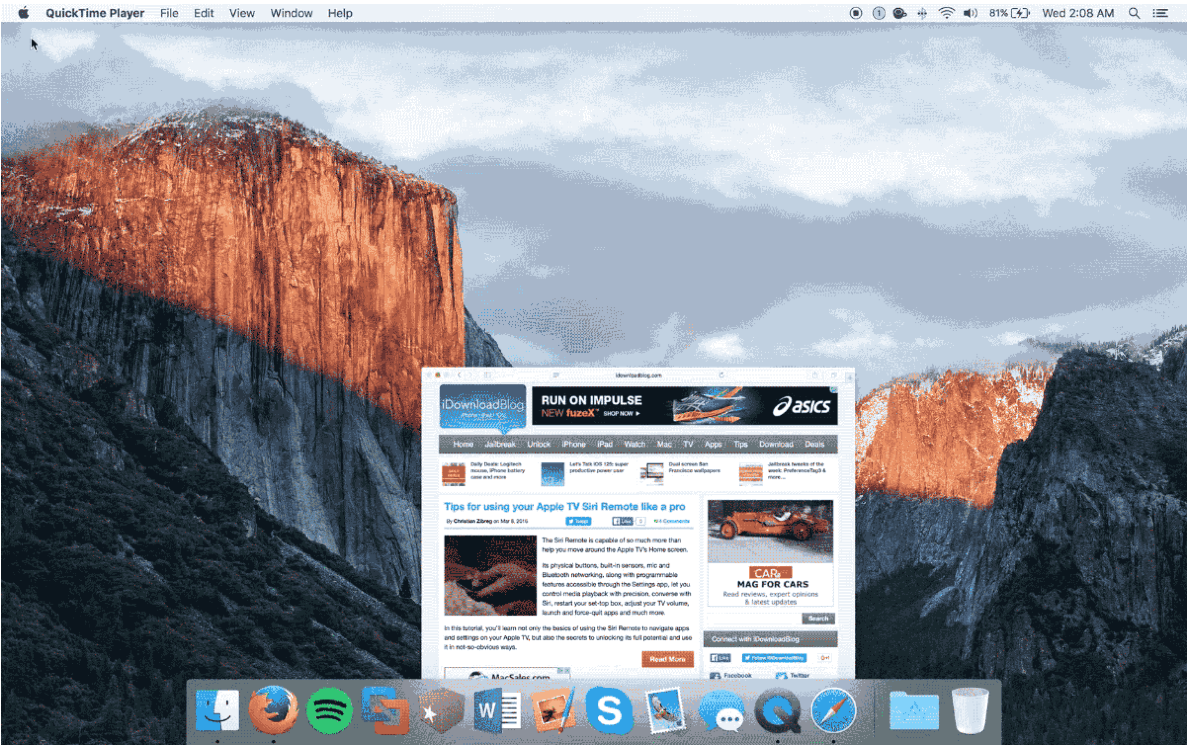
Mac OS X comes with a little-known function that lets you slow down the Dock's window minimization animation just for the fun of it.

Since Apple spends a lot of time creating quality animations with sleek and buttery-smooth transitions, it's only fair that they should give users a way to enjoy them in slow motion.

In this tutorial, we'll show you how you can view your Dock's window minimization animation in slow motion.

‘Ask to Buy’ lets you control what your kids buy in iTunes, iBooks, or App Store

After a period of Apple being under fire because kids were running up their parents' credit card bills with App Store and in-app purchases, Apple decided to do something about it. Apple's answer was to create a parental control system for the App Store so parents could approve or deny purchases that would otherwise have an impact on their credit card.

This parental control system is known as 'Ask to Buy' and it's available on both iOS and OS X in the latest releases of the operating systems, and in this tutorial, we'll tell you a little bit about how to configure and use Ask to Buy.

How to recycle your old tech with Apple’s Recycling Program

If you have old tech sitting in your closet or attic that you don't use anymore because you've got something better, Apple will gladly make sure that tech is recycled properly free of cost via the Apple Recycling Program. In some instances, the company will even give you an Apple Store gift card as credit towards a new Apple device or accessories.

The Apple Recycling Program has been around for ages, but is often overlooked as an option. Although better deals can often be had elsewhere, the urge to trade in your device can come at inopportune times, and when you want quick money for your old Apple devices, or a quick and easy way to get rid of your junk tech, Apple can come in handy in a pinch.

In this tutorial, we'll show you how you can use the Apple Recycling Program to make better use of your unused tech.

How to clear an incorrect unread email count badge on the iPhone Mail app

Huge unread email count on iPhone

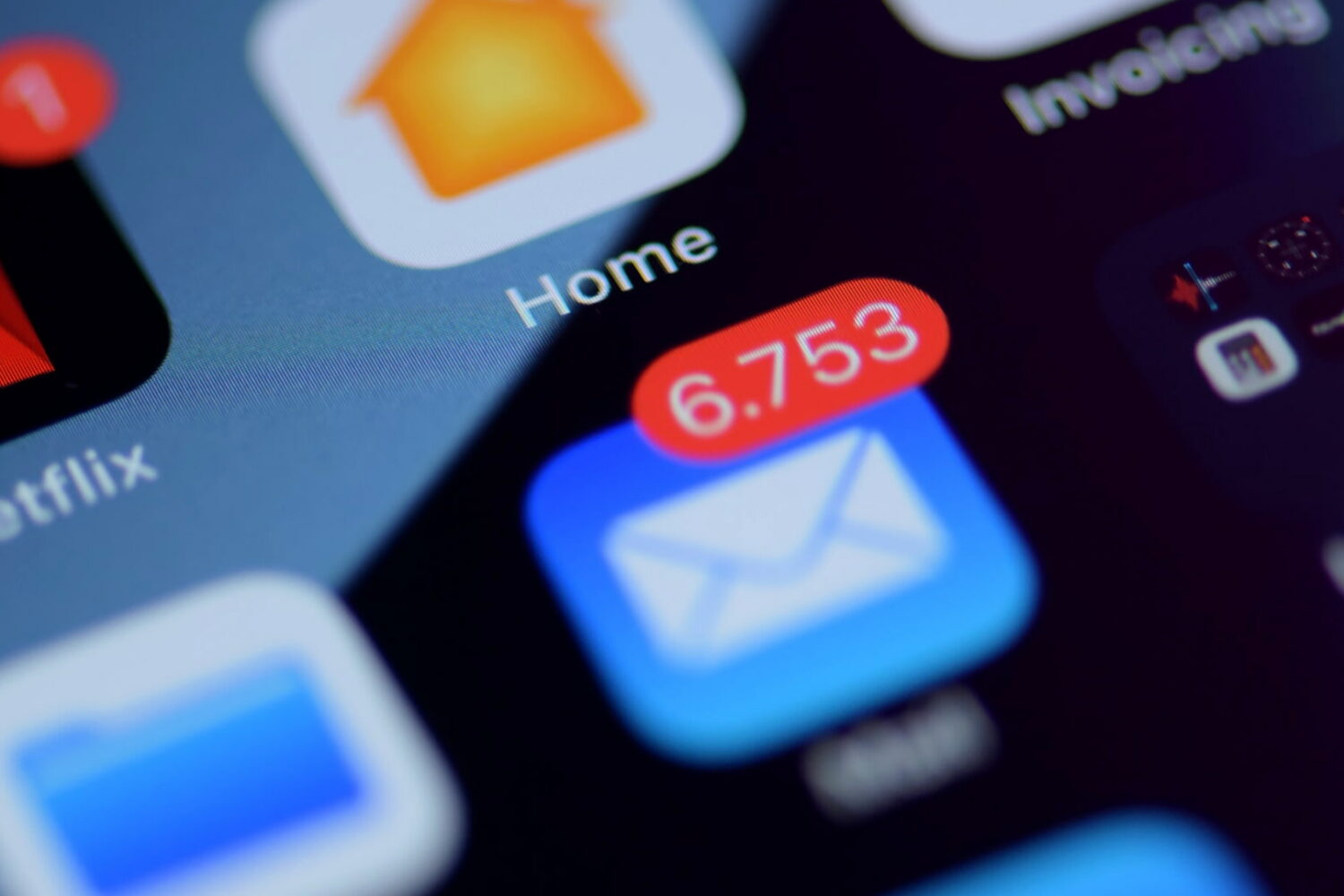
If you use the stock Mail application on your iPhone or iPad, you may have experienced a mysterious occurrence where the Mail app icon will display a red badge telling you there are unread emails when there actually aren't any. No matter what you do, it seems that you can't clear that inaccurate number of unread emails.

The Mail app is no stranger to weird bugs, so let me reassure you here, phantom unread emails aren't taking over your iPhone or iPad. In this post, I will share with you a few options to fix an incorrect unread count and hopefully put an end to it all.