Check out the quick steps to add hashtags and other Instagram account links to your profile bio section that lead to their corresponding pages.
How to add #hashtags and other profile links in your Instagram bio

Check out the quick steps to add hashtags and other Instagram account links to your profile bio section that lead to their corresponding pages.

Learn about all the different ways to pause and resume music playback on your HomePod using your voice, its top touch surface, or your iPhone.
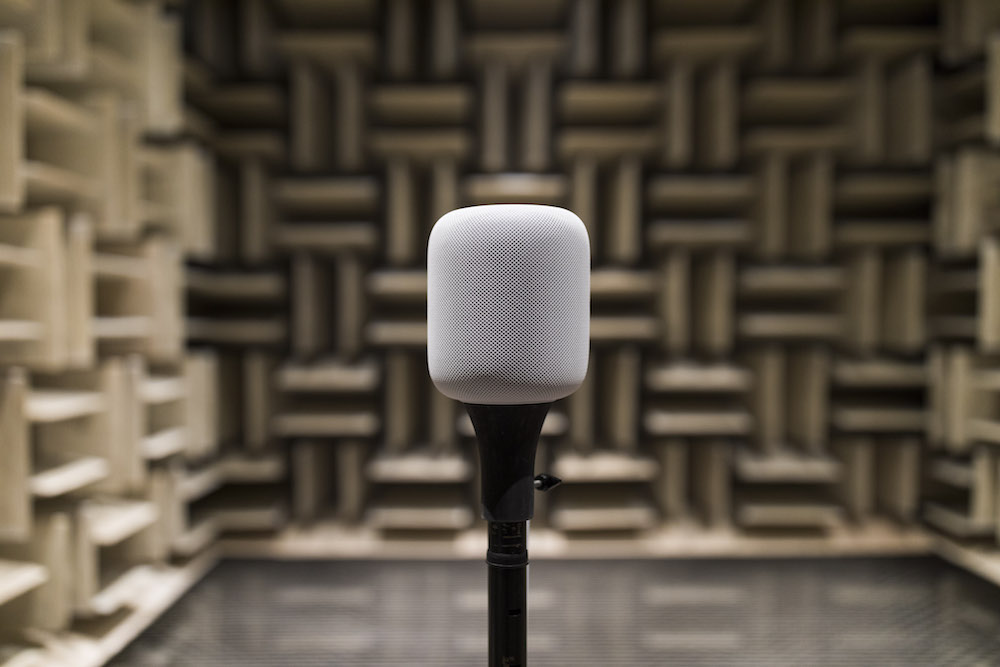
You set up your new HomePod for the first time by bringing it near an iPhone or iPad, which prompts Apple's handy Automatic Setup feature to transfer settings such as saved Wi-Fi passwords and your Apple Music subscription information from your iOS device to your new HomePod.
If you would like to associate a different Apple Music account with your HomePod than the one you're currently using on your iPhone, iPad, or Mac, you can do that with just a few taps. We'll show you how to change the Apple Music account just for your HomePod.
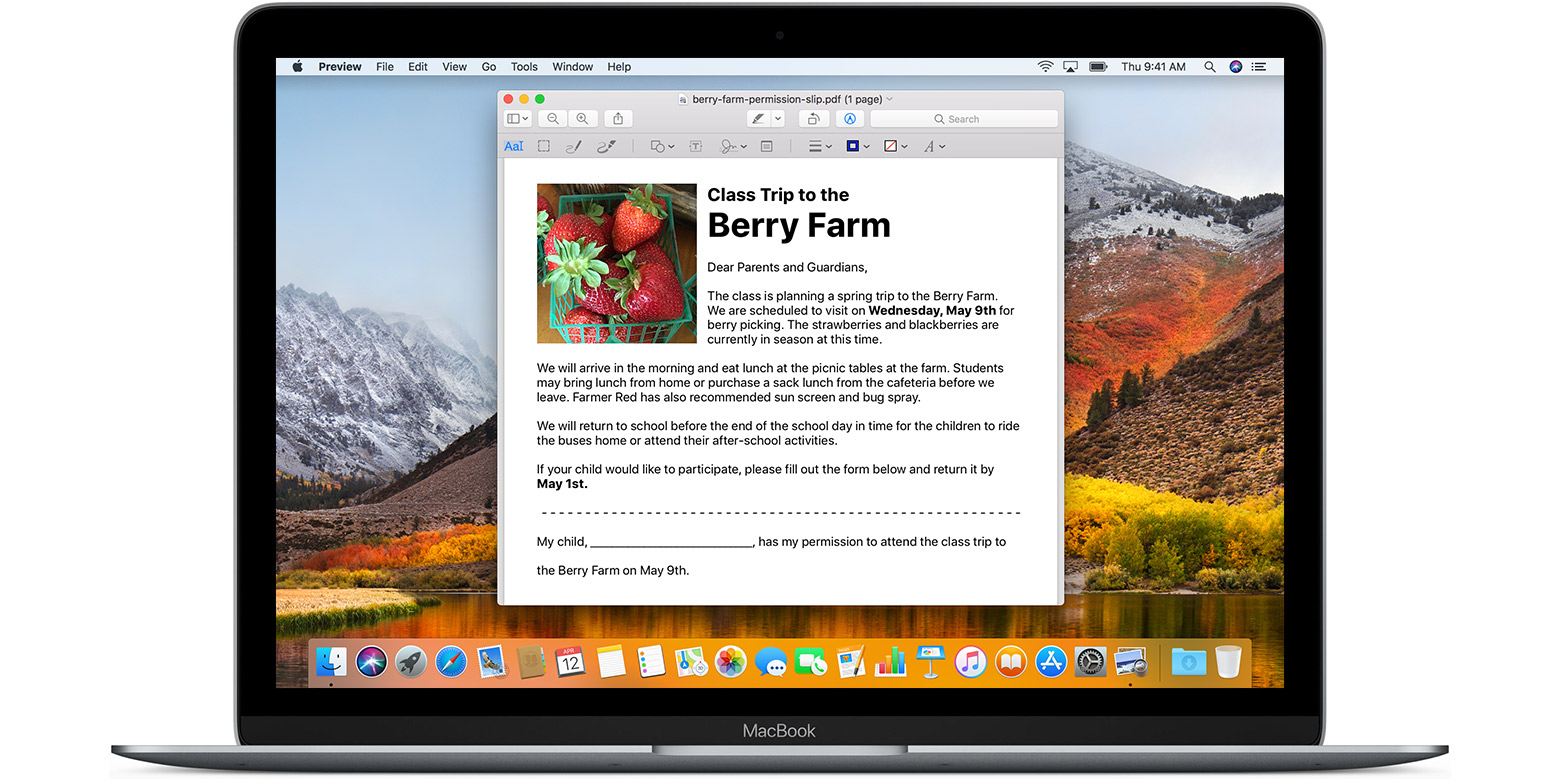
The Markup tools in the Preview app that came installed on your Mac allow let you put out something on an image, annotate a PDF file, add some text, sign a document and much more.
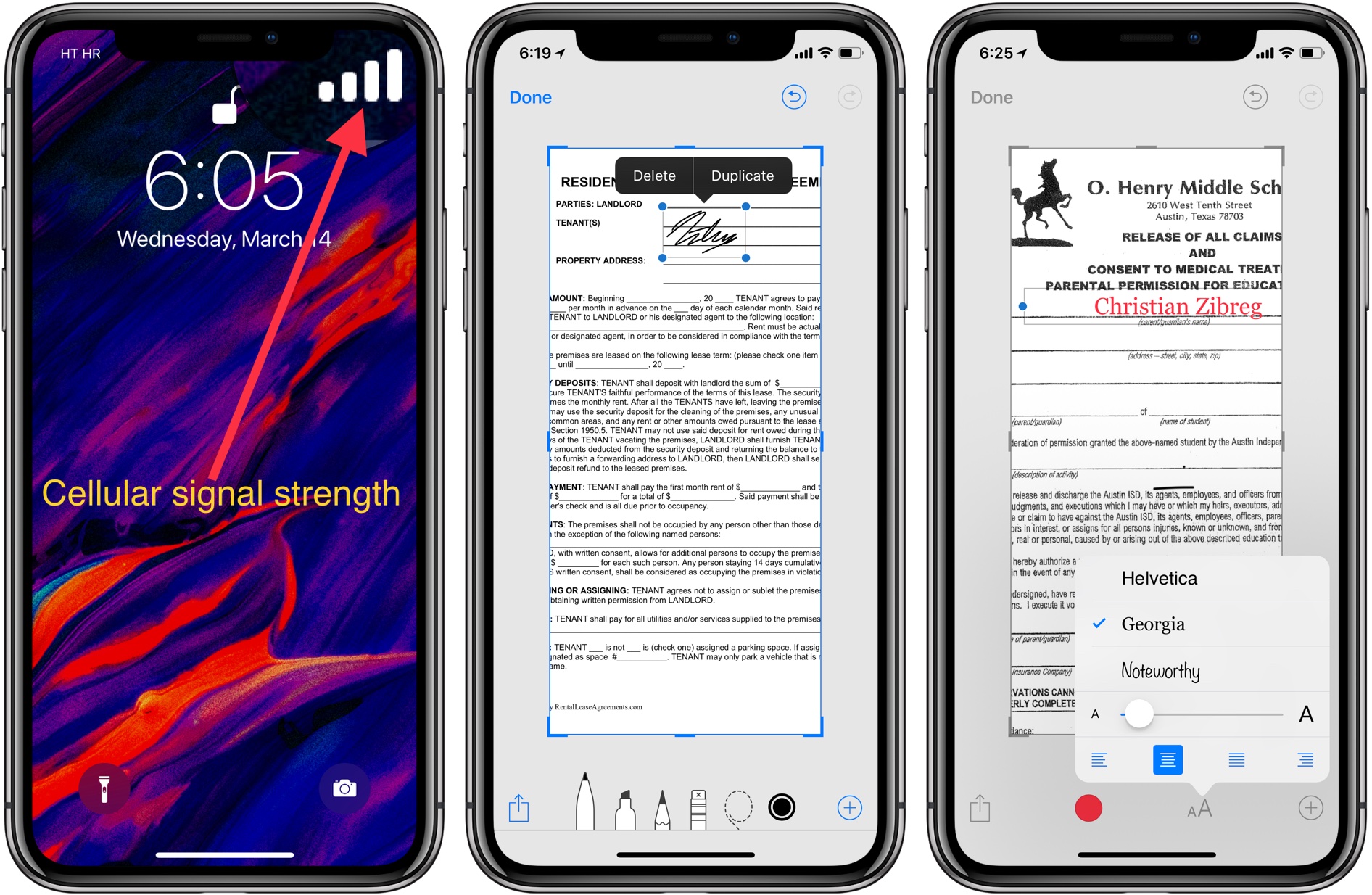
With Instant Markup on iPhone and iPad, you can annotate or quickly edit screenshots right after taking them. You can do things like add text and vector shapes to your screenshots, doodle anything with your finger or Apple Pencil, zoom in on a part of a screenshot to emphasize it, and much more. Let's show you how.
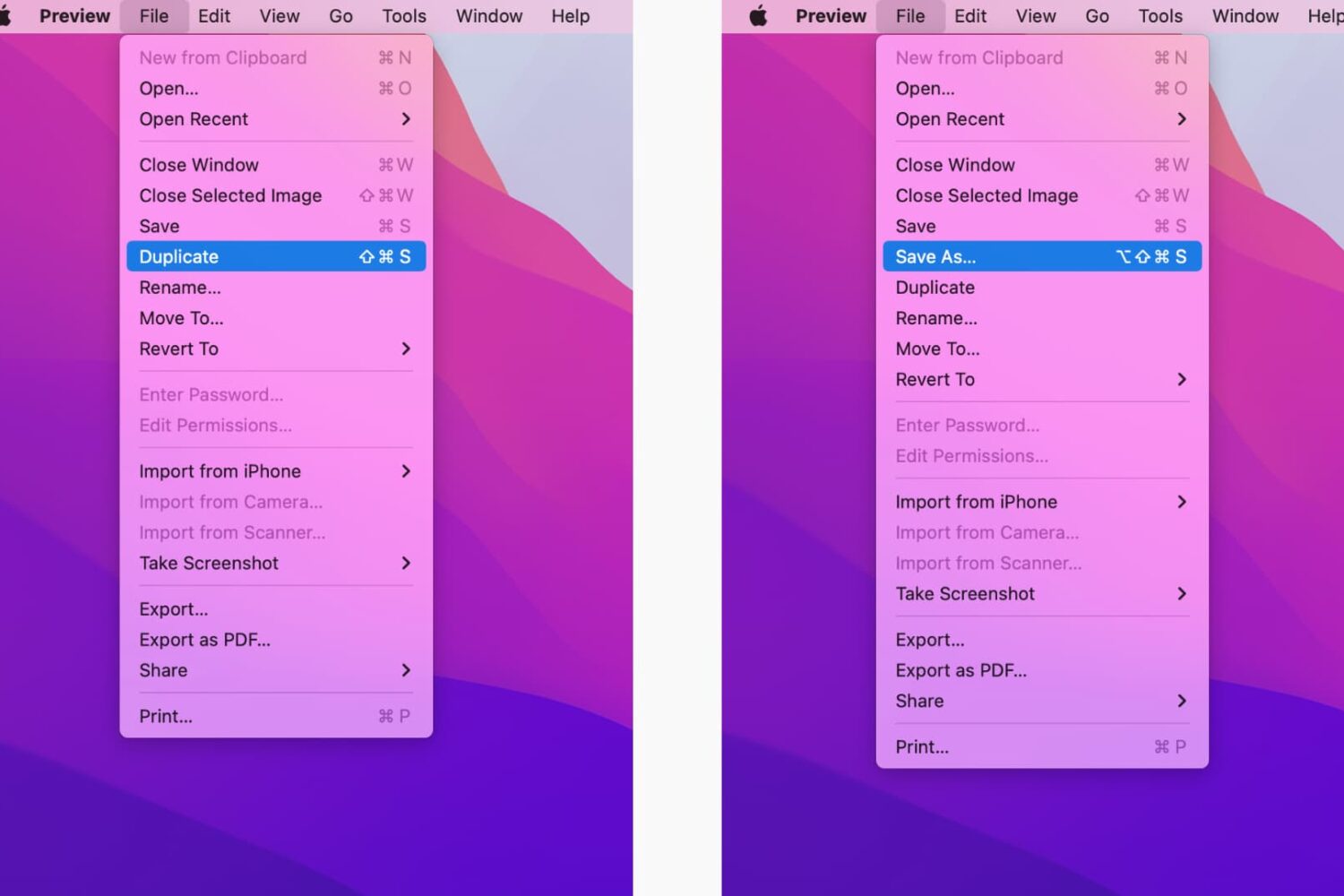
Learn how to reveal the hidden Save As menu option on your Mac to save your documents in apps as duplicates instead of overwriting the existing file.
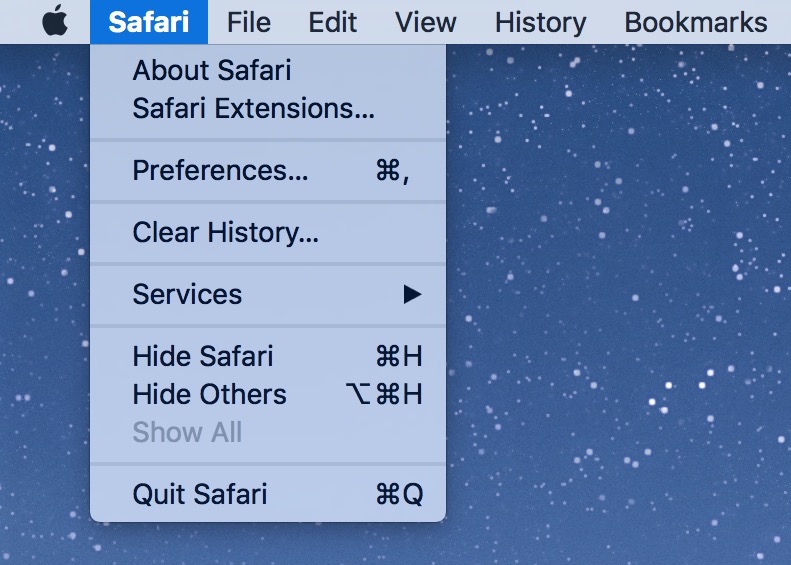
You can take a screenshot of any menu in any app on your Mac, with or without the menu title. This also works with windows in the Finder and most apps.
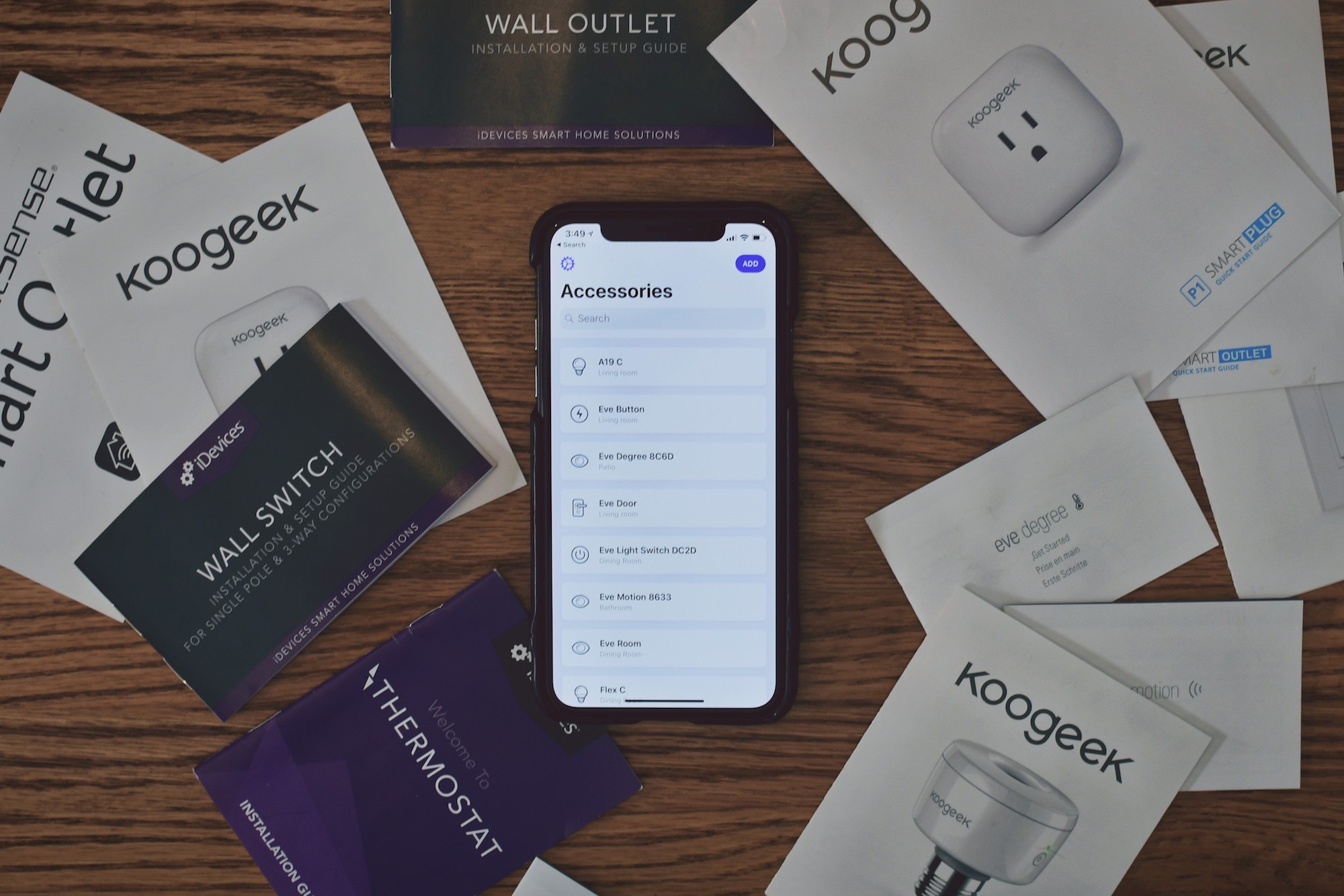
In the fourth installment of our HomeKit Automation series, we take a look at one of the constant struggles for any HomeKit user—storing and organizing the medley of secure HomeKit pairing codes.
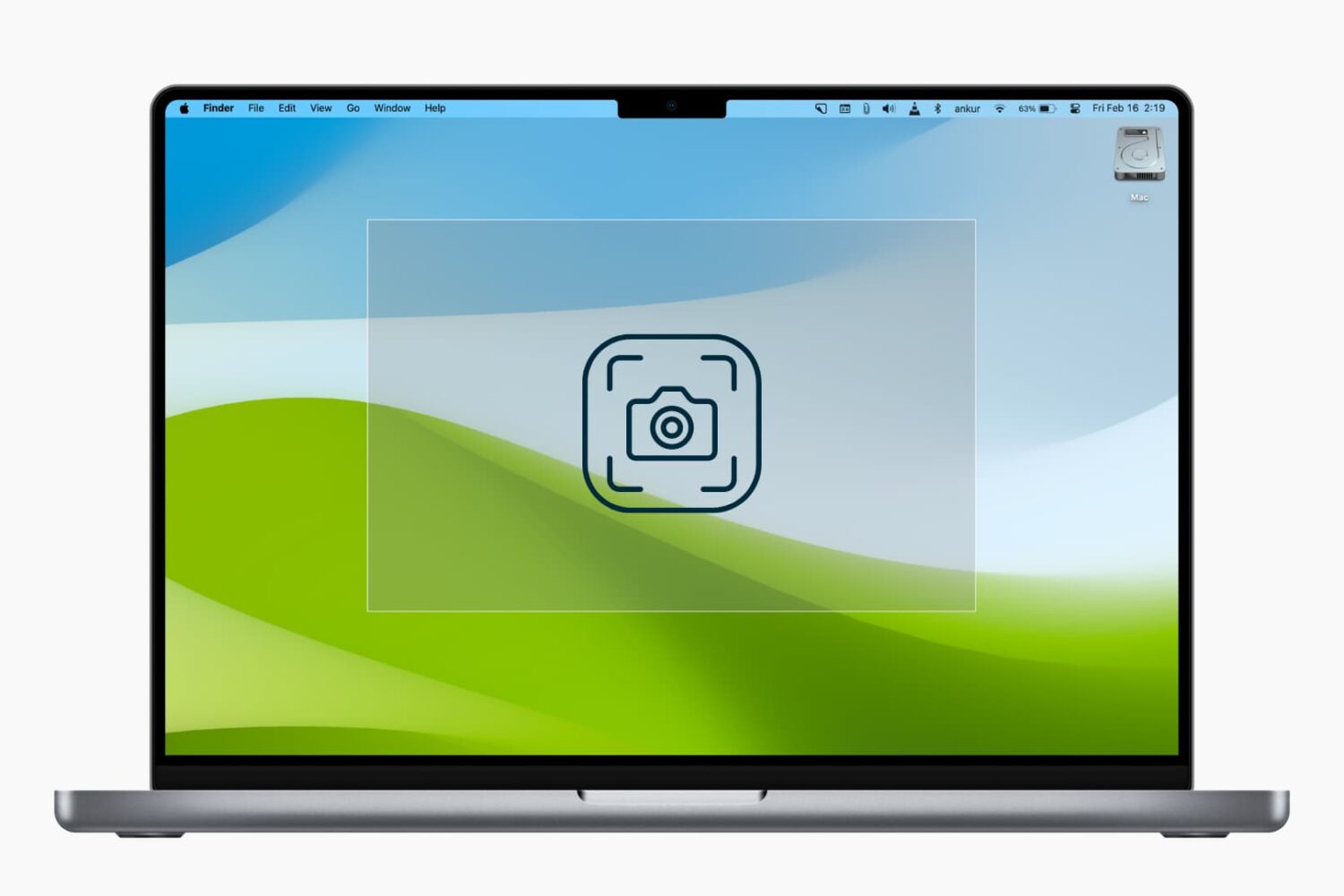
In this tutorial, we’ll explain how to use modifier keys to accurately reposition or refine the dimensions of the selection area when you’re taking screenshots of your Mac’s screen.

Learn how to change the name of the room your HomePod is kept in using the Home app on your iPhone, iPad, or Mac.
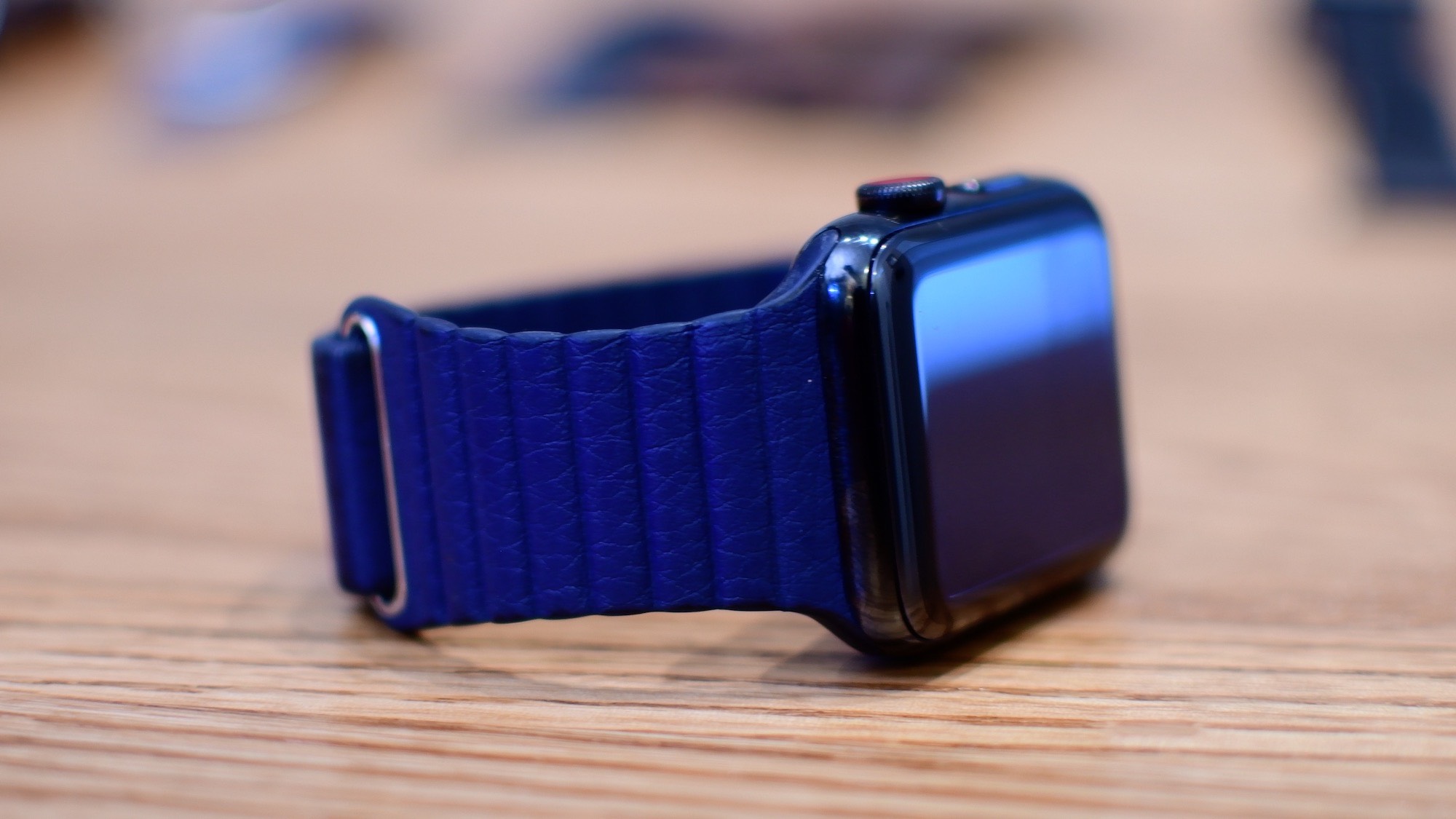
By default, the Dock on your Apple Watch shows your most recently used apps.

Learn how to use the Home app on your iPhone, iPad, or Mac to rename your HomePod so you can differentiate it from other HomePods in your house.