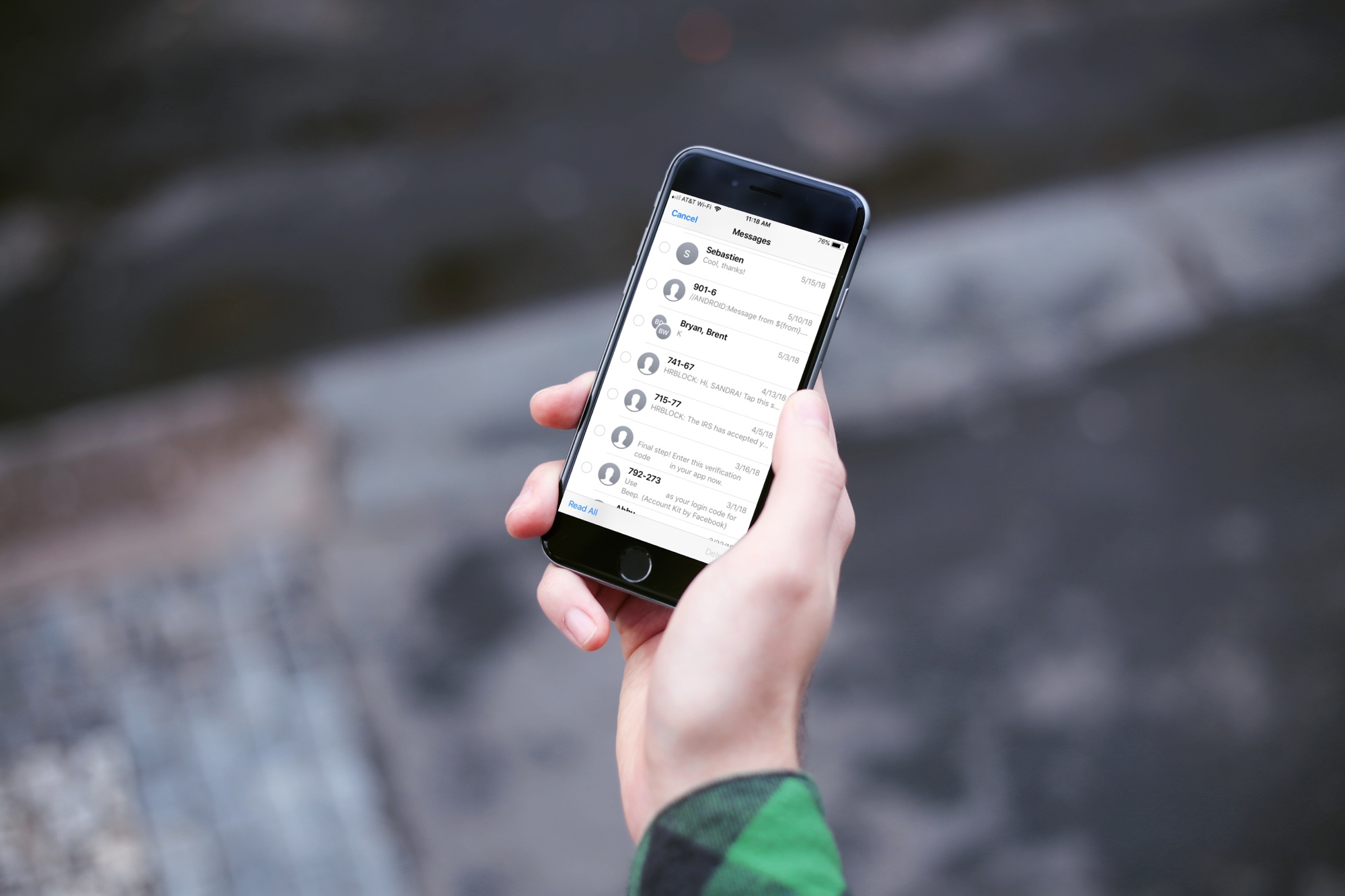
Learn how to configure your Apple Watch to show the full notification only when you tap it, instead of when you raise your wrist, for more privacy.
How to make Apple Watch notifications private
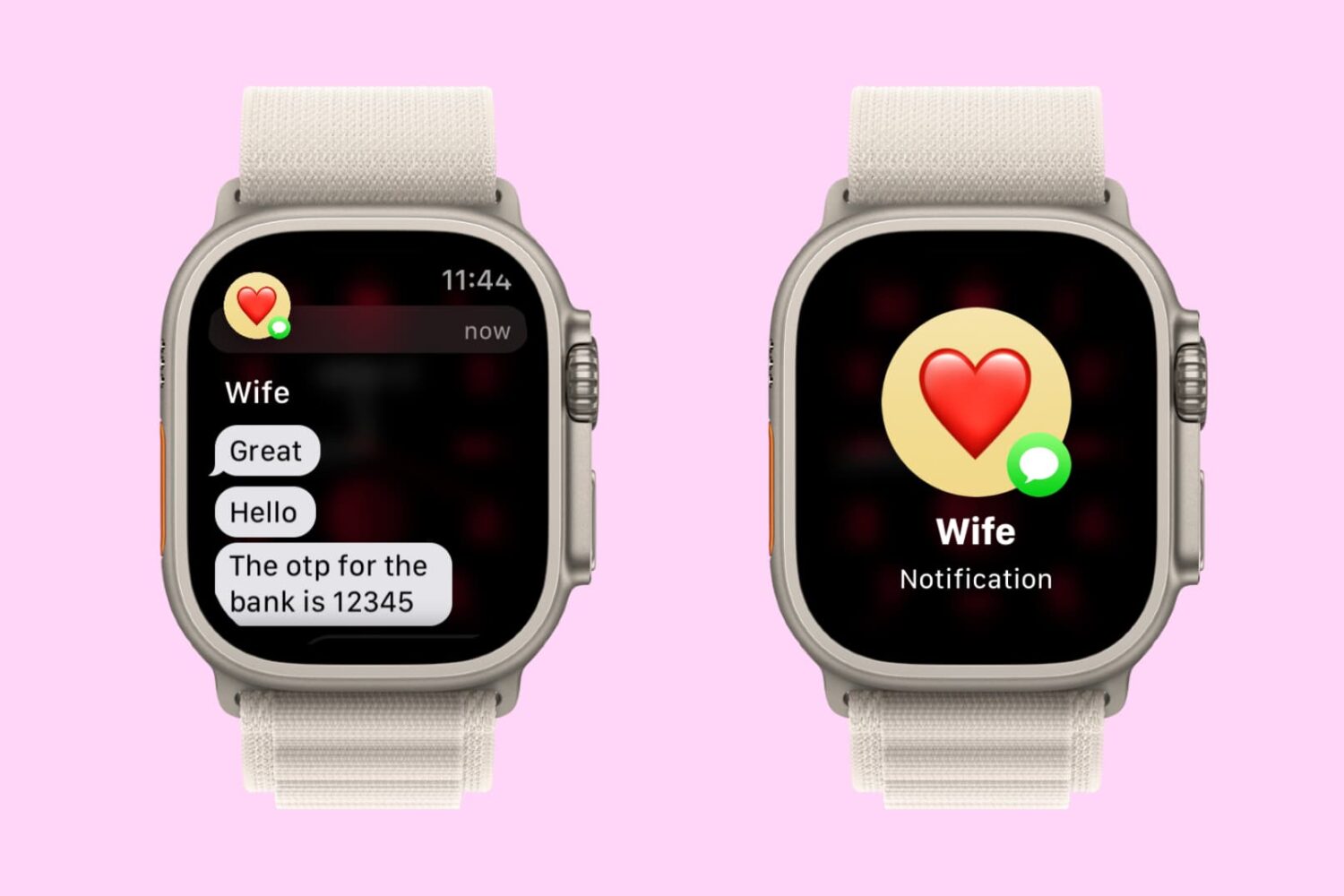
Learn how to configure your Apple Watch to show the full notification only when you tap it, instead of when you raise your wrist, for more privacy.
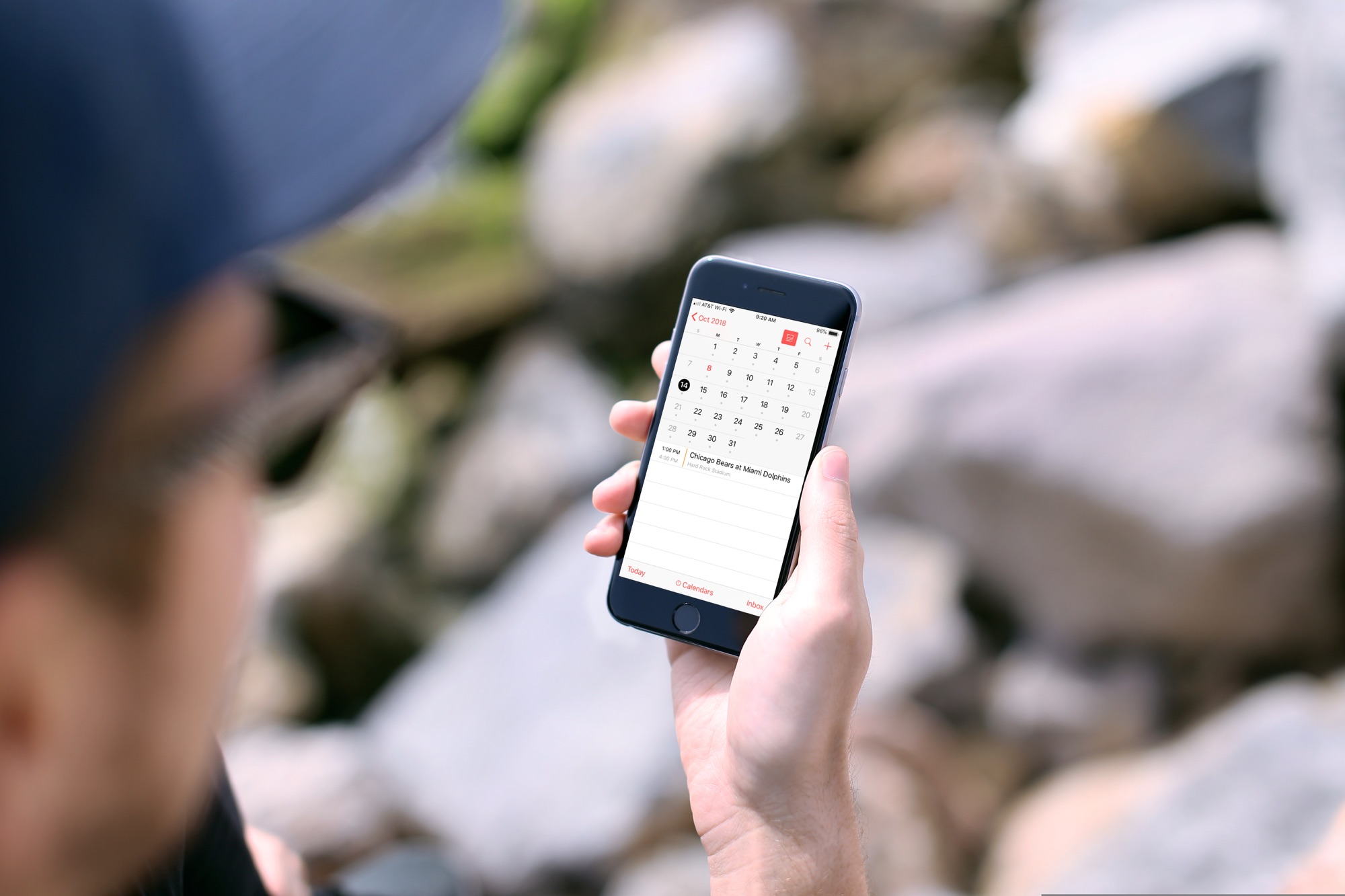
In this tutorial, we will show you how to subscribe to calendars on your iPhone or iPad so you can easily keep up with sports, school, holidays, and other schedules.

The unc0ver jailbreak can be used to jailbreak all public versions of iOS 11, iOS 12.0-12.4.1, and iOS 13.0-13.5, and it can be installed with Saurik's Cydia Impactor utility for macOS, Windows, and Linux.
In this tutorial, we’ll show you how to deploy the unc0ver jailbreak on your compatible device with Cydia Impactor.

Learn how to loop YouTube videos on your iPhone, iPad, computer, or Android-powered phone or tablet to replay the favorite part of a clip over and over again.

Learn how to use Apple’s Live Listen feature to turn an iPhone into a remote microphone that sends sound to the AirPods so you can hear conversations nearby.

In this life-saving tutorial, we’ll share how to turn on the fall detection feature on your Apple Watch to notify emergency contacts and services if you ever suffer a hard fall.
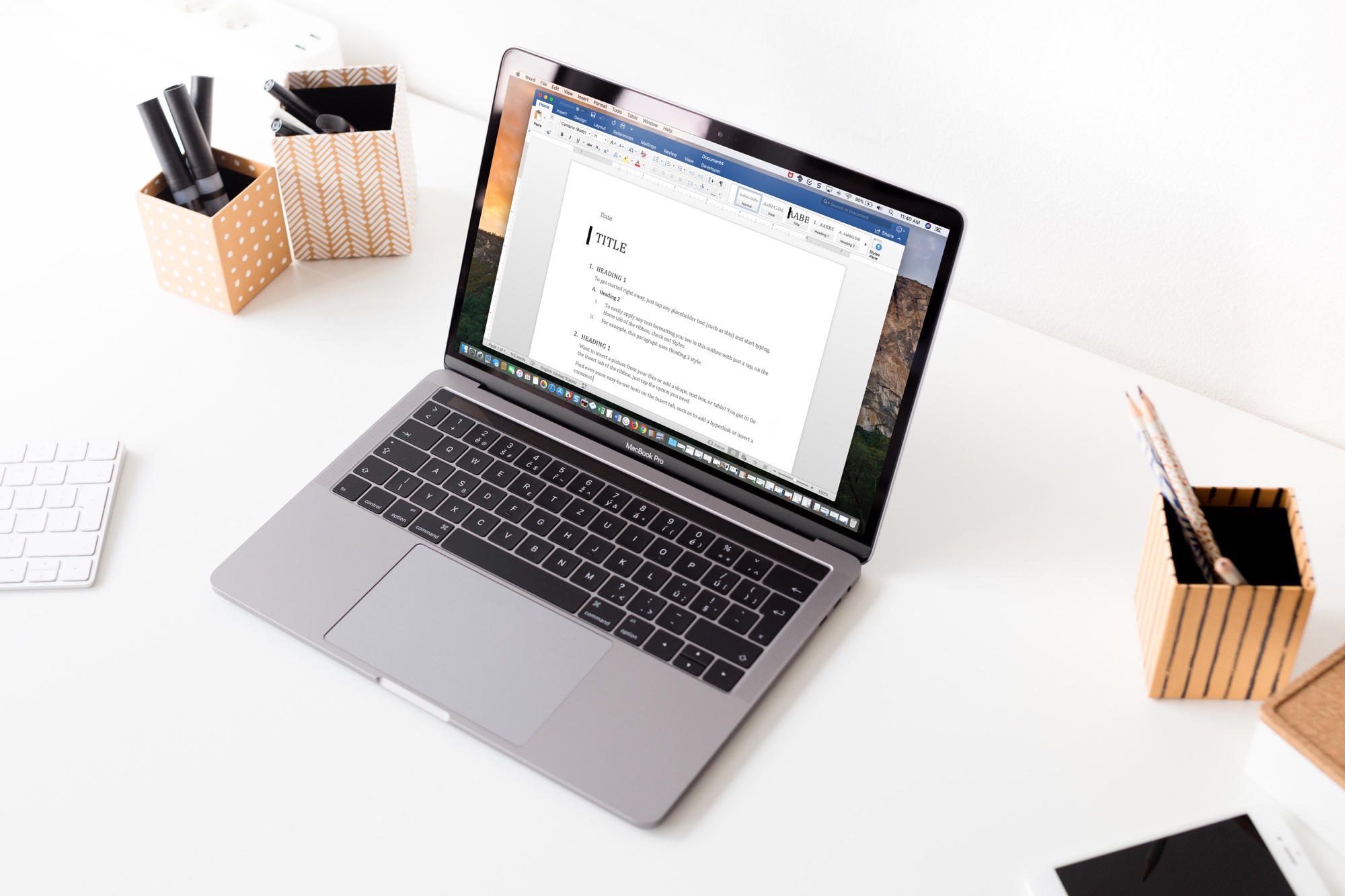
As with customizing your Quick Access Toolbar or Ribbon buttons when you use Microsoft Word on Mac, you can also adjust the tabs. By default, you should see tabs like Home, Insert, Layout, and View across the top. But, you can change these to fit your needs.
Here’s how to change the tabs you see in Microsoft Word on your Mac.
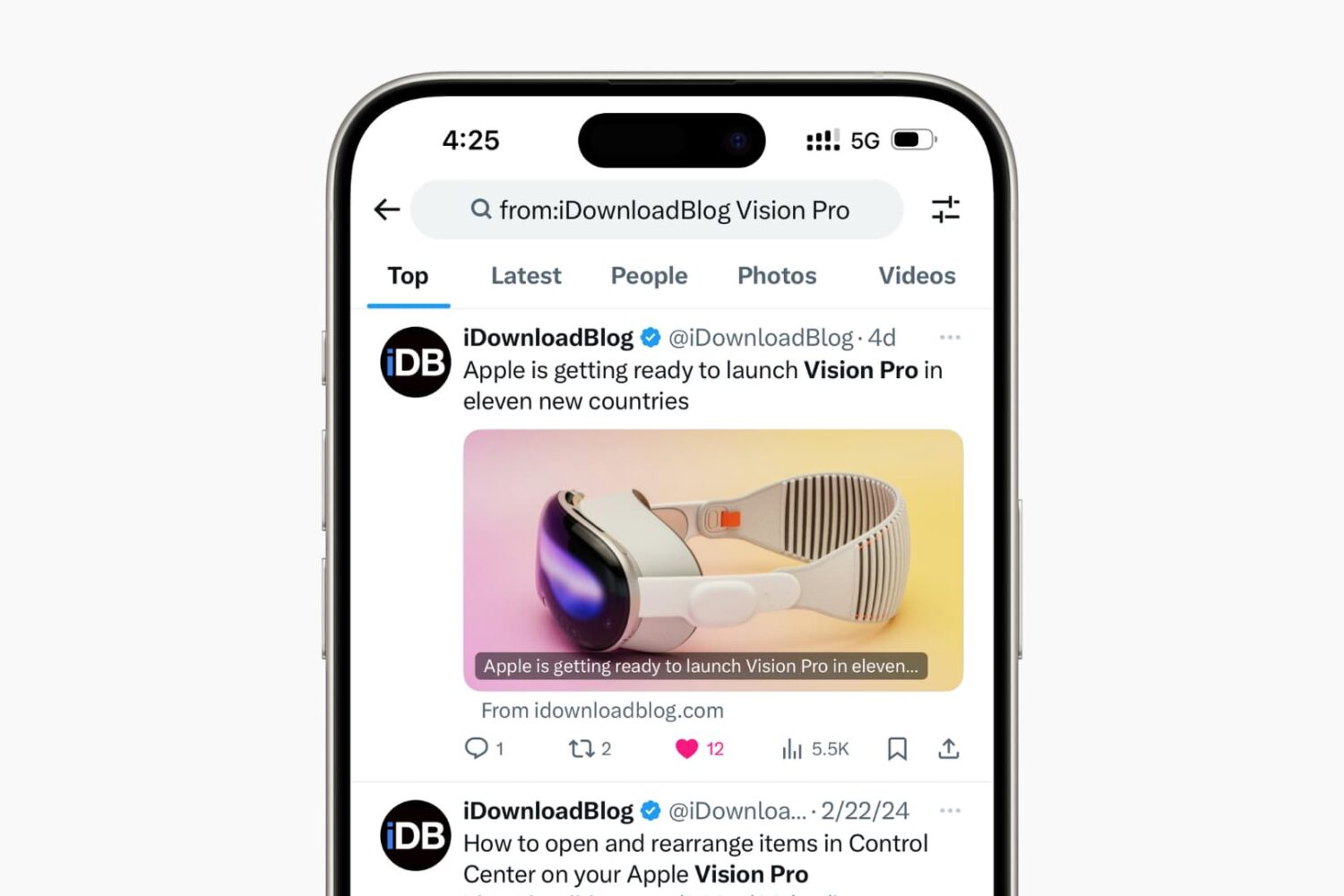
Learn how to supercharge your Twitter (X) search using these handy tips to narrow the scope and find relevant tweets quickly.
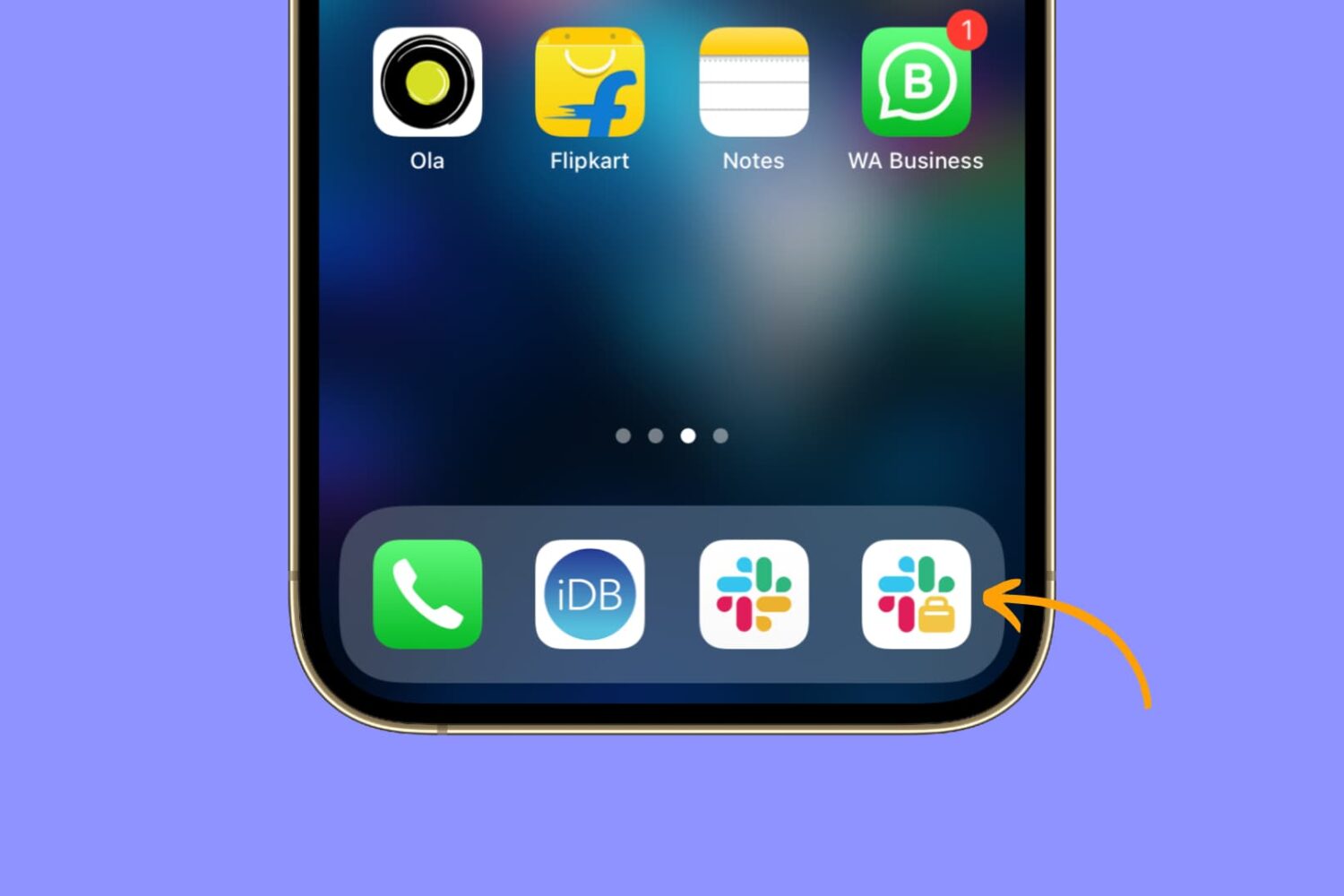
Learn how to easily install and use two separate Slack apps on your iPhone or iPad to streamline your communication and boost productivity.
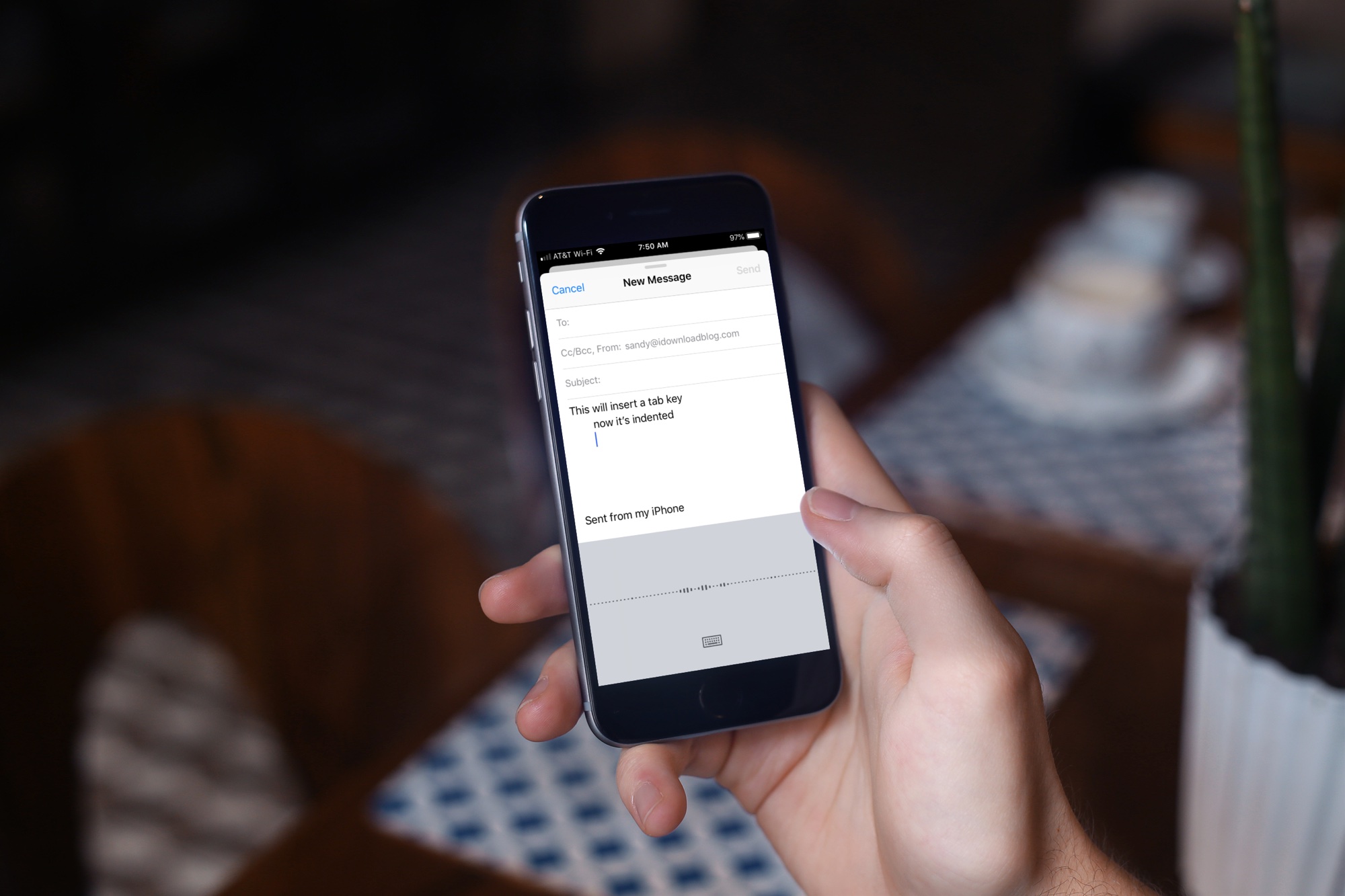
Learn about a few easy ways to insert a tab character on your iPhone or iPad for indentation purposes to help guide the flow of text in your documents.
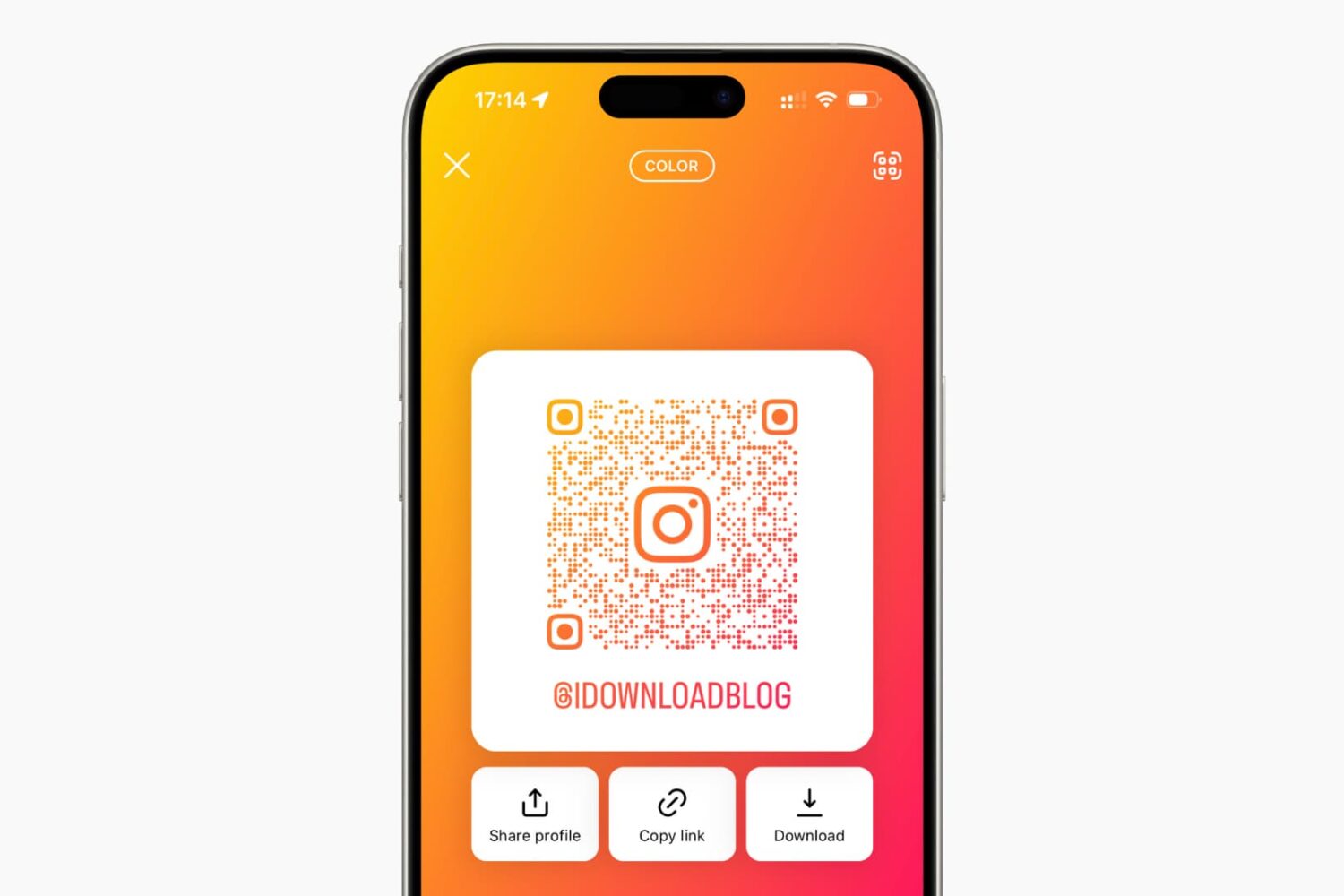
Learn how to share your Instagram profile with other people by creating a QR code that they can scan using their smartphones.