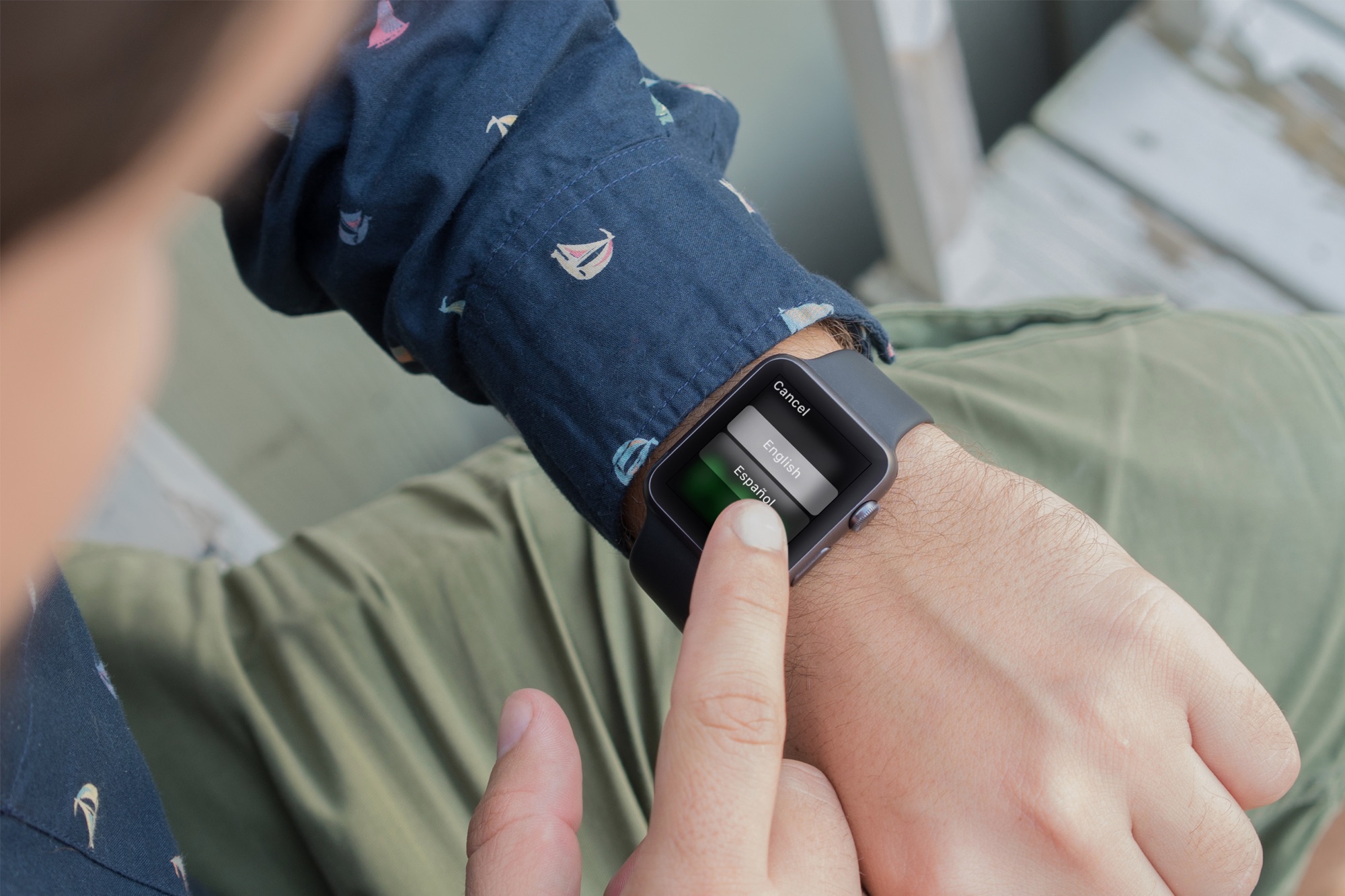
Are you still on the fence about buying an Apple Watch and wondering what you can do with it? In this guide, I will share the important things my close friends and I use our Apple Watches for.
Top 12 ways people use their Apple Watch

Are you still on the fence about buying an Apple Watch and wondering what you can do with it? In this guide, I will share the important things my close friends and I use our Apple Watches for.

Path, a social networking-enabled photo sharing and messaging service, recently announced it'd be shutting down. Here's their specific shutdown schedule and how to download your data.

Tired of Siri talking back every time you ask for something on your Apple Watch? While it’s very thoughtful of Siri to acknowledge your request, you may not want to hear it. For example, just because you ask Siri to set a timer for 10 minutes doesn’t mean you want to hear a confirmation that the countdown has begun.
You may not be able to disable Siri’s feedback, but you can tweak the settings to quiet Siri down a bit. Here’s how to customize Siri voice feedback on your Apple Watch to lower the volume or completely turn off spoken responses.
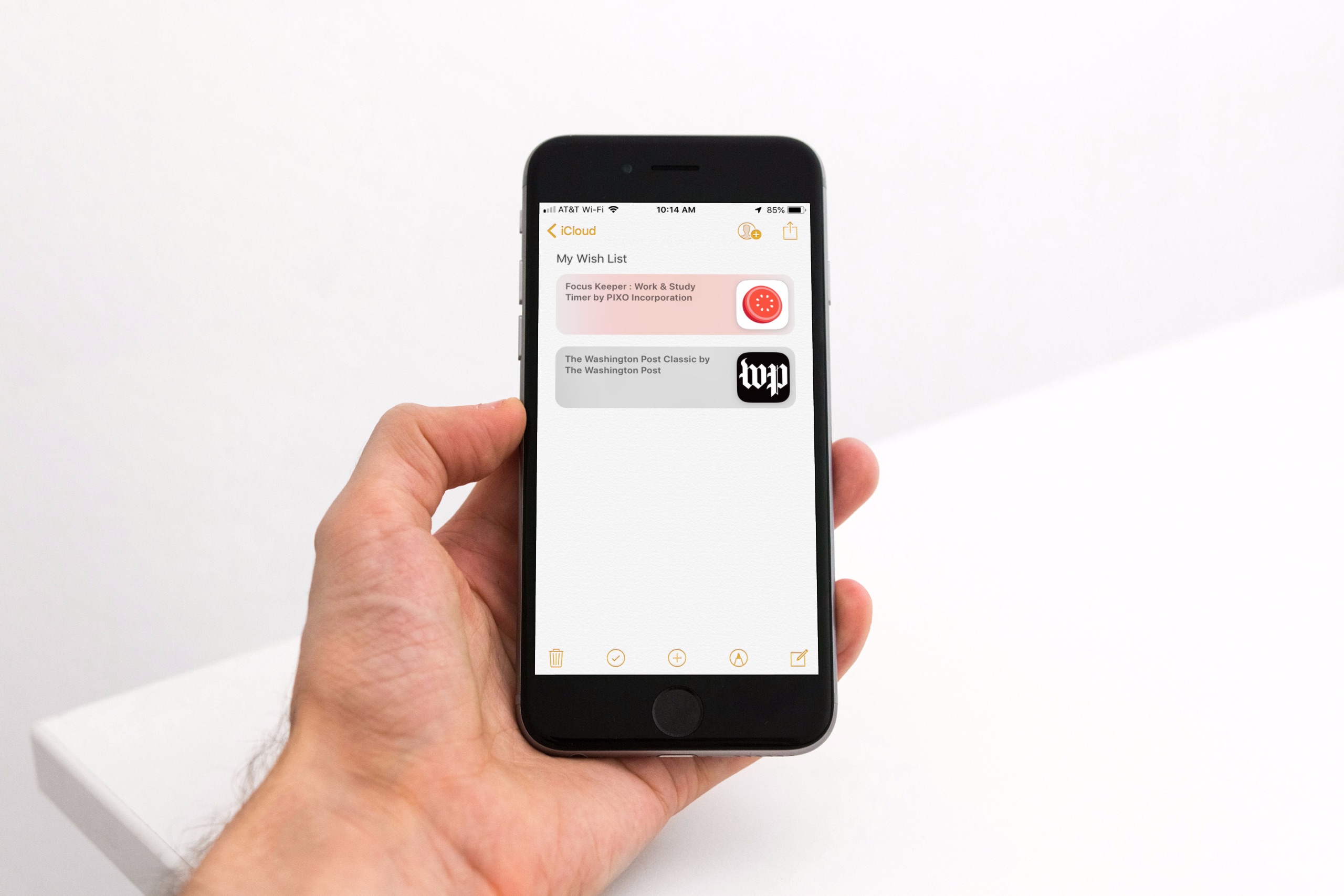
Maybe you’ve noticed, or perhaps you haven’t, but with the release of iOS 11 came the disappearance of the App Store Wish List feature. It didn’t make its way back in iOS 12, so if you’re still hoping for that wish list to keep track of apps you want, you do have other options.
Here’s how to create an App Store wish list with Notes as well as a third-party app called Lookmark.
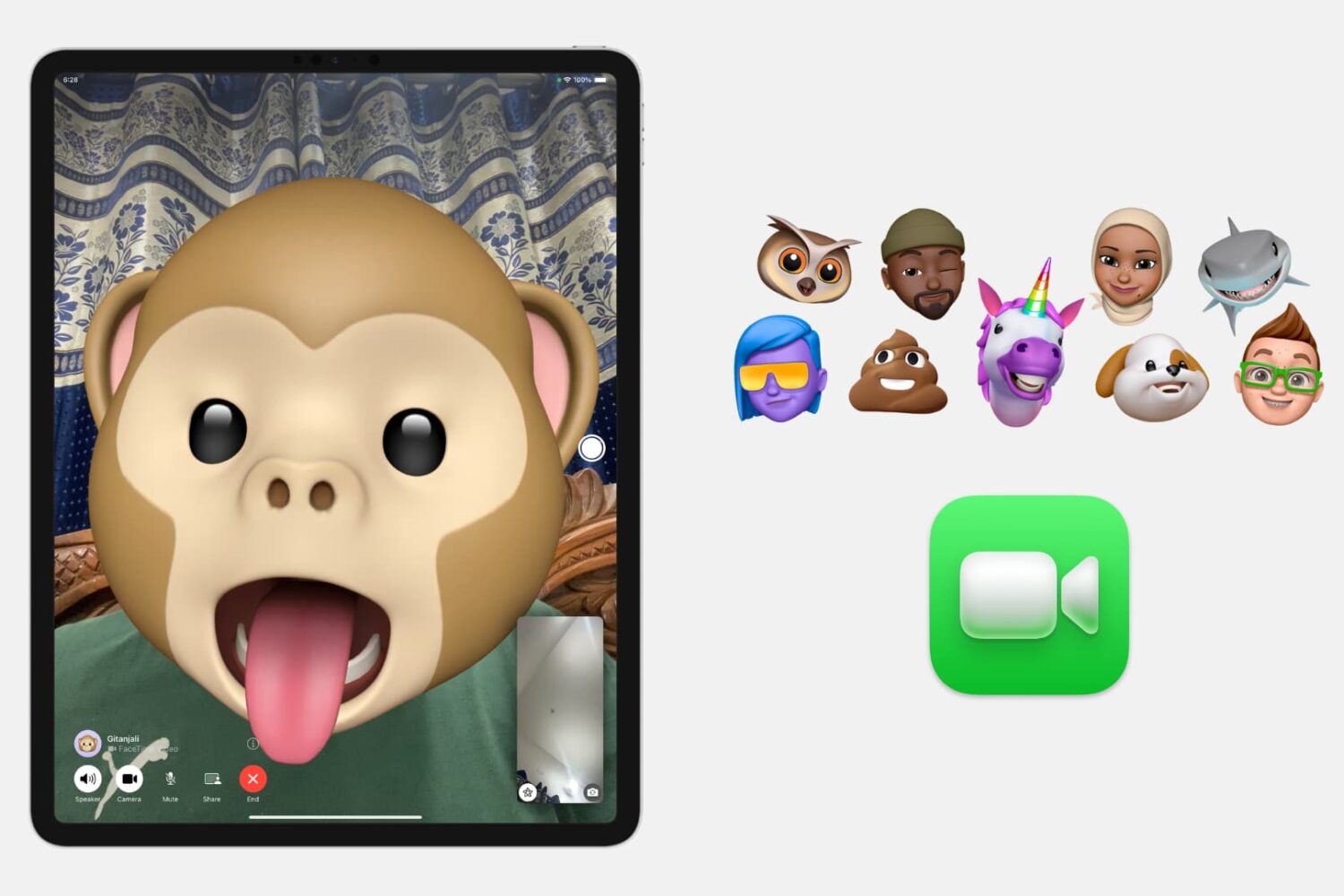
In this tutorial, we will show you how to put a Memoji or Animoji over your face during a FaceTime video call to change your appearance. You can use it to make the call fun or conceal your face.
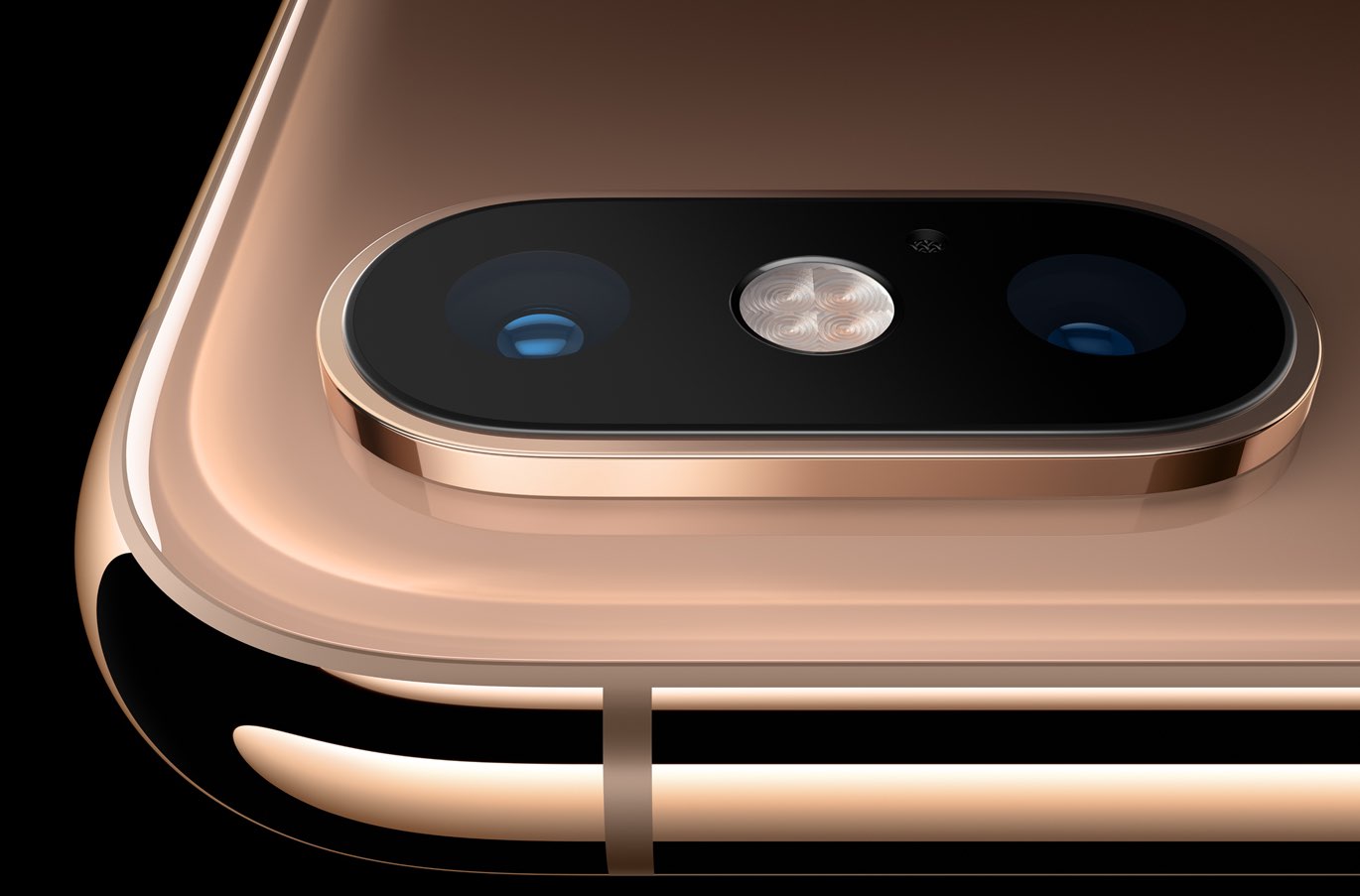
In recent weeks, developers and public beta subscribers alike have been testing iOS 12.1. For iPhone XS and iPhone XS Max owners, this has meant taking a closer look at the new real-time Depth Control feature in the Camera app. Here's how it works.
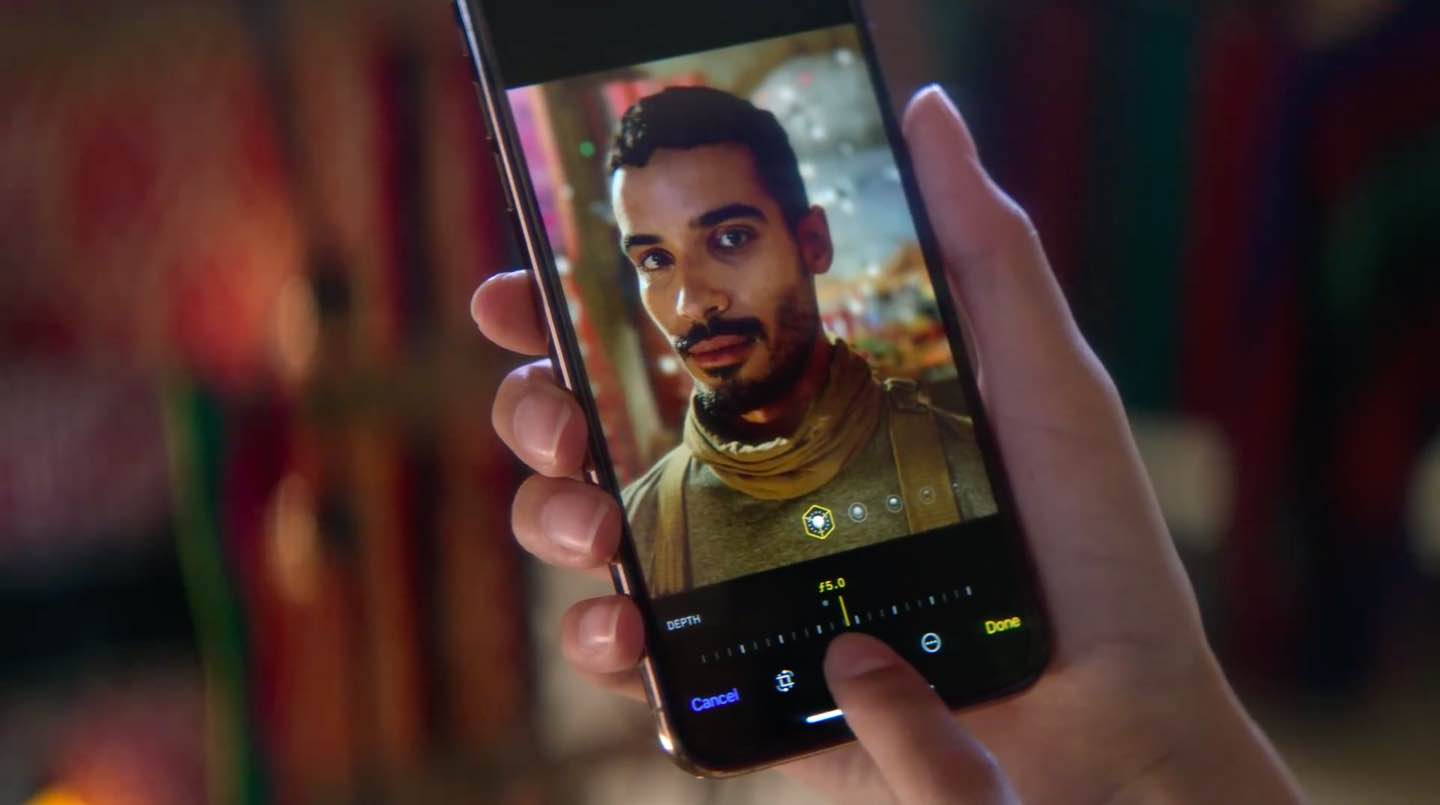
iPhone Depth Control lets you adjust the depth of field after you shoot, which makes it easy to apply a variably blurred background. Here’s how it works.
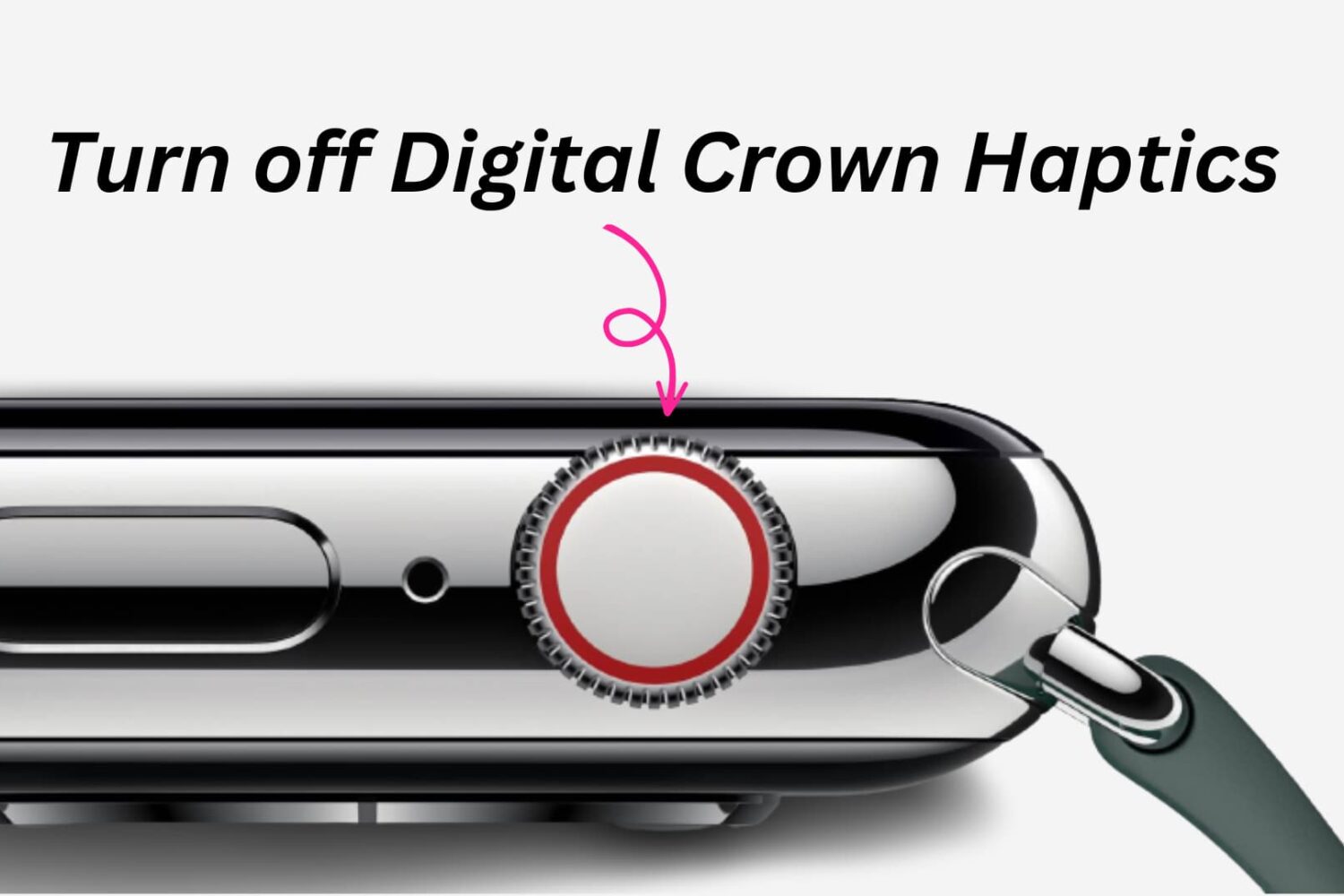
Learn how to turn off haptic vibration when rotating the Digital Crown on your Apple Watch to disable tactile feedback when scrolling and extend battery life.

Spark for Mac by Ukrainian developer Readdle is one of the best email apps for iOS and macOS. On Mac, Spark supports Mojave's Dark Mode. But what if you'd like to use Spark's darkened interface even if your Mac is set to use the default Light appearance (aka Aqua)? Spark lets you do that as well, and we show you how in this step-by-step tutorial.

The iPhone and iPad Photos app includes powerful search options to help you quickly find whatever pictures your need from your vast library. In this article, we will go over these options and show you how to use them to search and find pictures like a pro.
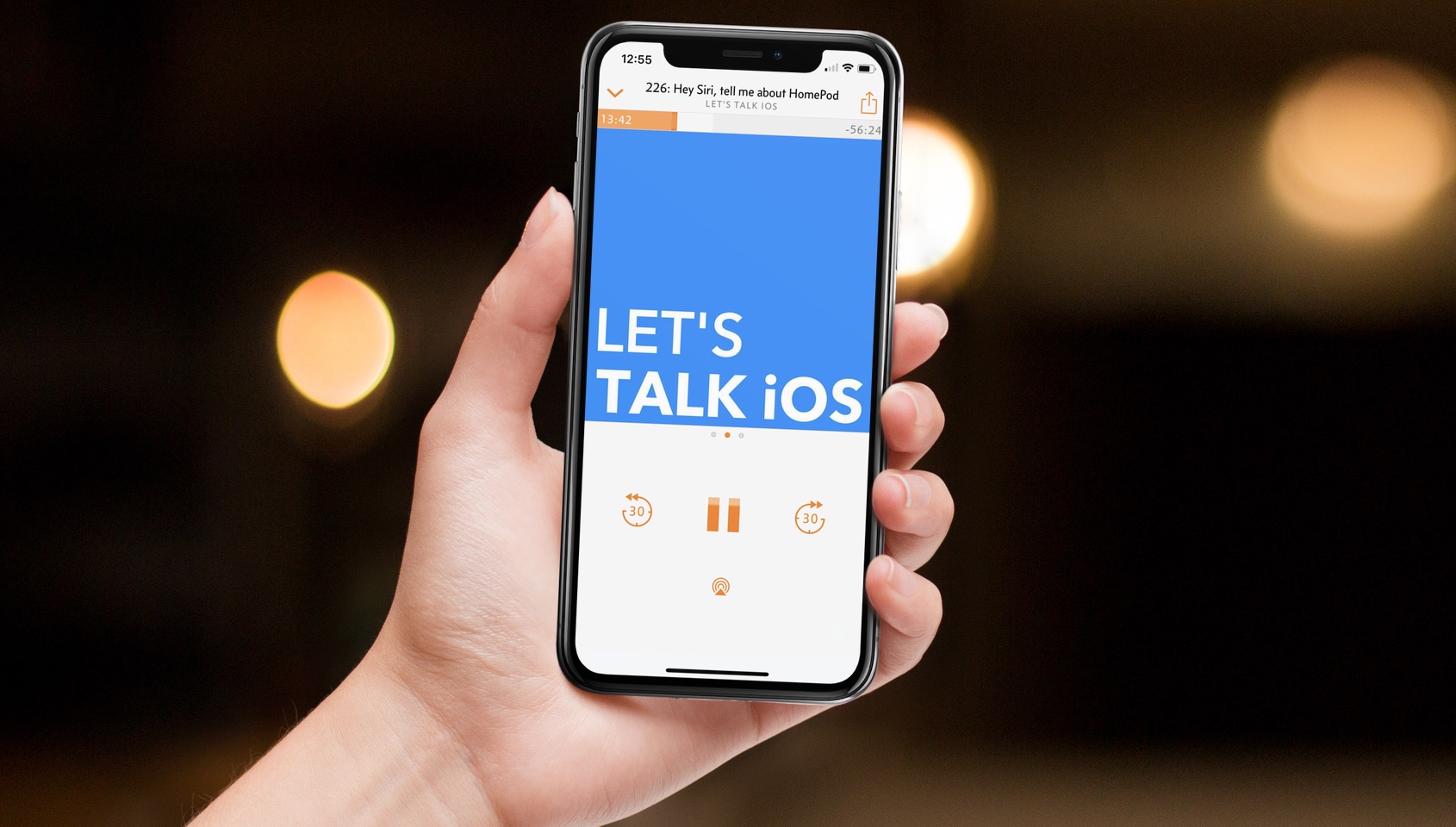
Now that they've had some decent hands-on time with both iPhone XS and Apple Watch Series 4, Cody and Sebastien share more feedback about what they like and dislike about the devices.