Tutorials

How to customize Fantastical 2 for iPhone to suit your needs

Fantastical 2 on iPhone

If you’ve gone beyond your iPhone’s default Calendar app and purchased Fantastical 2, then you already know the host of features that this app provides. But, have you taken the time to sit down and really customize it?

Getting your calendar exactly as you want it is worth the time. So, here’s your Fantastical 2 tutorial for customizing the app on your iPhone.

What Progressive Web Apps are and how to install and use them on iPhone and iPad

Thanks to modern web technologies like HTML5, Progressive Web Apps (PWA) run in a browser, don't require separate distribution, combine features of native apps with the benefits of a mobile experience and let you keep them on the Home Screen without the hassle of an app store.

In this tutorial, we'll help you install Progressive Web App to your iPhone or iPad Home Screen.

How to turn TickTick into a convenient Pomodoro timer

TickTick Pomo Timer Start on iPhone

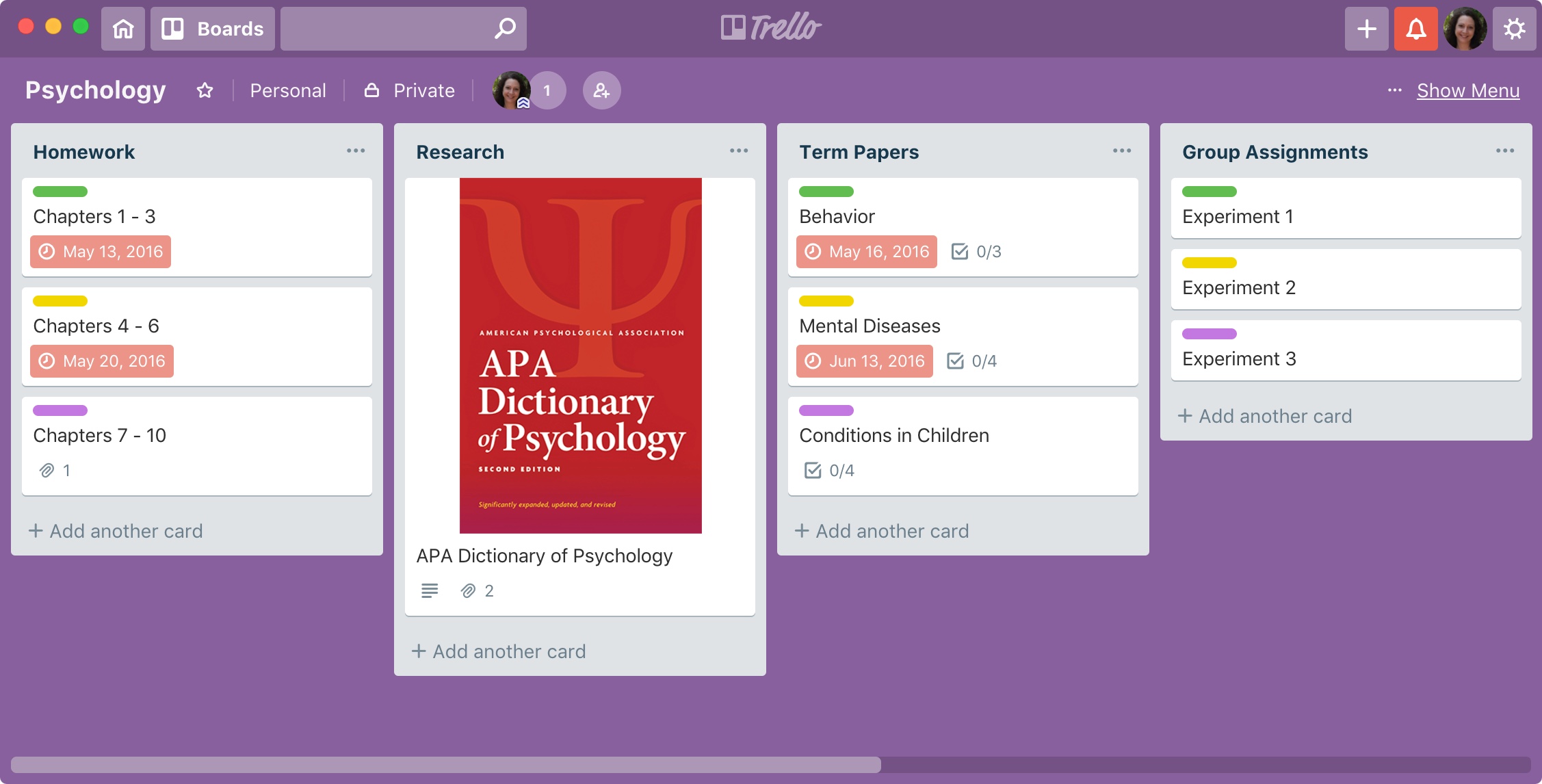
If you haven’t heard of TickTick, this handy app helps you manage your tasks. Keep lists, add your to-dos, and be reminded so you never forget a task.

In addition to managing to-dos, TickTick offers a built-in Pomodoro timer. For managing your time, the Pomodoro method has you break down your work into intervals. Normally, you set the timer and work for 25 minutes, take a break, and then work for another 25 minutes. While the durations of work and breaks can be adjusted, the general idea is the same.

So, let’s take a look at how you can use TickTick as a Pomodoro timer.

Delta Lite NES emulator: How to try it out

Riley Testut, developer of popular console emulator Delta for iOS (formerly GBA4iOS), has cooked up a little side project which will keep his fans occupied while we wait for Delta's full release.

Dubbed Delta Lite, the project is a working Nintendo Entertainment System (NES) emulator which runs inside Swift Playgrounds, Apple's own Swift development app for iOS.

How to sign and sideload apps to the Apple TV 4K

With no USB-C port to connect it to a computer, the Apple TV 4K falls firmly into the category of "irksome products which Apple doesn't want you to mess with". However, although it is easier to get your own apps onto its older brother the Apple TV 4, it's still possible to sign and sideload apps on the 4K.

How to add drawing and sketches in the Mail app on iPhone & iPad

Mail Drawing on iPhone

Sometimes, a picture is worth a thousand words, and adding a drawing or sketch to an email can help convey your message more effectively. While the Mail app on iPhone and iPad may seem like a basic email client, it actually comes with some powerful tools that allow you to create and add sketches to your emails.

In this article, we'll explore how to use these tools and add your own drawings and sketches to your emails, giving your messages a personal touch.