This tutorial shows you how to enable root user on your Mac, log in to it, use it, change its password, and finally disable it.
How to manage root users on Mac
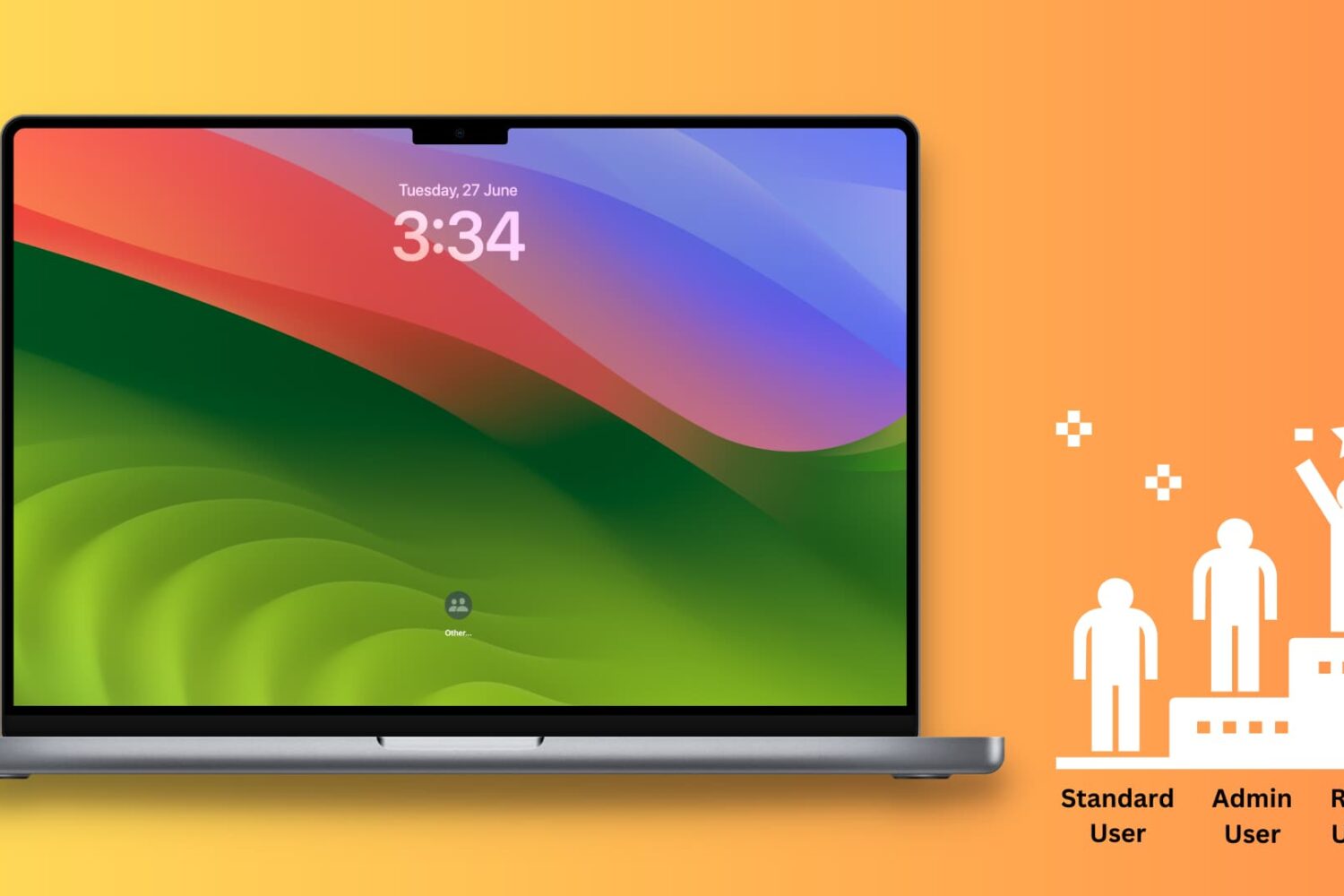
This tutorial shows you how to enable root user on your Mac, log in to it, use it, change its password, and finally disable it.
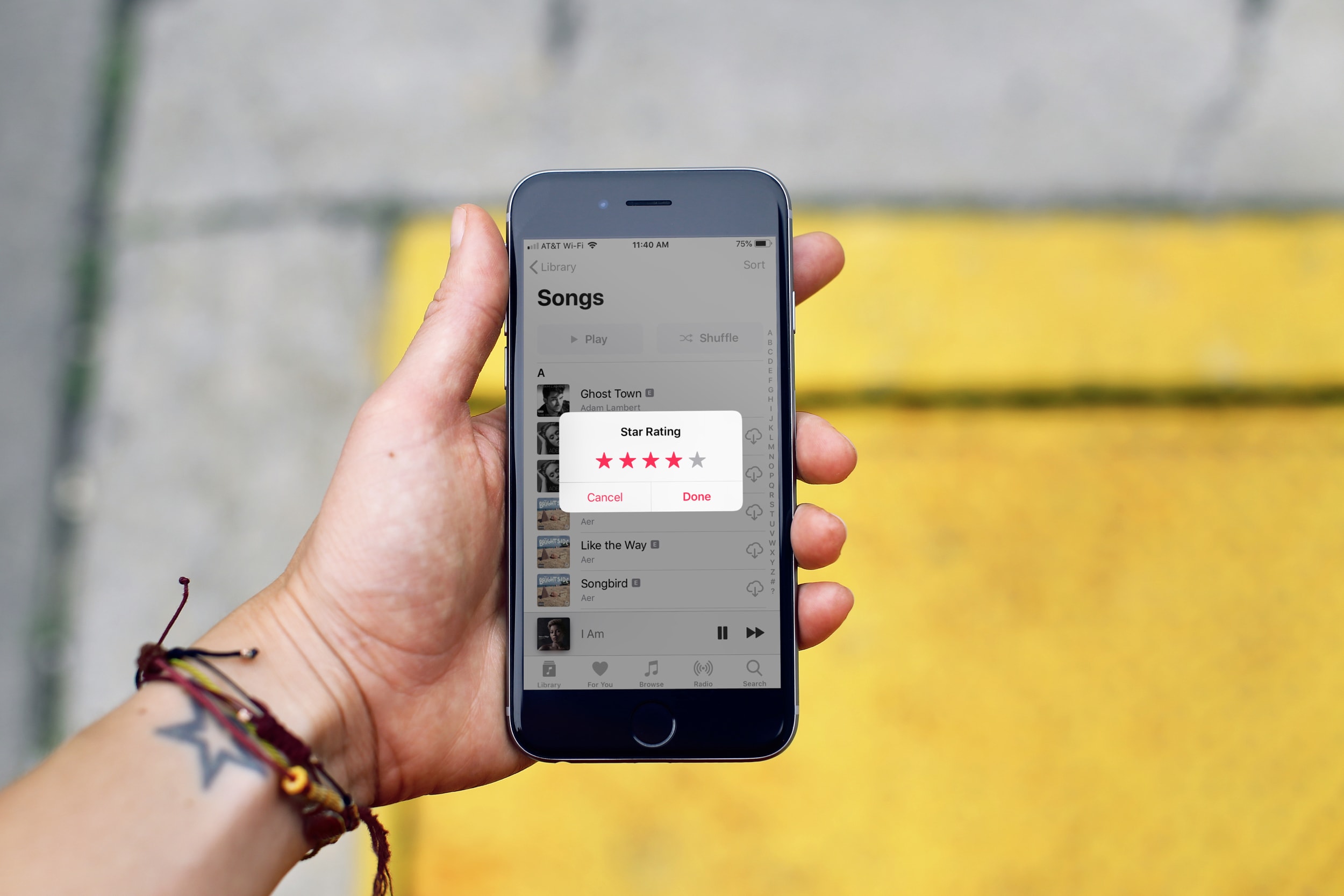
In this tutorial, we’ll show you how to rate songs in your iPhone, iPad, or Mac’s music library on a scale of one to five stars and then create smart playlists based on these rated songs.
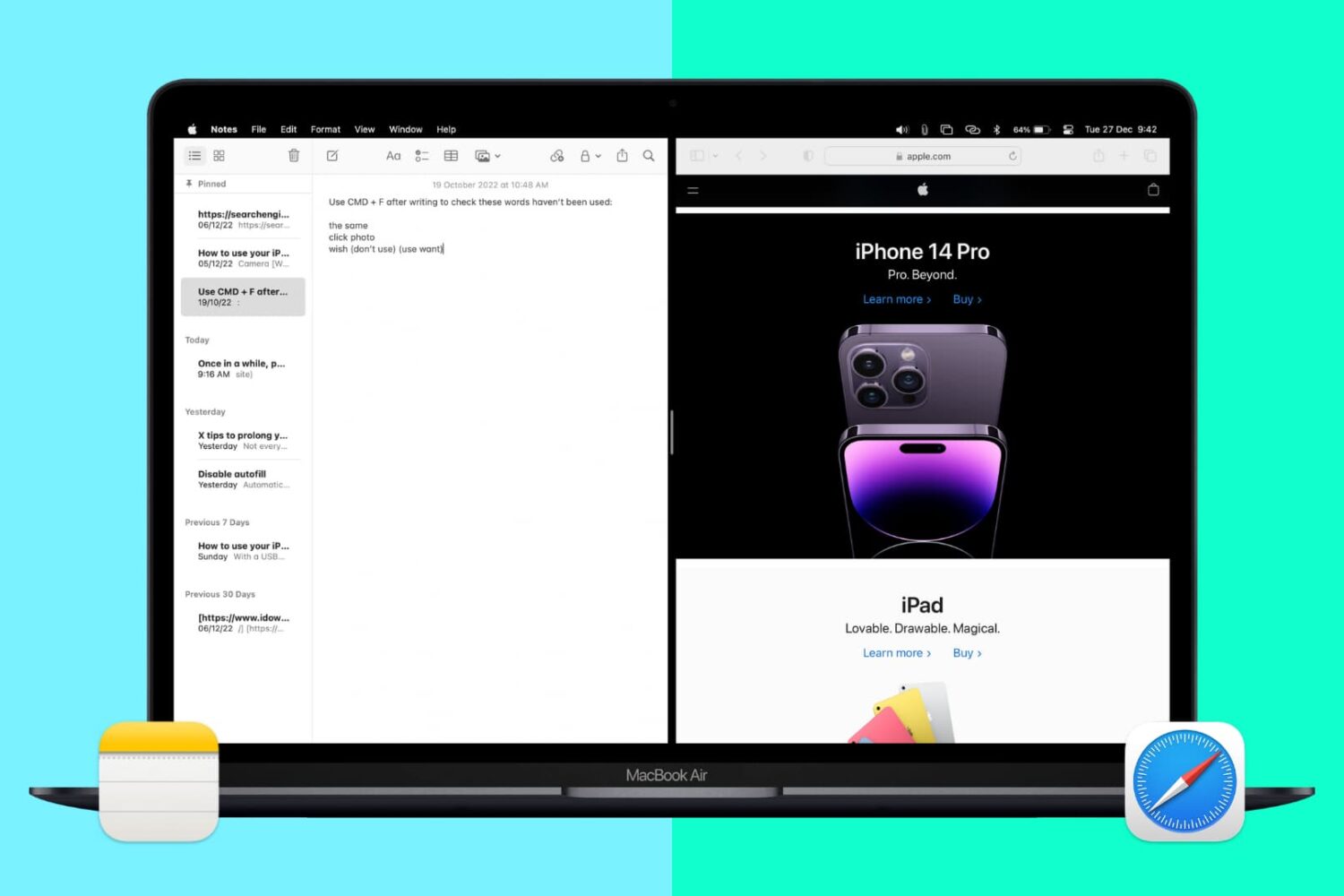
Split View lets you put two apps side-by-side on the same screen. It’s super easy to invoke or exit and makes working on your Mac more efficient. Here’s how to use Split View, or split screen, on your Mac desktop or MacBook.
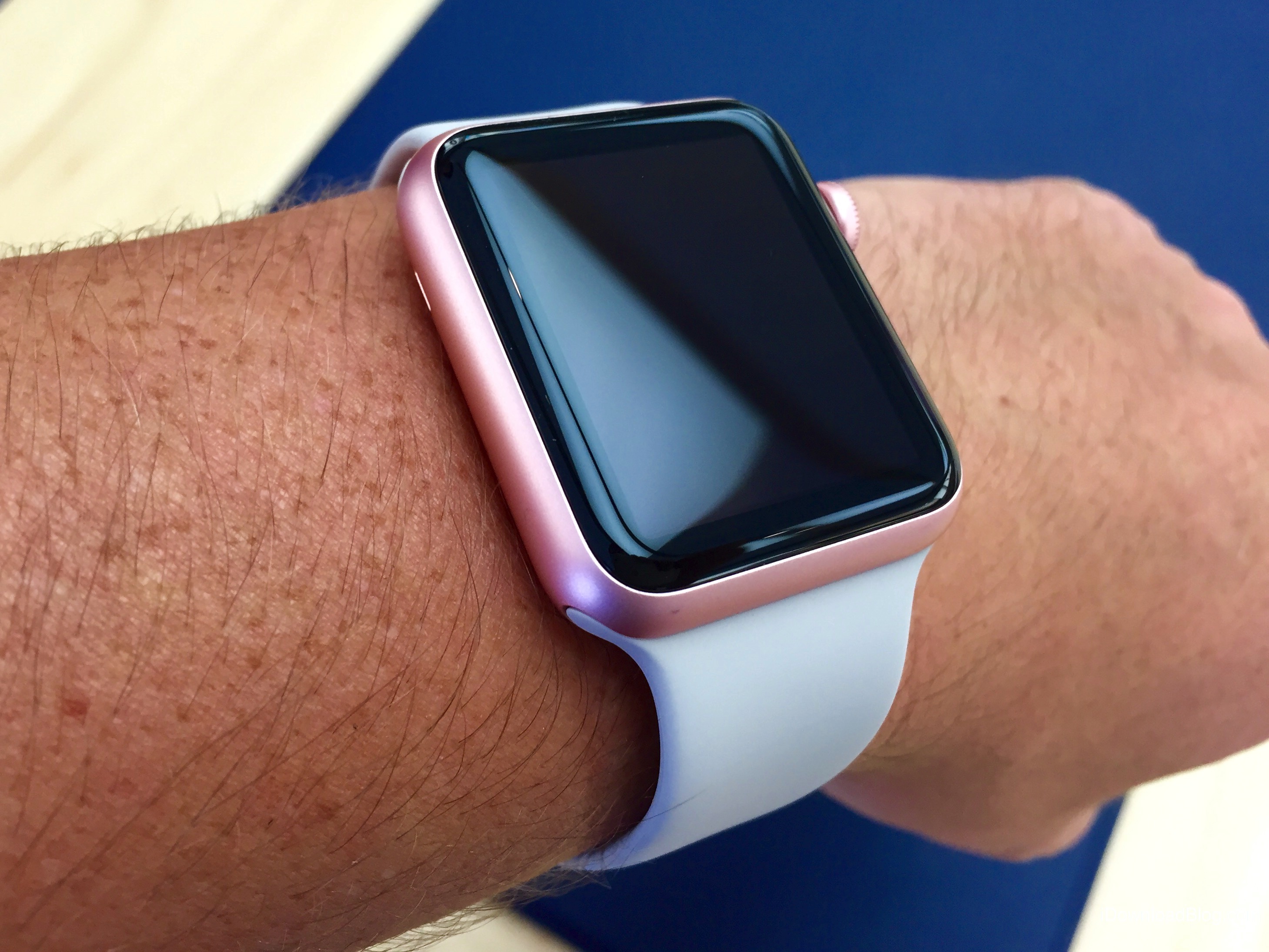
watchOS 6 debuted a new Taptic Chimes feature that takes advantage of Apple's custom vibrator, called Taptic Engine, to render quick vibrations on your wrist at the top of the hour to help you keep track of the time in a subtle manner, without having to engage the device.
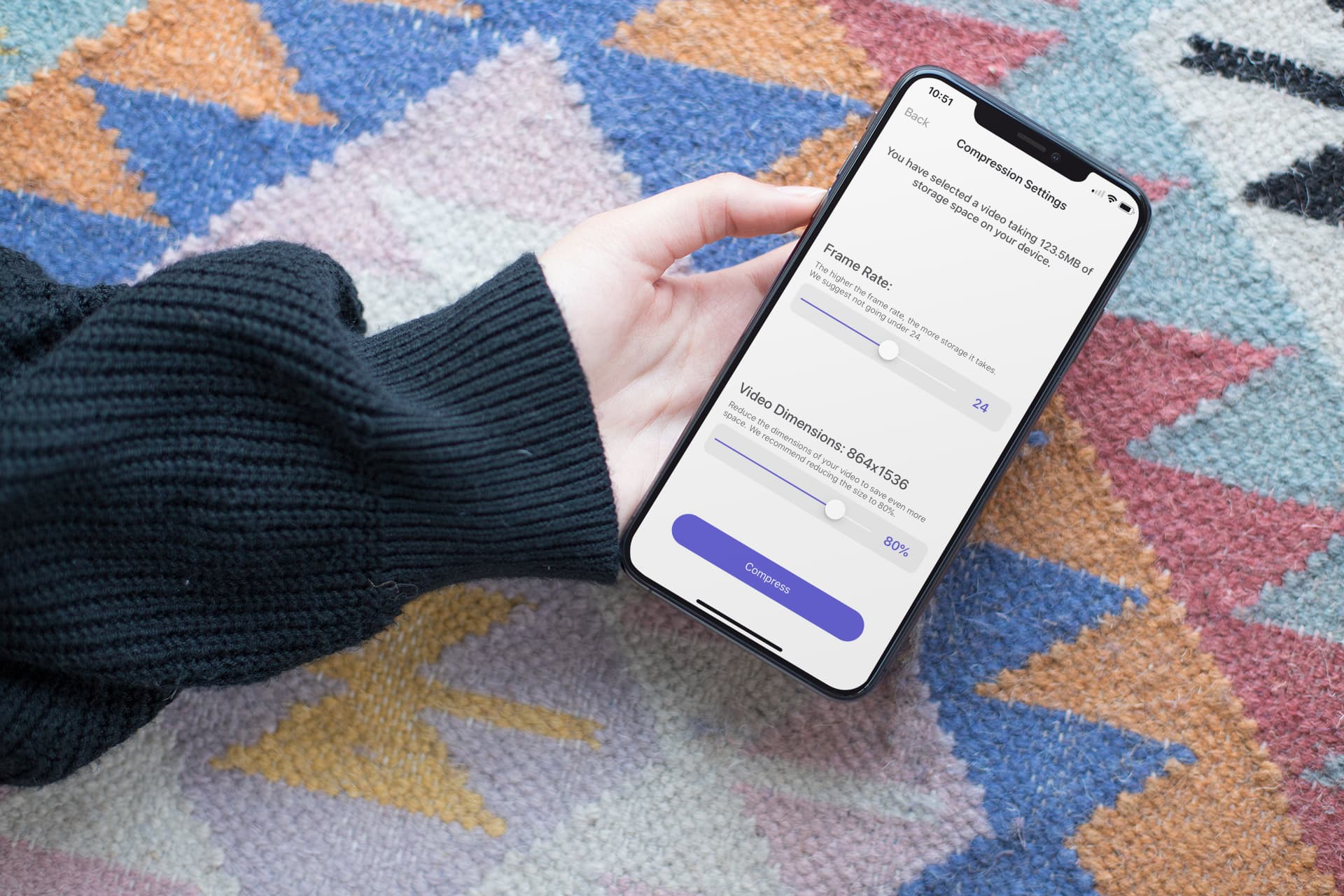
In this step-by-step tutorial, we show you how to compress a large video on your iPhone or iPad without compromising quality, allowing you to share it faster and save storage space.

Maximize your reading experience on Safari for iPhone and iPad by learning how to customize the Reader view and per-site settings.

Learn how to open and use Control Center on your Apple TV to access important settings, controls, and options without going to the Settings app.
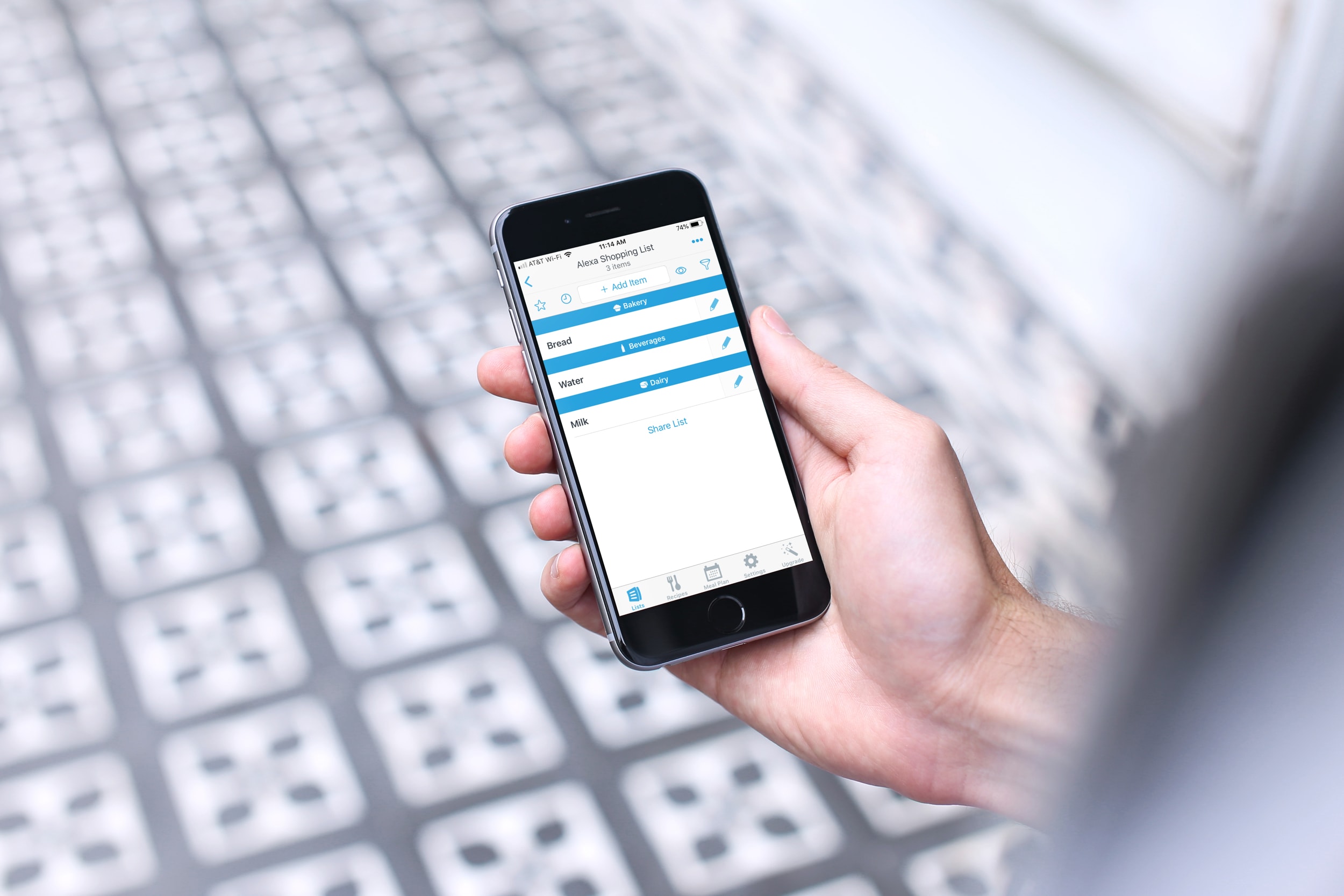
You can do some really cool stuff with your iPhone and the Alexa app for your Amazon smart speaker. You can use Alexa to find your phone, listen to Apple Music, manage your iCloud Calender, and more. So, why not use this combination of devices to keep up with your lists?
Depending on which iPhone shopping or task list app you use, you might be able to take advantage of it with Alexa. Here’s how to use your iPhone lists with Alexa and your Amazon speaker.
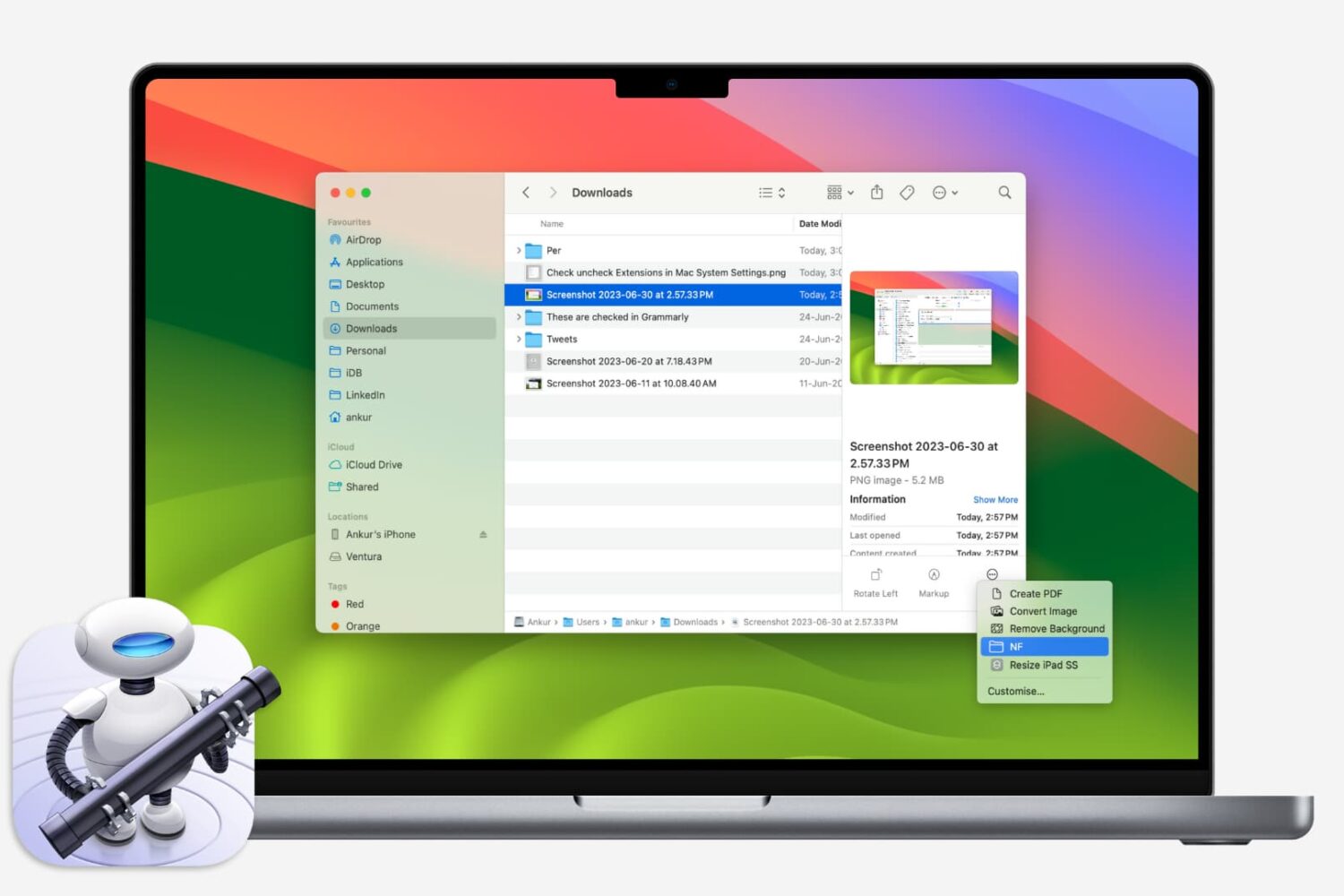
If you like using Quick Actions on your Mac to do things faster, why not make your own? This tutorial shows you how to create custom Quick Actions for Finder.
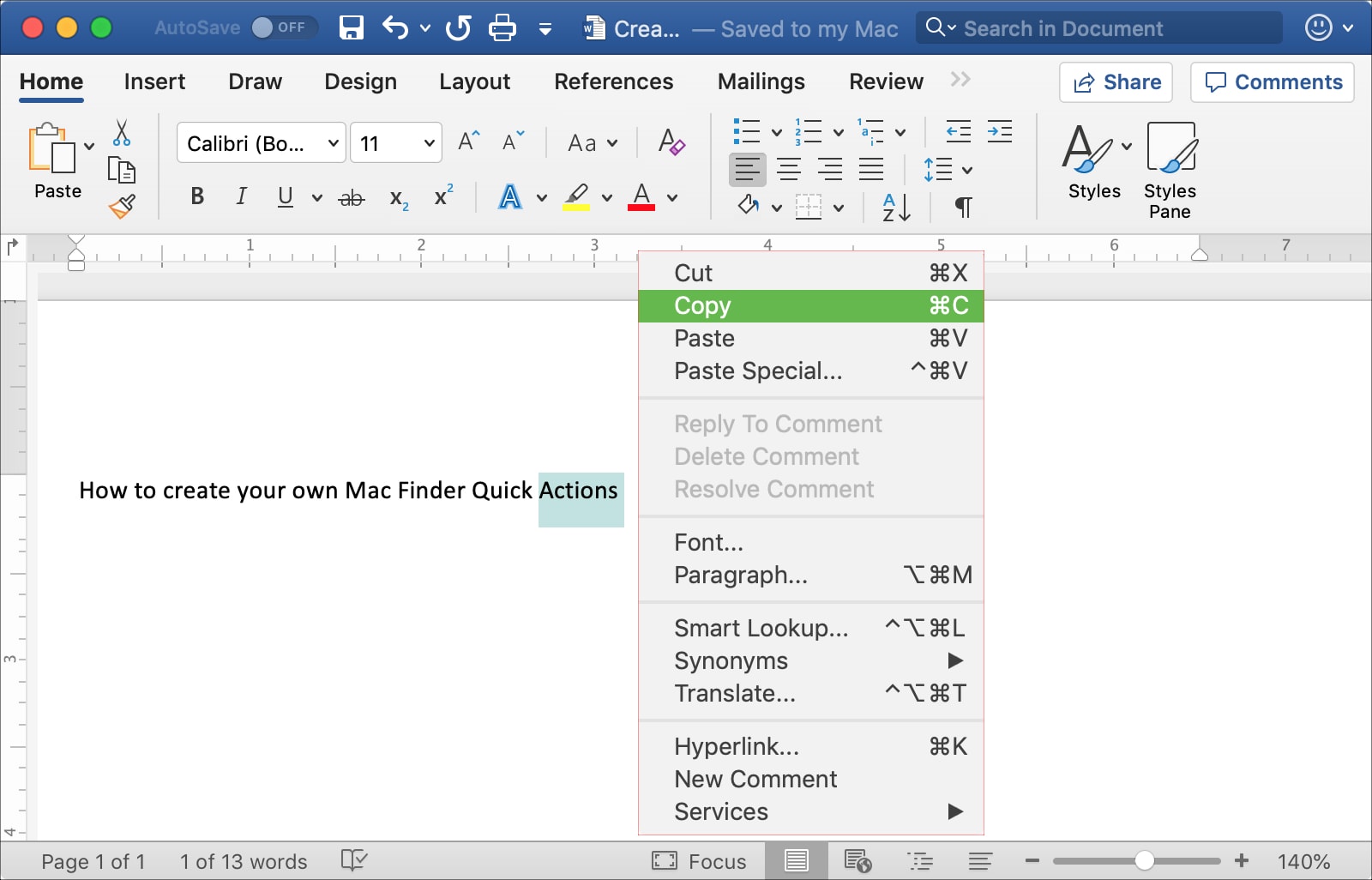
This tutorial shows you three different ways to copy and paste text on Mac using a keyboard shortcut, your mouse or trackpad, and from the menu bar.
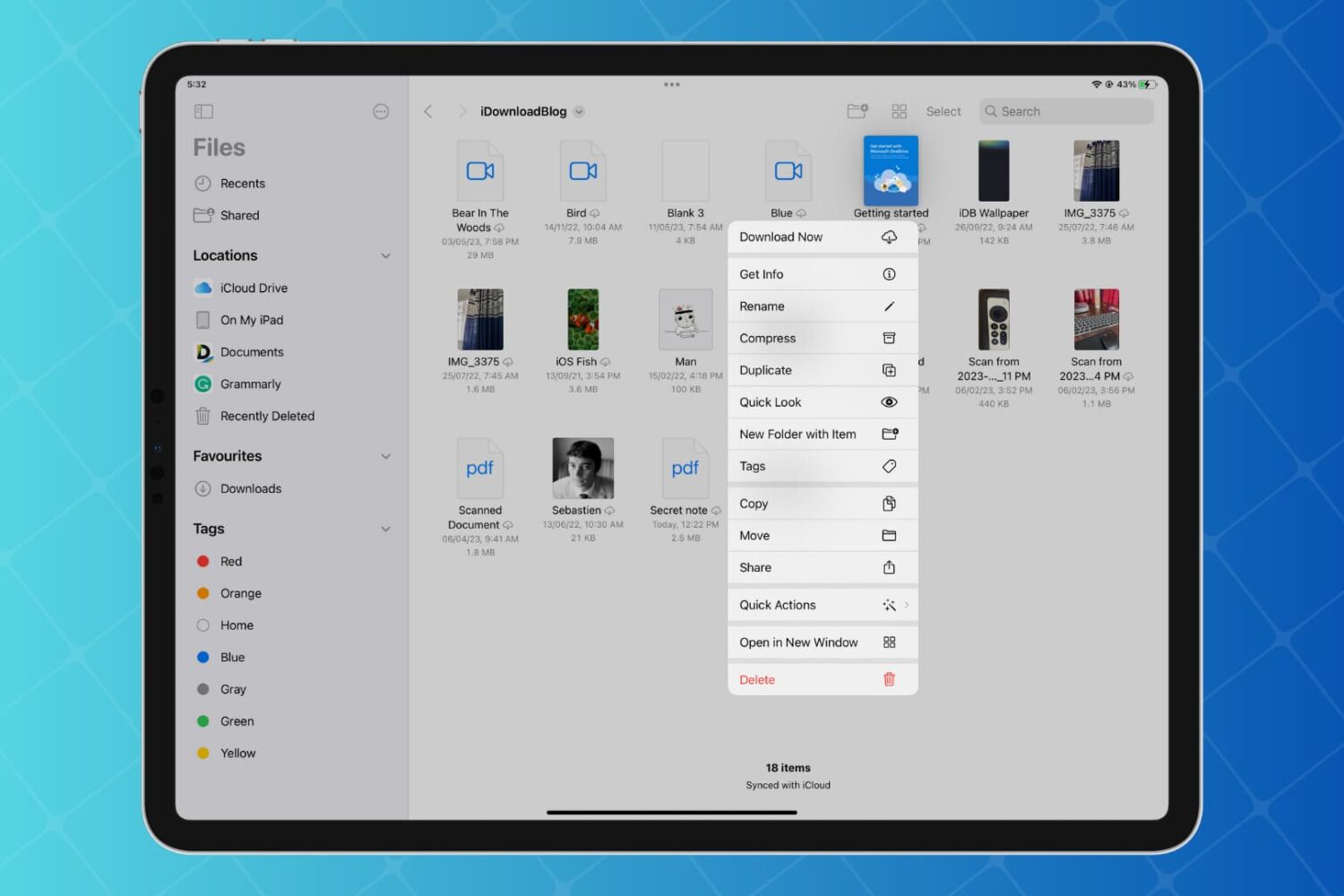
Discover how to enhance your productivity on iPad and iPhone with Quick Actions in the Files app, enabling you to work with your folders, files, and images faster than ever with just a few taps.
