Learn how to mark a video as a favorite or reject it in iMovie when you’re reviewing your clips. This makes keeping and removing clips easy, so you can use the best ones.
How to rate clips in iMovie as favorites or rejected on Mac
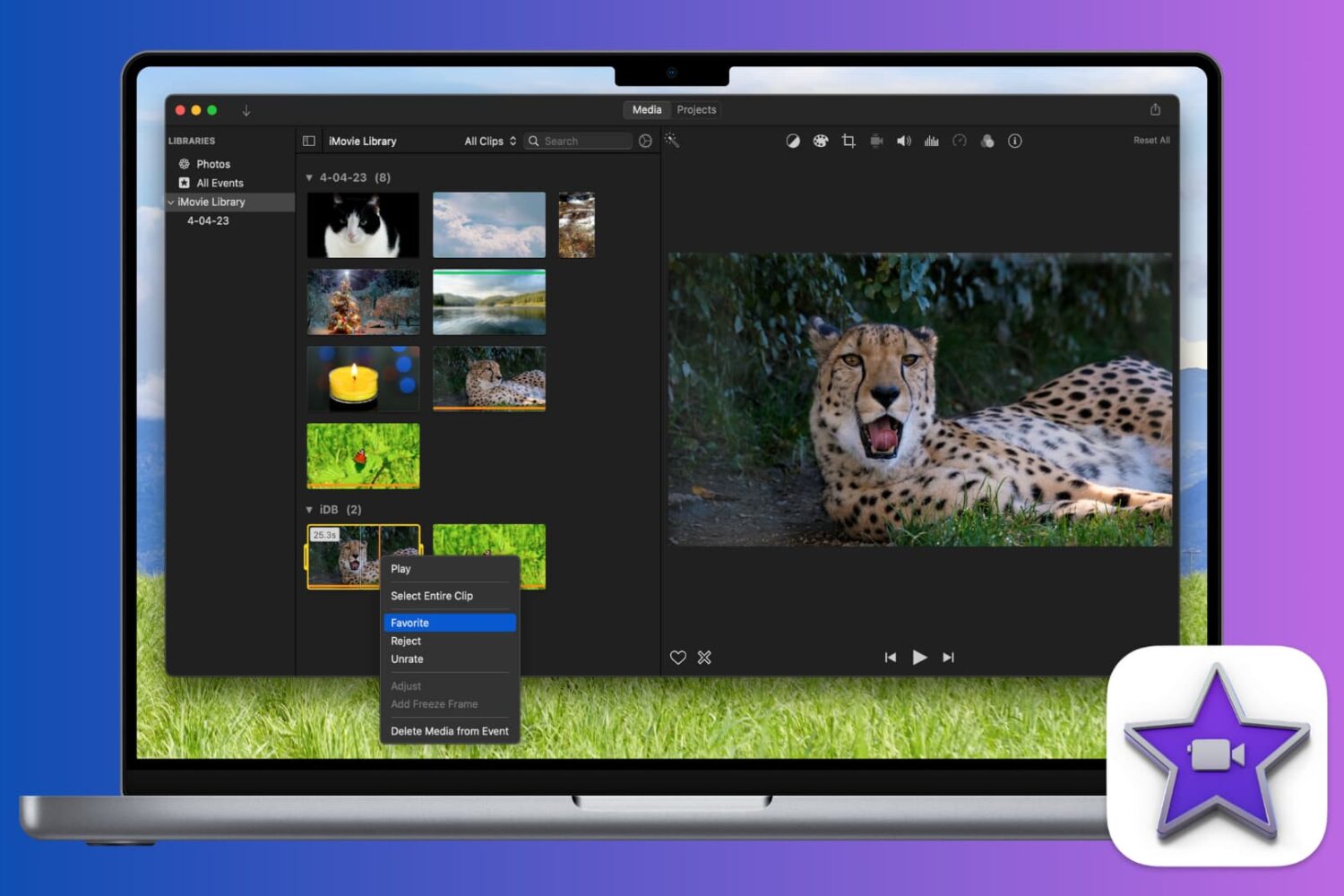
Learn how to mark a video as a favorite or reject it in iMovie when you’re reviewing your clips. This makes keeping and removing clips easy, so you can use the best ones.

From changing your Apple Account email address to checking your Apple Cash Balance, you can access and manage your Apple ID account information right from your Mac’s System Settings, and this guide walks you through it.
Be aware of phishing scams and other nefarious schemes designed to compromise your credit card details. If you believe you’re a victim of a scam involving your Apple Card, here’s what you need to do in order to report Apple Card fraud, right from your iPhone.
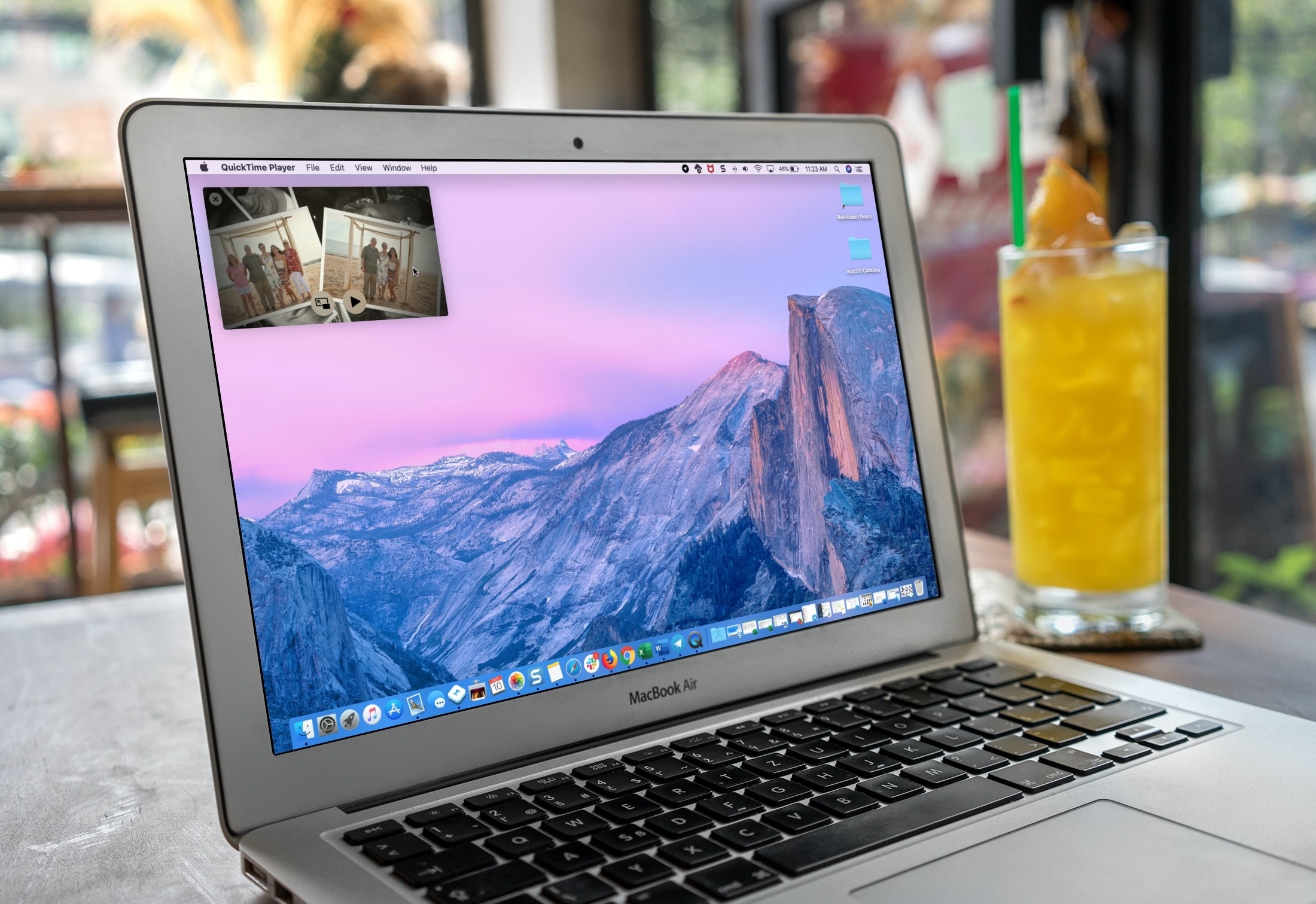
If you use QuickTime Player on your Mac to watch videos and movies, you’ll like its Picture-in-Picture (PiP) feature. It will convert the playing video into a small floating window, which you can resize and place anywhere on the screen.

Learn how to turn off Safari link previews on iPhone or iPad so you can see the destination URL of where the link will take you without opening the webpage.
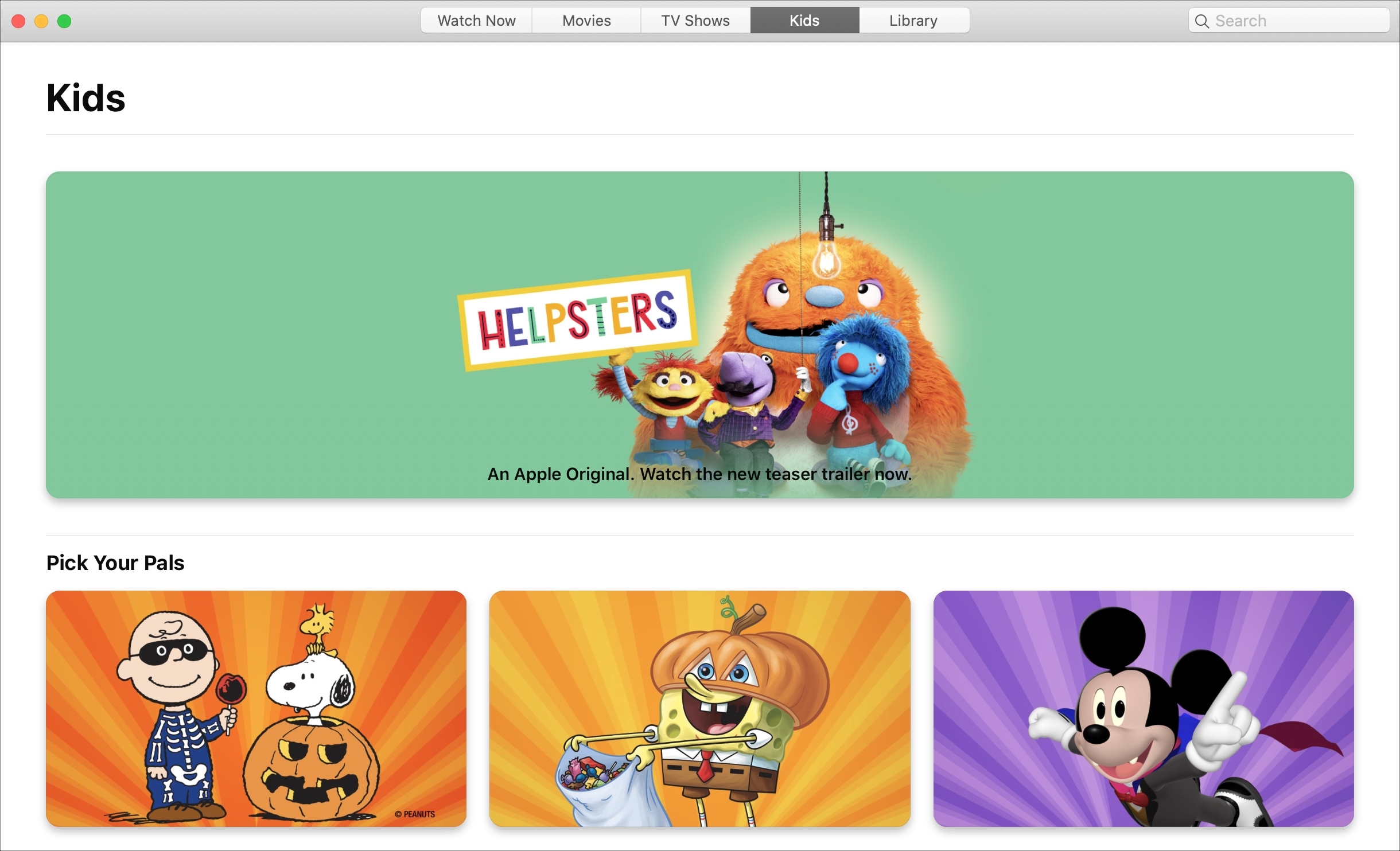
Learn how to block explicit songs, movies, and TV shows in Apple's Music and TV apps on your child's Mac by setting up parental controls to restrict content.

If you use a screen saver on your Apple TV that displays your own photos or those from Apple, then you don’t worry about getting new images on a regular basis. But if you use the Aerial screen savers that Apple offers, you can decide for yourself when to receive new ones.
You may only want new aerial screen savers every month due to their size, or perhaps you want them every day. Either way, here’s how to change how often your Apple TV checks for new screen savers to download.
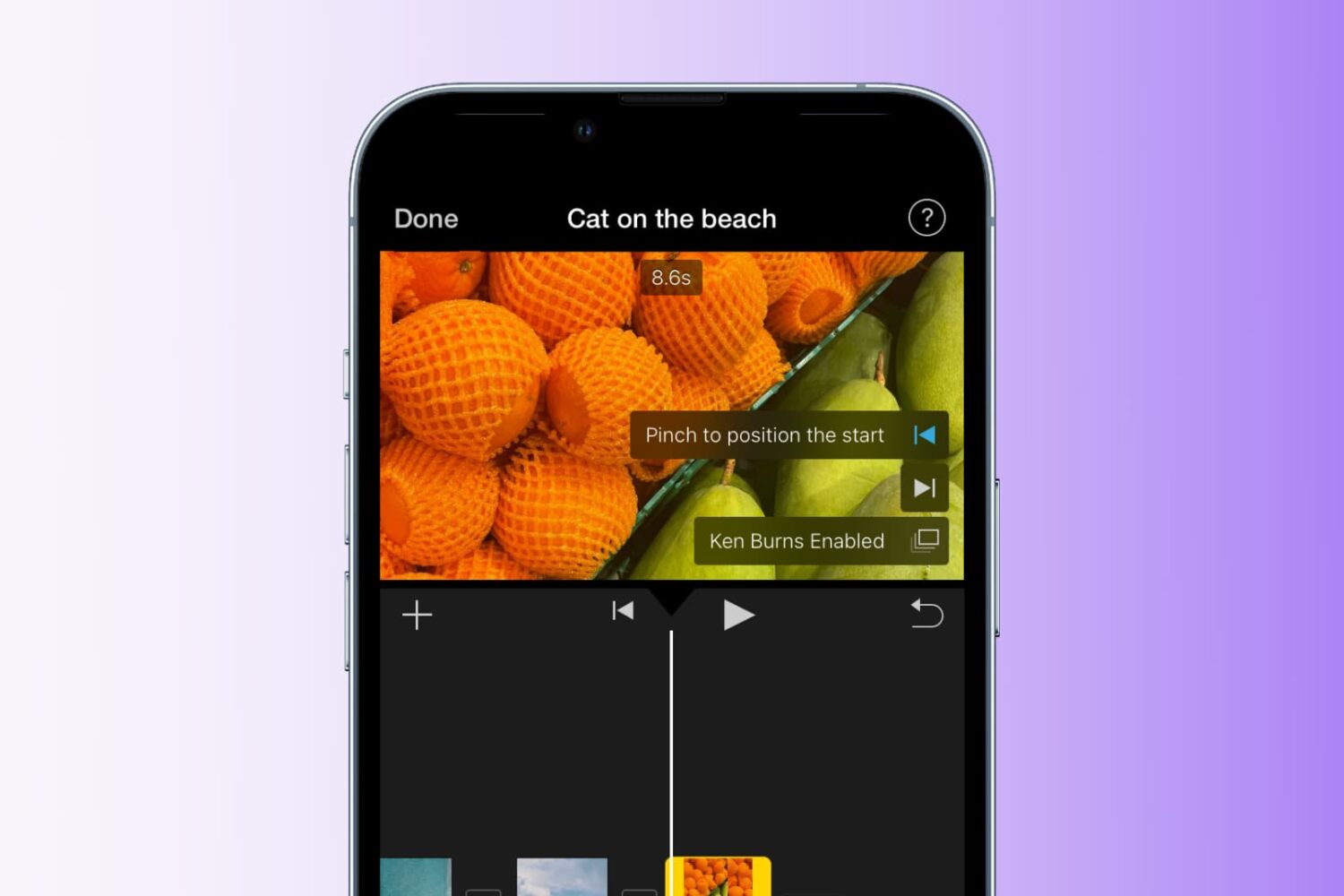
Learn how to add the Ken Burns effect to your images and video clips in iMovie to make them appear as though the camera is moving or zooming in and out, creating a beautiful cinematic effect.
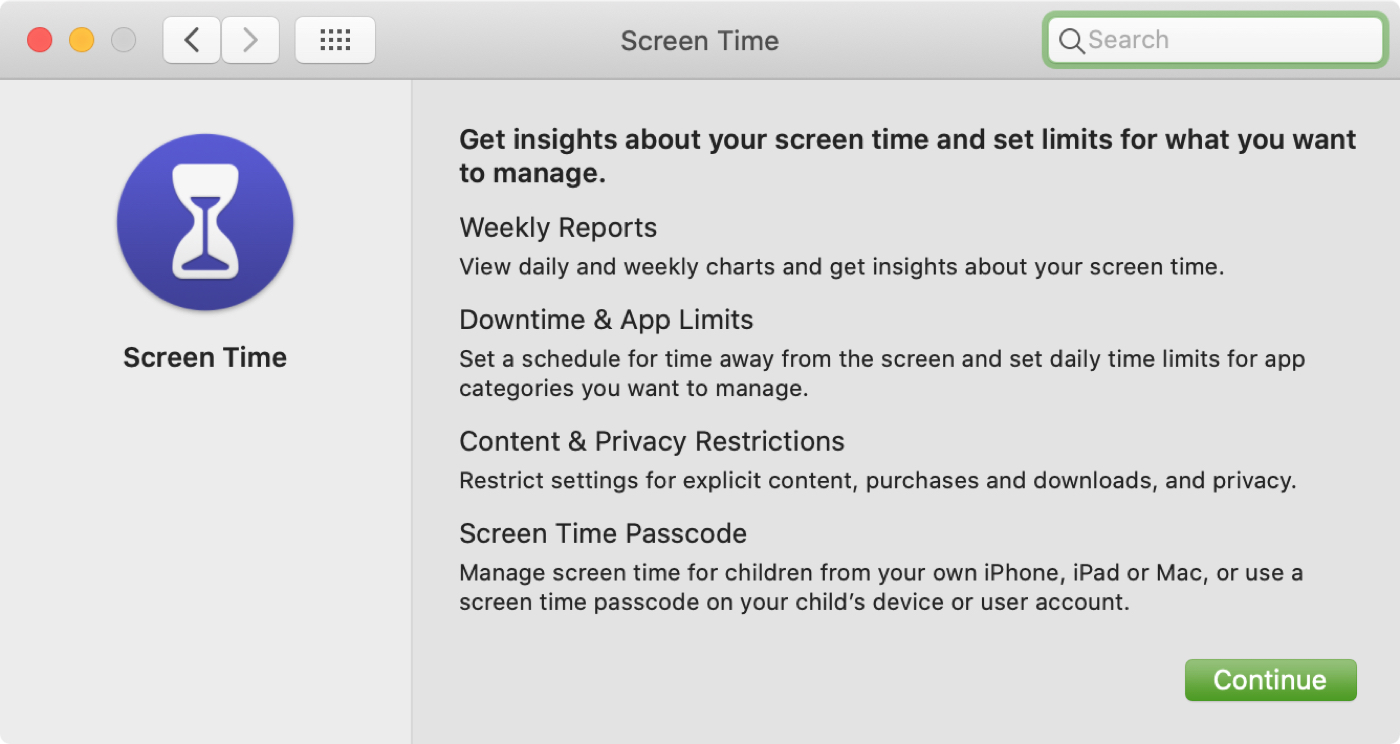
In this tutorial, we will explain how to turn on and use Screen Time on your or your child's Mac to understand device activity, limit app and website usage, set communication limits, and enable restrictions.

Learn how to share your estimated time of arrival when getting directions in Apple Maps, and let your friends and family know exactly when to expect you.
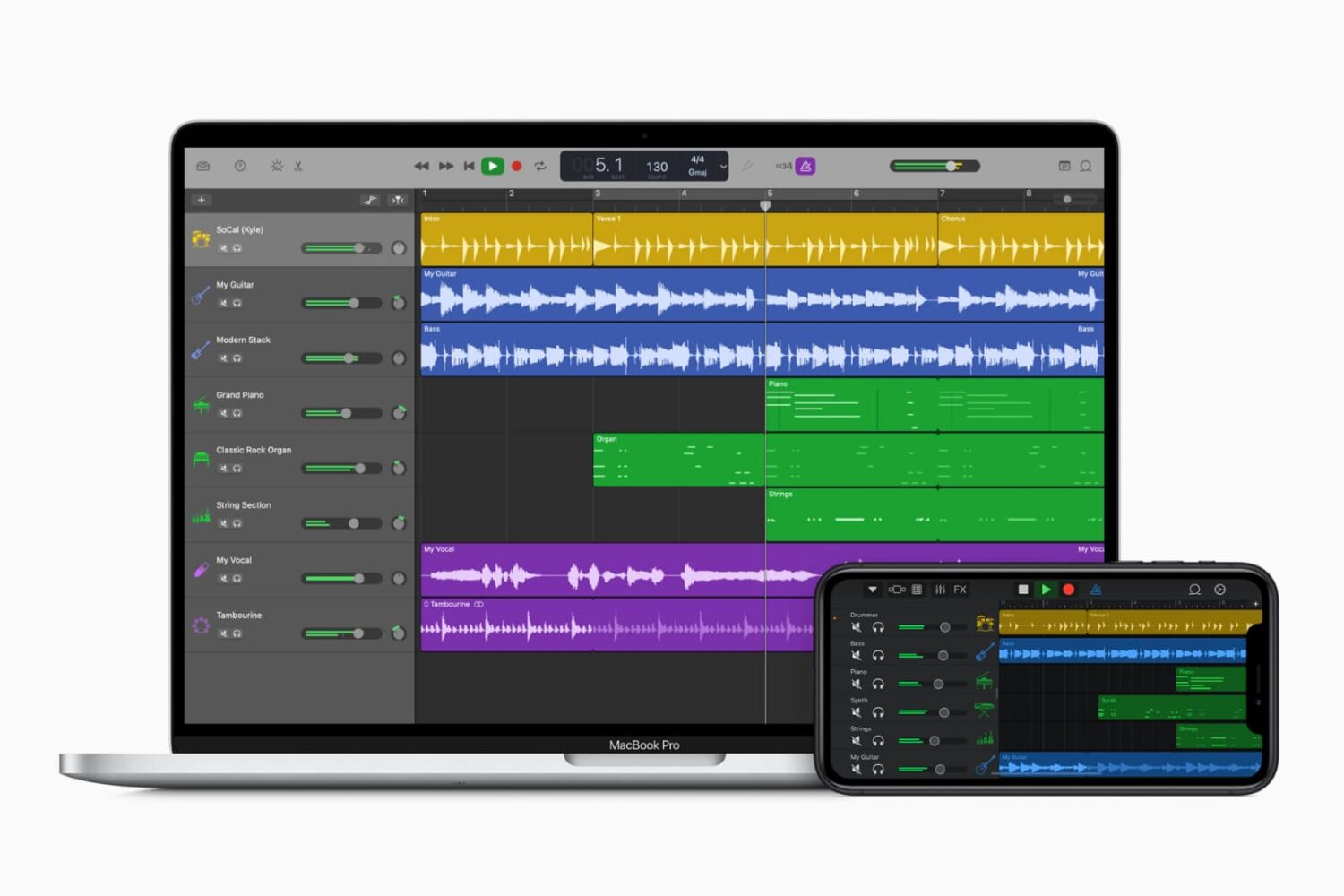
Whether you’ve completed music mastery or are seeking some help with your song, you can share a tune that you create in GarageBand easily and in a variety of ways.
Want to share it to your Music library and listen to it daily? Want to send it to your friend for their input? Want to export it to a disk for a physical copy? We’re here to help. Here’s how to share a song in GarageBand on Mac, iPad, and iPhone.
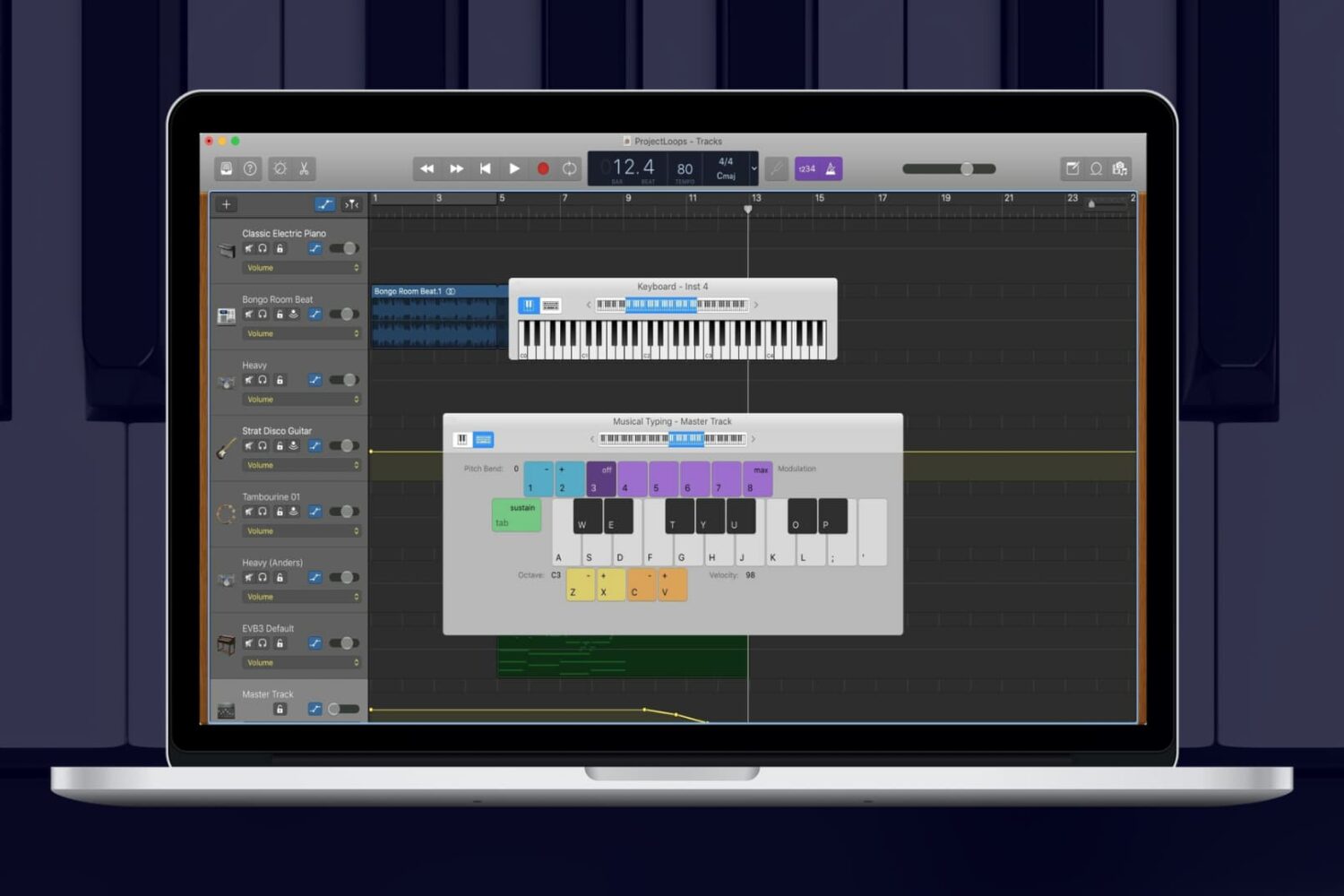
While you can add Apple Loops and import samples to use in your GarageBand creations, you can also use an onscreen keyboard to make music. On Mac, you can use the keyboard as it appears on a piano or organ in addition to musical typing with your computer keyboard. And on iOS, you can tap to open the keyboard and adjust its settings easily.
For making music in GarageBand your way, here’s how to show the keyboard on Mac, iPhone, and iPad.