Learn how to preview files and documents in the iOS Files app on your iPhone and iPad to streamline navigation and file management.
How to preview items in iOS Files app on iPhone and iPad

Learn how to preview files and documents in the iOS Files app on your iPhone and iPad to streamline navigation and file management.
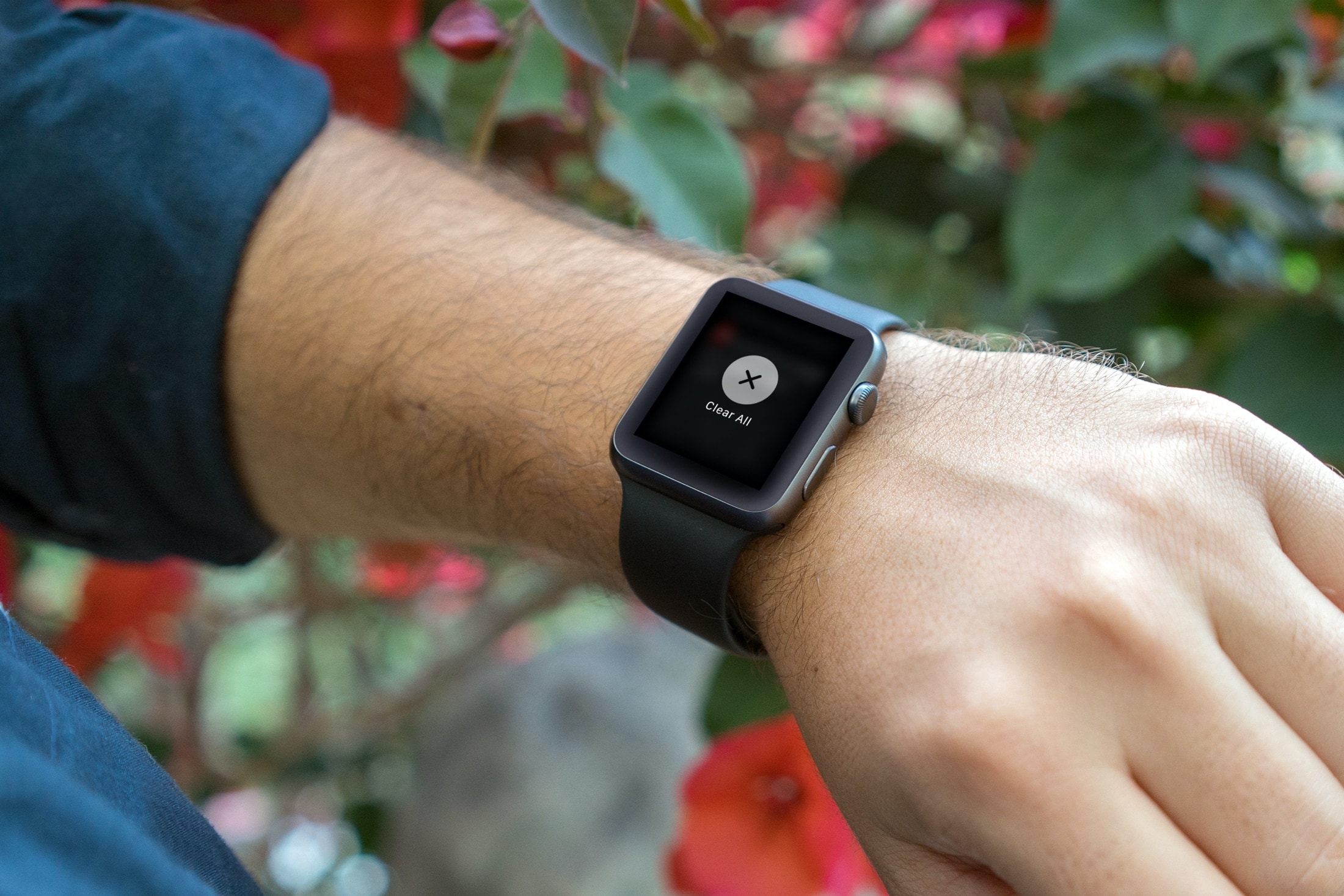
Efficiently manage your Apple Watch notifications by learning how to clear them all at once, decluttering your screen for better focus.
You can run Mojave and Catalina on the same Mac in a dual boot setup and without reformatting or repartitioning your Mac's storage thanks to APFS, the file formatting system that Apple made ubiquitous with Mojave's release. Great if you need to use apps that won't run on Catalina, but still want to use what Catalina has to offer. Here's how.

Want to show the iTunes Store in the Apple Music app on your Mac? With a simple setting, you can display the store and buy songs, albums, and music videos.
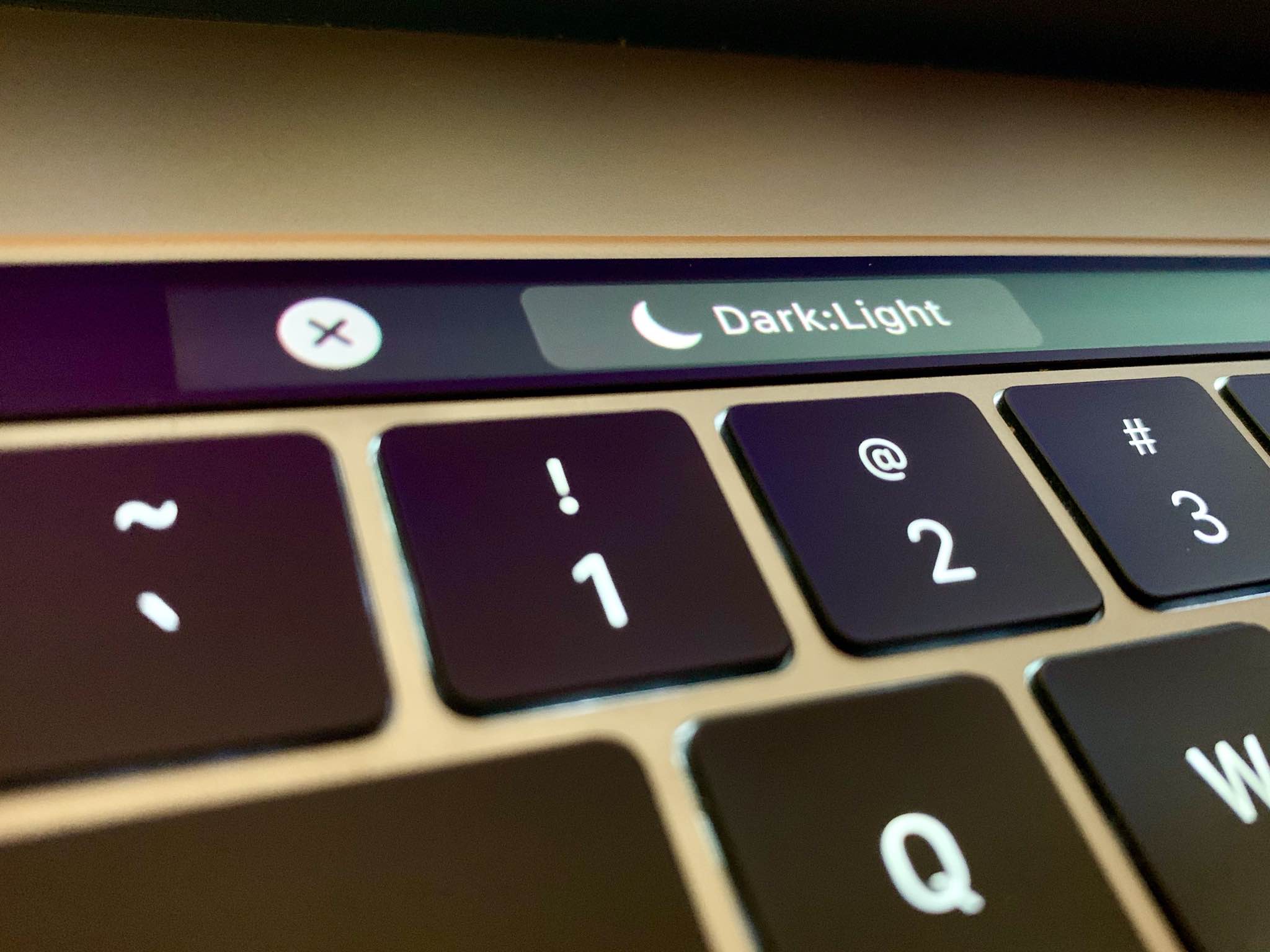
Follow this step-by-step tutorial to learn how to quickly switch between macOS's dark and light themes by adding a dedicated toggle for Dark Mode to the Touch Bar of your Mac.

Learn how to use the built-in Terminal app on your Mac to hide files and folders from prying eyes. And of course, you can also unhide them when the need arises.
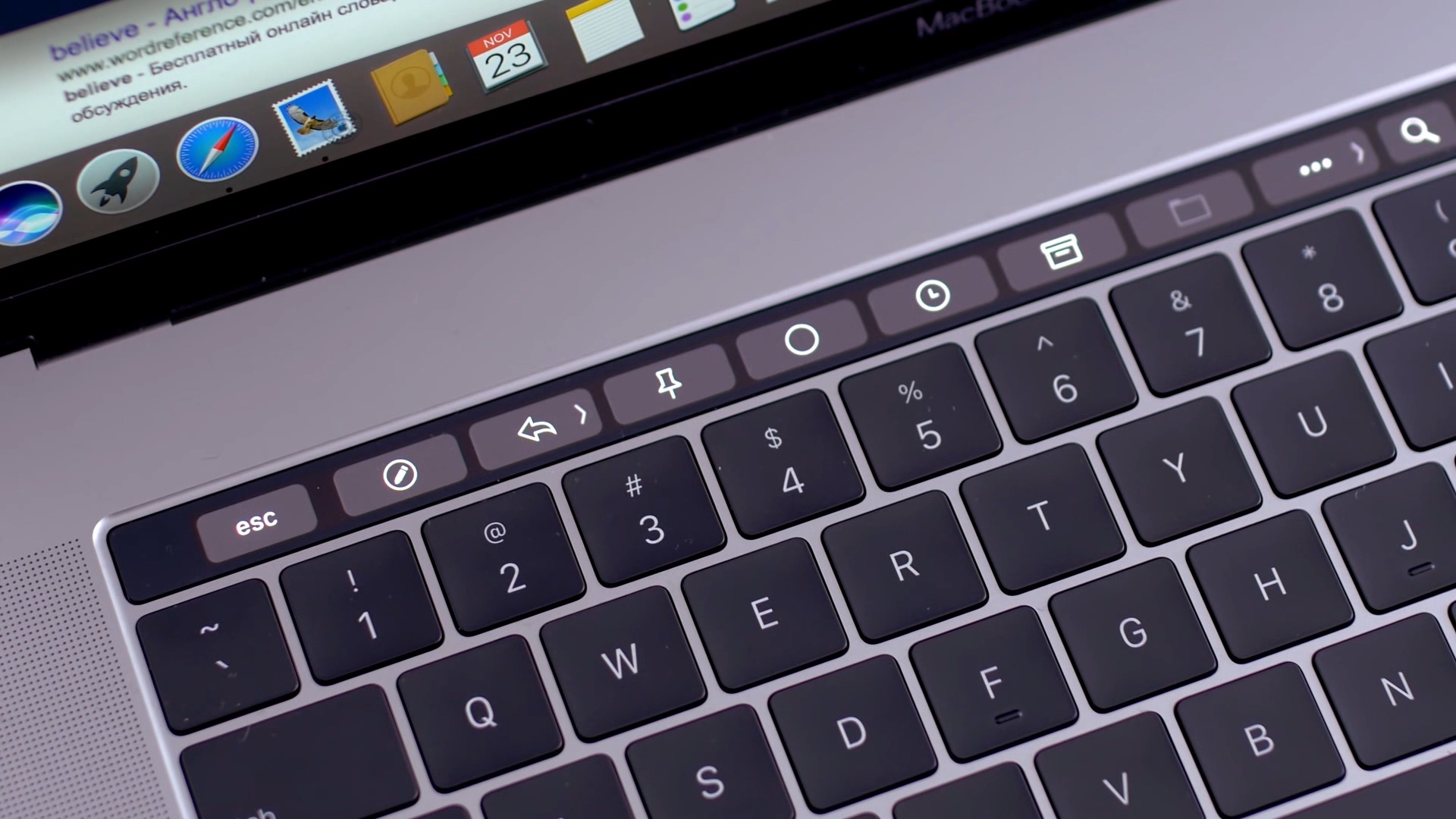
Learn how to add Automator workflows that are saved as Quick Actions to the Touch Bar of your Mac. Doing so will let you easily run your favorite macOS automation shortcuts at any time because they’ll be just two taps away.
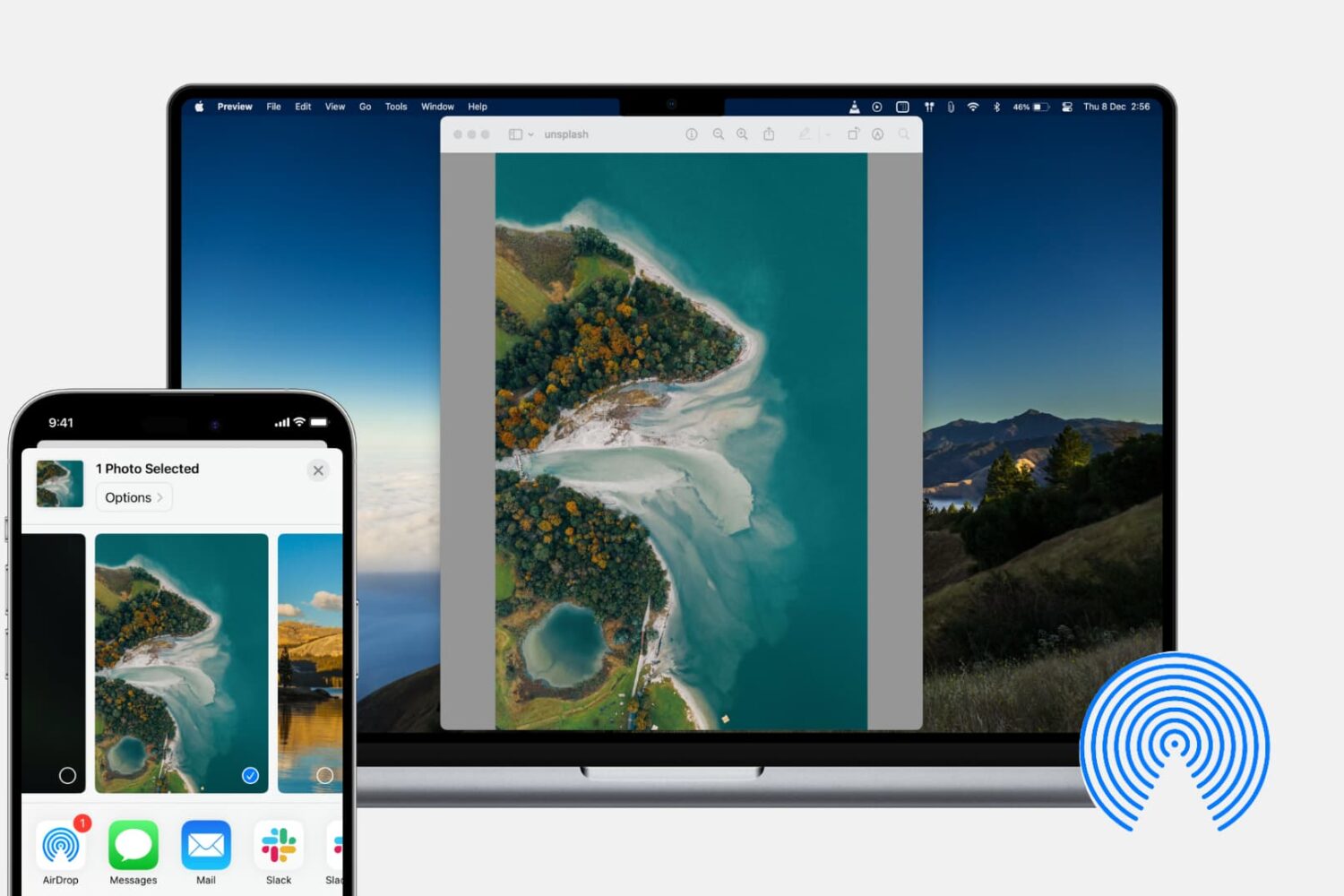
In this tutorial, we’ll show you how to share photos, videos, PDFs, web links, and other files between iPhone, iPad, and Mac using AirDrop.

With the Shortcuts app on your iPhone and iPad, you can do a lot of nifty things. You can add an album to your Home screen, use dark mode on websites, and enforce picture-in-picture for YouTube on iPad. You can also use the app to create Shortcuts widgets for your Today View screen or Home Screen. This lets you do things faster and easier because you don’t have to open an app first. For some ideas and suggestions, here are seven cool widgets that you can create in Shortcuts for your iPhone and iPad.

Learn how to use the built-in storage management features on your Mac to find all the large files and delete them to free up space if needed.

