In this quick tutorial, we show you a couple of easy ways to see all the songs you have marked as your favorite in the Apple Music app on your iPhone, iPad, and Mac.
How to find your Loved songs in Apple Music on Mac

In this quick tutorial, we show you a couple of easy ways to see all the songs you have marked as your favorite in the Apple Music app on your iPhone, iPad, and Mac.
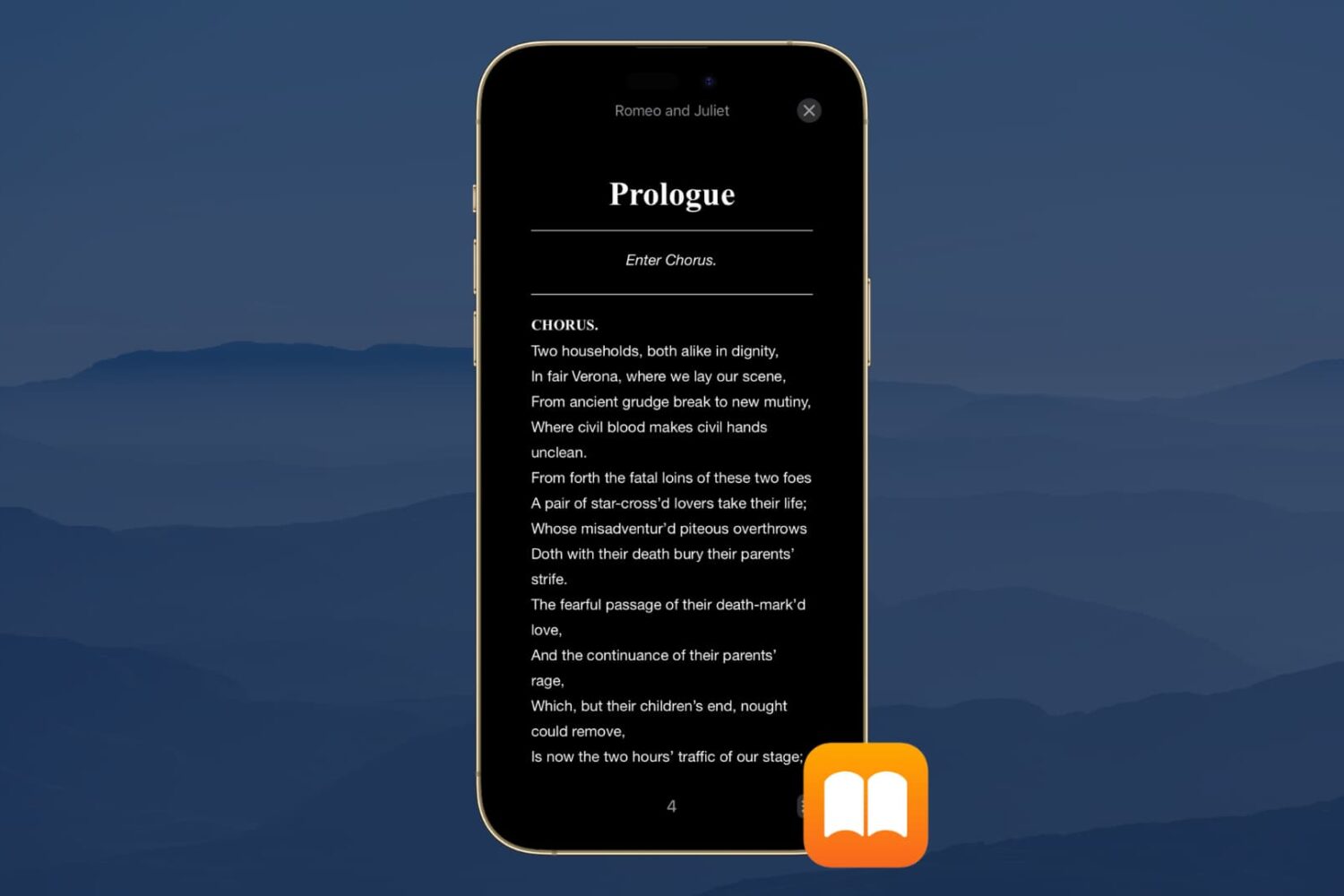
Dark Mode is a wonderful tool for easing eye strain at night on your devices. It replaces that bright screen with one that’s more soothing. So if you use the Books app to read at night, Dark Mode is ideal.
Along with the darkest mode, you can pick from a couple of other options. This is great if you simply enjoy reading with a dimmer background. Here’s how to turn on Dark Mode in the Books app on iPhone, iPad, and Mac.
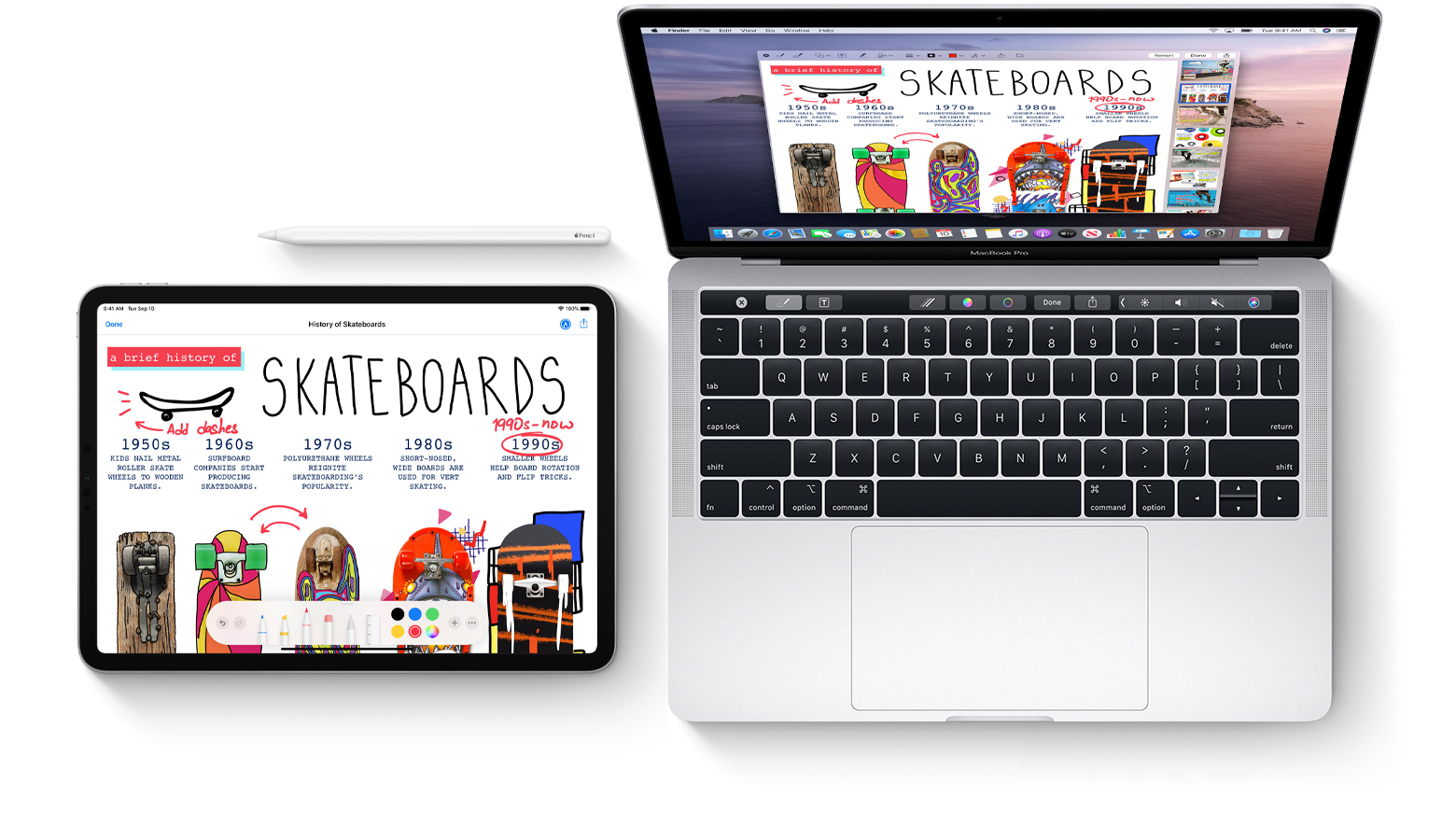
Learn how to mark up PDF documents and images on your Mac by using Apple Pencil or your finger on a nearby iPhone or iPad.

The Installer 5 package manager is now officially out of beta, which means that all jailbreakers now have yet another option to pick from in terms of managing their handset’s favorite tweaks and extensions.
In this tutorial, we’ll show you the steps necessary to install the all-new Installer 5 package manager on any jailbroken device running iOS 10 through 13.

Learn how to filter your YouTube subscriptions in the iPhone or Android app to quickly find what interests you and cut down on your backlog of unwatched videos.
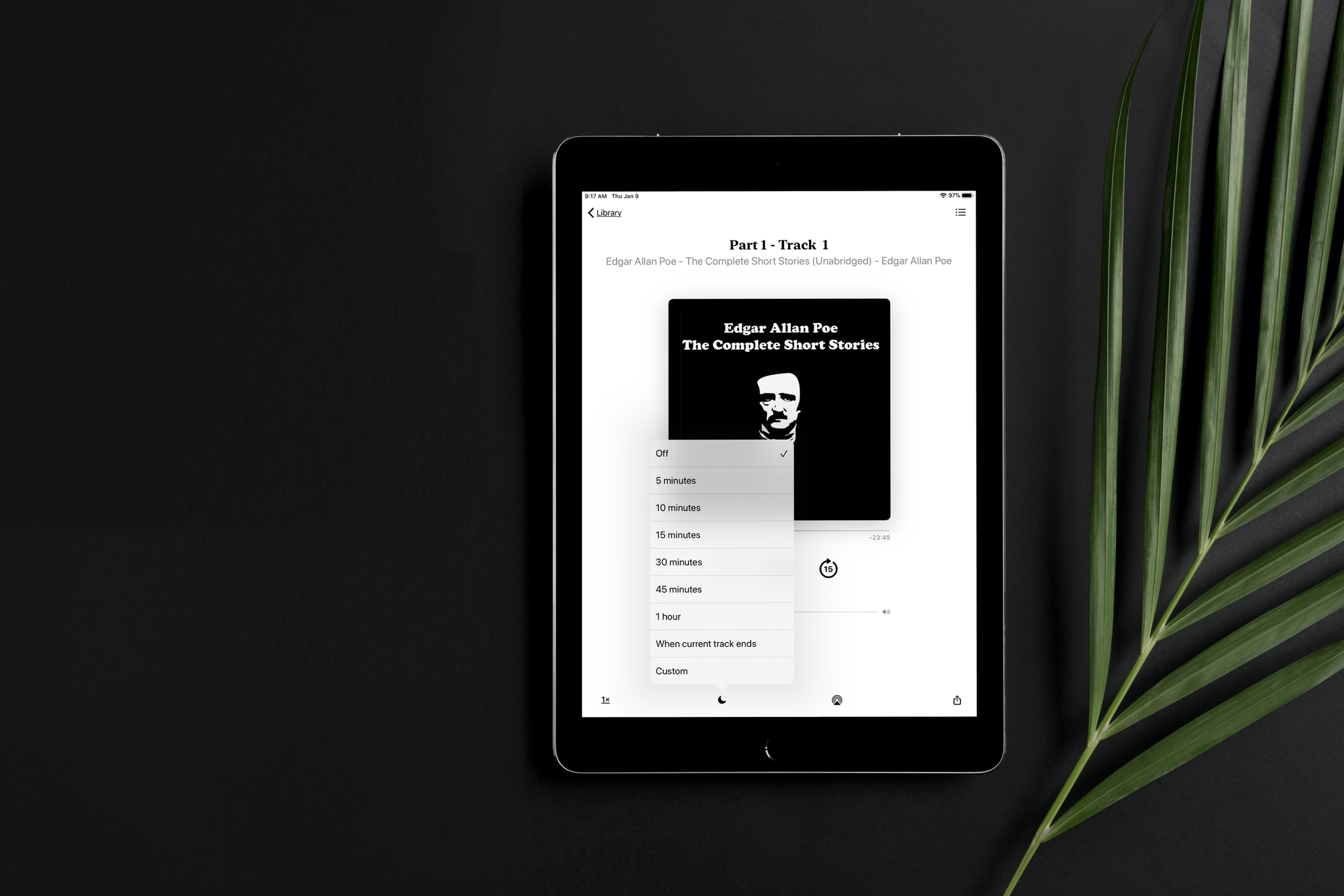
Learn how to set a sleep timer for your audiobook in the Apple Books app so the playback stops automatically after the set time without you having to worry about waking up in the middle of night to pause it manually.
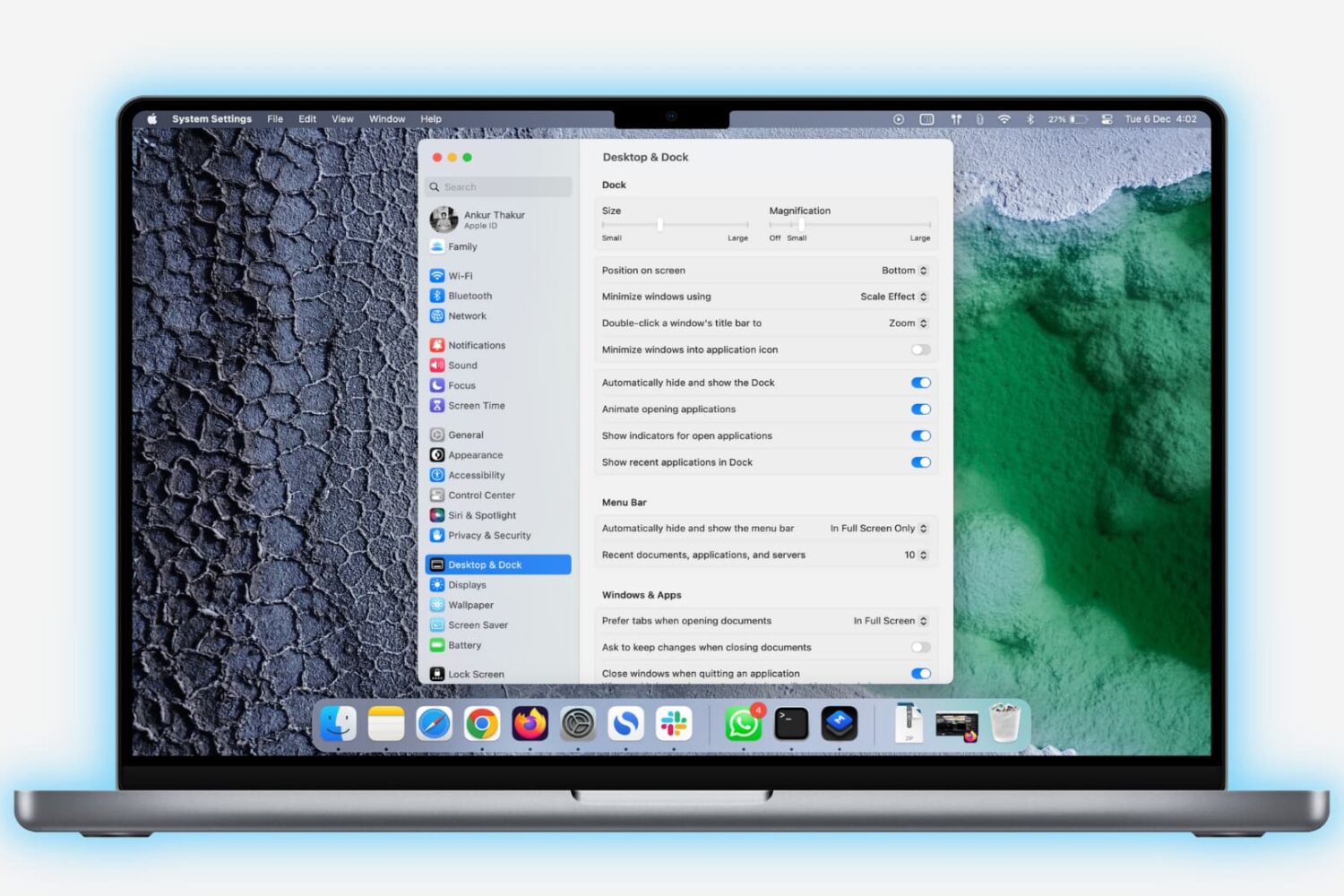
Learn how to lock the bottom Dock on your Mac to prevent unwanted changes to it by you or anyone with access to your computer.

Are you new to an iPhone or iPad? In this brief tutorial, we’ll show you how to quickly copy website URLs in Safari from browser tabs, bookmark folders, Favorites, and elsewhere to your device clipboard.

Learn how to enter, use, and exit full-screen mode on Mac to use apps and windows on the entire screen for a distraction-free experience.
Learn how to sketch in Mac documents with Apple Pencil or your finger by using the Continuity Sketch feature on your iPad or iPhone.

Learn how to change the wallpaper for your home and the rooms in the Home app on your iPhone, iPad, or Mac to give each of them a more personalized appearance.