Learn how to add a mask, speech bubble, or magnify a part of a photo or screenshot using the built-in Apple Preview app on Mac.
Add mask, loupe, and speech bubble to an image on Mac
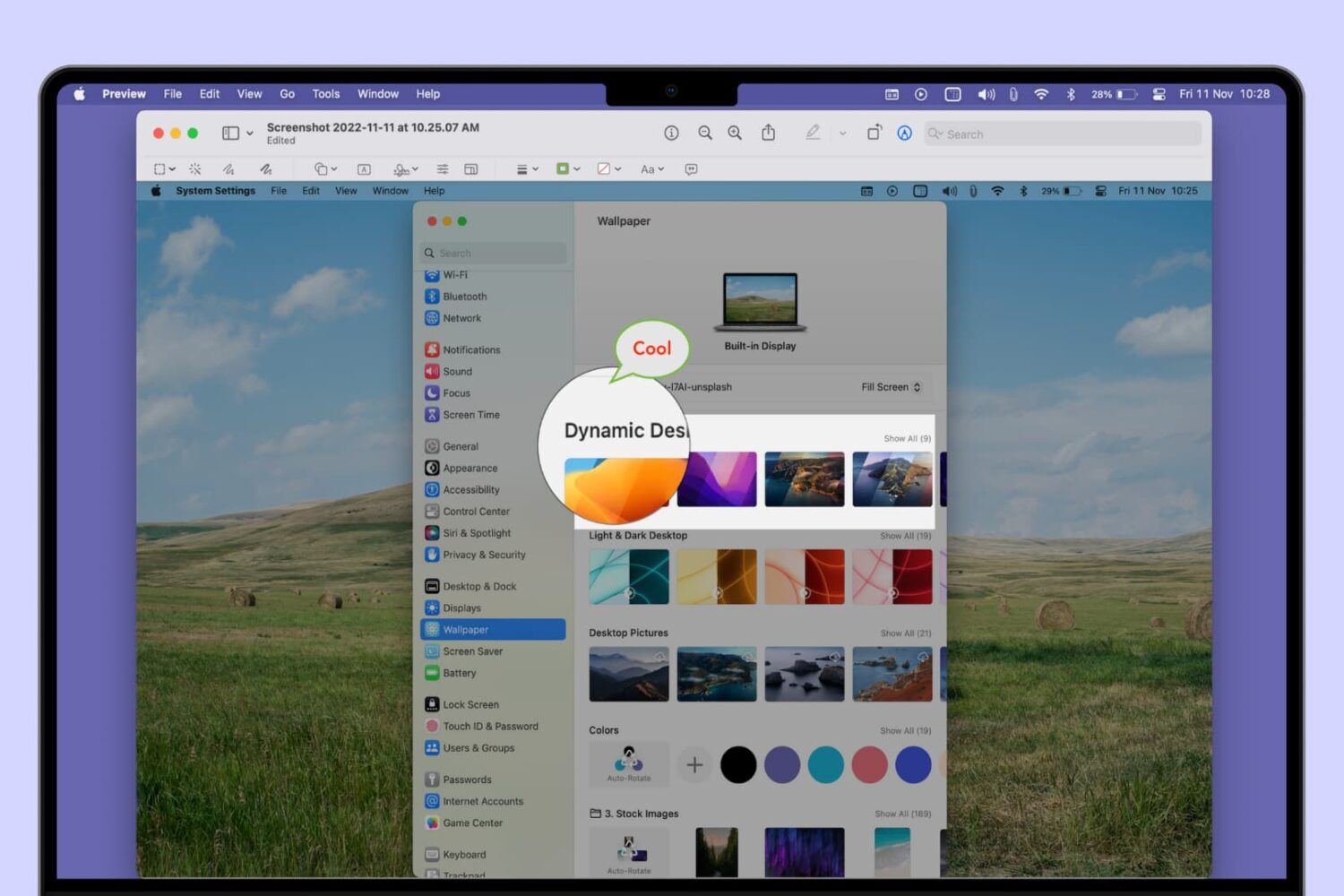
Learn how to add a mask, speech bubble, or magnify a part of a photo or screenshot using the built-in Apple Preview app on Mac.
Use these handy keyboard shortcuts to move around Reminders for Mac, add new to-dos, create reminder lists, and more.
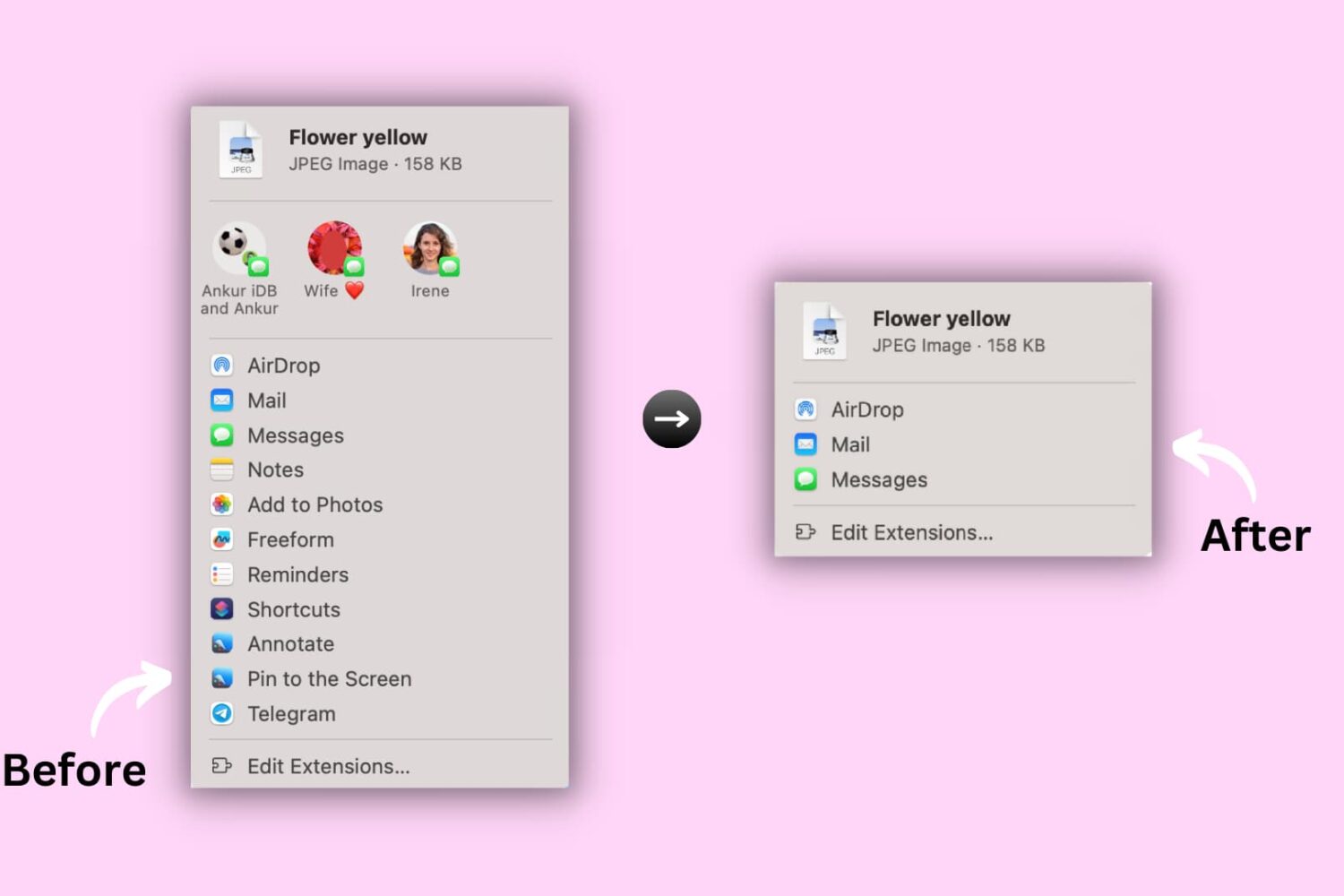
Learn how to hide or show certain apps and options from the system-wide sharing menu on your Mac to keep the Share menu relevant to you.

If you’re struggling to make time for everything you need to do in a day, we’ll show you how to use a method called time blocking with the Calendar app.
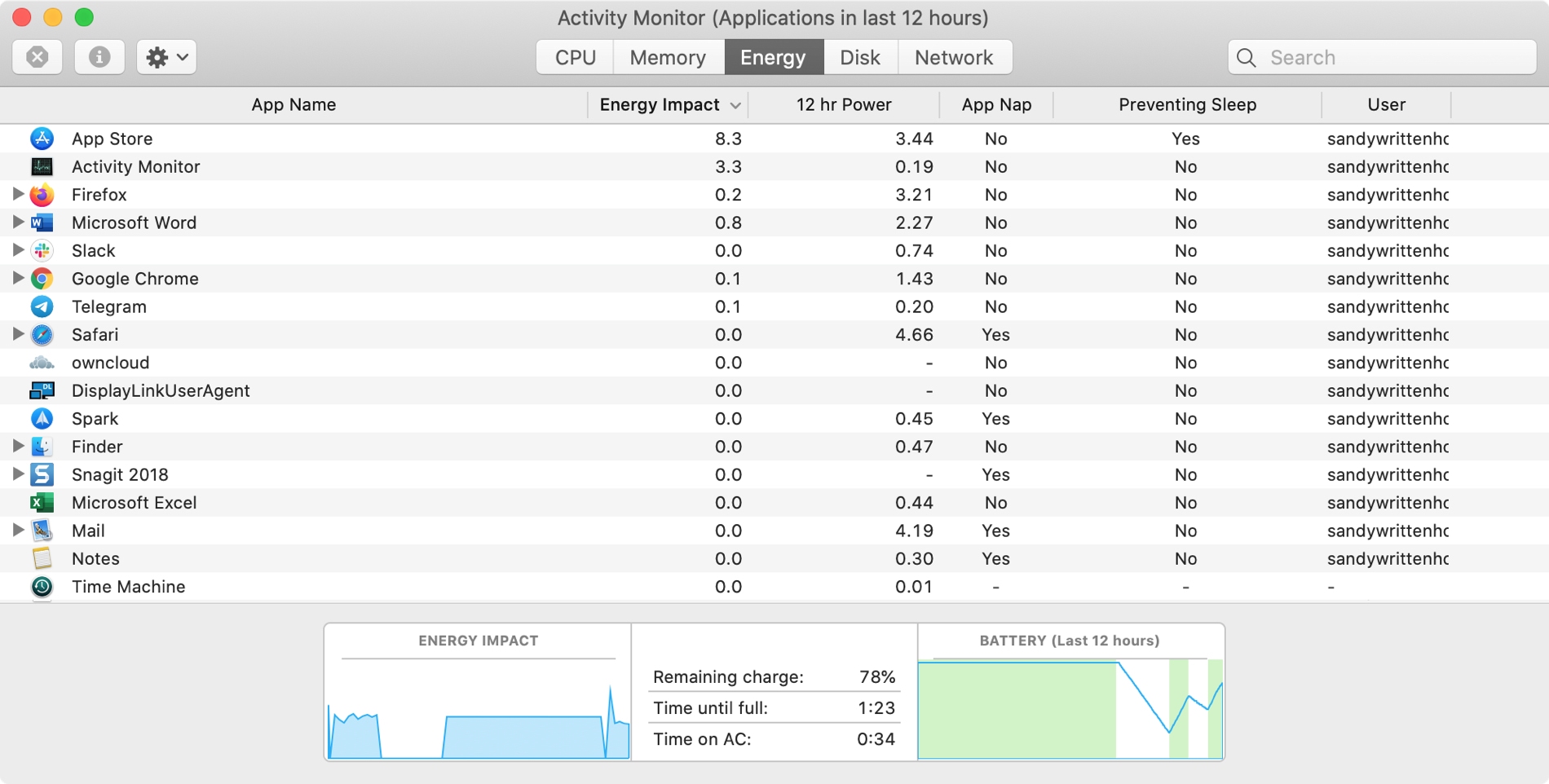
The Activity Monitor on your Mac is one of those tools that you should become familiar with. You by no means need be an expert on it, but you should know the basics. Why, you ask? Because the Activity Monitors shows all the processes running on your Mac. It’s like a task manager, so you can see how those processes affect your Mac and close any if needed.
Whether you’re new to Mac or simply new to the Activity Monitor, we’ll walk you through the basics you need to know.
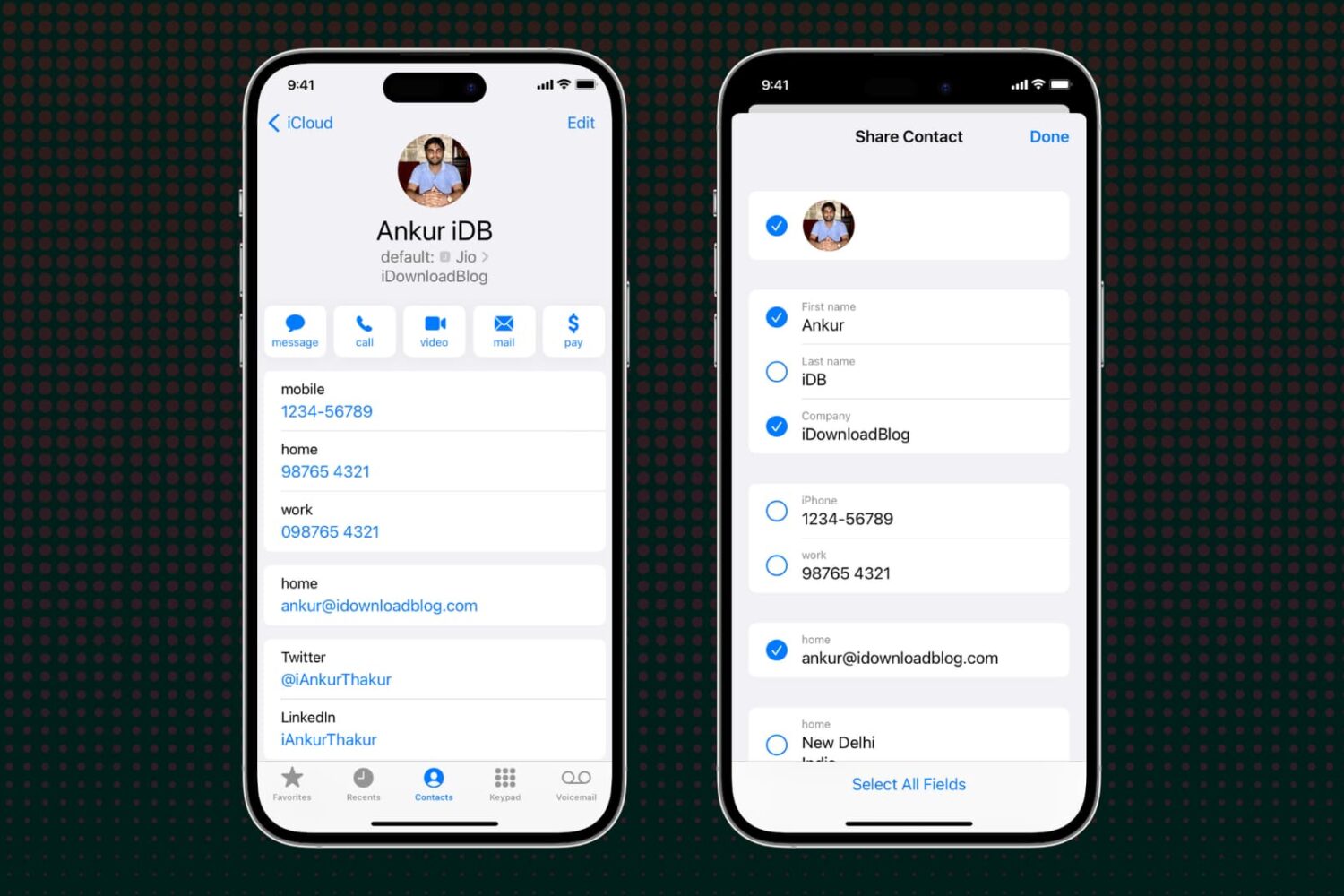
Learn how to selectively exclude specific fields before sharing a contact via your iPhone, iPad, or Mac to avoid accidentally sending unwanted information.

Many people enjoy listening to music while they work. And whether you do it with earbuds or a speaker, music can help set the mood. For concentration and focus, Apple Music and Spotify have assembled several playlists to help. Here’s how to access them in the app.
Learn how to customize the built-in Apple TextEdit app to efficiently create and edit both plain and rich text documents on your Mac.
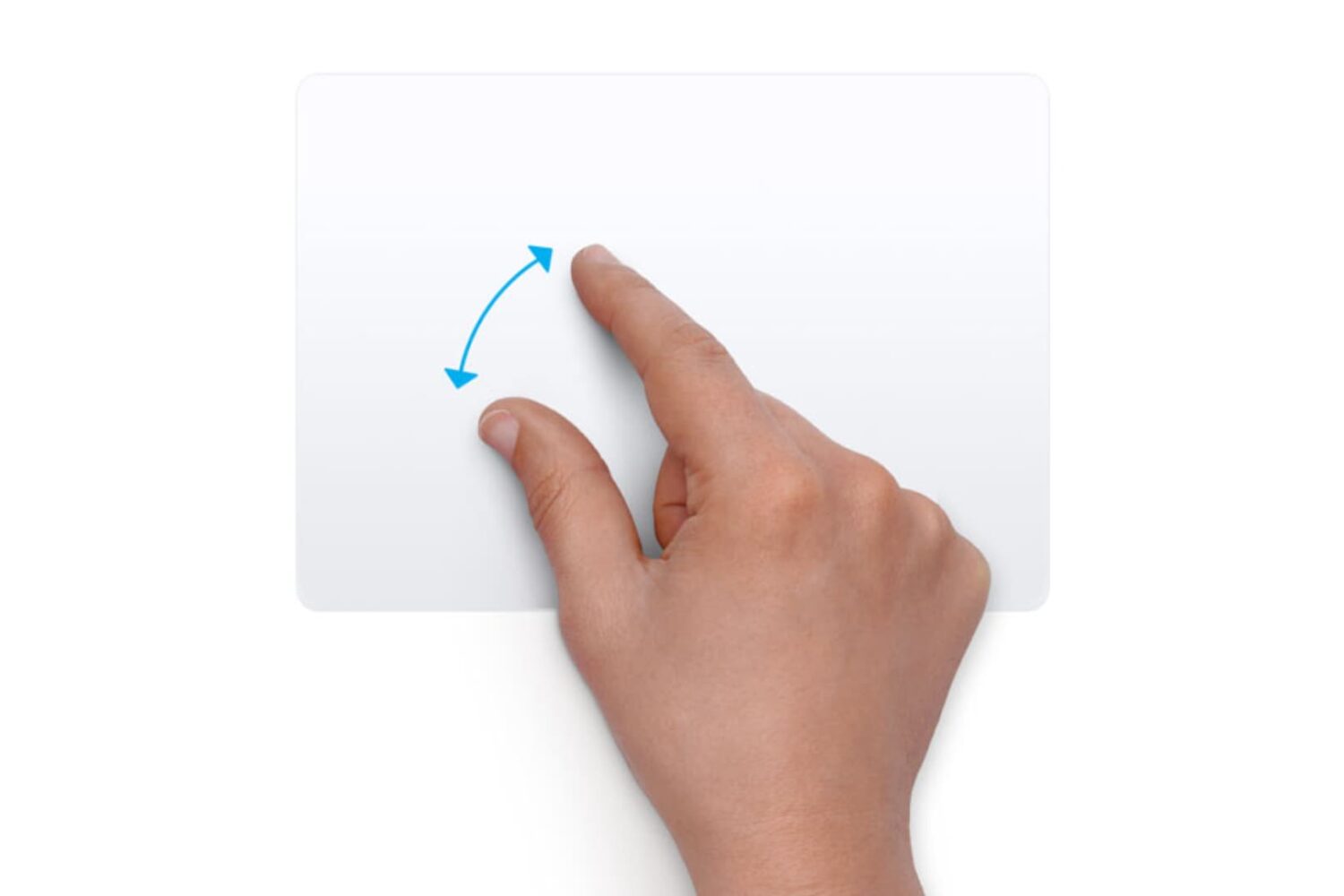
Learn how to customize the trackpad and mouse gestures on your Mac to enhance efficiency and boost productivity.

Learn how to use the built-in Dictionary app on your Mac to define words or phrases or even search for topics on Wikipedia.

Learn how to merge multiple iCloud calendars like Home and Family into one on your Mac for faster scheduling and increased productivity.
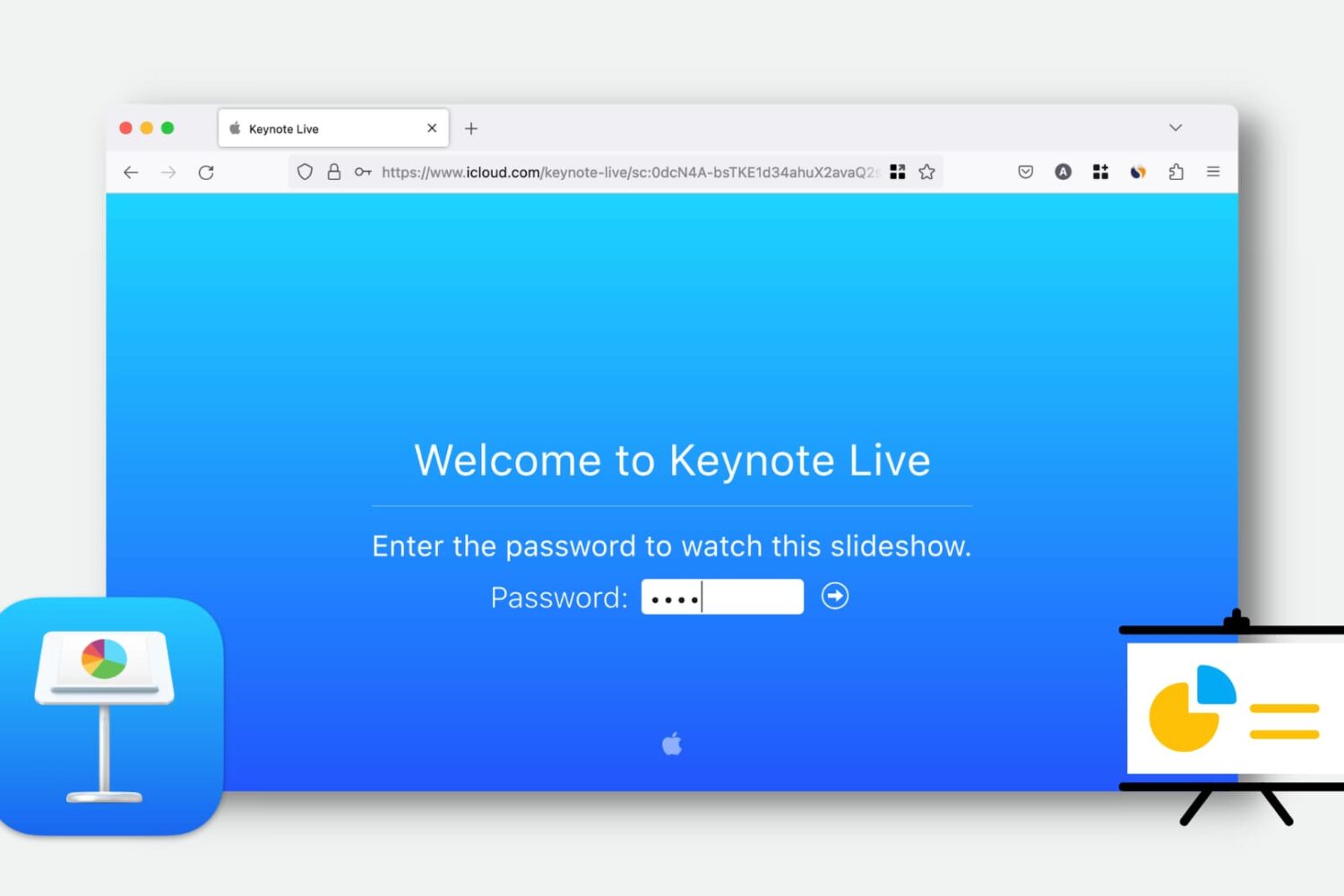
Learn how to use Keynote Live to effortlessly share your presentations online and engage your audience remotely.
This convenient feature lets you play your presentation over the web, so your viewers can watch it in their web browser or the Keynote app. We’ll show you how to use Keynote Live to share your slideshow from your iPhone, iPad, or Mac.