Check out a quick way to prevent your iPhone from coming out of Low Power Mode when it reaches 80% battery or even when you try to turn it off manually.
How to force your iPhone to always stay in Low Power Mode
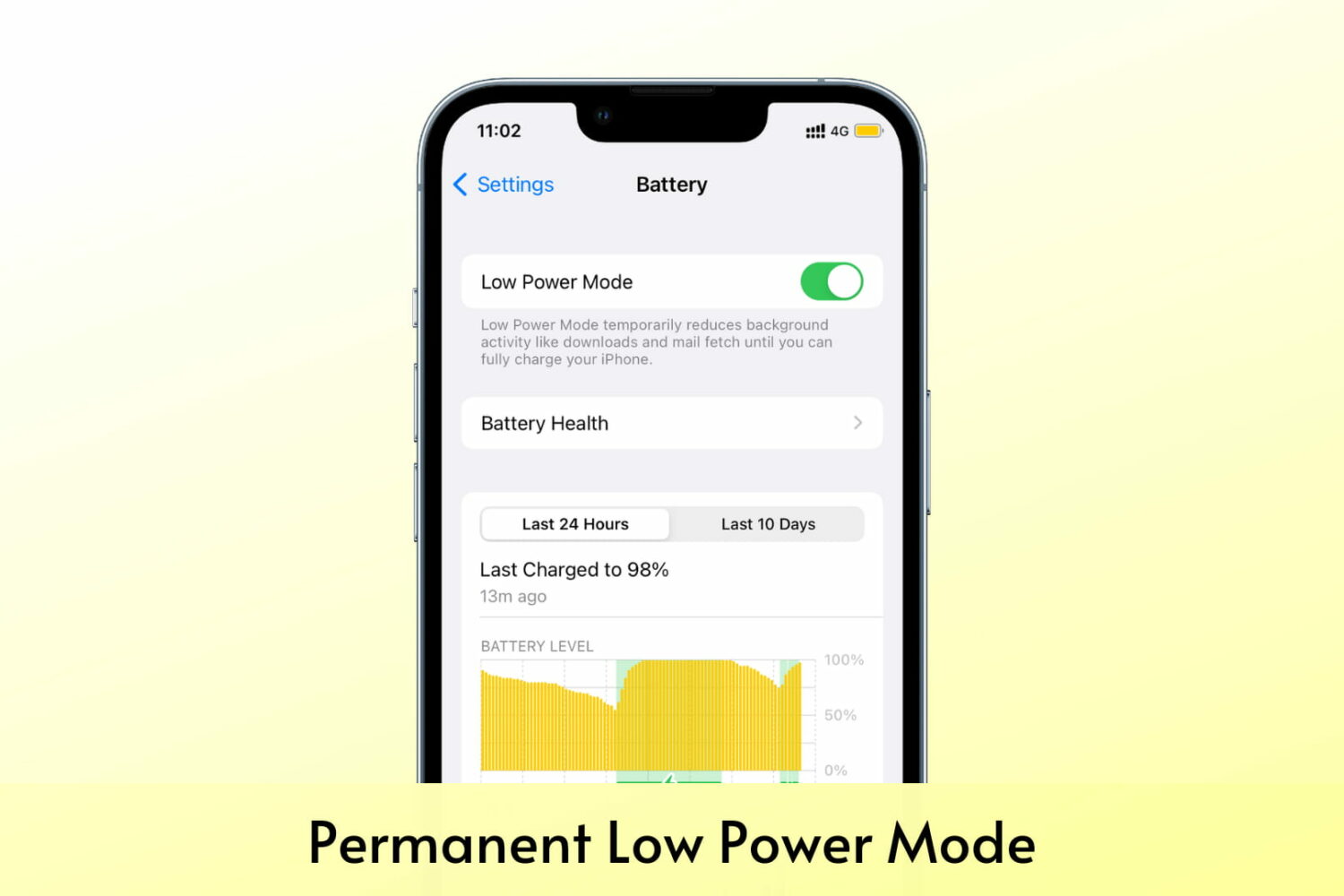
Check out a quick way to prevent your iPhone from coming out of Low Power Mode when it reaches 80% battery or even when you try to turn it off manually.

A newer feature of the AltStore sideloading platform for iPhone and iPad is the ability to use trusted sources in the AltStore app to find and install sought after software that will likely never be present in Apple’s App Store because of its rules and restrictions.
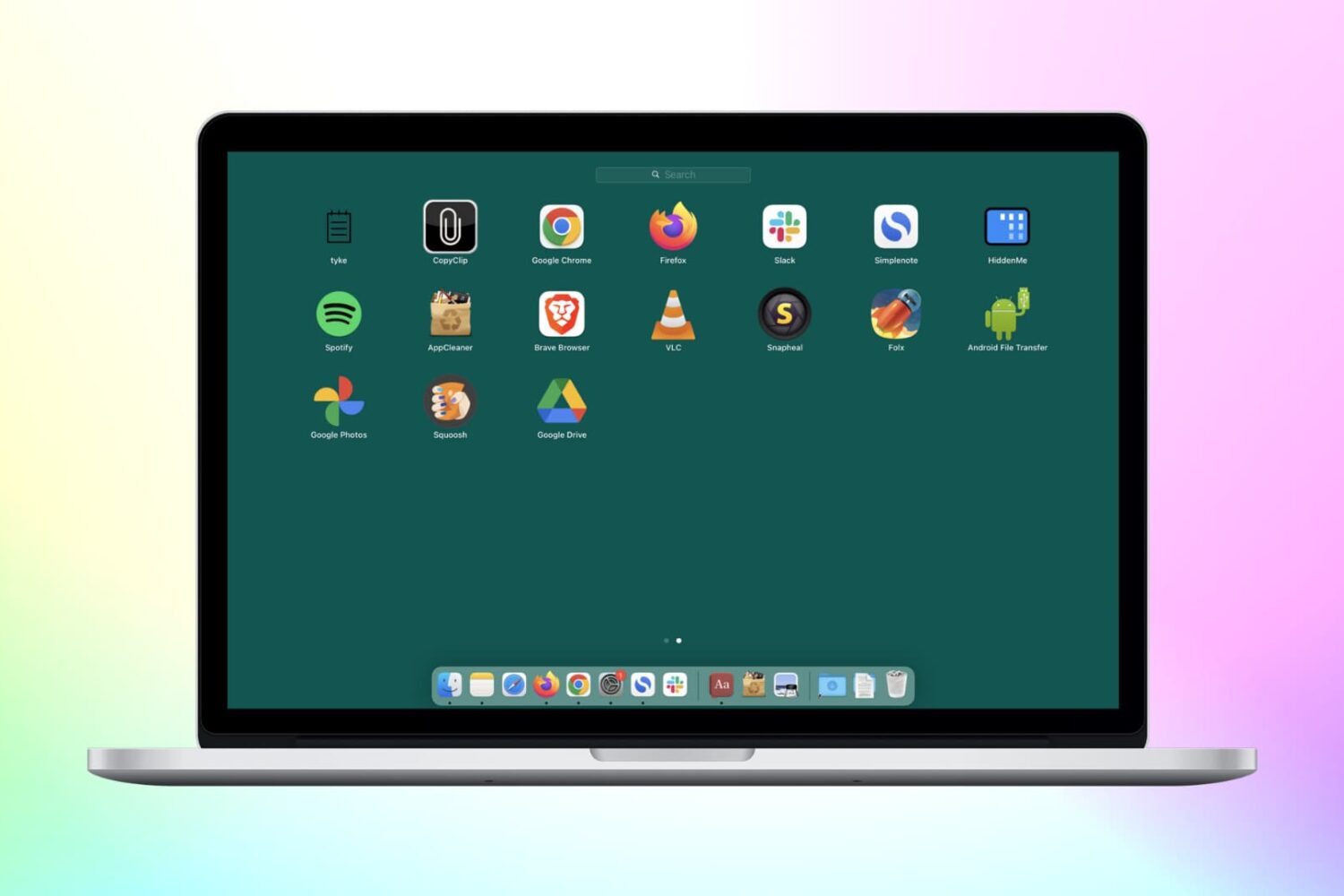
Check out these 3 simple methods to delete Chrome apps on your Mac, including from Finder, Launchpad, and Chrome’s built-in settings.
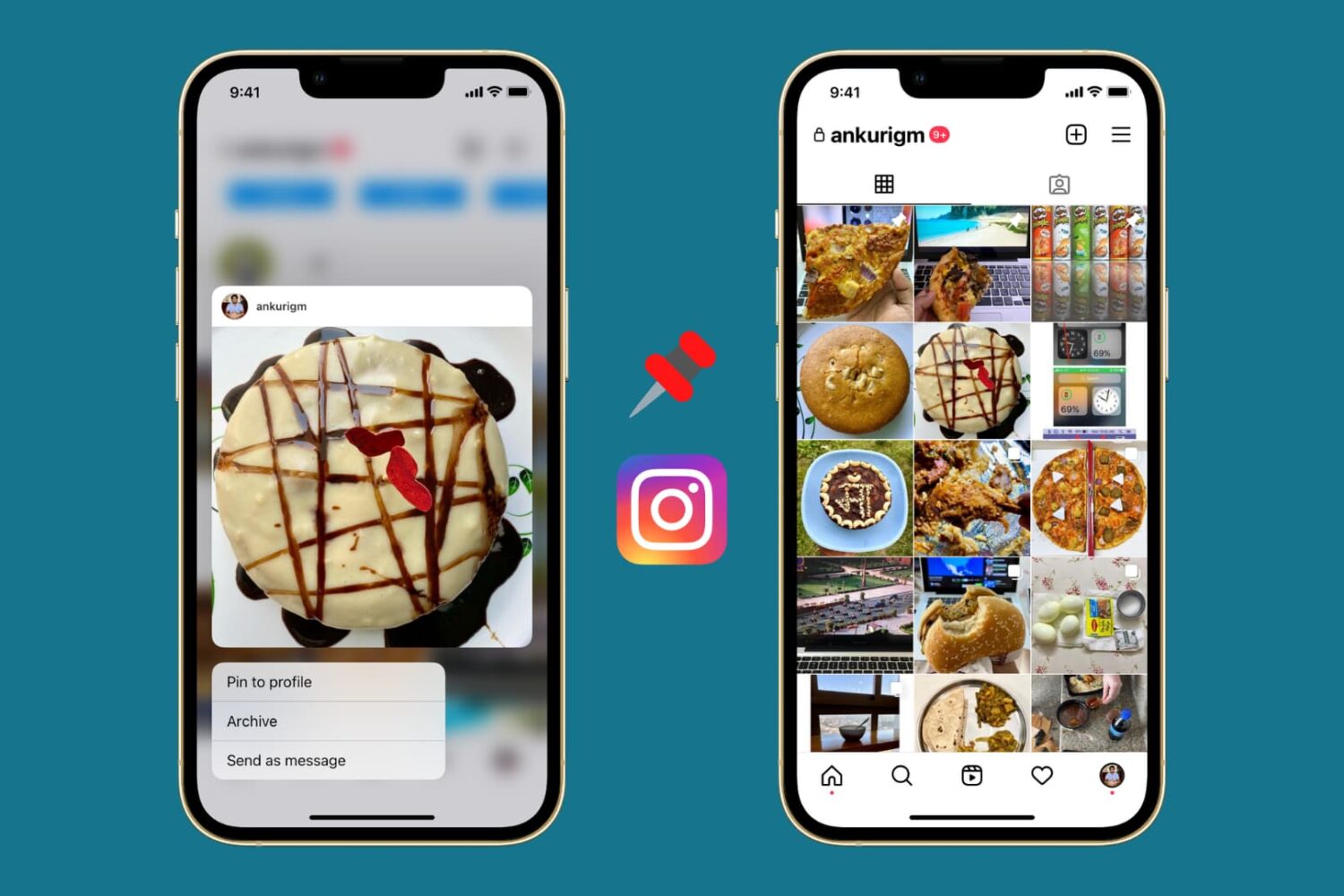
In this tutorial, we show you how to pin posts on Instagram so that specific photos, videos, or Reels always stay on the top of your Instagram profile even after publishing new posts.
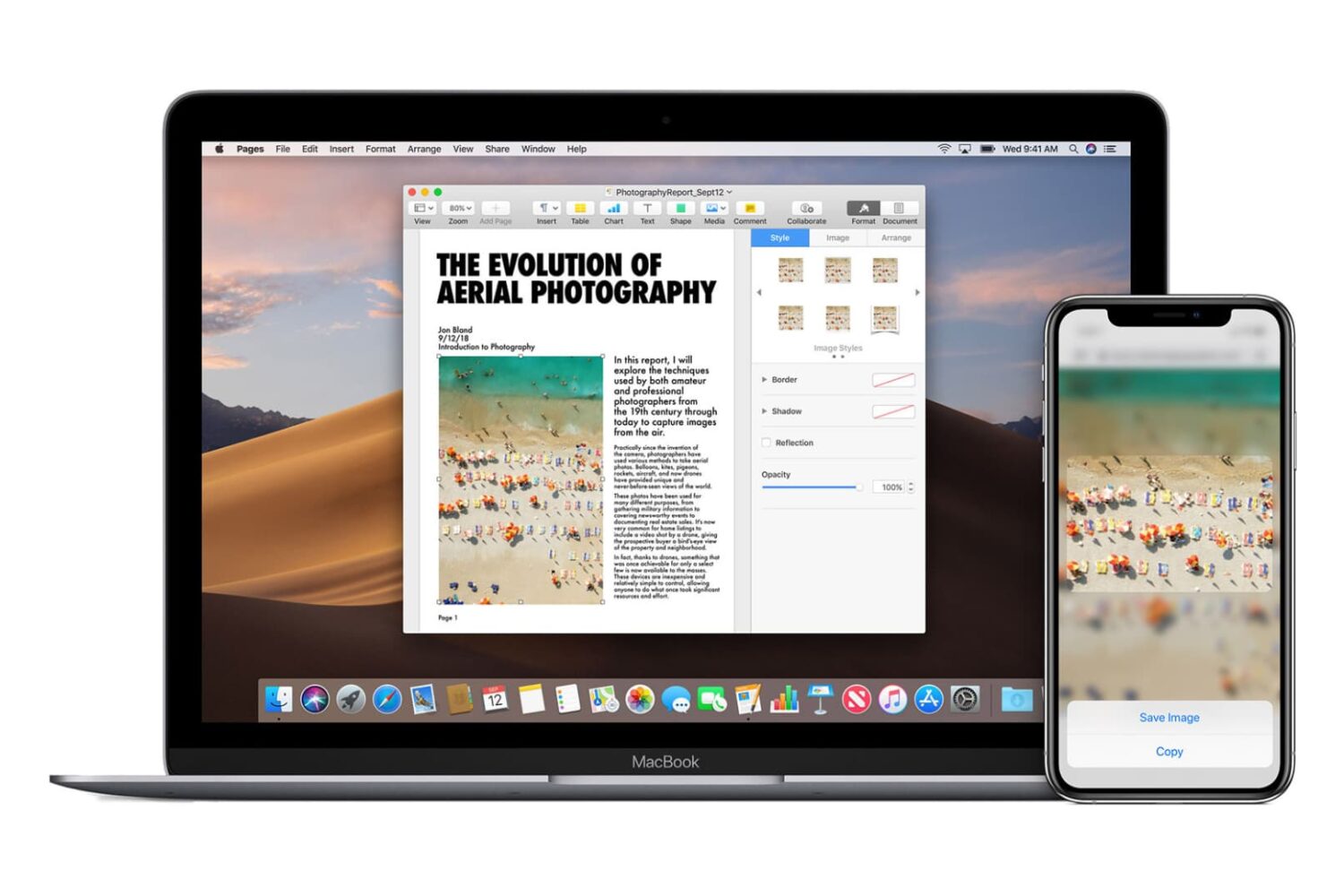
Go through these easy fixes if you cannot copy and paste text, photos, and videos between your iPhone, iPad, Mac, and Apple Vision Pro.
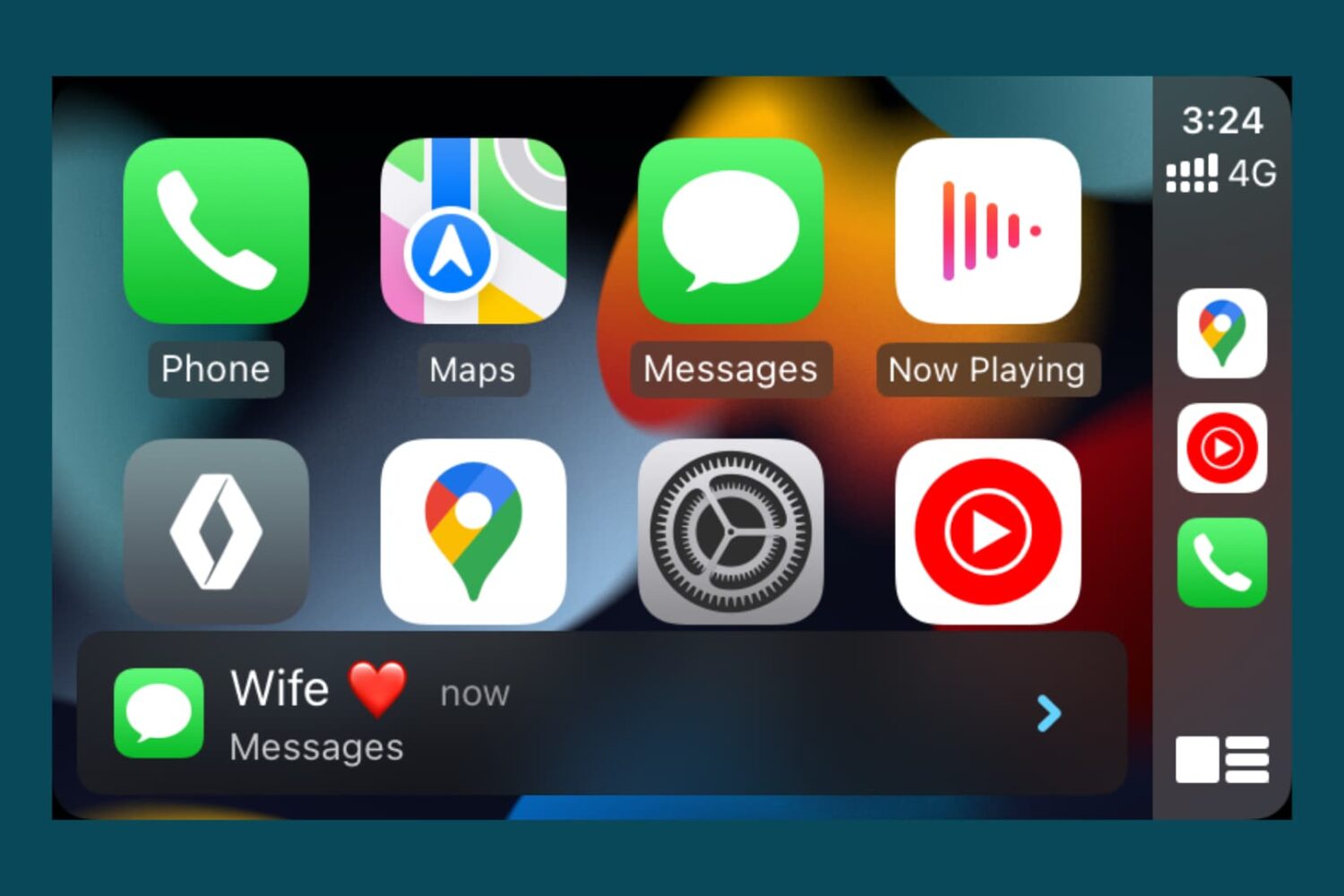
Learn how to stop iPhone Messages, WhatsApp, and other app notifications from showing on your car screen if you don’t want your fellow passengers to see the text preview or don’t want to be distracted while driving.
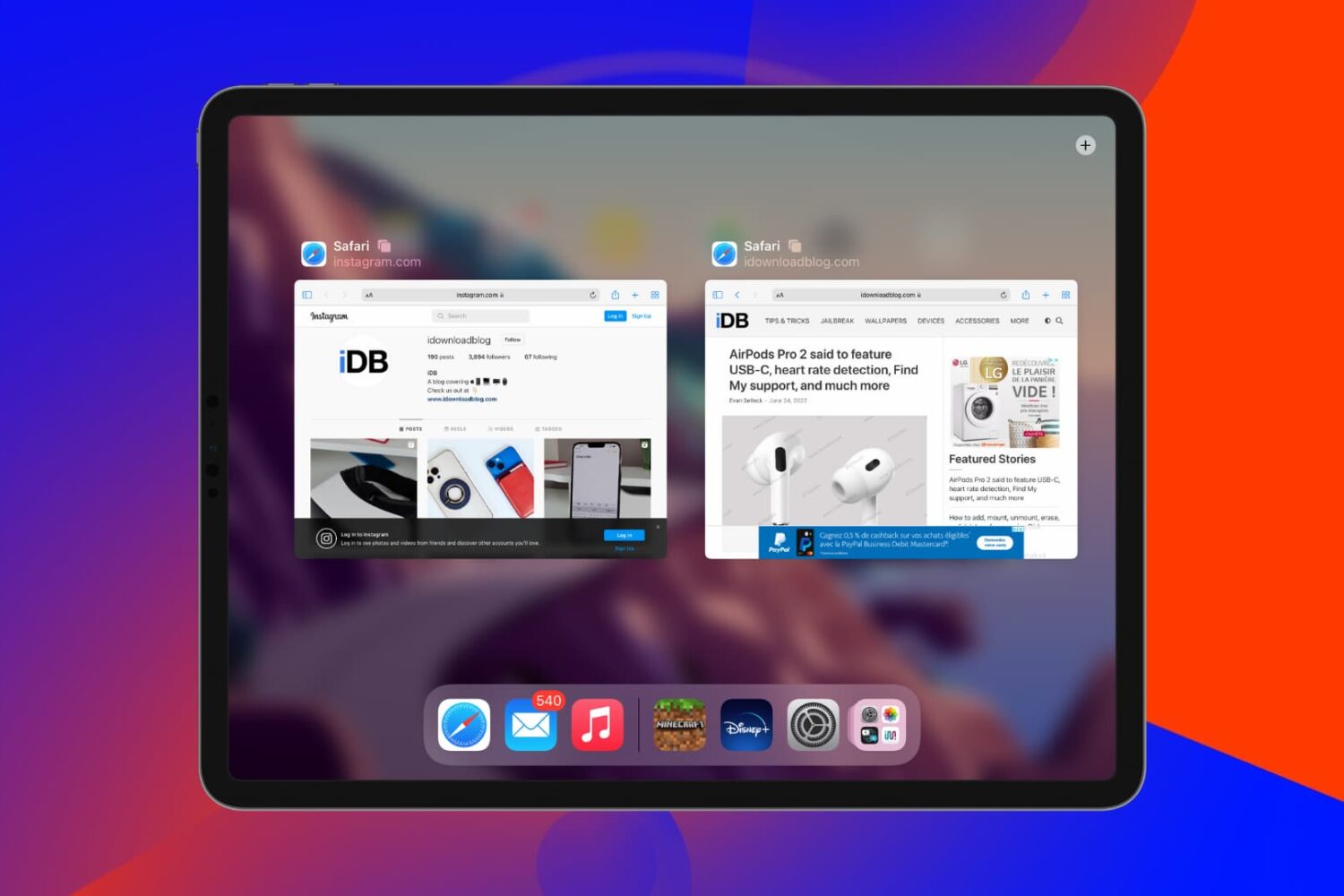
In this tutorial, we'll tell you what to do if you find that open websites and tabs in Safari often go missing on your iPhone or iPad.
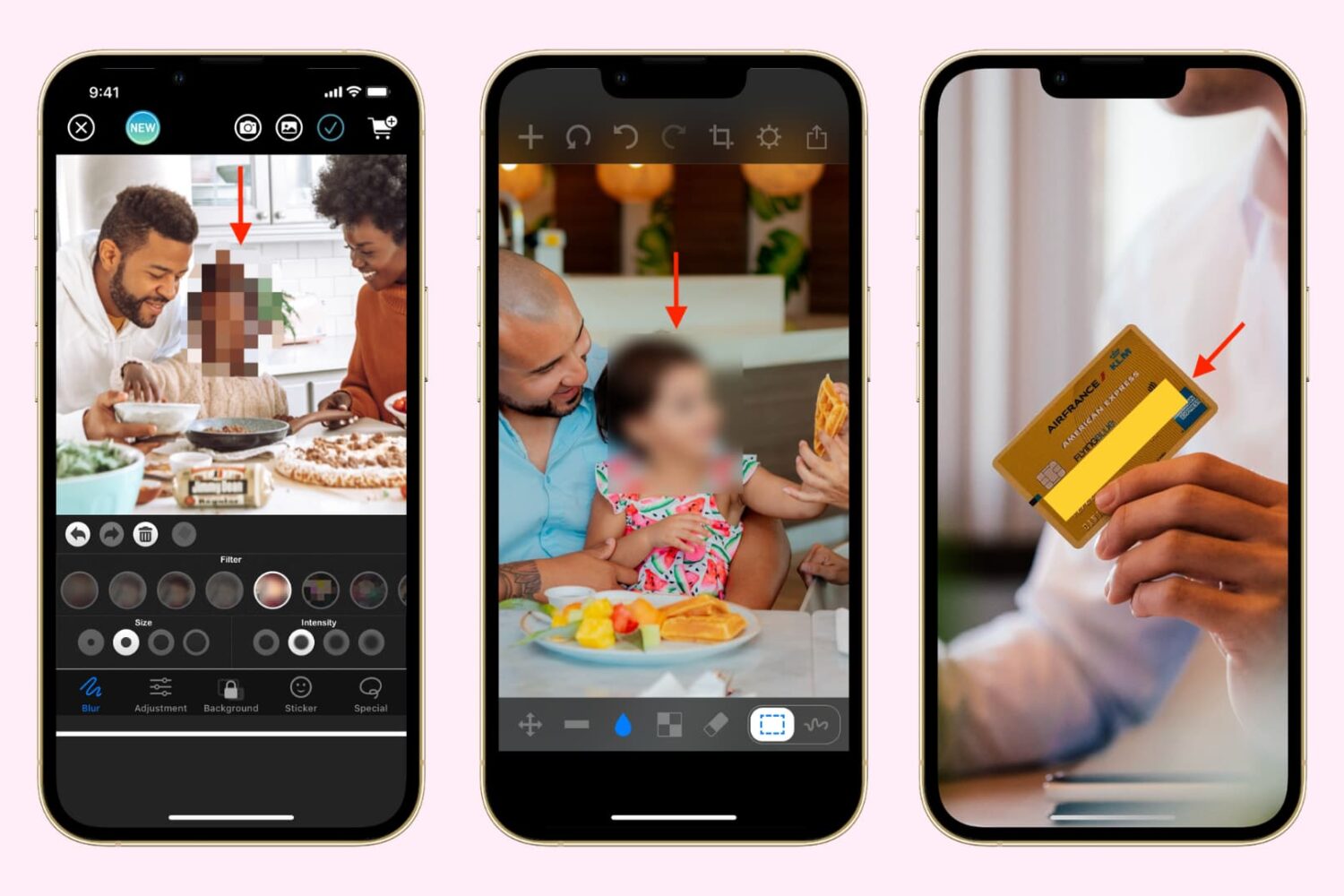
Learn how to hide, blur, or pixelate sensitive parts of a photo on your iPhone or iPad before sharing it online or with others to protect your privacy and keep confidential information secure.
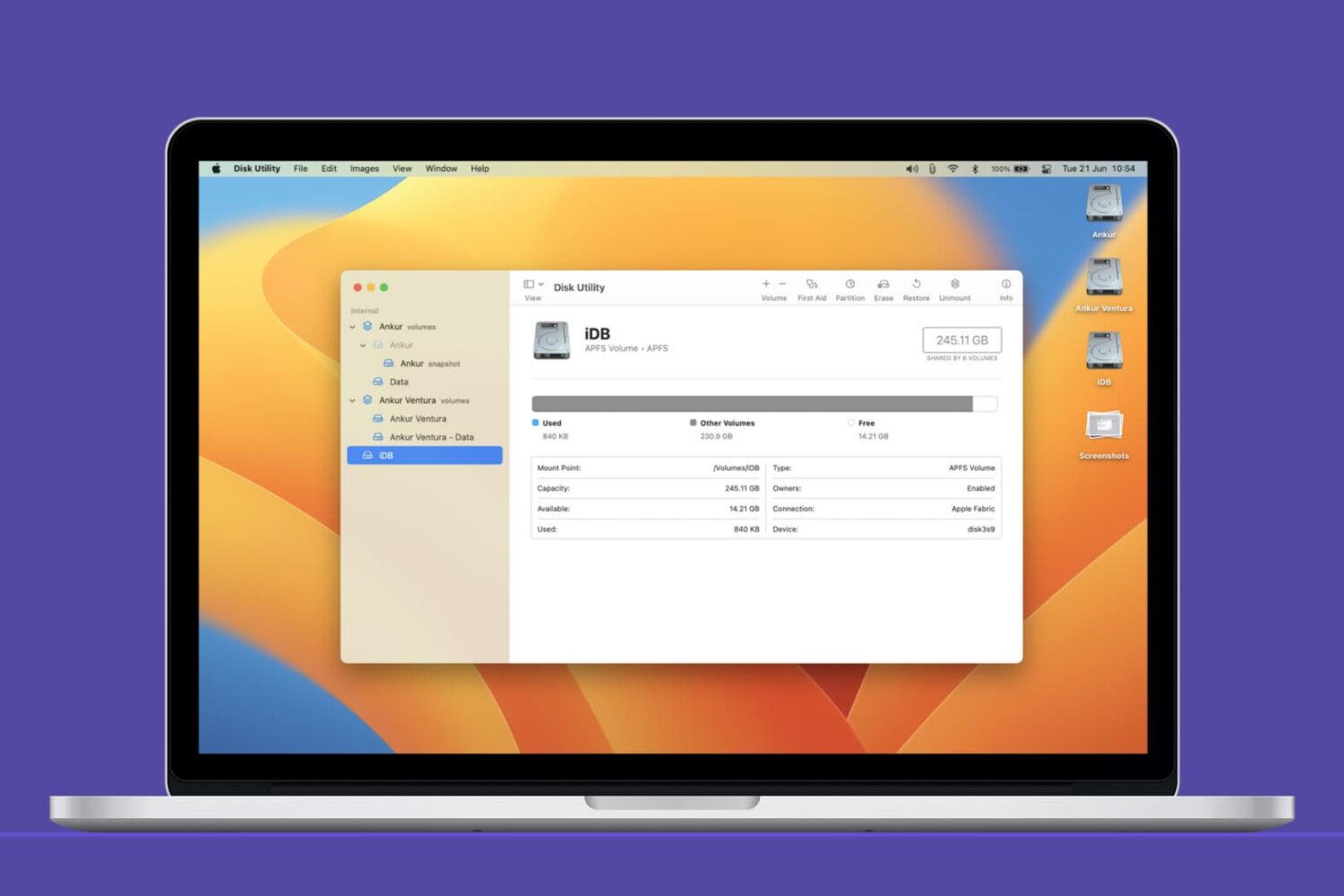
In this Mac tutorial, we show you how to create a new volume using Disk Utility and, if required, erase or delete it.
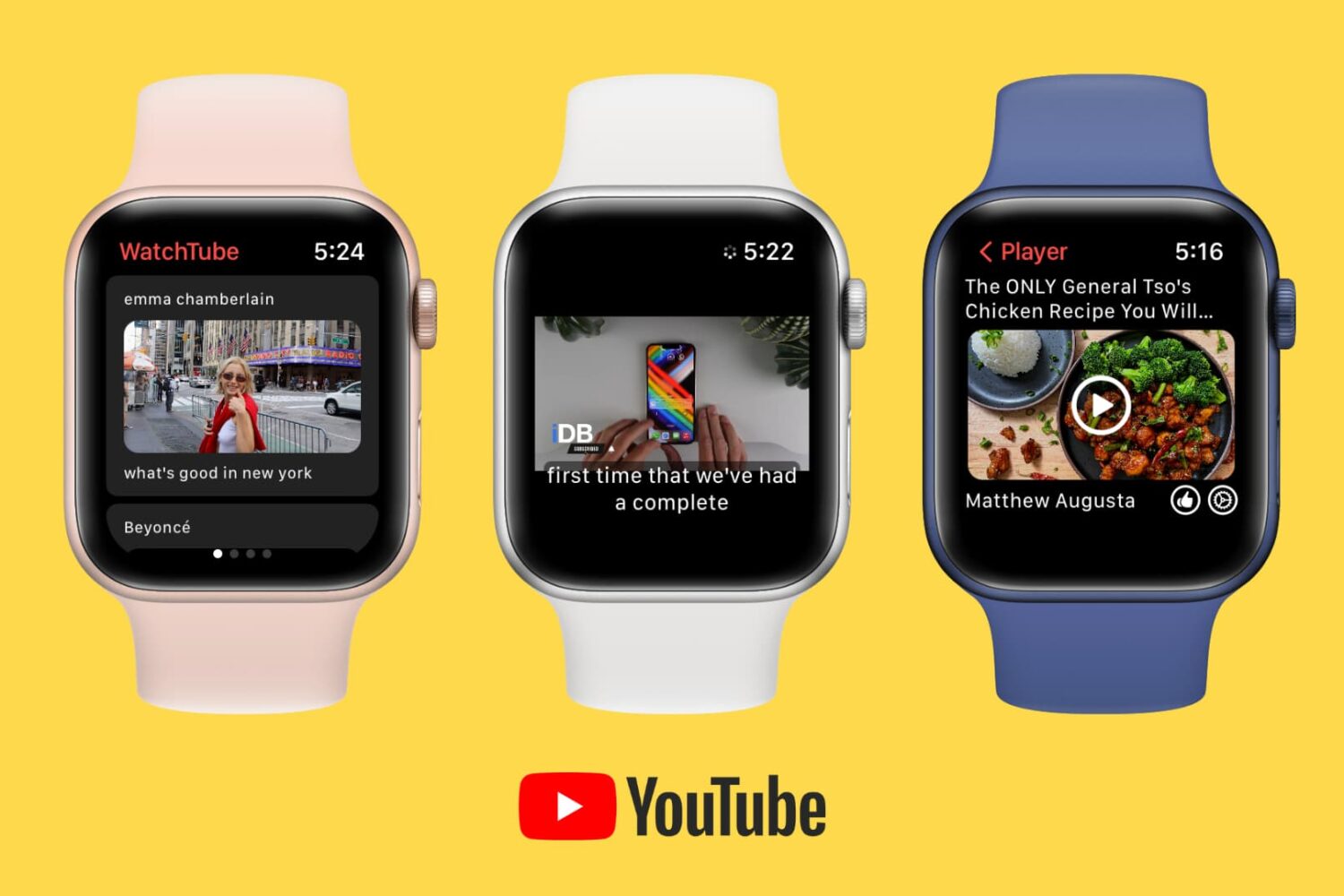
Want to watch YouTube on your wrist? Learn about this free app that lets you play YouTube videos on your Apple Watch.
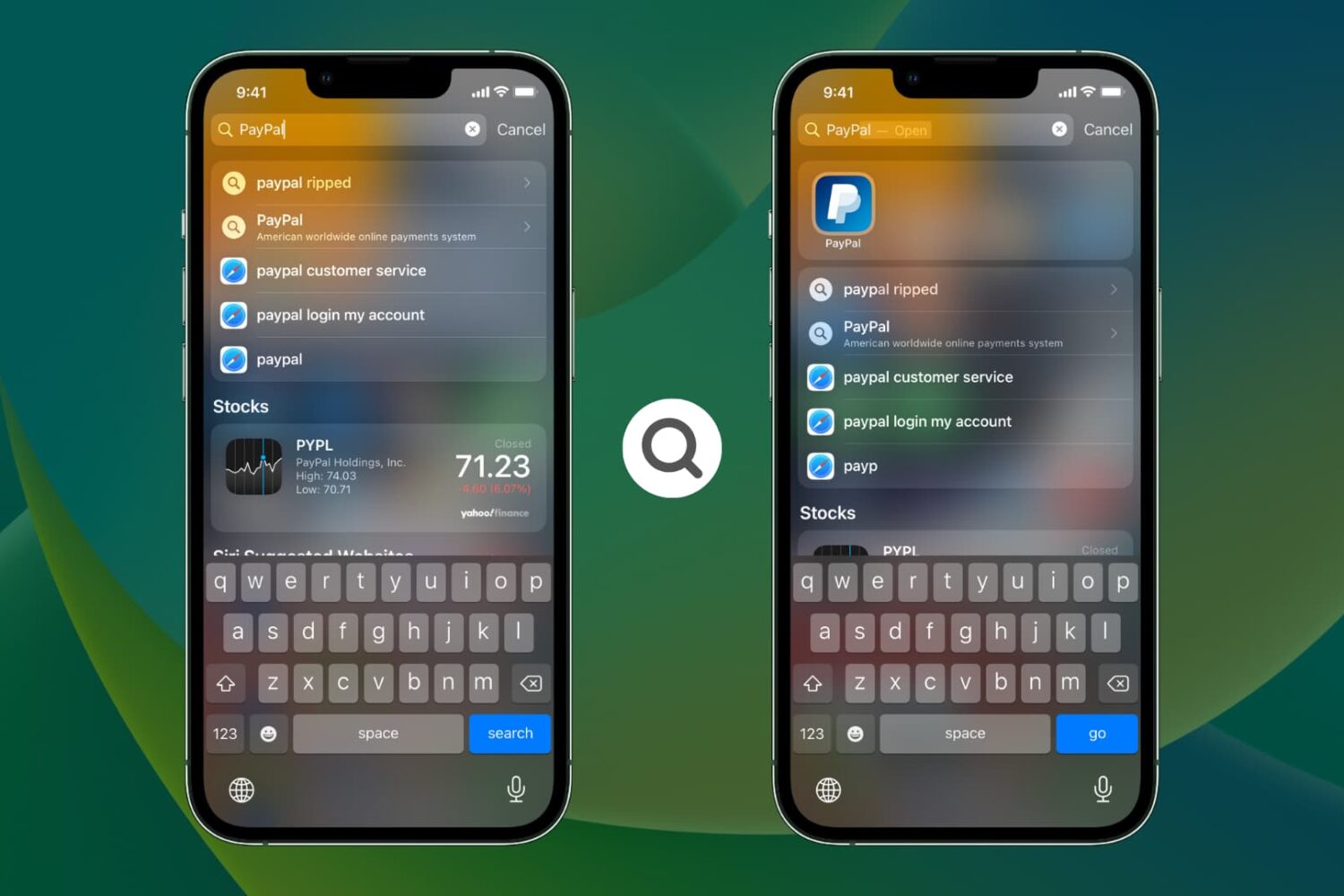
Learn what settings to change if an iPhone or iPad app is not showing up in Spotlight Search when you type its name.

Learn how to back up your iPhone or iPad using cellular data (5G, 4G, LTE) if Wi-Fi or another device’s Personal Hotspot isn’t available.