Check out these free methods to convert WebP images that many websites use to JPG, PNG, or other formats on your Mac.
How to convert WebP to JPG or PNG and vice versa on Mac

Check out these free methods to convert WebP images that many websites use to JPG, PNG, or other formats on your Mac.
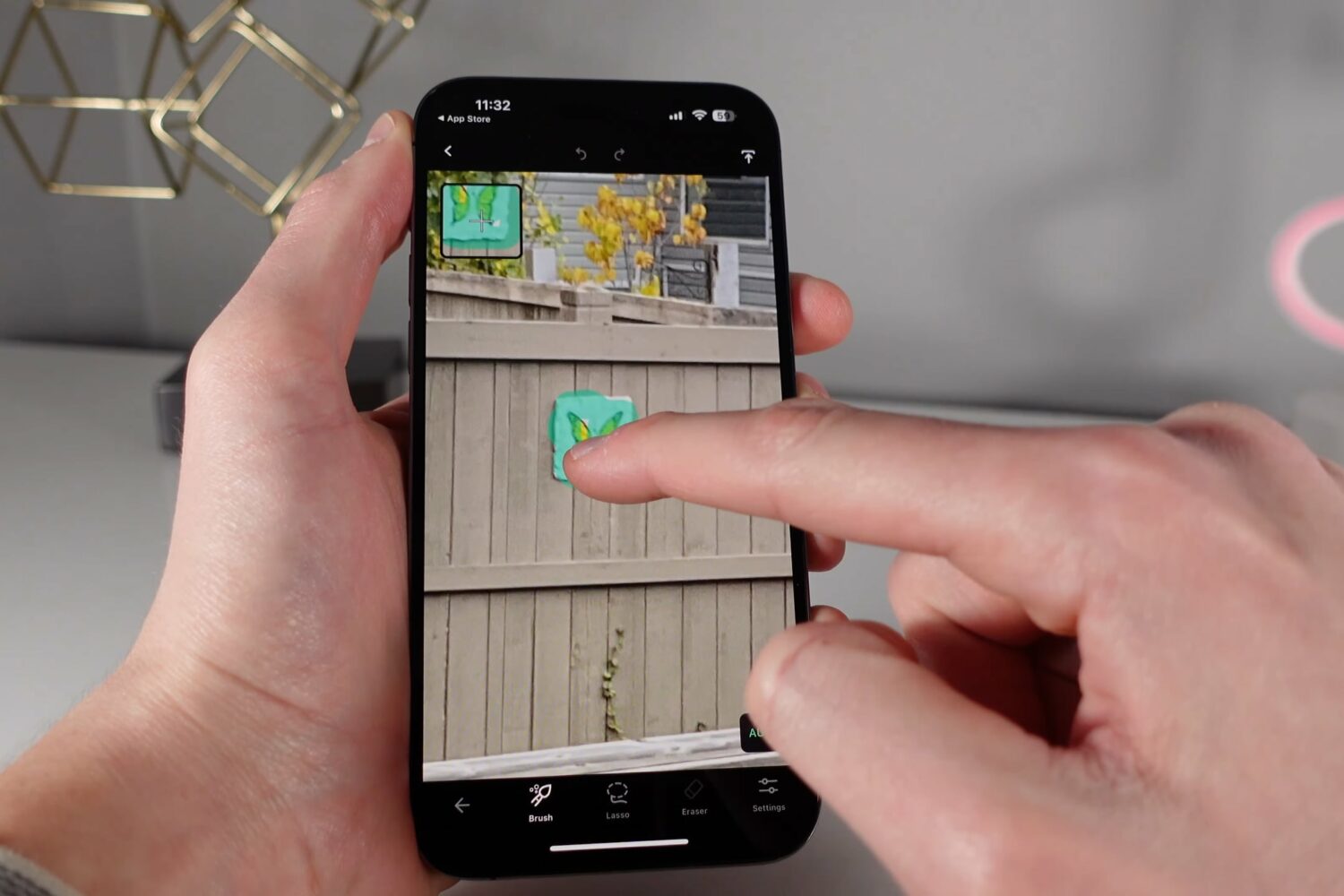
Check out handy tips and third-party apps to edit your photos shot on iPhone, even RAW images, with pretty awesome results.
Learn how to perform an immediate manual update of Google Chrome on your computer instead of waiting for the automatic update feature to swing into action.
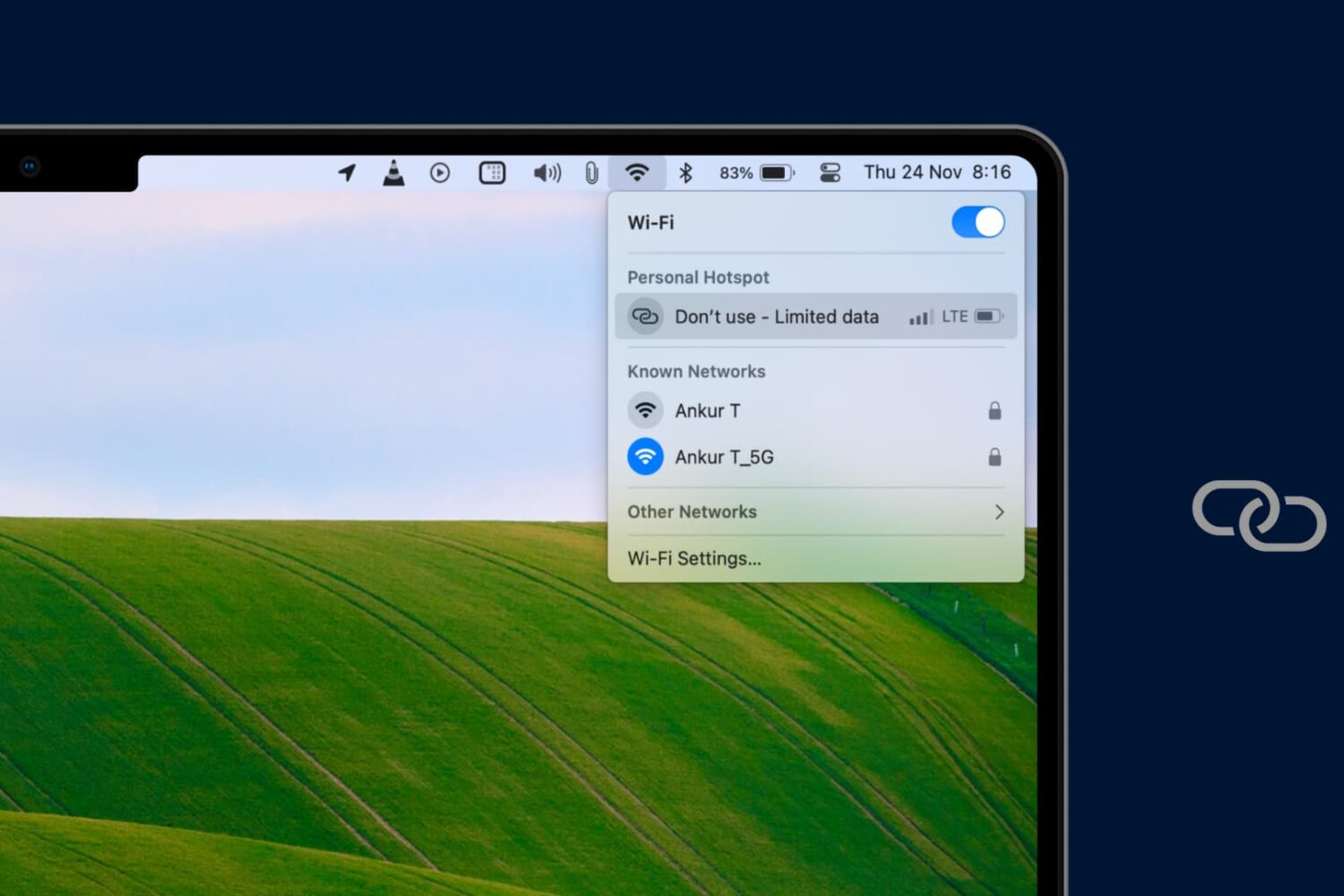
Learn how to change the AirDrop and Personal Hotspot names on your iPhone or iPad, so they appear with the updated name on other devices.
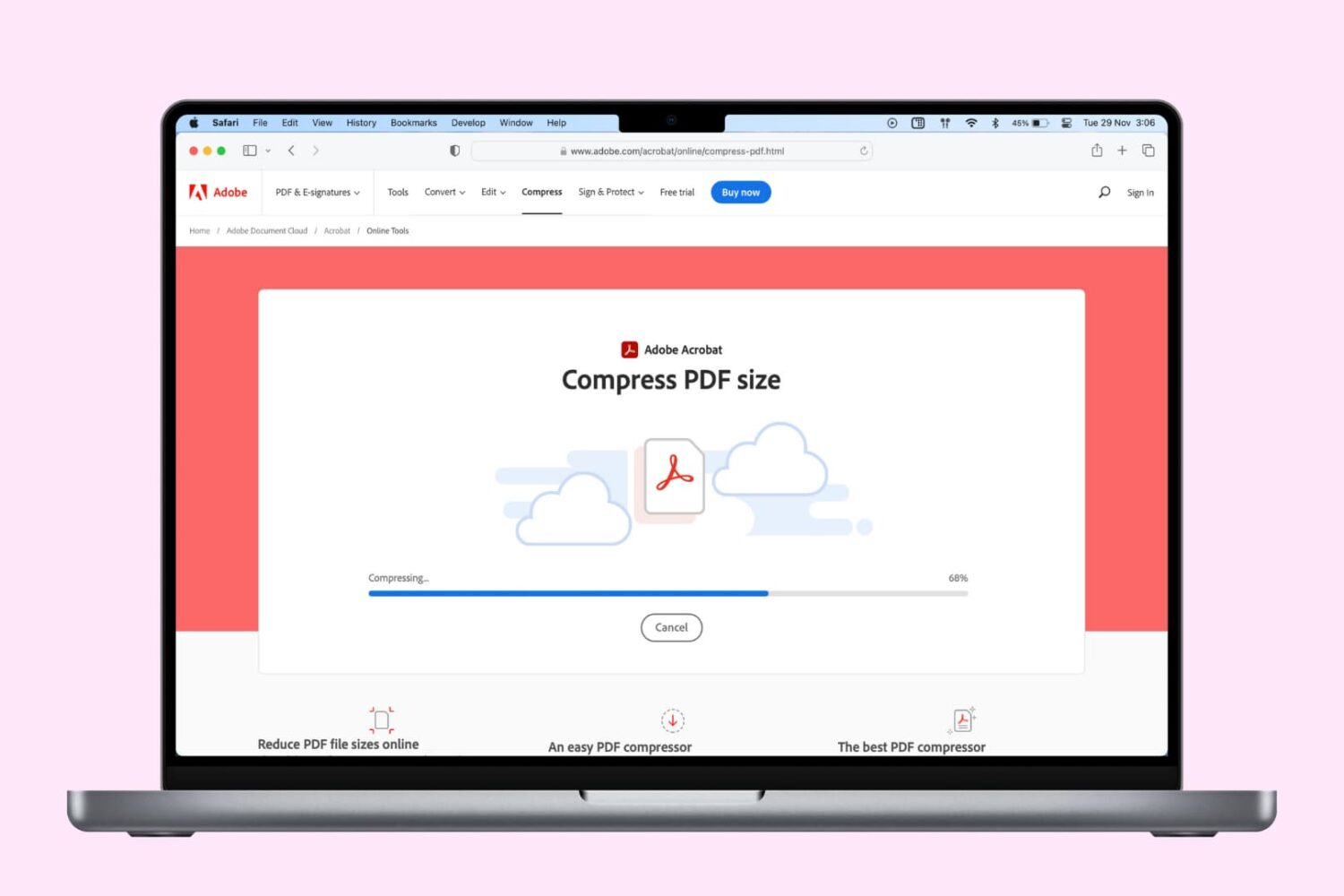
Check out these free solutions to compress PDF documents and reduce their file size on iPhone, iPad, and Mac, then pick ones that work best for you.

Learn how to remotely sign out your Netflix account on unrecognized devices to get rid of freeloaders (like your ex or long-lost friend) without having to change the password.
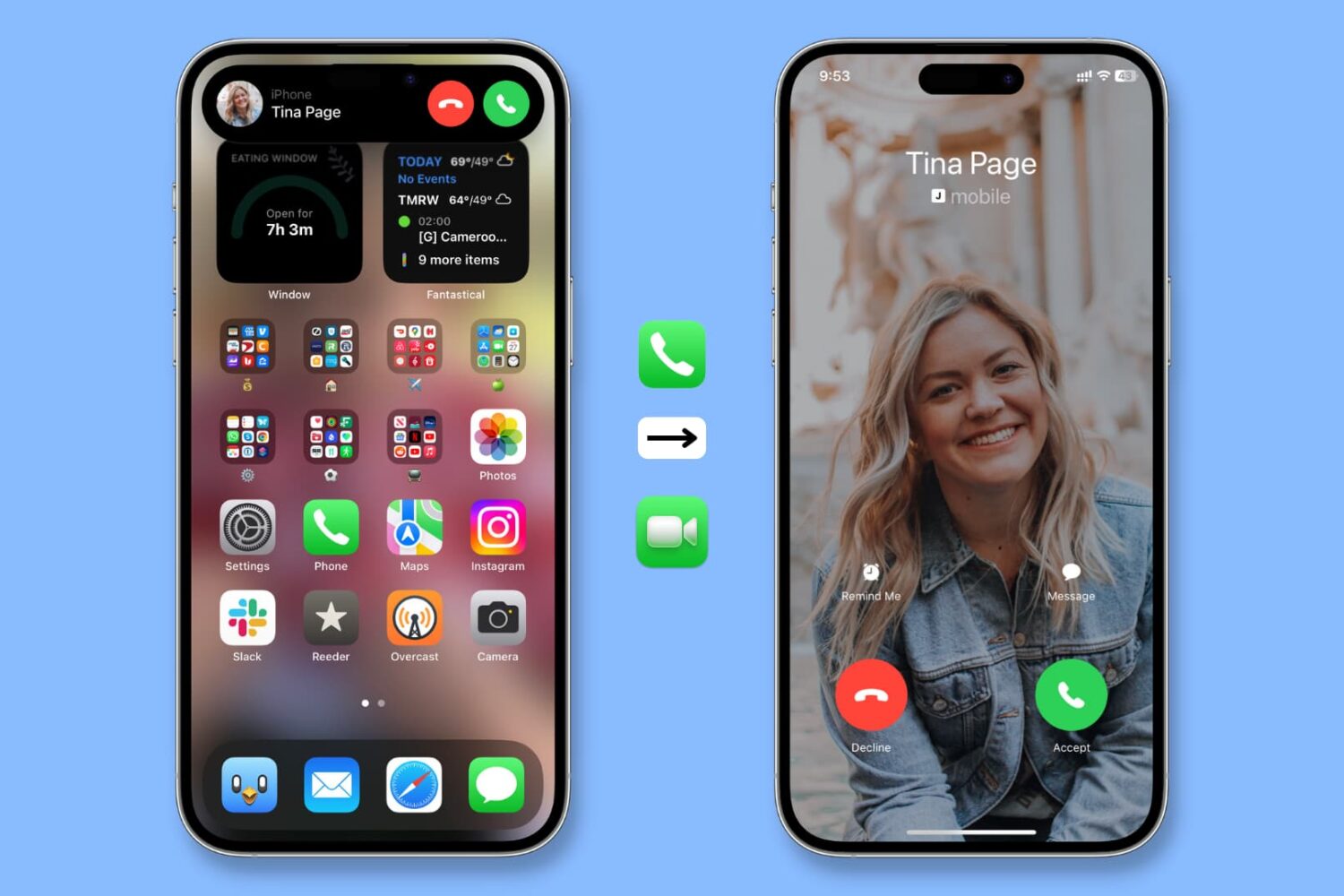
Learn how to make incoming calls on your iPhone take over the entire interface instead of being relegated to a small notification banner at the top of the screen.
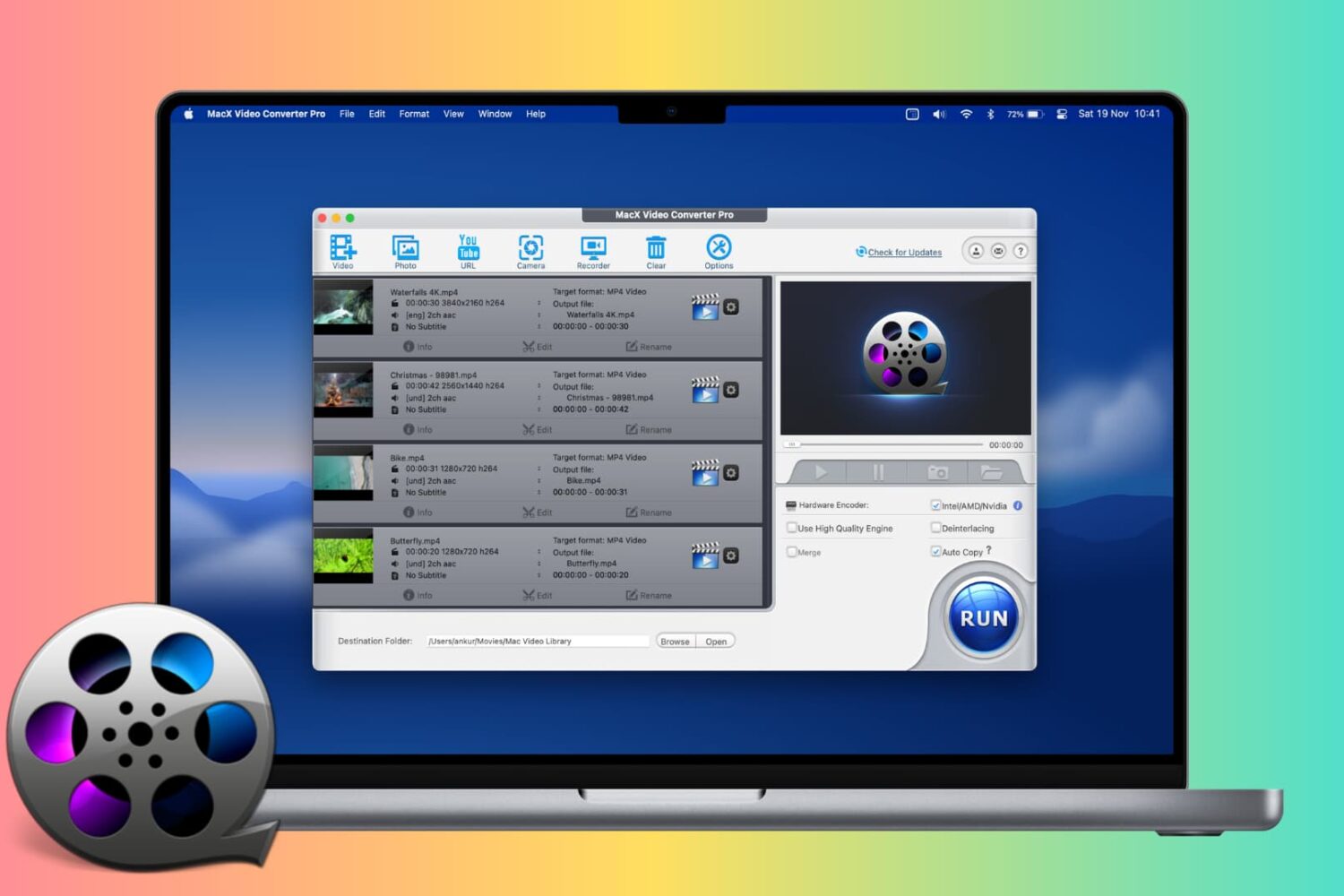
MacX Video Converter Pro is a straightforward app for your Mac and Windows PC that helps you reduce video file size, convert video & audio to other formats, resize them, make edits, decode & encode HEVC/H.265 clips, download videos from the web, and more.
Let me give you an overview of MacX Video Converter Pro and tell you about the limited-time unmissable Black Friday discount for both Mac and PC users!
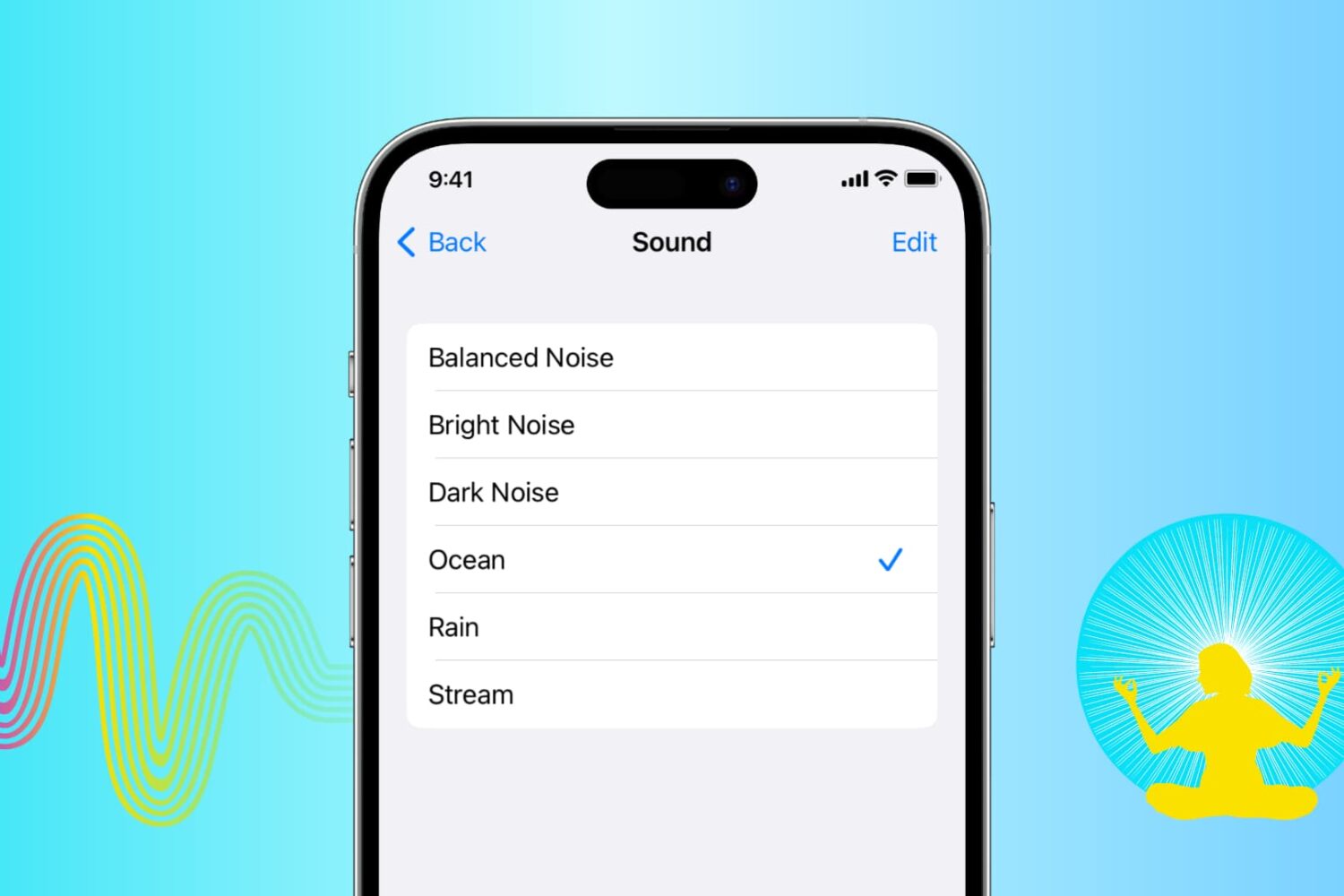
Learn how to play soothing sounds of nature or relaxing white noise right on your iPhone, iPad, or Mac without downloading extra third-party apps.
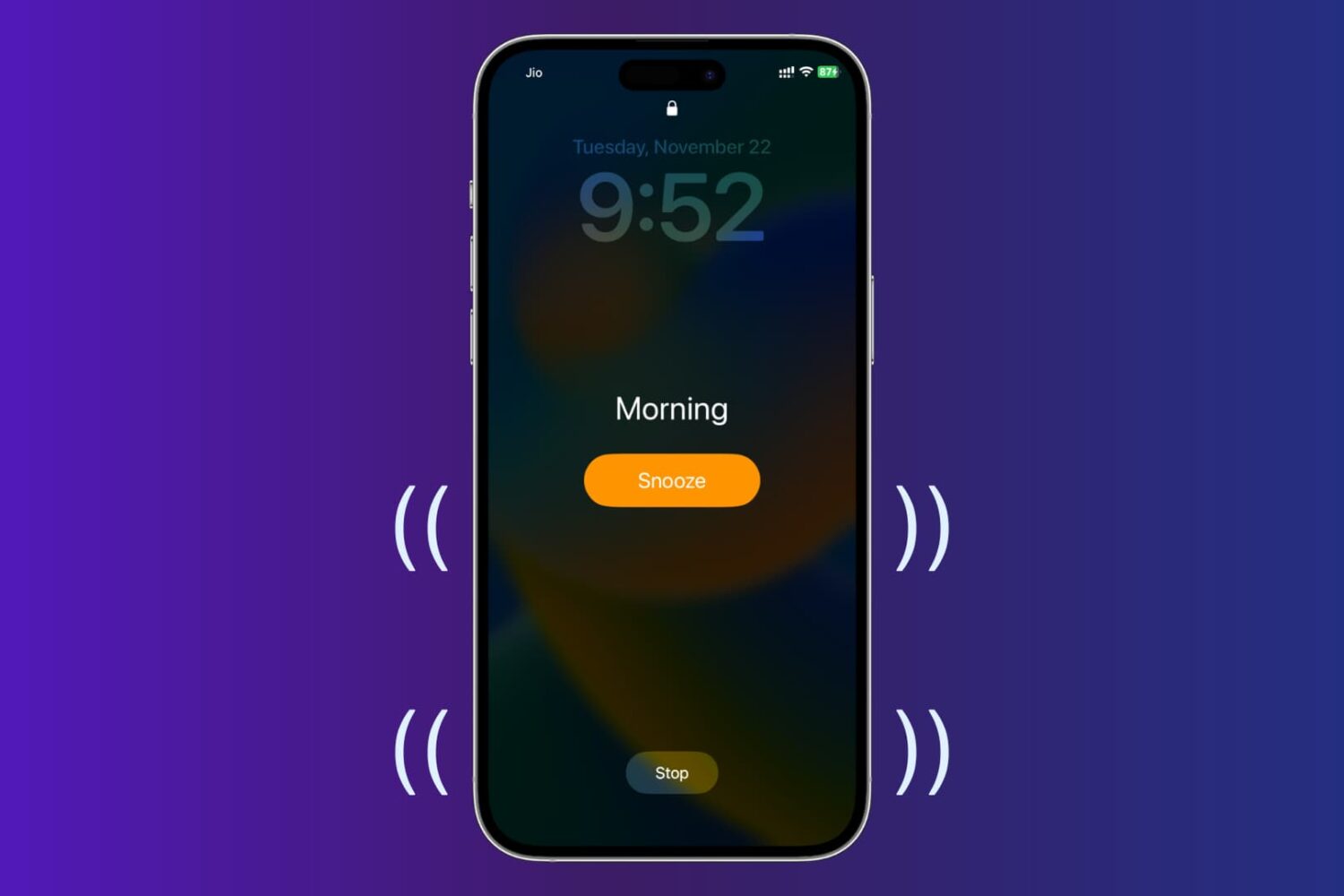
In this tutorial, we’ll show you how to set vibrating alarms and timers on your iPhone, which won’t play a sound but only vibrate.
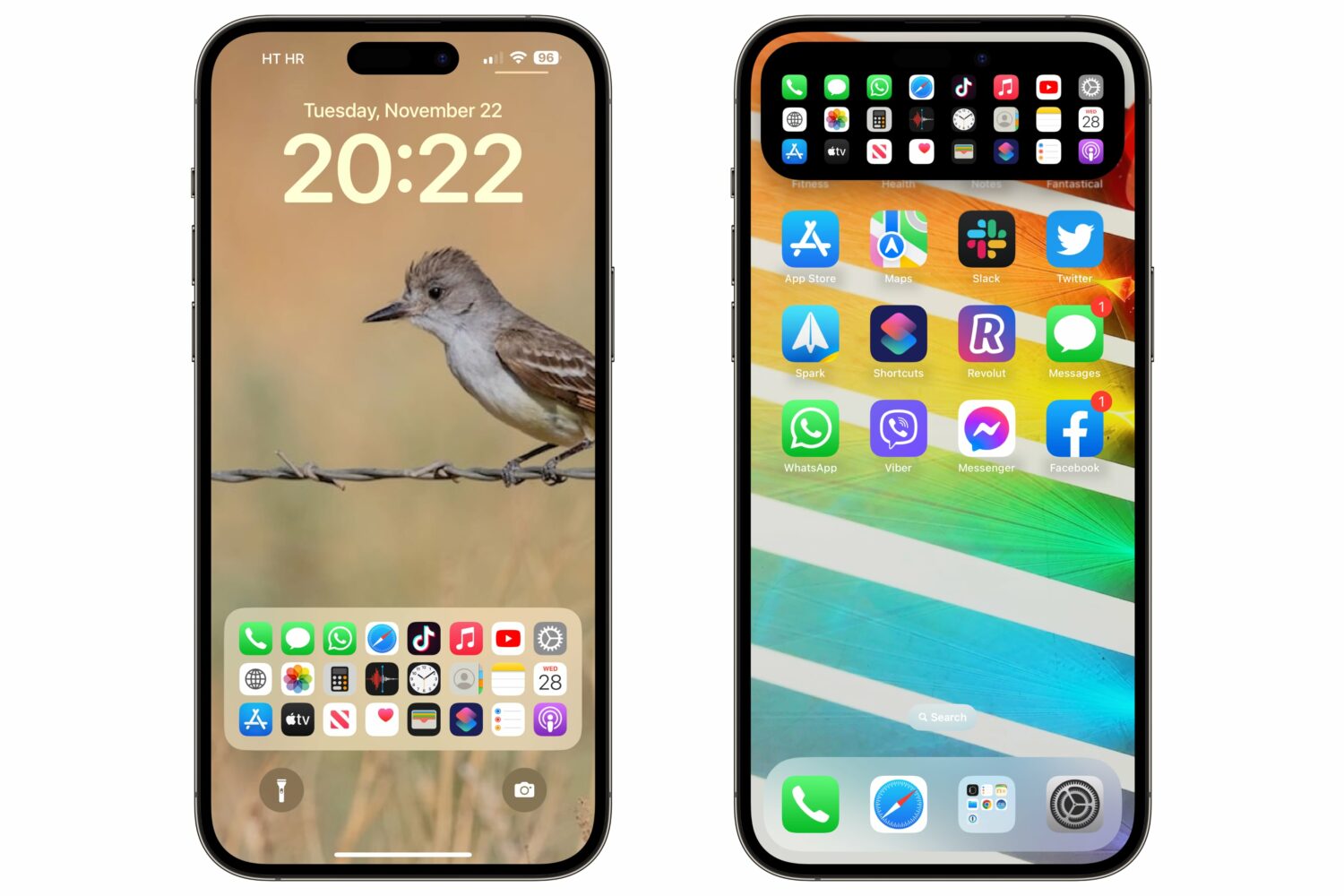
A custom lock screen Dock gives you quick access to up to 24 apps or system services, and it's also reachable via the Dynamic Island on the iPhone 14 Pros.
Learn what to do if your iPhone or iPad won’t charge even though you have plugged it into a power adapter correctly.