Check out the top photo printing apps for iPhone and iPad to turn your digital memories into actual printouts to frame or gift to someone else.
The best photo printing apps for iPhone and iPad

Check out the top photo printing apps for iPhone and iPad to turn your digital memories into actual printouts to frame or gift to someone else.
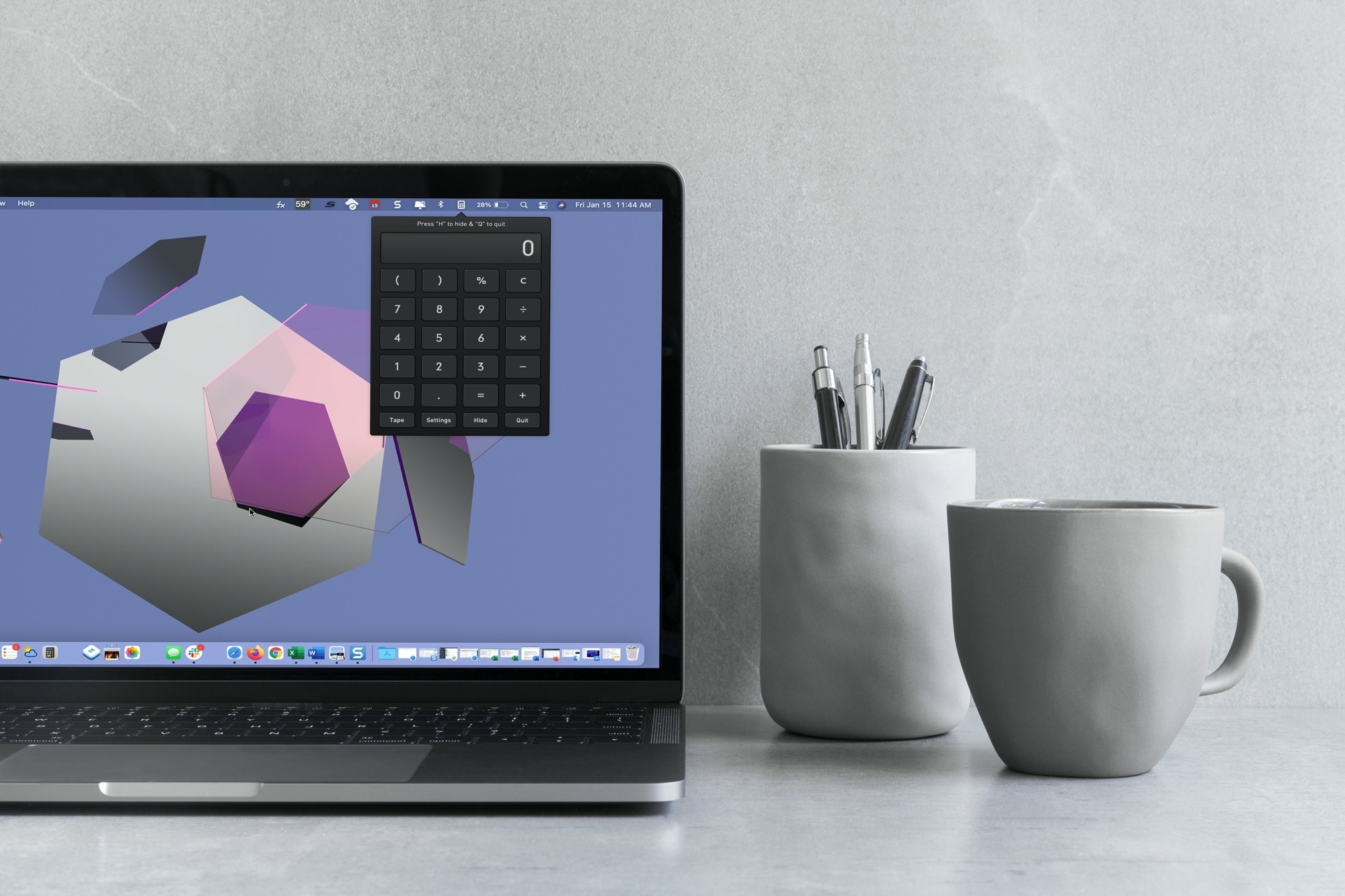
With macOS Big Sur and later, you can no longer enjoy quick access to interactive widgets in the Notification Center. Sure, you can still see widgets for things like the weather and a world clock, but you can’t perform calculations in a few clicks like before.
You can use Spotlight Search for simple equations in a hurry, but if you need a little more, you have to open the Calculator app. Since a calculator is one of those utilities you don’t want to have to hunt for, we’ll show you some alternatives to replace your missing widget.
Here you’ll find calculator apps for your menu bar along with shortcuts to open your existing Mac Calculator app from the Dock and using your keyboard. Review the options and see which one is the best fit for your needs.

Microsoft today announced that customers can download the first beta version of its Edge web browser that now features native Apple silicon support on computers powered by Apple's M1 chip, including the recently updated Mac mini, MacBook Air and 13-inch MacBook Pro.

Google Maps has begun rolling out more accurate data and way more detailed street-level information in a handful of cities around the world. The areas where more detailed geographical features are available: Central London, Tokyo, San Francisco, and New York.

In this tutorial, we’ll show you how to organize your new fonts and styles by creating a Font Book library on Mac. You can also set the library as the default location for new fonts.

Apple customers can now access relevant information about volunteering in their communities right alongside existing curated content that's available on Apple Maps.

In this week's edition of our Apps of the Week roundup we have a super smart price-tracker, a universal remote app, and a habit-tracker. And as always, we've selected two great games for you to check out.

Leverage the power of built-in Automator to quickly open your favorite apps using custom keyboard shortcuts on Mac.
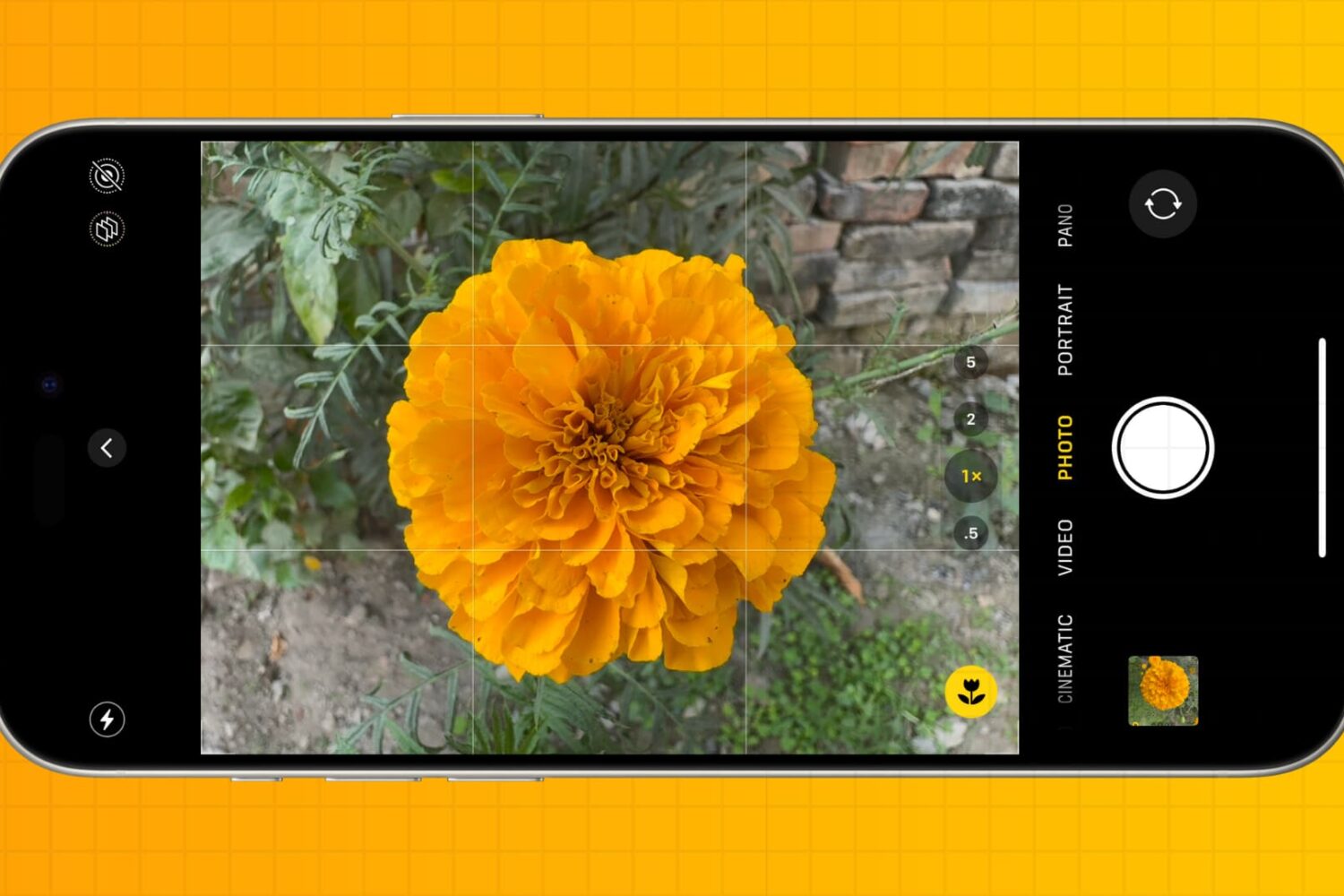
You don’t have to be a professional photographer to take amazing photos. Check out these five quick iPhone camera tips to make a few tweaks and capture better pictures every time.
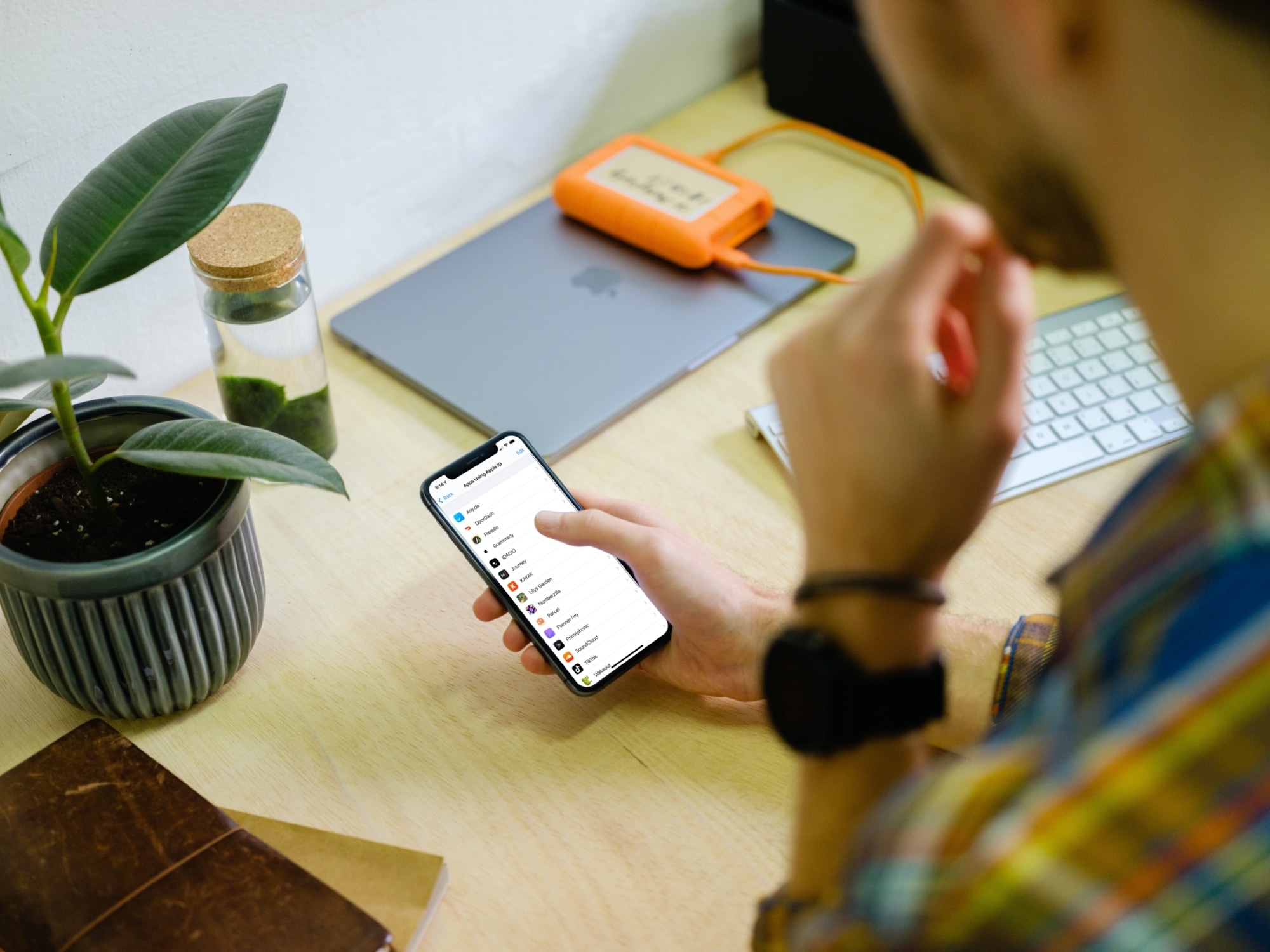
Learn how to use Sign in with Apple on your iPhone, iPad, Mac, Safari, Google Chrome, or another web browser for an easier way to create accounts and sign in to apps and websites.
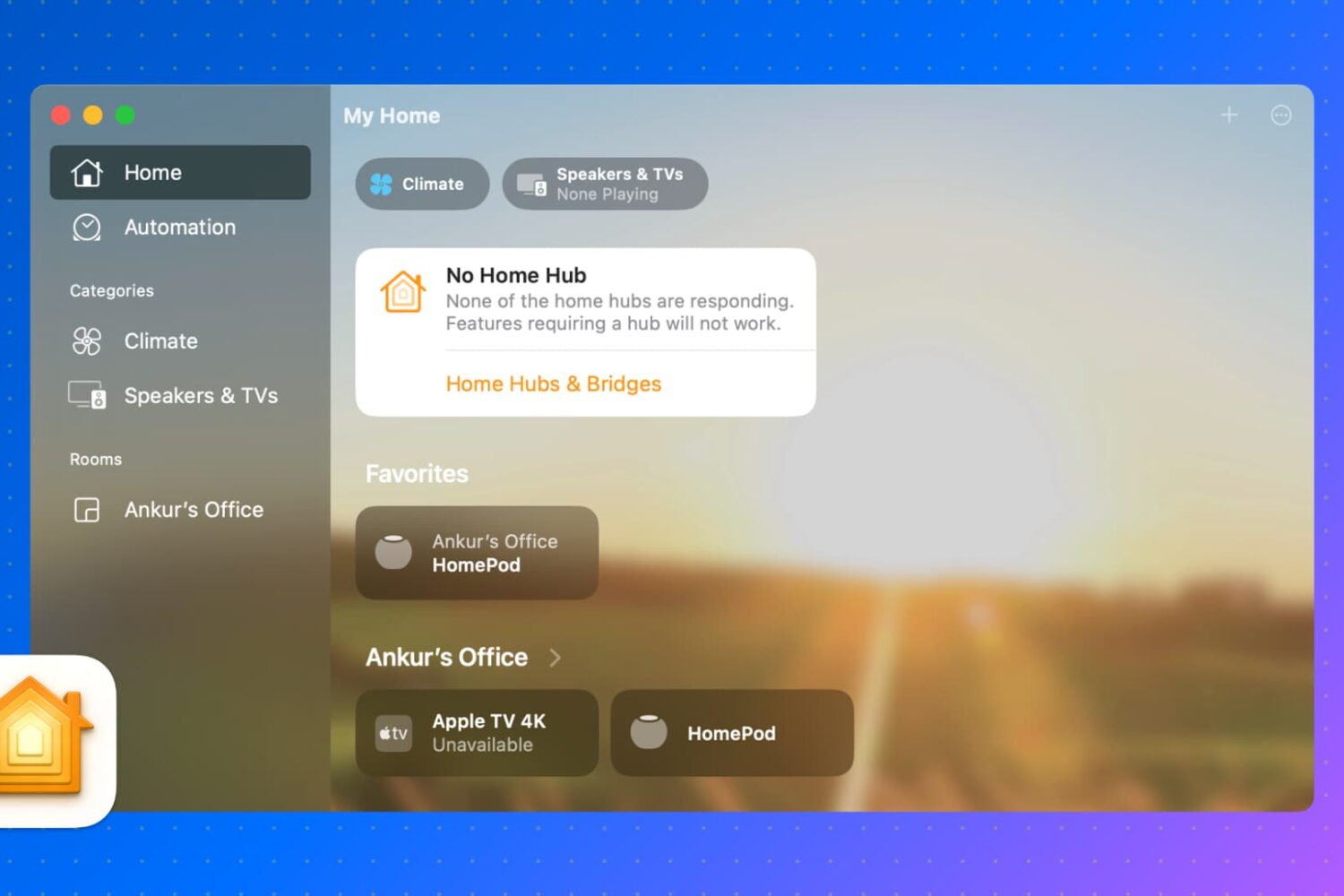
In this guide, we will show you how to control your HomeKit accessories, rooms, and settings in the Home app directly from your Mac.
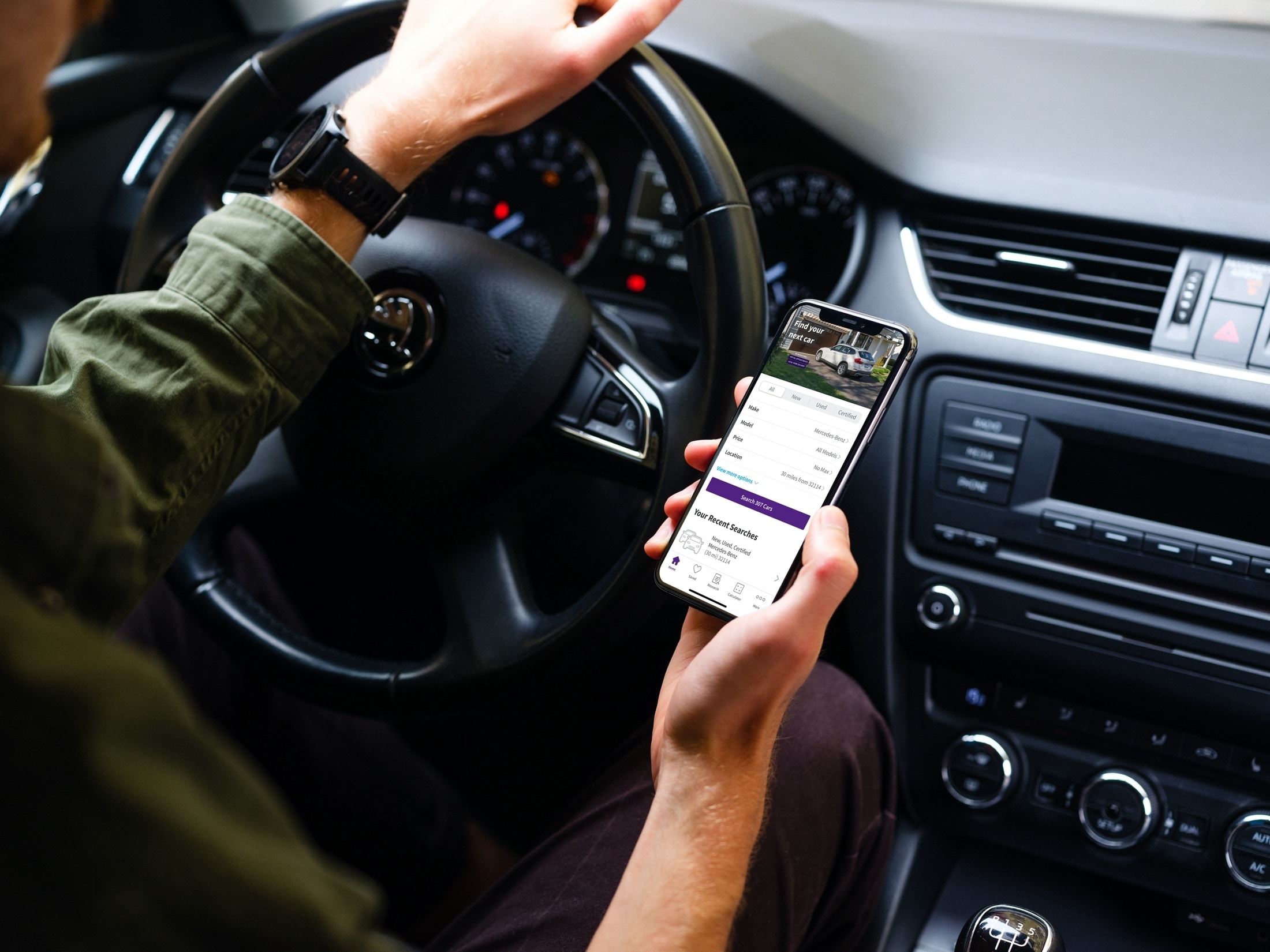
Things certainly have changed when it comes to shopping. You no longer have to deal with traffic, crowds, and checkout lines. You can buy almost anything you want online or from an app. So when you’re ready to purchase a new vehicle, why not do it the same way?
Now of course, you’ll want to see that car in person, take it for a test drive, and make sure it’s in great condition, especially if it’s used. But you can get a jumpstart on your vehicle purchase with a handy app on your iOS device.
These car buying apps for iPhone and iPad let you find the right vehicle for you before you head out the door to see it. Instead of traveling from one car lot to another, check out these convenient apps for finding a new vehicle.