Apps

How to convert a Keynote document to a PowerPoint document

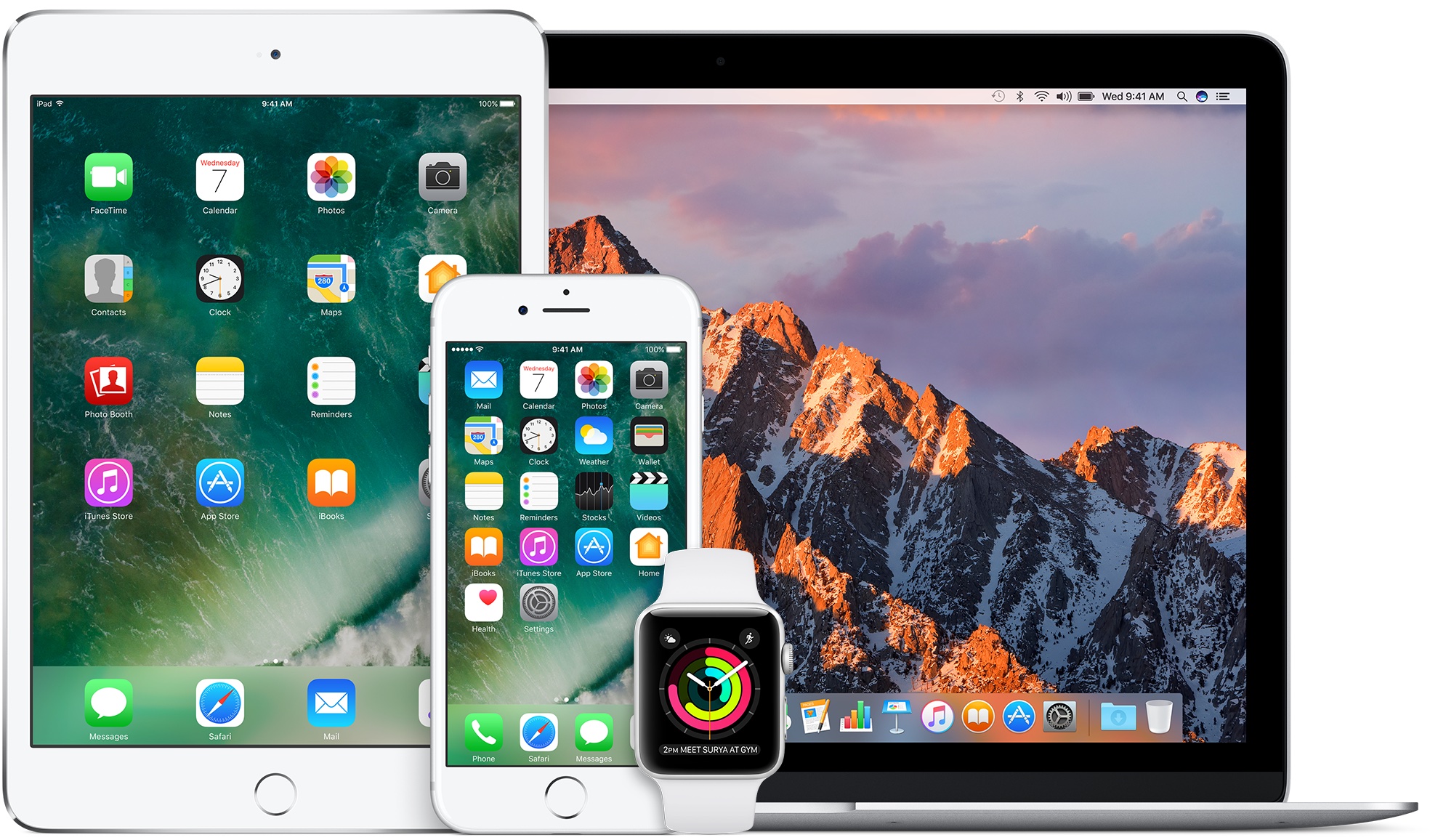
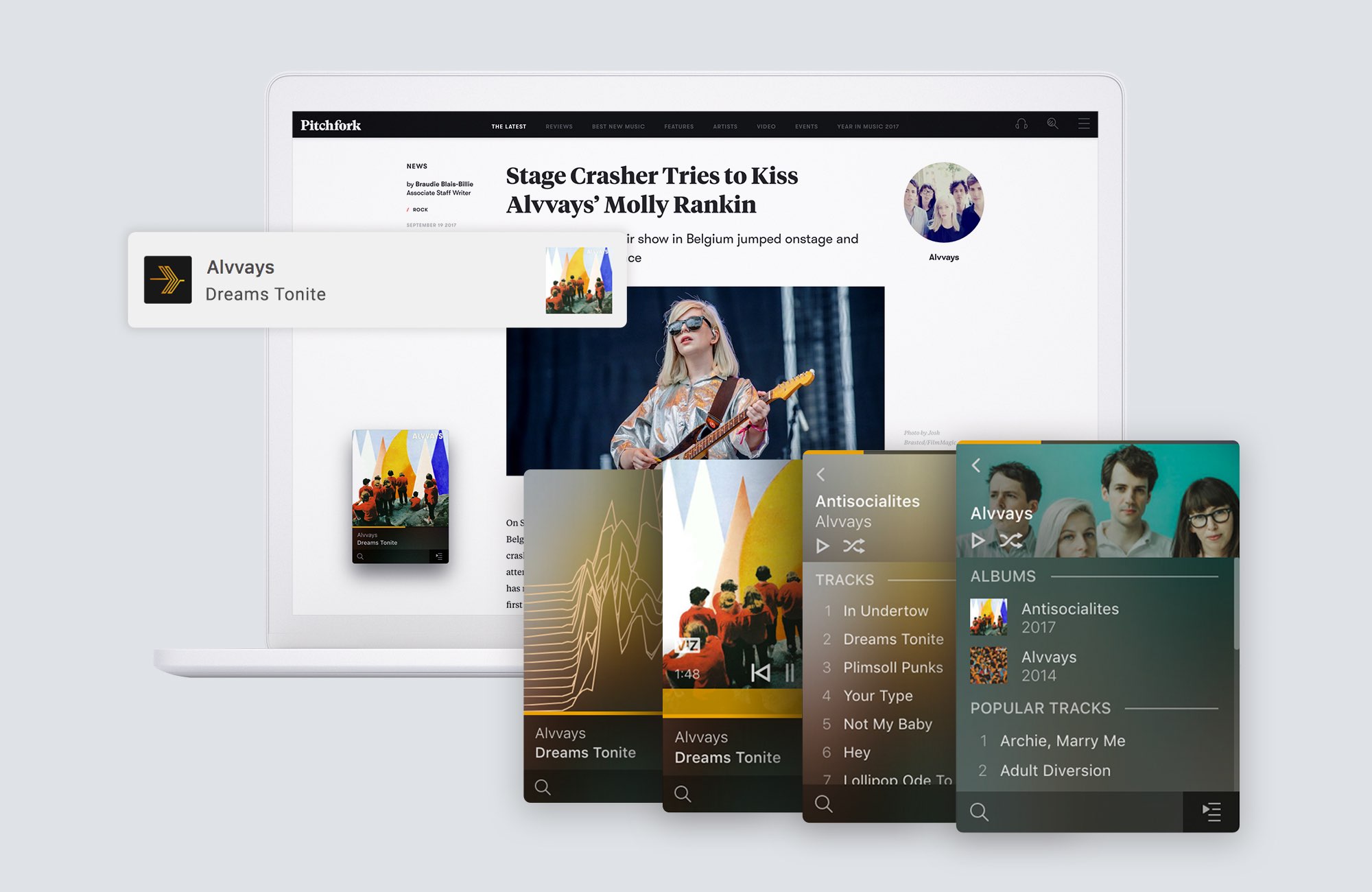
All Mac and iOS devices such as iPhone and iPad come  with a suite of office applications pre-installed. This includes Keynote, a presentation software app very similar to PowerPoint, its Microsoft counterpart.

Keynote presentations can easily be viewed on any Apple hardware, but as an application exclusive to Apple platforms, there can be compatibility issues when wanting to share a Keynote document with a Windows user. To avoid these compatibility issues between Mac and Windows, one can save Keynote documents created on Mac as PowerPoint documents that will easily be viewable on Windows.

Apple relaxes its controversial guidelines for template-based apps, waives dev fees for governments and nonprofits starting next year

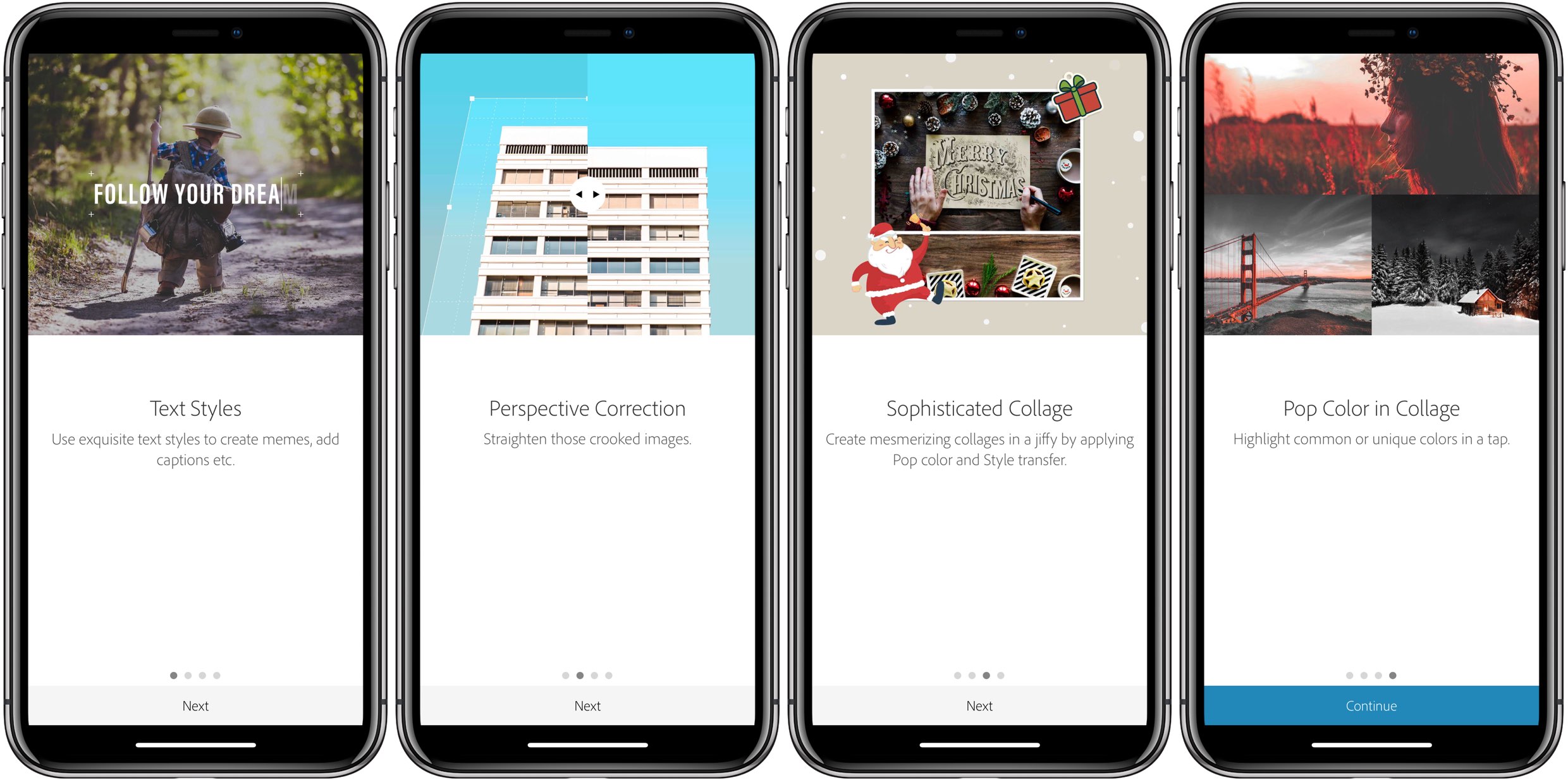
Apple took a stance recently against cookie-cutter style apps by outright banning them from the App Store. These template-based apps were often used as ways to clone low-quality apps (any remember the onslaught of Flappy Bird lookalikes?) Unfortunately, they were also often used by small business, nonprofits, or government organizations who didn't have the resources to develop their own apps from scratch.

MiniCast brings podcasts to Apple Watch

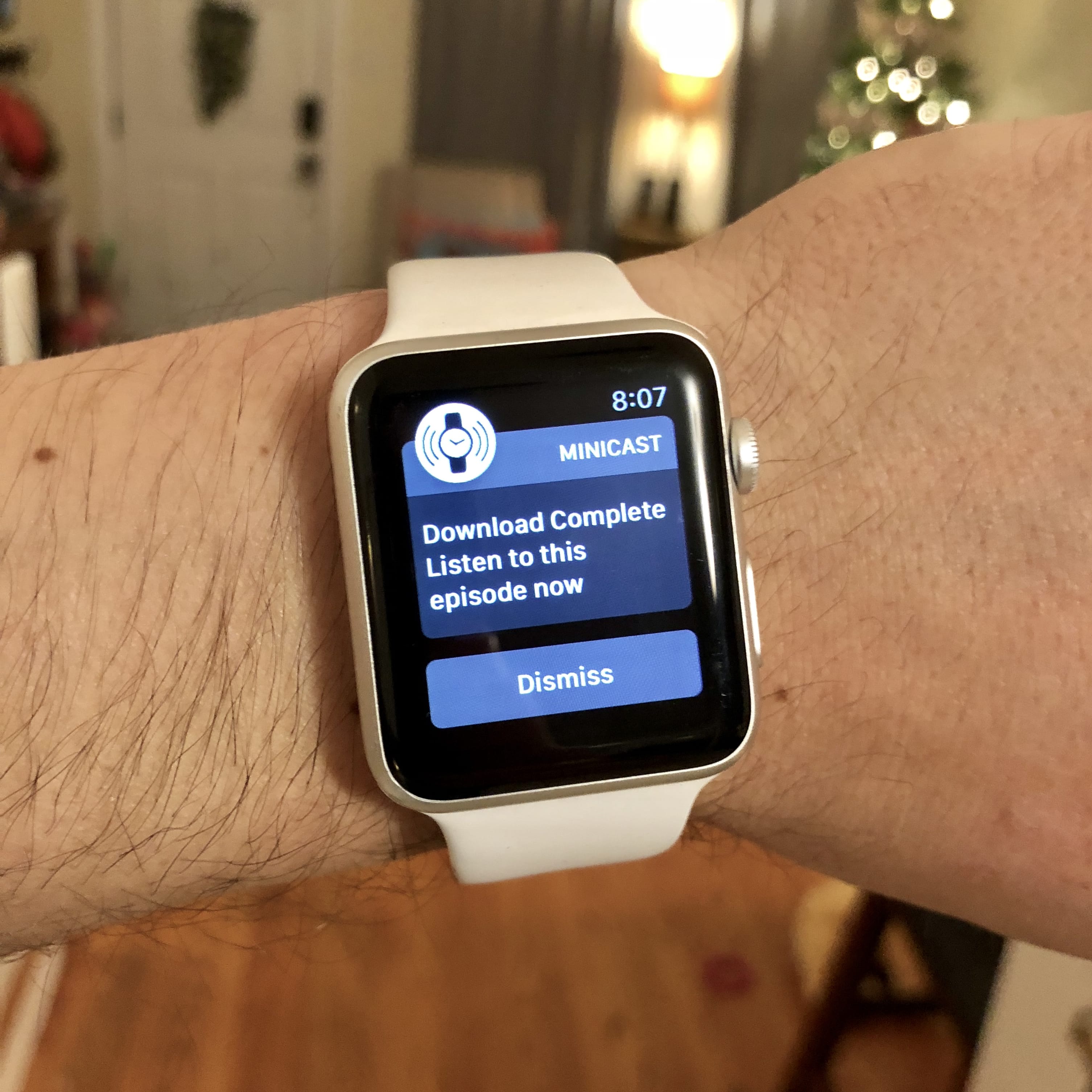
The Apple Watch is a great companion device for exercise, tracking your activity, and with watchOS 4, provides access to Apple Music. For people that prefer listening to podcasts while they work out, the Apple Watch is less ideal due to the lack of podcast app, either Apple's own Podcast app or third-party apps. A new Apple Watch app called MiniCast is looking to fill that gap and bring podcasts to your wrist.

MiniCast, available for free in the App Store (with $3.99 In-App Purchase), is a simple iPhone extension and Apple Watch app that allows uses to send podcasts from Apple's Podcasts app, Overcast, Castro, or PocketCast to their watch.

3 ways to find the GPS coordinates of any location on iPhone

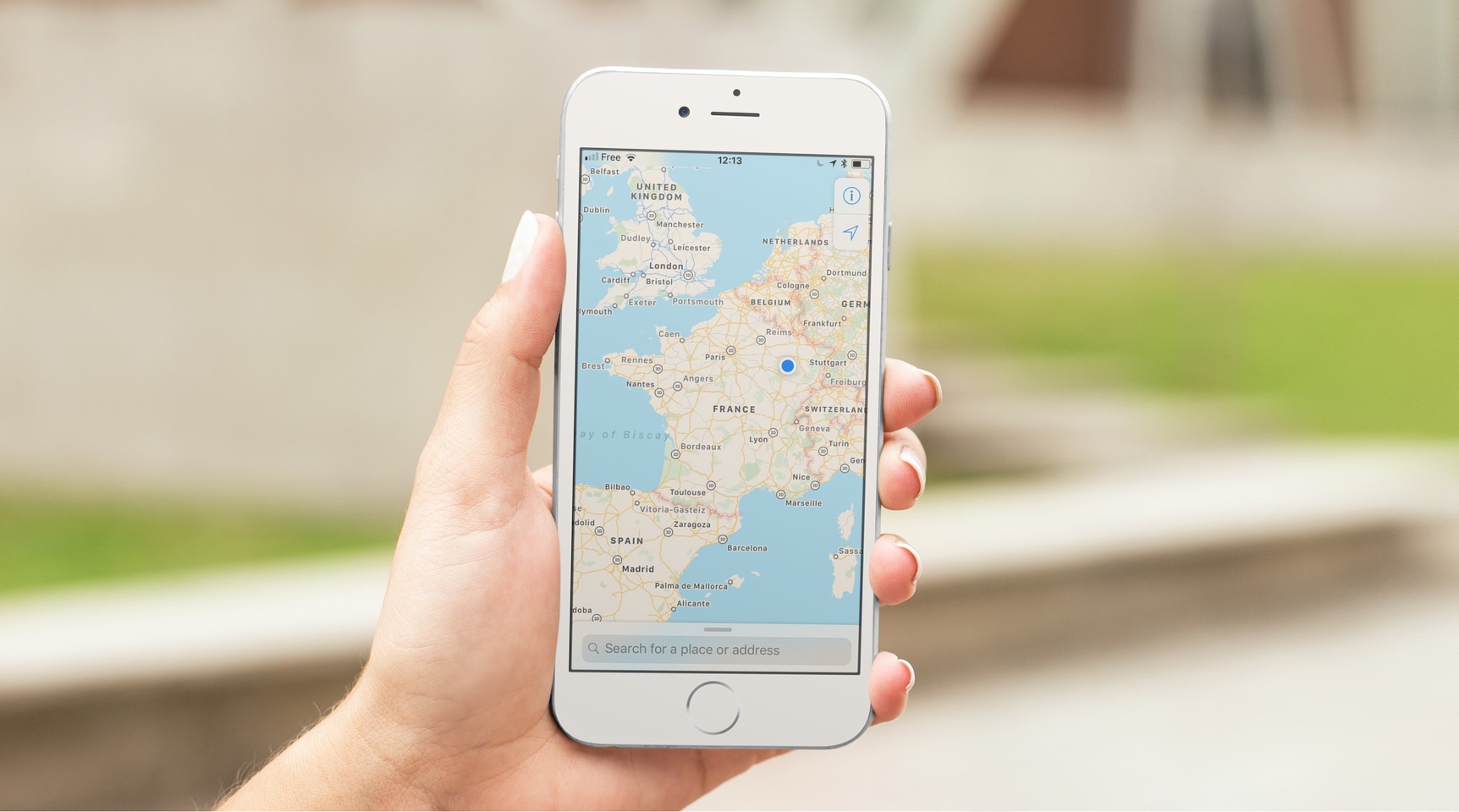
Many apps you use on your iPhone are tapping your location to provide services or data based on where you are. While everything happens in the background, all these apps are actually using your GPS coordinates on your iPhone to pinpoint your location in the most precise way.

While an average user will never have to deal with GPS coordinates, knowing how to obtain and understand them can be valuable for some. I'm thinking about outdoorsy people or those into geocaching, for instance. If you're one of these people, or if you just want to learn something new, here's how to view GPS coordinates (latitude and longitude) on iPhone.