Waze for iPhone was updated on App Store this morning with a nifty new feature that tells you how much money you should expect to spend on tolls along your route.
Waze for iPhone is now showing you toll prices along your route

Waze for iPhone was updated on App Store this morning with a nifty new feature that tells you how much money you should expect to spend on tolls along your route.
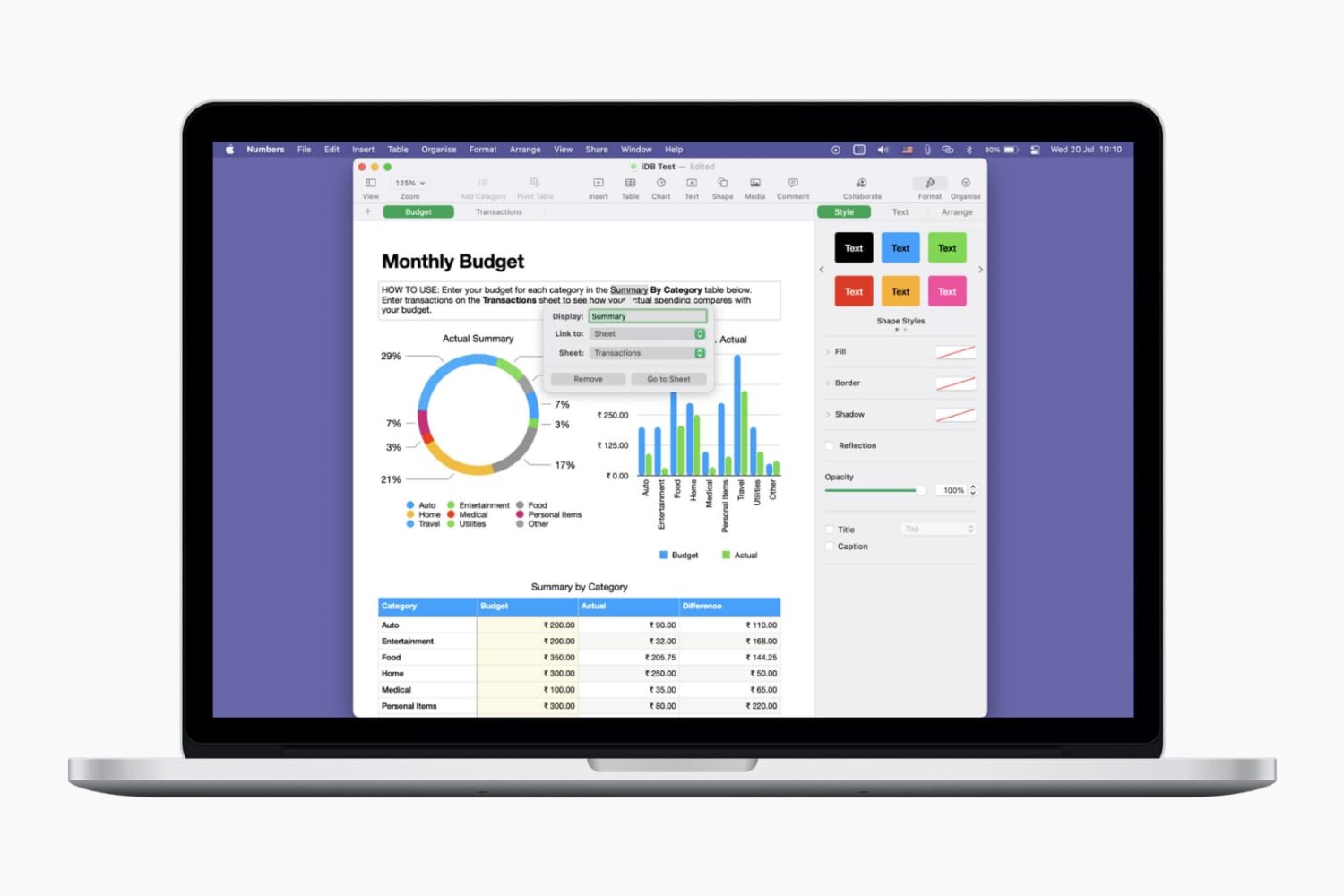
Learn how to use links for websites, email addresses, phone numbers and more to make your Pages documents and Numbers spreadsheets more interactive and informative.

In this edition of our Apps of the Week roundup, we have an intuitive habit-tracker, a real-time video editor, and a note-taking app for book-lovers. And as always, we've selected two great new games for you to check out.
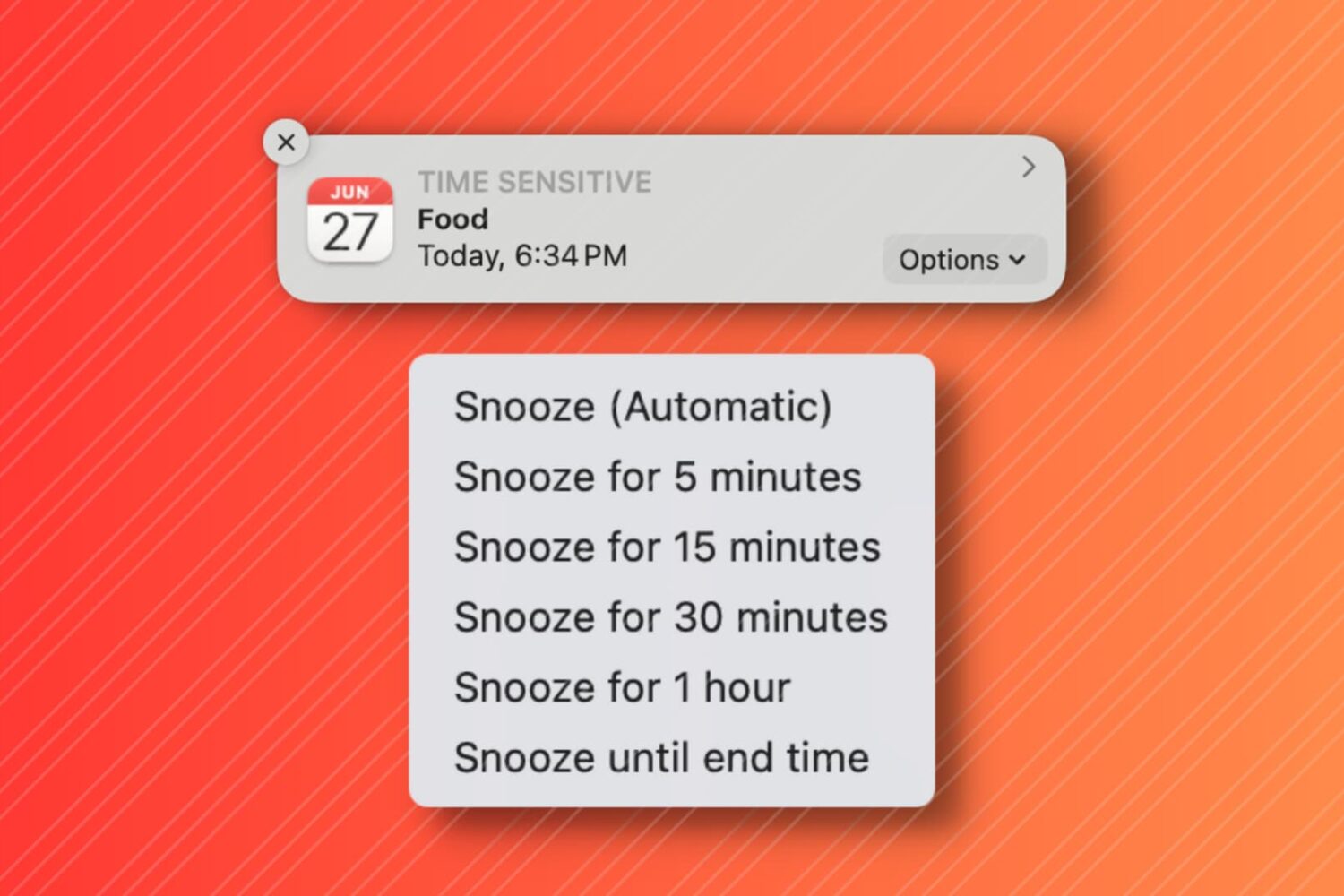
In this tutorial, we'll show you how to snooze your Mac Calendar events for longer than the default snooze time.
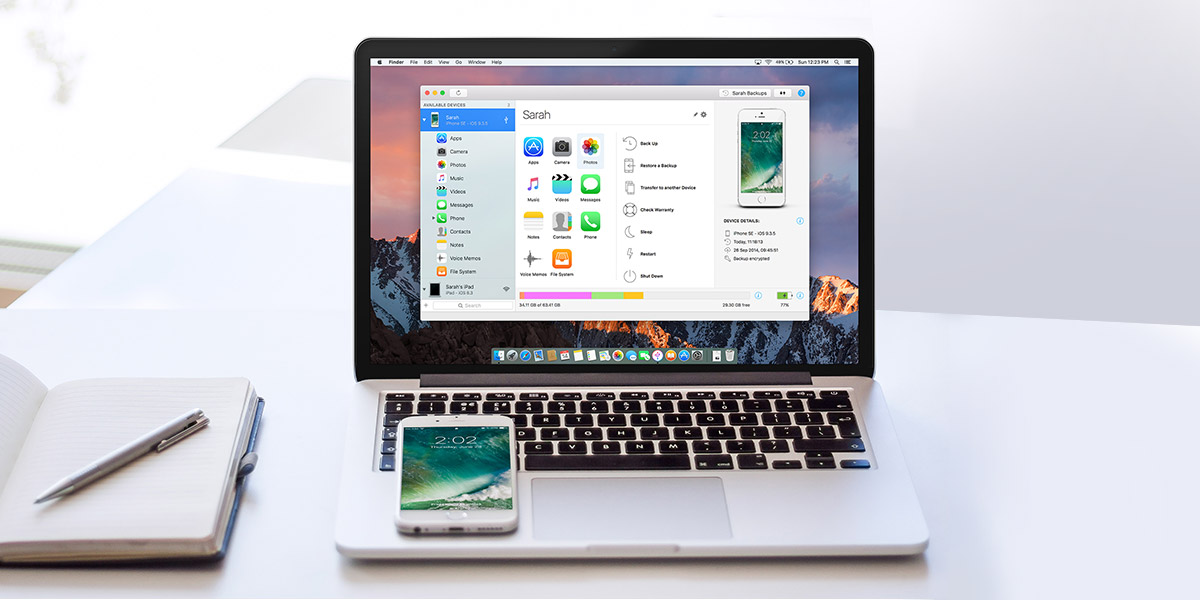
Keeping your data organized is a task all on its own. Figuring out what device you've left pictures or music on, keeping track of your backups, and transferring files can take hours.
iMazing is a tool specifically designed to eliminate the headache of transferring data. Simplifying data management between your Mac, iPad and iPhone with the ability to drag and drop files, pictures and songs to your devices, iMazing works wirelessly or with USB.
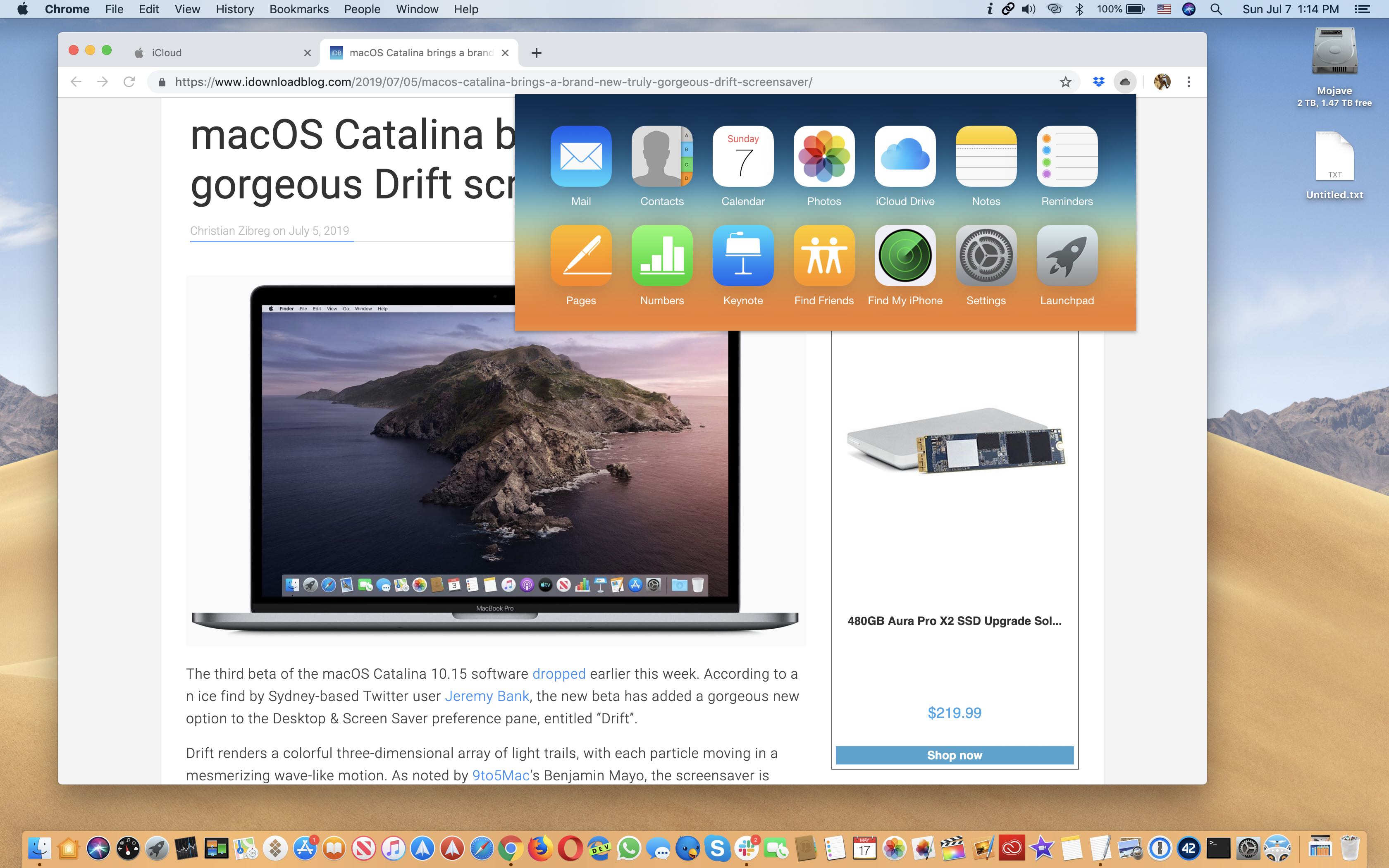
This free productivity extension is an incredibly simple and easy way to access the iCloud web apps on your computer from within anywhere in the Chrome or Firefox browser.

When you’re working in Pages on Mac, there may be times when you want to copy content and paste it into another document. Maybe the second document is similar, and you can save time by copying, pasting, and just making slight changes.
In Pages on Mac, you can copy pages between documents, and here’s how.

There's a huge number of ways to improve your Mac experience, but you typically can't afford to try them all out. The Mighty Mac Bundle is a good way to explore a variety of powerful add-ons that let you browse and work more efficiently.
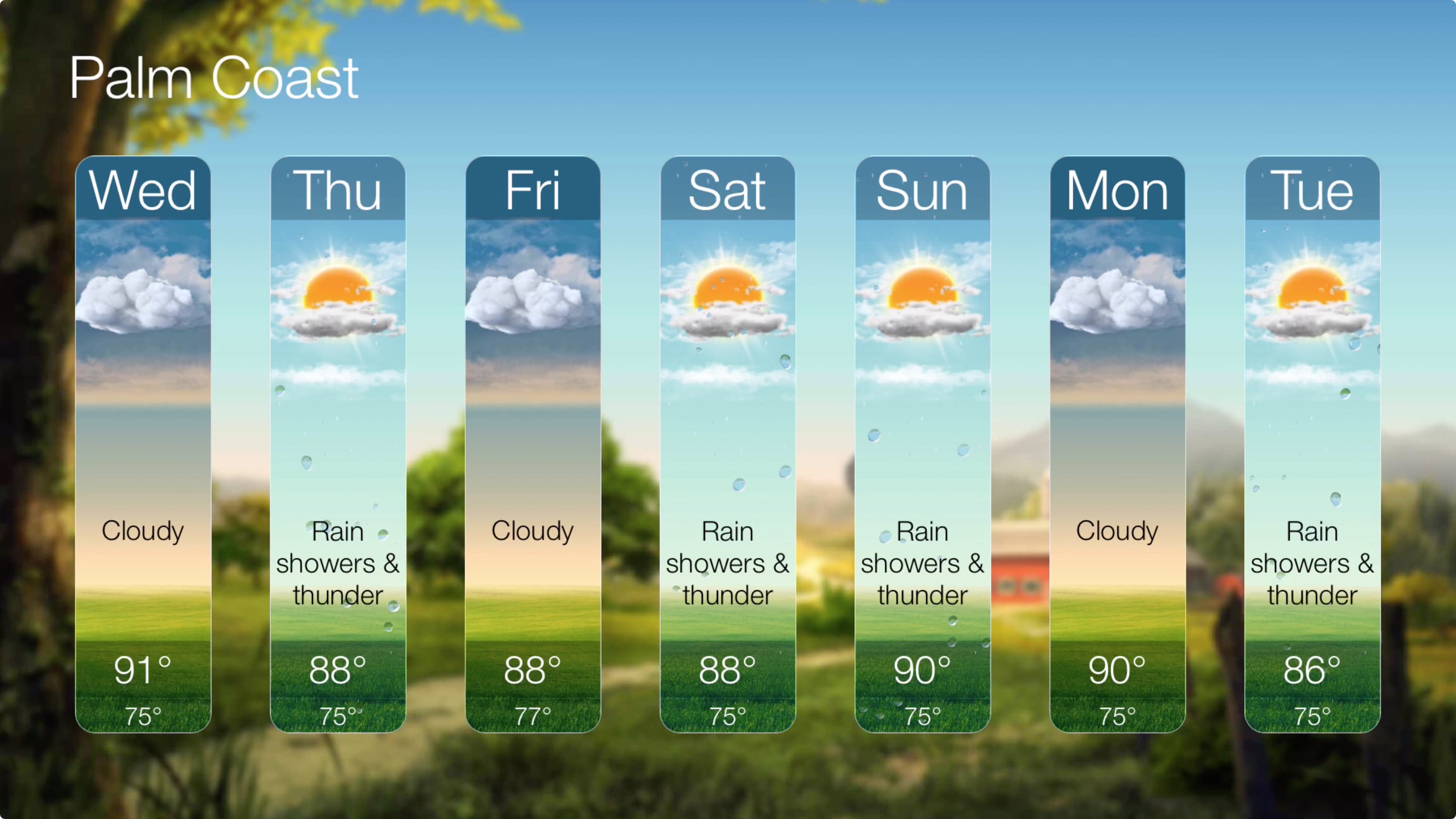
Weather apps are some of the handiest tools for any device. Whether on your iPhone, iPad, or Apple Watch, seeing what’s happening outside before you venture out or what will be happening during your weekend outdoors is essential.
If you don’t yet have a weather app for your Apple TV, this this is your list. Here are five of the best weather apps for Apple TV, in no certain order.
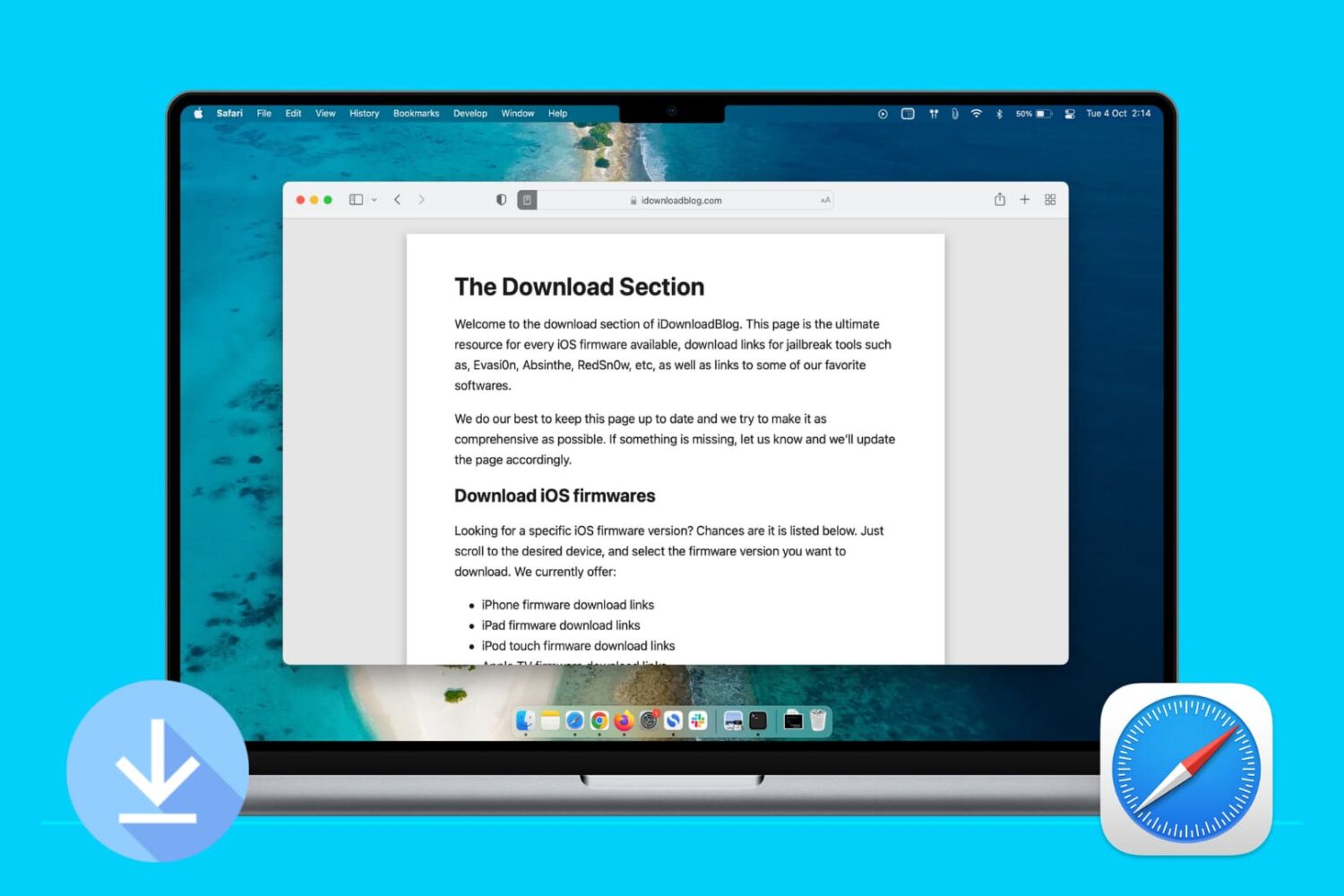
Learn how to stop Apple's Safari browser on your Mac from automatically opening files downloaded from the internet to mitigate potential security threats.

Avoiding compatibility issues is crucial to enjoying your 4K, high frame rate and slow-motion footage across a myriad of devices. VideoProc can help with that. Rather than pile up a bunch of complex features you’ll never use, VideoProc is a focused app that's very easy to use and includes a plethora of powerful features like hardware acceleration to ensure that your converted videos play back without a hiccup no matter the platform.

Apple Cash is a terrific way to instantly send money to friends and family from your iOS device or Apple Watch. You can pay back what you borrowed, loan money, or request money from someone who owes you. But what happens if you send someone money and want it back?
Maybe you loaned them more than they need, or maybe you discover you don’t have the extra to lend. Whatever the reason, you can cancel a payment you make with Apple Cash if they haven’t accepted the payment yet. Here’s how.