Jim Gresham

Editor at iDownloadBlog.com since 2012, Jim Gresham curates the finest wallpapers and customizations for Apple devices, enhancing user experience through visual creativity. With a keen eye for design and a passion for personalization, Jim helps readers transform their screens into stunning displays. He spent his younger years tinkering with computers, reading about technology, and watching Star Wars, while being teased by his peers at school for nerdy tendencies. Since 2008, he has worked on improving his Apple arsenal and spends his free time researching the latest gadget trends, trying to find the next awesome iDevice accessory for review. A native of the Commonwealth of Virginia, he enjoys the stiff crease on a well-ironed dress shirt and dons a bow tie on a regular basis.

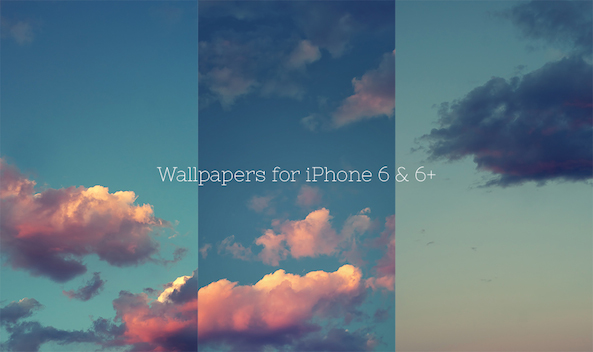
Download the new iOS 8 wallpapers

Along with the iPhone 6 and Apple Watch announcements, the GM version of iOS 8 was released to developers. As is typical with all major iterations of Apple's mobile operating system, there were new wallpapers released. The GM release is currently only available for registered developers, which means the common users are left waiting for iOS 8 to launch publicly before taking advantage of the images.

Thankfully, we have a connection with @JasonZigrino, who is the graphic artist responsible for publishing these iOS 8 wallpapers for us. Additionally, @BenjaminTourin helped with the technical aspect of snagging these files out of the iOS 8 GM and also launched them on his personal blog.

Down below, we have the full pack of iOS 8 wallpapers for iPhone and iPad for you to download.

Beach wallpapers

Summer is coming to a close and with it our trips to the beach. An upcoming Apple media event always seems the marked end of summer. For people in the business of covering Apple products, annual cycles are built around the media event launch season. To celebrate summer's end, there are four beach oriented wallpapers enclosed. If heading to the beach is no longer an option, at least enjoy the beauty of nature's largest body of water from your phone.

From orange sunsets to the blue water, beach wallpapers have staggering color difference and clarity, if the photo is taken correctly. We have selected four great wallpapers. Enjoy the serenity.

Hands on with Truffol’s reversible USB Lightning cables

There have been a lot of rumors going around about Apple's alleged reversible cable. Most recently, reports are saying no such cable will be included with September's iPhone 6 launch. It is shocking reversible USB cables are not already in mass production. After all, the technology is quite old. Only since the reversible cable was linked with Apple, has there been such a firestorm.

Last week, we posted an article about accessory maker Truffol debuting a reversible cable, available for purchase immediately. I was able to get my hands on a pair of cables from the manufacturer and am quite pleased with their build quality!

Twelve South’s HoverBar 3 expands compatibility to work with any iPad

Way back in September of 2012, I wrote a fairly lengthy review of the HoverBar by Twelve South. The device is a mounting mechanism for iPad. It is not a new contender to the mountable space, certainly not two years later, but it is a well designed product. Twelve South, a South Carolina based company, limits their product development to a low number each year, ensuring proper care is spent on each device they launch.

The HoverBar 3 is an intentional upgrade on the previous generation. The 22" arm extends from a bi-directional assembly that screws into a metal clamp. Overall, the design and assembly is almost exactly the same. Where the new generation differs is the compatibility for iPad 2nd - 4th generation, iPad Air, and both versions of iPad mini.

The SmartStyle case gives a notebook feel to your iPad Air

X-Doria is a relatively new comer to the Apple accessory arena. While they have been around for a couple years, they are still making a name for themselves. One of their key product features is a puffing ink that raises as it is heated in the production process. Almost any design you see in their product lineup, utilizes the 3D puffing ink, making it standout among other simply screen-printed competitors. The ink provides tactile feedback, offering an easier to handle case and a good looking stark color pattern.

The SmartStyle Patterns for iPad Air gets its name from the stylized printed patter and the Smart Cover technology. Using exactly placed magnets, SmartStyle behaves similarly to an Apple Smart Cover, waking or sleeping iPad as the cover is either opened or closed.

Universe galaxy creation wallpapers for iPhone

As the section is titled Wallpapers of the Week, it stands to reason we pick the best images we can find around the net on any given week. Today, there is a great selection of nebula and galaxy wallpapers, but I would not call them the most popular over the past seven days.

Going back a few days, Apple announced the September 9 event for iPhone, and possibly a wearable device. The event, which is always a hyped occurrence, is gaining more excitement by hosting media at the Flint Center and building a whole separate structure to house something. All of this to say, if you missed the Apple announcement wallpapers earlier this week, make sure to check out the handy work of some great iDB readers.

Alternatively, don't miss the great colorful wallpapers in today's post.

The Tylt Ruggd case is built for style and damage protection

If you are prone to dropping, abusing, and misusing your iPad Air, hopefully you are shopping around for a solid case. You are going to need something with a shockproof design, corner protection, rubberized absorbing base layer, and a little bit of flexibility. All of those features are built neatly into the TYLT RUGGD iPad Air case.

Making no bones about design, the RUGGD forgoes any eye candy design and goes straight for protection. With bulky corner cushioning and what appear to be four leg-like bumpers on the back, RUGGD should have you safe and sound, unless you drop it face down.

Kick your laptop up a notch with Kickflip

There are times when typing at a flat angle is uncomfortable. It is most noticeable when using my MacBook Air 13". All of the keyboards I use, including Apple's standard wireless keyboard, are angled for ease-of-use. Contrary to standard keyboards, Apples laptop line sits flat on the resting surface.

Asking to "kick it up a notch," Bluelounge released the Kickflip just a few weeks ago. Hoping to increase productivity and ease everyone's wrists, the Kickflip does just as the name suggests: props your laptop with just a flip.

Share one Bluetooth keyboard between multiple devices with the Multi-Sync Keyboard

Have you ever used a Bluetooth keyboard with your iPad? Sure, you have! All serious iPad users have, at one time, tried to use a Bluetooth keyboard with their favorite tablet. I tried to use an external keyboard on several occasions with my iPad, not just for reviews either.

The same can be said for iPhone. In fact, at one time I was searching mini Bluetooth keyboards to keep on my desk, just to make iMessaging easier. That was before my OS X days. During the course of any day, I almost always keep my iPhone and iPad in a dock or stand next to my computer. Being a user of multi-devices, there are certain tasks I like to accomplish on each device.

Complicating my movement from device to device in a serious work environment is input. Typing on an iPhone or iPad's virtual keyboard is not the best experience, and that is coming from a fanboy. What would be perfect, is a wireless keyboard that operates either devices without the hassle of re-pairing each time. What would be perfect is the Kanex Multi-Sync Keyboard.

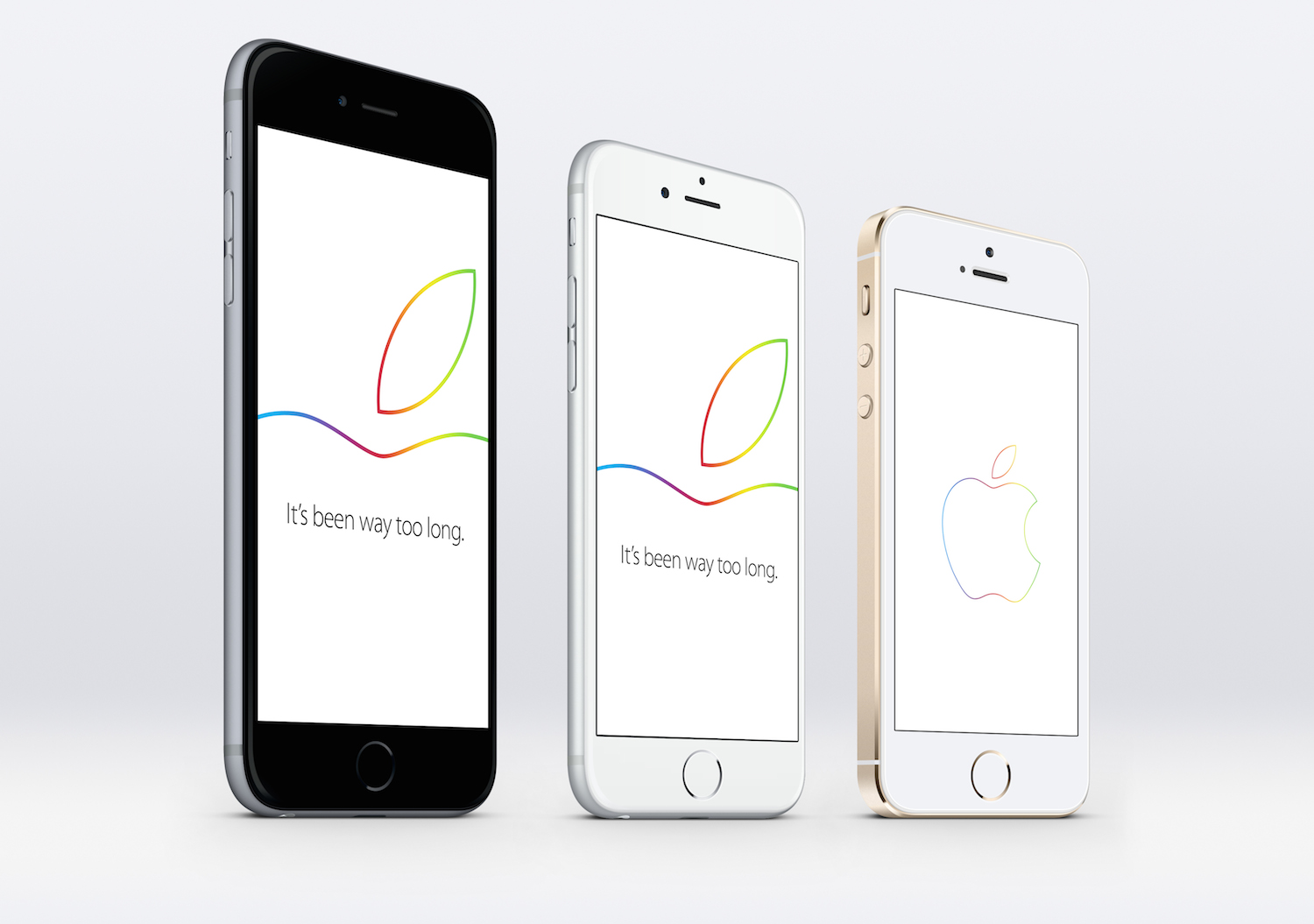
September 9 invites wallpapers: “wish we could say more”

Today, Apple sent out invitations to an event hosted on September 9, 2014 at 10:00AM PST. Per usual, there is a rush in the community to determine what Apple has hidden inside the graphic. The "Wish we could say more" line has lead many to speculate about enhanced Siri optimization or the ability to action iPhone through voice commands on a wearable device. Just yesterday, Re/code claimed the highly anticipated Apple wearable, dubbed "iWatch," should launch alongside the iPhone 6 at the upcoming event.

As with many recent Apple announcements, designers quickly put their skills to work, publishing wallpapers inspired by the invitation. Inside are a few wallpapers, for your favorite upcoming Apple event.

Incipio Lexington folio gives professional flare to your iPad Air

iPad Air cases abound, as is expected with any Apple product. Flooded markets of parts, pieces, cases, and accessories define the smart device realm. Incipio being a standard in the Apple accessory market is always quick to offer several solutions for all devices. Today, we take a closer look at the Lexington hard shell folio case. The Lexington is a rigid case that will keep you protected just about anywhere, but still look classy in the office. The rigid Plextonium back offers necessary support, but keeps things minimal and crisp.

The Incipio Focal case will turn your iPhone into a point-and-shoot camera

Despite smart devices replacing point-and-shoot cameras in the mainstream, there still seems to be many people confused by the transition to an app-based camera. Every time I am out and ask someone to take a picture of my wife and me, it seems to be a shot in the dark, so to speak. People always fumble around with the screen, trying to zoom, or change the flash, or even take the picture.

I run into people that push the software button to take the picture instead of using the volume button. Either way, there always seems to still be an unfamiliarity with the way an iPhone takes pictures. Unless you were born in 2007 when the iPhone launched, there is a transition from point-and-shoot cameras to the iPhone, and it continues to be a struggle for some.

In that light, Incipio developed an app and hardware combination bringing point-and-shoot characteristics to iPhone. Focal is a camera case providing easy snap picture taking. Dedicated shutter and zoom buttons prevent screen pecking while trying to setup the perfect shot.