Jeff Benjamin

Jeff has been with iDownloadBlog since 2010, acting as resident video specialist, and tutorial expert. He earned his degree in Computer Network Systems back in 2001, but decided Cisco routers and the like just weren’t for him. Since then, he’s been heavily involved with online writing. He’s written for numerous tech and video game sites since the late 1990′s, and has a knack for explaining things in a simple, clear, and concise manner. Jeff works primarily from the east coast on his Retina Macbook Pro, and shoots video with a Canon DSLR. During downtime he likes to travel the world, visiting the various Apple Stores across the globe. You can email him at jeff [at] idownloadblog.com and follow him on Twitter @JeffBenjam or on Google+.

Hands-on with CarPlay Activator, a very promising standalone CarPlay tweak

I've had the privilege of going hands-on with Adam Bell's upcoming CarPlay Activator tweak for standalone iOS devices like the iPad and the iPhone. As we reported a few week's ago, Bell, known for his work in the jailbreak community with tweaks like Stride, posted a video of an in-progress CarPlay port for the iPad. The thoughts of such a release immediately got my wheels turning, as I'm sure it has for many others. Watch our full 9 minute video walkthrough for a deeper look into what makes this upcoming CarPlay tweak so promising.

Auxo for iOS 8 is in the works

For those of you who are fans of Auxo, one of the most popular and well-regarded jailbreak tweaks of all time, you can now rest easy. Last night, the folks at a3tweaks confirmed that an Auxo update is in the works for the latest jailbreak releases. That means that, yes, you'll soon be able to enjoy the Auxo experience on iOS 8 and the iPhone 6 and iPhone 6 Plus' glorious screens. 

Let’s Talk Jailbreak 85: Giving up on television

Episode 85: iOS 8.1.2 is released. The future of jailbreaking. TaiG for OS X. Jeff laments about Dell's terrible customer support. Giving up on TV and buying a projector. Our experience with a new CarPlay tweak.

Subscribe via RSS

This episode has no sponsor, but you can always support Let’s Talk Jailbreak and iDB by downloading our OS X Yosemite Interactive User Guide in the iBooks Store.

How to jailbreak iOS 8.1.2 with TaiG 1.2

TaiG has released version 1.2 of its iOS 8 jailbreak tool, and it's now capable of jailbreaking iOS 8.1.2. As has been the norm with the past few jailbreak releases, this is a Windows only jailbreak tool. If you're running Windows, you can follow our step-by-step tutorial. If you're on a Mac, you can use our virtual machine tutorial to run Windows on OS X and jailbreak.

TaiG updated with support to jailbreak iOS 8.1.2

As expected, TaiG has been updated to support the iOS 8.1.2 firmware. A few prominent developers sent tweets out earlier today stating as much, but now we have the proof in the form of an official release. You can find the updated TaiG jailbreak tool on our downloads page.

The iOS 8.1.2 update shouldn’t affect the TaiG jailbreak

According to several reliable sources within the jailbreak community, it looks like the TaiG jailbreak will remain working after the iOS 8.1.2 update. Although the TaiG tool will need to be updated to include iOS 8.1.2 support, it shouldn't take any new exploits or re-enginering on the developer end to include support for iOS 8.1.2.

LockGlyph updates result in a significantly better Lock screen tweak

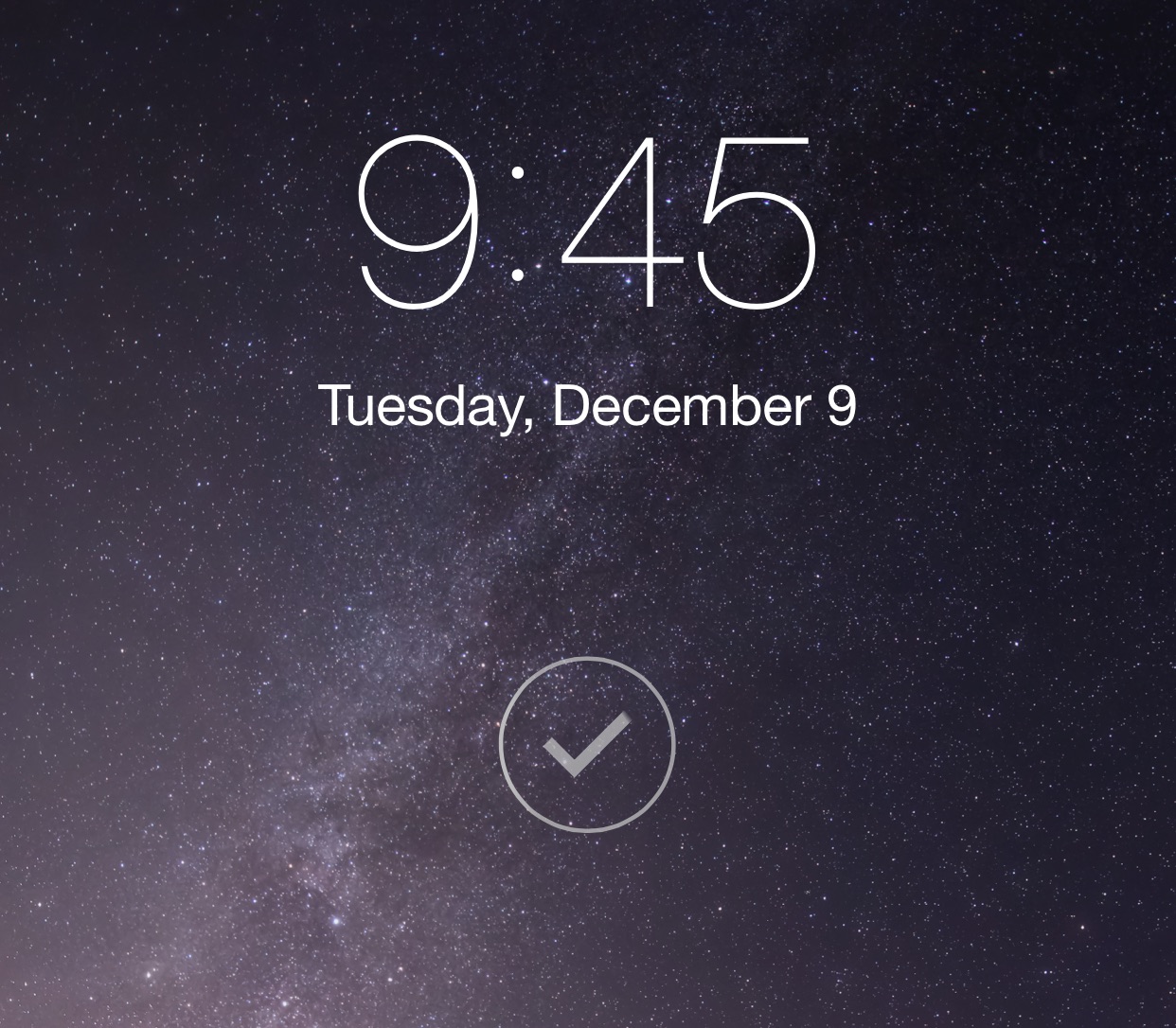
LockGlyph, a tweak that we reviewed last month, was met with a ho-hum response due to some of its shortcomings. It's a tweak that brings the Apple Pay authentication animation and sound to the Lock screen. It was slow, a little clunky, and lacked many of the customization options necessary to make it great. However, some recent updates have quickly changed the perception of this jailbreak tweak.

Let’s Talk iOS 059: Entering hypocrite territory

Episode 59: A talk about our experience using Firefox. The ethics of using a family member's cable login. A discussion of our favorite food apps. Why we've given up on using third-party keyboards. The rumored 4 inch iPhone. Fitting an iPhone 6 Plus in a jeans pocket. Reading iTunes reviews of the podcast. Three crazy-awesome jokes.

Subscribe on iTunes

Sponsor: ICONIC — A Photographic Tribute to Apple Innovation takes you on a tour of the most visually stunning and important products produced by the world's most innovative company — Apple. For 10% off your purchase, use the offer code iOS at checkout.

How to change the iPhone 6 Reachability background color

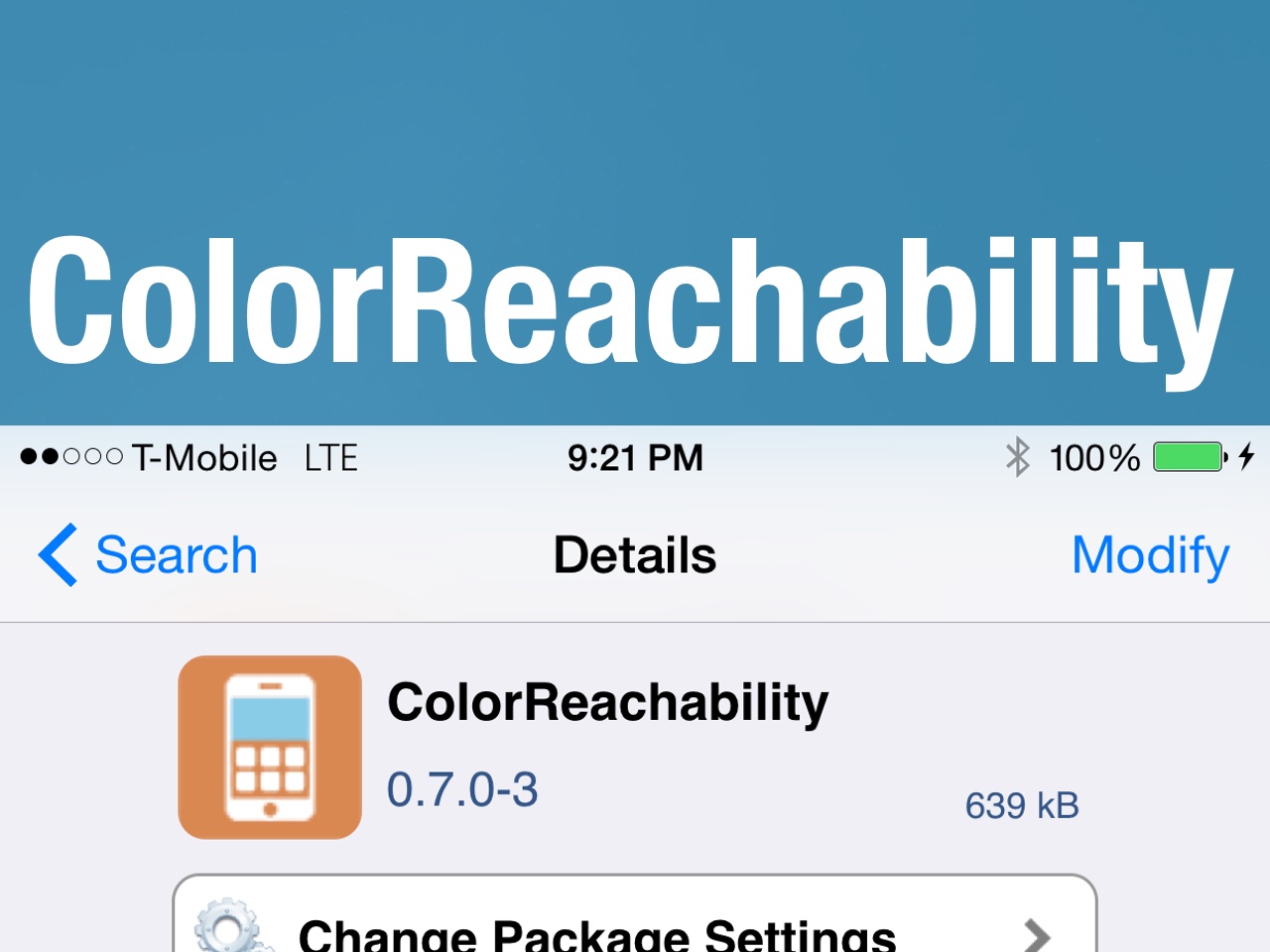
ColorReachability is a recently released jailbreak tweak that allows iPhone 6 users to switch up the color of their Reachablity background. Reachability, as you've no doubt heard, allows users of large screen devices like the iPhone 6 and 6 Plus to shift down the iOS interface so that it can be efficiently used with one hand. If you find Reachability's look to be too boring and pedestrian, ColorReachability can go a long way towards changing that.

Apple Watch UI tweak ‘Aeternum’ receives a huge update

Aeternum, arguably the best Apple Watch UI jailbreak tweak available on Cydia, received a massive update today. The update brings lots of fixes and several notable new features to the table. If you purchased Aeternum the past, but felt it wasn't ready for prime time, you may want to check it out again now that it's received its notable 1.0.2.3 update.

Switchability: an upcoming tweak that combines Reachability, the App Switcher, and Safari’s 3D tab view

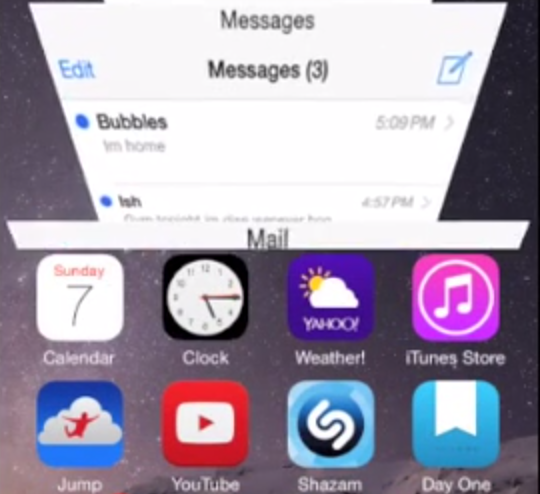
A new upcoming jailbreak tweak promises to combine multiple iOS features into a cool new app switching interface called Switchability. The tweak, which is previewed inside on video, combines the iPhone 6 and 6 Plus' Reachability mode along with the App Switcher and Safari's 3D tab view. The result of such a combination may seem like it would be a mess, but after seeing it demonstrated in the preview video, I think it might just work.