Jeff Benjamin

Jeff has been with iDownloadBlog since 2010, acting as resident video specialist, and tutorial expert. He earned his degree in Computer Network Systems back in 2001, but decided Cisco routers and the like just weren’t for him. Since then, he’s been heavily involved with online writing. He’s written for numerous tech and video game sites since the late 1990′s, and has a knack for explaining things in a simple, clear, and concise manner. Jeff works primarily from the east coast on his Retina Macbook Pro, and shoots video with a Canon DSLR. During downtime he likes to travel the world, visiting the various Apple Stores across the globe. You can email him at jeff [at] idownloadblog.com and follow him on Twitter @JeffBenjam or on Google+.

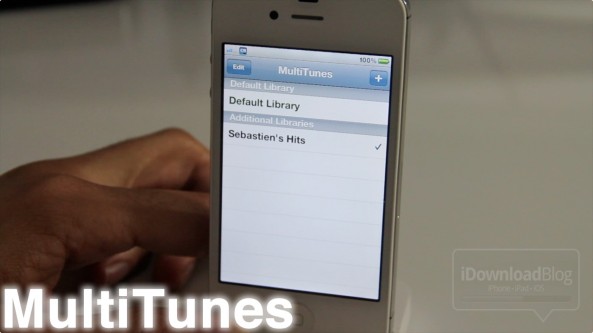
How to sync multiple iTunes libraries with your iPhone

Whenever I hear of a jailbreak app that somehow alters the iTunes syncing experience, a red flag goes up. I guess it was one bad experience I had when I was new to jailbreaking a few years ago that keeps me on guard whenever anything wants to touch my music.

Needless to say, I downloaded MultiTunes and decided to give it a try anyway. What I found was an awesome tweak that works just as advertised. With MultiTunes, you can sync multiple iTunes libraries on your iPhone with ease...

‘Screen Swipe Sounds’ adds sound effects when swiping between pages

It's sure to be a battery drainer, but for those looking for sound effects while swiping between screens, Screen Swipe Sounds is an interesting solution.

For $0.99, the developer has provided over a dozen sounds and the ability to enable vibration when swiping between pages on your iDevice.

The only downside (besides the obvious battery issue) is that the sound selection is quite abysmal. Listen in on our hands-on video inside...

How to launch Siri from Notification Center

Since just about everything else can be launched or accessed from Notification Center, wouldn't it be nice if you could invoke Siri directly from there as well?

With the help of a jailbreak tweak entitled SiriLaunch, now that's possible. SiriLaunch places a little Siri icon shortcut in the bottom left-hand corner of your Notification Center panel for easy access to your personal assistant...

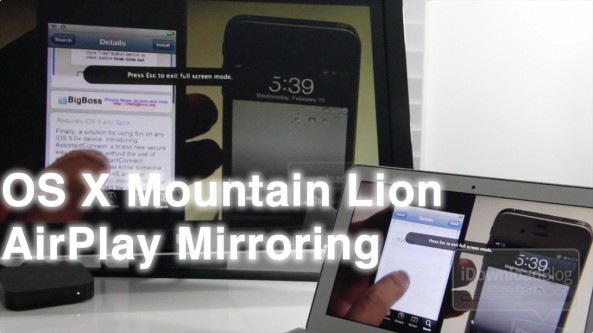
OS X Mountain Lion AirPlay Mirroring hands on

So I finally got some time to take OS X Mountain Lion's new AirPlay Mirroring functionality for a spin, and what I found was just what you would expect.

AirPlay Mirroring is a fairly seamless affair for Apple TV owners, and it works remarkably well — even in its current beta form.

Check out our hands-on experience with OS X Mountain Lion's AirPlay Mirroring on video inside...

OS X Mountain Lion borrows heavily from iOS

Today Apple took the wraps off of OS X Mountain Lion (I know, we should have saw that one coming) and continuing with the movement started with its predecessor, OS X Lion, it borrows heavily from iOS.

In fact, you could say that OS X Lion's iOS implants were rather mild compared to what Mountain Lion plans to offer. Apple is obviously serious about completely combining the best elements of iOS directly into its desktop operating system, and no where is this more evident than with Mountain Lion.

Like times past, Apple has released a video teaser outlining various components of their upcoming OS X update. You're already aware of one of them — iMessage — but what are the others?

Apple releases public iMessage beta for OS X

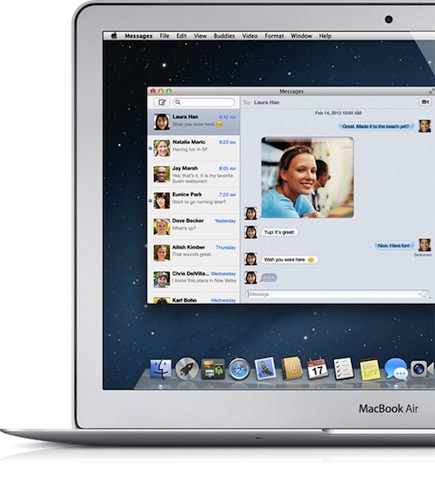
Want to get your hands on the new iMessage beta — the iChat replacement that's coming with OS X Mountain Lion this summer? If so, you can do so now, as Apple has posted a public beta download for all to enjoy.

iMessage was one of the prominent features of iOS 5, and it allows users to chat across multiple devices using the same interface that's used for SMS messages.

The beauty about iMessage is that it's basically just an IM client, which means you incur no SMS fees. Now with this latest update, you can start and/or finish conversations on your desktop or laptop...

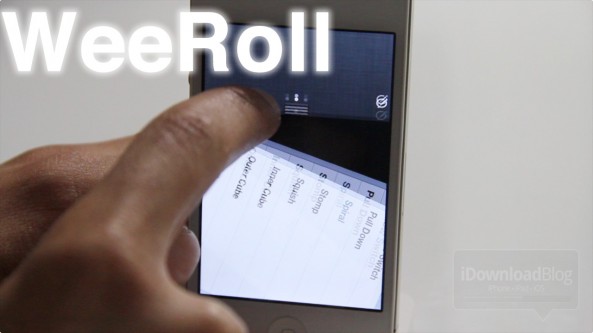
‘WeeRoll’ will add over a dozen animations to Notification Center

WeeRoll is an unreleased jailbreak tweak that lends the ability to add over a dozen animations to iOS 5's Notification Center.

It's very similar to the Flowtation tweak we covered a while back, except that there's a lot more animation options bundled with WeeRoll.

I asked the developer why his tweak had so many animations, and he replied: "That's just how WeeRoll". Okay, I admit that was bad, really bad.

To make up for it, enjoy this special video preview of WeeRoll in action...

How to get Siri working on older devices the easy way, no proxy required

Ladies and gentlemen, this is by far the easiest way to get Siri running on your older devices like the iPhone 4, or iPod touch G4, and it requires no proxy server or meticulous setup.

As long as you have a generous friend that's willing to send you a file from their jailbroken iPhone 4S, you can have Siri running on an older device in just a few minutes.

Inside, we'll walk you through how to use AssistantConnect and AssistantConnect4S on video. It's extremely simple, just follow this brief tutorial...

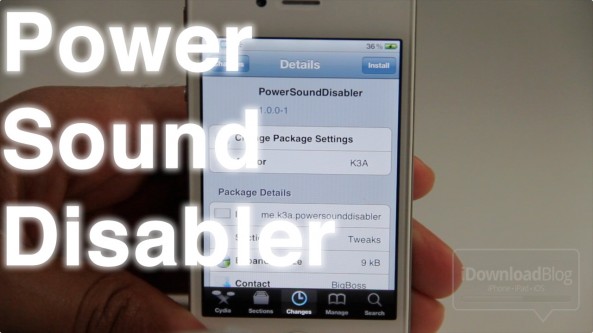
‘PowerSoundDisabler’ disables your iPhone’s charge alerts

Don't you hate it when it's late at night, and you forget to turn on silent mode before plugging your iPhone in to charge? The audible alert that results seems loud enough to wake up the whole residence!

Sadly there's no native way to totally disable the charging alerts, but don't fret, the jailbreak community has your back.

PowerSoundDisabler is a jailbreak tweak that disables the charging sound and vibration notification whenever you plug your iPhone or other iOS device into a power source.