Jeff Benjamin

Jeff has been with iDownloadBlog since 2010, acting as resident video specialist, and tutorial expert. He earned his degree in Computer Network Systems back in 2001, but decided Cisco routers and the like just weren’t for him. Since then, he’s been heavily involved with online writing. He’s written for numerous tech and video game sites since the late 1990′s, and has a knack for explaining things in a simple, clear, and concise manner. Jeff works primarily from the east coast on his Retina Macbook Pro, and shoots video with a Canon DSLR. During downtime he likes to travel the world, visiting the various Apple Stores across the globe. You can email him at jeff [at] idownloadblog.com and follow him on Twitter @JeffBenjam or on Google+.

A new app switching concept from the designer of Auxo

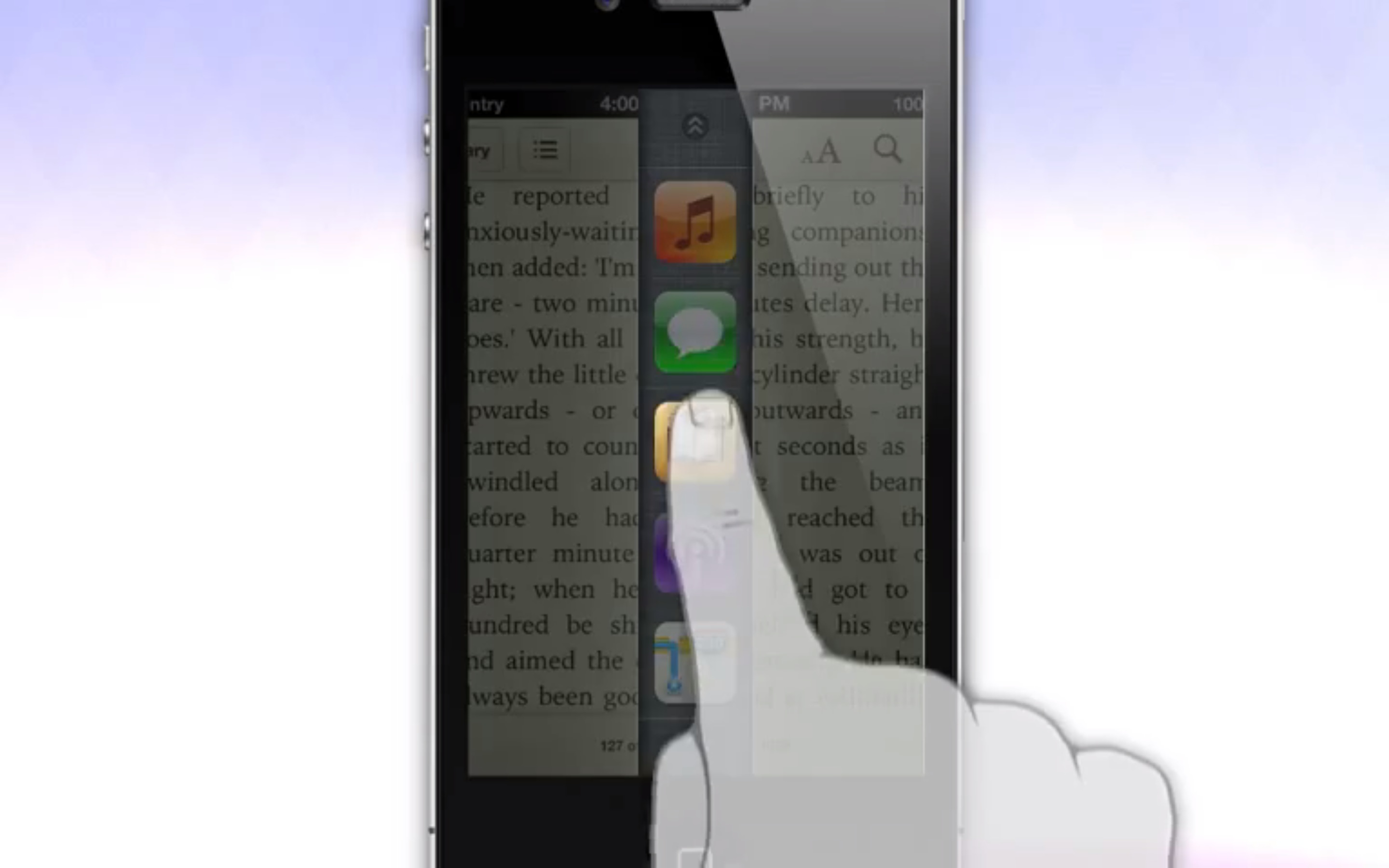
Looking for a different take on app switching? If so, then look no further than this new app switching concept from @Sentry — the designer behind the highly popular Auxo tweak. The currently unnamed concept allows iPhone users to swipe from the bottom of the page, splitting the page in two. The split reveals a column of strategically placed app icons that can be used to quickly switch between apps.

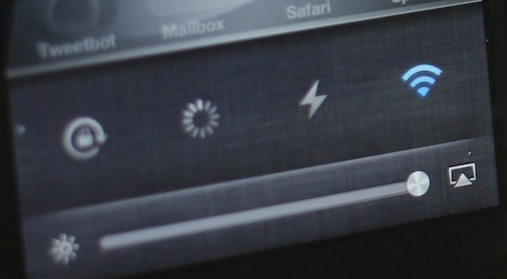
Swiping on the column reveals toggles and volume and brightness sliders. Since it doesn't have a name just yet, I'll just refer to it tentatively as AppUnzipper. That's a good name, don't you think? I mean, it basically looks like you're unzipping the currently running app to access an app switcher beneath.

6 ways to get more out of Auxo

It's no secret that the Auxo jailbreak tweak is one of my favorite jailbreak tweaks of all time. It's a tweak that adds a full snapshot preview of your running apps in the app switcher. It also includes handy toggles and redesigned music controls.

Now the question stands to be asked: how do you go about getting the most out of Auxo? Inside I'll share some handy tips that show you how to become an Auxo pro.

The best iPhone jailbreak tweaks for iOS 6

Since its inception in 2007, the iPhone has singlehandedly revolutionized an industry, and simultaneously created a whole new ecosystem that is thriving. Each iteration of iPhone OS, or iOS as it is now called, has produced more stable devices with better features and needed enhancements.

That all being said, many feel that iOS hasn't progressed as rapidly as it should be progressing. Even though Apple made major strides with iOS 5 as far as wanted features were concerned, many feel that it's not enough. Though, in my opinion, and in the opinion of many others, the iPhone and iOS can stand on its own two feet, there's no denying that some things could be better.

That's where jailbreaking comes in. Yes a lot of people jailbreak because they just want to tinker around with their device, some *gasp* jailbreak to steal the apps that many hardworking individuals put precious time into to bring to fruition, but many jailbreak simply because it can improve the iPhone experience. That's the reason I jailbreak. In the never ending quest to create the perfect iPhone, I'm continuously on the lookout for new jailbreak tweaks and apps.

At this point, I think it's safe to say that I have a pretty good grasp on what's out there. With that in mind, I've compiled a definitive list of jailbreak tweaks that I believe create the perfect iPhone experience. Granted, as time goes on, some of these tweaks will undoubtedly become obsolete, or they may be replaced with apps or tweaks that do a better job. But at this point, I believe that the following 15 jailbreak tweaks create an iPhone experience that's next to perfect. These are some of the best iPhone jailbreak tweaks for iOS 6. 
Use 3G Unrestrictor to enable streaming over cellular in Tweetbot

Tweetbot, my favorite Twitter client by a country mile, takes well advantage of Twitter's streaming API for instant timeline updates with no manual refresh. It works very well, but unfortunately Tweetbot requires you to be connected to Wi-Fi in order to use the feature. What to do now? Fake a Wi-Fi connection, of course!

3G Unrestrictor has many uses, and one such use is to enable Twitter streaming in Tweetbot over a cellular connection. Check out our brief video inside.

Real Racing 3 hands-on

http://www.youtube.com/watch?v=23YkqG0lG98

EA surprised us and dropped the Firemonkeys developed Real Racing 3 a few weeks earlier than its scheduled release in some territories. We were fortunate enough to be able to go hands-on with the highly anticipated sequel to iOS' darling racing game franchise.

While we're just beginning to progress through the game, some things were readily apparent. Yes, Real Racing 3 is a so-called freemium game, and EA is hoping that you will open your wallets as you make speedy progress through the game. We also found that the "online" experience is heavily watered down. In fact, I'd hesitate to actually call it online at all, as it's actually more of an asynchronous affair, which pits you against your friend's "ghost" racers instead.

Although the freemium aspect and the lack of true realtime head-to-head play may disappoint, the game tries to make up for it with its stunning visuals. This is hands-down the best looking iOS game I've ever seen or played. It's just an absolute visual overdose. The game looks wonderful on the iPad mini, and the iPhone 4, but to really appreciate its beauty, fire it up on a Retina enabled full-sized iPad. Trust me when I say this, you'll be picking your jaw up off the floor.

How to jailbreak iOS 6.1 (5.2) on the Apple TV 2

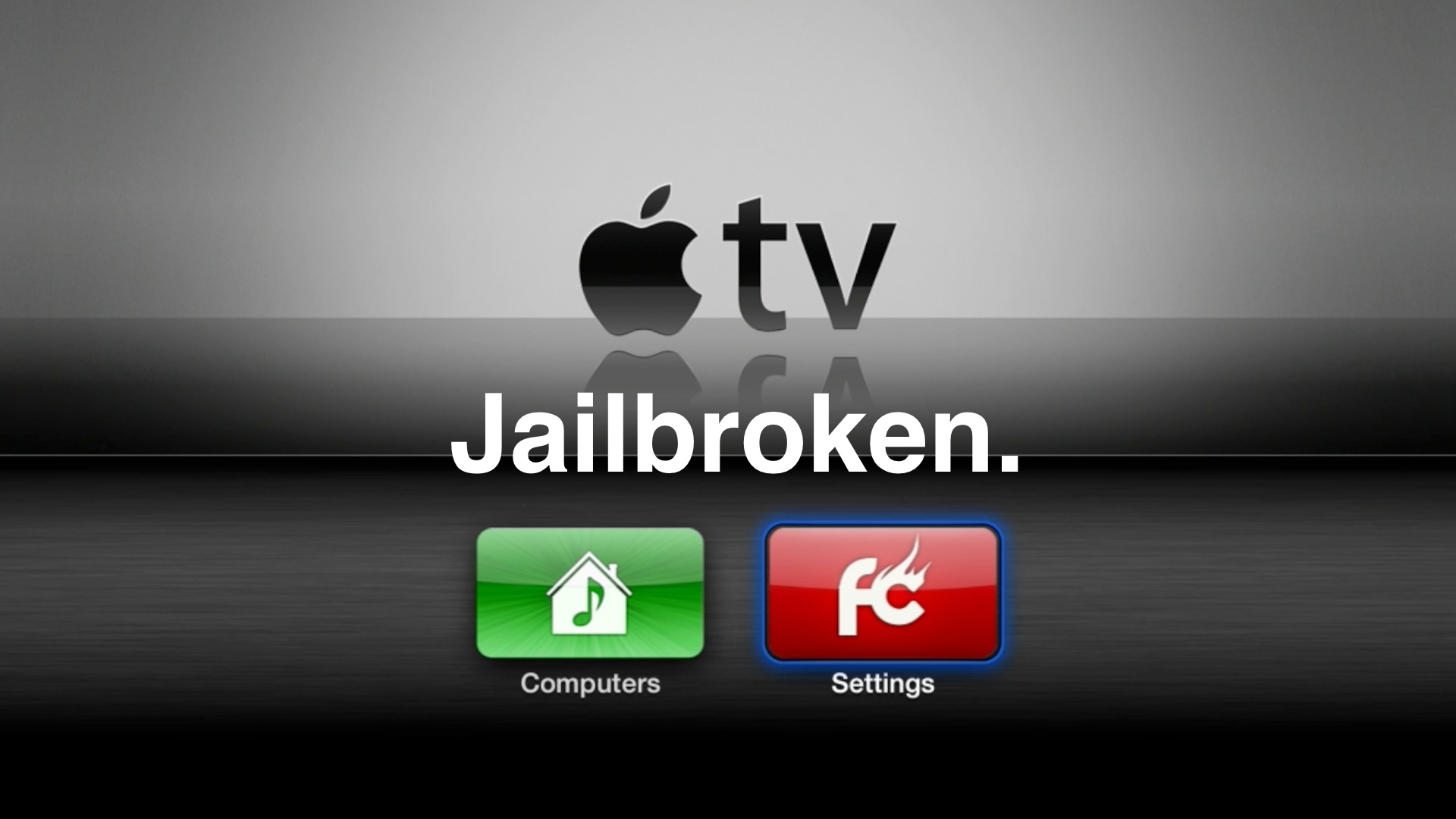
A little over a week after the evasi0n jailbreak tool for iOS 6 devices initially dropped, the hardworking folks over at FireCore have finally provided us with a tool to do likewise for our Apple TV 2's.

The big upgrade this time around regarding the Apple TV's latest firmware, is Bluetooth keyboard support. It, along with a few additional minor features certainly makes it worth upgrading to the latest and greatest. Thanks to the Seas0nPass update released yesterday, you can now enjoy those new features along with an untethered jailbreak. Take a look past the break as we show you how to jailbreak the Apple TV running iOS 6.1...

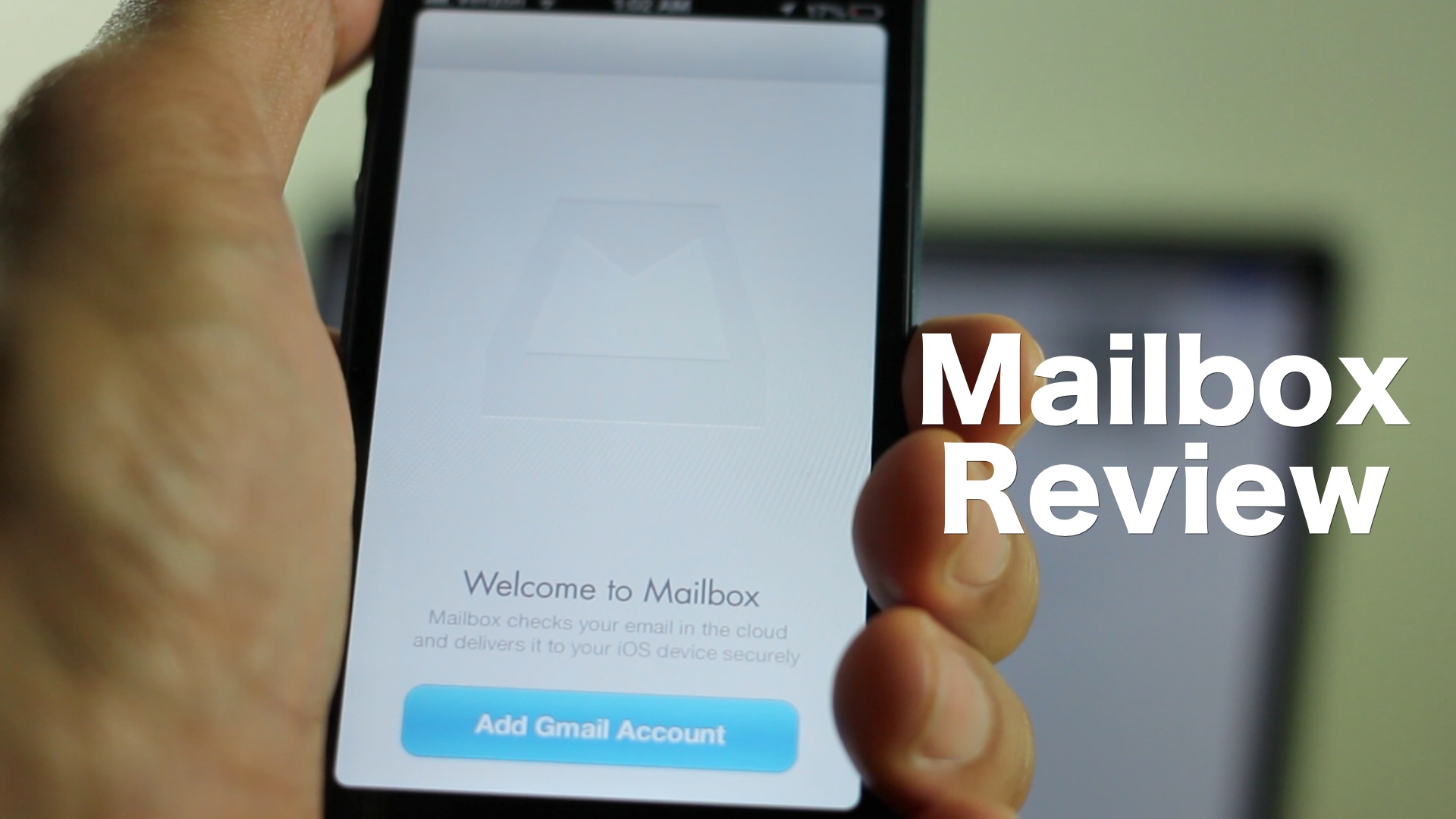
Mailbox review: an email app that thinks different

Email on iOS is a mess, or that's at least what many app developers with the next big thing want us to believe. For me, it's not just that email is a mess on iOS, it's that email is a mess in general, regardless of the platform.

My philosophy has always been to just manage the email situation well enough, so that I'm not overtaken by its voracious appetite for more of my time. I've never been a so-called "inbox zero" ninja, and never really thought I was capable of doing so...until now.

Indeed, I was fortunate enough to get in a bit early on the Mailbox waiting list. The question is, if you're still waiting, is your pining over access to the app warranted, or will your wait turn into fermented disappointment? Full review, inside.

3 steps to protect your iOS 6 jailbreak

When you consider the amount of hard work that went into providing the public with an iOS 6 jailbreak, and how long it took for that solution to come to fruition, protecting the jailbreak is of paramount concern. Recently BigBoss added a section to each page of its highly visible repo addressing the concern, that's how important it is.

There are some basic fundamental steps that you should take for the sake of preserving your device's iOS 6 jailbreak. That's simply because, as you know, you never know how long it will take for the next jailbreak to come around. Once Apple inevitably addresses the exploits used in the evasi0n untethered jailbreak, chances are we'll have to wait deep into iOS 7's lifecycle before we get another jailbreak, if we do at all.

So again, it's of real concern for those of you who love your jailbroken device, to read the following 3 tips and strategies, and implement them.

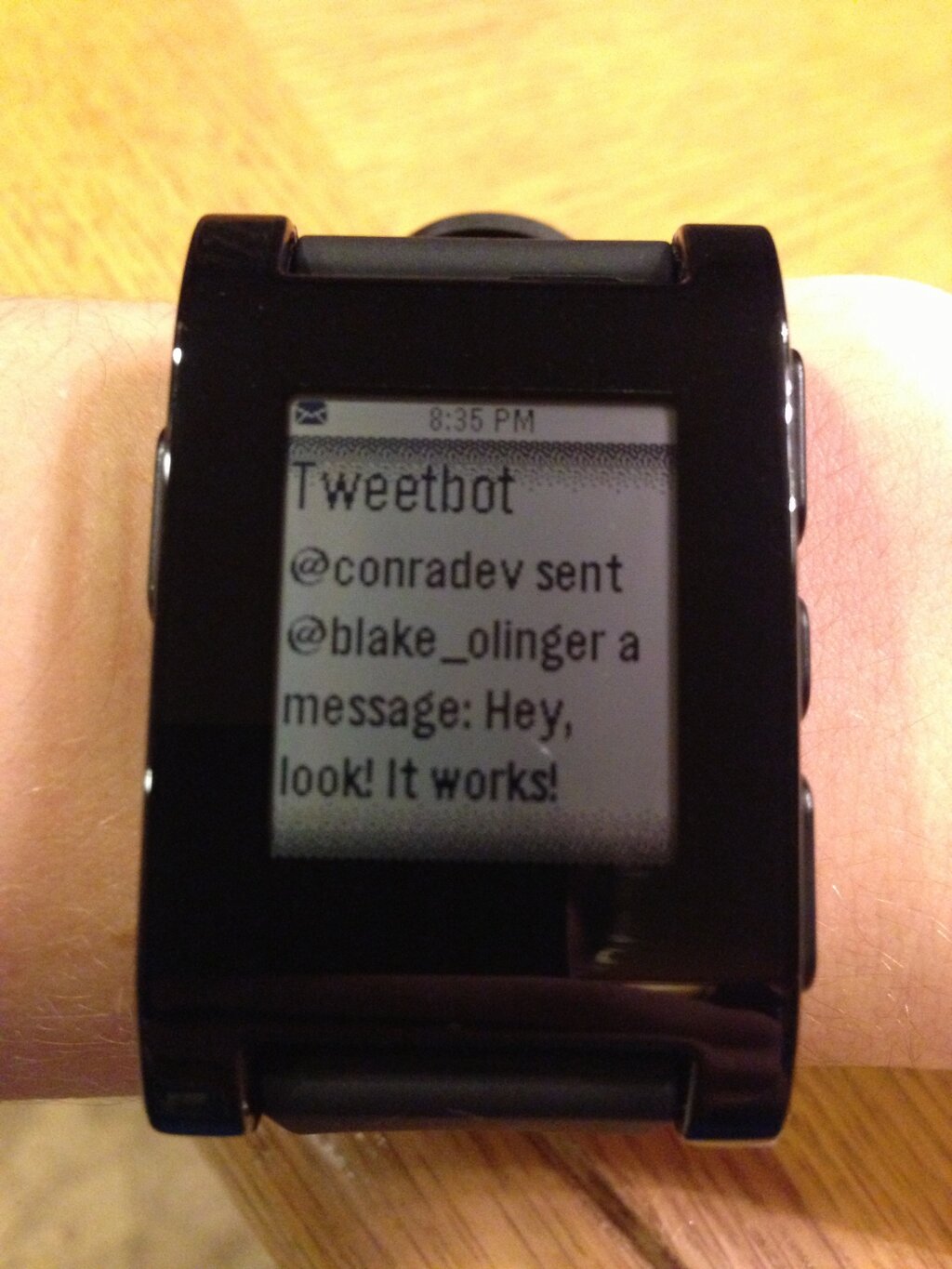
New tweak allows all Notification Center notifications to be sent to Pebble watch

A new jailbreak tweak has recently surfaced that will be of surefire interest to Pebble watch owners. The tweak is called BTNotificationEnabler, and it's created by Conrad Kramer, the same developer behind tweaks such as Graviboard, Gesturizer, etc.

The description for BTNotificationEnabler promises that you'll never miss a notification again. That's thanks, largely in part to its ability to send all Notification Center notifications to a Bluetooth device. The Pebble watch, obviously, is one of the first things that comes to mind. A jailbroken iPhone running iOS 6, mated with a Pebble watch just got a whole lot more interesting.

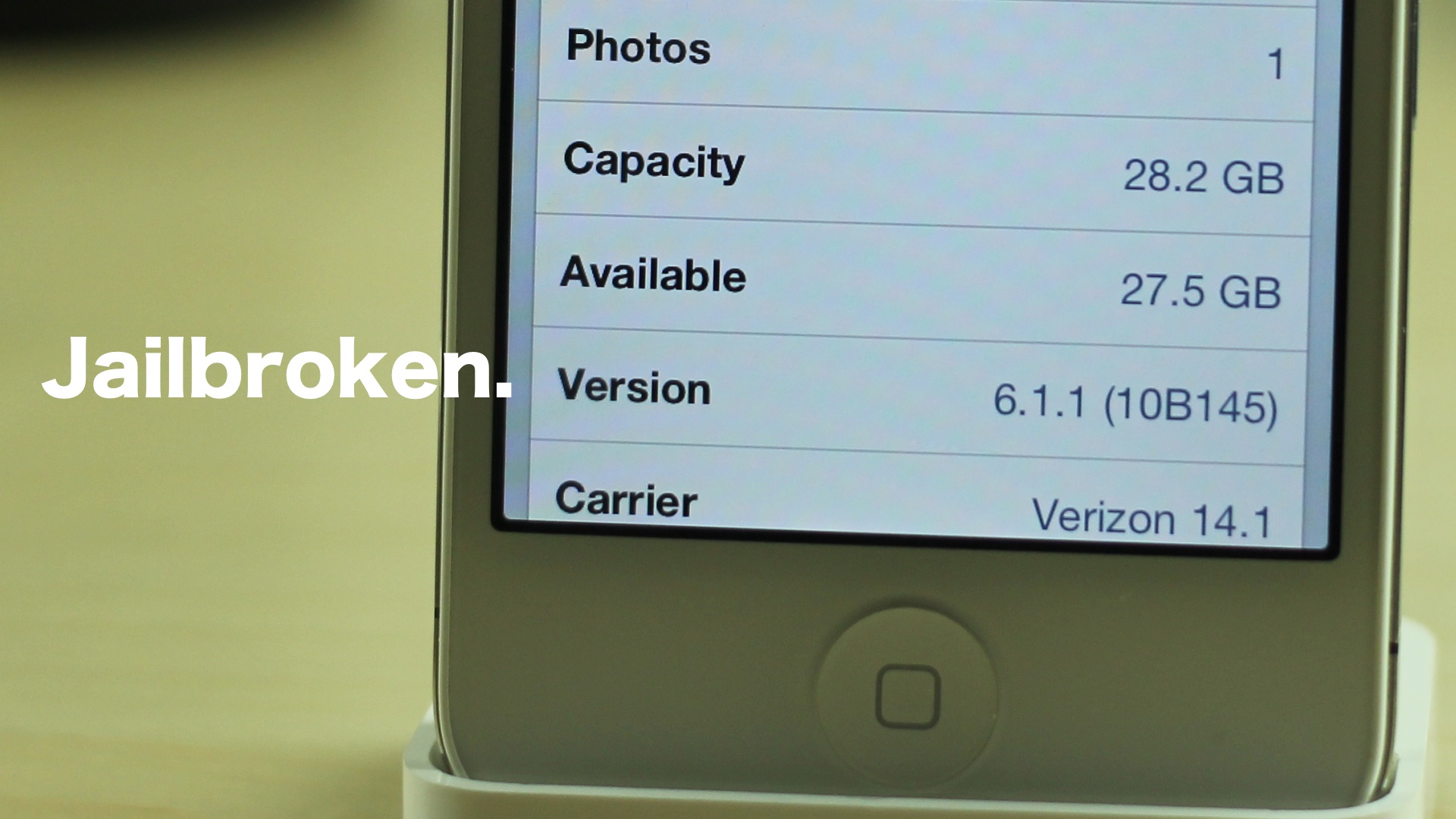
How to jailbreak iOS 6.1.1 with evasi0n

To the surprise of many of us, Apple released iOS 6.1.1 today for the iPhone 4S. Fortunately, @planetbeing has reiterated the fact that the evasi0n untethered jailbreak works with iOS 6.1.1 perfectly fine.

Living up to that promise, the evad3rs just a few moments ago, released their update to evasi0n with iOS 6.1.1 support in tow. We have tested out the jailbreak for ourselves, and can confirm that the process is exactly like the previous jailbreak process, except it now works for iOS 6.1.1.

If you feel like doing so, it is now okay to go ahead an update to iOS 6.1.1, and re-jailbreak your iPhone 4S with the latest version of evasi0n. One thing that must be kept in mind, however, is that the iOS 6.1.1 update will most likely update your iPhone 4S' baseband. So, if you're relying on some sort of unlock like UltraSn0w, it's advisable that you hold off for the time being. Those of you who are factory unlocked won't have a problem.

Check inside for the full tutorial and video walkthrough.

Pages+ now available on Cydia

http://www.youtube.com/watch?v=BHdWGtzPIng

Prior to all the kerfuffle surrounding the iOS 6 jailbreak release, we previewed a jailbreak tweak called Pages+. This tweak allows you to enable custom wallpaper backgrounds for each page on your Home screen, and it even works with Aaron Ash's popular Barrel tweak.

Needless to say, we were pretty excited to preview Pages+, and we're happy to report that it's now available for download on Cydia. If you want to take it for a spin both figuratively, and literally, then head over to Cydia and download it today. Pages+ can be had for $1.99 via the ModMyi repo. Be sure to let us know what you think about it in the comments section.

evasi0n iOS 6 untethered jailbreak released

Ladies and gentlemen, boys and girls, it’s finally here. After much anticipation, the hard working team of hackers that make up the evad3rs have released their iOS 6 untethered jailbreak tool to the public. The tool is called evasi0n, and it will let you jailbreak your iPhones, iPads, and iPod touches, on Mac, Windows, and Linux.

Evasi0n is an untethered jailbreak, and it works on every iOS device capable of running iOS 6, with the exception of the Apple TVs. That means that you can now jailbreak the iPhone 5, the iPad mini, the iPad 4, the iPad 4, iPad 3, the iPhone 4S, and various other iOS devices with evasi0n. Check inside for more information along with the download link.