Jeff Benjamin

Jeff has been with iDownloadBlog since 2010, acting as resident video specialist, and tutorial expert. He earned his degree in Computer Network Systems back in 2001, but decided Cisco routers and the like just weren’t for him. Since then, he’s been heavily involved with online writing. He’s written for numerous tech and video game sites since the late 1990′s, and has a knack for explaining things in a simple, clear, and concise manner. Jeff works primarily from the east coast on his Retina Macbook Pro, and shoots video with a Canon DSLR. During downtime he likes to travel the world, visiting the various Apple Stores across the globe. You can email him at jeff [at] idownloadblog.com and follow him on Twitter @JeffBenjam or on Google+.

‘Cybernetic’ brings new options to banner notifications

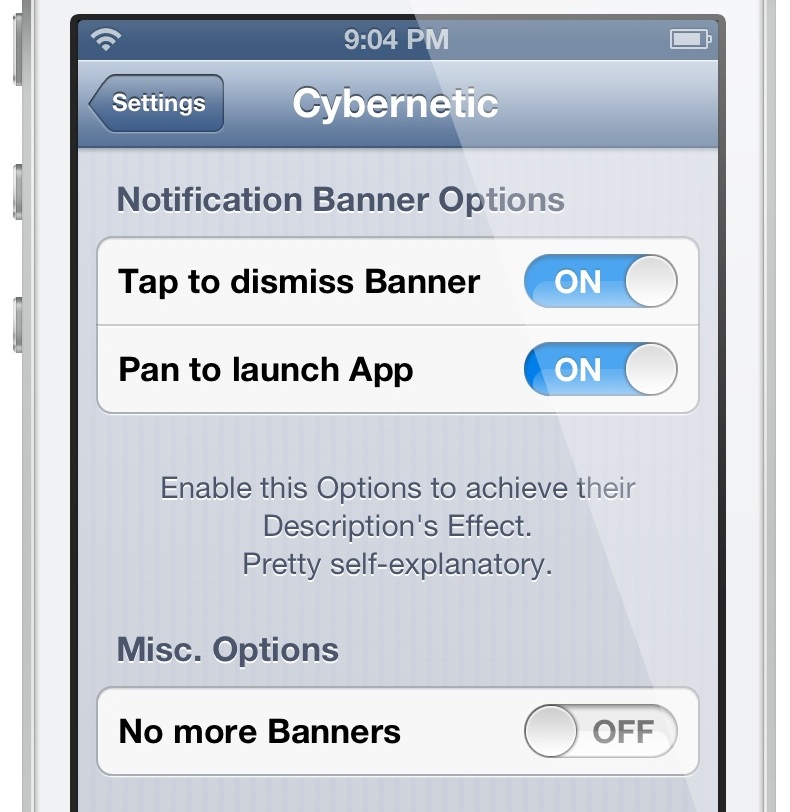
Cybernetic is a recently released jailbreak tweak that allows you to alter the way banner notifications work. For instance, if you tap on a banner, you can make the banner dismiss instead of opening the app associated with the notification.

If you're looking to change some of the options when it comes to banner notifications, then look no further than Cybernetic. Check inside for our hands-on video walkthrough.

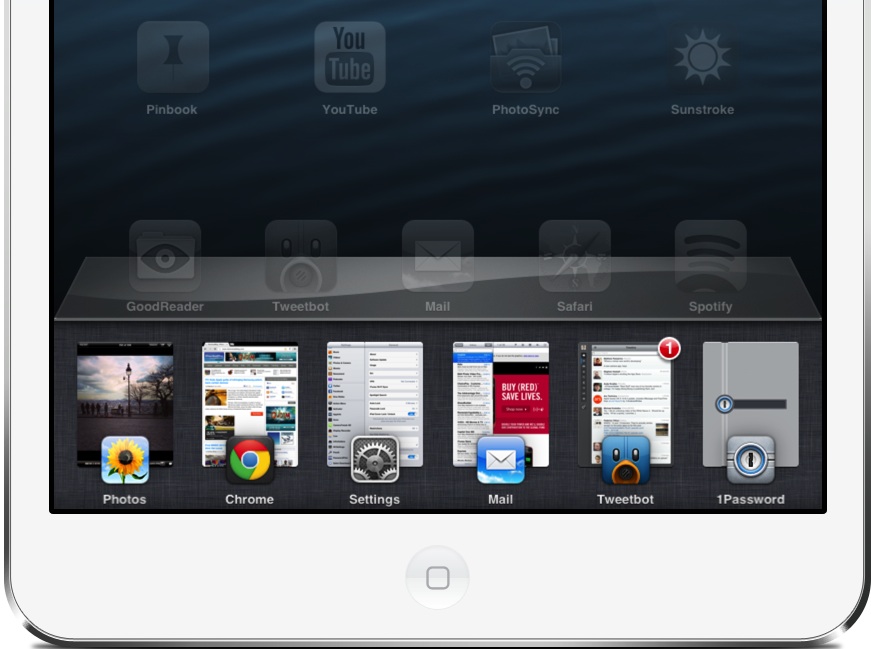
Auxo for iPad review

I've been covering jailbreak tweaks for a long time, and I've seen quite a few big releases in my time doing so. Tweaks like Octopus Keyboard, IntelliScreen X, Dashboard X, and most recently, Velox, come to mind.

But perhaps no tweak has been as anticipated this year as Auxo for iPad has. It is, of course, the big brother to the original Auxo tweak for the iPhone, which has proved to be extremely popular, and just as successful.

Needless to say, Auxo for iPad has some fairly big shoes to fill, and even bigger expectations. We all know how Auxo looks and feels on the small screen, but the question is this: can such a tweak be successfully translated to the iPad's significantly larger screen? More importantly, will it provide users with a better overall experience when using their devices? Check out our full review inside, as I break down the ins and outs of this long anticipated jailbreak release.

Preview: Auxo for iPad

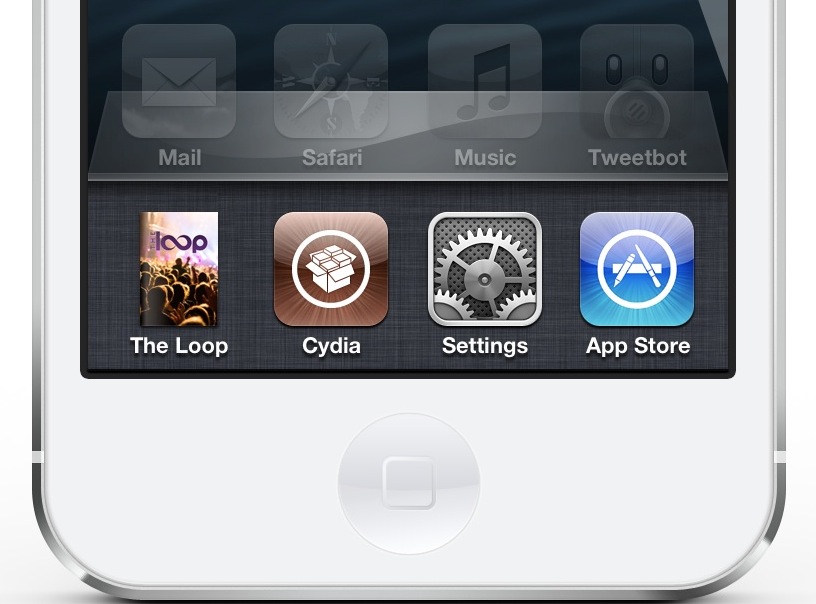
In just two days, one of the most anticipated jailbreak tweaks to ever hit the iPad will touch down. Obviously I'm referring to Auxo for iPad, the jailbreak tweak that will finally reinvigorate the iOS app switcher on the larger screen.

Auxo for iPad has taken a long time to arrive, because it has been meticulously built and designed. Instead of simply porting a rough version of the tweak to the iPad, the team behind the popular iPhone release decided to take their time and get it right. Did they accomplish their goal? You'll have to wait until our review on Thursday for the answer to that. In the meantime, check out our hands-on preview teaser video of Auxo running on the iPad.

Let’s Talk Jailbreak 13: Something got pushed down to eleven

This week, Jeff and Sebastien discuss WWDC, upcoming changes to iOS, and potential hardware announcements. They also talk about the possibility of iOS becoming increasingly open to developers. As always, the pair discusses this week's jailbreak tweaks, including AltKeyboard, Activator, MiniPlayer 2.3, Auxo for iPad, and more. Also, don't miss their discussion of the latest SemiRestore beta.

Flipswitch: a new centralized toggle system for iOS

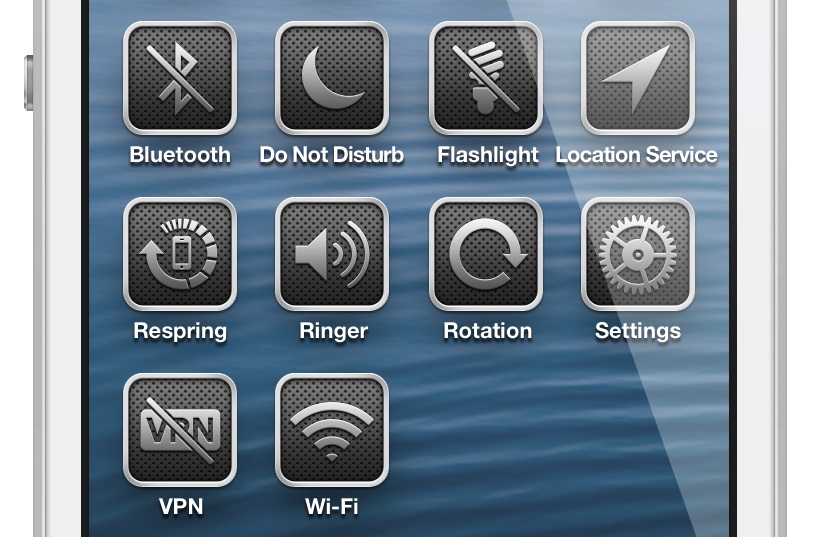
We've covered hundreds if not thousands of jailbreak apps, tweaks, and themes over the years, and many of them contain some form of toggle to enable and disable functionality on device. Wouldn't it be great if there was a centralized means of providing toggles, instead of each developer wasting resources to come up with their own? Having a centralized toggle framework would also ensure that functionality remains more or less the same amongst the variety of different apps and tweaks.

That's where Flipswitch — a new centralized toggle system for iOS — steps in to save the day. A collaboration between developers Ryan Petrich and Jack Willis, Flipswitch is a generalized toggle framework that's ready to go out of the box. This is a new tool that will make it easy for developers to implement toggles into their apps and tweaks with very few lines of code.

Take a look inside as I talk about FlipSwitch, and showcase its sample tweak — Switchicons — in our video walkthrough...

How to add a translucent status bar to Safari

Have you ever wished for the ability to see through Safari's status bar while browsing your favorite websites on your iPhone? If so, then TranslucentStatusBar for Safari might be right up your alley. It's a tweak that forces the status bar to be translucent while using the stock Mobile Safari app. Check inside for a video walkthrough of the tweak in action.

New Activator beta adds new flick icon gestures and more

Activator has been around for a long time, and it's safe to say that it's a staple jailbreak app, and probably a little bit under appreciated. While new fangled tweaks seem to get all the shine, Activator, the gesture plumbing that many jailbreak tweaks rely on, keeps on trucking along.

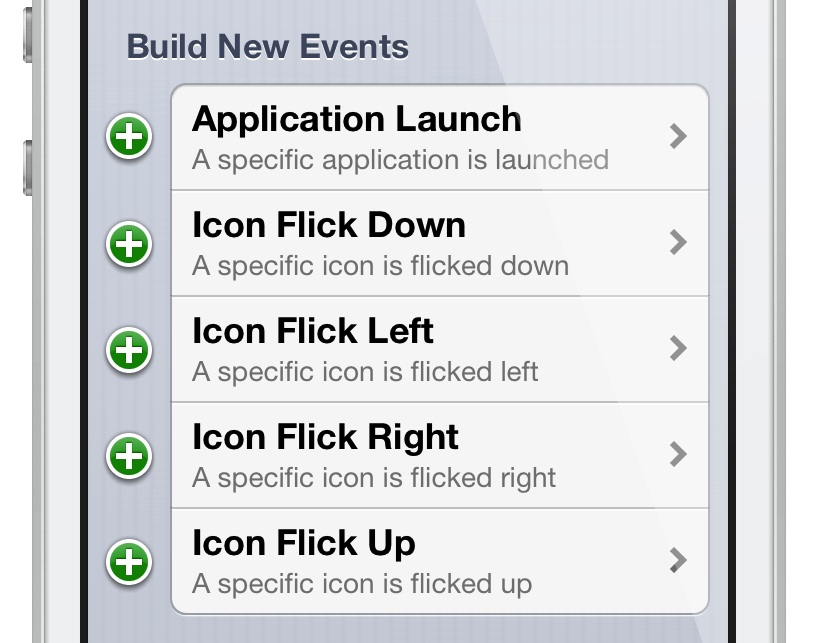
Since the initial 1.7.5 beta release at the beginning of May, Activator has been on the receiving end of a significant overhaul of its structure and inner workings. Perhaps the most exciting of all of the updates happened yesterday, with 1.7.5 beta 6. This new release adds support for per-app launch gestures and icon flick gesture. Think Velox.

In other words, Activator just got a lot more power under the hood, and it'll be interesting to see what developers and users like you, do with it all. Take a look inside as I dissect these two new features and showcase how they can be used.

MiniPlayer 2.3 adds new ‘Play Next’ and share features

In case you haven't noticed, I'm quite fond of MiniPlayer. It's an app that started off a little homely looking, but has transformed itself into one of the better jailbreak tweaks that you'll find on iOS.

The dynamic duo behind the tweak — Surenix and MPow — have been obsessively refining MiniPlayer over the last few weeks; so much so that I'm beginning to worry about them a bit. Guys, it's really okay if you want to take a break. Remember, deep breathes.

At any rate, the end users have reaped the benefit of the development team's obsessive level of detail and thought. I once said that MiniPlayer 2.2 was the defining moment of the tweak, but let me restate that, MiniPlayer 2.3 is the defining moment of the tweak. That is, of course, until MiniPlayer 2.4 appears with lasers and its own built-in coffee bean grinder.

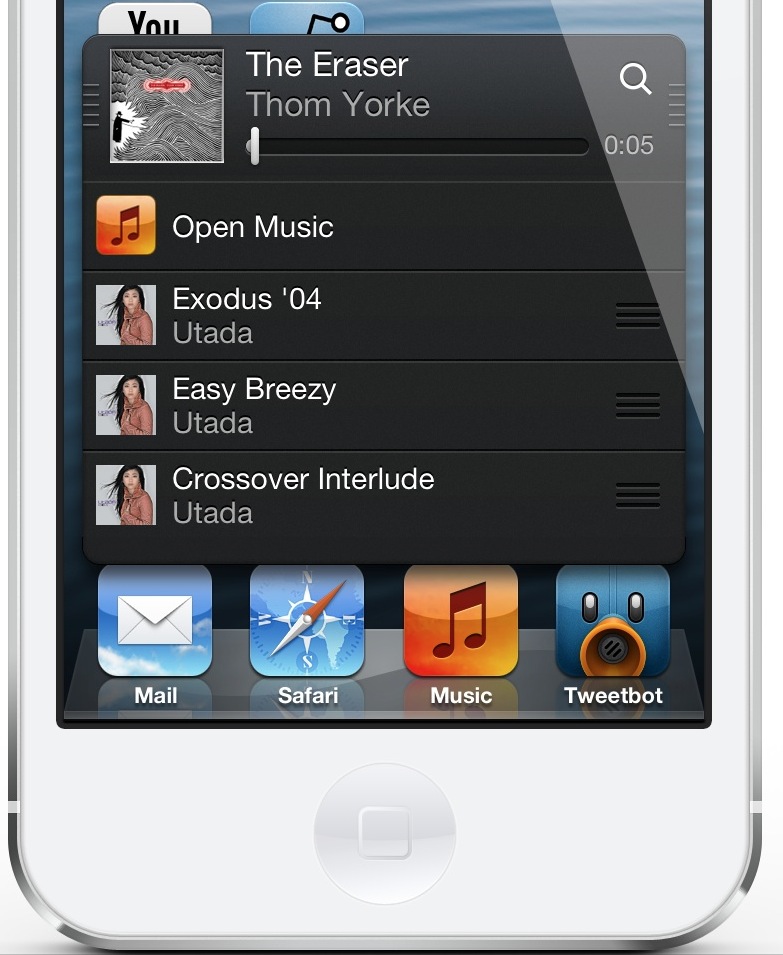
But seriously, MiniPlayer 2.3 brings quite a few new (and quite useful) features to the proverbial table. For starters, there's a new tap gesture to reveal repeat options, sharing options, and shuffling. There's also a great new addition that allows you to add an iTunes inspired 'Up Next' (here dubbed Play Next) track, along with the ability to rearrange the playing order of the tracks in your MiniPlayer queue.

Take a peek inside, as I step through a few of the most outstanding new MiniPlayer features in our video walkthrough.
SemiRestore brings an easy one-click restore to jailbroken iOS devices

SemiRestore is a restore solution for jailbroken iOS devices. It allows you to restore your device to almost stock levels, removing everything from settings to jailbreak apps and tweaks, to even App Store apps. It's probably as close as you can get to a stock iOS device without actually restoring using iTunes.

We've reviewed an early version of SemiRestore before, and while it showed promised, we had mixed feelings about it. This was namely because the app forced you to go through a lot of steps in order to achieve the desired result — a clean iOS device that allows you to maintain the current firmware and jailbreak.

But we've got some very good news: SemiRestore has come a long way since that early preview. In fact, on the beta 4 version that I tested, it's a true one-click solution. Yes, literally, all you have to do is plug in your iOS device, open the SemiRestore app, and click the SemiRestore button.

I once praised iLEX RAT for its ease of use, but this is probably about as easy as it gets. Check inside for our very own video walkthrough of SemiRestore beta 4 in action.

PadClock makes it easier to set alarms on iPhone

I can't be the only one that despises the date picker found within the Clock app's alarm settings. I find that it requires too much thought to set an alarm, especially in the wee hours of the morning when you can just barely open your eyes.

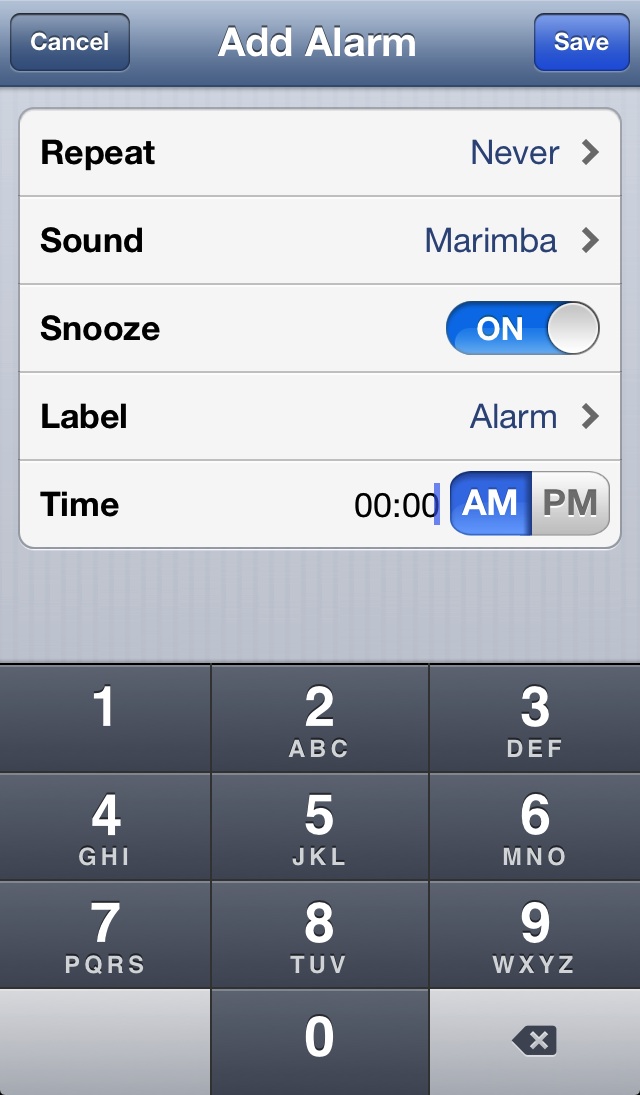
PadClock is a new jailbreak tweak that fixes the cumbersome setup found inside the stock alarm clock. It does so by replacing the original date picker with an easy to use number pad.

Auxo for iPad is coming in 6 days

Ladies and gentlemen, boys and girls, the wait is almost over. Yes, indeed, Auxo for iPad is coming to a jailbroken iPad near you in less than one week. In six days, according to a new teaser image on the tweak's official site, Auxo for iPad will go live.

The tweak, widely regarded as the best jailbreak release of 2012, has been baking in the oven for quite some time. Many have complained about the long wait, but you can be rest assured that the wait is almost over. We will, of course, be back with a full review of Auxo for iPad.