Jeff Benjamin

Jeff has been with iDownloadBlog since 2010, acting as resident video specialist, and tutorial expert. He earned his degree in Computer Network Systems back in 2001, but decided Cisco routers and the like just weren’t for him. Since then, he’s been heavily involved with online writing. He’s written for numerous tech and video game sites since the late 1990′s, and has a knack for explaining things in a simple, clear, and concise manner. Jeff works primarily from the east coast on his Retina Macbook Pro, and shoots video with a Canon DSLR. During downtime he likes to travel the world, visiting the various Apple Stores across the globe. You can email him at jeff [at] idownloadblog.com and follow him on Twitter @JeffBenjam or on Google+.

biteSMS 8: the best messages app for iOS 7

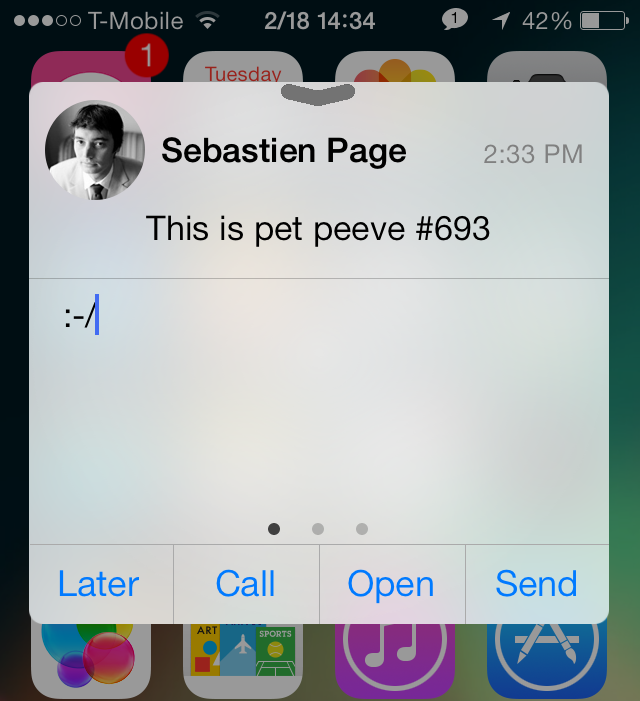
Do you hear that? That's Sebastien Page popping open a bottle of the finest bubbly in celebration of the public release of biteSMS for iOS 7. Of, course, I'm joking. Sebastien would likely save his bubbly for a more apt occasion, but he's no doubt happy to hear about biteSMS' release, and for good reason.

Despite some of the criticism I've heaped on biteSMS over the years, it's still without a doubt one of the finest, and one of the most cared-for jailbreak apps in history. I mean, who else can you think of that meticulously updates its apps as much as the folks behind bite do? Instead of milking the success of biteSMS, it's always being worked on, perfected, and enhanced for the customer.

biteSMS 8.0, which is the first public release sporting the highly coveted iOS 7 compatibility, is a pivotal change for the app's look. Of course, the creators of biteSMS had to match the style of iOS 7, which was, besides the under-the-hood changes, one of the more pressing issues for them to get right.

I'm happy to report that biteSMS 8.0 looks great, and works in the same familiar fashion that we've all grown accustomed to over the years. If you're a bite fan, you're not going to be disappointed. If you're new to the world of biteSMS, then you're in for a treat. Have a look at our full walkthrough after the break as we explore what has made biteSMS such a loved Messages app enhancement over the years.

JellyLockClock7: an Android Jelly Bean inspired Lock screen clock for iOS 7

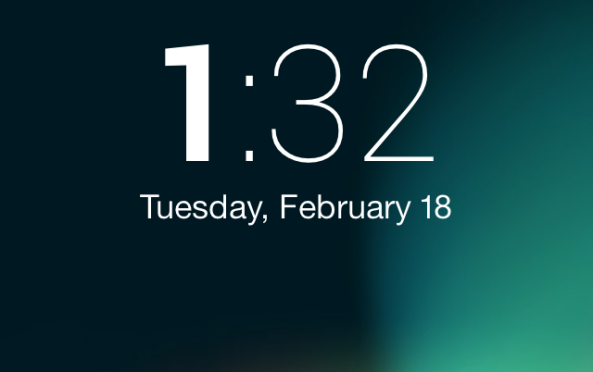
If you're a fan of the JellyLock jailbreak tweak, which brings an Android inspired Lock screen launcher to then iPhone, then boy, do I have a tweak for you. JellyLockClock7 is a brand new jailbreak tweak that's currently in beta, and it allows you to compliment your Android inspired Lock screen launcher with an Android inspired Lock screen clock.

As someone who's a big fan of JellyLock, I have to say that this is the perfect compliment tweak. We've got more details, a video, and the download information inside.

Let’s Talk iOS 016: Joining the Pebble party

Episode 16: Cody buys a Pebble Smartwatch, new rumblings about Apple's upcoming iPad plans, how to play old-school NES games via mobile Safari, our thoughts on Microsoft Office for iPad, and we discuss some of the new apps we downloaded in the last week.

Subscribe on iTunes

Thanks to our sponsor:

lynda.com: Learn iOS, Apple software, programming, web design, and more from easy-to-follow video tutorials at lynda.com/letstalkios.

How to get a semi-working Photo Booth port on the iPhone

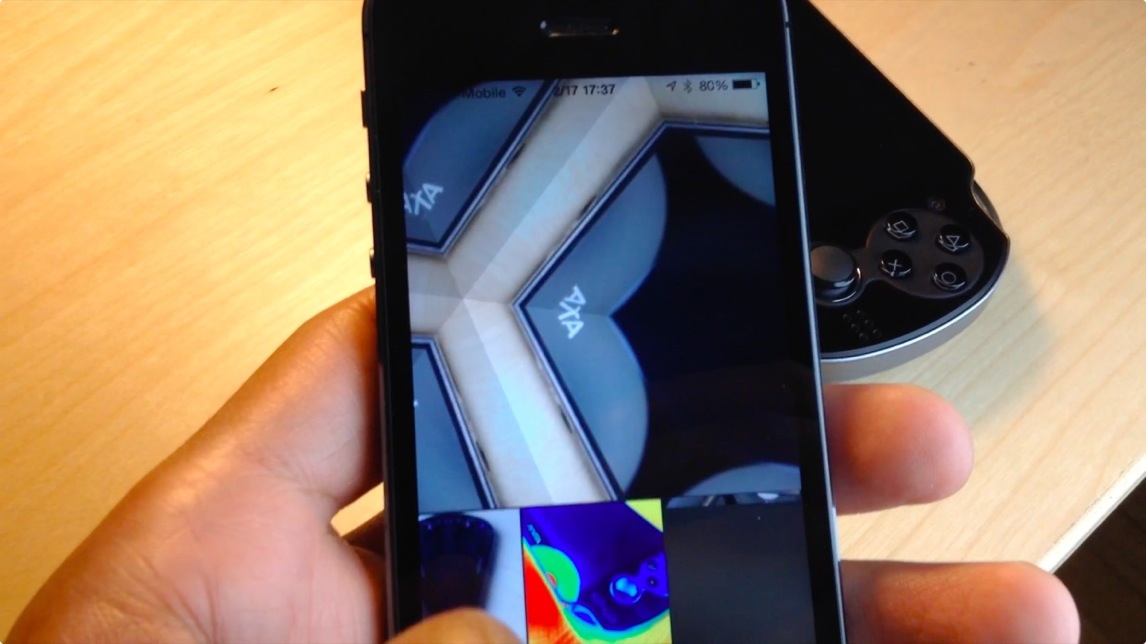
Photo Booth—it's one of the iPad only apps that sort of gets lost in the shuffle when talking about stock apps. It's an app that people play with when they first get their iPad's only to never really touch it again. Despite that, there always seems to be a concerted effort amongst members of the jailbreak community to port Photo Booth to the iPhone.

Two years ago, Photo Booth was ported to the iPhone 4S with much fan fare. Today, it's been ported to iPhone's running iOS 7. The good news is that it more or less works like you'd expect. The bad news is that, at least in its current form, it's a buggy mess devoid of many of the effects found on the iPad version. Have a look at our video walkthrough past the break to see what I mean.

How to play Nintendo games via mobile Safari no jailbreak required

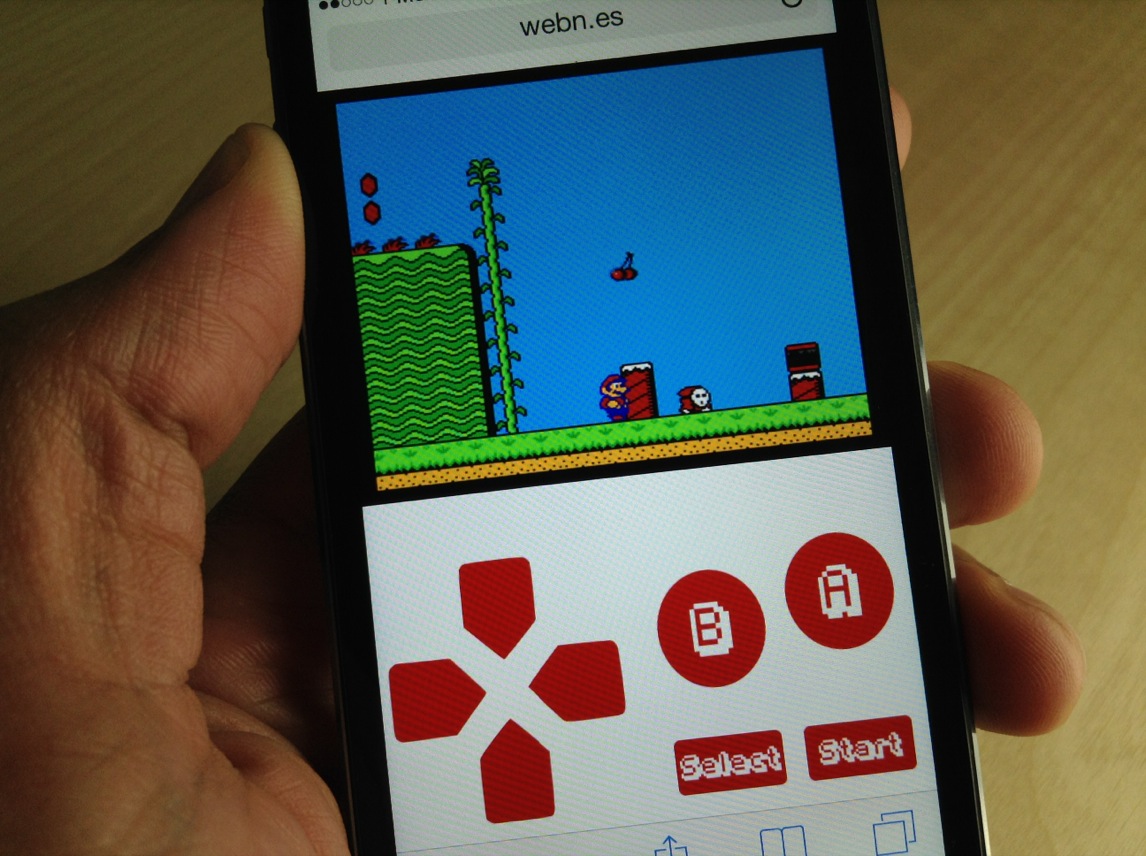
This is downright amazing. Somebody has put together a website that allows you to play NES ROMs directly from Mobile Safari, no jailbreak required. The website, which is called webNES, allows users to link a Dropbox account to load their favorite NES ROMs and play them right from the browser.

I've tested webNES with a handful of ROMs, and most of them play decently, but there is some definite choppiness and slowdown. The emulator features a built in soft-controller, and the games can be played in either portrait or landscape mode.

The great thing about webNES is that it runs totally in your browser. This means that there's really no way for Apple to shut it down, since it doesn't require any apps or downloads from a jailbreak source like Cydia. Check out our full video walkthrough inside as I show you how I play a few of my favorite NES games directly in Safari.

AppETA: an awesome way to check the progress of app downloads

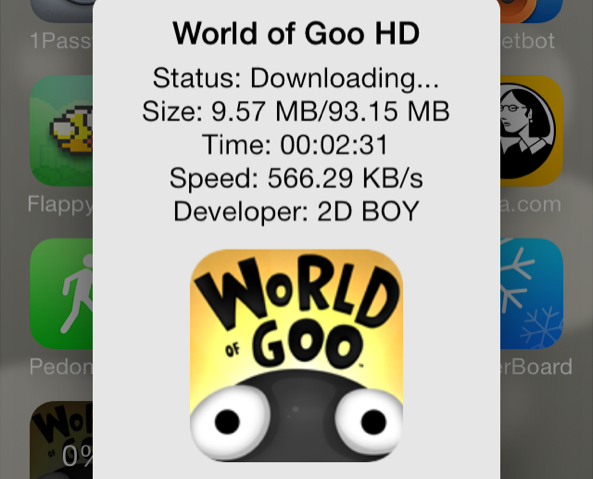
iOS 7 makes it difficult to gauge where you are with App Store downloads. With very large downloads, it's a frustrating experience to watch the progress circle slowly inch around at a snail's pace.

Wouldn't it be nice if you could get a more informational view of your App Store download progress? What about bringing back the classing download status indicators? With AppETA, a new jailbreak tweak available on Cydia's BigBoss repo, you can do all of that and more.

BlueBoard: add a blue keyboard to iOS

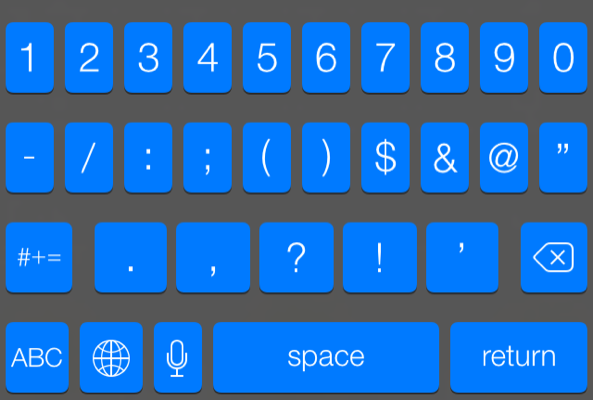
BlueBoard is a recently released tweak that does just as its name implies—it allows you to add a blue tinted keyboard to iOS. As with most tweaks of this sort, BlueBoard doesn't rely on WinterBoard or any other outside theming systems to work. Once you install it, you can enable the tweak via its own dedicated preference panel.

Look past the break for a video walkthrough of BlueBoard in action...

How to colorize app badges with ‘ColorBadges’

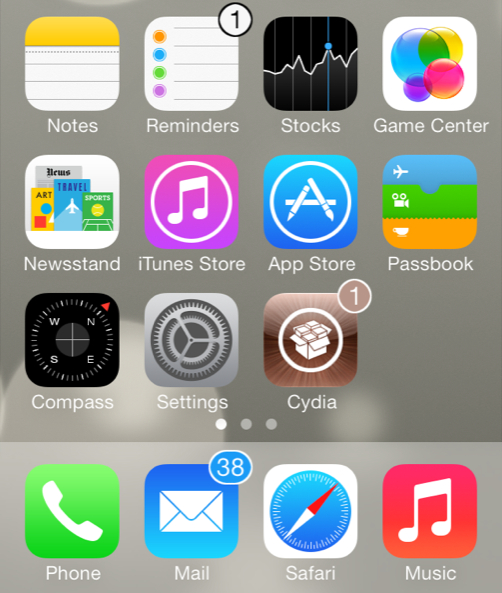
ColorBadges is an upcoming jailbreak tweak that was recently submitted to Cydia's BigBoss repo. It allows users to colorize app badges based on the color of the app icon. For example, if you have a badge on the Cydia app, the color of the badge will be brown, which corresponds to the color of the Cydia app.

Along with the addition of app matching color to the badges, ColorBadges adds an outline to the outside of the badge to make the color stand out even more. ColorBadges is a great looking jailbreak tweak, and I think that it significantly improves the look of app badges. It makes it so that you don't mind having tons of app badges proliferating your Home screen, and that's saying a lot.

Take a look at our full video walkthrough of ColorBadges after the break...

UIColors: add custom tint to the entire iOS interface

UIColors is an upcoming jailbreak tweak that should be making its way to Cydia's BigBoss repo at any moment now. It's a tweak that follows the growing trend of jailbreak releases that let you add custom tint to the iOS user interface.

Another tweak we recently covered, called Eclipse, did something similar. But Eclipse's main focus was on providing users with a night mode for using the device in a dark environment. UIColors takes that concept and cranks it up to 11. It allows you to tint iOS with a virtually limitless array of colors. In other words, there are no real canned color combinations included with the tweak; the end result is totally up to you.

How to add infinite scrolling to the Home screen and folders in iOS 7

Mobius is a jailbreak tweak that allows you to infinitely scroll on the iOS Home screen and while within folders. It's very similar to the Wraparound jailbreak tweak that we covered back in 2011, except that Mobius works with iOS 7.

Developer Tyler Casson set out on a mission to bring the popular Wraparound functionality to iOS 7 when it became apparent that the Wraparound wasn't going to be updated for iOS 7 any time soon. He's since dubbed his tweak Mobius, and made it available free of charge on his own personal repo.

If you'd like to see how Mobius works in action, then check past the fold for our hands-on video walkthrough. You can also find the repo details inside so that you can try out the tweak for yourself.

AnyBoard: switch between any keyboard with ease

AnyBoard is a brand new tweak available free of charge on Cydia's BigBoss repo. It allows you to quickly switch between any of the installed keyboards on iOS using a tap and hold gesture on the globe icon to the right of the '123' key.

Unlike the stock keyboard options, AnyBoard doesn't just allow you to switch to the keyboards you have enabled in your device's keyboard settings, but you can switch between any available keyboard in an instant. Watch our full video walkthrough after the break to see how it works in action.

How to locate app icons from Spotlight search

Spotlight search is cool and all, but I've always found it a little frustrating that you can only launch applications from Spotlight and not open the location where the apps reside. I'm happy to report that this "oversight" has been solved with a new jailbreak tweak called Icon Finder.

Icon Finder is a brand new and free jailbreak tweak that allows you to use a simple tap and hold gesture on your Spotlight search results. The tap and hold gesture will quickly reveal the exact location of the app in question, which could be a folder, or another page on the Home screen.

Have a look at our full video walkthrough of Icon Finder inside to see how it works.