Jeff Benjamin

Jeff has been with iDownloadBlog since 2010, acting as resident video specialist, and tutorial expert. He earned his degree in Computer Network Systems back in 2001, but decided Cisco routers and the like just weren’t for him. Since then, he’s been heavily involved with online writing. He’s written for numerous tech and video game sites since the late 1990′s, and has a knack for explaining things in a simple, clear, and concise manner. Jeff works primarily from the east coast on his Retina Macbook Pro, and shoots video with a Canon DSLR. During downtime he likes to travel the world, visiting the various Apple Stores across the globe. You can email him at jeff [at] idownloadblog.com and follow him on Twitter @JeffBenjam or on Google+.

TapToUnlock7: unlock iOS 7 devices with just a tap

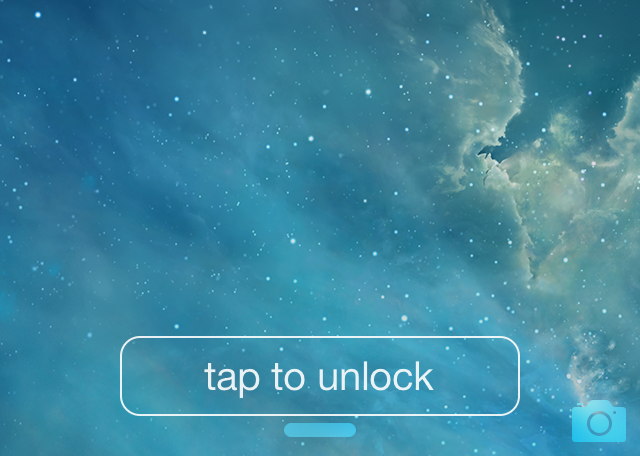
No more sliding! Just Tapping. That's the headline for the description for TapToUnlock7 in Cydia, and I have to say, it's apt. TapToUnlock7 is a tweak that gets rid of the "slide to unlock" action and replaces it with a simple tap.

TapToUnlock7 works with both passcode enabled devices and unsecured devices. When you have a passcode enabled, a tap will activate the passcode screen, and when you have the passcode disabled, you'll be whisked away right to iOS' Home screen.

The tweak features a variety of customization options to change up the look and feel of the tap to unlock button on the Lock screen. Have a look inside as we explore various facets of this brand new release.
Activator beta updated with exciting new Profiles feature

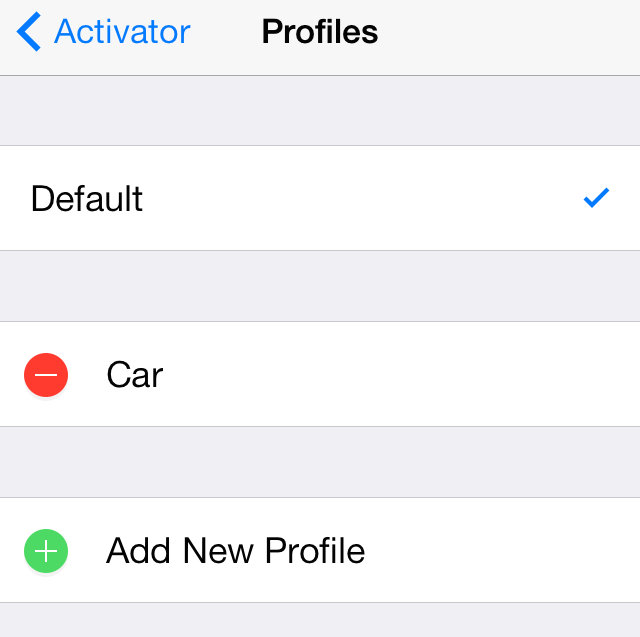
A brand new feature has been added to the beta version of Activator, and it's a pretty big deal. You can now set up differing profiles for groups of Activator assignments, making it possible to have different Activator assignments based on various circumstances.

The new Profiles panel, which is accessible at the bottom of the main page of Activator's preferences, allows you to quickly add, name, edit and remove custom profiles. You can then switch to a custom profile and begin setting up assignments that only pertain to that profile.

Making the rabbit hole go even deeper, you can actually assign Activator gestures to switch to a Profile, which opens up a whole new arena of possibilities for automation and activation. Needless to say, it's all pretty exciting stuff. Check out our new video walkthrough of Activator's new profiles feature in action after the break.

Timely: add a beautiful text-based Lock screen clock to your iPhone

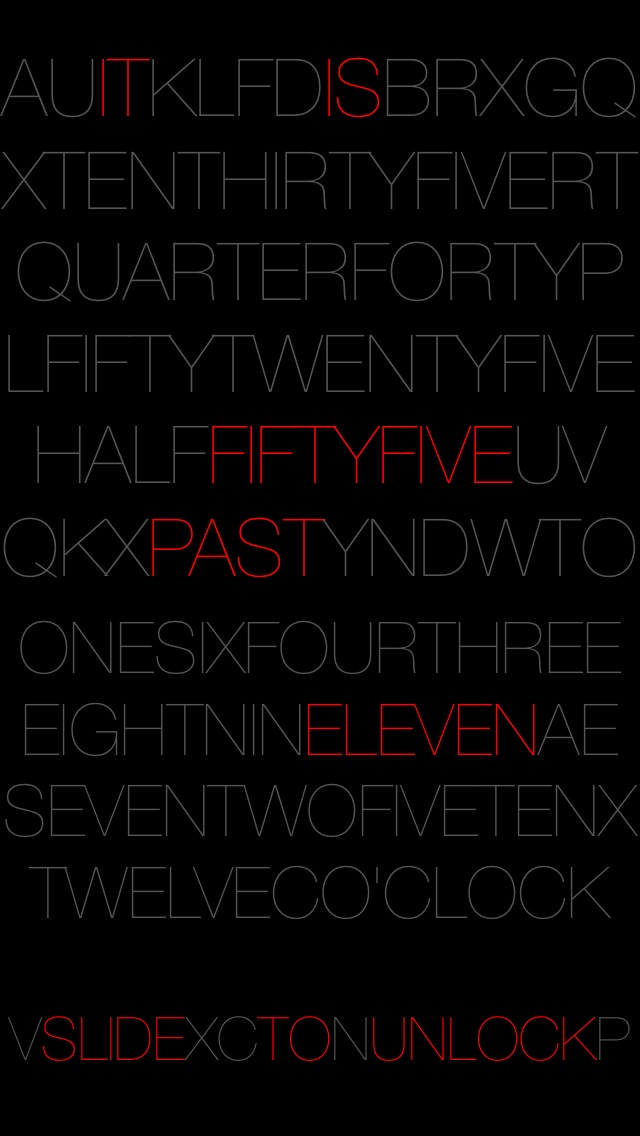
Now here's a great way to spice up your iPhone's Lock screen. Timely—a recently released tweak—adds a text-based Lock screen clock to your iPhone.

Depending on the current time, Timely will highlight the necessary elements that make up the time via a text based Lock screen layout. It's even capable of rounding to the nearest five minutes for a cleaner look. Have a glance at our video review inside for more details.

‘Snooze’ lets you establish custom snooze times for alarms

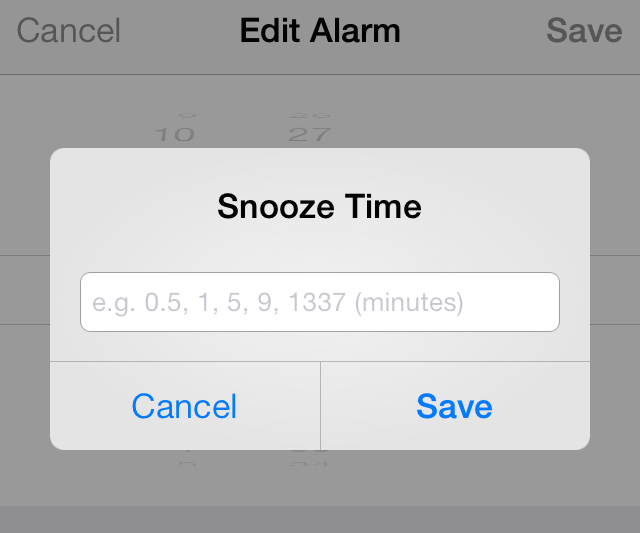
Snooze is a new jailbreak tweak by prolific jailbreak developer Julian Weiss. It's a tweak that allows you to change snooze times for each alarm that you have set in the stock Clock app.

Snooze was the subject of Weiss' talk at JailbreakCon 2014, and it's a tweak that's been highly anticipated by users in the jailbreak community. We've taken the $0.99 jailbreak tweak for a spin on video. Does it live up to its billing? Have a look inside for all of the details.

Upcoming ‘Slices’ jailbreak tweak allows you to create multiple user profiles for apps

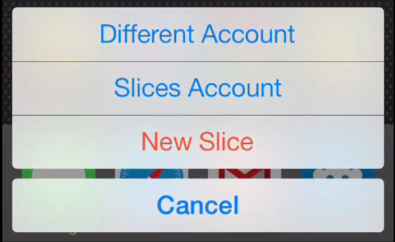
An exciting new jailbreak tweak is on the horizon, and it looks extremely promising for those of you who have multiple accounts for service based apps like Instagram. Slices is an upcoming tweak that will allows you to create multiple settings and user bundles for applications, effectively allowing you to have multiple user profiles for any app on a single device.

Developer Steve Hetelekides has previewed his upcoming tweak on YouTube, and we have the full video inside for you to check out. Trust me, you don't want to miss this.

Imperium HD: an App Switcher replacement for iPad

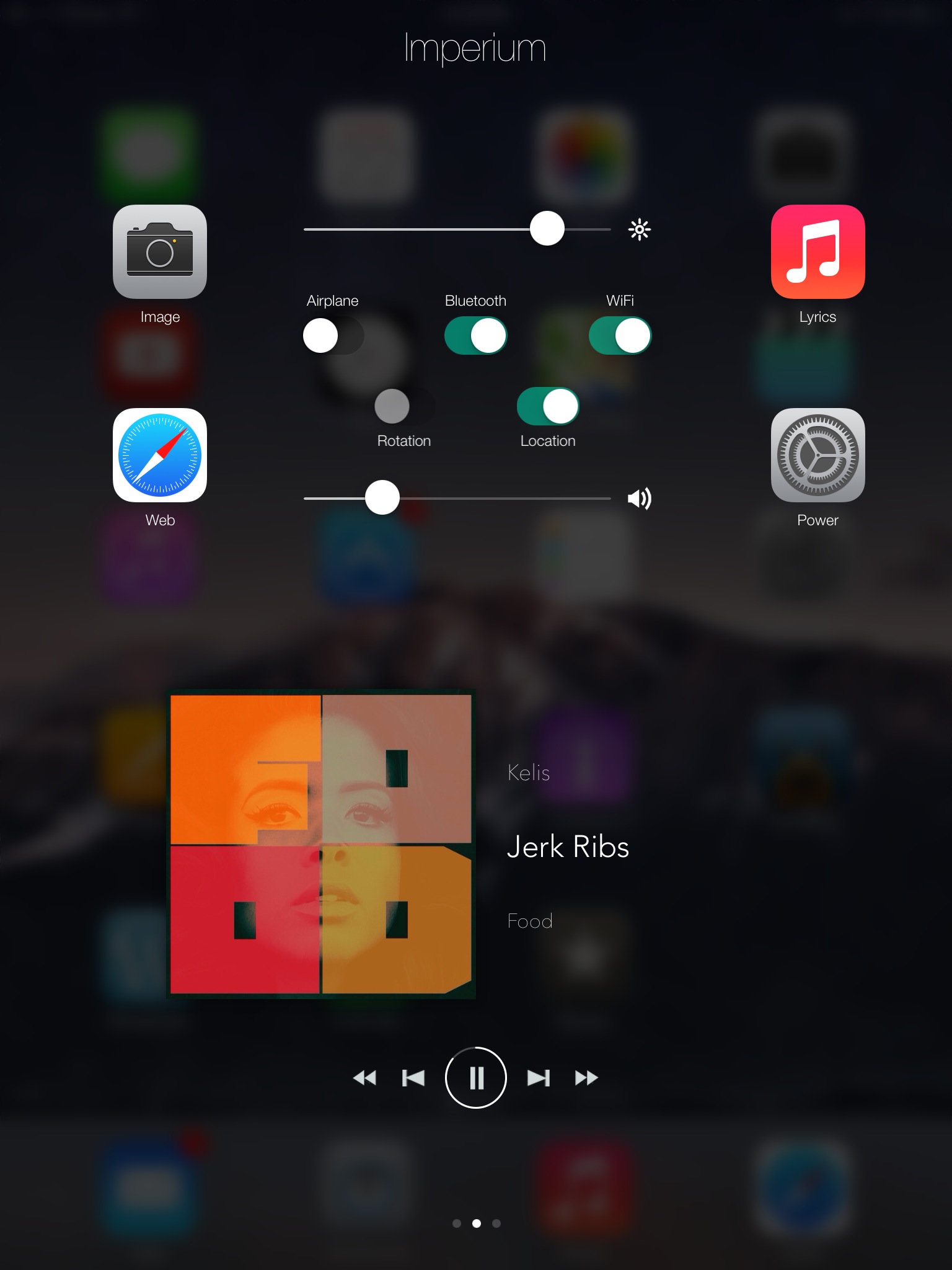
Imperium HD is a jailbreak tweak that allows you to replace the App Switcher on the iPad. Using Activator to invoke the overlay, users gain access to a multipage switcher that features a plethora of toggles, sliders, and app management options.

Back in the days of iOS 6.x, I could see Imperium HD being a real help for users needing better management features in the App Switcher. But with the advent of Control Center in iOS 7, the need for such a tweak has significantly diminished in my opinion.

Even still, should you check out Imperium HD on your jailbroken iPad? Have a look past the break for the video details.

Let’s Talk Jailbreak 54: Unflod invasion

Episode 54: We talk about the recent Unflod jailbreak malware, and Auxo 2 for the iPad. Sebastien breaks down how he was able to get one of his jailbreak tweak ideas made into a real working release. Finally, we share our thoughts on Auki after a full week of usage.

Let’s Talk iOS 025: Lil’ Keezy

Episode 25: We talk about our favorite email apps for iOS, the ultimate App Store guide, setting up and iTunes Store allowance, and we consider the implications of Nike's termination of its FuelBand hardware.

Subscribe on iTunes

Thanks to our sponsor:

lynda.com: Learn iOS, Apple software, programming, web design, and more from easy-to-follow video tutorials at lynda.com

ShareDraft: Save Twitter share sheet messages for later

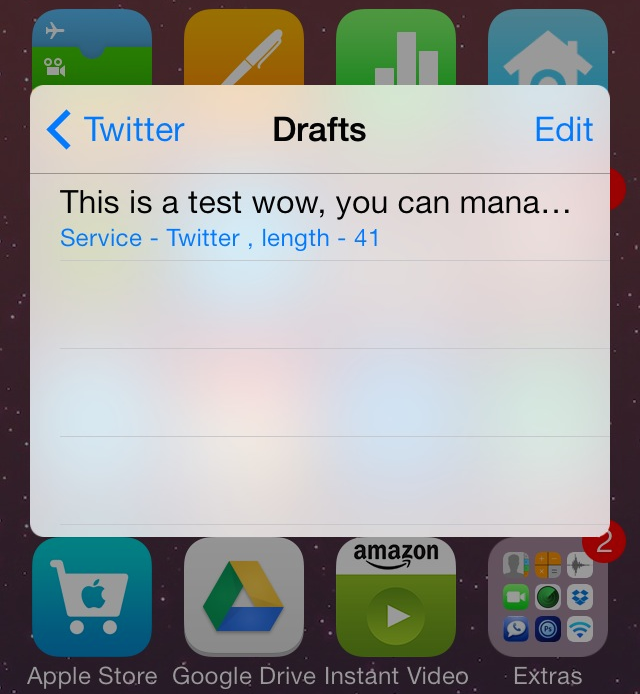
ShareDraft is a new jailbreak tweak that lets users save share sheet messages as drafts. The share sheets, which are used for iOS' built-in Twitter and Facebook sharing, normally force users to send a message or lose it. With ShareDraft installed, you can save messages to drafts and recover those drafts when sending future messages.

We've taken ShareDraft for a spin on video, and while it isn't perfect, heavy share sheet users might find it to be a handy add-on. Check past the break for the full video review.

How to add a live photo slideshow to the Photos app icon

LivePhotos is a tweak that allows you to add a slideshow of the current photos in your Photos app to the Photos app icon. A $0.99 release on Cydia's BigBoss repo, LivePhotos spices up your Home screen with a live Photo icon that's similar in some respects to the live tiles present in the Windows Phone OS.

We've taken a look at LivePhotos and have created a video review that captures our thoughts and experiences with the tweak. Is it worth your time? Check inside for more details.

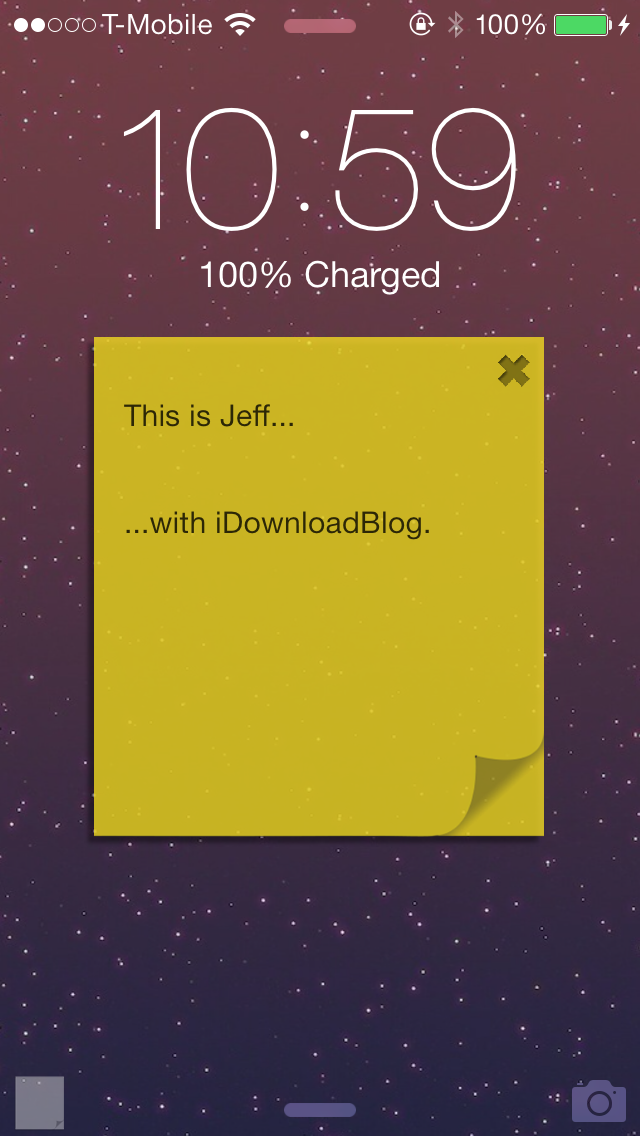
Sticky: quickly add a handy sticky note to the Lock screen

Sticky is an upcoming jailbreak tweak that allows you to add a handy sticky note to the Lock screen. It's a tweak that's useful for quickly taking notes that you will need to reference at a later time.

One of the cool things about Sticky is that your notes stay visible on the Lock screen. This makes it so that when you wake your device from sleep, your note is waiting on you to remind you of any tasks.

We've taken Sticky for a spin on video. Have a look past the break for the full review.

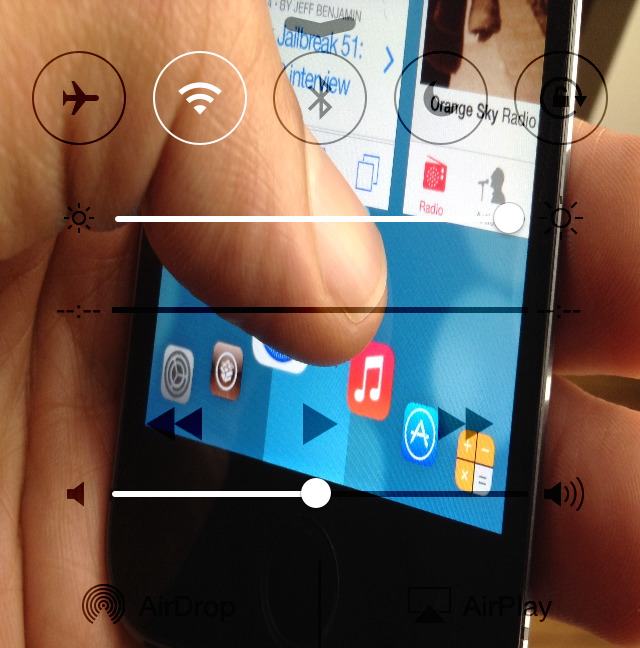
How to add wallpaper to Control Center

CCBackground is a brand new jailbreak tweak that lets users customize the background of Control Center in iOS 7. The background can be customized with a photo from the Photos app library. Once you select a photo, a respring is required.

If the right background is chosen, CCBackground is a great way to customize the look of Control Center. Have a glance inside as we review CCBackground on video.