Jeff Benjamin

Jeff has been with iDownloadBlog since 2010, acting as resident video specialist, and tutorial expert. He earned his degree in Computer Network Systems back in 2001, but decided Cisco routers and the like just weren’t for him. Since then, he’s been heavily involved with online writing. He’s written for numerous tech and video game sites since the late 1990′s, and has a knack for explaining things in a simple, clear, and concise manner. Jeff works primarily from the east coast on his Retina Macbook Pro, and shoots video with a Canon DSLR. During downtime he likes to travel the world, visiting the various Apple Stores across the globe. You can email him at jeff [at] idownloadblog.com and follow him on Twitter @JeffBenjam or on Google+.

‘BetterPowerDown’ adds iOS 7.1 power-down slider to iOS 7.0

BetterPowerDown is a brand-new jailbreak tweak that allows you to add additional power-off options to iOS 7.0.x. The tweak, which is available for download on Cydia's BigBoss repo for $0.99, allows you to add the iOS 7.1 and iOS 6.x power-down sliders to your device.

We've taken BetterPowerDown for a spin on video. Check out our review after the break.

iOS 7: the ultimate App Store guide

The App Store app is the hub used to download additional apps on an iOS device. Out of the box, the iPhone only comes bundled with a handful of stock apps. The App Store app allows you to choose from hundreds of thousands of apps to download on to your device.

Apps can be anything from productivity tools, to games, to periodicals. There is a wealth of apps available to download in the App Store, and while some may come at a price, many of them are free.

It's good to become familiar with the App Store's features, because this is the only place where you can download additional software on a stock iOS device. Check inside as we journey through a detailed explanation of the App Store.

How to fix choppy video playback in Safari on OS X

Recently I ran into a problem that I found to be quite annoying. Flash video playback in Safari began suffering from major stuttering and choppiness. It was so bad that videos essentially became unwatchable while using Safari.

For someone who's constantly watching and editing video like me, this proved to be a big problem. I even pondered switching to Chrome for a bit, but quickly dismissed that thought and set out to find a solution to the problem.

Fortunately, the solution to fixing choppy video playback in Safari is an easy one. Have a look inside and we'll show you how.

Auxo 2 gains iPad support

As promised, a3tweaks has released Auxo 2 version 1.1, and it comes with full iPad support. I've been playing with Auxo 2 1.1 for a while, and I can confirm that the iPad support is well-done.

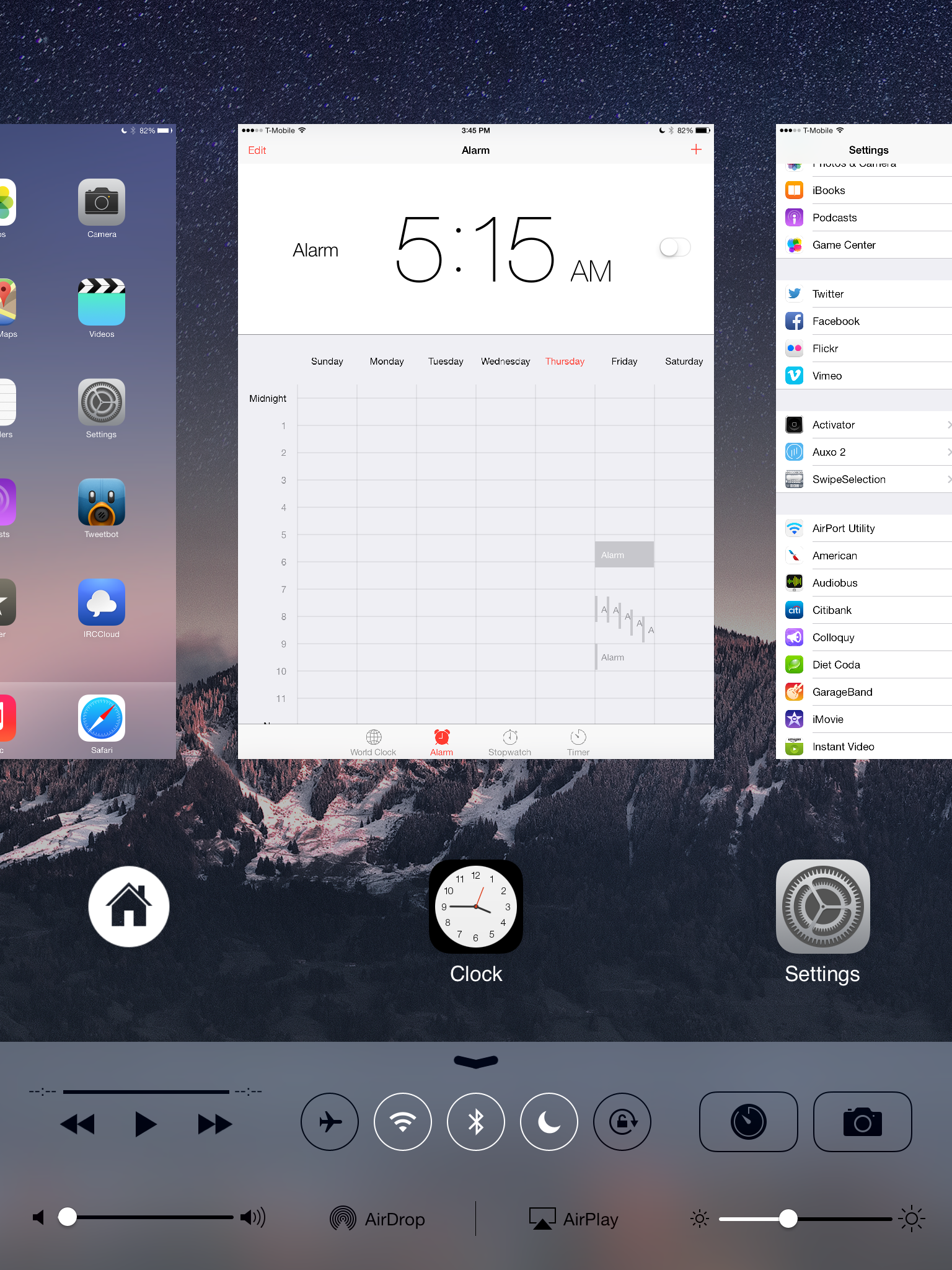
To be honest, Auxo 2 feels more suited for the iPad than the iPhone. I noted in our Auxo 2 review that the tweak's Multi-Center view, a mode that combines both Control Center and the App Switcher, felt a bit cramped on the small 4" screen of the iPhone 5s. It's the complete opposite on the large screen of the iPad.

From a pure functionality standpoint, everything is pretty much the same as the previous version of Auxo 2. The big deal here is addition of iPad support, and it's well-warranted. 

QuickWeather: Easily access current weather info from anywhere

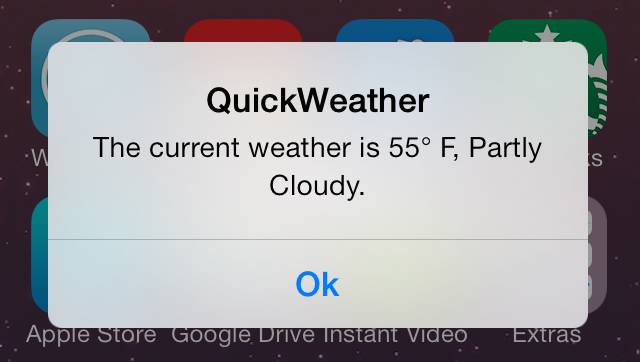
QuickWeather is a recently released tweak that allows users to access current weather information from anywhere on the iPhone. By means of a handy Activator gesture, users can invoke QuickWeather from the Home screen, or while within an app.

QuickWeather a simple tweak with no settings to configure outside of its Activator gesture. Have a look at our video review after the break.

Let’s Talk Jailbreak 53: WWJC interviews with Surenix, Ryan Petrich, and pod2g

Episode 53: We went to JailbreakCon to talk to some of the mainstays of the jailbreak community. Inside, we talk to Surenix, Ryan Petrich, and pod2g about any and all things related to jailbreaking. You'll learn about the development and design process of Auki from Surenix, Ryan Petrich's mindset when it comes to developing new tweaks, and pod2g talks about the inner-workings of the evad3rs jailbreak dream team. pod2g also answers the question that we've all been wanting to hear—will they release an iOS 7.1 jailbreak? Listen and subscribe to hear all of the answers.

Let’s Talk iOS 024: A rabbit holding a cane

Episode 24: Sebastien and Jim take a trip to Cupertino to visit Apple HQ. The trio breaks down the recent rumblings about the size and potential price of Apple's upcoming iWatch wearable device. A discussion about the rumors of an iTunes overhaul, and T-Mobile gives away free LTE tablet data.

Subscribe on iTunes

Thanks to our sponsor:

Squarespace: the all-in-one platform that makes it fast and easy to create your own professional website, portfolio, and online store. Use promo code LETSTALKIOS for a free trial and 10% off your first purchase.

Auki: a new quick reply tweak designed by Surenix

As I sit in the airport terminal at 9:30 PM, I get to reflect on the whirlwind that has been the last 30 hours. I landed in San Francisco last night around 6:00 PM and hit the ground running. The blistering break-neck speed of the last day has made it a little difficult for me to register what just happened, but the down time in the Airport—the first real down time I've had in a couple of days—allows me to slowly digest what just occurred.

It's been surreal. Meeting (and interviewing) some of my favorite jailbreak developers—creators of some of the tools and tweaks that I use on a daily basis on my iPhone. Mingling with fans, listening to intriguing talks, and finally meeting Jim Gresham and Sebastien Page, have all been highlights of my visit.

But when it comes to actual jailbreak releases, there has been one run-away highlight of this trip. Surenix—doing his best Steve Jobs impression—announced Auki —a brand new quick reply and quick compose tweak for the iPhone that he designed.

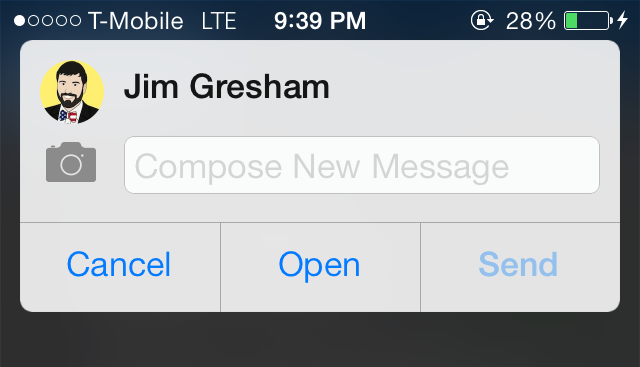
Developed by well-known tweak developer Bensge, Auki prides itself on feeling native and devoid of unnecessary features and bloat. Does it succeed in its lofty ambitions of making you forget about tweaks like Couria, Messages+, and biteSMS? Check inside for the full video first-look.

iOS 7: the ultimate Clock app guide

The stock Clock app featured in iOS 7 is the central hub for managing anything that has to do with time on your iOS device. The app is basically four different applications combined into a single app interface.

You'll find tabs for the World Clock, Alarm, Stopwatch, and Timer at the bottom of the stock Clock app interface. Each tab is capable of working independently of the other tabs; for example, I can run a timer and a stopwatch simultaneously.

That at all being said, the stock Clock app is still a very basic stock application. Please check out the table of contents below for each section pertaining to the features found in iOS 7's Clock app.

Reeder 2 beta for Mac now available for download

The long awaited update to the Mac version of Silvio Rizzi's Reeder is finally amongst the living. Indeed, Reeder 2 is now in beta and has been posted for download on its official website.

Rizzi, who is not known for indulging his customers with quick releases and frequent updates, launched Reeder 2 for iOS over six months ago. That release was met with mostly positive reviews, although the general consensus is that it didn't add much in the way of new or envelope-pushing functionality.

On the Mac, things are a bit different. The number of excellent feed reading apps can probably be counted on one hand, and that's being generous. I've only been able to play around with Reeder 2 for a few minutes, but I can tell you right off the bat that this is going to be one of the best feed reading apps available on the Mac. It's fast, responsive, works with a variety of feed reading services, and it looks good to boot.

‘Articon’ turns app icons into album art when playing music

Articon is a jailbreak tweak that can spice up your Home screen by adding album artwork on top of the now-playing music app. The album artwork used by Articon is the same artwork that appears in the app that you use to play music.

You might think that Articon's effects would be limited to the stock Music app, but that isn't the case. I was able to successfully have album artwork on my Spotify app, and even Amazon Instant Video—yep, it works with video playing apps as well.

If you're looking for a way to change up the look of your music or video app icons, then Articon is a tweak that might interest you. Have a glance at our video walkthrough inside for more information.

‘Priority Hub’ brings the Blackberry 10 priority hub feature to iOS 7

Looking for a better way to sort your Lock screen notifications on iOS 7? Then try out Priority Hub, a new Blackberry 10 inspired jailbreak tweak that just landed on Cydia's BigBoss repo.

Priority Hub allows users to group Lock screen notifications by app, allowing one to easily see notifications pertaining to a single app at a time. It's a great way to simplify the iOS 7 Lock screen and make it easier to read at a glance.

We've taken Priority Hub for a test drive via our hands-on video walkthrough. Check past the jump for the full scoop.