Anthony Bouchard

Anthony Bouchard joined the iDownloadBlog.com team in 2016 after originally covering Apple and iPhone jailbreak news at ModMyi.com. As an experienced editor, he brings more than 15 years’ worth of jailbreaking knowledge to our in-depth guides, opinion pieces, and news articles. His passion for device customization and user choice sparks his strong push to empower readers with the tools they need to explore and enjoy the freedom that comes with jailbreaking. Anthony blogs about not only jailbreaking, but also Apple software & accessories, drones & photography, and Nintendo gaming systems. Anthony honed his advanced technical knowledge over the years with hands-on projects ranging from gaming PC builds to engine repair mechanics. His never-ending hunger for knowledge is why you’ll always find him tinkering – tearing things apart and putting them back together to understand what makes them tick.

Understanding iOS Location Services and what they do

Location services are among some of the most over-used features on any iOS device. Out of the box, iOS devices with location services enabled are configured to track your location in various reasons, including producing the best user experience possible.

In this guide, we'll show you all about how to configure your iOS location services so that you're not being tracked when you don't need to be, giving you the privacy you deserve.

How to dim your Mac screen brightness even lower than what’s allowed by macOS

Reduce Mac brightness even further using the QuickShade app

When you've pressed your display brightness down key on your Mac's keyboard as many times as you can without the screen going completely black, and it's still too bright for you, then you're probably like me and need a way to further dim the display's dimness level beyond the OEM minimum.

In this tutorial, we'll show you how to further decrease your display's brightness than what's allowed by the standard brightness settings of macOS.

iOS 9.3 Night Shift mode to have a Control Center toggle?

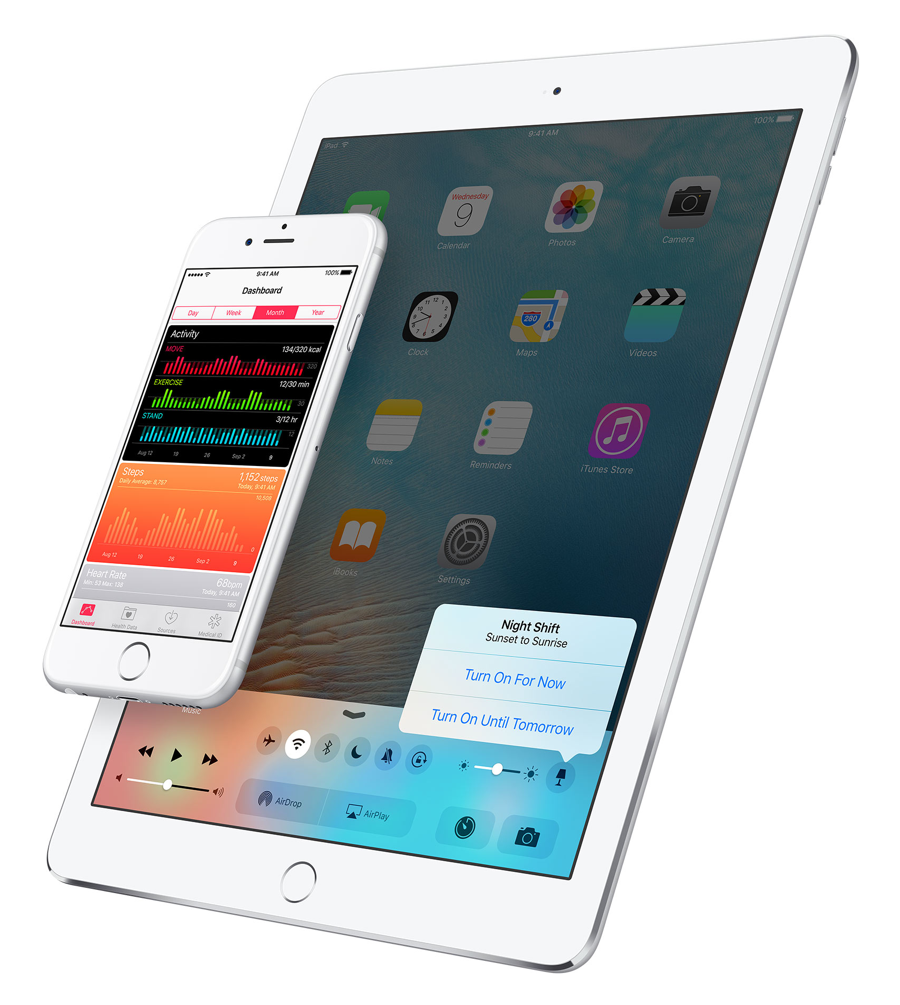
Apple's iOS 9.3 beta was seeded to developers and Public Beta program participants last week with some pretty big changes to the mobile operating system. One of the flagship features of the release is the f.lux-like Night Shift mode that will change the display's color temperature depending on the time of day to make using the device easier on the eyes at late evening and night hours.

How to keep your iPhone from knowing where you are going next

Your iPhone is equipped with a feature called Frequent Locations, which slowly tracks your location in the background to keep you updated via the Today View and the Lock screen on how long it would take you to get to your favorite places based on how often you visit them.

If you choose to enable Location Services during the initial iPhone setup, this feature will be enabled by default, so if you feel like it is a slight hindrance on your ability to remain private, you just might be right. In this tutorial, we'll show you how you can disable the feature and keep your iPhone from knowing where you are going next.

How to open a new private window in Safari for Mac

One of the features of the Safari web browser built into your Mac that will come in handy time and time again are the private browsing windows that you can open to browse the web privately without having your browsing history stored in your computer for the next user to see.

In this tutorial, we'll show you how to open a private browsing window in Safari on your Mac so that you're ready the next time you need to perform a web search incognito.

Mimic iOS 9.3’s new Calculator app Quick Action with this tweak

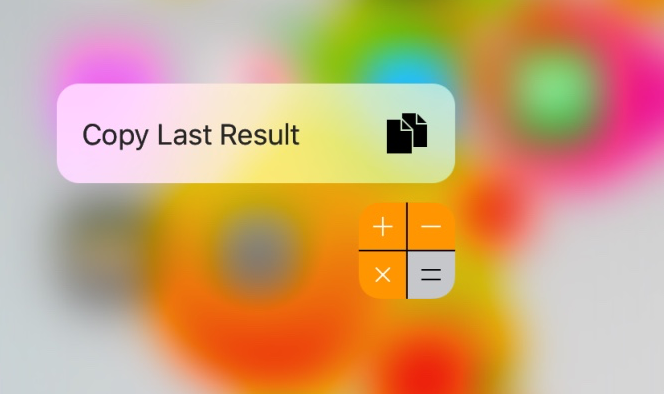
iOS 9.3 beta includes a new Quick Action feature for the Calculator app, allowing those with a 3D Touch display to press firmly on the Calculator app icon to reveal a new option: Copy Last Result.

Fortunately, those with a jailbroken device on iOS 9.0-9.0.2 don't have to upgrade to iOS 9.3 beta to get this feature. A new free jailbreak tweak called CalculatorCopy is now available in Cydia's BigBoss repository that will bring this feature to older iOS 9 installations.

PDF to Word: convert PDF files to Word files on iOS

If you deal regularly with PDF files, and often use word processors such as Microsoft Word to edit your text documents, then an app called PDF to Word from the App Store could easily become your new best friend.

This app lets you easily convert PDF files to Word files (DOCX) so that you can edit them in Microsoft Word for iOS or on Microsoft Word on your computer. In this tutorial, we'll go through the process of using the app and show you just how easy this process can be.

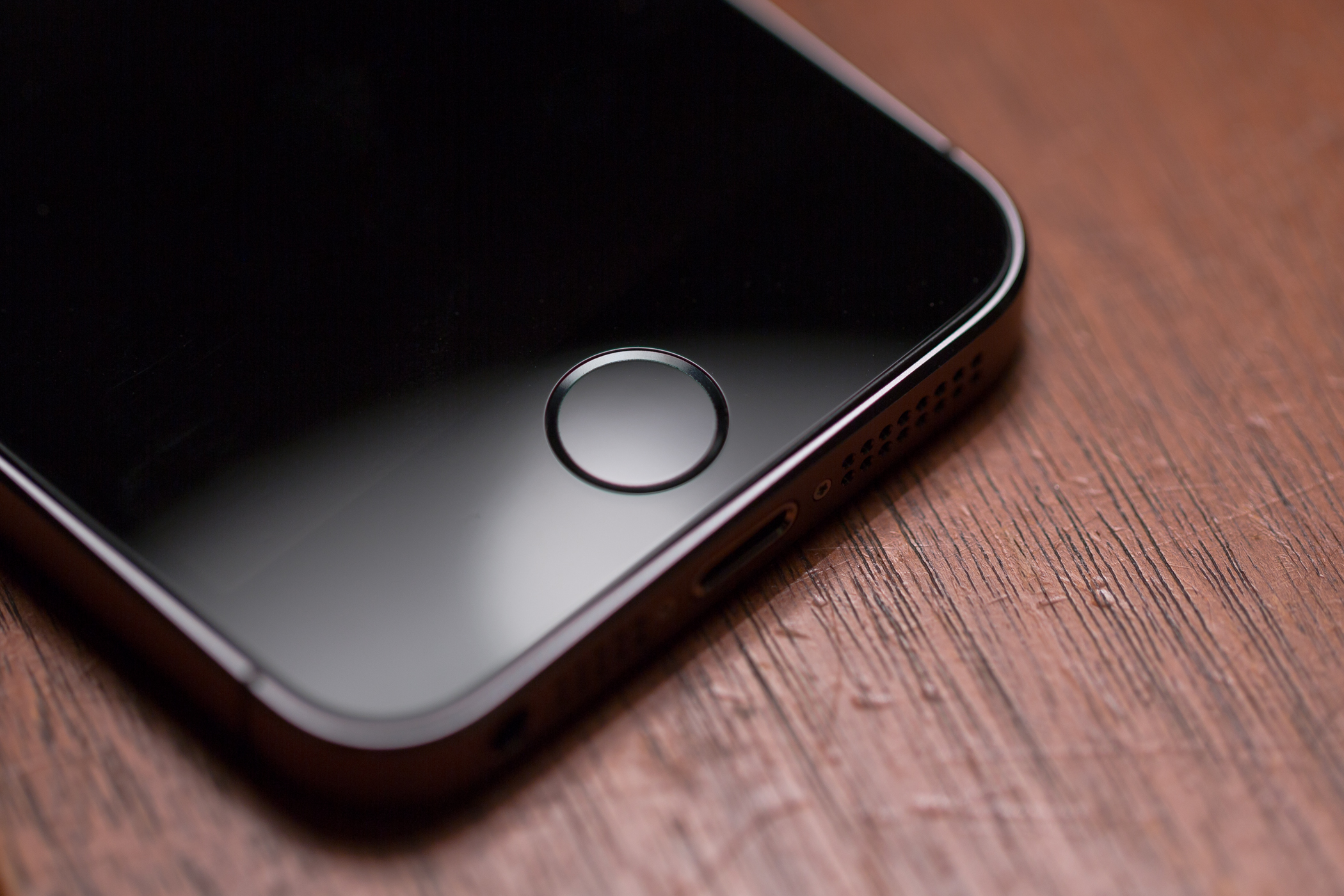
How to change the click speed of the Home button

One of the pet peeves that I have with my iPhone and other iOS devices is sometimes when trying to launch the App Switcher, I end up on the Home screen, or I end up toggling my accessibility shortcut instead by accident. As much as I swear I just pressed my Home button twice, the device thinks I pressed it once, or three times.

Granted this doesn't happen to me all the time, but it happens enough for me to notice it. It'll happen occasionally because the device's Home button sensor can become overloaded with input in a short period of time and fail to recognize presses either because of device lag or a worn-out sensor. Or, perhaps the opposite happened –  you're too slow and the device expects you to press the button quicker and so it only registers a single press when you meant to press twice.

In this tutorial, we'll show how to adjust the click speed of the Home button and put a stop to this happening once and for all.