Anthony Bouchard

Anthony Bouchard joined the iDownloadBlog.com team in 2016 after originally covering Apple and iPhone jailbreak news at ModMyi.com. As an experienced editor, he brings more than 15 years’ worth of jailbreaking knowledge to our in-depth guides, opinion pieces, and news articles. His passion for device customization and user choice sparks his strong push to empower readers with the tools they need to explore and enjoy the freedom that comes with jailbreaking. Anthony blogs about not only jailbreaking, but also Apple software & accessories, drones & photography, and Nintendo gaming systems. Anthony honed his advanced technical knowledge over the years with hands-on projects ranging from gaming PC builds to engine repair mechanics. His never-ending hunger for knowledge is why you’ll always find him tinkering – tearing things apart and putting them back together to understand what makes them tick.

How to use Siri to toggle system settings

Siri is the personal voice assistant pre-installed on your iOS device. Introduced in iOS 5, the voice assistant allows a wide variety of functions, conversions, information queries, and fun comments to be invoked with just your voice.

But did you know Siri can also be used to toggle certain system settings on or off too? In this tutorial, we'll show you how.
How to bulk delete attachments from the Messages app on iOS

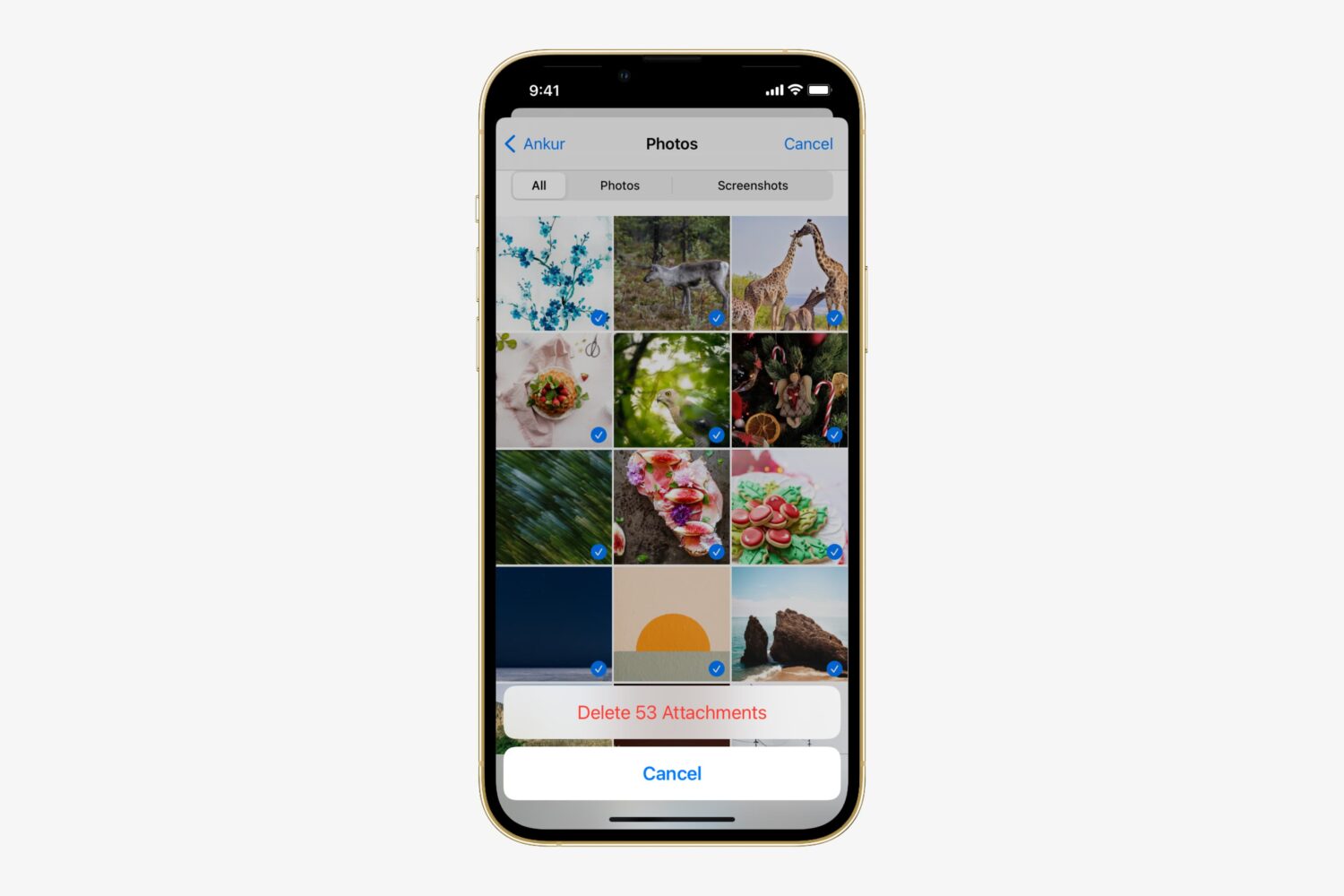
iPhone mockup showing how to delete many message attachments at once

Apple's Messages app for iOS is capable of not only sending and receiving texts in the form of iMessages or SMS, but it can also send and receive files, which are known as attachments. Over time, attachments add up. This takes up valuable storage space on your device and keeps a paper trail of everything you've sent and received to one another.

Here, we'll show you how you can easily bulk delete attachments from a conversation in the Messages app without deleting the entire conversation.

Sound issues when connecting your Mac to a TV with HDMI? Try this

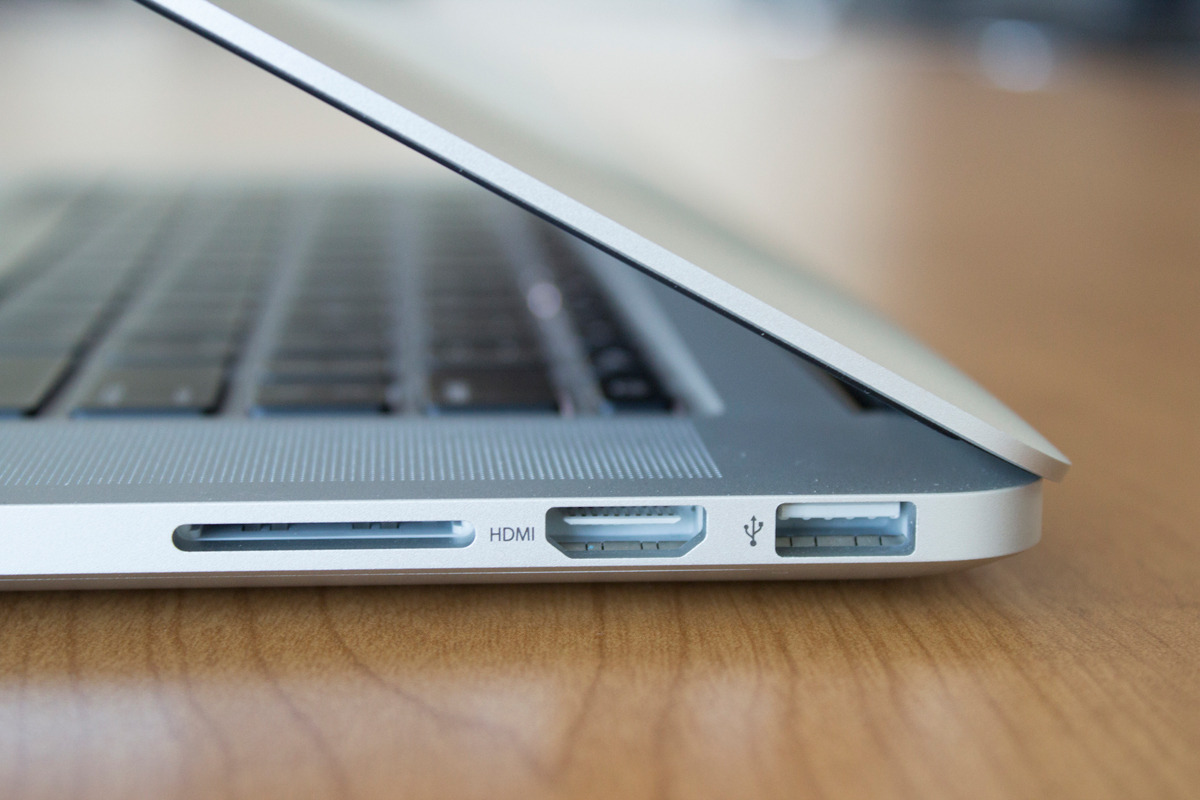
On the right side of all modern MacBook Pro models is an HDMI port used for digital video and sound. It's a great way to take in all of your favorite movies on the big screen.

On the other hand, if you wanted to use external speakers or headphones, it can cause issues if your sound settings aren't configured just right because HDMI itself is also an audio out port in addition to video out.

In this piece, we'll walk you through how to make sure your audio out is going to the right place.

Need a coin toss or roll of the dice? Have Siri do it

When it comes right down to it, you may not always have a coin or a die in your pocket, but fortunately, you probably have your iPhone with you, and all recent iPhones can take advantage of the pocket voice assistant Siri.

Siri is a powerful tool, and you may not have known this, but if you forgot your coin and die at home, Siri has you covered for all of your chance-taking needs – she never forgets hers! In this tutorial, we'll show you how to have Siri flip a coin or roll a die for you.

5 Notification Center widgets I use every day

When it comes to my own personal iPhone, many of the apps I use on a daily basis have Notification Center widgets that provide information to and even have shortcuts to different actions right from inside of Notification Center.

Apple originally introduced the ability for third-party app developers to create Notification Center widgets with iOS 8, so long as they follow strict guidelines, but that doesn't keep them from being useful.

In this roundup, I'll share my five favorite Notification Center widgets that I use on a daily basis and why I like them.

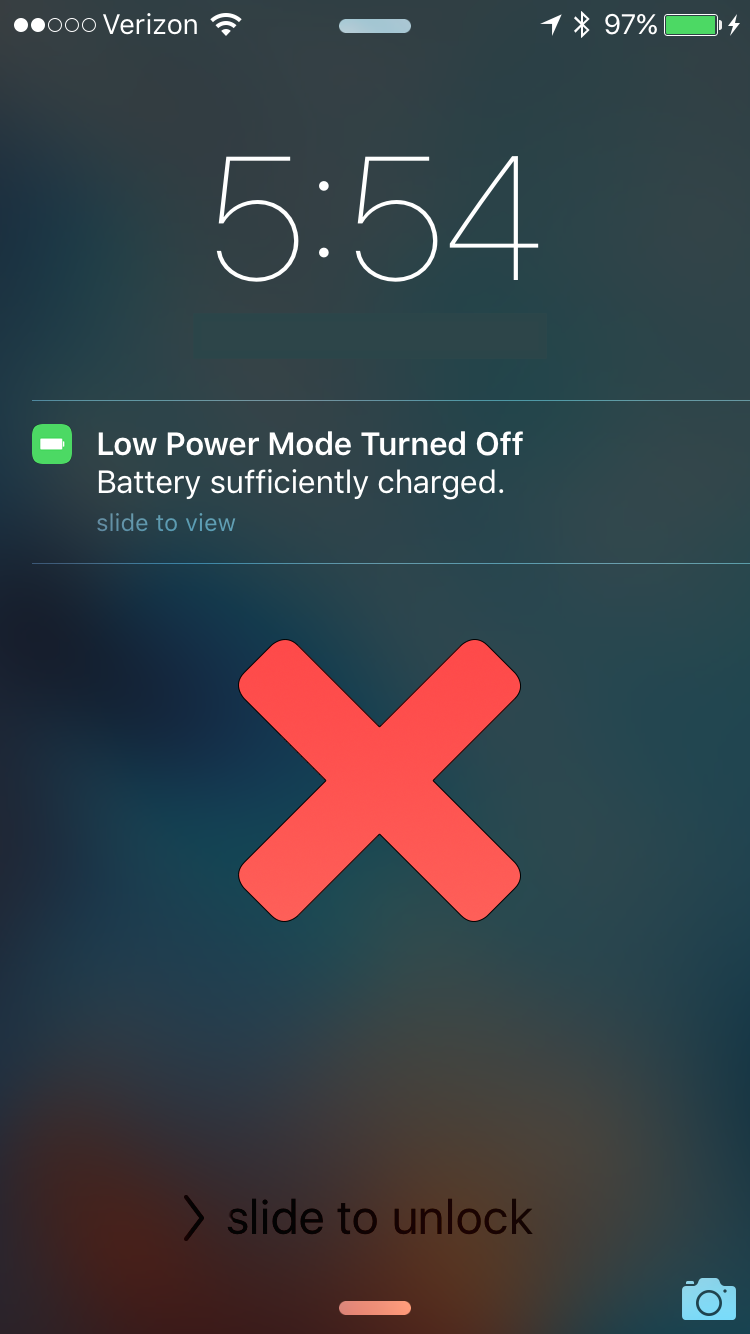
This jailbreak tweak keeps Low Power Mode on even after a full charge

Low Power Mode is one of the new features of iOS 9 that allows you to keep your battery usage as low as possible throughout the day when you want to conserve battery life and you feel your battery level is getting to the point where you might not last until you can get to a charger.

Unfortunately, while most of us enjoy reaping the benefits of Low Power Mode, whether we have a low battery level or not, iOS automatically disables the feature when your device gets charged up enough, forcing you to go to the Settings app and re-enable Low Power Mode manually.

That's where a new free jailbreak tweak in Cydia's BigBoss repository called LowPowerMode is going to make your life a whole lot easier.

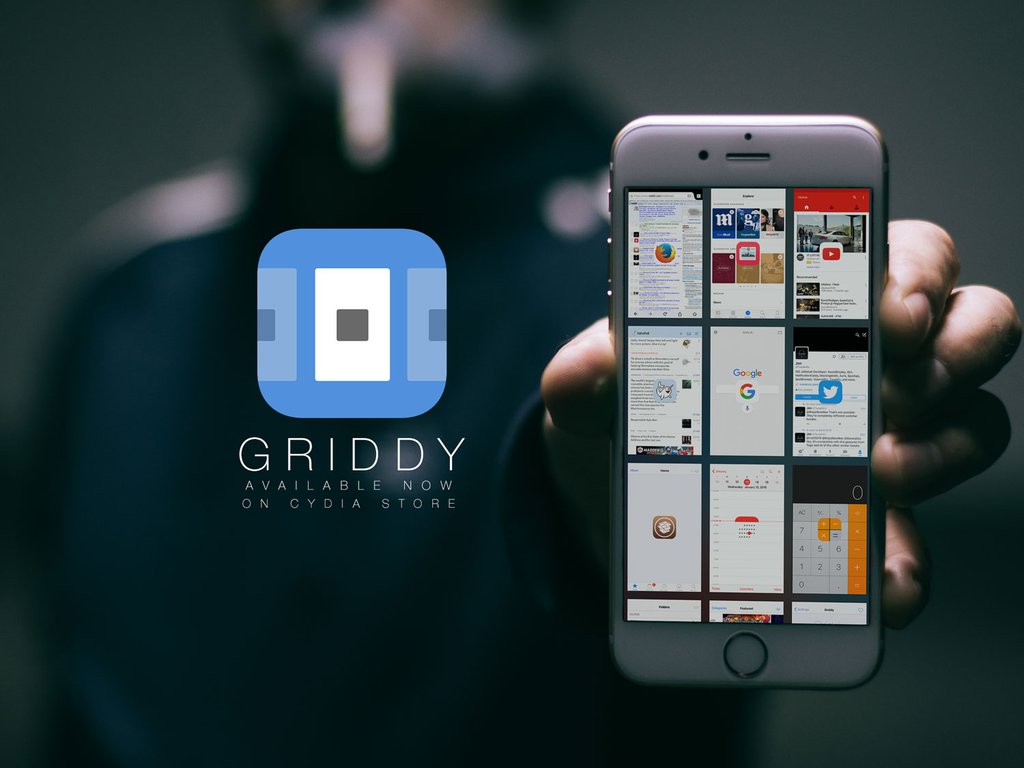
Griddy brings a grid-style App Switcher to your jailbroken iPhone

Among one of the funnest things to modify when you have a jailbroken iOS device is the App Switcher – the jailbreak community has thought up and created a wide variety of App Switcher replacements that have been released in the Cydia Store, some better than others.

One of the more recent that you shouldn't deprive yourself of checking out is Griddy, a new jailbreak tweak from Cydia's BigBoss repository that gives your App Switcher a much more grid-like experience.

How to teach Siri how to call you

Siri is a great way to get to the things you want on your iPhone, iPod touch, or iPad without having to tap on anything – it works great for situations where you don't really have your hands free, but who says using Siri has to be boring?

In this quick post, we'll show you how you can spice up your conversations with Siri by configuring the voice assistant to call you something different.