Anthony Bouchard

Anthony Bouchard joined the iDownloadBlog.com team in 2016 after originally covering Apple and iPhone jailbreak news at ModMyi.com. As an experienced editor, he brings more than 15 years’ worth of jailbreaking knowledge to our in-depth guides, opinion pieces, and news articles. His passion for device customization and user choice sparks his strong push to empower readers with the tools they need to explore and enjoy the freedom that comes with jailbreaking. Anthony blogs about not only jailbreaking, but also Apple software & accessories, drones & photography, and Nintendo gaming systems. Anthony honed his advanced technical knowledge over the years with hands-on projects ranging from gaming PC builds to engine repair mechanics. His never-ending hunger for knowledge is why you’ll always find him tinkering – tearing things apart and putting them back together to understand what makes them tick.

Jailbreak tweaks of the week: Gravitation, Snakebite, & more…

This week, we've gone through a bit of a lull in new jailbreak tweak releases in Cydia. Despite the slowness, there are some releases worth taking a look at.

We'll show you our favorite jailbreak tweak releases this week first, and then outline all of the rest of the jailbreak tweaks launched in Cydia. Our favorites are the ones we thought were either the most fun to use, or made the biggest impact on how we use our devices.
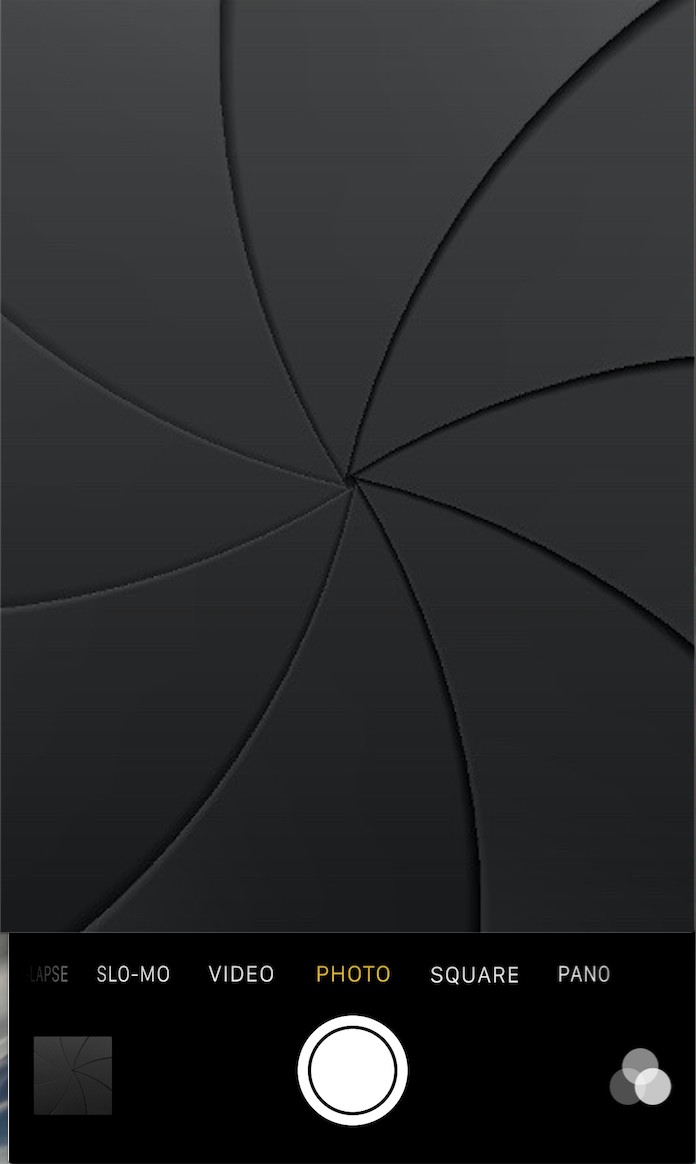

Get the classic iOS camera shutter animation back with this tweak

Starting with iOS 7, Apple redesigned the Camera app and it got an all-new shutter animation. Some would argue it's a little bit boring compared to the realistic camera shutter animation we had with iOS 6 and earlier.

Fortunately, anyone who's feeling a little nostalgic now have a way to get it back by way of a new free jailbreak tweak in Cydia's BigBoss repository called ClassicShutterAnimation.

How to stop ‘Up Next’ videos from autoplaying on YouTube

One of my pet peeves with YouTube is how after completing a video, the service shoves a new video down your throat with a feature called "Up Next," which gives you a 15-second time frame to click the "X" button at the top right of the video before the next video starts to play.

Sounds familiar? If you feel the same way, then you've stumbled upon the right tutorial, because we're going to be showing you how you can disable this feature right from the YouTube website without installing any plug-ins, hacks, or other crazy stuff.

12 great 3D Touch jailbreak tweaks you should try

3D Touch is the flagship new feature of Apple's iPhone 6s handset. It's a part of the display that is capable of capturing forceful touches and performing actions based on how firmly you're pressing, and Apple has done a great job creating a range of features throughout iOS that take advantage of this display technology.

But for those that feel iOS leaves a lot to be desired, the jailbreak community has come up with a variety of new uses for 3D Touch, whether your iPhone supports 3D Touch or not. And in this roundup, we're going to show you a number of tweaks that we think really help compliment the 3D Touch experience on a jailbroken iPhone.

AppRecs: a search engine that filters out apps with fake or questionable reviews

One of the things that can be annoying when using the App Store is when you are trying to find a good app and dozens of fake reviews push junk apps to the top of the search results when all you want is to find the best of the best. Since not all reviews are honest, it can be difficult to filter the good from the bad on your own.

To help combat this problem, a new web app called AppRecs has been created that claims to be able to filter good reviews from the bad. This way, you can skip everyone's junk reviews and junk apps and just see the best apps in the App Store that are truly worth checking out based off of honest reviews.

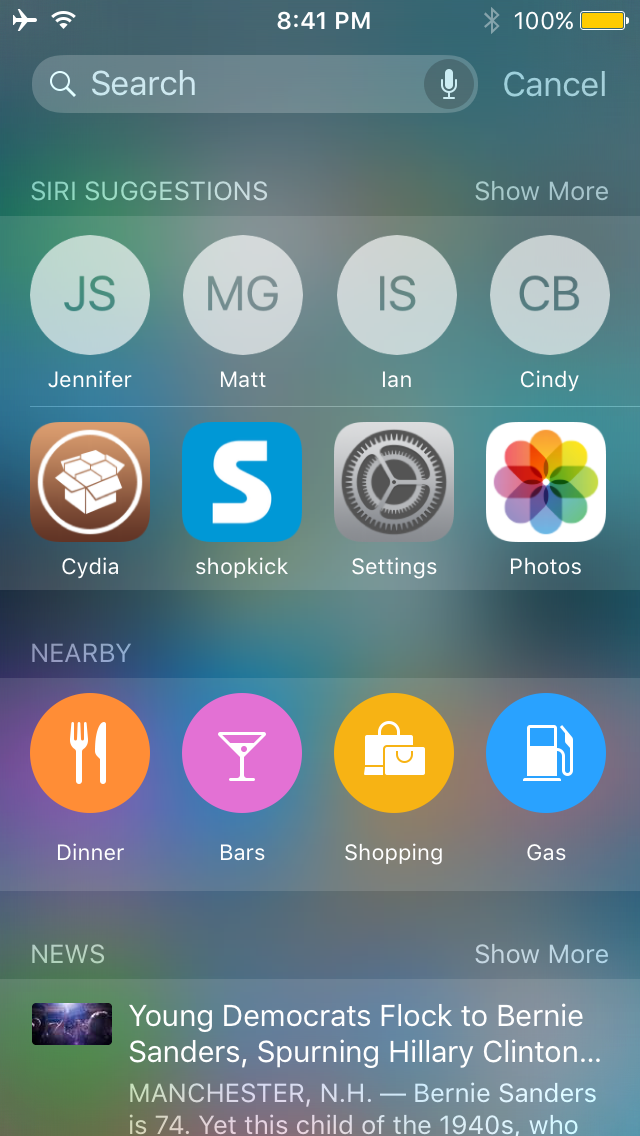
This tweak displays Siri suggestions in all iOS Spotlight interfaces

Starting in iOS 9, Apple introduced Siri Suggestions in the updated Spotlight interface, which is accessed to the left of the first Home screen page.

Interestingly, despite the new Spotlight interface, Apple kept the original Spotlight interface that you can access by pulling down from the top of the screen, and as you might imagine, it doesn't have all the new bells and whistles the new Spotlight interface does.

A new jailbreak tweak called NearbyNews is now available in Cydia's BigBoss repository for $0.99 that will let you bring these features to the original Spotlight interface in iOS 9.

How to reset NVRAM on your Mac

Macs are nice computers, but they're not without their issues that can spur up at random times. Fortunately, troubleshooting problems on a Mac isn't incredibly difficult and there are tons of simple steps you can take as a Mac user before calling AppleCare for support.

One of the easiest troubleshooting steps is resetting your Mac's NVRAM, a step which can solve an array of problems. In this tutorial, we'll explain what the NVRAM is responsible for and how to reset it to fix common problems.

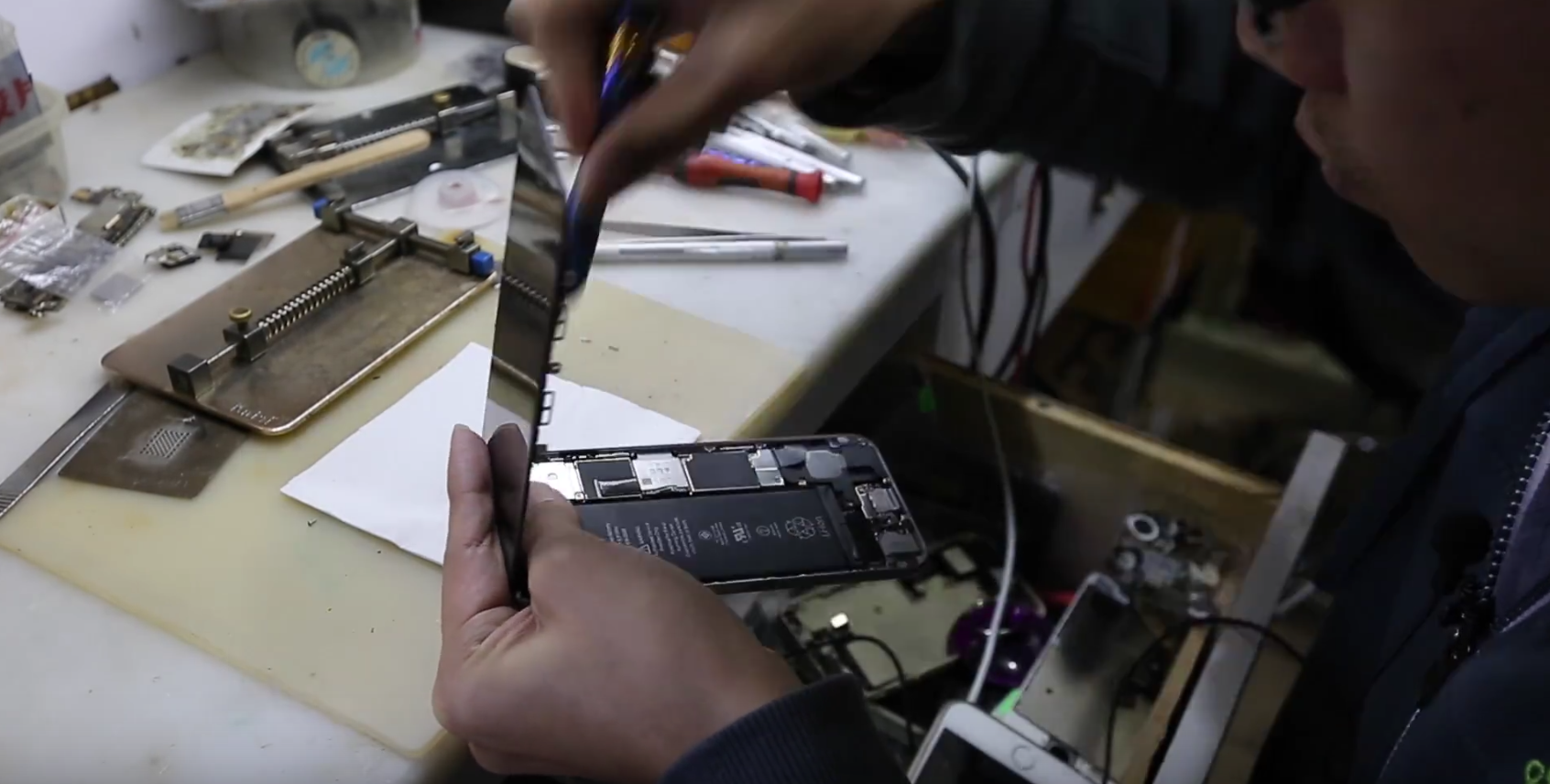
It’s possible to upgrade your iPhone’s storage to 128GB for $60

When deciding what iPhone to buy so you end up with the right amount of storage capacity, you can get the bare-bones $16GB model, or you can end up with an upgraded 64GB, or 128GB model, which are probably your best bets with the new video cameras capable of recording at 4K quality.

That's not to say you won't pay a pretty penny though; moving up to 64GB from 16GB is $100 more, and moving up to 128GB from 16GB is a staggering $200 more. But if paying that much more for a storage upgrade is going to be too much for you, then you'll be happy to know there are cheaper alternatives, so long as visiting Shenzhen, China is on your bucket list for the near future.